Customer Ratings & Reviews

- Model:
- 910-005565
- SKU:
- 6333841
Rating by feature
- Value
Rating 4.5 out of 5 stars
- Quality
Rating 4.8 out of 5 stars
- Ease of Use
Rating 4.8 out of 5 stars
Customers are saying
Customers are pleased with the excellent battery life, lightweight design, and overall strong performance, along with its comfortable feel and responsive wireless connectivity. They also appreciate its quick buttons, infinite scroll wheel, and the absence of input lag. However, some customers find the price to be a drawback and mention issues with the confusing G Hub software interface and the product's size or grip.
This summary was generated by AI based on customer reviews.
Gaming mouse with wireless features.
||Posted . Owned for 1.5 years when reviewed.This reviewer received promo considerations or sweepstakes entry for writing a review.Good mouse for gaming if you like to have wireless function.
I would recommend this to a friend- Pros mentioned:Battery life, Weight

A few quirks, but overall a solid gaming mouse
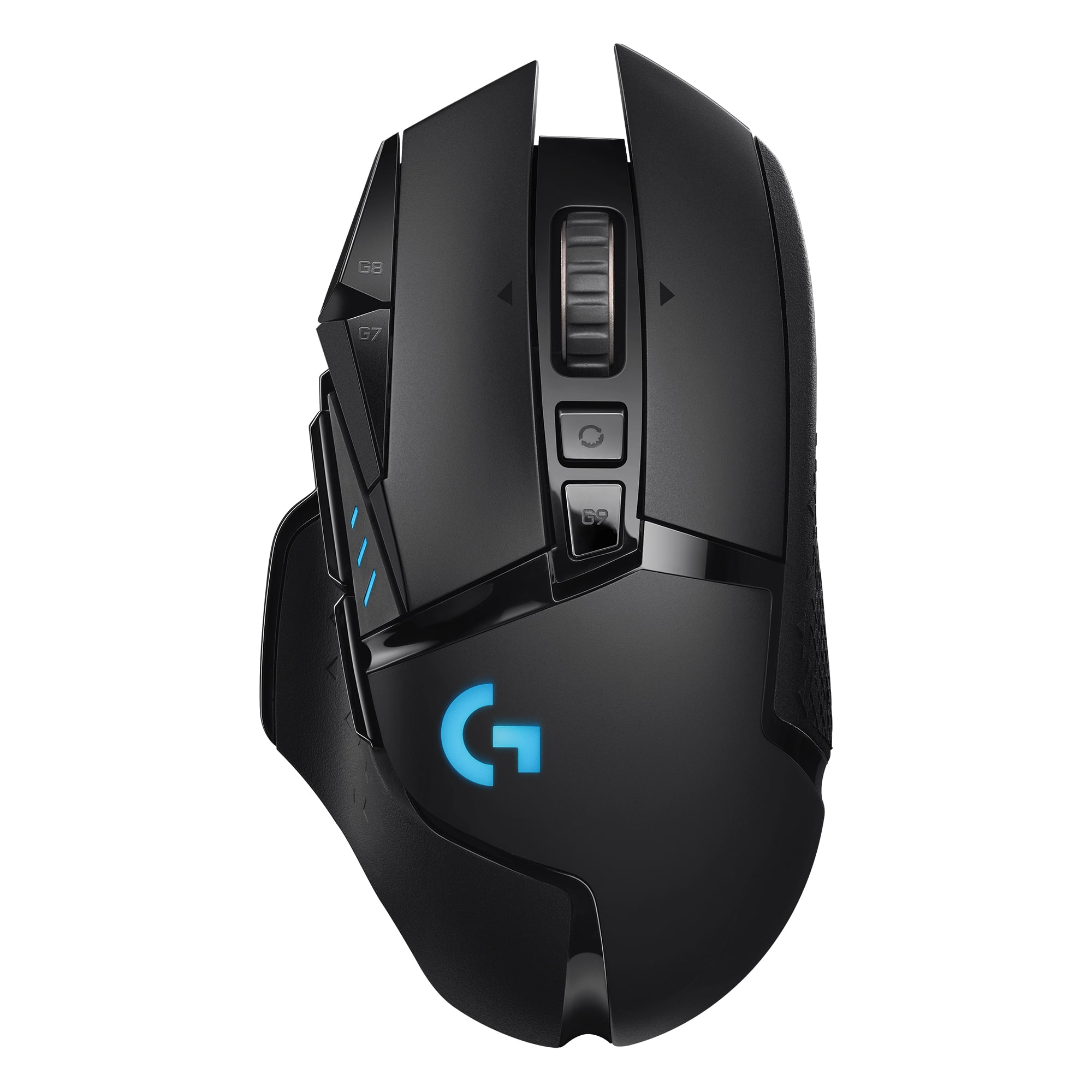
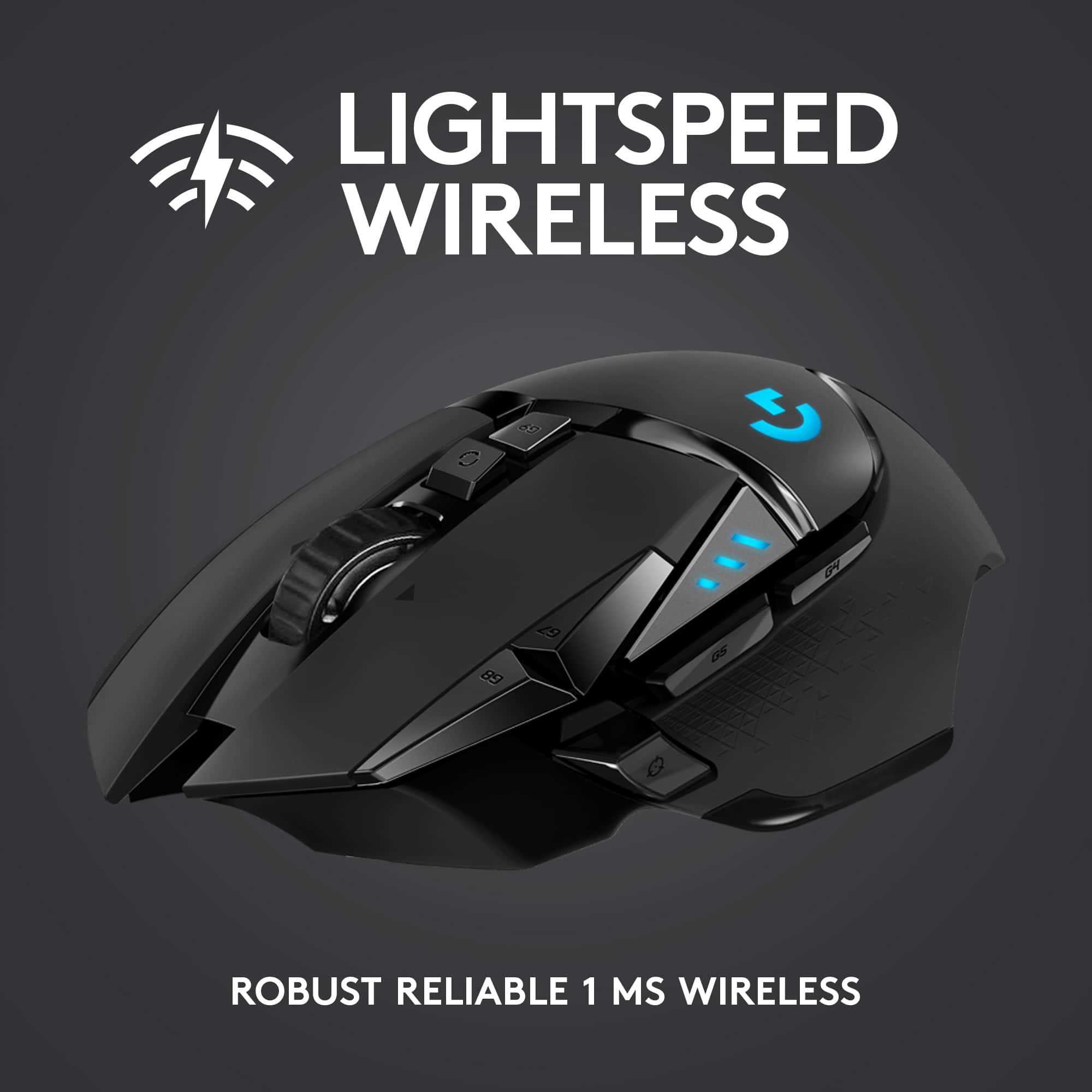
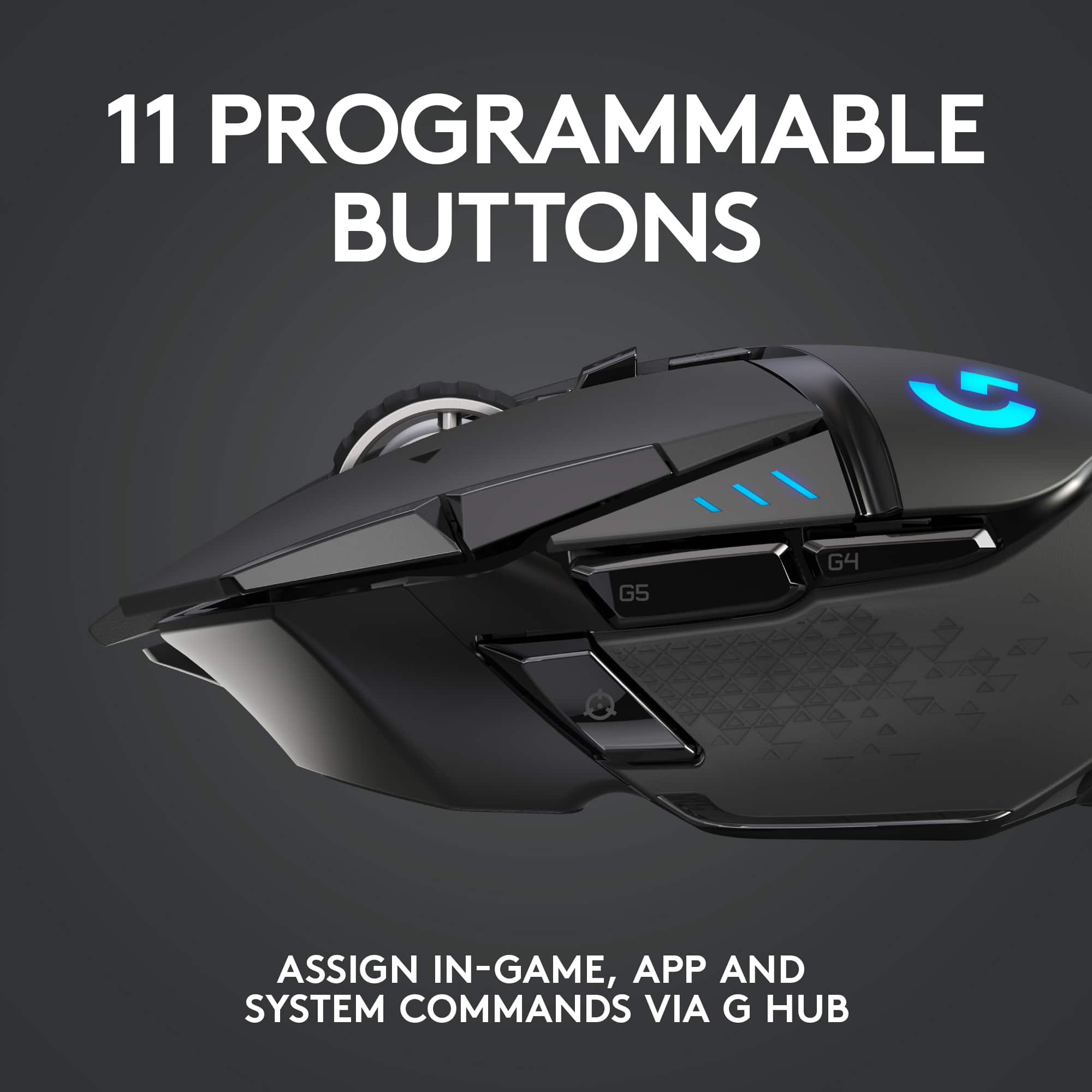
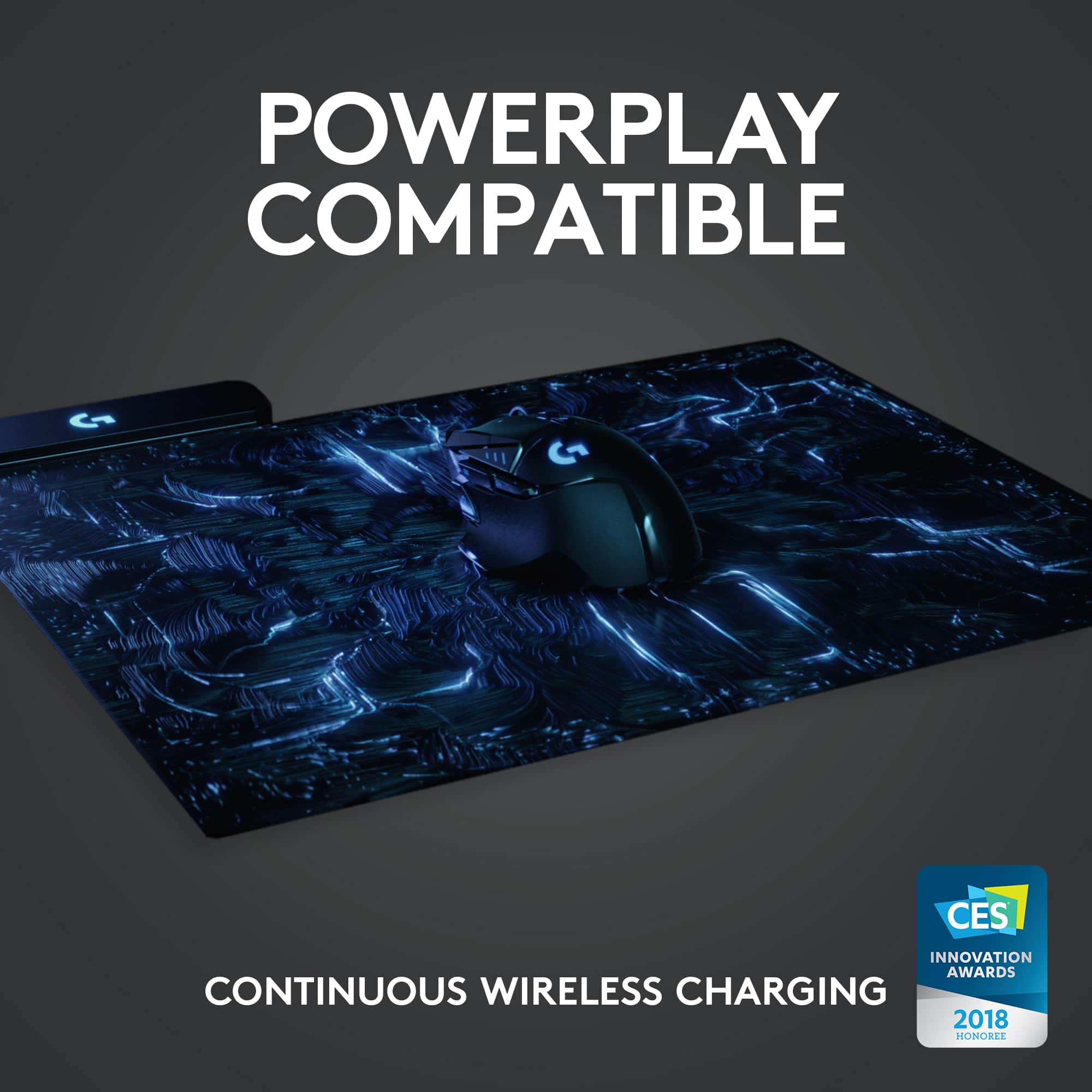
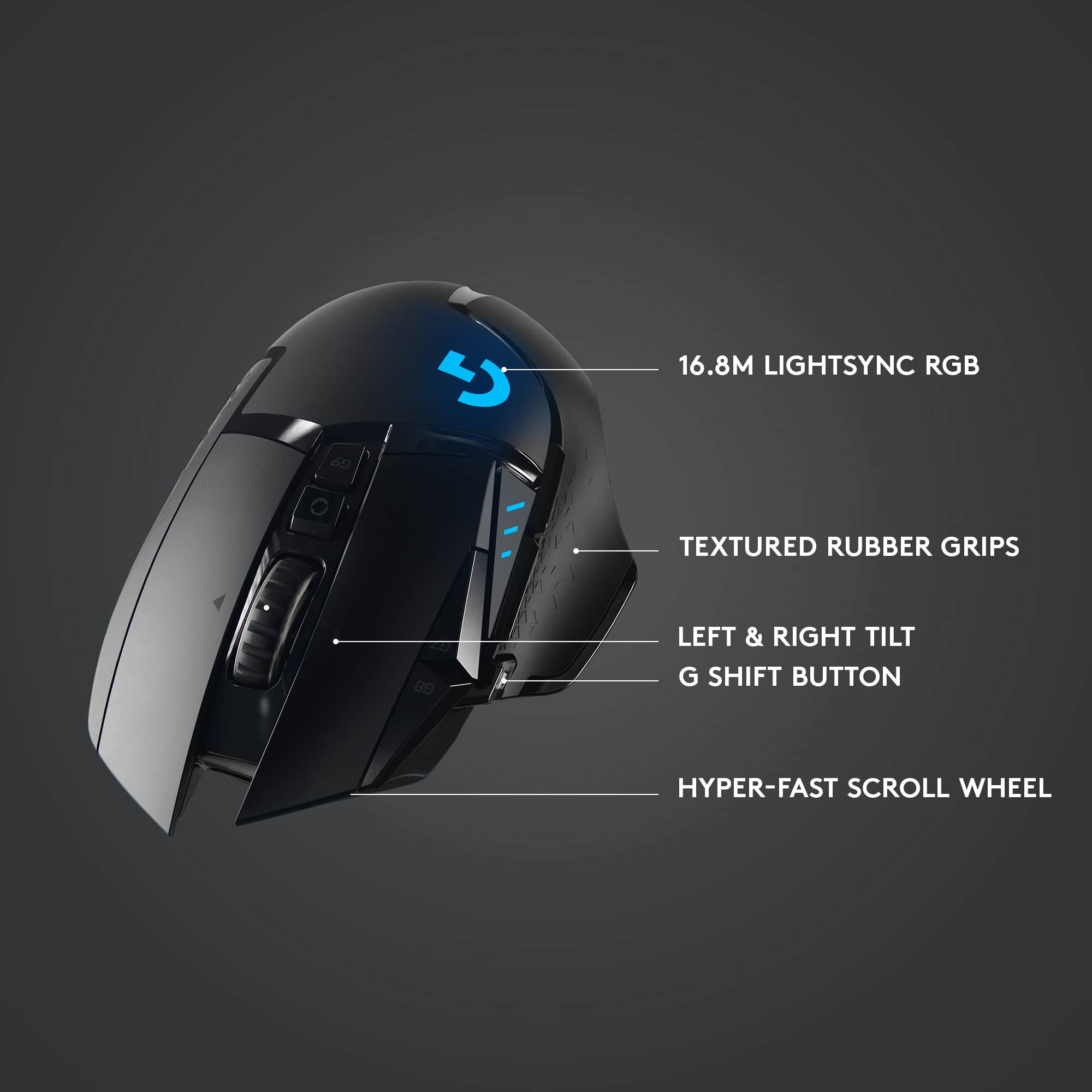
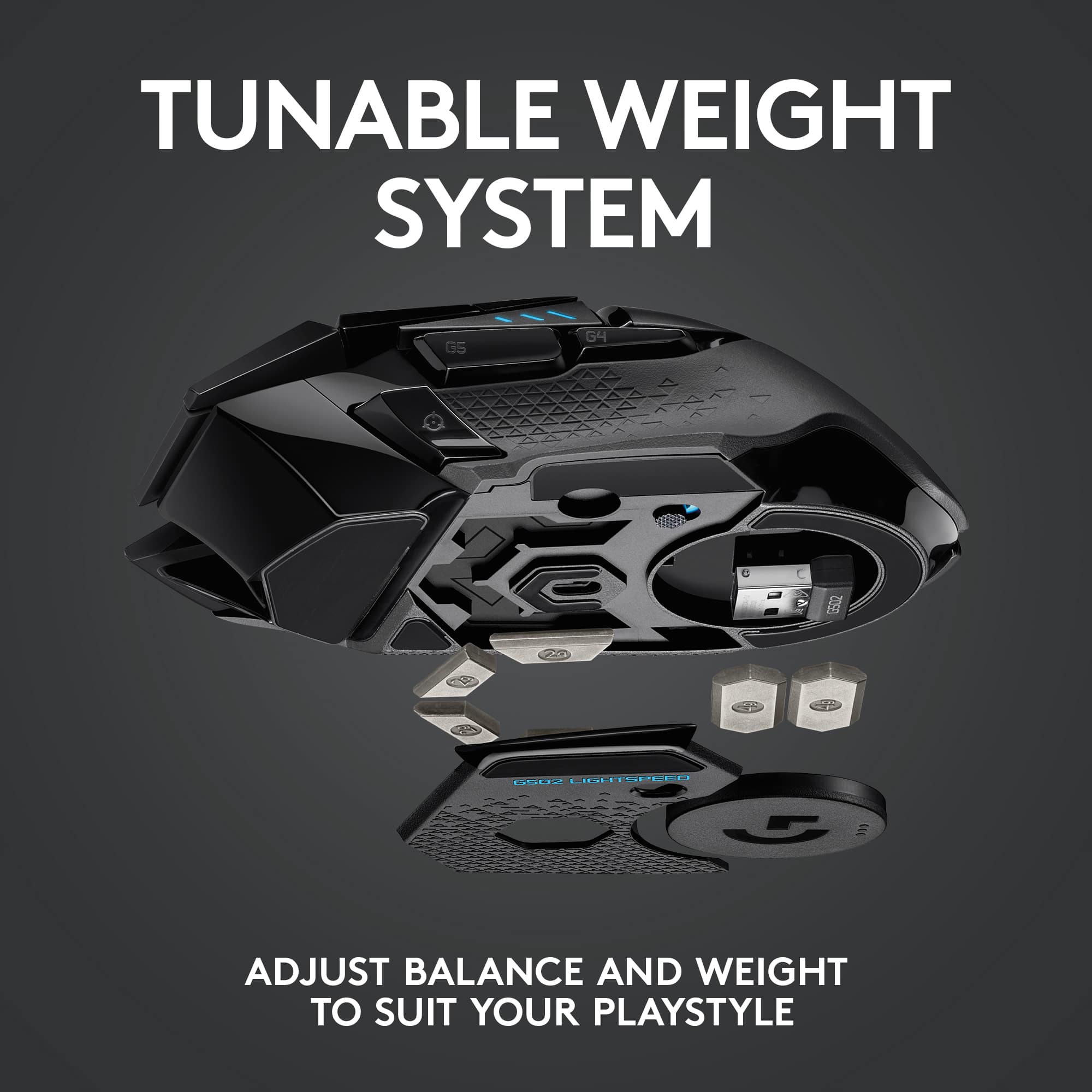
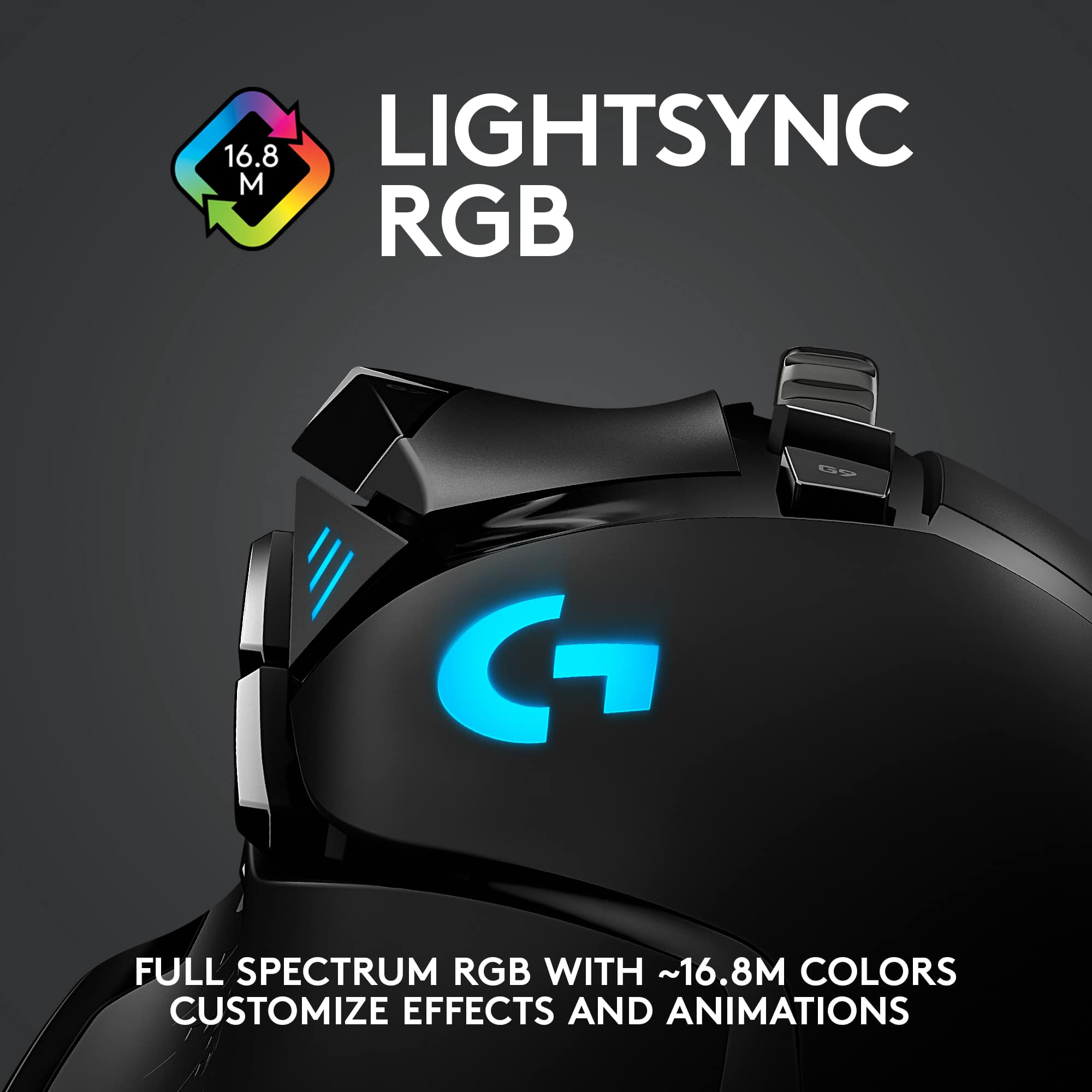
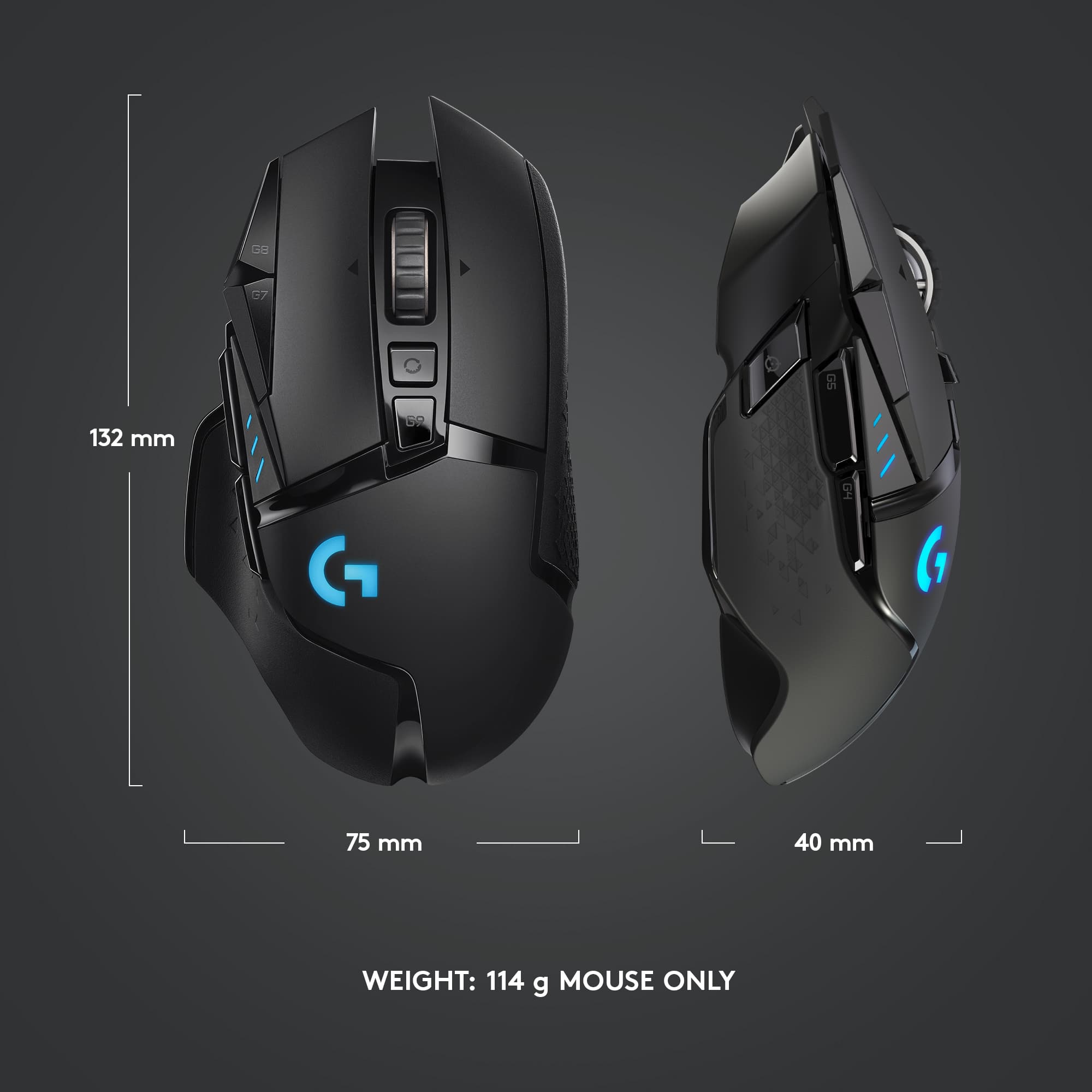
|Posted .This reviewer received promo considerations or sweepstakes entry for writing a review.The G502 wireless gaming mouse is everything it promises to be: it’s lightweight, comfortable in the hand, and is fully customizable from lighting effects to macro triggering on its 11 programmable buttons. If you’re a casual gamer like me and have never before invested in a gaming mouse with programmable functions for hotkeys, I have to say this mouse will probably be the single best thing you can buy to help you improve your gameplay skill and competitiveness. For a game like Fortnite, having all the build hotkeys at the tips of your fingers, literally, can give you an edge over your opponents. Even if you don’t play competitively, in single-player environments where your opponents are purely AI, you’ll have a slightly better speed advantage to take them out. The quick DPI adjustments and dedicated DPI shift buttons allow you to easily flow between fast moving character control and accurate/precise aiming in first-person shooters, for example when sniping. The mouse is amazingly sensitive and has accurate tracking, but I found that on soft mouse pads it tends to drag/scrape a little, so I prefer using a hard surface mouse pad with this mouse, where I didn’t notice this issue. The battery life with the default lighting settings is faithful to its 48 hour estimate, and I only need to plug it in to charge about once a week, since I use the mouse for work as well as play on weekdays. With the LED turned off you can get 8-10 extra hours out of it, but that kind of takes the fun out of having a gaming mouse. However, don’t lose the cable that comes with the mouse because it has a unique extra long microUSB connector so you can reach the port set deeply at the front of the mouse. You can also, if you choose, get the Logitech Powerplay gaming mouse pad which will continuously charge the G502 Lightspeed as long as you use the mouse on the pad. This eschews the need to ever plug it in to charge at all as you will have a constant trickle charge when using over the pad. The pad also takes the place of the wireless receiver, freeing up the one that comes with the mouse to use on a secondary device, like a laptop. While the mouse is lightweight at around 115 g, it’s still not the lightest wireless one out there, but at least feels lighter than many wired counterparts because you don’t have the cable hanging off the front. It does also come with 16 g of extra weights plates so you can fully customize your experience to what feels comfortable in your hand and for your style of gameplay. I prefer using the mouse without the weights, as I feel it gives me the most control. Now for the quirks and weird stuff. One thing that I found a bit finicky is the center click of the mouse wheel. Because there are 3 directional clicks for it: left, right, and straight down, sometimes when I press down on it, it registers as a left scroll wheel click. This may be due to the way I hold the mouse or uneven downward pressure which makes it lean slightly to one side. Maybe I need more time to get used to it to be more precise, but because the side clicking seems to be a bit more sensitive, it can result in a misfire of a command when the intent was to trigger a center click. I also found that sometimes the lighting settings will randomly shut off, so even though in Logitech G Hub shows that I have the lights still set to breathing, they’re clearly not on anymore, and I have to play with the settings to make them come on again. Not sure if this is a software issue caused by syncing with the Powerplay mousepad light settings. Another quirky thing is when setting up the key assignments in G Hub, while in the G-Shift settings, the mouse is set to use those settings live (without holding down the assigned G-Shift key) so if you overwrite “Primary Click” with a new action, this makes it impossible to continue using the mouse in this menu, as you’ve no longer a primary click function. The only way to reset the action is to use another mouse to undo the change. There’s also not an ideal button to use for G-shift because using any one of them will result in at least one awkward combination that can’t be performed one-handed (I’m using G6 which makes G4 and G5 nearly impossible to access with the same thumb). Ideally there would have been a button on the right that could be accessed with the pinky for this purpose. Note that the G502 is designed specifically for right-handed use. So far those have been my only complaints with the mouse, and they’re relatively minor points. Overall, the mouse works great though, and the endless scrolling is awesome if you do a lot of spreadsheet work. I also like that you can toggle it on/off to return to single line scrolling at the press of a button. There’s a lot to like in this mouse, but if this is your first time venturing into the realm of mice with more than 2-buttons and a scroll wheel there’s a bit of a learning curve to remember all the actions you’ve programmed into it! A small cost for the improvement in productivity and gameplay in my book.
I would recommend this to a friend Mouse
||Posted . Owned for 1 week when reviewed.This reviewer received promo considerations or sweepstakes entry for writing a review.Good mouse RGB is pointless need to add 23 more characters
I would recommend this to a friend- Pros mentioned:Battery life
Nice mouse
||Posted . Owned for more than 2 years when reviewed.This reviewer received promo considerations or sweepstakes entry for writing a review.Bought this for work and it has been working really well.
I would recommend this to a friend Nice mouse
||Posted . Owned for 3 weeks when reviewed.This reviewer received promo considerations or sweepstakes entry for writing a review.Very nice mouse with plenty of controls. Always nice to have all major commands on the buttons - like copy, paste, enter, delete, save, print, etc. Excellent wheel movements by click or free scrolling. But, wheel right and left clicks, compared with Logitech MX Anywhere 2, works not 100% predictable. Sometimes I miss the mechanical "click" feel. Compared with ROCCAT Tyon buttons, in many cases, are unreliable and feel too soft. However, Logitech - G502 Lightspeed is an amazing tool.
I would recommend this to a friend- Pros mentioned:Battery life, Overall performance, Weight
logitech-G502
||Posted . Owned for 2 weeks when reviewed.This reviewer received promo considerations or sweepstakes entry for writing a review.I like it because it is small and portable. I also like the battery life. The weight is nice customize and how it fits on my palm. It is also fast pace. I love it and also the lightening of it. I use it on the laptop to play games.I'll be using it for school work too. I don't have any dislike about it. It got recommended to me by a friend. I wll recommend it to other people I know. I have no issues with it at all.
I would recommend this to a friendBrand response from Logitech
Posted .We appreciate your support and are happy to hear the product is serving you well. Your feedback helps us improve every step of the way.

Good
||Posted . Owned for 3 weeks when reviewed.This reviewer received promo considerations or sweepstakes entry for writing a review.Good and nice and it feels nice when playing any game
I would recommend this to a friendBrand response from Logitech
Posted .We're thrilled to hear that you're enjoying the G502 Lightspeed Wireless Optical Gaming Mouse. Thank you for choosing Logitech!
- Pros mentioned:Weight
Amazing premium mouse!
|Posted .This reviewer received promo considerations or sweepstakes entry for writing a review.I have been extremely impressed with the Logitech G502 Lightspeed Wireless Gaming Mouse. At this price point for a mouse impressive is somewhat expected - but the G502 Lightspeed actually delivers! Responsiveness: I like to play video games and, while I am not a professional gamer by any means, I will occasionally notice when my conventional wireless mouse lags or hesitates. I felt absolutely none of that hesitation with the G502 Lightspeed. Logitech has pulled off something impressive with the Lightspeed wireless connection here. It just works. Instantaneously. Ergonomics: I like my mice with a nice heavy feel. I love that Logitech includes up to 16g of added metal weights – 4x2g and 2x4g (and the magnetic closure on the panel to access the 2g weight slots is a nice high-end touch). One caveat if you decide to use the Powerplay charging mat: The disc that holds the 4g weights (which weighs in at ~10g with the two 4g weights inserted) must be replaced with the coil Logitech uses to charge the G502 Lightspeed. The coil weighs in at about 4g, so you’re losing an opportunity to add about 6g of weight if you want to charge wirelessly. Not a big deal but worth knowing if, like me, you enjoy tossing around a nice hefty mouse. Otherwise, I have fairly large hands and the G502 Lightspeed fits my hand better than almost any mouse I’ve ever used save the original wired version. All of the buttons are in convenient places for me. However, if you have smaller hands it seems as though all of the buttons are positioned to be easy to reach in relation to each other. My 7-year old daughter can use the G502, so that should tell you something. Mousing surfaces: With the exception of glass, nothing I’ve put this mouse on causes any issues with tracking. It works on every other surface I’ve tried. Buttons: The buttons have an amazing tactile feel. The switches require just about the perfect amount of pressure to activate (my old mouse was responsible for the occasional stray click from a resting finger). Scroll wheel: Again, the hardware here just works. There’s a switch to toggle between freewheeling and incremental scrolling which is nice. I keep mine on incremental scrolling for most everything, but like spinning the scroll wheel when I need to zoom to the bottom of a web page or document in a hurry. Misc: I also have the Powerplay charging mat. It is a fantastic way to keep the mouse charged while you use it. My primary machine also runs Kubuntu so if you’re a Linux user know that this mouse works right out of the box – but you are understandably out of luck when it comes to re-mapping buttons. That Logitech software doesn’t run on Linux. The bottom line is that the G502 Lightspeed is a premium mouse. It’s well built and comes with almost no compromises (none if you spend your time in Windows or on a Mac and don’t want that extra 6g of weight).
I would recommend this to a friend Very similar to wired, minus the wire.
||Posted . Owned for 2 weeks when reviewed.This reviewer received promo considerations or sweepstakes entry for writing a review.Similar to the wired version. The right and left click is a bit more firm than the wired.
I would recommend this to a friend- Pros mentioned:Battery life, Comfort, WeightCons mentioned:Lag
Great mouse and options, price is a bit high
||Posted . Owned for 2 weeks when reviewed.This reviewer received promo considerations or sweepstakes entry for writing a review.Was sick of the cabled mouse that came with my prebuilt, was holding up fine but was sick of the cable woes. Saw some videos on the G502 lightspeed and finally took the plunge when I had some rewards saved up. Am not disappointed! I have some decently long/big hands, but despite this mouse being a little smaller than the one I was using, it is MUCH more comfortable. Add in the ability to customize DPI settings and change them on the fly, extra weights you can put in different locations on the mouse (middle or rear under the palm) it can be tweaked to your play or work style. Also love that there is a temp-DPI setting so if you scope in or need to do some fine detailed work, you can hold that and it moves the DPI down (or to whatever setting you have that button to) until you release and it goes back to the setting it was on. Scroll wheel can be extra clicky, or completely smooth and rocks side to side as well, and has your typical back/forward buttons on it too. LEDs to show you battery life at the push of the button, or track what DPI setting you're on. Lastly, what gaming equipment isn't complete with controllable RGB? It's a bit of a cliché now, but is kinda cool and can be set to change colors multiple different ways (like with your music/sound). Don't really competitively game or do as much FPS online anymore, but haven't noticed any slowness or latency with input despite it being wireless. Just wish it was a little cheaper, and maybe in the future I'll pickup the wireless charging mouse mat to go with it, but not right now.
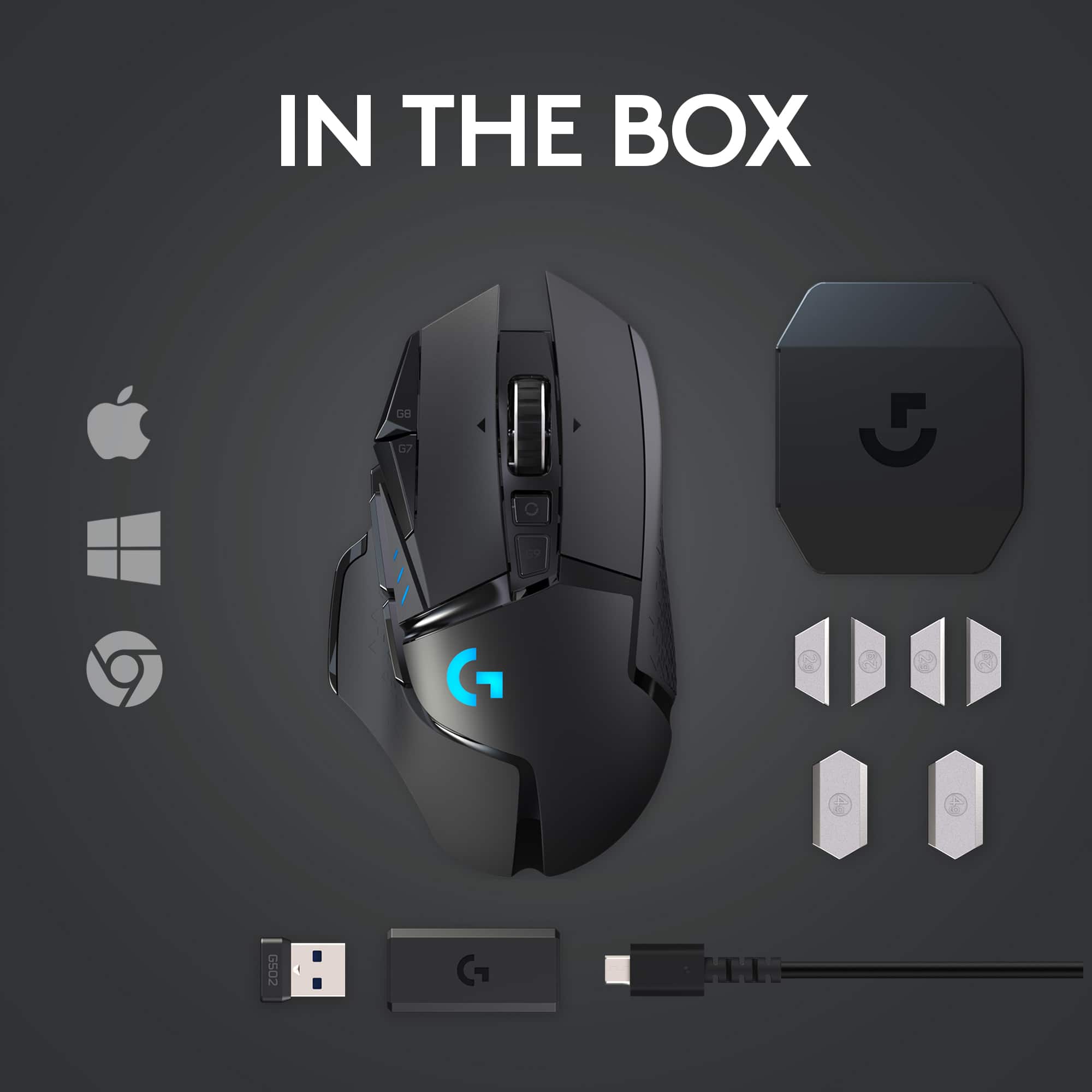
I would recommend this to a friend Doesn’t come with a charger??
||Posted . Owned for less than 1 week when reviewed.This reviewer received promo considerations or sweepstakes entry for writing a review.The product didn’t come with a charger? I’ve used this mouse previously (my boyfriend has bought it from Best Buy before) so I decided to purchase one of my own. Unfortunately, it did not come with a way to charge it. This was disappointing to me as I’m not sure how exactly I’m supposed to use the mouse if it’s dead. IF this product came with a charger, I’d easily give it 5 stars, but that’s kind of a dealbreaker.
No, I would not recommend this to a friendBrand response from Logitech
Posted .Hey JeanE, I'm sorry to hear that! The G502 Lightspeed should come with a USB cable to charge the mouse but no brick, as the idea is you plug the cable into your computer to charge it. I'm sorry for any inconvenience this may have caused you, and suggest you contact us via our support site to get a replacement cable. -Weston from Logitech
- Pros mentioned:WeightCons mentioned:Software
The Legend Continues
|Posted .This reviewer received promo considerations or sweepstakes entry for writing a review.TL;DR: The legendary G502 has been updated with some great new features and is better than ever in the new G502 Lightspeed wireless mouse from Logitech. The price may seem a little steep, but it’s not without delivering a top-notch wireless gaming mouse. The G502 Lightspeed has an excellent design. The contour and style are comfortable and the tunable weight is a nice touch. It definitely adds some extra customization. The software controlled RGB lighting is slick and helps to seal the deal on the “gamer aesthetic”. I primarily use my PC to game and this mouse didn’t fail me on performance. I didn’t experience any notable lag or issues while playing fast paced shooters. The “sniper” button has become a requirement for me, an although one is present, the placement is a little uncomfortable for my hand. I do feel like this mouse might be better suited for a slightly smaller hand. This unit is also compatible with the Logitech Powerplay wireless charger. Not a bad option if you have the extra cash and don’t want to deal with replacing batteries. I’ve seen other reviewers mention “bad software”. I can’t confirm the same. I’ve been using it to control the RGB and resolution presets without issue. I can’t say I’ve experienced any issue with it in my day to day. At the end of the day, an excellent choice if it falls within your price range. With all the bells and whistles included, I can’t say I’ve seen many other products check all the same boxes.
I would recommend this to a friend - Pros mentioned:Battery life, Weight
Fantastic
||Posted . Owned for 1 week when reviewed.This reviewer received promo considerations or sweepstakes entry for writing a review.Absolutely love this mouse. The build quality is solid. I like extra buttons for binding them to other functions and this has a couple without being excessive. The weight is very good even without the added weights. I tried the Glorious Minus O before this one and it was just too light for me and it didn't fill out my large skinny hands. This mouse has a good weight to it and it fills into my palm nicely. The battery life is great as well. The dpi adjuster is a huge plus. And a bonus feature I didn't realise I was getting was the ability to unlock the scroll wheel and let it spin freely, makes for extremely fast scrolling. All in all, I am extremely happy with this mouse and I think Logitech will be the first place I look for all future gaming peripherals!
I would recommend this to a friend - Pros mentioned:Battery life, WeightCons mentioned:Software
Pretty good wireless gaming option
||Posted . Owned for 1 week when reviewed.This reviewer received promo considerations or sweepstakes entry for writing a review.Pros: - Mouse is light and moves easily - No input lag, feels very smooth - Unlockable scroll wheel is my favorite feature for blasting through long docs, glad it came on this mouse - Enough mouse buttons for games like Valorant, Destiny, etc. - I use this mouse for both gaming and work, so ~10 hours per day, and the battery seems to last a full work week. (I don't turn it off when I'm done, it hibernates automatically) - I didn't keep the powerplay mousepad because the battery life is so good, but it's a really nice for perpetually charging and pretty convenient if you can justify the price Cons: - Mouse is much skinnier than it appears. It took my hand a while to get used to and feels like my ring and pinky fingers are hanging off the side. - Logitech game software isn't the best. Lighting options are minimal, and it sometimes doesn't recognize the game I'm playing. - Not enough buttons for MMOs like WOW or GW2. Specifically, there are about 3 buttons you can hit with your thumb, and only 2 or so you can hit with your index finger (apart from main mouse buttons). If you have more than 5-7 actions to bind to the mouse, look elsewhere.
I would recommend this to a friend - Pros mentioned:Battery lifeCons mentioned:Lag, Price
A great wireless mouse at a great cost.
||Posted . Owned for 3 months when reviewed.This reviewer received promo considerations or sweepstakes entry for writing a review.This mouse is great in that there is little to no noticeable latency vs. the wired version of the mouse. In terms of features, it has a feature rich software that Logitech created (G HUB). It has programable buttons, RGB lighting and DPI control. You can create different profiles depending on what game you are playing and if you're lazy or curious, you can download profiles shared within the G Hub community. The battery life is also great as it last me about 4-5 days of use with 10 hours a day of both work from home and gaming, The only negative is the price premium as it is double the price compared to the wired version of this mouse. If you're on a budget, you can just get the wired version and it will come with almost all the features as mentioned above. Overall the best wireless gaming mouse I've had used and would recommend if you need to have a wireless gaming mouse.
I would recommend this to a friend - Pros mentioned:ComfortCons mentioned:Price, Size, Software
Excellent performance but slightly overpriced
||Posted . Owned for 3 months when reviewed.This reviewer received promo considerations or sweepstakes entry for writing a review.Excellent mouse overall, but it's definitely a bit overpriced. I would only get this if the price is around $100. The mouse is slightly long so it may not be the best for people with small hands. However, for medium-large hands, it is extremely comfortable, especially with the thumb rest. Infinite scroll wheel is underrated and very convenient. Logitech software is decent but could be more organized and straightforward. No issues with scrolling or clicking whatsoever, and the included cable is durable!
I would recommend this to a friend - Pros mentioned:Comfort, WeightCons mentioned:Lag
Good mouse.
Posted .This reviewer received promo considerations or sweepstakes entry for writing a review.I've been using this mouse for 5 years, just now replaced it to troubleshoot and the mouse ended up not being the problem. Great customization and weight. Latency is non existent and very nice to hold.
I would recommend this to a friendBrand response from Logitech
Posted .Wow, 5 years of consistent use is an incredible testament to the durability and quality of the Logitech G502 Gaming Mouse! That truly speaks volumes.
It's impressive that even after half a decade, it wasn't the source of your troubleshooting issue, highlighting its robust performance. Your points about "Great customization and weight," "latency is non existent," and being "very nice to hold" perfectly capture why this mouse is so highly regarded in the gaming community.
It's fantastic that you've had such a long-lasting and positive experience with it. Thanks for sharing such a thorough and impactful review!
- Pros mentioned:Battery life, Overall performance, Weight
Love it
||Posted .This reviewer received promo considerations or sweepstakes entry for writing a review.Great mouse. I’ve had a lot of different gaming mice and this is by far the best. Great battery life, good response time, good weight and feels really well made
I would recommend this to a friendBrand response from Logitech
Posted .We’re so pleased to hear you’re satisfied. Your input helps us continue to build products that people love. Thanks for being part of our journey.
- Pros mentioned:Weight
A Great Mouse with Maybe Too Many Options
|Posted .This reviewer received promo considerations or sweepstakes entry for writing a review.The Logitech G502 Lightspeed is a beautiful gaming mouse with tons of customizability. Maybe too much customizability. Psychologists have been telling us for a long time that, despite our interest in having freedom to choose from many options, having too many options can be overwhelming, anxiety-producing, and, ultimately, paralyzing. So, although I was delighted by the 11 programmable buttons on the mouse and the ability of the accompanying G Hub software to assign macros to them, as I began to think about how I would program the mouse for different games, my brain began to freeze up. Add to these options the ability to assign color schemes (you can choose among 16.8 million colors), integration with third-party apps, and the ability to create game profiles, and it is all too much. I don't need this on top of my Razer Synapse's ability to do these sorts of things with my Blackwidow keyboard. Okay, maybe you are more man than I am, and you can handle all of these options. And those of us who don't want to deal with all these options certainly do not have to. More important is the performance and functionality of the mouse. I tested the mouse in two ways—first with the wireless USB adapter plugged into my computer, and then with connection to the PowerPlay wireless charging system. Responsivity was outstanding in both cases. Just as good as a wired mouse. (Actually, when I was first fiddling around the mouse seemed sluggish. But it turned out that it was set on a low DPI sensitivity, easily corrected with a button on the mouse). The mouse comes with some weights that can be added if you like a heavier mouse. I do, so I added all of the available weights that I could. It brought back memories of adding weights to my kids' pinewood derby cars. However, when using the PowerPlay pad I could not add the two heaviest weights, as you must choose between them and the PowerCore module needed to connect to the wireless receiver built into the PowerPlay. The charging system works well and can be monitored with the G Hub software (which has to be downloaded from the Logitech website). I liked the sturdy feel of the mouse and the tough, braided USB cords that came with the mouse and PowerPlay. I don't think anything is going to break soon. I was a little perplexed about the size of the PowerPlay mousepad for my setup (see picture). I had constructed an under-the-desk, pull-out shelf for my keyboard a long time ago, using materials from my local hardware store, and at that time I chose a shelf size that barely fit my keyboard with my mouse off to the side. If you have a computer desk with a longer keyboard shelf you won't have a problem, but my PowerPlay pad will not fit off to the side of my keyboard. And if I place it partly under my keyboard, the keyboard will be unbalanced. I solved this by using both the hard vinyl and cloth mouse pads that come with the PowerPlay. I like the feel of the cloth pad so it goes under the right side of the keyboard, while the vinyl pad, turned 90 degrees, supports the left side of the keyboard. I can barely push the keyboard shelf under the table with this configuration. Of course, the PowerPad is not really necessary, as the mouse works fine on the plain shelf surface. I would simply have to charge it with the provided USB cord once in a while. Time will tell which solution I will prefer. As to whether I would recommend the mouse, I would say that depends on whether you are okay with spending a lot of money on a great mouse. When it comes to tech, I don't mind spending a few more dollars for high-quality items. That's why I am saying that I would recommend the mouse to a friend. If you don't care about tech as much as I do or you are on a strict budget, you might want to consider a less expensive purchase.
I would recommend this to a friend - Pros mentioned:Battery life
Great gaming mouse with excellent ergonomics
||Posted . Owned for 4 months when reviewed.This reviewer received promo considerations or sweepstakes entry for writing a review.I have been using this mouse for the past few months now, and there is only one thing I'd change, but it's not a deal breaker. I wish it charged using USB-C instead of the old-school mini-USB (Micro-USB) port. Otherwise, the mouse feels great in the hand. I love the selection of programmable buttons on the left side of the mouse. The battery life is also great. I'm a big fan of the left-side thumb rest on the mouse as well. When I first bought the mouse, I tried different weight combinations until I found one that worked well for me. Don't forget to experiment if it feels too heavy or too light when you first open it.
I would recommend this to a friendBrand response from Logitech
Posted .Thank you so much for taking the time to share your experience. We're thrilled to hear that the product is working well for you and meeting your expectations. Your feedback helps us continue to improve and innovate. We truly appreciate your support of Logitech.