Customer Ratings & Reviews

- Model:
- 981-000971
- SKU:
- 6478276
Rating by feature
- Value
Rating 4.4 out of 5 stars
- Quality
Rating 4.4 out of 5 stars
- Ease of Use
Rating 4.6 out of 5 stars
Customers are saying
Customers frequently mention that the headset offers impressive sound quality, exceptional comfort, and a lightweight design that makes it easy to wear for extended periods. Users also appreciate the reliable battery life, the convenience of wireless connectivity, and the overall value provided by the price point. While the majority of feedback is positive, some users have noted concerns regarding the maximum volume levels, bass clarity, and occasional compatibility issues with certain devices.
This summary was generated by AI based on customer reviews.
- Pros mentioned:Battery life, Comfort, Sound quality

Super comfortable and sleek design!
|Posted .This reviewer received promo considerations or sweepstakes entry for writing a review.Unboxing/First Impressions – 4/5 Presentation of the box is good. Nothing too special but I appreciate that the box has all the cool features the headphones bring with it. Holding the headphones for the first time they are super light, and right away you can see yourself wearing these for hours if you are that kind of gamer. Comfort – 5/5 These are super comfortable. I have some heavier Corsair headphones, and these Logic G535 are more comfortable and lighter in my head. The only downside is that the head strip tends to push your hair down, so if you put on hair products your hair might look funny after a gaming session. Sound – 4/5 Sound is good, but I find that my more expensive gamer headsets produce better sound quality and that’s probably to be expected. Overall, I like how these sound and they are light for traveling so I can see me taking these if I take my gaming laptop elsewhere other than my house. Microphone – 3/5 My friends were not too impressed with the microphone because right away they could tell I was using a different headset when I switched over to these G355s. Did the job but the quality could be better. Range – 5/5 I never left the house, but my gaming room is in the second level of my house and often I would go grab a glass of water from the kitchen downstairs and I could continue to hear my buddies in the game. Satisfied my needs as much as need to get away from the gaming station. Design – 5/5 Cool design and super comfortable as mentioned. I love that I can go mute by flipping the mic and then going unmute by bringing it back down. The color is super sleek and clean and it’s probably my favorite looking headset. NO RGB so if you are into that don’t get these. I was surprised that at this price point it didn’t have a bit of lighting, but I guess that’s why the battery is awesome on this thing. Battery – 5/5 The battery is no joke! I never pushed it to the 33 hours advertise but this thing went a whole week without needing a charge.
I would recommend this to a friend - Cons mentioned:Volume
Hard to hear at max volume
||Posted . Owned for 2 months when reviewed.This reviewer received promo considerations or sweepstakes entry for writing a review.Comfortable but but not loud enough.. I have the volume all the way up and still barely hear the game.. not recommended
No, I would not recommend this to a friendBrand response from Logitech
Posted .Hey there Jute, I'm sorry to hear you had some issues with your headset. I would recommend downloading our GHub software and making sure the firmware is fully updated in the headset. -Weston from Logitech
- Pros mentioned:Battery life
So good, I bought two!!
||Posted . Owned for 1 week when reviewed.This reviewer received promo considerations or sweepstakes entry for writing a review.Bought this to use with my PS5. Liked it enough and caught in on sale bought a second one as a Christmas gift. Great headset. Long battery.
I would recommend this to a friend - Pros mentioned:Battery life, Comfort, Sound quality
Love the all day comfort
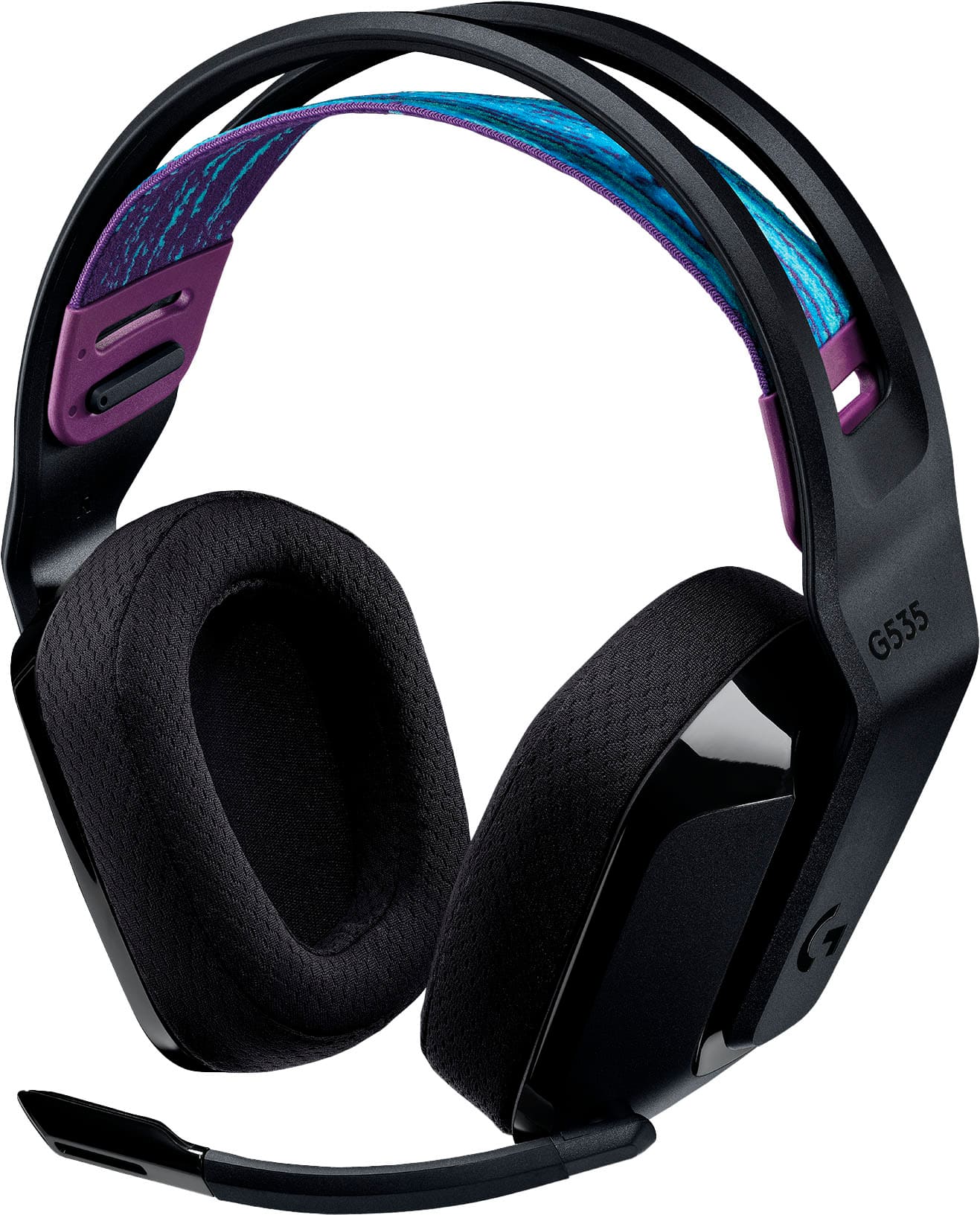
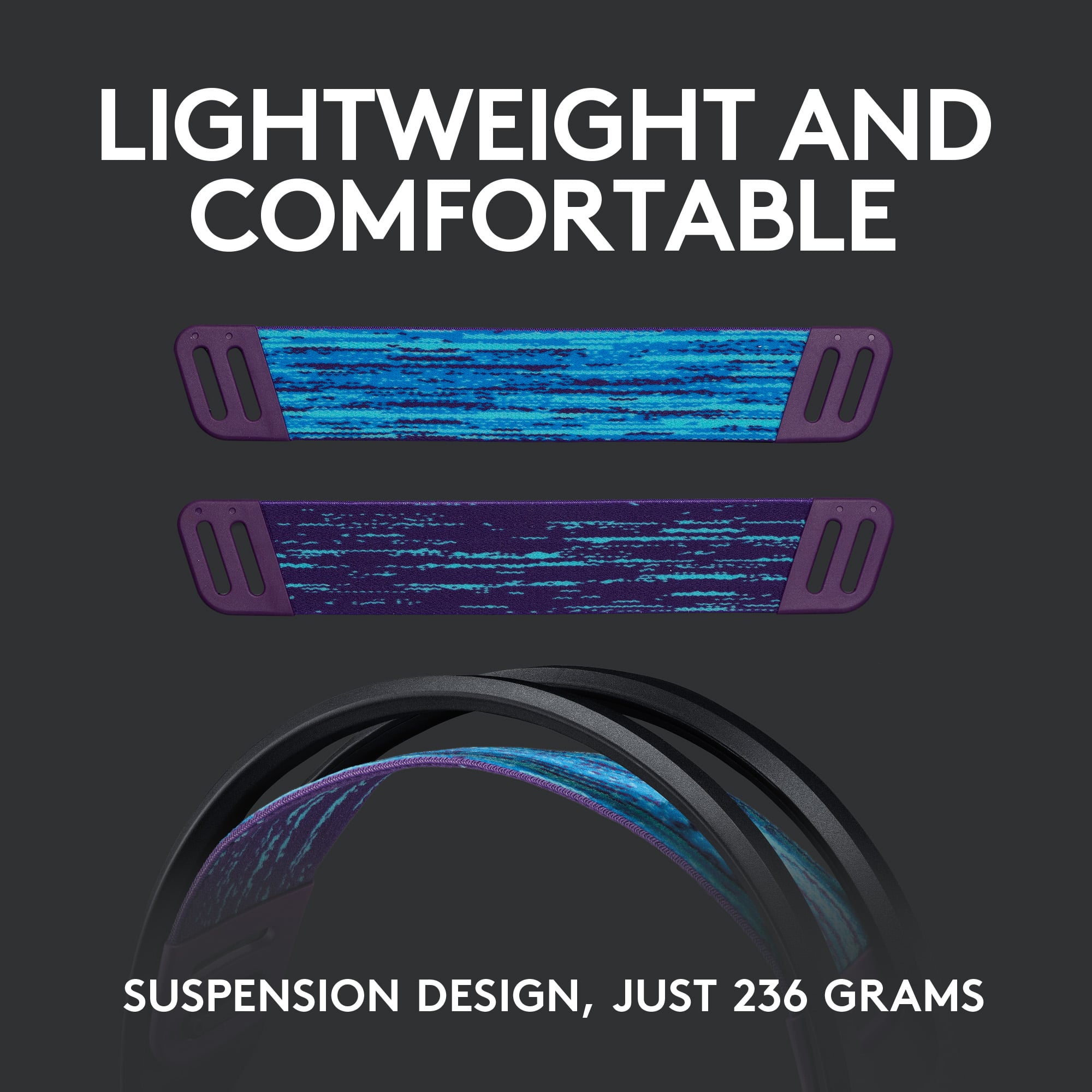
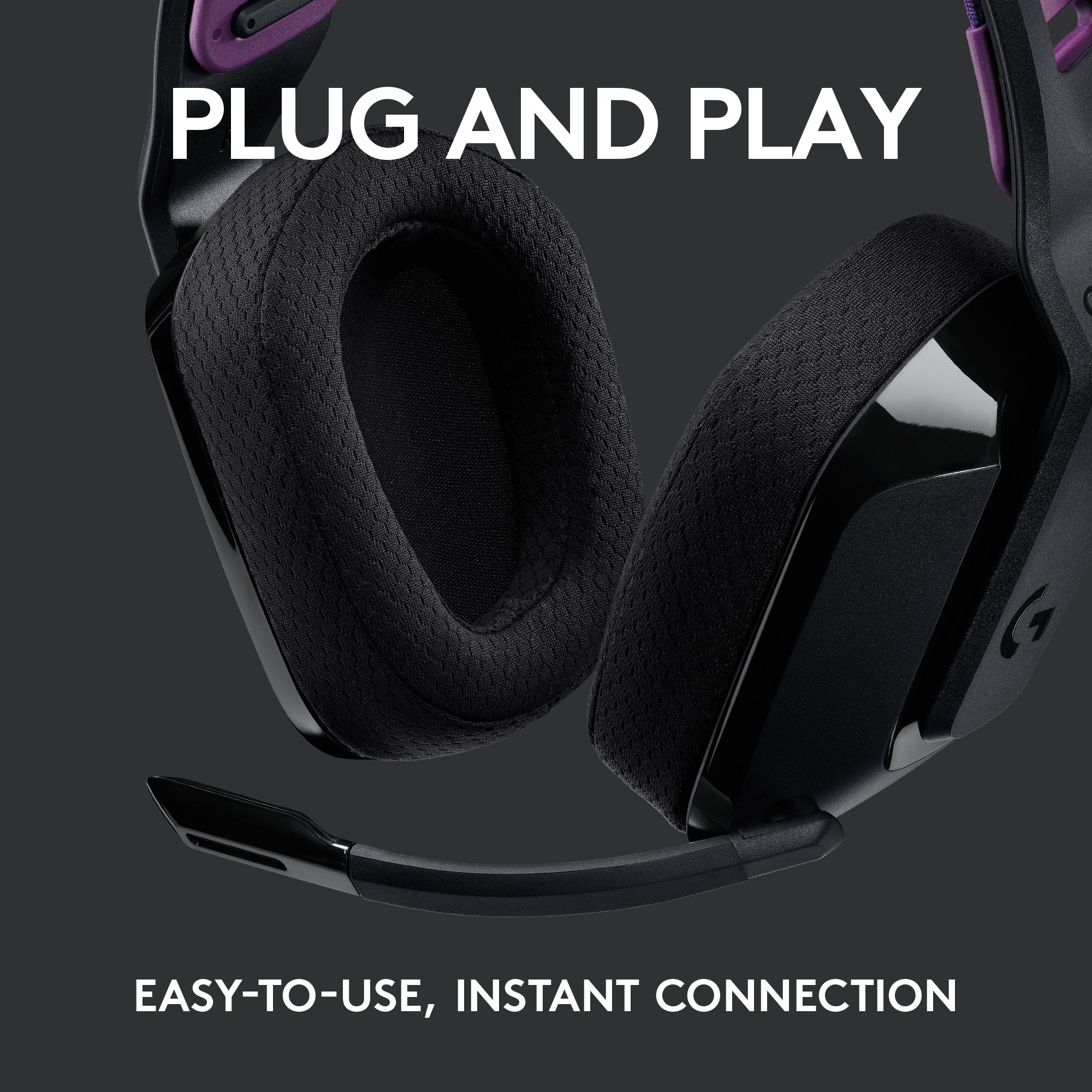
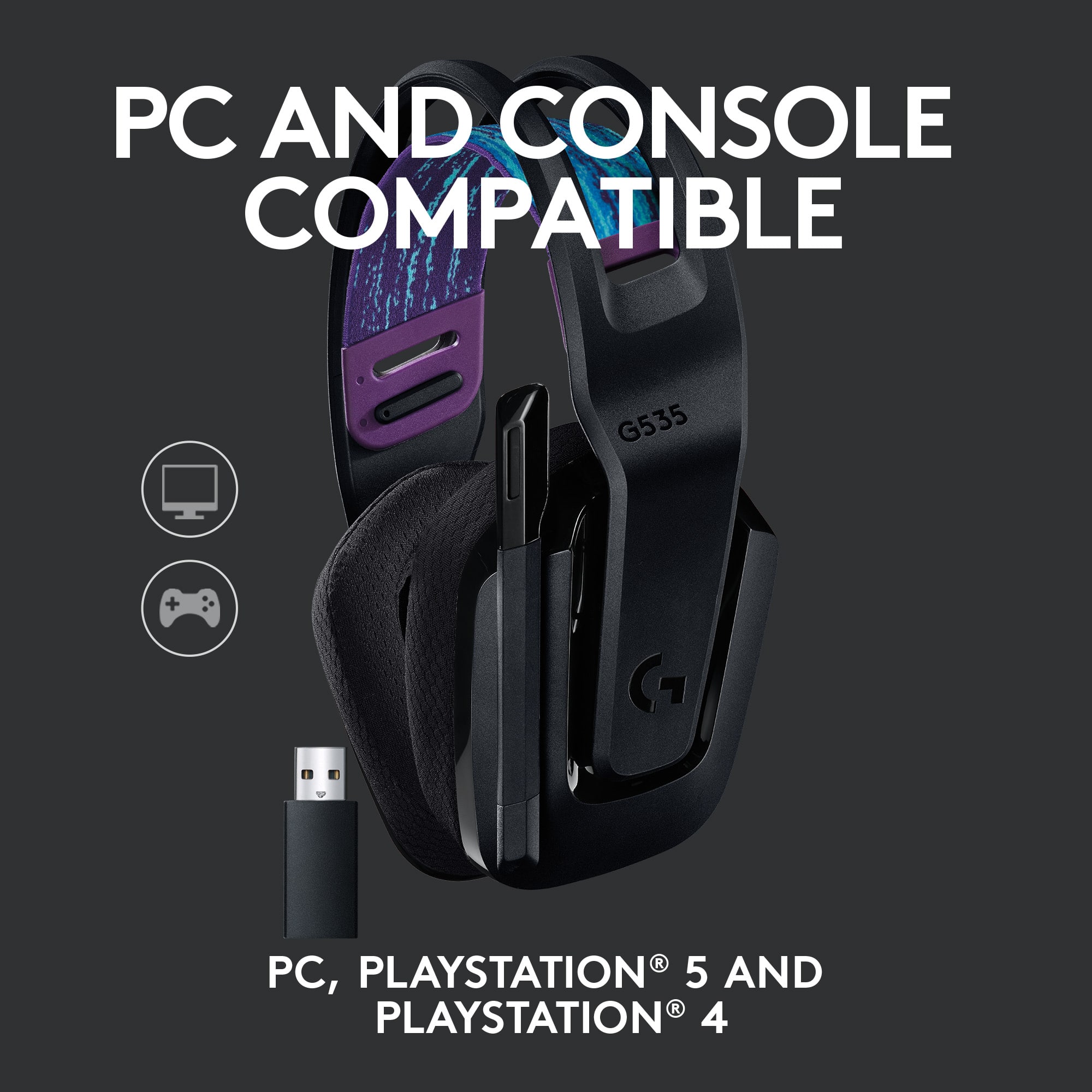
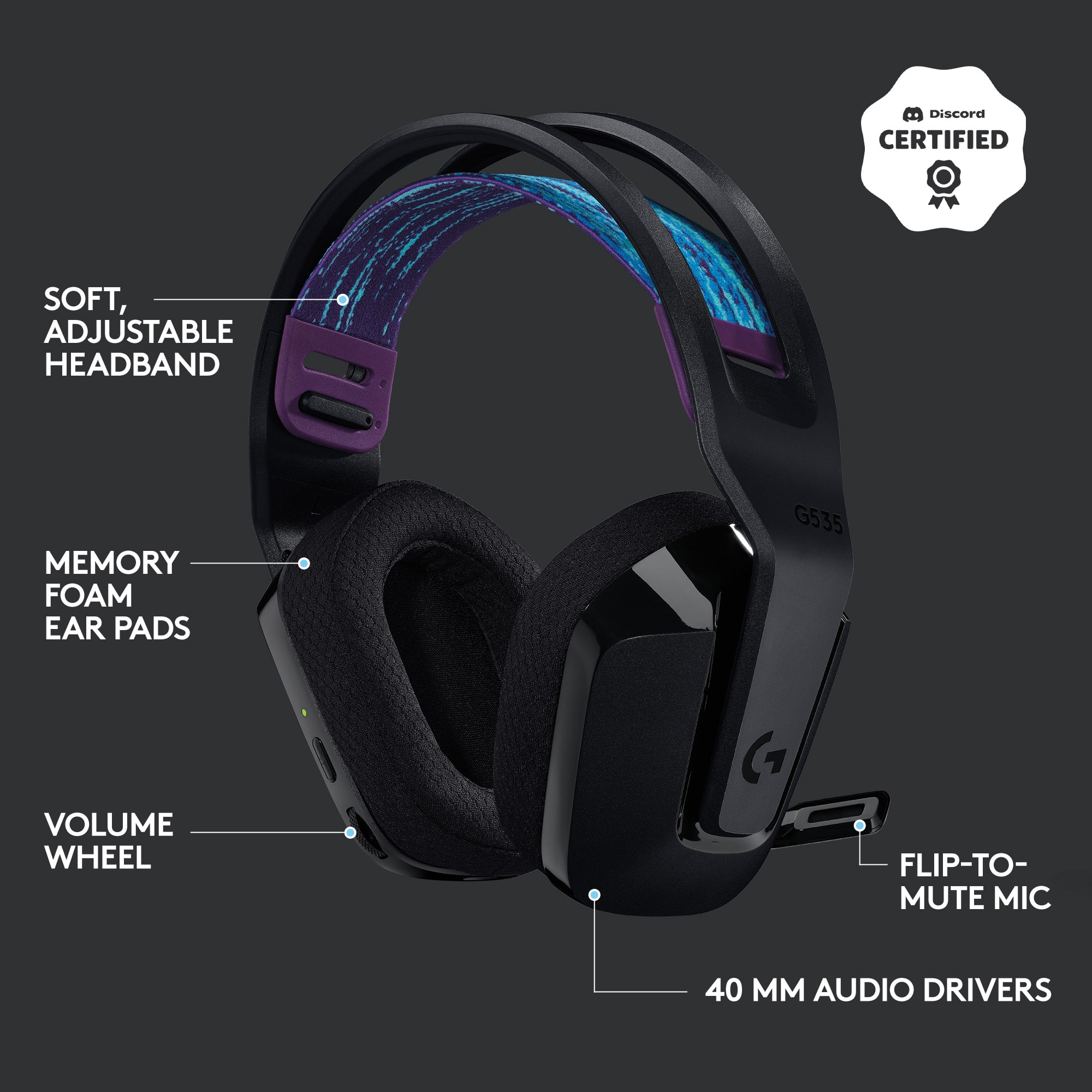
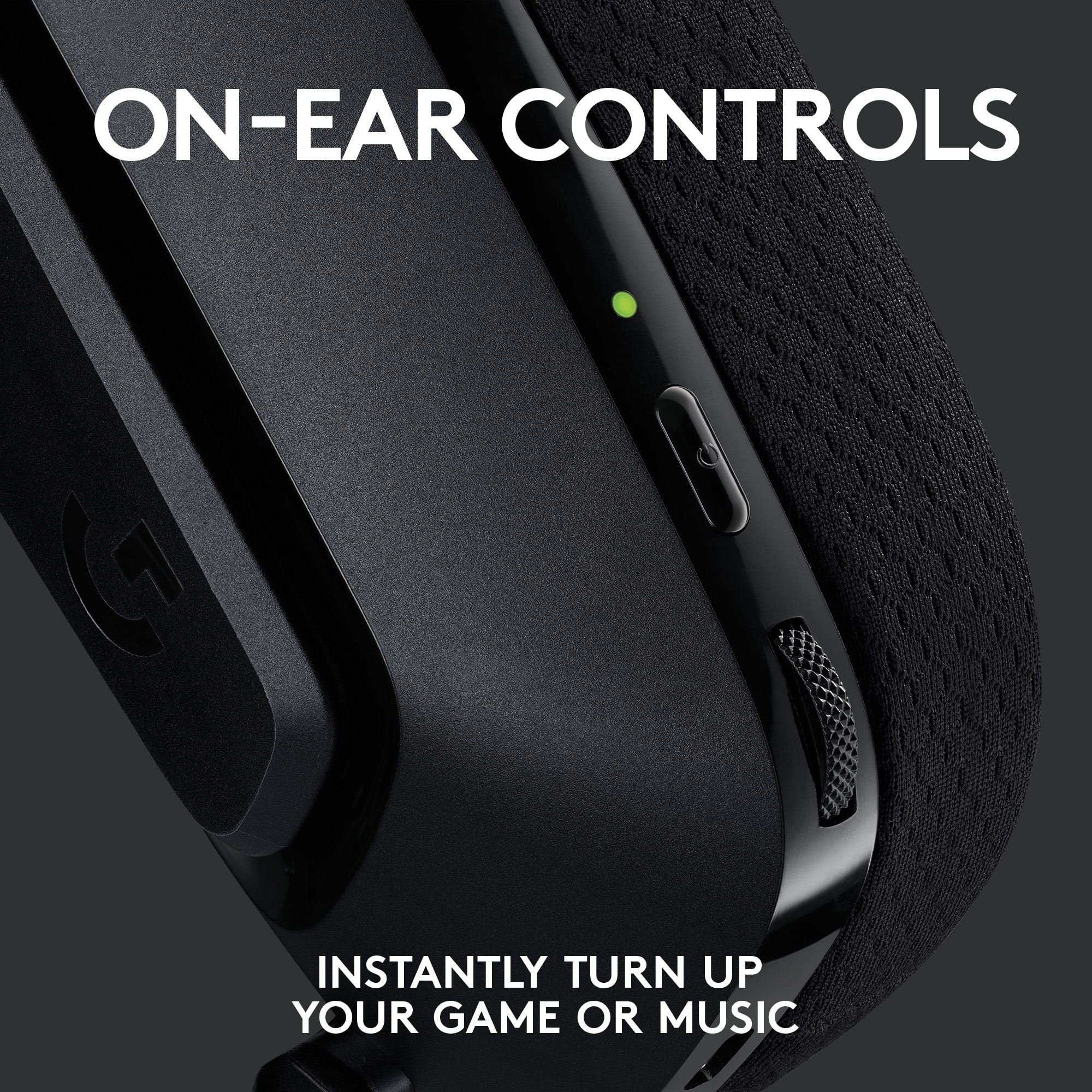
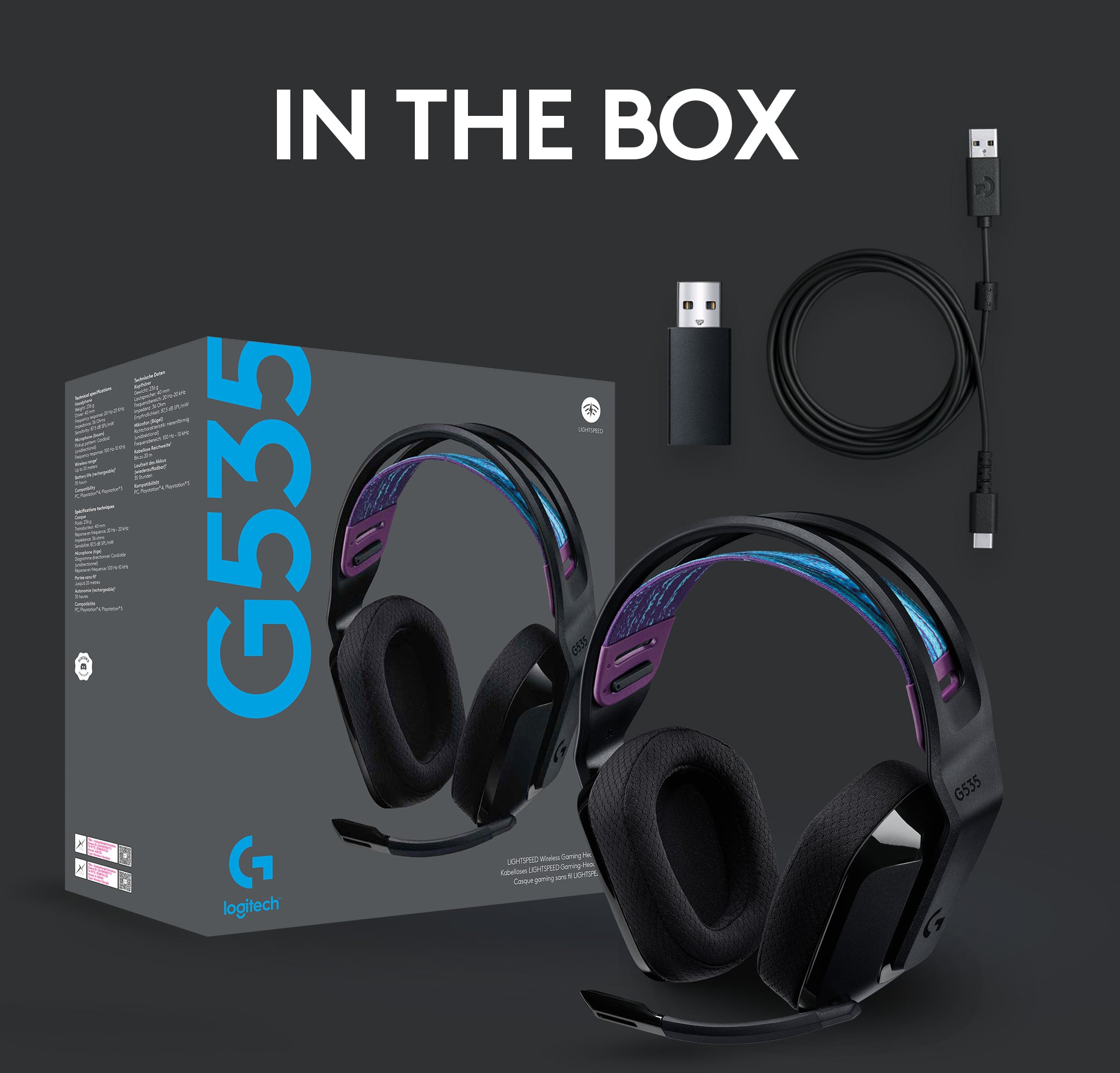
|Posted .This reviewer received promo considerations or sweepstakes entry for writing a review.First, I am extremely picky when it comes to shape, weight, and fit of headphones, so it's rare for me to find a pair that I can wear all day comfortably. After a week of wearing the the Logitech G535 Lightspeed headset, I'm excited to share that these are, by far, the most comfortable pair of headphones I've tested. In the box are the headphones, USB dongle and charging cable. Setup is very easy, plug in dongle to either PC or PS4 (I tested both) and the headphones are connected. The design is unique, in that there is a band of stretchy mesh material that sits below the headband frame. This fabric supports the weight of the headset over the top of the head, and distributes the weight evenly, so no pressure soreness or discomfort even after a 10 hour day of wear. There are two height adjustments for the fabric, giving plenty of ability to fit various head shape/size, and the fabric is reversible for either an aqua or purple-ish color. The ear cups sit over the ears and are a light weight breathable foam, that were appropriately roomy for both myself and my teens. Lastly, the overall weight of the headset is ~1/2 lb, making these much lighter than the majority of other headsets I've tested. Build wise, the materials feel like a quality lightweight plastic versus flimsy, such that I don't worry about the occasional fall off my desk. The controls are on the left ear, and being left handed, this is preferred. On the back side of the left ear cuff, from top to bottom are the indicator light, power button, volume wheel, and on bottom is the USB charging port. Battery life was two full days of back to back meetings and into the third day, this is without me powering off when I'm done, but rather tossing the headset on my desk and taking off for the day. The mic does not detach, but will rotate up (mute position) fully out of the way. The range distance from dongle is impressive, as I can go downstairs, across the house and not lose audio feed. I estimate I was ~40' away from the laptop, through two walls at the farthest point. As far as sound, during videoconferencing / music / and routine PC work stuff, I found the sound quality to be strong. This means I could hear everyone during meetings, the mic doesn't pick up my nearby background noise or my breathing, and I didn't find myself having to adjust the volume during different audio tasks throughout the day. Note, while the 535s have a strong quality, these are not music studio audiophile quality, however neither is the price point. As far as gaming goes, I found that I could clearly hear game based environmental noise (players behind me, footsteps, weapon reload, etc), with slight directional nuances, and zero noticeable lag. Overall, highly recommend, the comfort for a wide range of head sizes is the number one feature for me, closely followed by sound quality, weight, and battery life. This is a fantastic versatile headset that I can't say enough good things about!
I would recommend this to a friend Too loose
||Posted . Owned for 2 months when reviewed.This reviewer received promo considerations or sweepstakes entry for writing a review.Sounded great, but they were too loose for me. If I titled my back or forward they would simply slide off.
No, I would not recommend this to a friend- Pros mentioned:Sound quality
Great headphones
||Posted . Owned for 1 month when reviewed.This reviewer received promo considerations or sweepstakes entry for writing a review.Great sound quality for the price and easy to set up and mute. Would recommend
I would recommend this to a friend Cuts off from time to time
||Posted . Owned for 3 weeks when reviewed.This reviewer received promo considerations or sweepstakes entry for writing a review.Good headphone when it works. Sometimes it cuts off and I have to restarted my computer for it to connect again.
No, I would not recommend this to a friend- Pros mentioned:Wireless
Quiet and disappointing
||Posted . Owned for less than 1 week when reviewed.This reviewer received promo considerations or sweepstakes entry for writing a review.I was so hopeful for this headset. The only real thing that it had going for it was the wireless aspect. After a couple days it lost about half the sound it was producing. I tried lots of things to fix it but nothing worked. My current $50 pair that I have had for like 4 years is much better quality despite being wired. Totally disappointed.
No, I would not recommend this to a friendBrand response from Logitech
Posted .Hi alex, So sorry to hear about the issues you're having with the G535 Wireless Gaming Headset. Have you tried updating the firmware? In order to do that, you'll need to download and install Logitech G Hub software (Available here: https://www.logitechg.com/innovation/g-hub.html). Once you launch the software, select the G535 from the home screen then go to the settings. If a firmware update is available, a blue "Update" button will appear under the firmware version on the top right corner of the screen. Hope that you found this helpful, but if not then here's a link to the product support for the G535: https://support.logi.com/hc/en-us/articles/360025075433-Warranty-G533-Wireless. Thank you for choosing Logitech. - Richard from Logitech
- Pros mentioned:Sound quality
Great Sound!
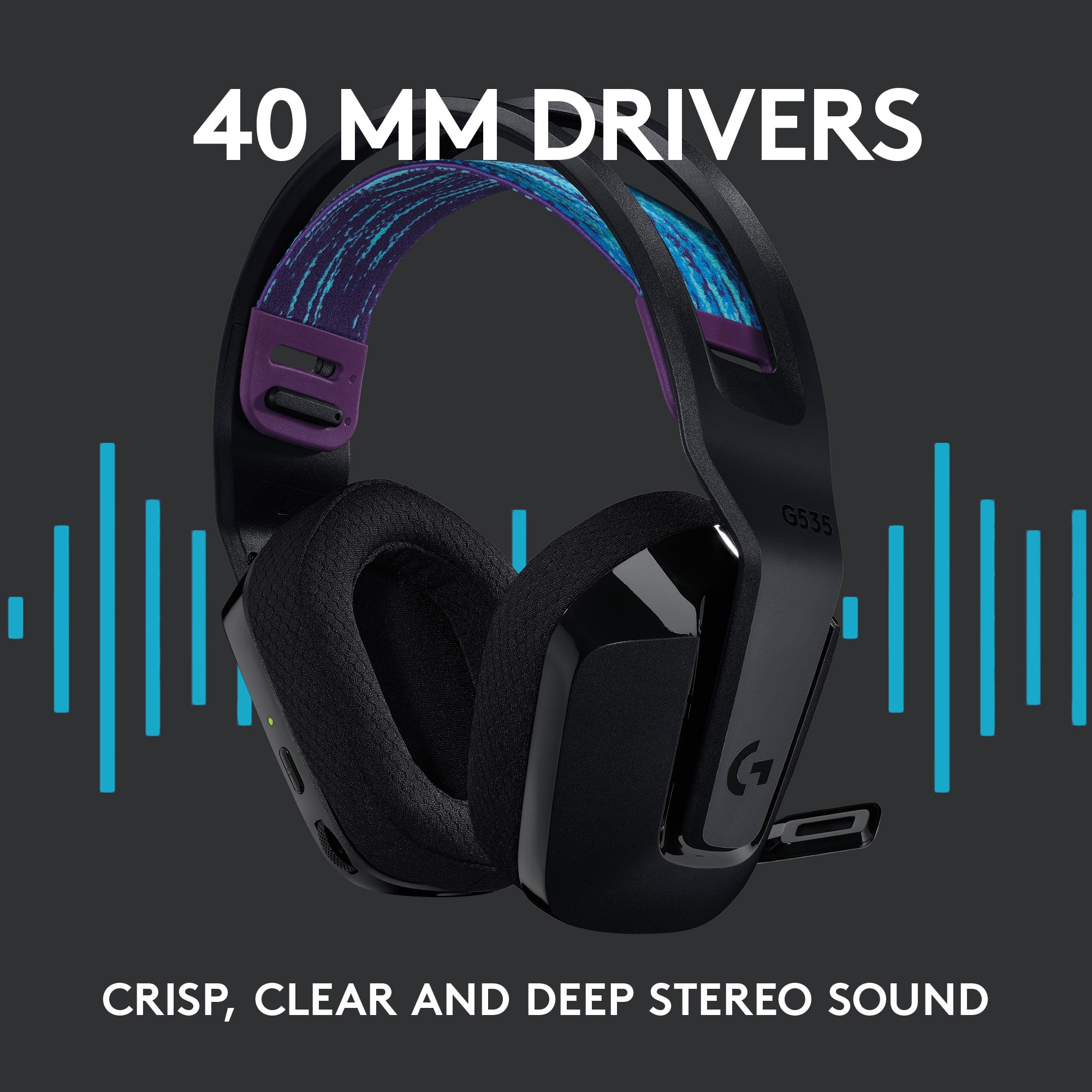
||Posted .This reviewer received promo considerations or sweepstakes entry for writing a review.Love the logitech brand and dolby atmos combo! Great value for the price i got it. Must buy for beginner gamers
I would recommend this to a friend - Pros mentioned:Comfort
Nice
||Posted . Owned for 3 weeks when reviewed.This reviewer received promo considerations or sweepstakes entry for writing a review.Very comfortable. Works with MacBook though volume wheel only adjusts system volume instead of headset volume.
I would recommend this to a friend - Pros mentioned:Comfort
Solid headphones
||Posted . Owned for 1 week when reviewed.This reviewer received promo considerations or sweepstakes entry for writing a review.Not a lot of bells and whistles but comfortable works great.
I would recommend this to a friend Headphones
||Posted . Owned for 1 month when reviewed.This reviewer received promo considerations or sweepstakes entry for writing a review.This product works amazing. I would recommend this product if you are looking for Bluetooth headphones
I would recommend this to a friend- Pros mentioned:Battery life, Sound quality, WeightCons mentioned:Volume
Nice look, good sound and lightweight!
|Posted .This reviewer received promo considerations or sweepstakes entry for writing a review.Logitech is a great brand that we’ve come to trust. Their quality is consistent and reliable and the G535 headset for PC and console seems to be no different. The headset has a really nice look with mainly black, but a nice, modern splash of color across the top, inner band. The memory foam ear cup material seems to be of good quality with a comfortable fit for extended wear. They are very lightweight at only 236 grams or about half a pound which is a major plus. The reversible, suspension headband is adjustable to suit your fit and distribute weight evenly. This headset is a nice, wireless addition to other headsets that we use. The battery life is very good and we’ve had no issues there. The controls on the G535 headset work quite well with a volume controller on the ear cup. The microphone is good quality and can be muted by simply flipping it up. The sound quality is decent, especially for the value this headset provides. The volume is not as loud in comparison to other headsets we own, but is more than adequate for use. Perhaps that is a good thing that one is not going to overdo the volume level, but some may not like this in comparison to other headsets out there. The Logitech G535 wireless headset is a nice option for a variety of uses. Given the price point it offers some great features with a quality design that is lightweight with good battery life and sound quality.
I would recommend this to a friend - Pros mentioned:Battery life, Comfort, Sound quality
Above Average, But Enjoyable
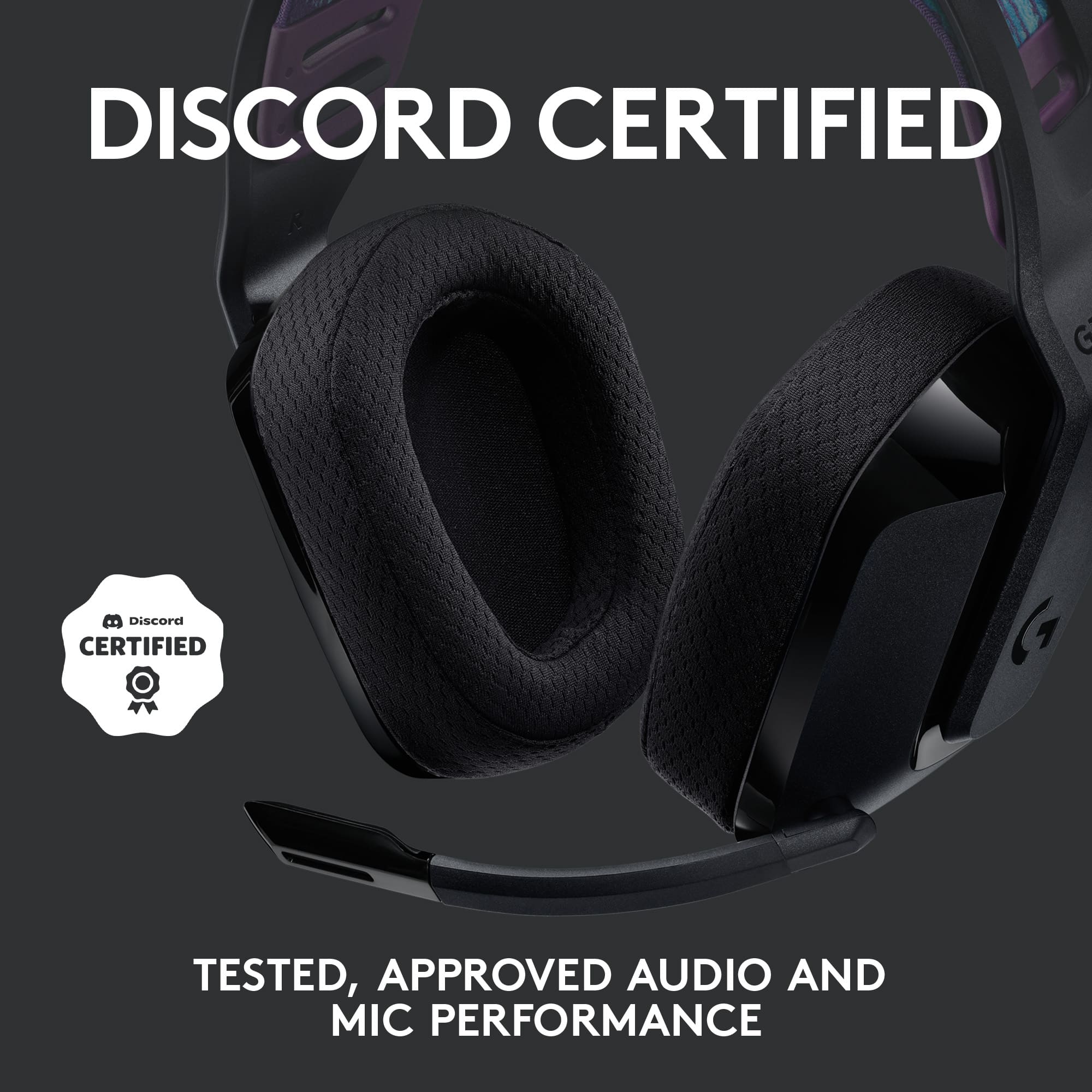
|Posted .This reviewer received promo considerations or sweepstakes entry for writing a review.The Logitech G535 doesn’t do much to differentiate itself away from other headsets, but it does satisfy the checkboxes against its very own product description. Sound quality is great, but even better when utilizing the secret weapon: Dolby Atmos. The Dolby Atmos profile is becoming more available in headsets, and I’ve found it to be a necessity when I desire increased immersion during gameplay. Wireless connectivity was consistent as I moved about my home, and battery life lasted well with my hours of gaming. Also, Microphone quality was clear, and very satisfactory for me communicating on Discord. Despite it’s plastic build, the Logitech 535 delivers on comfort. The headset was very lightweight even with my glasses on. If I had one flaw to highlight then it would be the lack of compatibility with Xbox consoles. If this was possible then this headset would definitely be a gamechanger. Overall, I like the G535 a lot. It doesn’t really standout, but that’s not necessarily a bad thing. It performs as described, and this will always work for me.
I would recommend this to a friend - Cons mentioned:Volume
didn’t meet my expectations
||Posted . Owned for 1 week when reviewed.This reviewer received promo considerations or sweepstakes entry for writing a review.Static occasionally , volume and sound quality didn’t meet my expectations
No, I would not recommend this to a friendBrand response from Logitech
Posted .We regret to know that the product did not meet your expectations. We'll make sure to share it with the right team so they can look into it. Thanks a lot!
Meh. It wasn't $300 so that's good.
||Posted . Owned for 1 month when reviewed.This reviewer received promo considerations or sweepstakes entry for writing a review.Well it could be more comfortable. It's ok. Feels cheap but it does the job.
No, I would not recommend this to a friendFair headset but not worth the 100+ dollar price
||Posted . Owned for 1 week when reviewed.This reviewer received promo considerations or sweepstakes entry for writing a review.Overall after using this headset for a few days when I bought it, i definitely felt like it wasn't that great of a product, the headband hurt my head after a few hours and the earcups itself didnt fit my ears and it was really painful against my glasses with the clamp force.
No, I would not recommend this to a friendBrand response from Logitech
Posted .Truly sorry to hear about your negative experience with the headset. This is surely not what we intend to deliver. If you haven't already, we'd request you to please get in touch with the Logitech Support team as they'll be well equipped to help you find a more suitable resolution. We'll also make sure to communicate this with our team so that they can look in to this for future improvements.
Stereo Sound
||Posted .This reviewer received promo considerations or sweepstakes entry for writing a review.It's not surround sound. You pay over a hundred for a stereo headset. Returned and bought a razer instead
No, I would not recommend this to a friendBroke in 3 months.
||Posted . Owned for 4 months when reviewed.This reviewer received promo considerations or sweepstakes entry for writing a review.Bought these for my daughter for Christmas to game on her PC. It’s only March and they don’t work already…
No, I would not recommend this to a friendBrand response from Logitech
Posted .We're truly sorry to hear that the headset stopped working after only three months. To address this issue, we recommend reaching out to our social care team via email at socialcare@logitech.com with your
- Name:
- Email Address:
- Country:
- Product Name:
- Brief description of issue:
- Pros mentioned:Sound quality
Worth the price
||Posted . Owned for 1 week when reviewed.This reviewer received promo considerations or sweepstakes entry for writing a review.A little bit tight but all in all a great sounding headset
I would recommend this to a friendBrand response from Logitech
Posted .Hello Mike! I am so glad to hear you are mostly satisfied with the headset. Thank you for this feedback, I will be passing it along. Just so you know, this device does come with a 2 year warranty through Logitech, should anything happen to it down the road. Simply just visit the support page for this device on the Logitech site in order to file a claim. Thank you for being a Logitech customer. I hope you have an amazing day!
-Danielle from Logitech