Customer Ratings & Reviews
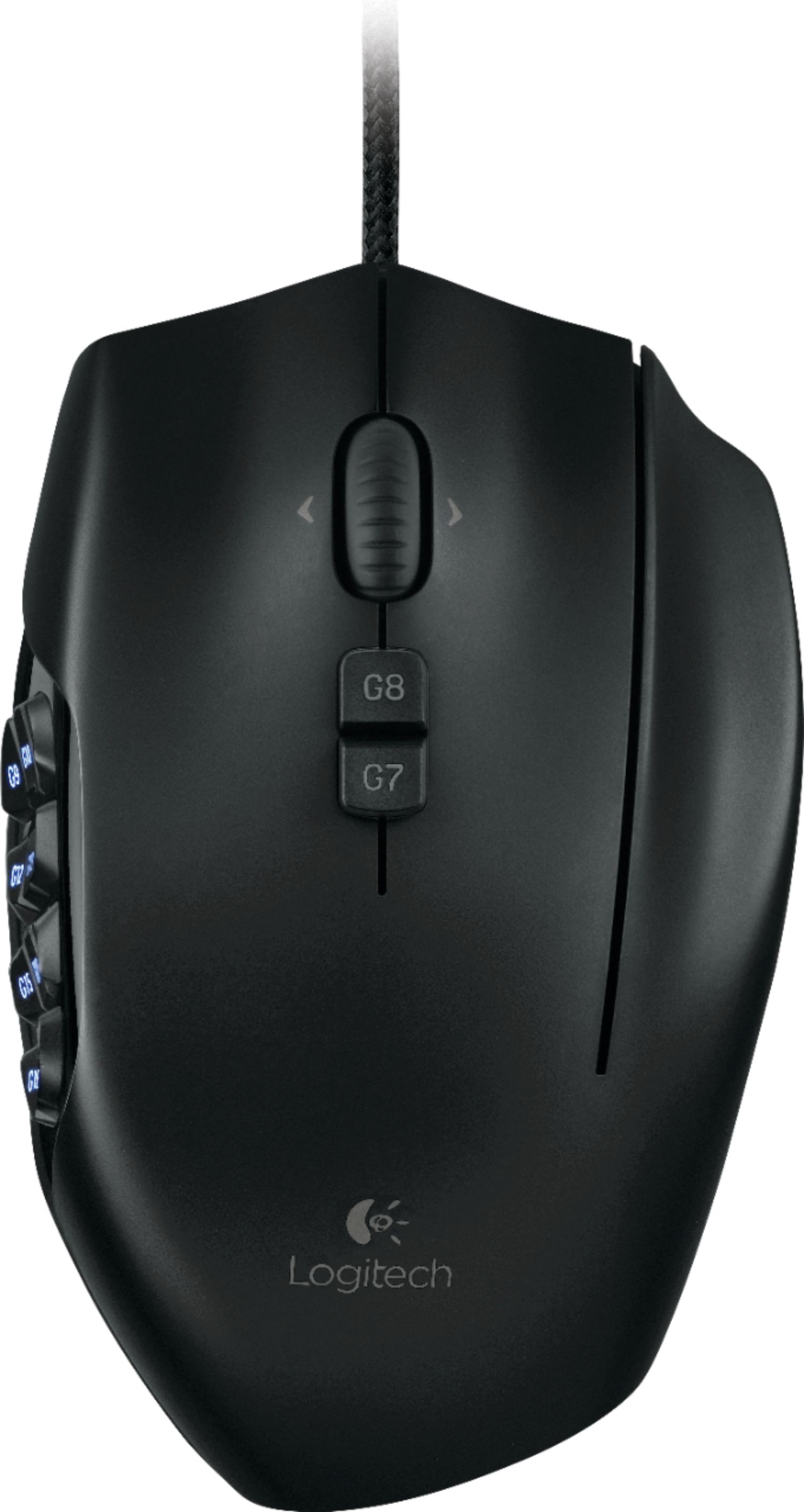
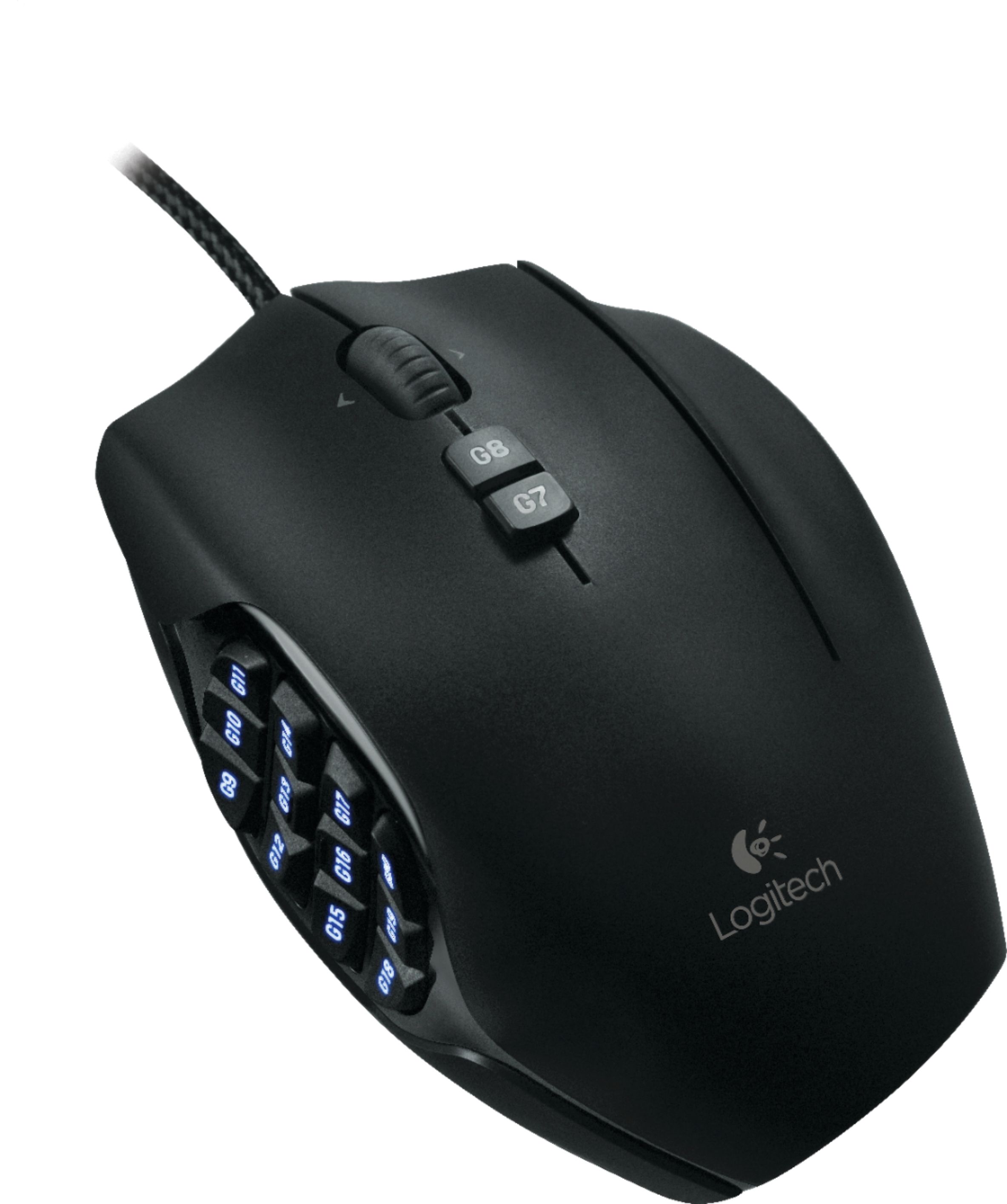
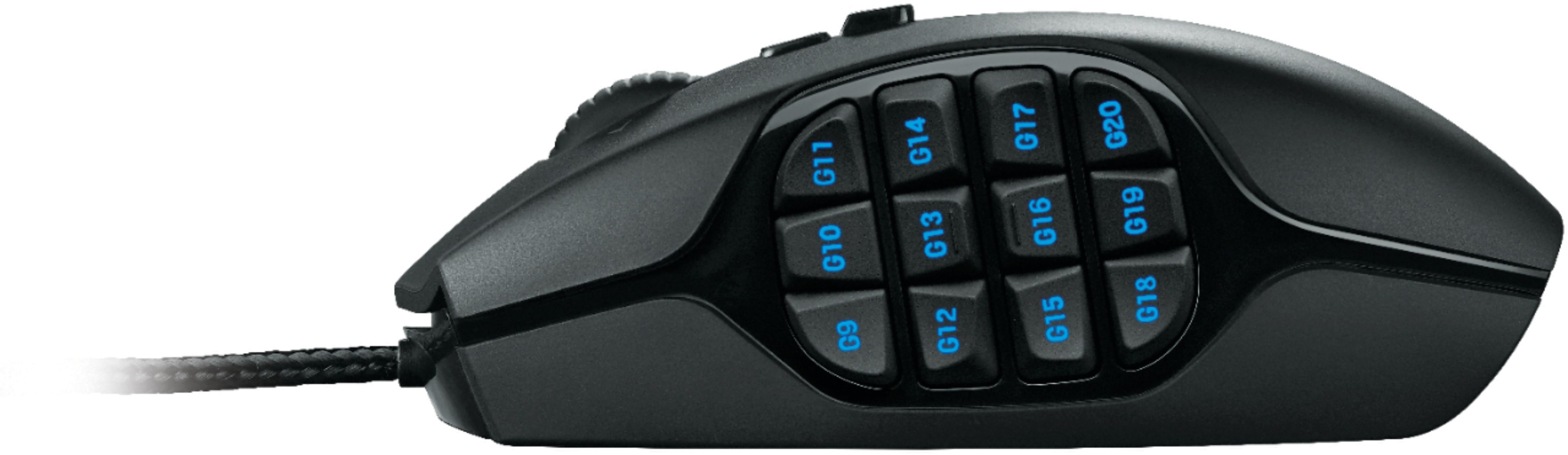
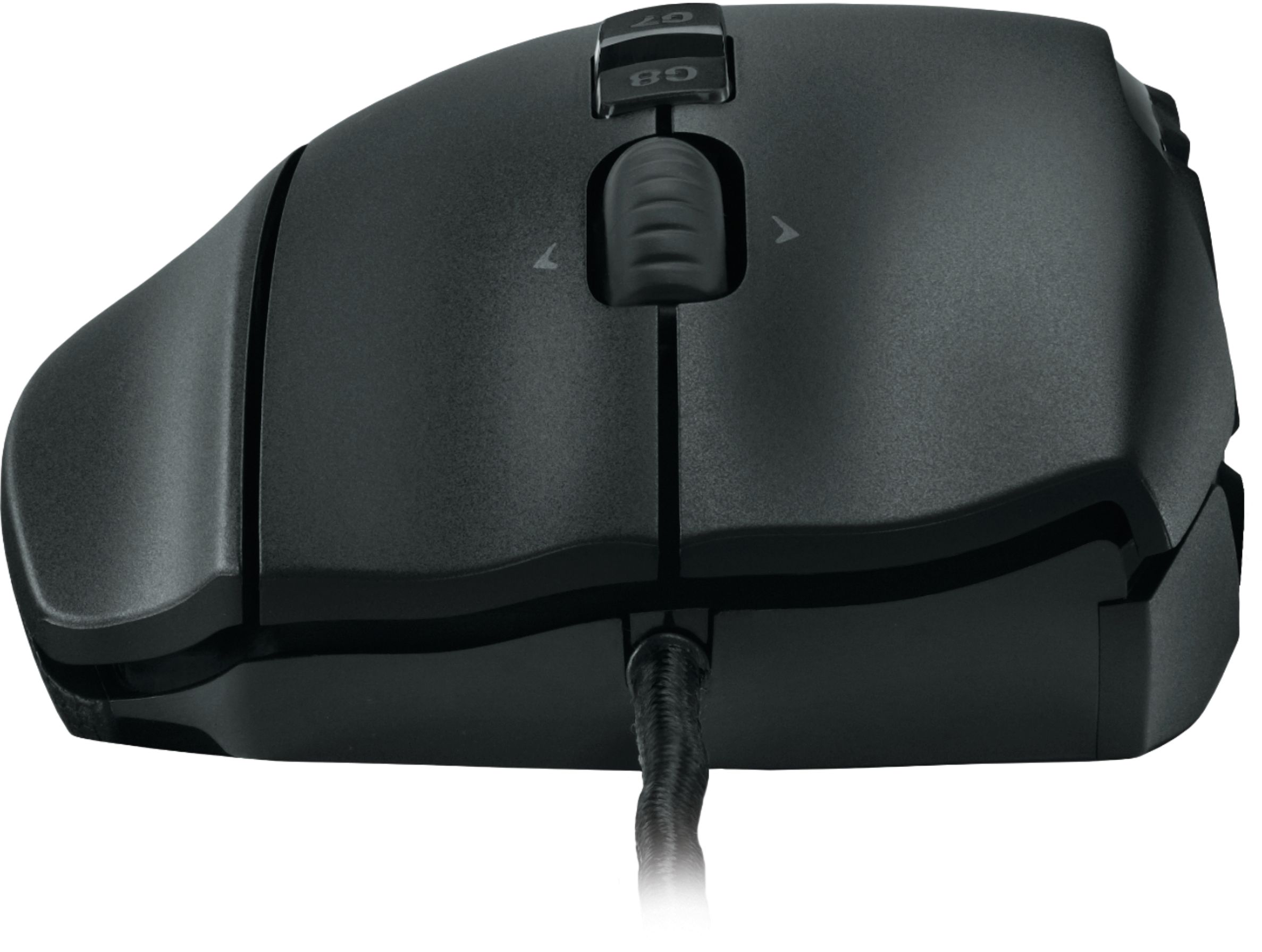
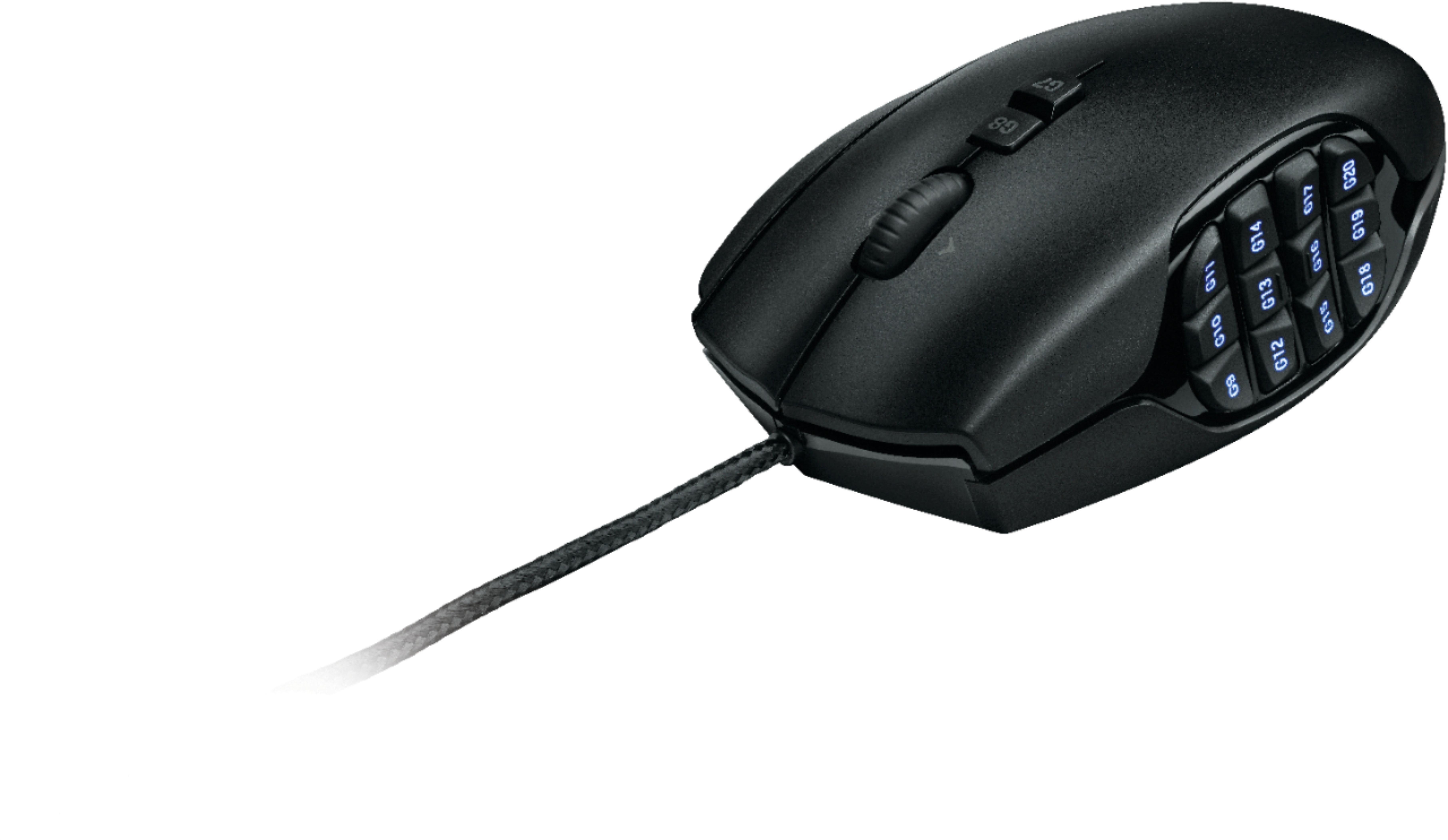
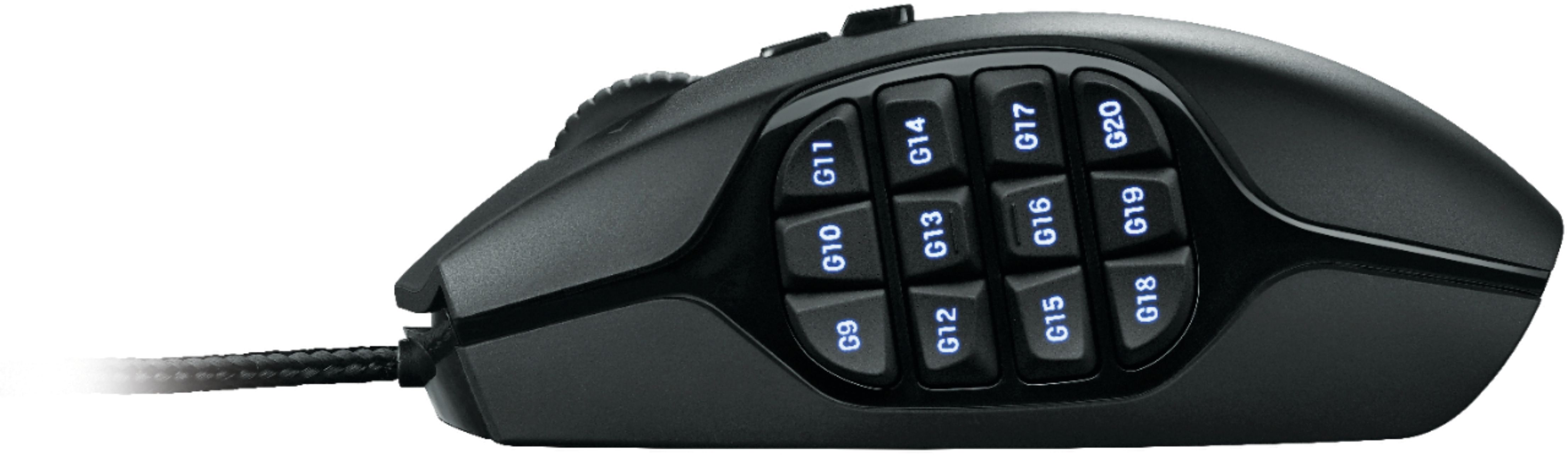
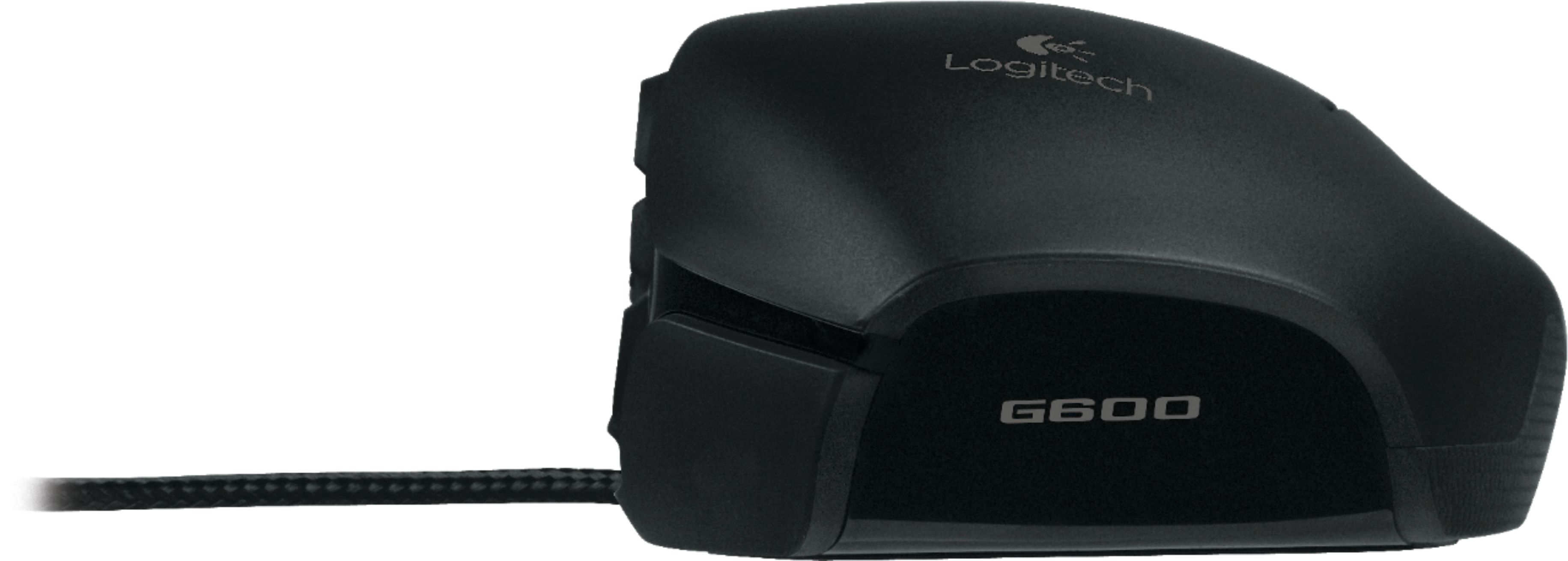
- Model:
- 910-002864
- |
- SKU:
- 5608091
Customer reviews
Rating 4.6 out of 5 stars with 984 reviews
(984 customer reviews)Rating by feature
- Value4.8
Rating 4.8 out of 5 stars
- Quality4.7
Rating 4.7 out of 5 stars
- Ease of Use4.5
Rating 4.5 out of 5 stars
Customers are saying
Customers value the G600 MMO Wired Optical Gaming Mouse for its numerous programmable buttons, ease of use, and affordable price. Many appreciate the mouse's weight and responsiveness in gaming, finding the accompanying software intuitive. While some find the size less than ideal and the cord could be improved, the positive feedback on the button layout and functionality is overwhelmingly prominent.
This summary was generated by AI based on customer reviews.
Rated 2 out of 5 stars
Fair
||Posted . Owned for 1 month when reviewed.This reviewer received promo considerations or sweepstakes entry for writing a review.Not as responsive as my previous razer naga. But cheaper
No, I would not recommend this to a friendBrand response from Logitech
Posted .Hello suade,
I am sorry to hear that the G600 is not meeting your expectations. If you are looking for better responsiveness, check out the G604, which has newer features. Logitech appreciates your product review. - Leo from Logitech
Rated 2 out of 5 stars
Squeaky mouse
||Posted . Owned for 1 month when reviewed.This reviewer received promo considerations or sweepstakes entry for writing a review.A month after buying this the mouse wheel started to squeak loudly.
No, I would not recommend this to a friendBrand response from Logitech
Posted .Hey there, I'm sorry to hear that your G600 is causing some problems. I would recommend cleaning the mouse wheel, either by using a can of compressed air and spraying it into the wheel, or carefully taking the mouse apart and cleaning the wheel with a q-tip.
- Pros mentioned:Software
Rated 5 out of 5 stars
Perhaps one of the Best Mice Ever
Posted .This reviewer received promo considerations or sweepstakes entry for writing a review.The G600 is the second model gaming mouse I've used, the other being a Razer Mamba a few years before that, when the first broke I got second that is reaching a sure end. For more than 8 years I've used these mice, from scrolling the internet, mashing the left button, Diablo style ARPGs, and semi-automatic weapons in FPSs, Its durability is without question. Logitech's original Gaming Software to customize and program the device was simple and streamlined as to not confuse or overwhelm the user, especially those not accustomed to customizing a device this flexible. The world is long overdue for a proper successor, get on it, Logitech!
I would recommend this to a friend Rated 2 out of 5 stars
2 bottoms not working
||Posted .This reviewer received promo considerations or sweepstakes entry for writing a review.Please test all bottoms, right after you buy it. I get it 2 out of 10 bottom not working.
No, I would not recommend this to a friendRated 1 out of 5 stars
I have not gotten it.
||Posted . Owned for 1 week when reviewed.This reviewer received promo considerations or sweepstakes entry for writing a review.I haven't gotten the item, and I cancel it because it is "shipped" , but the post office hasn't received it yet. And you have my money. It came out of my account the day after I ordered it. And I had to order it from Walmart, which I have paid for and received.
No, I would not recommend this to a friendRated 1 out of 5 stars
Kinda cheap
||Posted . Owned for 1 month when reviewed.This reviewer received promo considerations or sweepstakes entry for writing a review.Much cheaper than expected. I bought two and I returned them both. However if you don't mind the poor quality it could be a great mom mouse but I wouldn't expect a smooth performance out of it.
No, I would not recommend this to a friendBrand response from Logitech
Posted .Hello,
Thank you for taking the time to review the G600 Gaming Mouse. I am sorry that you were not pleased with this mouse. Logitech offers a wide variety of options for various preferences. I hope different Logitech option will better fit your preferences. Please feel welcome to visit the Logitech support page for further assistance with Logitech products.
Best regards,
John at Logitech
- Pros mentioned:Buttons, Ease of use
Rated 5 out of 5 stars
A great all around mouse
Posted .This reviewer received promo considerations or sweepstakes entry for writing a review.Got this mouse for olaying mmos and it was a huge upgrade from my G602. Ive also found that the thumbkeys are super useful for more than gaming, I have been using it for work as well and it makes navigating spreadsheets incredibly easy.
I would recommend this to a friend Rated 1 out of 5 stars
don't waste your money
||Posted . Owned for less than 1 week when reviewed.This reviewer received promo considerations or sweepstakes entry for writing a review.WAsn't impressed with it, can't assign the buttons i need to, and i keep hitting the number pad on the side by accident.
No, I would not recommend this to a friendBrand response from Logitech
Posted .Hello, we are so sorry to hear that the G600 did not meet your expectations. In order to assign commands to the side buttons, you need to use our G-Hub software. There, you'll be able to assign them all specific commands or turn them off. We apologize for any inconvenience we may have caused. Have a great day. -Ricky from Logitech
Rated 1 out of 5 stars
Not for large hands
||Posted .This reviewer received promo considerations or sweepstakes entry for writing a review.If you have large hands you find yourself hunting for buttons add to that, the 3rd mouse button is very sensitive and any pressure on it activates it.
No, I would not recommend this to a friendRated 1 out of 5 stars
broke quickly
||Posted . Owned for 2 months when reviewed.This reviewer received promo considerations or sweepstakes entry for writing a review.I will not buy this one again as it broke after a couple of months of use.
No, I would not recommend this to a friendBrand response from Logitech
Posted .Hello, I am sorry to hear you are not satisfied with the product. Thank you for taking the time to write this review, we appreciate all the feedback
- Pros mentioned:PriceCons mentioned:Cord
Rated 5 out of 5 stars
Great mouse
Posted .This reviewer received promo considerations or sweepstakes entry for writing a review.Great for mmo's, won't break the bank. Wish it had a braided cord.
I would recommend this to a friend - Pros mentioned:Buttons, Ease of use
Rated 5 out of 5 stars
Great for Excel Productivity
Posted .This reviewer received promo considerations or sweepstakes entry for writing a review.This mouse is awesome at Excel. Check out www.excelmouse.com to see how this mouse can best be used. The mouse is often used for gaming but is wickedly good at Excel. You can use the myWorkbook (part of excel) to create background macros which can be bound to mouse buttons. Also, just assigning common keys to buttons saves SO much time. For example, having the enter key bound to the click down of the scroll wheel lets me speed through menu options because my finger is always on the enter key. If you want to see how I set up mine, check out the website.
I would recommend this to a friend - Pros mentioned:Buttons, Software
Rated 5 out of 5 stars
Excellent
Posted .This reviewer received promo considerations or sweepstakes entry for writing a review.World of Warcraft is one of the main games i play and after using the Razer Naga for years i finally made the switch to this mouse. One of the best decisions I've made. Been using this mouse for over 2 years now and it looks brand new with no degradation in performance. The buttons are a lot firmer than the naga and can take awhile to get used to applying more pressure for each button press. The software is easy to use and with the middle buttons it makes changing custom key binds extremely fast, and with on board sets you can take it anywhere and still use your settings. The third mouse clicker is great at using a shift modifier for even more key binds. my one complaint is when your first using a set of key binds and haven't set them all up. it can be very easy to press the middle button and change sets to something that isn't set up for the game your playing, and while raiding or playing any sort of ranked games can mess you up. Take some time to set everything up so you can get used to your different sets from the start.
I would recommend this to a friend - Pros mentioned:Buttons
Rated 4 out of 5 stars
Great over all mouse for gaming and surfing.
Posted .This reviewer received promo considerations or sweepstakes entry for writing a review.I love this mouse as it fits my hand better than all the other mouse's out there for gaming. The only complaint I have is that the scroll wheel goes out after about 5 years from normal use. I am on my 4th one at this time. The buttons on the side are easy to distinguish from each other so using them is nice and easy.
I would recommend this to a friend - Pros mentioned:Buttons, Ease of use
Rated 5 out of 5 stars
Great mouse for MMOs
Posted .This reviewer received promo considerations or sweepstakes entry for writing a review.I don't think I can ever play World of Warcraft without an MMO mouse. I haven't found this type of mouse useful in any other types of games, but I'm sure it's possible to make use of it. The mouse functions great and the side keys feel good. It takes some getting used to but it will feel more natural the longer you play. The lighting is RGB, which is pretty cool, but I don't care for it. You can adjust the lights via the Logitech software that you get from their website. When I first started using this mouse, I was annoyed by the third mouse button because it is very prone to misclicking depending on how you hold the mouse. Logitech calls it the G-shift key and it either functions as a shift key for the side buttons. It took me a while to figure out why my key presses sometimes weren't working. Fortunately, you can unassign this button via the Logitech software.
I would recommend this to a friend - Pros mentioned:Price
Rated 5 out of 5 stars
Great Device
Posted .This reviewer received promo considerations or sweepstakes entry for writing a review.I have had the Razor Nagai for about 2 years. I was quite happy with it until I died on me last month. I ended up picking the G600 as my replacement and boy there was a huge improvement in quality and performance. I also got it for a fraction the price of the Razor Naga. Definitely get this if you're looking for a good strategy (Diablo 3/ Wow/ etch) or just a multifunction mouse with a ton of macros.
I would recommend this to a friend - Pros mentioned:ButtonsCons mentioned:Cord
Rated 5 out of 5 stars
Best mouse I've ever owned. or touched. or seen.
Posted .This reviewer received promo considerations or sweepstakes entry for writing a review.I use this primarily in business, for a combination of spreadsheets and .net code. All these programmable buttons greatly increase my productivity and code accuracy. reduces debug time etc. I also use it in drafting, graphics and geo apps where the high dpi is wonderful. LOVE the size & shape. I have somewhat large hands and am subject to the various physical issues of mousing all day. the size & shape of this mouse greatly reduces these problems. The braided cord is ok at first but after a few months it starts to bind and tangle, then later it actually fights with you. A few minutes with scissors took care of that. The wheel clicks, rather than being free spinning. I'm always scrolling everywhere so this had to go. Needs to be selectable, click or no click. I took mine apart and disabled the click mechanism. That improved it but still could be better. All in all still the best I've ever had. Makes my G9 look awful
I would recommend this to a friend Rated 4 out of 5 stars
Logitech G600 vs. Razer Naga
Posted .This reviewer received promo considerations or sweepstakes entry for writing a review.I posted the following as a review of the Razer Naga 2012, but it's just a comparison after using both mice. I imagine anyone looking at this mouse is also considering the Razor Naga, as it is the only serious competition in MMO-style mice. First let me preface this with a short history. I've always loved Logitech mice, and I can't remember the last non-Logitech mouse I owned. The laser mouse I replaced with this Naga lasted more than FIVE YEARS before it developed a serious problem. With the amount of clicks and use it had, it surpassed all expectations by far. All that said, I decided to check out the Razer Naga because my gaming really does require a button-happy mouse and I finally had the spare money to do a nice upgrade. I brought the Naga home, installed it, and liked it. But my loyalty to Logitech got the better of me and I returned it in exchange for the G600. After a few hours and having tried both mice in games and standard use, I realized the Naga was indeed the better choice and I re-returned the G600 for the same Naga 2012. - The main issue with the G600 was the girth of it, as strange as it sounds. If you have smaller sized hands like me, there is no way you can use the G600 with a "claw" grip, and the "palm" grip is, in my opinion, too awkward for fast-finger gaming like RPGs and MMOs. The Naga is perfect for both grips though, because it comes with detachable side panels, one of which is meant for "claw" grippers and one for "palm" grippers. - Along the lines of the width/height/girth problem is the difficulty pressing the "G10" key (equivalent of the "2" key on the Naga) without smashing down the ring finger button Logitech has on the G600. Without freakishly long thumbs you will have trouble getting leverage on the middle-row side buttons. The concept is good, but in practice this button is just in the way and would take quite a bit of muscle memory retraining to adjust to if you are coming from a "standard" mouse top setup. - The "G16" through "G20" keys on the Logitech are pretty awkward as well, whereas the Naga doesn't use tilted keys and makes sliding down that far much easier. However, on both mice the final bottom-right key is a bit weird to hit, but honestly who needs that 20th button? I'd say it takes a couple days of gaming on it to have it down pat, but the Logitech ring finger "G-Shift" setup might take much longer to get used to. The "G-Shift" feature on the Logitech is pretty cool in theory, but assuming you'd assign the Function keys to it, what games even use the F keys anymore (except to auto-save maybe). Hardcore desktop users might find use in the three extra buttons Logitech has over the 17-button Naga, but for any kind of gaming I just can't see the use. - As far as installation and setup, both are simple, but the Naga Synapse software is very intuitive and doesn't overwhelm with useless options like the endless color and speed options in the Logitech software. That said, some basic LED color options on the Naga would be nice, because the standard neon green doesn't really go with the blue LEDs most desktops and monitors use now. Not a big deal really. - Both mice have braided cables which are nice, but Logitech gets the edge here with a pre-installed velcro fastener to shore up extra cord. It's a minor convenience though it would have been nice on the Naga. - The Naga has a toggle switch on the bottom to change from num row keys to the num pad keys, which is very easy to do and pretty clever. The Logitech requires always-on software to change the setting for this, and only after you redefine all the keys you want in the profile. It's all standard and built-in on the Naga. Anyway these are some of the major reasons to go with the Naga over the G600. Being completely honest, the Naga is the better choice, but I can't totally discount the G600 for people with long thumbs who like to palm grip the mouse.
I would recommend this to a friend- Pros mentioned:Buttons
Rated 5 out of 5 stars
A programmer's best friend
Posted .This reviewer received promo considerations or sweepstakes entry for writing a review.I've owned this mouse for a number of years & use it every single day for work. I'm a web developer by trade, and I set up a ton of macros and shortcuts to some applications & programs I use every day. I can duplicate a line of code without needing to shift my hand to tap a couple keys on my keyboard, I can copy/paste something with merely 2 button taps, I can refresh a browser page without needing to manually click the "refresh" button in a browser window, there's a ton of small things that make it that much more enjoyable to use. It really is insane how many different shortcuts you can have on this mouse- you got the 12 buttons on the side PLUS you can hold the right-most click button for another 12 macros with those buttons (it's weird at first having 3 click buttons, and it is a pretty large mouse in general, but it's still pretty comfortable to use in my opinion). If you may be looking for a mouse to go "beast mode" at work with, if you're willing to spend some time setting up shortcuts and macros you'll get great use out of, I'd highly recommend checking this mouse out.
I would recommend this to a friend - Pros mentioned:Software
Rated 5 out of 5 stars
My second one in three years.
Posted .This reviewer received promo considerations or sweepstakes entry for writing a review.Excellent gaming mouse. Highly programable and a great software package for macros.
I would recommend this to a friend