Customer Ratings & Reviews
- Model:
- 910-002864
- |
- SKU:
- 5608091
Customer reviews
Rating 4.6 out of 5 stars with 984 reviews
(984 customer reviews)Rating by feature
- Value4.8
Rating 4.8 out of 5 stars
- Quality4.7
Rating 4.7 out of 5 stars
- Ease of Use4.5
Rating 4.5 out of 5 stars
Customers are saying
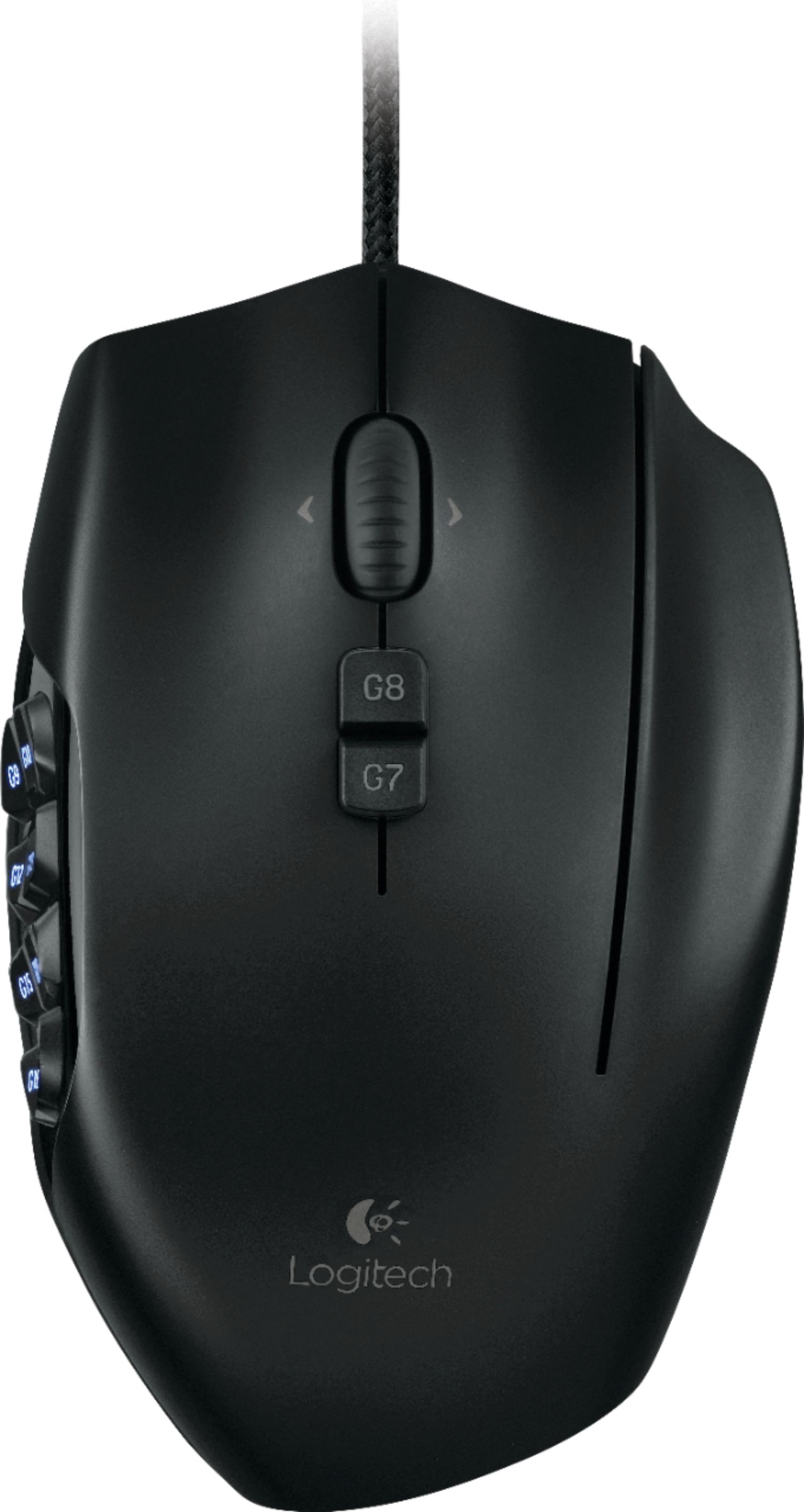
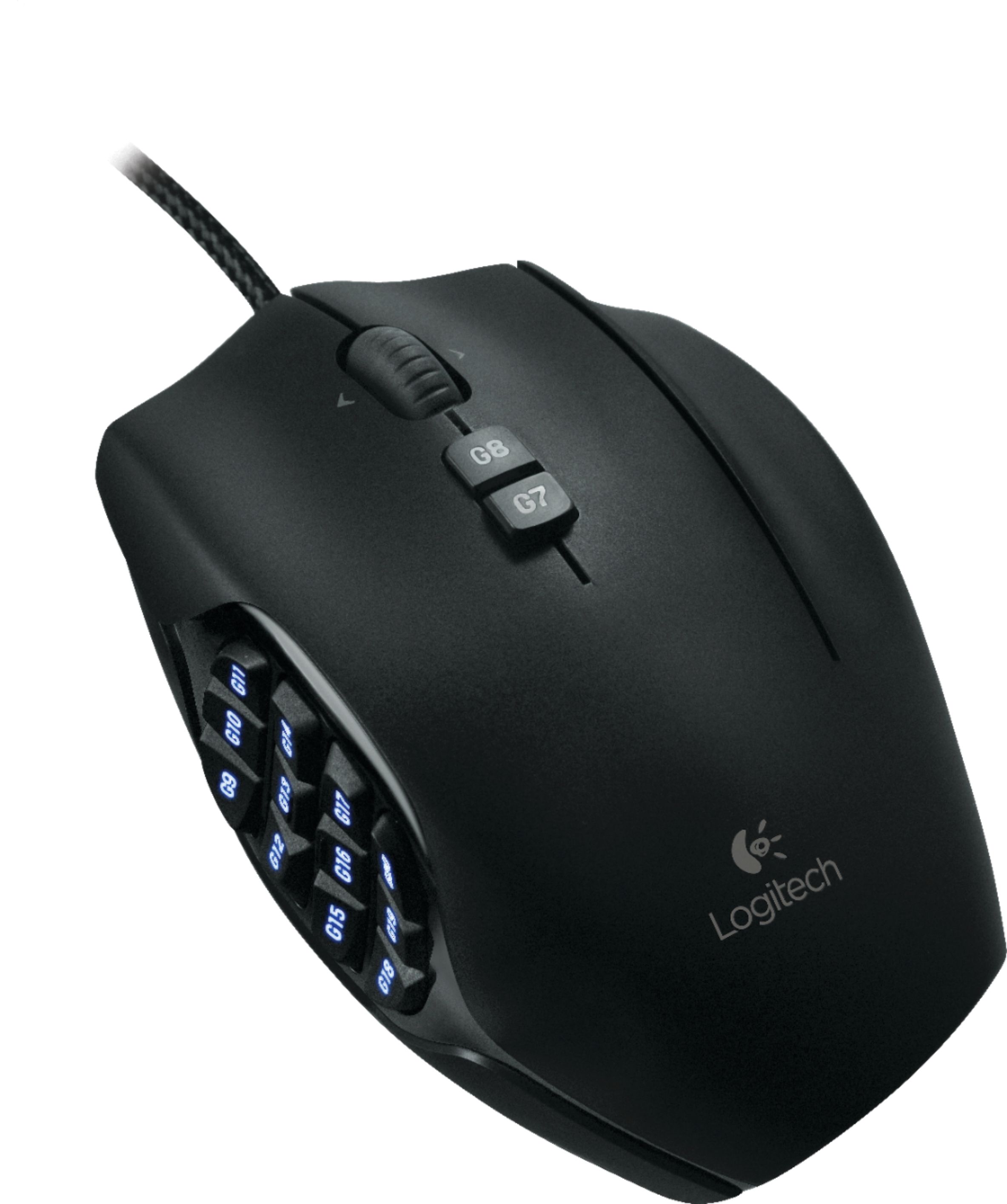
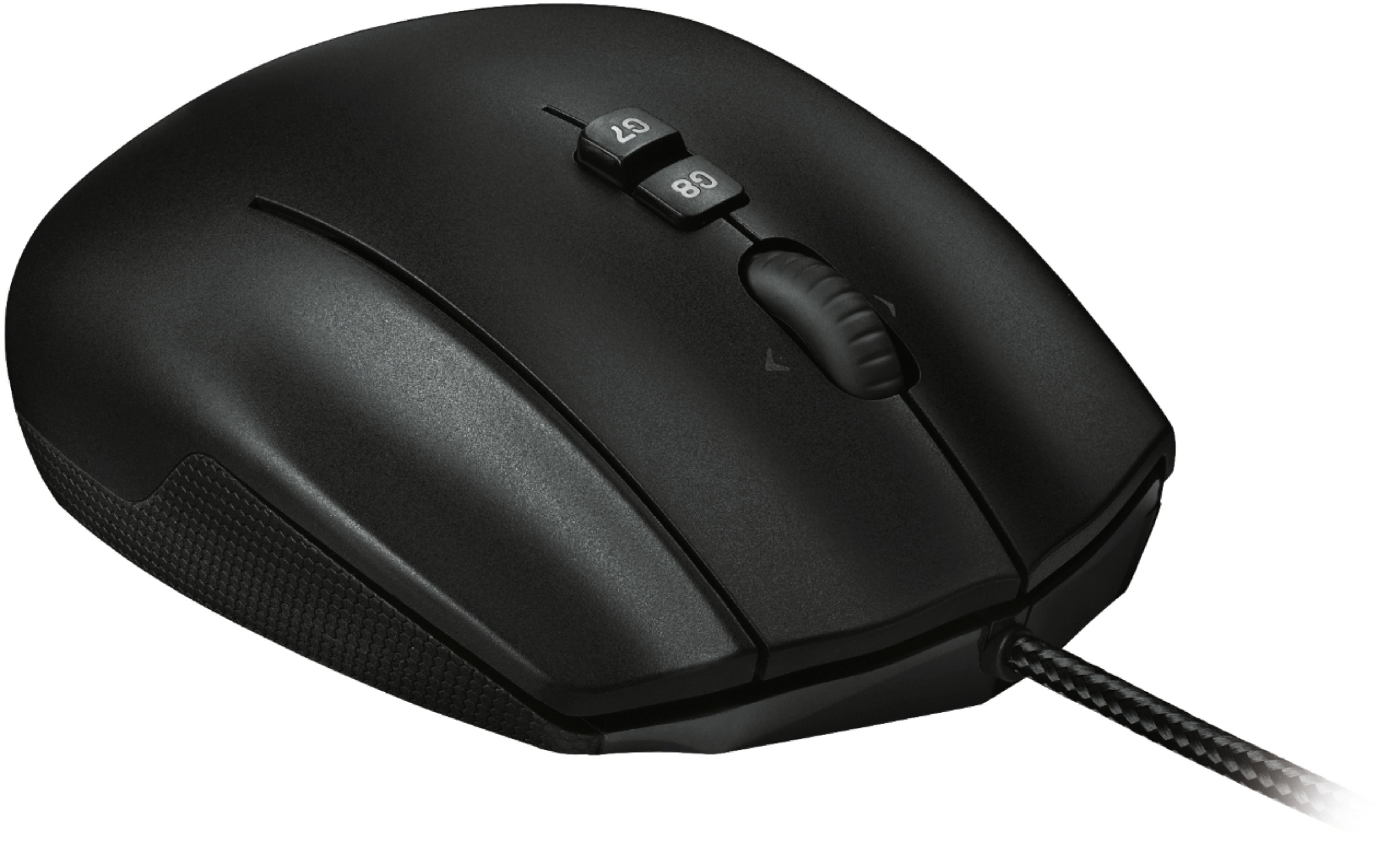
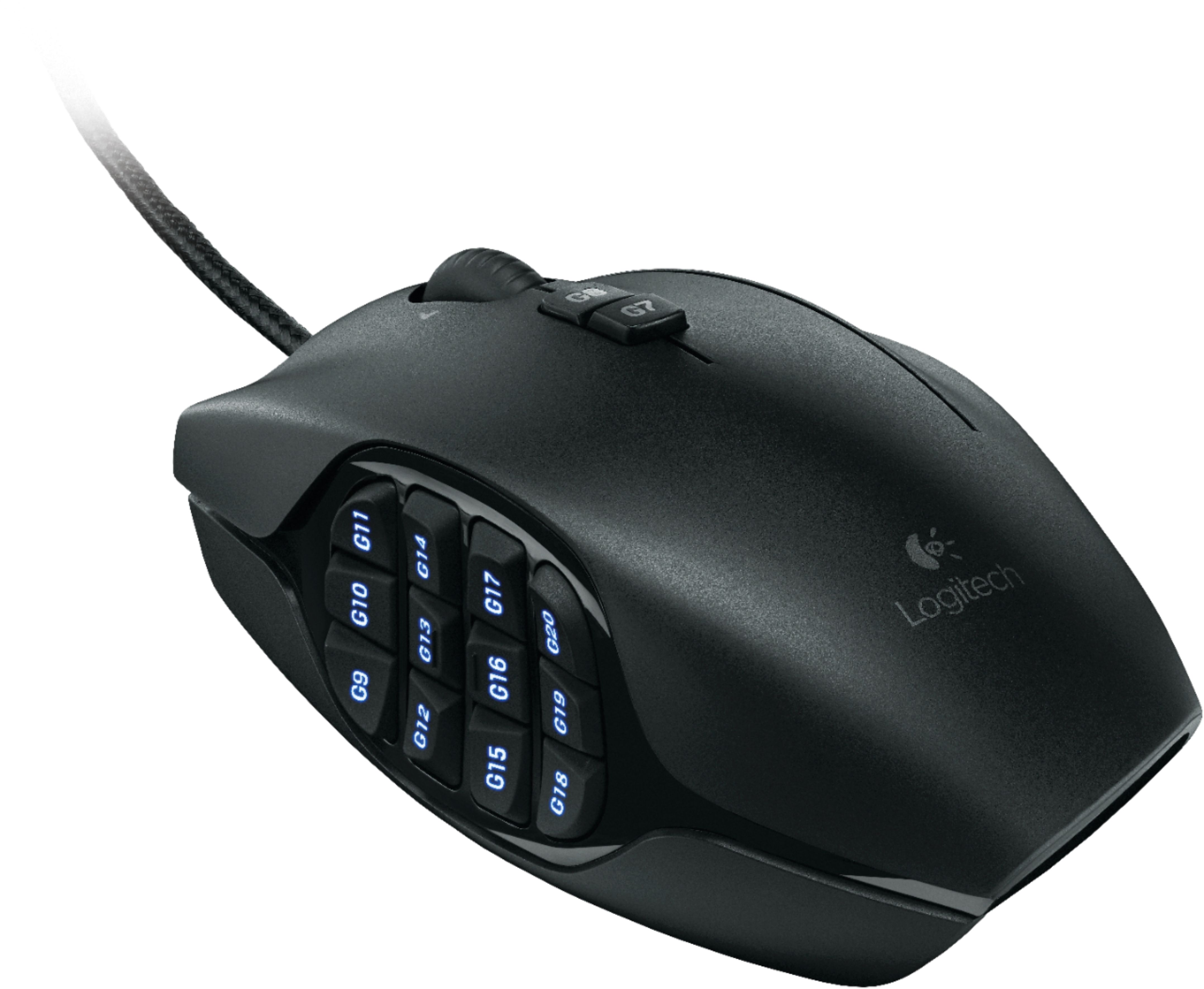
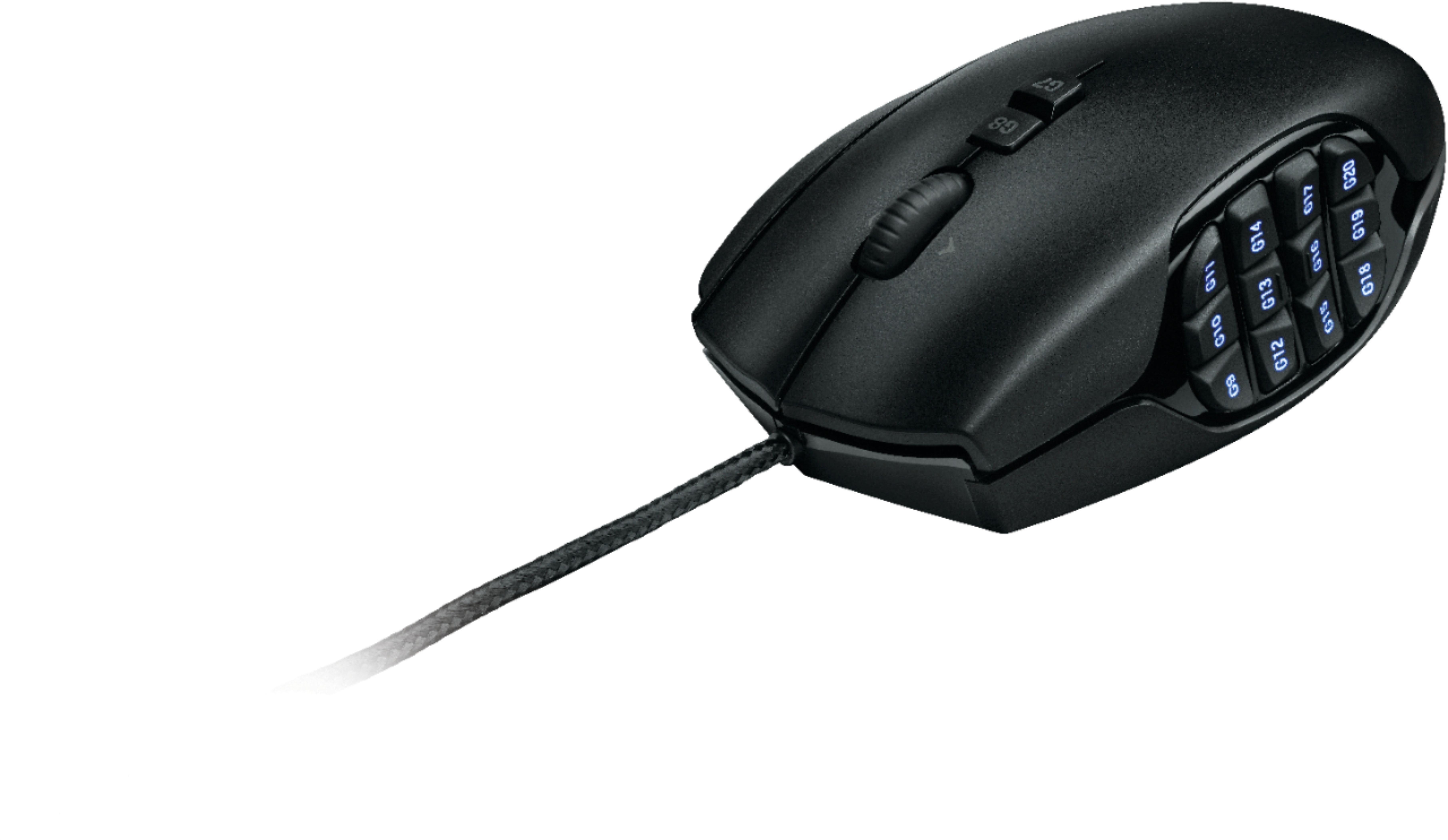
Customers value the G600 MMO Wired Optical Gaming Mouse for its numerous programmable buttons, ease of use, and affordable price. Many appreciate the mouse's weight and responsiveness in gaming, finding the accompanying software intuitive. While some find the size less than ideal and the cord could be improved, the positive feedback on the button layout and functionality is overwhelmingly prominent.
This summary was generated by AI based on customer reviews.
- Pros mentioned:Software
Rated 4 out of 5 stars
Better than competitors, but short lifespan
Posted .This reviewer received promo considerations or sweepstakes entry for writing a review.I've used an MMO mouse for 7 years as my primary mouse for productivity, far from their intended use in gaming. As opposed to throwing out macros and action bar casts, my mouse now throws out "copys" and "pastes" and a whole variety of useful shortcuts depending on application. I've used (2) Razer Nagas for this, (1) Mad Catz MMO TE, and now (3) Logitech M600s. Obviously, the entire industry has problems with long term, or heavy use as the case may be. The only one that hasn't broken is the Mad Catz, it's sturdy, but that's it's only benefit so it sits as a replacement part. The Naga eventually develops signal communication issues. The G600 has a tendency to have the left clicker go out early-- an issue with a lot of Logitech mice. All that said, from a feature standpoint, the Logitech is the best of the bunch. The thumbpad layout is curved into really 2 thumb pads, a front and a back-- this makes it much easier to learn the thumb controls than the bland Naga thumbpad, and the bizarre Mad Catz layout. The third "clicker" on the ring finger can take some getting used to and the mouse is large compared to the Naga and huge compared to a normal mouse, but not as weighty as the Mad Catz. The software is where the G600 really sets itself apart. Profile switching, keybinding, lighting, and macro recording are much much more intuitive and easier to use than the competing products. In all honesty, the products are not wildly different, they all share a similar layout, size, and function, but Logitech goes the extra mile in making their product easier to use and learn, and that's why they get my vote...that being said, if a competitor made one that lasted longer than 2 years, I'd be all over that one instead.
I would recommend this to a friend - Pros mentioned:Buttons, Software
Rated 4 out of 5 stars
Better than Razer
Posted .This reviewer received promo considerations or sweepstakes entry for writing a review.I like it a lot more than the Razer I had before. It's easy to find all the buttons and it works fine with Windows 8 and all the older versions. I did have to return it after a month of heavy use because the right mouse button stuck. Hopefully that won't happen again.
I would recommend this to a friend - Pros mentioned:Buttons, Ease of use
Rated 5 out of 5 stars
Best hands down
Posted .This reviewer received promo considerations or sweepstakes entry for writing a review.Ive used this mouse for World of Warcraft and now Final Fantasy XIV. It is the best gaming mouse or any mouse for that matter. All the buttons are programmable and make ffxiv a breeze for keybinds.
I would recommend this to a friend - Pros mentioned:Buttons
Rated 5 out of 5 stars
Tis about time
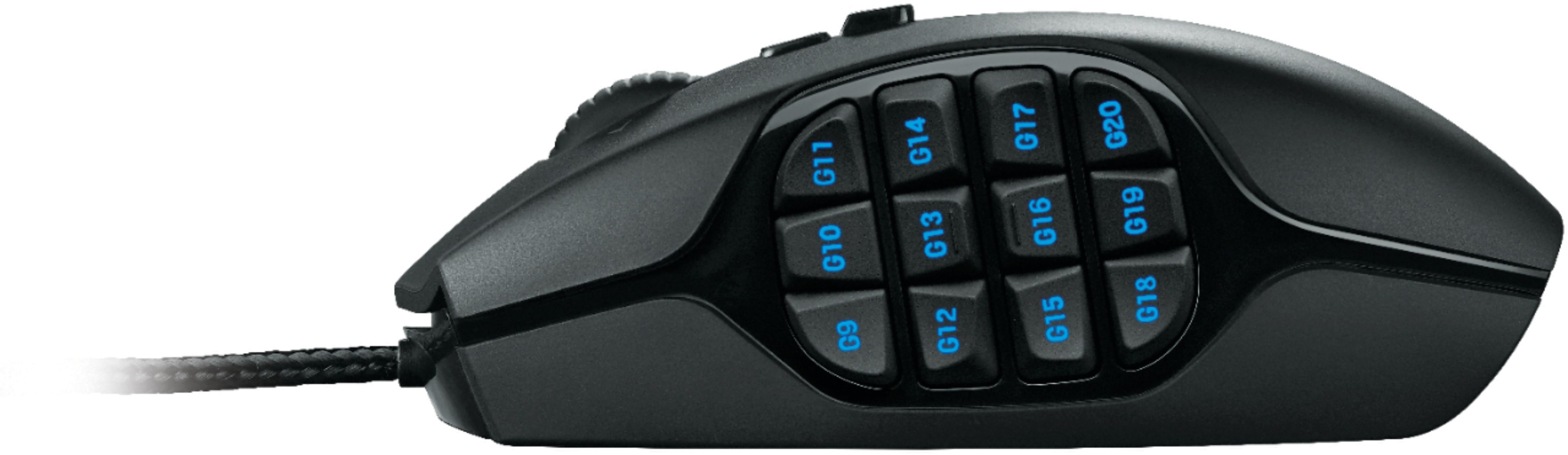
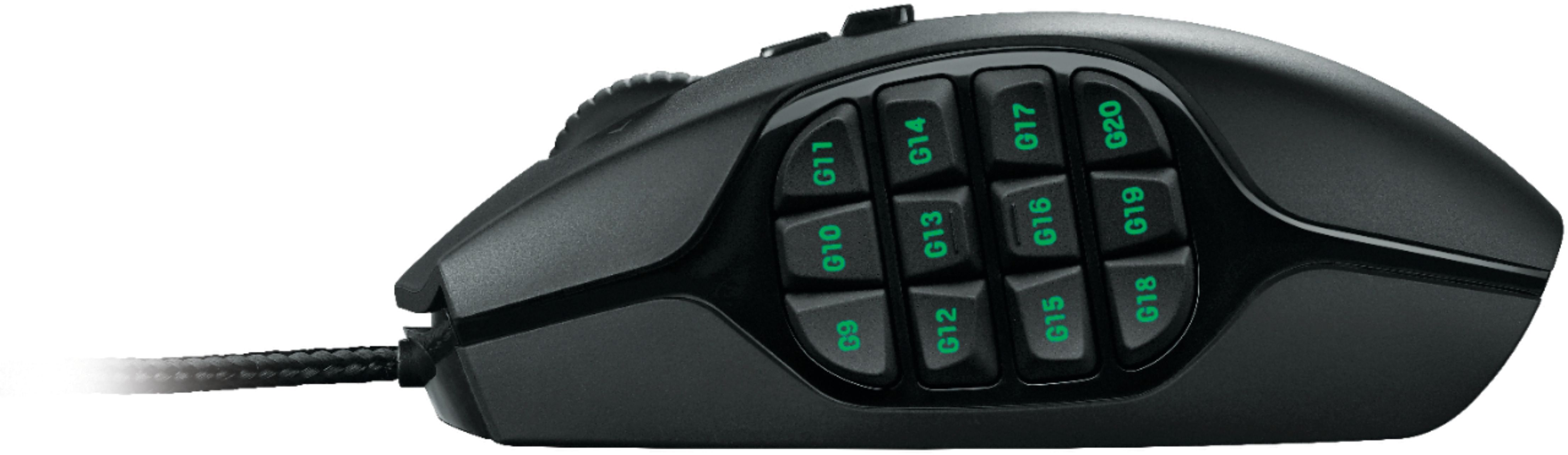
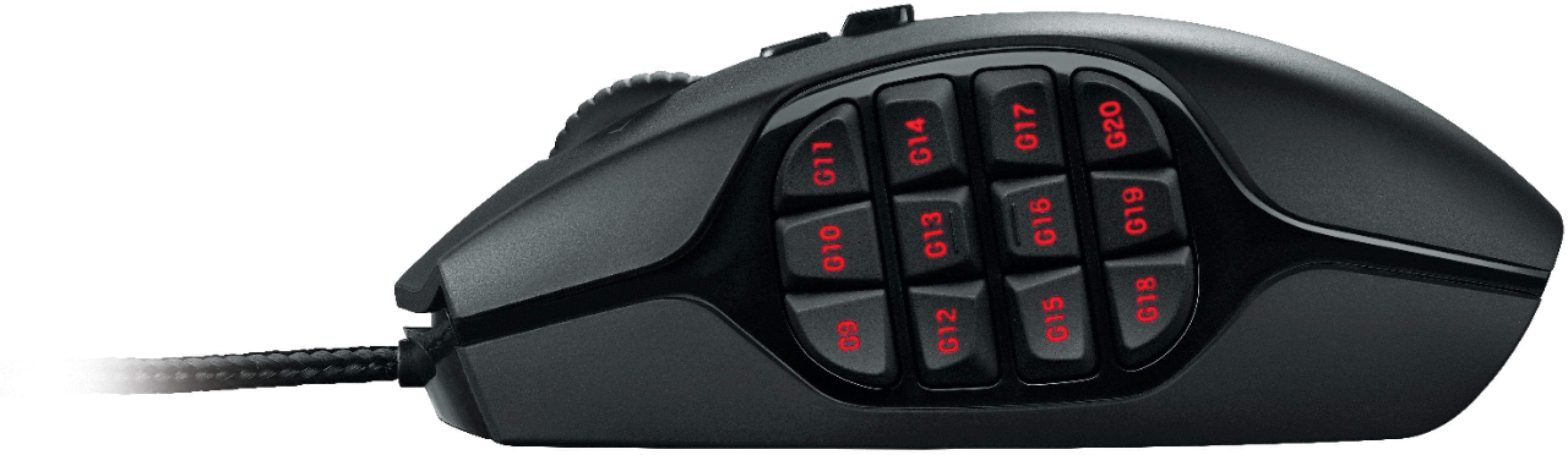
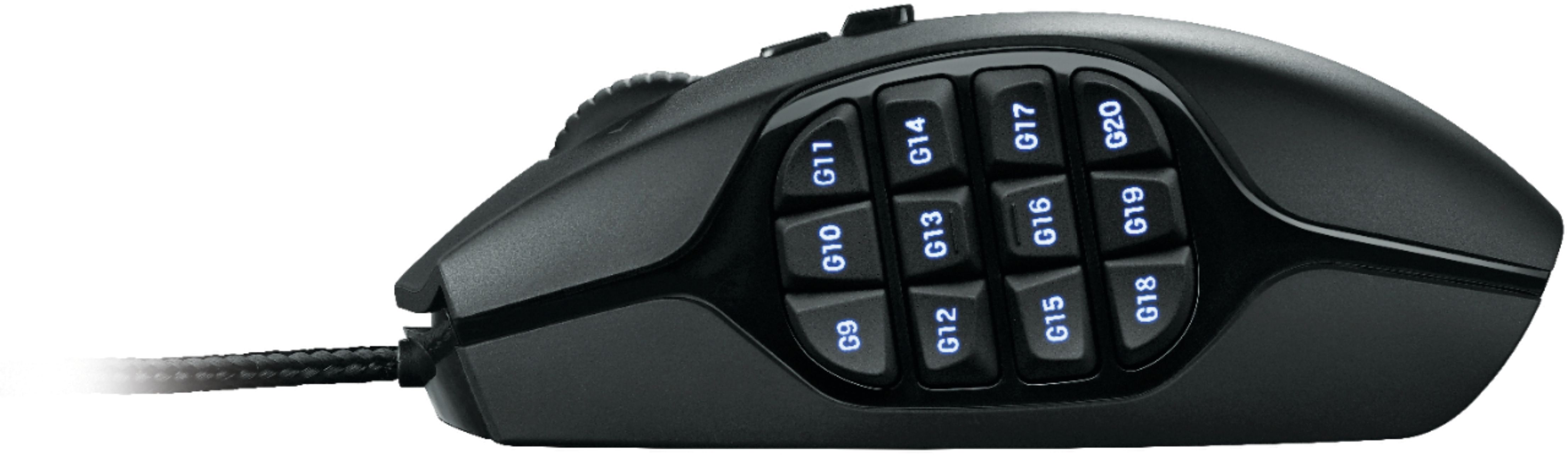
Posted .This reviewer received promo considerations or sweepstakes entry for writing a review.A user freindly, multi game memmory, mouse with more buttons than you can count. The 12 thumb buttons are angled just enough that you know where your thumb is at all times. 20 buttons total to preprogram for each of your favorite games. 20 sound like to many, you can program the ones you want and turn the others off to keep from doing yourself mischief.
I would recommend this to a friend - Cons mentioned:Size
Rated 3 out of 5 stars
Great Concept... Poor design
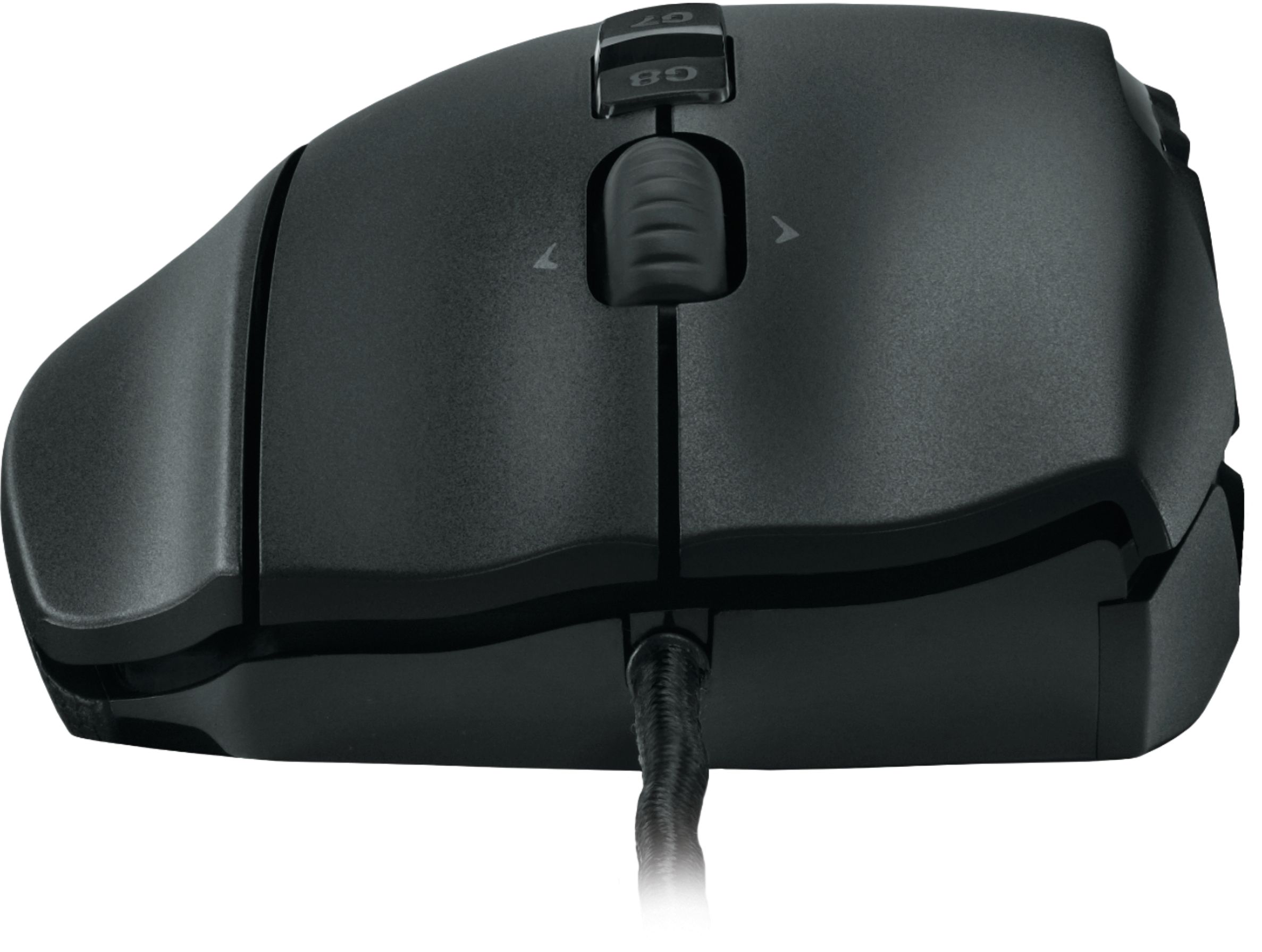
Posted .This reviewer received promo considerations or sweepstakes entry for writing a review.had the Razer Naga Elite MMO mouse and the right mouse button stopped working. Tried this because 1) Logitech has a good rep, 2) it's similar in design to the Naga, and 3) the price was great (~$20 cheaper than the Naga). First problem is, it's HUGE--the G-shift key on the right side, sticks out--made it a bit uncomfortable to use after a longer period. Also, more importantly, if you aren't careful, you can actually click the G-Shift key by mistake--this changes the mode you're in--which messes up the keys/keybinds you are currently using. You have to go in to the other two profiles and disable or change the keybind to that button. Second, the G10 key, on the side, stopped working after about 4 days. Came to find out, after searching online forums, etc., that both of the first two problems above are quite common, especially the keys stopping working. This is a known problem, which Logitech is supposedly aware of, but has yet to fix. What's good about it, however, was the customization of the mouse--you had several different combinations of keybinds. Maybe too many, but that will depend on your needs. As stated above, the price is great. But not for the headache with the G10 (and other keys, according to the forums/reports) not working. I would not recommend this to anyone, at least until they 1) get the keys to work and 2) alter the design slightly--putting the G-shift key on the side of the mouse, like the G keys on the other side, would be a better option--you're MUCH less likely to accidentally click them since you won't be resting your hand on the key itself.
No, I would not recommend this to a friend Rated 5 out of 5 stars
Perfect
Posted .This reviewer received promo considerations or sweepstakes entry for writing a review.I bought this mouse for Arma 3 and it works perfectly. This mouse has a massive amount of potential for people who want a lot of mouse key binds. I highly recommend this mouse.
I would recommend this to a friend- Pros mentioned:Buttons, Ease of use
Rated 4 out of 5 stars
Good would recommend, comfortable
Posted .This reviewer received promo considerations or sweepstakes entry for writing a review.Its a great mouse i had no real issues with it it was just a plug in and go no setup up needed it feels great in the hand the 3rd ring finger button is absolutely comfortable(little sensitive) side buttons fell real nice i would give it a 5 out of 5 but nothing is perfect. Great buy for price
I would recommend this to a friend Rated 5 out of 5 stars
Great built, responsive and comfortable
Posted .This reviewer received promo considerations or sweepstakes entry for writing a review.I have this mouse for about 3 months now, and I got it mainly to play WoW. The app to customize it is very simple to use and intuitive, and there are lot of ways to personalize what each button can do. Also, the mouse is very well built, feels like it wouldn't tear up during normal use. But there is a learning curve to master it in games. Great buy!
I would recommend this to a friend- Pros mentioned:Buttons
Rated 4 out of 5 stars
Great quality mouse
Posted .This reviewer received promo considerations or sweepstakes entry for writing a review.I like this mouse too much its a problem. The 12 button grid on the side seems ridiculous but over time you start mapping a row or two of them and you get really used to it. The third click is a differentiating feature and it is ergonomically very comfortable. Ive had this mouse for almost 3 years now and the only gripes I have is that the cord has gotten a bit stiff. I dont know if my environment has played a role in that but the cord feels much stiffer now than when I first got it. My other problem is that this thing is super heavy, many gaming mice market the weight of the mouse allowing for lighter faster more reactive responses but this mouse is a dense boy.
I would recommend this to a friend Rated 5 out of 5 stars
Excellent mouse for all game types
Posted .This reviewer received promo considerations or sweepstakes entry for writing a review.I have used this mouse for about 2 years now and it has yet to let me down. I play everything from fps to mmos and it works seamlessly with all of them. Where as the other 12 button mouse did not fit my tiny hands correctly this one feels great and allows me to game for hours on end without any discomfort or difficulty.
I would recommend this to a friend- Pros mentioned:Software
Rated 5 out of 5 stars
Very Nice MMO Mouse
Posted .This reviewer received promo considerations or sweepstakes entry for writing a review.This mouse just feels great the way it is curved. It has a total of 20G keys counting your right click, left click, middle mouse down, and mouse scroll left-right. It also has a G-shift key that allows you to double the number of commands assigned. I have played Tera and SWTOR so far with it and had no problems other than not having enough action bars to assign to all my G keys lol. If your a fan of the Logitech G Series gaming devices your going to love this mouse. Works with the Logetech Gaming Software Ver. 8.30.86 I had to upgrade my version to get the software to see it but it only took a few minutes to do. I am using the G13, G19, G930 headset, and now added the G600 mouse. Its nice having the ability to change profiles for all 4 devices at the same time.
I would recommend this to a friend Rated 5 out of 5 stars
Why no Mac support?
Posted .This reviewer received promo considerations or sweepstakes entry for writing a review.The mouse's specs (8200DPI) won me over. As did the ergonomics. It's shaped differently to their old G9, but it doesn't take too long to get used to, and it has a silky smooth feel to it, which is easy on the palm. And, unlike what's shown on the box, the buttons will glow a full palette - not just red, green, and blue. :)=5 If anything, there is no ability to control DPI on the mouse (unlike the G9). But there is a downside: A long-time user of Logitech mice, and Macs, I've noted a discontinuity in how Logitech supports Macs. Some mice (e.g. their Revolution MX) are supported. Their gaming G9 and G600 have no support. At least in OS X. I did read that using Windows to configure the mouse and buttons is possible, with settings carried over to the Mac. So there are workarounds, but it can be inconvenient for those who don't have Windows PCs. By default, the "G" keys (9-20) on the side act as a numeric keypad in OSX. If you're using this on a MacBook, that saves you the expense of another numeric keypad device, even if the layout is a little weird. With luck, Logitech will more completely include Macs in the future. My G10 keyboard is supported, and it's great to have that support! Especially given the historical quality of Logitech's devices. Definitely recommended, though if you use Macs be aware of these nitpicks, including lack of pre-set DPI options on the mouse when compared to its predecessors. It's not enough to knock off major points, but driver support would have been sweet. It'd be worse if the mouse didn't run under OS X at all.
I would recommend this to a friendRated 4 out of 5 stars
Better Then Razer Naga's
Posted .This reviewer received promo considerations or sweepstakes entry for writing a review.First let me start by saying I originally purchased this mouse to replace my old Naga (blue) after the left click stop working. I starting playing some of my MMO's and was on the fence on keeping it so I returned it. Picked up the Wireless Naga figuring that be close to the old one but , after a few hrs I notice consistent mouse pointer jump and really had no need for the wireless so I returned that one too. Then I picked up the Naga 2014 figured the new design be great. At first it felt great but notice I kept pressing the wrong keys on the side even when not fully engaged in a battle. This is because the buttons are to close and the contour shape did nothing to make the buttons stand out . So i returned it. Finally, Went back and picked up the G600 again. Yes, it takes a bit of getting used to but, overall its a better mouse design and the software is 100x better then Razer. Is it the best mouse I ever used ? No , but overall if you are big MMO player this really is the mouse to get.
I would recommend this to a friendRated 5 out of 5 stars
I Bought This
Posted .This reviewer received promo considerations or sweepstakes entry for writing a review.What I hoped for, got it fast, no issues. Minimum 50 characters (9 remaining)
I would recommend this to a friendRated 5 out of 5 stars
Great mouse for efficiency
Posted .This reviewer received promo considerations or sweepstakes entry for writing a review.Not a gamer- actually an engineer. I use a ton of keyboard shortcuts at work with two different software programs and would always mix up which keyboard shortcuts applied to which program. (For example: draw a circle might be “C” in one program but “E” in another). With this mouse I can set up the keyboard shortcuts in the thumb buttons and have different modes for each software (so when I open the software I switch the mouse to my “blue” or “green” profile). Then the function of each thumb button stays the same (so bottom left button always means draw a circle no matter which program I’m in). Another excellent thing is that the mouse doesn’t require the Logitech software to be installed on the computer you’re using the mouse with. It only needs the software to set it up and customize the buttons/commands. Then once you build your profiles, the mouse has its own memory on board for the commands, making it plug and play. This meant that I didn’t have to ask the IT department at work to clear the Logitech software for special drivers or anything. This mouse is also very comfortable and has significantly reduced the strain I get in the back of my hand. I would highly recommend this mouse for people who use keyboard shortcuts on a regular basis.
I would recommend this to a friendRated 5 out of 5 stars
Amazing MMO Mouse for hotbar games
Posted .This reviewer received promo considerations or sweepstakes entry for writing a review.For games like FFXIV that use a hotkey bar system, this mouse is spectacular since you're able to hold down the third mouse button and press the side buttons to access the full hotkey bar. Just using your left hand can only comfortably let you access possibly for keys 1-8, but with this MMO mouse you can easily press 1-9, 0, -, and =. Given that you adjust the in-game hotkey bar to be something like "ctrl+1, ctrl+2, etc", you can effectively use 24 hot keys easily with only your right hand by setting the third mouse button to be "control". Especially in FFXIV, you can just click left and right click at the same time to move. There are many sessions where I just sit there with my right-hand to play the game, with full access to my hotkeys at level 70. Adding in-game and Logitech-software macros to the mix, the possibilities become endless. There are other intuitive ways to effectively use the mouse that I haven't mentioned, but by now I think you get it. The ergonomics are good, since your entire hand rests on the top due to how wide it is from the third mouse button. I believe there are only two large Teflons on the bottomside of the mouse making for easy replacement if you're really rough with it. Standard RGB capability. At this point here in September 2017, having RGB is like an industry standard. It doesn't have cool features like Razer does, but this outshines the Naga because of its functionality. I gave this to my girlfriend, and now I'm aching to buy another, but it's sold out! My overlords, please restock this mouse!
I would recommend this to a friend- Pros mentioned:Ease of use
Rated 5 out of 5 stars
Great feel and easy setup
Posted .This reviewer received promo considerations or sweepstakes entry for writing a review.If you play any game where you need multiple keys used this is the mouse for you. The third button at your ring finger gives you the option of remapping all the thumbs buttons to a second function. The feel of it is amazing and sits well in my hand. Only draw back is that from time to time the mouse does jump across the screen. I did read reviews before I bought it about this so I did expect it to might happen. But it doesn't happen enough to make it a big deal.
I would recommend this to a friend - Cons mentioned:Size
Rated 5 out of 5 stars
Great MMO mouse
Posted .This reviewer received promo considerations or sweepstakes entry for writing a review.For anyone with larger hands this is a lot easier to use then the Razer Naga. I had one for several years but always felt like the buttons were too small and close together and kept fat fingering everything. I tried out a revised updated naga also but it still felt clumsy compared to the G600. The one thing I will say the naga has going for it over the G600 is the software is much more capable.
I would recommend this to a friend Rated 5 out of 5 stars
Feels good and lasts long.
Posted .This reviewer received promo considerations or sweepstakes entry for writing a review.I bought one of these over 10 years ago and I'm still using it as my main mouse. I bought it for MMO gaming having the 12 buttons on the side and I love how those buttons feel, and they also work in anything that uses the "1" to "=" keys. I use them when entering numbers into any form online as that now feels more natural than any of the number keys on the keyboard. Found this on BB's site while considering getting a new MMO mouse since the "9" button is only registering about 80% of the time and it now sometimes reads a single click as a double click. Back then I paid $60-$70 for it and it was well worth it then for the features it has and the durability with how long it's lasted.
I would recommend this to a friendRated 5 out of 5 stars
A relatively cheap gaming mouse
Posted .This reviewer received promo considerations or sweepstakes entry for writing a review.Good, cheap mouse with plenty of customizable buttons for games or just general computer use.
I would recommend this to a friend