Customer Ratings & Reviews
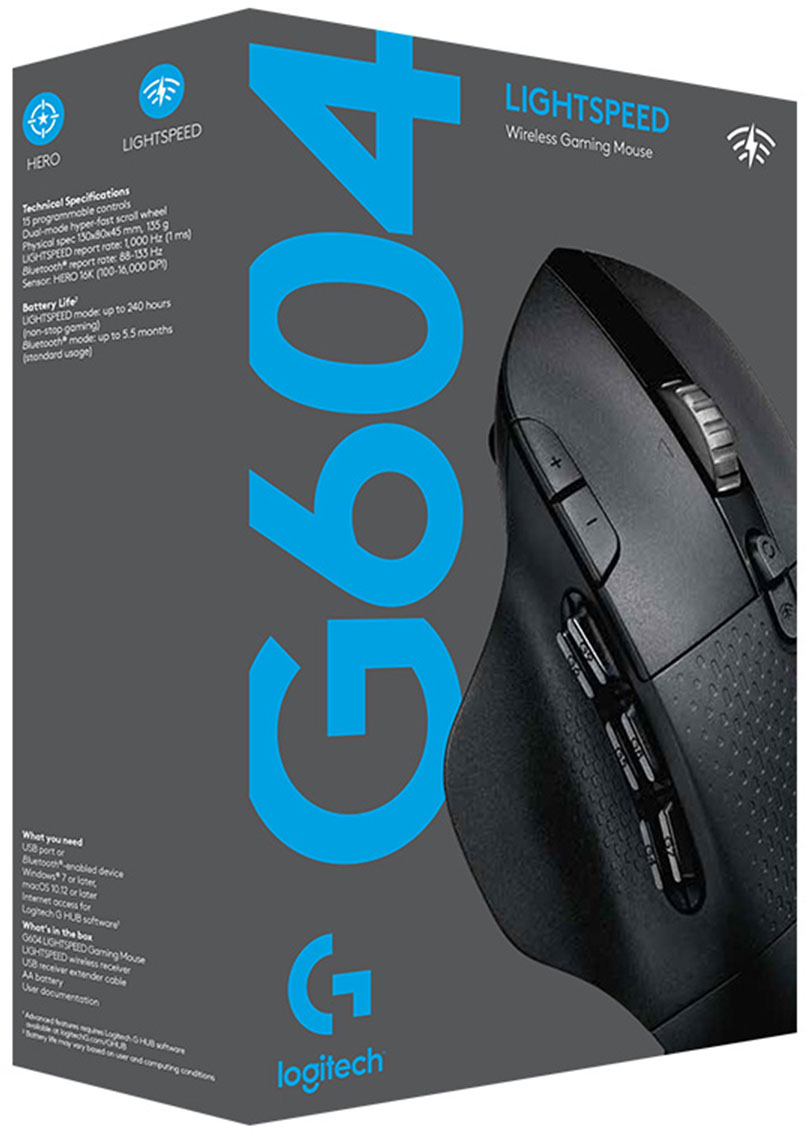
- Model:
- 910-005622
- SKU:
- 6372599
Rating by feature
- Value
Rating 4.5 out of 5 stars
- Quality
Rating 4.6 out of 5 stars
- Ease of Use
Rating 4.5 out of 5 stars
Customers are saying
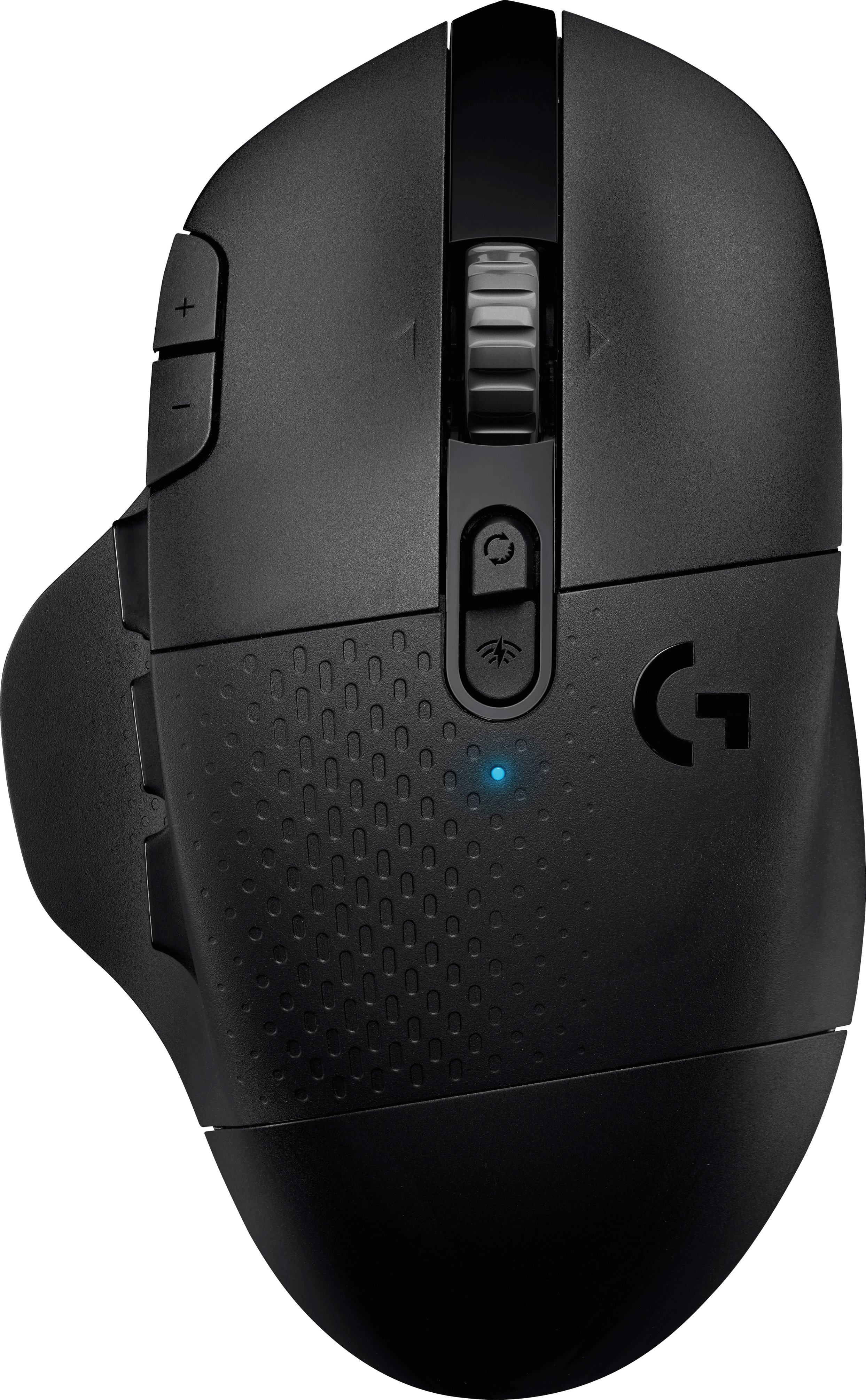
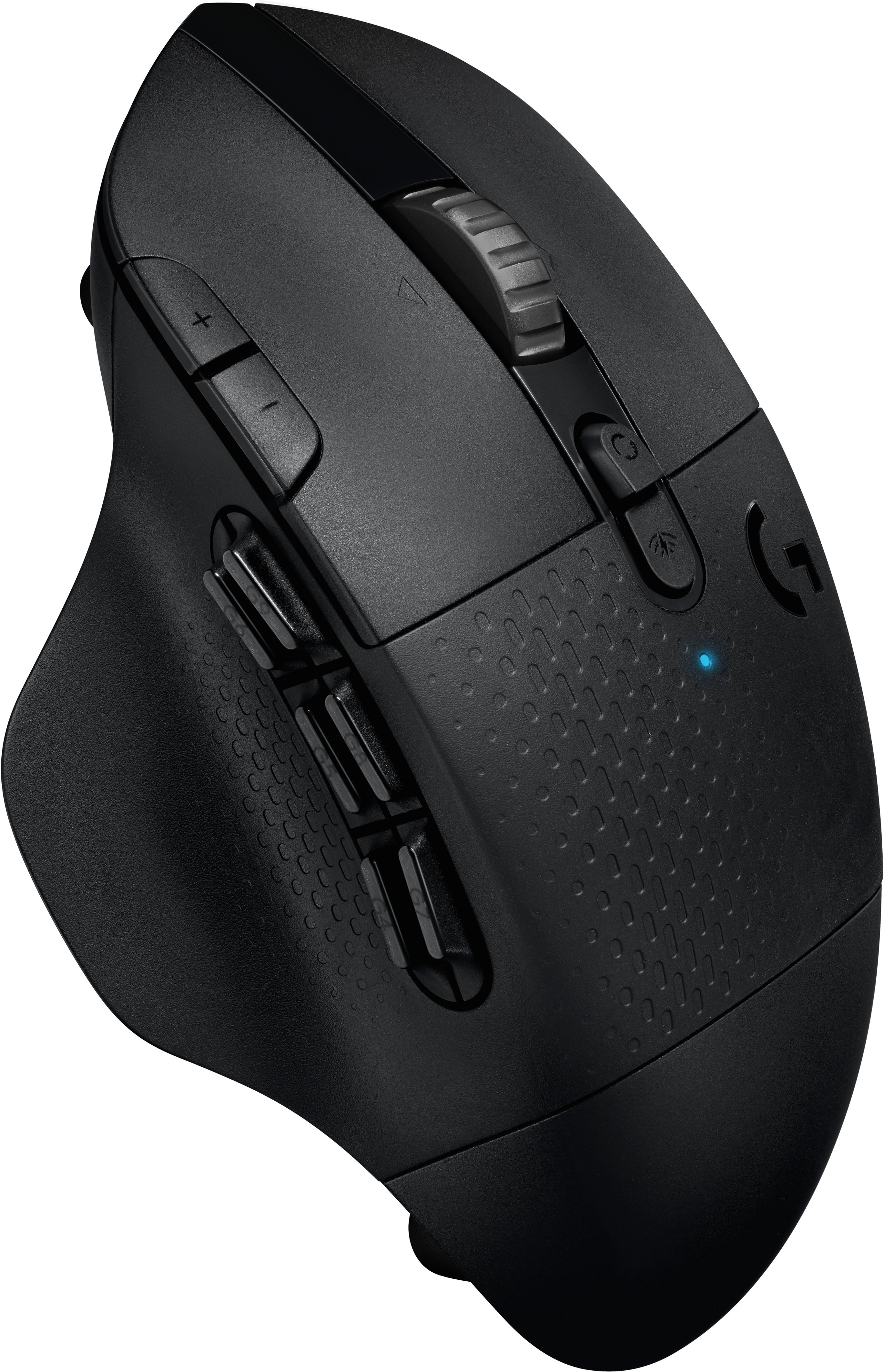
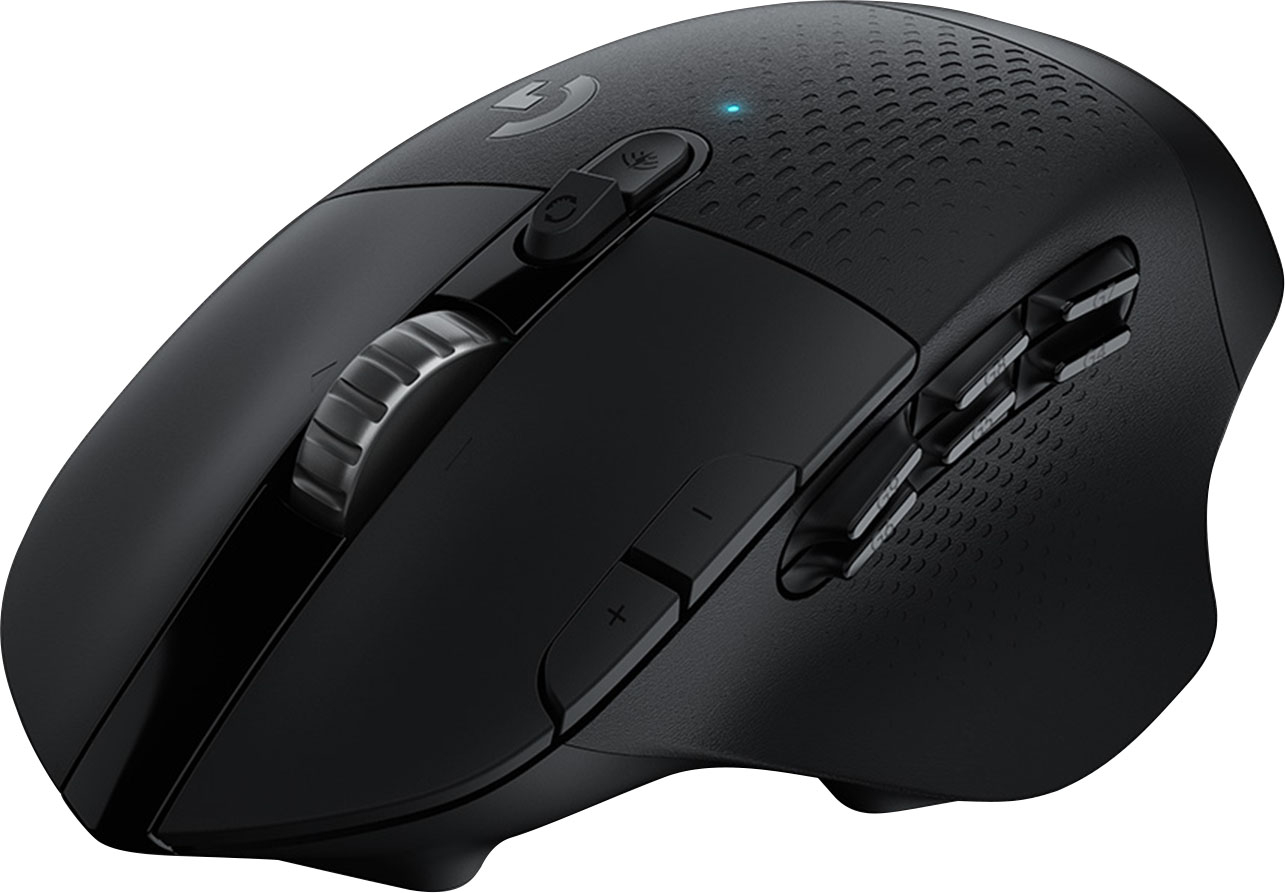
Customers enjoy the long battery life, Bluetooth connectivity, and abundance of programmable buttons on the G604 mouse. Many appreciate its comfortable design and the smooth, precise scrolling offered by the unique scroll wheel. However, some find the mouse too heavy or large, and others have reported issues with the software or occasional double-clicking. The price point is generally considered favorable.
This summary was generated by AI based on customer reviews.
Disappointing successor to the G602
||Posted . Owned for 1 month when reviewed.This reviewer received promo considerations or sweepstakes entry for writing a review.coming from the predecessor G602, i was disappointed by this. the shape and ergonomics are not as comfortable and logitech's new program GHUB is terrible compared to their old "logitech gaming software". the side buttons are a noticeable improvement but the metal scroll wheel is terrible, slippery (for us dry hand fellas), and really, really loud. for $35 it'd be a decent buy, but i wouldn't pay any more than that.
No, I would not recommend this to a friendBrand response from Logitech
Posted .Hello we are sorry to hear about your issues with the G604. I have forwarded your feedback to our product team. We hope you have found another product in the Logi family that suits your needs. If you ever have any feature/settings questions, please visit us for support at https://support.logi.com/hc/en-us
Wheelie Mouse
||Posted . Owned for 1 week when reviewed.This reviewer received promo considerations or sweepstakes entry for writing a review.Wheel speed cannot be adjusted . This makes no sense for expensive mouse
No, I would not recommend this to a friendGood, at first. Now it's just annoying
||Posted . Owned for 7 months when reviewed.This reviewer received promo considerations or sweepstakes entry for writing a review.The mouse worked great until about 4-5 weeks ago. Since then, it wakes upp it's at a low DPI. I have to open the Logi Hub, navigate to the sensitivity settings then select the DPI I want. Not fun. After that, it works fine again until it goes to sleep and I have to do the whole process over again. This happens many, many, many times per day. Logi Customer Service has been non-responsive.
No, I would not recommend this to a friendBrand response from Logitech
Posted .Hello Hootie, Very sorry to hear about the issues you're having with the G604 and having to reset your DPI multiple times throughout the day. By default, the DPI settings are 400/800/1600/3200 with 800 being the default. The G604 allows up to 5 onboard DPI settings, which you should be able to save via G Hub. If you're unable to save, be sure that you're logged in to G Hub with a profile. If the problem persists after you've tried these suggestions, Logitech does have a 2-year limited hardware warranty. Here's a link to File A Claim: https://support.logi.com/hc/en-us/articles/360036533973-Warranty-G604. Hope that you found this helpful and that all is going well. Thank you for being a Logitech customer. - Richard from Logitech
Average mouse for gaming
||Posted . Owned for 5 months when reviewed.This reviewer received promo considerations or sweepstakes entry for writing a review.Not a bad mouse for the price but I personally do not like it how it fits in my hand. Shape is somewhat awkward
No, I would not recommend this to a friend- Cons mentioned:Software, Weight

Best option I have found so far for my uses.
|Posted .This reviewer received promo considerations or sweepstakes entry for writing a review.I have used a fair share of mice of the past few years and for a long time my preferred mouse has been the Logitech G700. For my uses and how it made me more made it the perfect mouse for me. That including it shape conformed to my hand like a custom glove. I have also used the Roccat Tyon which I also liked the button layout and the paddle switch on the right side. The G700 gave up the ghost after my co-worker knocked my coffee onto it. The paddle switch on my Tyon essentially went crazy and registers a continuous press when ever I use it. So I began a search for the next best thing. I tried the MX Master series, but they lack buttons that I like to assign various marcos to, and I didnt want to go full on MMO mouse as they are too hectic. I came across the G604 and I liked the number of buttons offered and the layout. Another benefit was the added connectivity. I also have a Logitech MX Anywhere 2 which was my go to travel mouse but it lacked the buttons. But the big draw to that was I could jump from using it on my desktop/surface/phone from one peripheral. The G604 only allows me to jump from 2 devices. And one of them has to be using the transmitter while the other connection is Bluetooth. But it is better than just a single connection. For my past wired mice I used a kvm switch for my various systems. The shape of the mouse does not bother me and I do find it comfortable. The thumb rest cradles my thumb so I do not feel it drag on the surface. My hand is relaxed when manipulating the mouse and all the buttons seems like they are in a logical layout. The G604 glides very smooth over the bare desk or on various mouse pad surfaces I have used it on. The texture of the mouse is also good. Hopefully it will hold out. All of my past Logitech mice develop wear marks over extended use. I also like that there are no tacky RGB "gaming" lights on it. Now onto some negatives. 1. The G Hub software is not that intuitive and does not like to play nice with my firewall at work. So that didn't even want to install. I did manage to get around it. BUT without the G Hub software the mouse is boreline unusable. DPI is set VERY low. Once installed there are a lot of options in G Hub but they require a lot of getting used to. At present I have 3 DIFFERENT software packages from Logitech......... why. (It makes me think I have too many mice.) 2. The G604 is on the lighter side. Makes it feel a bit cheaper. But over longer periods of use the lighter weight I guess it's welcome. My G700 had a good weight to it. 3. I would've like to see more Bluetooth connections available rather than just 1 bluetooth and one transmitter. Aside from these minor issues I overall like the mouse and will become one of my daily drivers and would recommend it to anyone who needs an ergonomic mouse with well placed buttons that can be programmed with virtually any macro.
I would recommend this to a friend Nice mouse but defective
||Posted . Owned for 2 weeks when reviewed.This reviewer received promo considerations or sweepstakes entry for writing a review.I honesty loved this mouse when i first go it 2 weeks ago but now it is stuttering every now and again :/
No, I would not recommend this to a friend- Pros mentioned:Battery lifeCons mentioned:Weight
great wireless mouse
|Posted .This reviewer received promo considerations or sweepstakes entry for writing a review.I love this mouse. I have been wanting a wireless mouse that is similar to my G502. I finally got this one to try out. and boy do I love it. I will admit on a few things that I don't like about it first. as much as I wanted a wireless mouse, I wanted one that I could plug in to charge. would hate to be in a match and battery die and not have a AA battery around. It also does not allow for weights. its pretty heavy for a mouse but some might want more weight. also no RGB lighting. last thing I can think of for now for a negative is that a couple of the buttons did not register as there own button. so I could not just open up my customization tab in a game and assign a command to some of the mouse buttons. the buttons work fine, and I was able to easily assign the buttons to a keyboard function like 9, and then was able to use the mouse button in place of using 9. my issue though is that I still then have to use 9 as a button for a command. so I am not freeing up a button. overall though, those are not to big of issues for me. the layout of the 6 buttons was perfect for me. I find my thumb sitting on the bottom middle button and thus easily able to move it to hit the other buttons as needed. mouse glides smoothly across my cloth mouse pad. mouse feels great to me. again, not to many buttons that I forget what button is what, or that I have to move thumb in awkward positions to hit some buttons etc. buttons on side are perfect size, easily can feel them and know what button is what. the bottom middle button indents in some so you can easily position thumb and know you are on that button. if you prefer a non rechargeable mouse, this is for you. if not, well its still a great mouse as the battery last a long time (supposedly 240 or so hours) without needing to change it out.
I would recommend this to a friend Meh……
||Posted . Owned for 1 month when reviewed.This reviewer received promo considerations or sweepstakes entry for writing a review.Didn’t really like it. Ended up giving it to my son. He seems to be okay with it.
No, I would not recommend this to a friendDecent wireless mouse
||Posted .This reviewer received promo considerations or sweepstakes entry for writing a review.almost too sensitive and hard to configure macros would spend the extra $$$ for the next step up
No, I would not recommend this to a friendGreatouse. Low durability.
||Posted . Owned for 5 months when reviewed.This reviewer received promo considerations or sweepstakes entry for writing a review.This mouse is great as far as ergonomics and functionality. It sadly does n ot stand the test of time. It's been 3 months and the right mouse button has given out. This same thing happened with the g502 hero I bought a few months prior. The 604 was a replacement for the faulty 502 that was already replaced by logitech for a bad right mouse button.
No, I would not recommend this to a friendBrand response from Logitech
Posted .Hi Astinus01, thank you for your feedback! This should not be the case, as the G604 is backed with a 2-year limited hardware warranty. For support, please refer to: https://support.logi.com/hc/en-us/articles/360036534033-Getting-Started-G604 - Will, Logitech G.
G604 Gaming Mouse
||Posted . Owned for 1 week when reviewed.This reviewer received promo considerations or sweepstakes entry for writing a review.The G604 Mouse definitely looks overall cheaply made compared to the G602 Mouse for which I have 2 of and they are Outstanding. I need another for my Laptop, and it works OK, just average, and programming the keys is very hard to do compared to the ease of the G602 which is much easier. I am disappointed in this product for sure.
No, I would not recommend this to a friendBrand response from Logitech
Posted .Hello TomNightCrawler! I'm sorry to hear about the issues you're having with the G604 mouse! Feel free to reach out to our support team here https://support.logi.com/hc/en-us/requests/new?ticket_form_id=360000621393 if you ever need any assistance or if something happens in the 2-year limited hardware warranty. Thank you so much for the design feedback and the difficulty of programming the buttons! I will be passing this along. - Maggie from Logitech G
Good mouse but battery dies fast.
||Posted . Owned for 1 month when reviewed.This reviewer received promo considerations or sweepstakes entry for writing a review.Good wireless mouse. Battery dies fast. Wish it was rechargable.
I would recommend this to a friendGaming mouse
||Posted .This reviewer received promo considerations or sweepstakes entry for writing a review.Function assignments don't have different color options like other gaming mice.
I would recommend this to a friendDisapointing
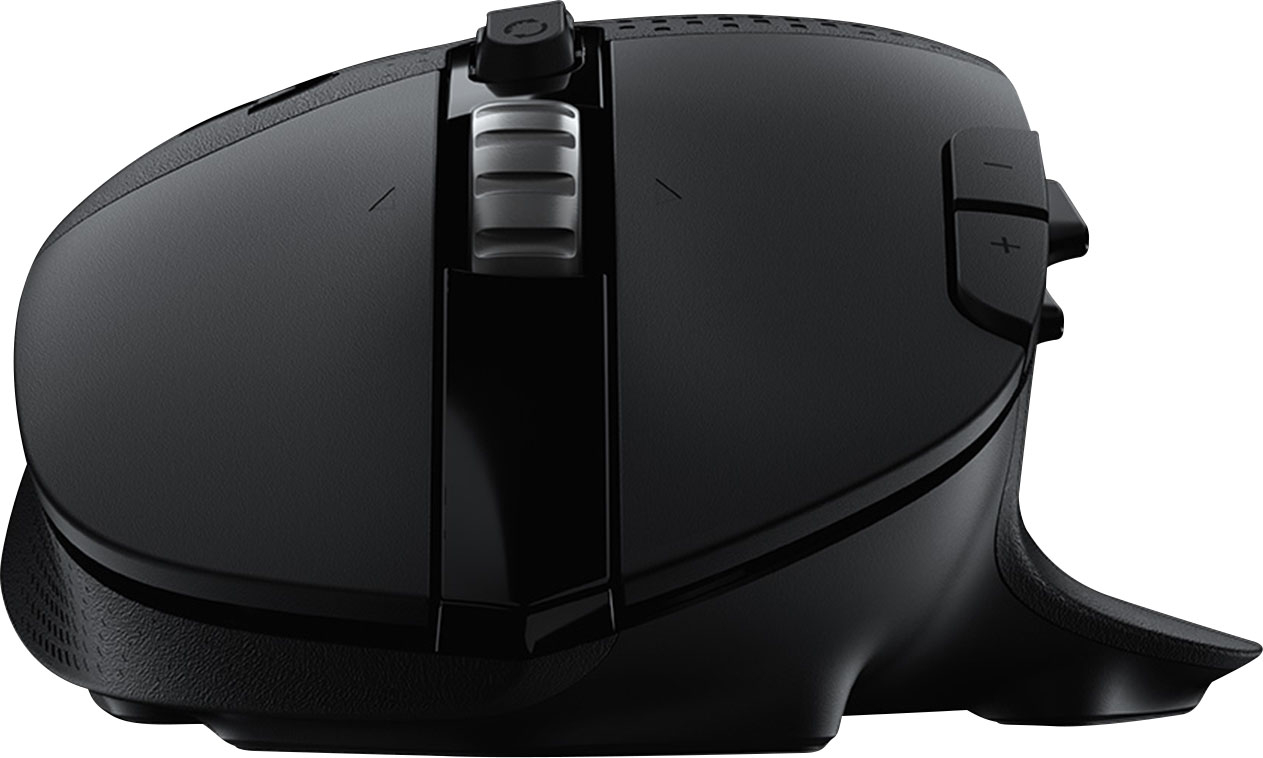
||Posted . Owned for 1 month when reviewed.This reviewer received promo considerations or sweepstakes entry for writing a review.This mouse was disappointing. There is no grip on the scroll wheel. It is smooth metal and my finger just slides across half the time I go to scroll. There is also not a good place to rest my little finger on the mouse. Everything else about it is fine. But those two issues were a deal breaker and I returned it.
No, I would not recommend this to a friendBrand response from Logitech
Posted .Hello dunger. We're sorry to hear about your experience with the G604 mouse. Thank you for the feedback, we will be taking this into consideration. - Logitech
- Pros mentioned:Battery life, Buttons, Scroll wheel
Absolutely outstanding, 10/10
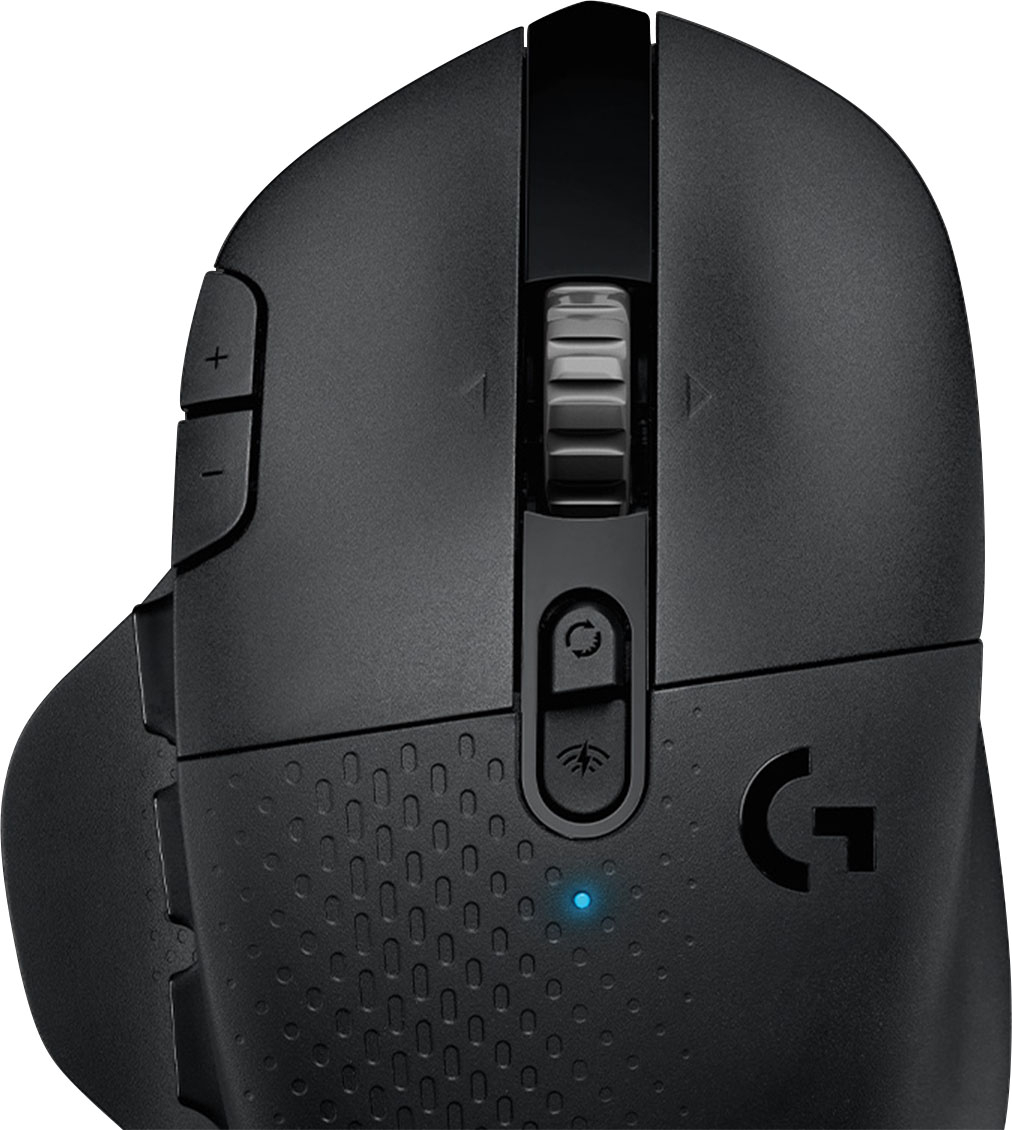
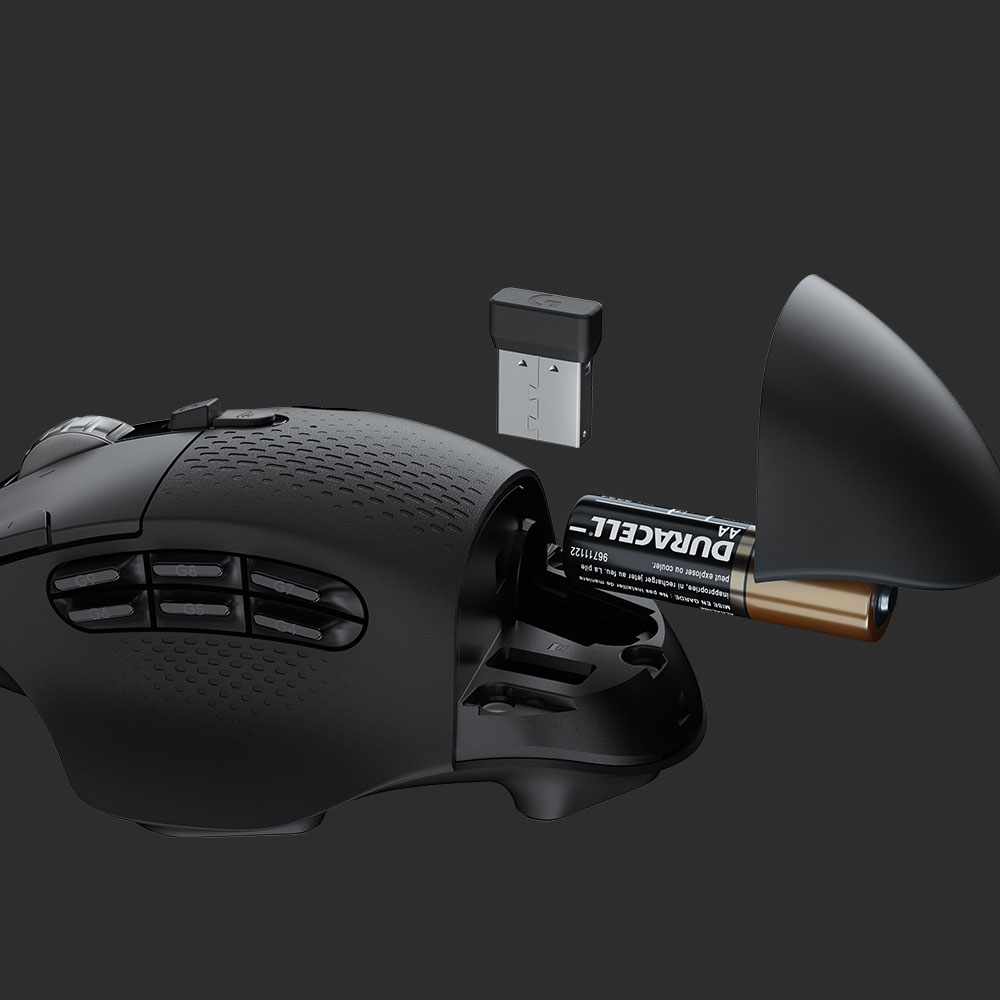
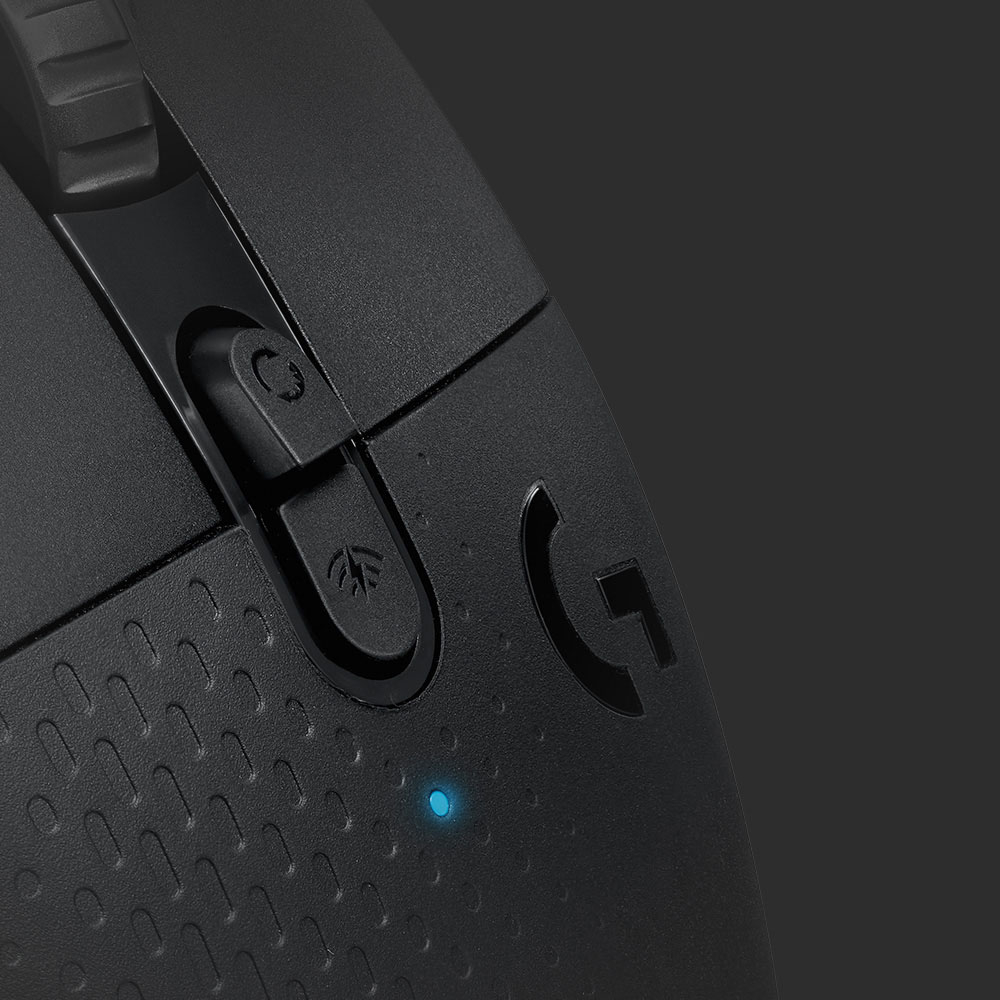
Posted .This reviewer received promo considerations or sweepstakes entry for writing a review.I came for the wireless and numerous buttons, stayed for the outstanding features and longevity. I bought this mouse because I wanted more buttons for games like DOOM and Minecraft I was getting into. I opted for wireless because my setup is funky and almost requires it, and figured I'd see how the delay is. I didn't end up using the USB extension cable or Bluetooth features, but they are very nice to have. Without the extension cable and at a distance of about 4 feet with some cloth and plastic obstructions, I have never noticed any latency problems. I've never had any connection problems at all. It just works. As for physical features, I'll start at the back. The removable battery compartment cover is held on with magnets nicely, and the USB receiver holder works great. The battery is replaceable, a normal AA battery, which is huge for me. It means seconds-long replacements, but I've had this thing last me months on each battery, with probably about 6 hours a day. Its battery management is insanely good. Moving up to the six side buttons, these work great. They are close enough to fit and be easily reachable by a normal thumb, yet sized to where I haven't misclicked any yet. Their click is good, and the thumb rest is comfortable. It allows for a more relaxed grip on the mouse which I find to be much better than mice without. In the center, there is the wireless control button, which I have yet to really play with, and the scroll wheel unlock. The scroll wheel is metal and the click is very satisfying, the best I've ever used. When unlocked, it spins freely and with surprisingly low friction. Pair this up with some canned air to get a high-RPM input for all your spammy needs, at your own risk. The mouse wheel also had a down, left, and right button I've had no problems with. The primary and secondary clicks are phenomenal. I've had zero problems with them over likely millions of clicks, and their short actuation distance is perfect for jitter clicking and firmly pressing alike. To the left, two great buttons stand. Out of the box, these change the DPI setting, but this and all the other programmable buttons are easily and intuitively changed by the G Hub software, This software is updated frequently, and it's nice to see a company keeping their stuff up to date with the newest games. It's all I could ask for in a mouse customization program. The 25600 DPI Hero sensor is everything it claims to be, and on a black plastic surface, I've had zero problems but plenty of fun. The power switch is good and the DPI changes are fast. This mouse is absolutely outstanding. Solid 10/10.
I would recommend this to a friendBrand response from Logitech
Posted .Hello, Jared! I'm happy to hear you're enjoying the G604 mouse! Feel free to reach out to our support team here https://support.logi.com/hc/en-us/requests/new?ticket_form_id=360000621393 if you ever need any assistance or if something happens in the 2-year limited hardware warranty. Thank you for this super in-depth review and for shopping Logitech G! - Maggie from Logitech G
Couldn't get all the buttons to work
||Posted . Owned for less than 1 week when reviewed.This reviewer received promo considerations or sweepstakes entry for writing a review.my main issue with this mouse is that all of the buttons on the mouse did not function, plus the buttons on the left side of mouse which are right next to your thumb are easily unintentionally activated. You simply brush your thumb against it and you've toggled it.
No, I would not recommend this to a friendBrand response from Logitech
Posted .Hello customer, I'm sorry to hear that your G604 wasn't working properly. If you download Logitech's G Hub software, you should be able to customize what the side buttons do to a huge degree, including setting macros, assigning them to certain key presses, etc. I apologize for any inconvenience this may have caused you.
Too clicky, lacking software support.
||Posted . Owned for 2 weeks when reviewed.This reviewer received promo considerations or sweepstakes entry for writing a review.Upgraded from a G602. This mouse has a toggle for the mouse wheel, which is great. But the "clicky" mode is just too stiff compared to the G602. It also doesn't support the older Logitech gaming software config, but that is all my gaming keyboard supports.
No, I would not recommend this to a friendBrand response from Logitech
Posted .Hello, Nick, the G604 is supported by our G Hub software. G Hub is our new gaming software that will allow you to customize features and keep your devices firmware updated. We recommend downloading G Hub for all your Logitech gaming needs. If you ever have any feature/settings questions, please visit us for support at https://support.logi.com/hc/en-us
- Cons mentioned:Double clicking
Double click issue
||Posted . Owned for 2 months when reviewed.This reviewer received promo considerations or sweepstakes entry for writing a review.Logitech still has not fixed the double click issues. This mouse is not worth the money. I regret getting it.
No, I would not recommend this to a friendBrand response from Logitech
Posted .Hi Jason, So sorry to hear about the double click issues you're having with the G604 Wireless Gaming Mouse. There may be a firmware update that may be needed which you can find out by downloading the G Hub Software (https://support.logi.com/hc/en-us/articles/360036534013-Download-Stub-G604). If that doesn't fix the issue, fortunately the G604 comes with a 2-year limited hardware warranty. Here's a link to file a claim https://support.logi.com/hc/en-us/articles/360036533973-Warranty-G604. Hope that you found this helplful and that all is well. - Richard from Logitech
Strange base
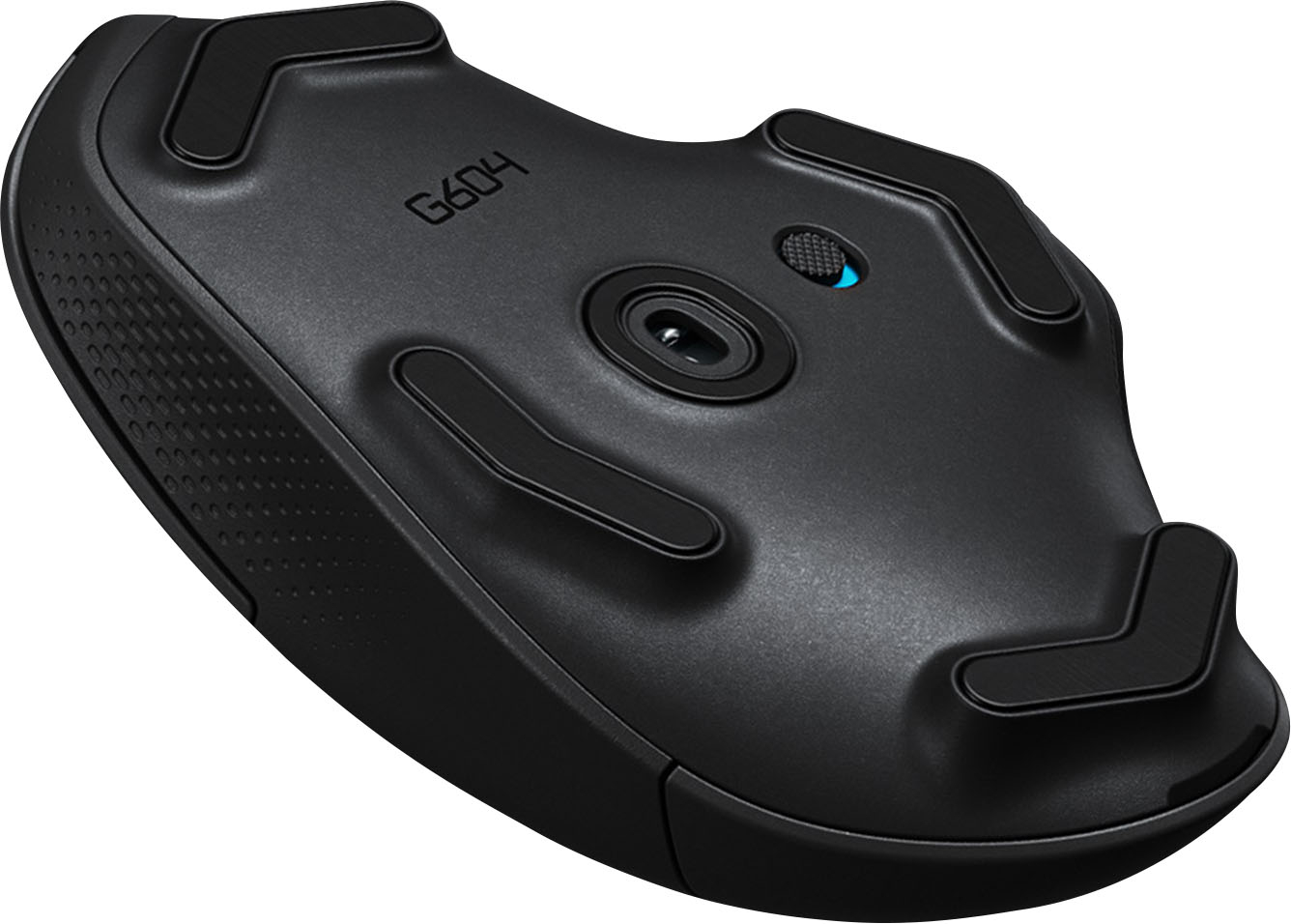
||Posted . Owned for 2 months when reviewed.This reviewer received promo considerations or sweepstakes entry for writing a review.Strange pads for the base of the mouse. Wanted to love it for the sensors, the button feel, build quality, but wish they made the base just flat. There's strange feet that make it not as smooth.
No, I would not recommend this to a friendBrand response from Logitech
Posted .Hi KevS, thank you for this review. I'm happy to see that you are happy with the overall build of the mouse. I'm sorry that the 4 feet on the bottom did not give you the smooth tracking you were anticipating with this mouse. Thank you for being a loyal Logitech customer. If you ever have questions about our products please visit us at support.logi.com
G604 good while it lasted
||Posted .This reviewer received promo considerations or sweepstakes entry for writing a review.Purchased the G604 on April 10th worked great for 14 days, at which point the left clicker ceased responding. Tried it on a 2nd PC to rule out any software issues, still didn't work. Sent an e-mail to Best Buy, waited 10 days, no response. Tried phoning the store it was picked up at several times, no response. The store is closed to walk-in traffic due to the virus. Needless to say I am unhappy with Best Buy at this time. If someone at Best Buy would be willing to contact me i will consider amending this review.
No, I would not recommend this to a friendBrand response from Logitech
Posted .Hello, I am sorry to hear about the issues you are having with the mouse. Fortunately, this mouse has a warranty through Logitech. If you would like to file a claim for a new one, please visit the support page for this item on Logitch.com. I hope this helps! Thank you for taking the time to write this review, we appreciate the feedback.