Customer Ratings & Reviews
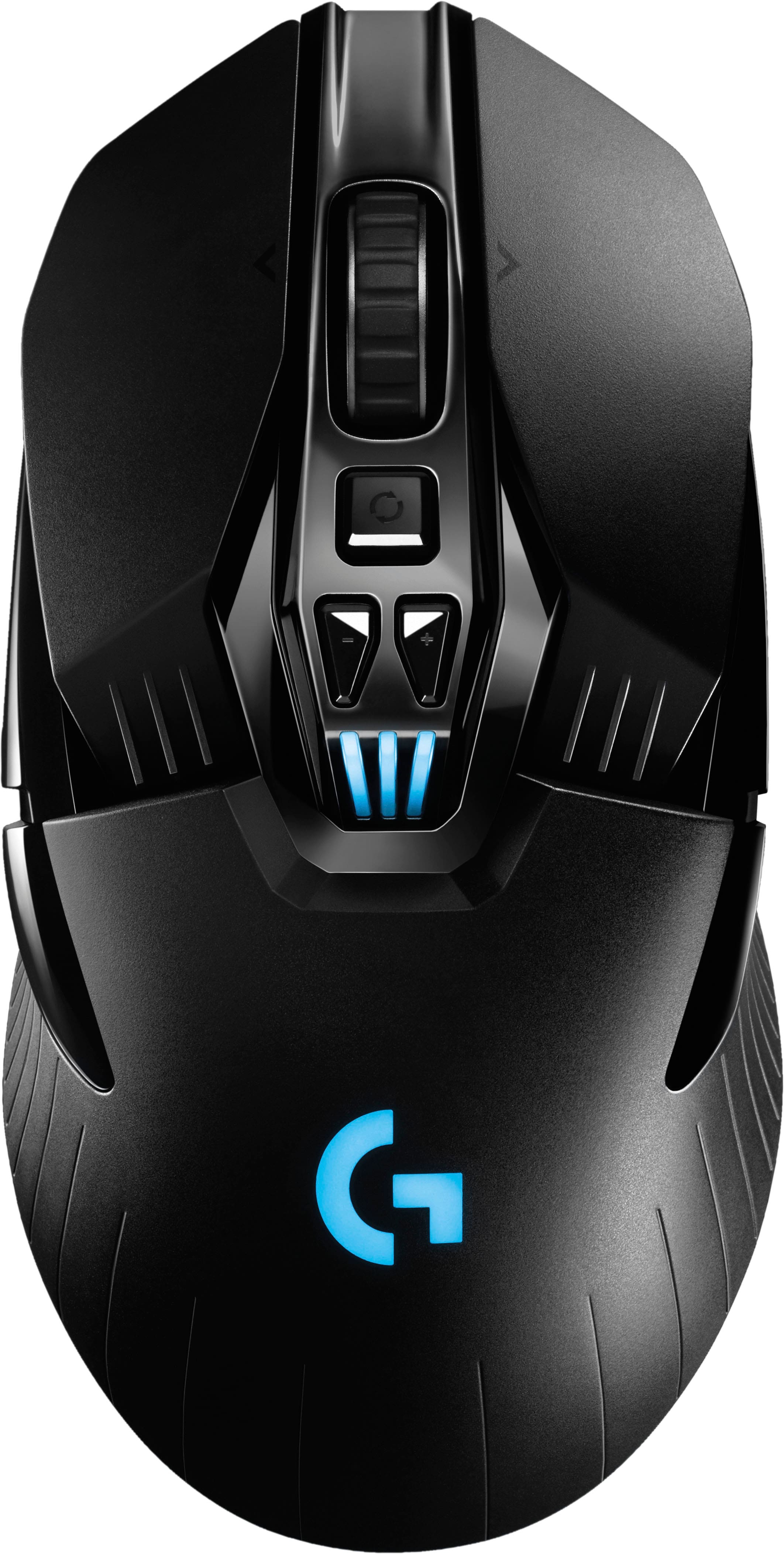
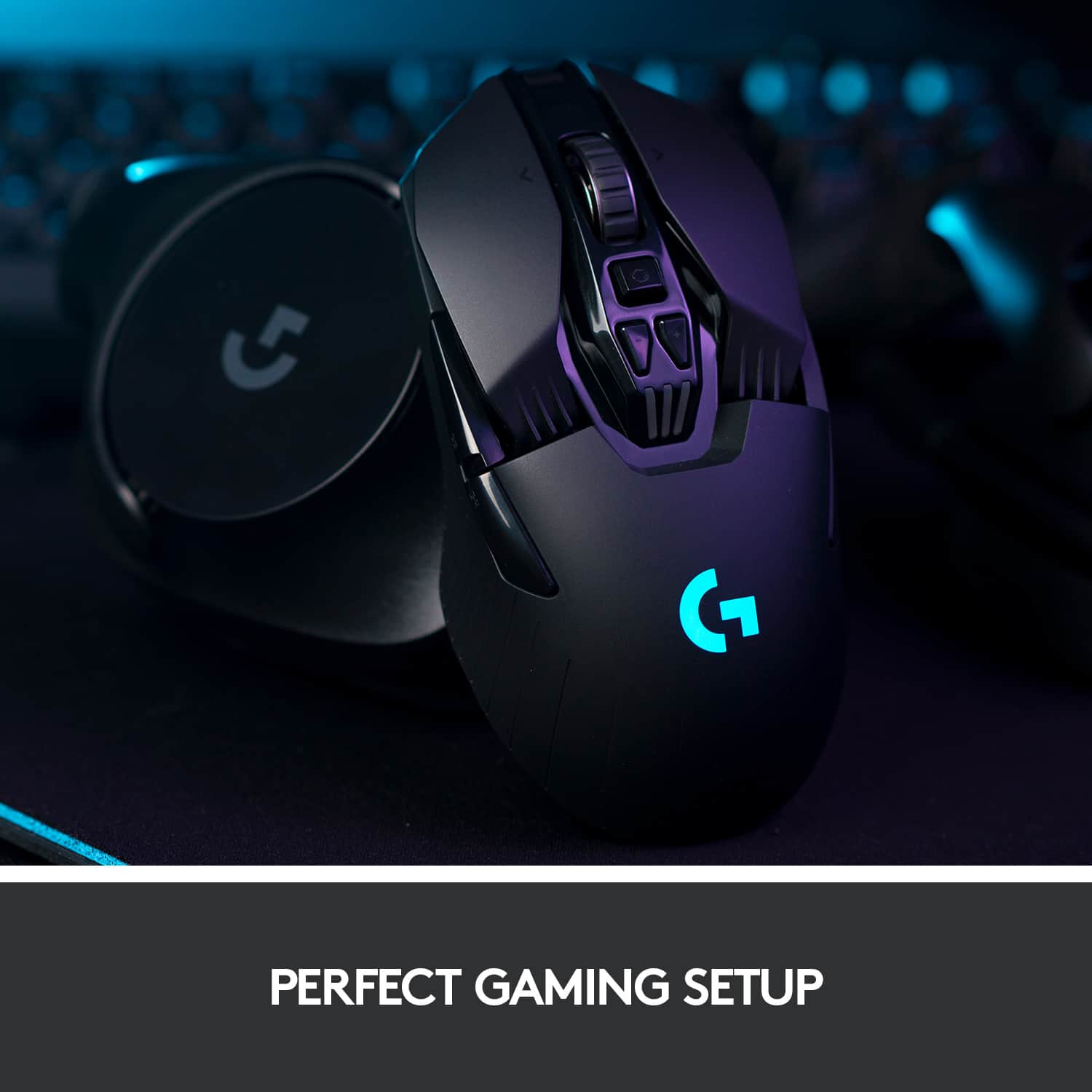


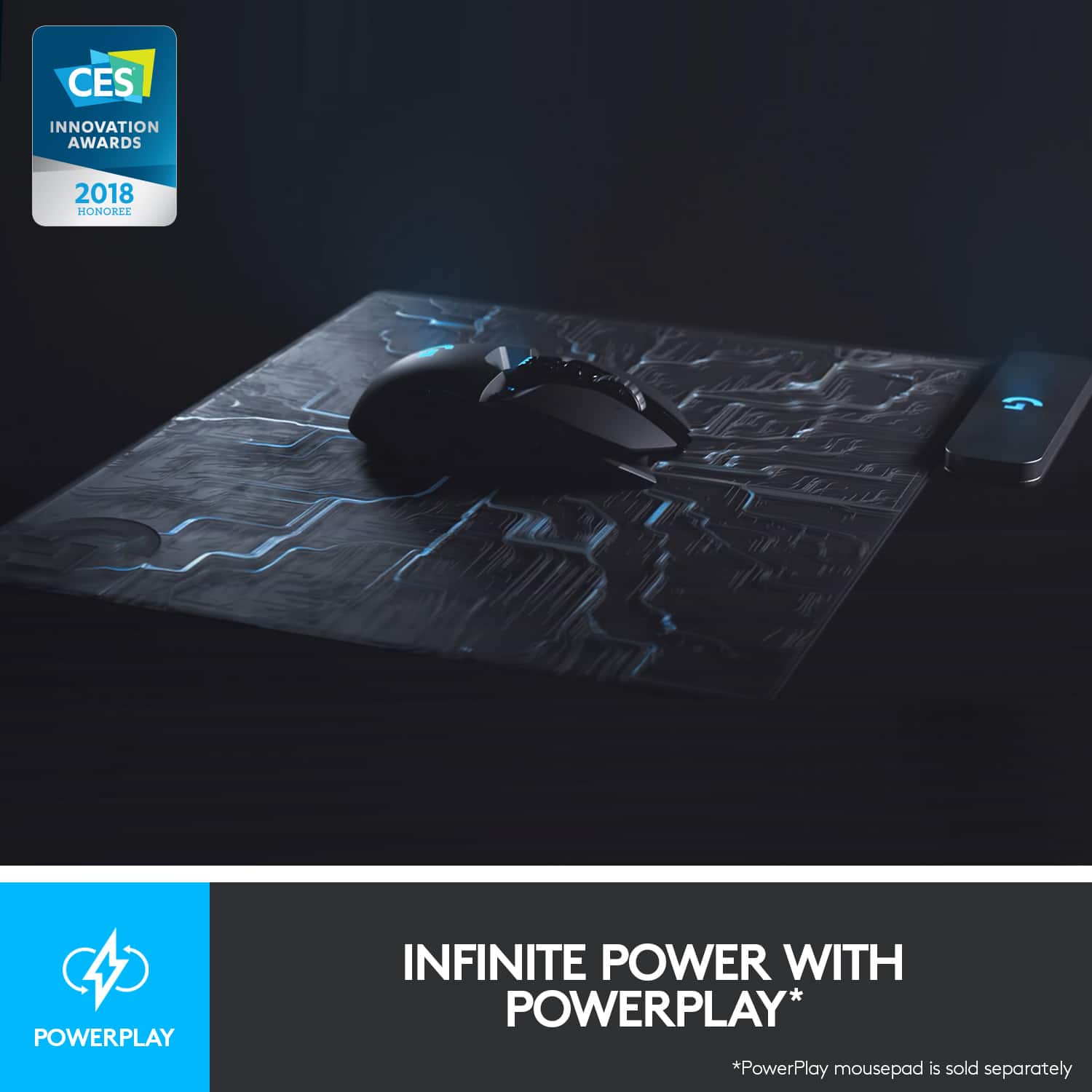

- Model:
- 910-005670
- SKU:
- 6333839
Rating by feature
- Value
Rating 4.4 out of 5 stars
- Quality
Rating 4.7 out of 5 stars
- Ease of Use
Rating 4.7 out of 5 stars
Customers are saying
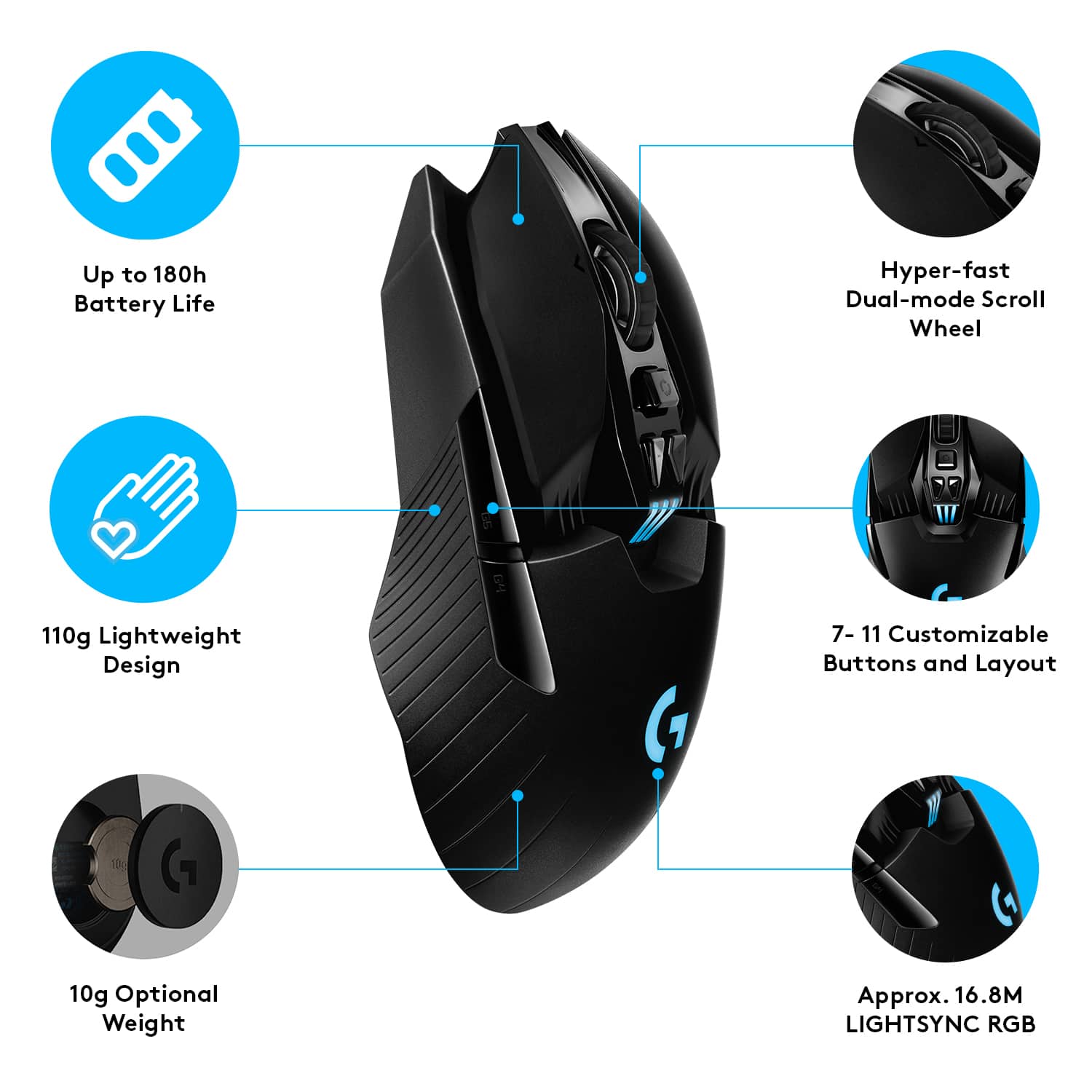
Customers highly value the G903 LIGHTSPEED Wireless Optical Gaming Mouse for its exceptional battery life, comfortable weight, and ease of use. The wireless functionality, ergonomic design, and responsiveness are also appreciated. Some customers have reported issues with the left click button and the size, while others have expressed concerns about the price and software.
This summary was generated by AI based on customer reviews.
Gamers
Posted .This reviewer received promo considerations or sweepstakes entry for writing a review.Fast shipping right on time for Christmas perfect condition and great gift for gamers easy to set up even for me I’m 55 years old and it was easy
I would recommend this to a friendAwesome when it works.
Posted .This reviewer received promo considerations or sweepstakes entry for writing a review.I really like the mouse but sometime the right click or the left click does not work. This is my second mouse. The first one was dead within a two week. I got it exchanged and been using it ever since. I would recomend it to people but just be cautious. I'm not sure why it fails. Dust?
I would recommend this to a friendYay
Posted .This reviewer received promo considerations or sweepstakes entry for writing a review.My son is left handed, and he loves it. Ambidextrous is the key.
I would recommend this to a friend
Great gaming mouse, super precise.
|Posted .This reviewer received promo considerations or sweepstakes entry for writing a review.Not a true gamer but I do love the precision of this mouse for my various games, the customization options and the wireless speed.
I would recommend this to a friendGreat mouse.
Posted .This reviewer received promo considerations or sweepstakes entry for writing a review.Great mouse. Reasonable price. Would recommend....
I would recommend this to a friendgreat mouse
Posted .This reviewer received promo considerations or sweepstakes entry for writing a review.10/10 mouse would recommend to any one who is looking for a mouse
I would recommend this to a friendG903 Bad Switches!! crappy warranty
Posted .This reviewer received promo considerations or sweepstakes entry for writing a review.Logitech sucks heres what they want me to do to replace a defective mouse . what am I supposed to do without a mouse ( buy one and wait) and they want it on a video less then 25 megabytes -----------> no advance rma !! wait 2 3 4 weeks without a mouse???? In order to continue with the warranty process, we will require you to destroy the product in a fashion that will make it no longer functional. This will save you time from having to return it to us and allow us to expedite the replacement process. It is VERY IMPORTANT that you follow these instructions strictly, otherwise, we will be unable to continue with the warranty process. We request this to be emailed in video format with a size no larger than 25mb. How To Record Proof of Destruction (Before starting, please take the time to handwrite your case number, 2628852, on a piece of paper as it will be used during this process) 1. Start by recording the video. 2. Show the serial number (S/N) of the device clearly, if the serial number is not visible, complete, or is the serial number from the box instead of the device, the warranty claim will be denied. 3. Display the handwritten case number on a piece of paper by the device. 4. Proceed with disabling the device on video, it must be done in a fashion that it will no longer function afterwards. 5. If necessary, use tools to make sure that cannot be used again. 6. Please make no edits to the video, it must have good lighting and ensure it is clear. 7. Respond to this email with the video as an attachment. Please keep the remains of the non-functional device until you have received the replacement, in some scenarios, we may end up requiring return of the disabled device. If this happens and you no longer have the disabled device, the warranty replacement will be rejected. If any of these requirements are not met, if there is any doubt that the device is completely non-functioning, if there are signs that the serial number of the device (S/N) has been modified, the case number does not correspond or the video has been edited, the warranty replacement will be rejected. As soon as we receive the video, it will be thoroughly reviewed and we will continue the replacement process, until then, the process will be on-hold. Once we have approved the video and shipped the replacement product, we ask that you dispose of the non-functioning unit in accordance with your local electronics recycling laws. For future reference, your ticket number for this issue is ******* and you can reference it should you have any further questions regarding this case. Best regards, Nile Logitech Customer Support
No, I would not recommend this to a friendwrinkle mouse
Posted .This reviewer received promo considerations or sweepstakes entry for writing a review.It looks like an very aged mouse with wrinkles....
I would recommend this to a friend- Cons mentioned:Left click
Won't last
Posted .This reviewer received promo considerations or sweepstakes entry for writing a review.Sadly the quality of Logitech mice, even at so high price points, is subpar. After a few years of ownership the mouse no longer correctly registers a left click and lets go of items while dragging and dropping. This is a common issue with this Logitech mouse, for that price - not recommended.
No, I would not recommend this to a friendBrand response from Logitech
Posted .Apologize about the experience and it's surely not what we expect to deliver. We understand your displeasure and we will forward it along to the right team so they can look into it.
- Cons mentioned:Software
Old tech packaged to look like new tech
Posted .This reviewer received promo considerations or sweepstakes entry for writing a review.No Bluetooth, clunky software, requires a dongle if you don’t have USB A, and charges with MICRO-USB! I would have returned it had my children not destroyed the box it came in. I’ll be donating it to a Goodwill.
No, I would not recommend this to a friend Cheap Switches Ultimately Bring Down a Nice Mouse
Posted .This reviewer received promo considerations or sweepstakes entry for writing a review.I bought this mouse about 2 years ago. It's nice and worked well until about a month ago. The primary mouse click button's (left click) switch has started to double click on a single click, making it pretty much unusable. This is a known issue that Logitech will not fix even slightly outside of warranty. Just search google for almost any Logitech mouse plus the words "double click issue" and you'll see tons of stories like this. They use cheap switches in expensive mice and don't stand by their products. If you're okay with a $100+ mouse failing just outside warranty bc of the main switch they claim is rated for 50MM clicks failing, then go for it, it's nice while it lasts. I won't be buying Logitech hardware again.
No, I would not recommend this to a friendNever Buy this mouse no matter what
Posted .This reviewer received promo considerations or sweepstakes entry for writing a review.I paid $115 for this mouse and within the first 9 months, it developed a horrible double-clicking issue and completely inhibits me from playing games because I cant aim down sight. NO MATTER WHAT DO NOT BY THIS MOUSE IT WILL BREAK
No, I would not recommend this to a friendBrand response from Logitech
Posted .Hello, I am so sorry to hear about the issues you are experiencing with the mouse. It does come with a 2 year warranty through Logitech if you would like us to replace it for you. Here is the link in order to file a claim: https://support.logi.com/hc/en-us/articles/360036533813-Warranty-G903. I hope this helps! Thank you for taking the time to write this review, we appreciate the feedback.
Did not come with Accessories, not wireless
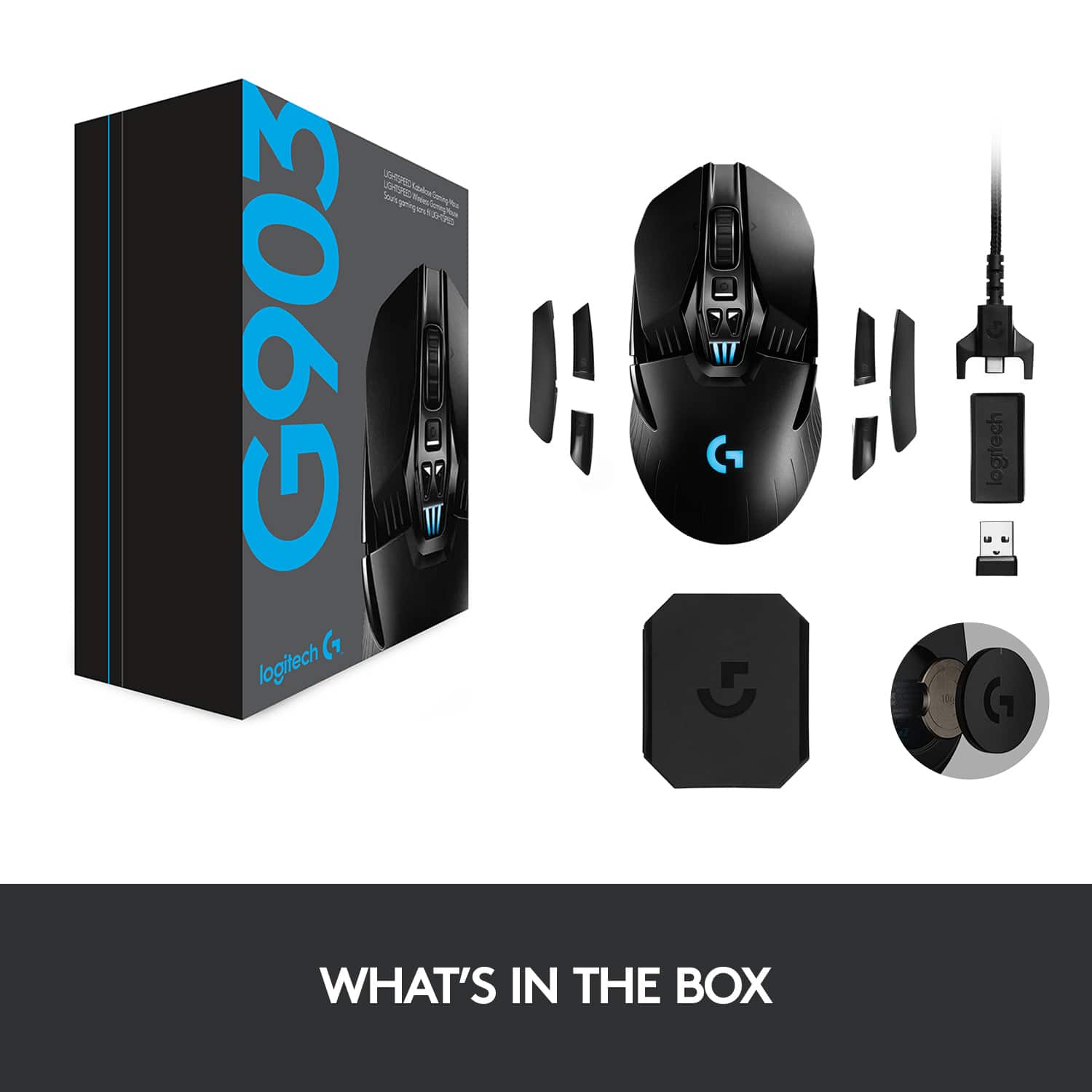
Posted .This reviewer received promo considerations or sweepstakes entry for writing a review.I like the feel and was happy at first. However upon going online to find set up instructions, I found out why I was having difficulties. The accessory box with the USB dongle, buttons, and weight were not in the package and this is not a wireless mouse with out the USB dongle and only has two usable buttons without the ones that are supposed to be included. Very disappointed, cannot recommend.
No, I would not recommend this to a friendBrand response from Logitech
Posted .Hi Sumjuan, thank you for your feedback! You should have had the additional weight, USB and swappable buttons in the box. If not, be sure to check all packaging or exchange for another. For support, please refer to: https://support.logi.com/hc/en-us/articles/360036533893 - Will, Logitech G.
Won't even turn on.
Posted .This reviewer received promo considerations or sweepstakes entry for writing a review.Just got home from BestBuy with my G903 HERO, it won't even turn on, I plugged it into my computer and my computer or GHub didn't even recognized it.
No, I would not recommend this to a friend