Customer Ratings & Reviews
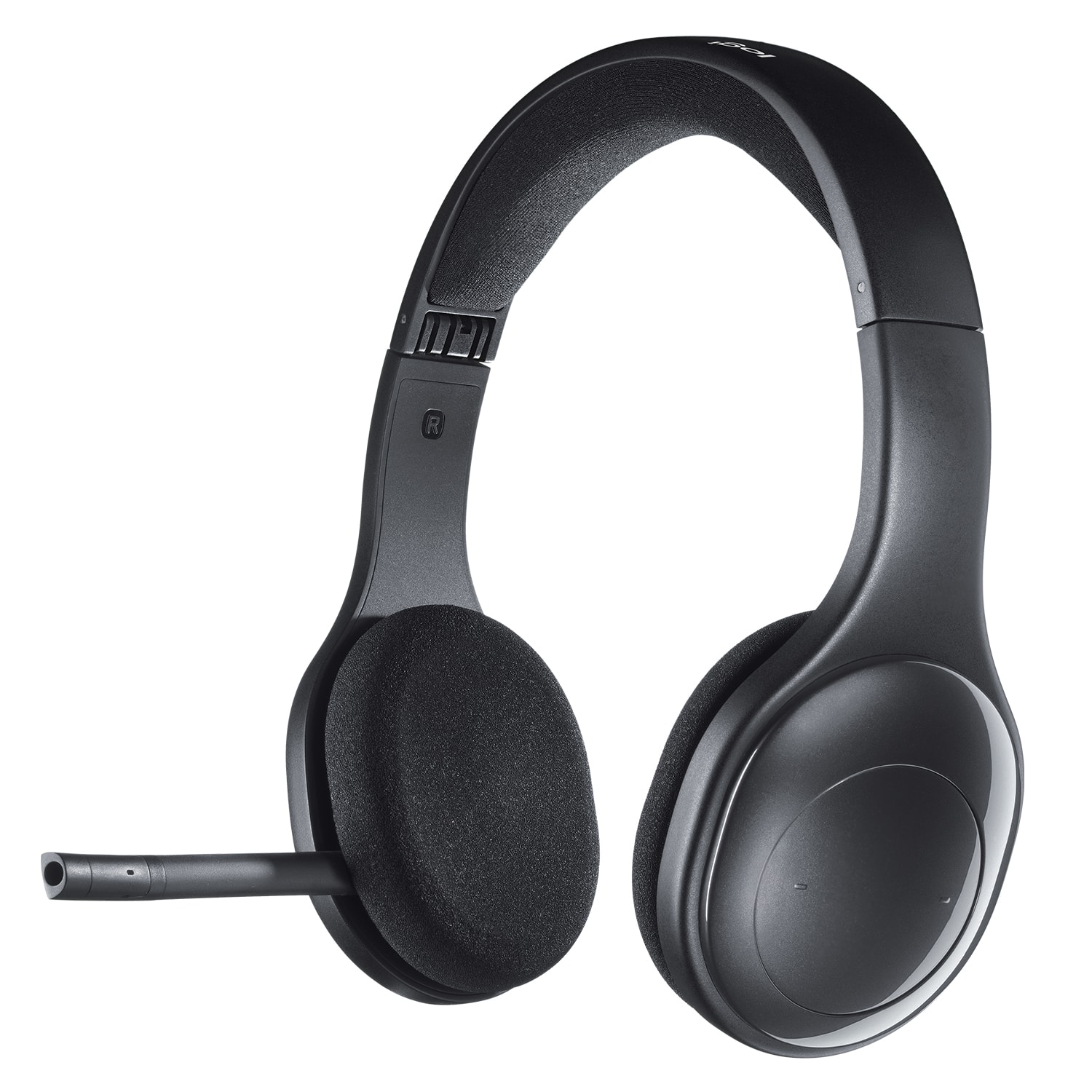


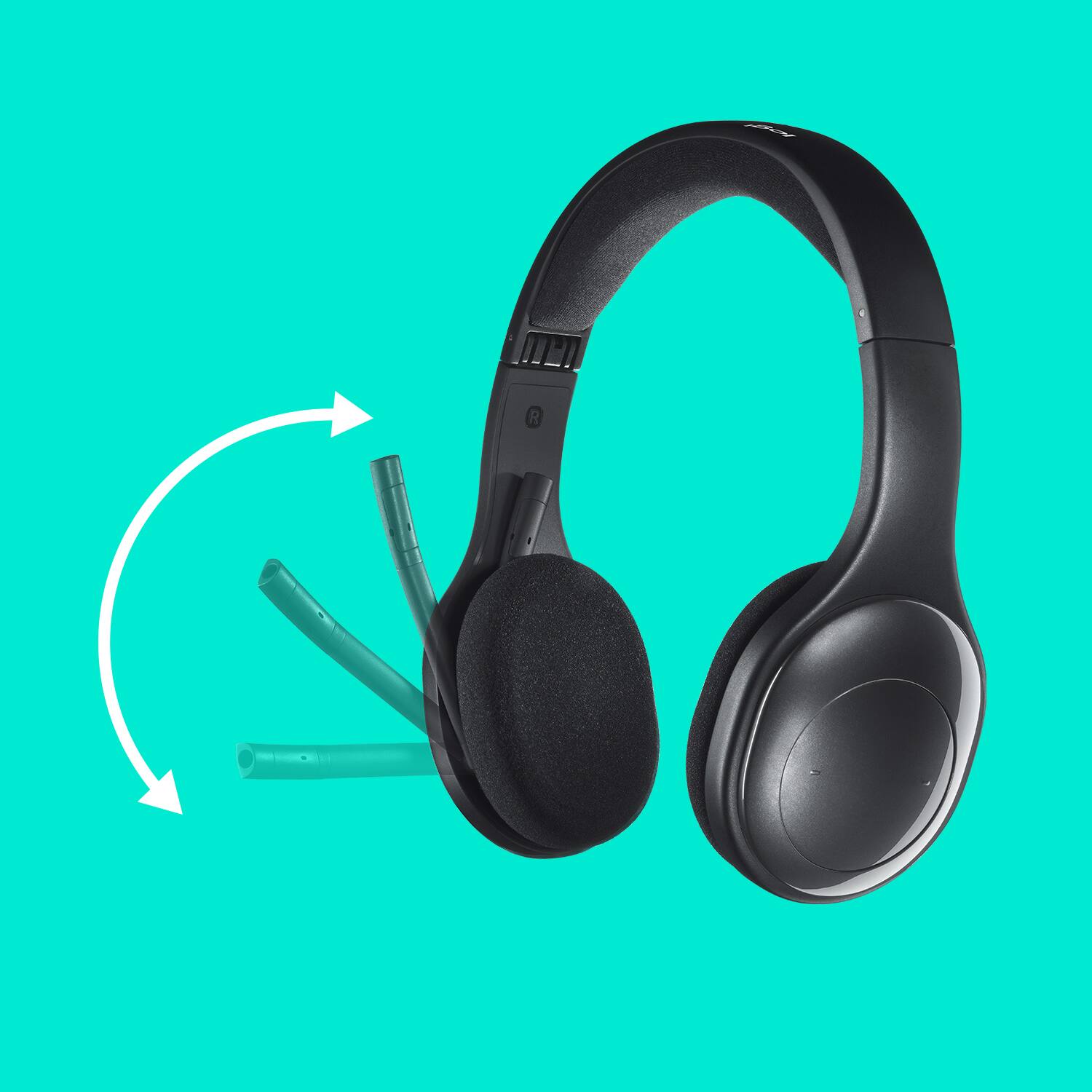

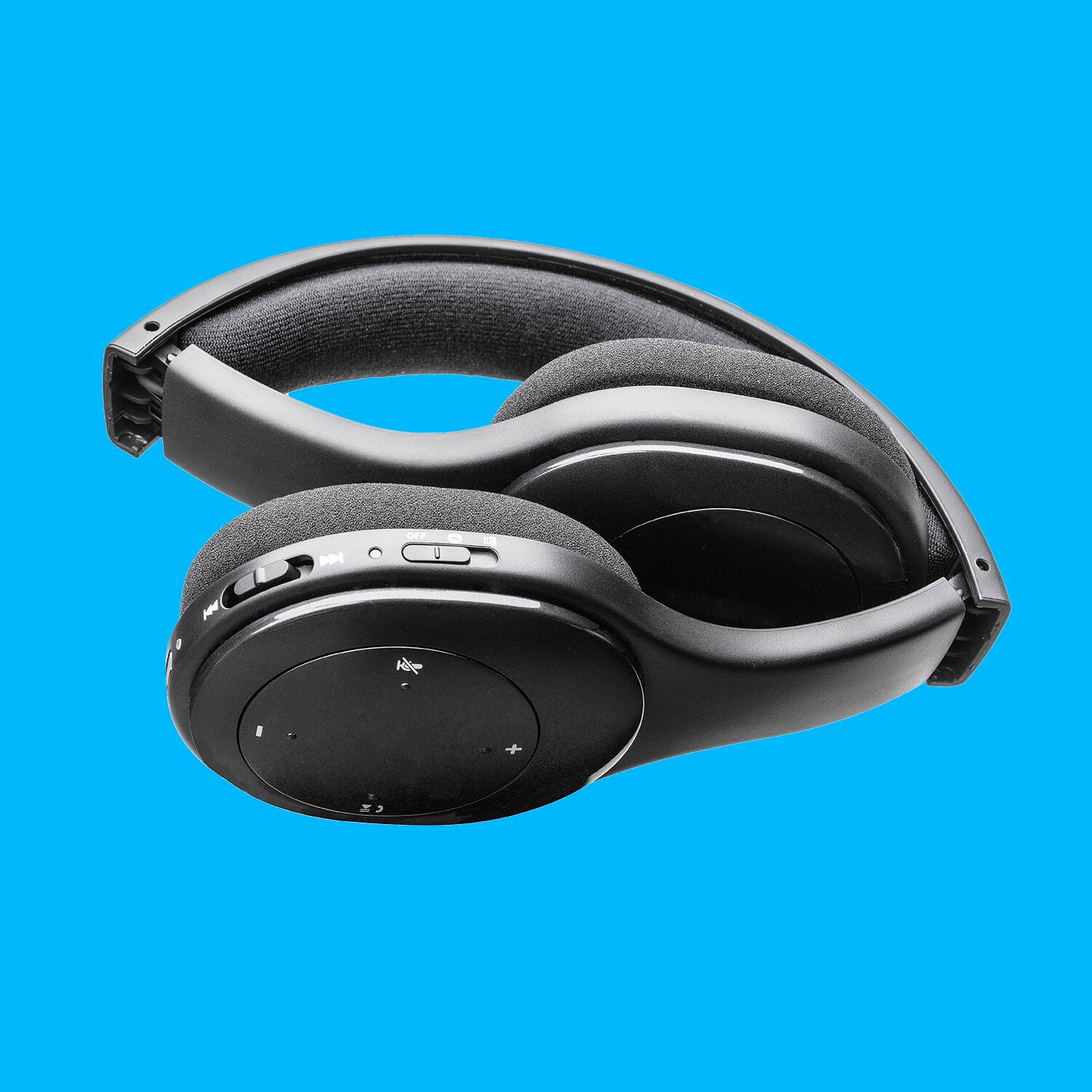
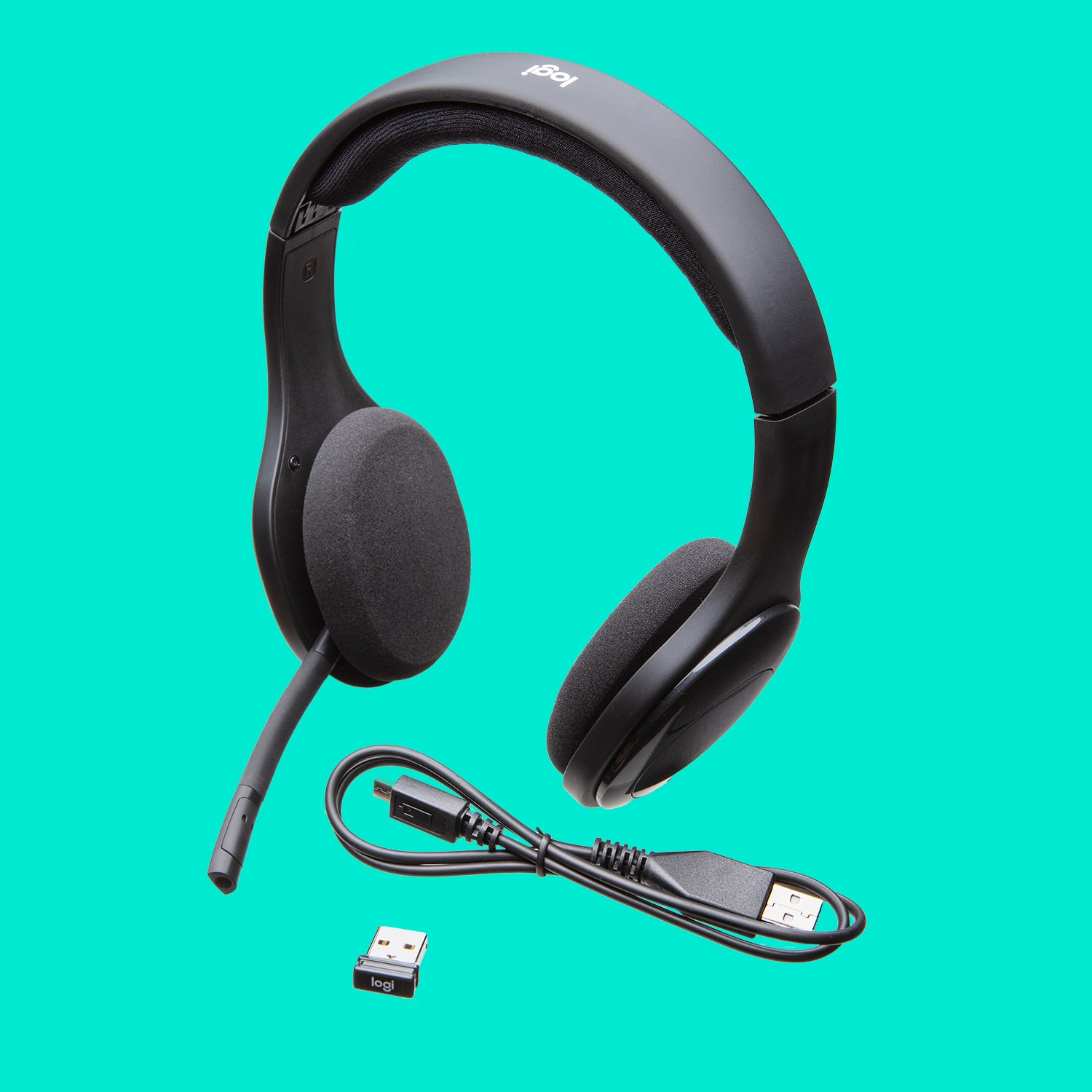
- Model:
- 981-000337
- |
- SKU:
- 12523206
Customer reviews
Rating 4.2 out of 5 stars with 2092 reviews
(2,092 customer reviews)Rating by feature
- Sound Quality4.4
Rating 4.4 out of 5 stars
- Battery Life3.9
Rating 3.9 out of 5 stars
- Connectivity4.3
Rating 4.3 out of 5 stars
to a friend
Rated 2 out of 5 stars
Logitech Wireless Headsets.
||Posted . Owned for 3 weeks when reviewed.This reviewer received promo considerations or sweepstakes entry for writing a review.Felt cheap for the price. I tried to like these because I usually like this brand. For $20 more, you have way better options.
This review is from Logitech - H800 RF Wireless On-Ear Headset - Black
No, I would not recommend this to a friendBrand response from Logitech
Posted .Hi Ricky, thank you for sharing your experience with the H800 headset. I'm sorry that you felt it was cheap. I hope that you found something about the headset good such as the design and comfort or maybe the audio. I hope that you were able to find a better solution for your needs with a headset. Thank you for being a Logitech customer. Kristi from Logitech
Rated 1 out of 5 stars
Poor quality
||Posted . Owned for 3 weeks when reviewed.This reviewer received promo considerations or sweepstakes entry for writing a review.Does not connect properly. Got it to finally work and next time I tried did not work again
This review is from Logitech - H800 RF Wireless On-Ear Headset - Black
No, I would not recommend this to a friendBrand response from Logitech
Posted .Hi KarenS,
Thank you for your feedback. Sorry for the inconvenience. If you ever further assistance, please contact Logitech Support on the website. LaShonda from Logitech
Rated 1 out of 5 stars
They don’t work
||Posted .This reviewer received promo considerations or sweepstakes entry for writing a review.They don’t work. I haven’t had them 3 weeks. No sound at all after a full charge
This review is from Logitech - H800 RF Wireless On-Ear Headset - Black
No, I would not recommend this to a friendBrand response from Logitech
Posted .Hello, So sorry to hear that the H800 isn't working for you despite having a full charge. The H800 connects to your computer two ways: using the wireless USB receiver or via Bluetooth. If you're not hearing audio from your headset when using the wireless receiver, try the following suggestions:
- Make sure you've set the switch to the receiver icon.
- Connect the headset to a USB port with the charging cable — it may not have enough battery power.
- Make sure you have the H800 selected as the audio output device (see your computer's documentation for help).
- Check that the application you're using is configured to use the headset as its audio output device (see the application's documentation for help).
- Make sure the receiver is connected to a USB port that isn't behind any large objects (ex. a desk or desktop PC).
If you're not hearing audio from the headset on a Bluetooth device, try the following:
- Make sure you've set the switch to the Bluetooth icon.
- If you have paired multiple Bluetooth devices with the headset, make sure you're connected to the correct Bluetooth device.
- Connect the headset to a USB port with the charging cable — it may not have enough battery power.
- If you're connected to a computer, make sure you have the Wireless Headset H800 selected as the audio output device (see your computer's documentation for help).
- Make sure the application you're using is configured to use the headset as its audio output device.
- Try disabling other Bluetooth devices.
Hope that you found this helpful and that all is going well. Thank you for being a Logitech customer. - Richard from Logitech
Rated 2 out of 5 stars
Right ear went out
||Posted . Owned for 3 months when reviewed.This reviewer received promo considerations or sweepstakes entry for writing a review.Worked great for about 2 weeks and then the right ear went out. You can only hear out of the left. No cool. Haven't used it in months now.
This review is from Logitech - H800 RF Wireless On-Ear Headset - Black
No, I would not recommend this to a friendBrand response from Logitech
Posted .Hi Rjk1, you are absolutely correct. The right ear going out is not cool at all. What is cool, is that the H800 has a 2-year limited hardware warranty. For support, please refer to: https://support.logi.com/hc/en-us/articles/360024318533
Thank you!
Rated 2 out of 5 stars
Headset
||Posted .This reviewer received promo considerations or sweepstakes entry for writing a review.Poor transmission when talking in microphone. A lot of static and clicking sound when listen to play back. Voice fades in and out when transcribing.
This review is from Logitech - H800 RF Wireless On-Ear Headset - Black
No, I would not recommend this to a friendRated 2 out of 5 stars
Bleh
||Posted .This reviewer received promo considerations or sweepstakes entry for writing a review.Stopped working consistently about three weeks after I bought it. At this point I don't even bother trying to get it to work with either my wireless desktop or laptop.
This review is from Logitech - H800 RF Wireless On-Ear Headset - Black
No, I would not recommend this to a friendRated 1 out of 5 stars
Battery and range not as advertised
||Posted .This reviewer received promo considerations or sweepstakes entry for writing a review.The fully charged battery only last for 1-2 hrs, The range is not as advertised. Not satisfied with this head phone set
This review is from Logitech - H800 RF Wireless On-Ear Headset - Black
No, I would not recommend this to a friendRated 1 out of 5 stars
Definitely not recommending.
||Posted . Owned for 1 month when reviewed.This reviewer received promo considerations or sweepstakes entry for writing a review.Extremely poor quality. The connections (both the bluetooth and usb) are not stable at all. Sometimes it works and sometimes, suddenly it stops working. When it stops working, you cannot even use the laptop audio. Super frustrating when you are in a working meeting and gets muted all of a sudden. The return period is short only 14 days. Cannot even return it....
This review is from Logitech - H800 RF Wireless On-Ear Headset - Black
No, I would not recommend this to a friendBrand response from Logitech
Posted .Hi bunny, Very sorry to hear about the problems you're having with the H800 Wireless Headset. When using a USB 2.0 2.4GHz wireless peripheral device, like the H800, with a PC that also has a USB 3.0 peripheral device plugged in, you may experience erratic operation caused by interference. This is especially likely to happen when using USB 3.0 remote hard drives or flash drives.
There are some techniques that can help early adopters of USB 3.0 to mitigate potential problems with their existing 2.4GHz wireless devices:
- If your PC has multiple USB 2.0 connectors available, separate your USB 3.0 and USB 2.0 receivers by as much distance as possible. For example, if your PC has a choice of USB 2.0 connectors, use the one on the opposite side of the PC from the USB 3.0 connector.
- Position your USB 2.0 receiver as close as possible to your wireless peripheral (mouse, keyboard, headphones, etc.).
- Use a standard, USB-extender cable to position your USB 2.0 wireless receiver as far away as possible from your USB 3.0 connector.
If that doesn't solve the issue, here's a link to the product support page for the H800 that will include more troubleshooting FAQs, warranty information, and more: https://support.logi.com/hc/en-us/articles/360024318533--Getting-Started-Wireless-Headset-H800. Hope that you foundt this helpful and that all is going well. Thank you for choosing Logitech. - Richard from Logitech
Rated 2 out of 5 stars
Poor range
||Posted .This reviewer received promo considerations or sweepstakes entry for writing a review.Headset did not pick up once I moved even a short distance from the computer
This review is from Logitech - H800 RF Wireless On-Ear Headset - Black
No, I would not recommend this to a friendBrand response from Logitech
Posted .Hello, we are sorry to hear about your issues with the H800. At Logitech we strive to improve our products, I have forwarded your feedback, thank you. We hope that this is an isolated incident to your unit. Please visit us for warranty support: https://support.logi.com/hc/en-us/requests/new?ticket_form_id=360000621393
Rated 2 out of 5 stars
Disappointed on range
||Posted .This reviewer received promo considerations or sweepstakes entry for writing a review.It seems to get a crackle often if it's not plugged into my pc. The range is closer to 6 feet from the receiver until it distorts. All in all its OK, but not worth the price.
This review is from Logitech - H800 RF Wireless On-Ear Headset - Black
No, I would not recommend this to a friendRated 2 out of 5 stars
Don’t buy
||Posted . Owned for 3 weeks when reviewed.This reviewer received promo considerations or sweepstakes entry for writing a review.I brought it back after using it for one day. It hurt both my ears and gave me a headache.
This review is from Logitech - H800 RF Wireless On-Ear Headset - Black
No, I would not recommend this to a friendBrand response from Logitech
Posted .Hi invictus17, we're sorry to see you're unsatisfied with comfort of the H800 Wireless Headset! Thankfully Logitech makes a variety of headsets to suit anyone's comfort needs. If you're looking for a great inexpensive headset that is super comfy and lightweight, check out the new G535 Gaming Wireless Headset instead! Thank you for your feedback! -N from Logitech
Rated 2 out of 5 stars
Buy better
||Posted . Owned for 1 month when reviewed.This reviewer received promo considerations or sweepstakes entry for writing a review.Disappointed. Have to reboot during use. I paid a few more dollars and it was not worth it.
This review is from Logitech - H800 RF Wireless On-Ear Headset - Black
No, I would not recommend this to a friendBrand response from Logitech
Posted .Hello, Unhappy! I'm sorry to hear about your issues with the H800 headset. I would recommend reaching out to our support team here https://support.logi.com/hc/en-us/requests/new?ticket_form_id=360000621393 to start a warranty claim. The H800 has a 2-year limited hardware warranty. Thank you so much for this feedback! I will be passing this along. - Maggie from Logitech
Rated 2 out of 5 stars
Invisible tether
||Posted . Owned for 3 weeks when reviewed.This reviewer received promo considerations or sweepstakes entry for writing a review.Sure it's wireless, but the range is just under 10ft. Not much longer then a wired headset.
This review is from Logitech - H800 RF Wireless On-Ear Headset - Black
No, I would not recommend this to a friendBrand response from Logitech
Posted .Hi Miranda, Thank you for your feedback. Sorry for any inconvenience. If you ever need assistance, please contact Logitech Support on the website. LaShonda from Logitech
Rated 2 out of 5 stars
Not a good product for recording
||Posted .This reviewer received promo considerations or sweepstakes entry for writing a review.I purchased the headphones to use for training using SnagIt, the audio was not satisfactory at all. I returned the headphones.
This review is from Logitech - H800 RF Wireless On-Ear Headset - Black
No, I would not recommend this to a friendRated 2 out of 5 stars
poor fitting and expensive
||Posted . Owned for 3 weeks when reviewed.This reviewer received promo considerations or sweepstakes entry for writing a review.I found the headset constantly sliding off my ears. It was uncomfortable so I decided to return it.
This review is from Logitech - H800 RF Wireless On-Ear Headset - Black
No, I would not recommend this to a friendBrand response from Logitech
Posted .Hello, I am sorry to hear you are not satisfied with the product. Thank you for taking the time to write this review, we appreciate the feedback.
Rated 1 out of 5 stars
Poor battery life and range
||Posted . Owned for 3 months when reviewed.This reviewer received promo considerations or sweepstakes entry for writing a review.Poor battery life and range. Regret buying this product.
This review is from Logitech - H800 RF Wireless On-Ear Headset - Black
No, I would not recommend this to a friendBrand response from Logitech
Posted .Sorry to see you're having connectivity issues with the H800 headset. You do have a 2 year limited warranty that you can claim for a replacement. But if you have any questions, check out the Logitech support page at https://support.logi.com/hc/en-us/articles/360025070513-Warranty-Wireless-Headset-H800. Hope that helps!
Rated 1 out of 5 stars
alright muff size
||Posted . Owned for 2 weeks when reviewed.This reviewer received promo considerations or sweepstakes entry for writing a review.would be so much better with muffs that allow for noise cancellation. they sit flat on ear and don't give great quality sound. the boom is short and seems a bit "missing" battery doesn't last my full shift. have to plug up at every 15 minute break and lunch and when I get off. like the size of muffs compared to the h600 model
This review is from Logitech - H800 RF Wireless On-Ear Headset - Black
No, I would not recommend this to a friendBrand response from Logitech
Posted .Hi Popsykl, thank you for your feedback! The H800 has laser-tuned drivers and built-in equalizer keep distortion to a minimum. And a flexible mic can be positioned for better voice capture and background noise reduction. The rechargeable battery provides six hours of reliable wireless audio. It is also backed by a 2-year limited hardware warranty. For support, please refer to: https://support.logi.com/hc/en-us/articles/360024318533 - Will, Logitech.
Rated 1 out of 5 stars
ASUS laptop not working for me, yet...
||Posted .This reviewer received promo considerations or sweepstakes entry for writing a review.I've only had my new ASUS laptop for several days now, but the problems started when I paid $80 to have them load my old data and they only loaded about 1% of that data. I had to load the rest when I got home. After just 2 days of working fine, I am no longer able to get an internet connection, even though 3 other devices in my home have no problem doing this. I'm going to bring it back to Best Buy asap.
This review is from Logitech - H800 RF Wireless On-Ear Headset - Black
No, I would not recommend this to a friendRated 2 out of 5 stars
no bueno
||Posted .This reviewer received promo considerations or sweepstakes entry for writing a review.There mic blew out in less than a month and the mute button kicks in when you don't expect it. Its not a good headset.
This review is from Logitech - H800 RF Wireless On-Ear Headset - Black
No, I would not recommend this to a friendRated 1 out of 5 stars
Not very good
||Posted .This reviewer received promo considerations or sweepstakes entry for writing a review.I have been using logitech headset for conference calls in my office for years. When my wired ones wore out I decided to try going wireless. I have had nothing but trouble with them, it seems to either not work, or has lots of static. I finally ran out of patience trying to use them and gave up. I love logitech devices but wouldn't recommend these.
This review is from Logitech - H800 RF Wireless On-Ear Headset - Black
No, I would not recommend this to a friend