Customer Ratings & Reviews
![The text on the image reads:
"2 Esc F1 F2 F3 F4 F5 F6 F7 F8 F9 F10 F11 F12 P Screen Gce Lack PrA Brod & logitech ~ ! 1 @ 2 # 3 $ 4 % 5 A 6 & 7 * 8 I e ) O - - + = Backspace nsert Home A Page Up Noun Lock i 1 Tab Q W E T Y U / O P I ] I I / / Delete End H Page Down 1 1 Hose 8 & 9 0 4 Caps A Lock Shift A S Z D X F C G V H J K M L < , 1 > Alt , ? I Enter Shift Ctrl A A Y 4 A 4 5 6 1 1 2 End Y 0 ins 3 Eetar Pgo De Ctrl Alt"
The text seems to be a description of a keyboard, with some of the keys labeled. However, it is not clear what the purpose of this text is or how it relates to the image of the black keyboard.](https://pisces.bbystatic.com/image2/BestBuy_US/images/products/3106/3106271_sd.jpg)
![F12 a] 1 Backspace
[Enter]
[Shift]
[Insert]
[Page Up]
[Page Down]
[Home]
[End]
[Arrow Up]
[Arrow Down]
[Arrow Left]
[Arrow Right]
[Delete]
[Esc]
[F1]
[F2]
[F3]
[F4]
[F5]
[F6]
[F7]
[F8]
[F9]
[F10]
[F11]
[F12]](https://pisces.bbystatic.com/image2/BestBuy_US/images/products/3106/3106271cv11d.jpg)

Customer reviews
Rating 4.5 out of 5 stars with 714 reviews
(714 customer reviews)Rating by feature
- Value4.6
Rating 4.6 out of 5 stars
- Quality4.5
Rating 4.5 out of 5 stars
- Ease of Use4.7
Rating 4.7 out of 5 stars
to a friend
Customers are saying
Customers regard the K270 Full-size Wireless Membrane Keyboard very favorably, frequently praising its quality, ease of use, and wireless functionality. Many appreciate its affordable price and long battery life, along with the comfortable key feel and convenient size. While some users experienced occasional connection issues, the overwhelmingly positive feedback highlights the keyboard's overall value and performance.
This summary was generated by AI based on customer reviews.
Rated 1 out of 5 stars
BAD QUALITY
||Posted . Owned for 7 months when reviewed.This reviewer received promo considerations or sweepstakes entry for writing a review.Can I give 0 star? The worst keyboard. Broken in 6 months and BBY has no solution for that. Avoid BestBuy and avoid this keyboard.,
No, I would not recommend this to a friendBrand response from Logitech
Posted .Hello! I'm sorry to hear about your experience with the K270 keyboard! I would recommend reaching out to our support team here https://support.logi.com/hc/en-us/requests/new?ticket_form_id=360000621393 to file a warranty claim. The K270 has a 3-year limited hardware warranty. Thank you so much for this feedback! I will be passing this along. - Maggie from Logitech
Rated 1 out of 5 stars
Awful battery life
||Posted . Owned for 1 month when reviewed.This reviewer received promo considerations or sweepstakes entry for writing a review.THe keyboard works great, but I've gone through 4 sets of batteries in less than a month! AWFUL battery life
No, I would not recommend this to a friendRated 1 out of 5 stars
Keyboard
||Posted . Owned for 1 week when reviewed.This reviewer received promo considerations or sweepstakes entry for writing a review.I bought the keyboard as a deal of the day item. Unfortunately it would not work with my television model, so I had to return it.
No, I would not recommend this to a friendBrand response from Logitech
Posted .Hello, I am sorry if there was any confusion regarding the keyboard. This model is not meant to work with a Tv. If you are looking for a TV keyboard we have the K830, K600, and K400 that are meant for that! I hope this helps! Thank you for taking the time to write this review, we appreciate the feedback.
Rated 1 out of 5 stars
Few keys unresponsive within 3 weeks of buying
||Posted . Owned for 2 weeks when reviewed.This reviewer received promo considerations or sweepstakes entry for writing a review.Decent keyboard. Central keys ('h', 'j', 'n') stopped working 3 weeks in.
No, I would not recommend this to a friendBrand response from Logitech
Posted .Hi DidierPogba, thank you for sharing your experience with the K270. I'm sorry that a few of the keys have become unresponsive. It is recommended to spray compressed air in the area to dislodge anything that could have gotten stuck. If that does not fix the issue you can file a warranty claim on the keyboard by visiting support.logi.com. Thank you for being a Logitech customer. Kristi from Logitech
Rated 1 out of 5 stars
Waste of time and money
||Posted . Owned for 1 month when reviewed.This reviewer received promo considerations or sweepstakes entry for writing a review.I brought this a few months back just opened it to use and the keyboard will not turn on and its too late to return
No, I would not recommend this to a friendBrand response from Logitech
Posted .Hello, I am so sorry to hear the keyboard will not turn on. Lets try and get this fixed for you. The first thing I would suggest is changing the batteries, they may be bad if it sat for awhile. If that does not work, this keyboard does come with a 3 year warranty so we can get that replaced for you. Here is the link in order to file a claim: https://support.logi.com/hc/en-us/articles/360024922454-Warranty-Wireless-Keyboard-K270. I hope this helps! Thank you for taking the time to write this review, we appreciate the feedback.
Rated 5 out of 5 stars
Great for the price
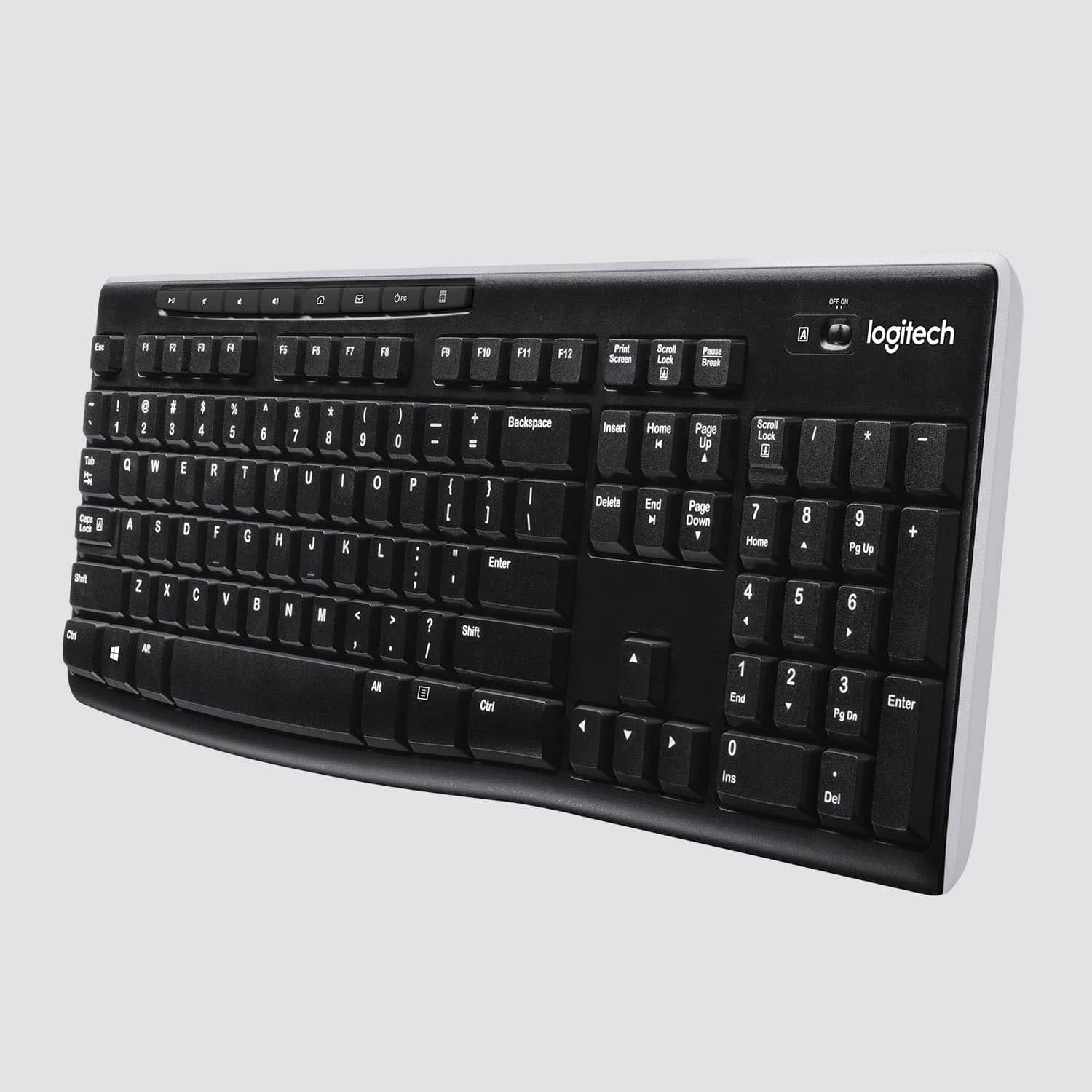
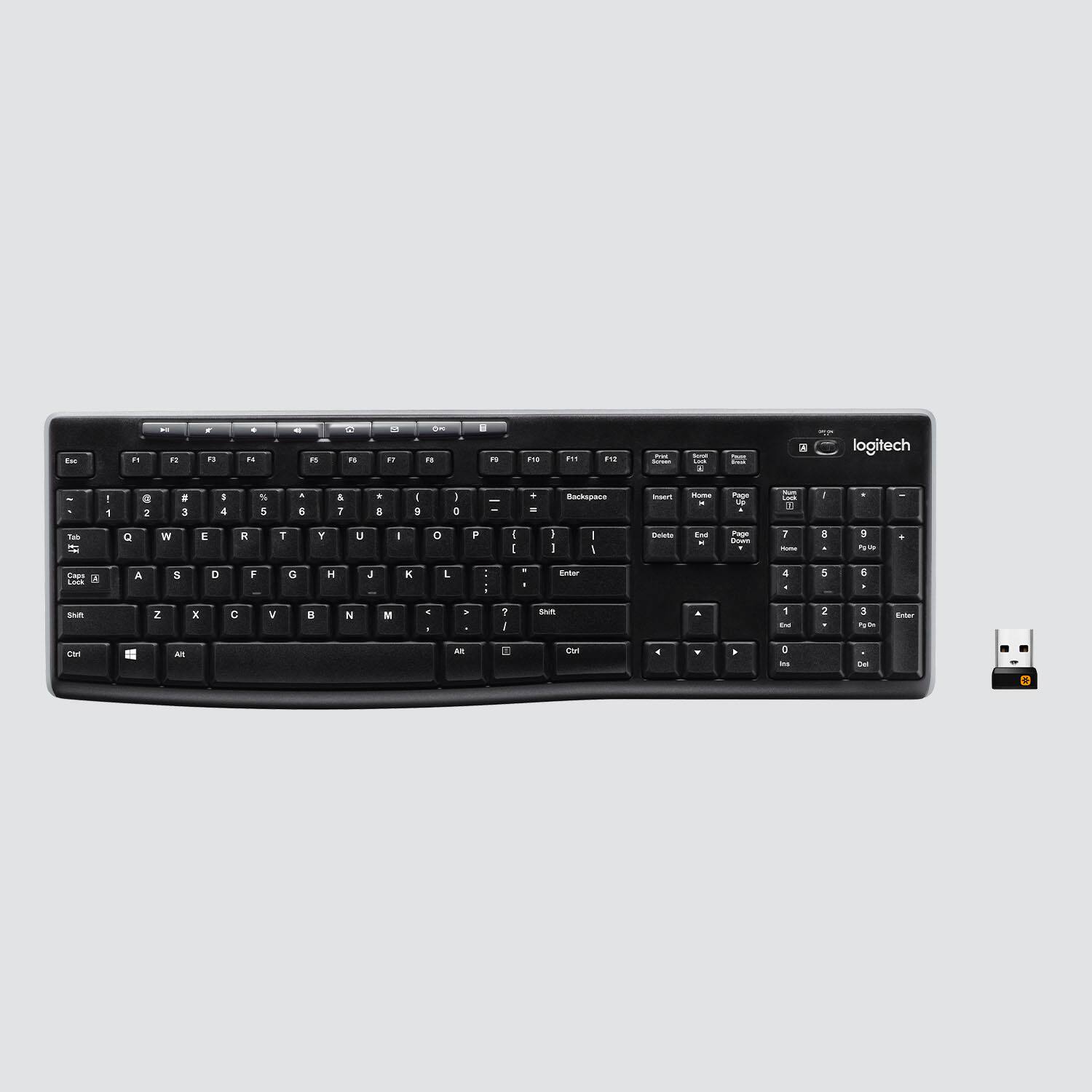
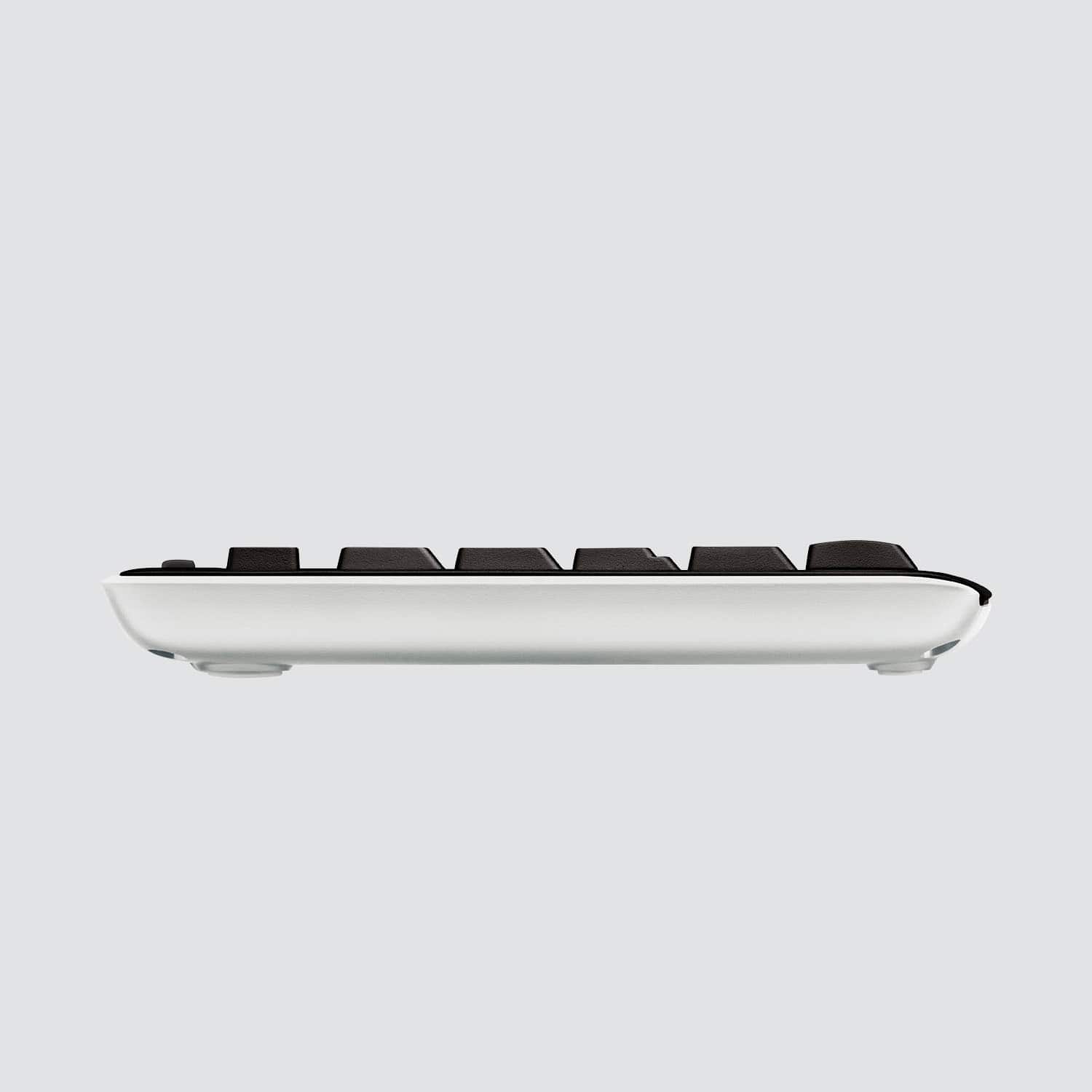
Posted .This reviewer received promo considerations or sweepstakes entry for writing a review.Got this as a Best Buy deal of the day and for the price this is a really nice keyboard. It uses the Unifying receiver so I was able to easily pair it with the receiver I use for my M510 mouse and then I only need one "nub" installed in my laptop's docking station. The key feel is nice, particularly for the price. While this is no K800 (which I use at home), it is still a nice keyboard for the price. The Logitech software is very clean and mature and works fine for checking the battery status and for setting the functions of the custom button row. The row of function buttons along the top all work perfectly, the last 4 can be configured to do other predefined tasks or issue custom keystrokes. The playback buttons are compatible with iTunes and the system volume controls and work well. There are a set of flip out legs on the back of the keyboard (none of the pictures really show them) to provide extra incline if you like to use that when typing (I do). Overall this is a really nice keyboard for the price, the ability to pair it with the unifying receiver and have a few custom buttons really makes this a useful keyboard for those looking to not spend a fortune on a decent keyboard.
I would recommend this to a friendRated 1 out of 5 stars
Bad keyboard
||Posted . Owned for 1 month when reviewed.This reviewer received promo considerations or sweepstakes entry for writing a review.Keys started to respond slowly within a week of use and then stopped working ultimately.
No, I would not recommend this to a friendBrand response from Logitech
Posted .Hello, I am so sorry to hear the keyboard stopped working for you. It does come with a 3 year warranty so we can get that replaced for you. Here is the link in order to file a claim: https://support.logi.com/hc/en-us/articles/360024922454-Warranty-Wireless-Keyboard-K270. I hope this helps! Thank you for taking the time to write this review, we appreciate the feedback.
-Danielle from Logitech
Rated 1 out of 5 stars
Awful
||Posted . Owned for 1 month when reviewed.This reviewer received promo considerations or sweepstakes entry for writing a review.Genuinely terrible. It will not stop pressing random characters. Used for less than a month.
No, I would not recommend this to a friendBrand response from Logitech
Posted .Hello Thejaybird, we are so sorry to hear that the K270 keyboard is causing you issues. At Logitech, it is our goal to ensure you are completely satisfied with your Logitech purchase. We take pride in the products and services we offer, and want our customers to enjoy them just as much as we do. At the end of this message, I have attached a link of FAQ's that will help solve your issues. If the problems persists, please fill out a warranty claim. One of our warranty specialists will reach out to you to get things sorted out. We apologize for any inconvenience. Have a great day. -Ricky | Logitech. https://support.logi.com/hc/en-us/articles/360025337093--FAQ-Wireless-Keyboard-K270
Rated 1 out of 5 stars
Didn't work
||Posted . Owned for 1 week when reviewed.This reviewer received promo considerations or sweepstakes entry for writing a review.Didn't work. I don't want to mess with going into the store during a pandemic to return it.
No, I would not recommend this to a friendBrand response from Logitech
Posted .Hello, I am sorry to hear the keyboard did not function for you. Please make sure the USB dongle that came with keyboard is plugged into the USB port on your computer. If it is still not working we can get that replaced for you, as it comes with a 1 year warranty through Logitech. Please just visit the support page for this item on Logitech.com in order to file a claim. I hope this helps! Thank you for taking the time to write this review, we appreciate the feedback.
Rated 1 out of 5 stars
poor quality
||Posted . Owned for 1 year when reviewed.This reviewer received promo considerations or sweepstakes entry for writing a review.Bought in Jan of 2021 and need another one 15 months later
No, I would not recommend this to a friendBrand response from Logitech
Posted .Hello, I am so sorry to hear this combo stopped functioning for you after 15 months. Luckily, this does come with a 3 year warranty through Logitech, so we can get that replaced for you. Here is the link in order to file a claim: https://support.logi.com/hc/en-us/articles/360024926554-Warranty-Wireless-Combo-MK270. I hope this helps! Thank you for taking the time to write this review, we appreciate the feedback. I hope you have a great day!
-Danielle from Logitech
Rated 4 out of 5 stars
Great buy for Price
Posted .This reviewer received promo considerations or sweepstakes entry for writing a review.I like this purchase very much. It allows me to move keyboard without a cumbersome cord. With ease I move the keyboard out of the way or place it in another location. What a convenience. It also has additional keys that control volume, pc on/off, or calculator. Very neat. The feel of the buttons is good. No complaint. The only misgiving I encounter at times, rarely, is that the number keys on the right stop working in some websites. The home, page up, page down continue working, but not the numbers. I still have not figured it out. I don't think its the keyboard because I can type numbers right now 4464671171.1.38. For the price and its functions I think it is a great buy.
I would recommend this to a friendRated 1 out of 5 stars
dont waste your money
||Posted .This reviewer received promo considerations or sweepstakes entry for writing a review.i need to return this item due to not compatible in my laptop.
No, I would not recommend this to a friendBrand response from Logitech
Posted .Very sorry to hear that the K270 isn't compatible with your laptop. I'm assuming that when you plugged in the USB Receiver and turned on the keyboard that nothing happened and you weren't able to use it. If you plugged in the USB receiver to a third-party device like a KVM switch box, port replicators, docking station, or USB hubs the manufacturers of these third-party devices implement keyboard and mouse support in different ways---there is currently no industry standard. Logitech mice and keyboards best work when plugged directly into the devices. Here's a link to the K270's product support page that has troubleshooting FAQs that may be helpful to resolve your issue. https://support.logi.com/hc/en-us/articles/360025337093--FAQ-Wireless-Keyboard-K270. Hope that you find this helpful and that it saves you a trip back to Best Buy to return/exchange the keyboard. Thank you for being a Logitech customer. - Richard from Logitech
Rated 1 out of 5 stars
Wireless is poor
||Posted . Owned for 3 weeks when reviewed.This reviewer received promo considerations or sweepstakes entry for writing a review.Wireless is poor. When I was typing for ecxel. Often, freez.
No, I would not recommend this to a friendBrand response from Logitech
Posted .Hey there, I'm sorry to hear that your K270 had some connectivity issues. I would recommend making sure the batteries are properly seated in the device, as well as possibly trying a different USB port on your computer. If the batteries aren't seated properly the keyboard may be powering off intermittently, and if there are too many obstructions in between your keyboard and your device that can also cause connection issues.
Rated 4 out of 5 stars
Good value for the price
Posted .This reviewer received promo considerations or sweepstakes entry for writing a review.Keyboard is compact which is good for me since it keeps the desk footprint at a minimum. Like the fact that I can put the keyboard aside to use the desktop. Not as much of a energy hog as my last wireless keyboard.
I would recommend this to a friendRated 4 out of 5 stars
Very good wireless keyboard.
Posted .This reviewer received promo considerations or sweepstakes entry for writing a review.Very good wireless keyboard! I found it extremely easy to setup and use. The keyboard is light and easy to transport when needed.
I would recommend this to a friendRated 5 out of 5 stars
Nearly Perfect Wireless Keyboard
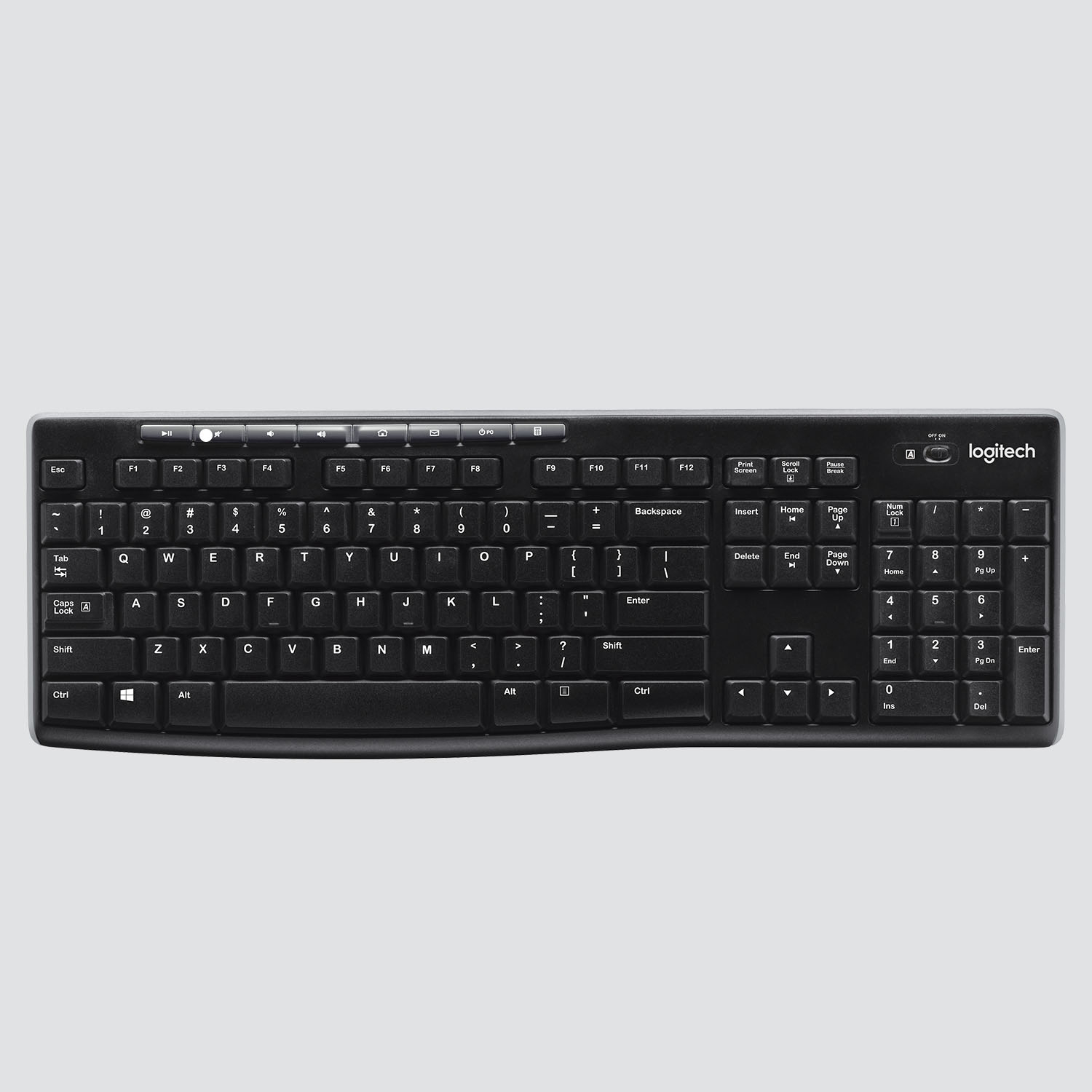
Posted .This reviewer received promo considerations or sweepstakes entry for writing a review.This wireless keyboard is Great - it does exactly what you expect, and it just plain works. It uses an ultra-compact mini USB "unifying" tranciever. The keybaord has the 100% traditional layout, including the CORRECT layout for the 6 special keys (Insertt/End/Home/Delete/PageUp/PageDown) between the main qwerty keyboard and the numeric keypad (a horrizontal 2-row, 3-column arrangement, rather than the bizzarely mutant 2-column, 3 row "compact"/vertical arrangement in many newer keyboards) - which will often frustrate anybody with well-practiced keyboarding reflexes/skills/conditioning. My only complaint is the presence of an unlit power switch at the upper right of the keybaoard. That complaint is that I forget to USE it to turn the keyboard off (and thereby save the batteries some juice). But even with a warning light of some sort to help with my flagging memory, a light to remind me would only waste more battery power, so I'm not at all sure what else could be done there other than to automatically power the kb down upon a certain unuse threshhold, but perhaps it does that already - and silently - and I just don't realize it. All I can say is that over a month into using this, no battery issues yet! ...but it might help to remember to turn it off at the end of the day.
I would recommend this to a friendRated 5 out of 5 stars
excellent buy
Posted .This reviewer received promo considerations or sweepstakes entry for writing a review.Love it, always wanted a wireless keyboard, and this one rocks..no problems, easy to set up (just plug in the usb), and no wires!!!! yahoo!!
I would recommend this to a friendRated 4 out of 5 stars
Very Good Keyboard
Posted .This reviewer received promo considerations or sweepstakes entry for writing a review.Plug the receiver into the back of your computer, turn on the keyboard and you're ready to go. It's that simple. The layout is just a little bit smaller than my old keyboard, but I got used to it very quickly. I like being able to turn it off when not in use to save battery life. Overall, a great keyboard.
I would recommend this to a friendRated 5 out of 5 stars
What a great wireless keyboard!
Posted .This reviewer received promo considerations or sweepstakes entry for writing a review.This is a full size keyboard so it is great for typing. It handles well on the lap as I use if with my Home Theatre PC (HTPC). It works from across the room with no lag or dropouts. Its a keyboard that works well!
I would recommend this to a friendRated 5 out of 5 stars
Best Buy for the money!!
Posted .This reviewer received promo considerations or sweepstakes entry for writing a review.I bought this keyboard to replace an old worn out one with the letters and numbers disappearing. Got it very quickly plugged it in and it worked with no hassle. The computer it is on is in near constant use and the battery life has been excellent, far better than I had expected. As a inexpensive replacement for the 10 year old keyboard I had it was way more than I had planned. Great product especially for the price.
I would recommend this to a friend