Customer Ratings & Reviews
![The text on the image reads:
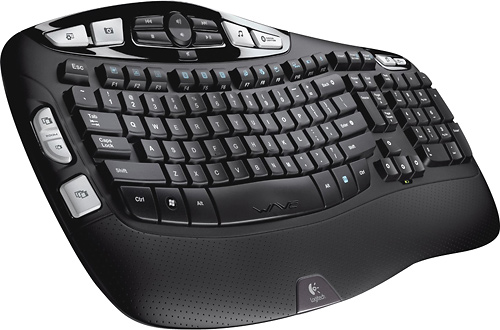
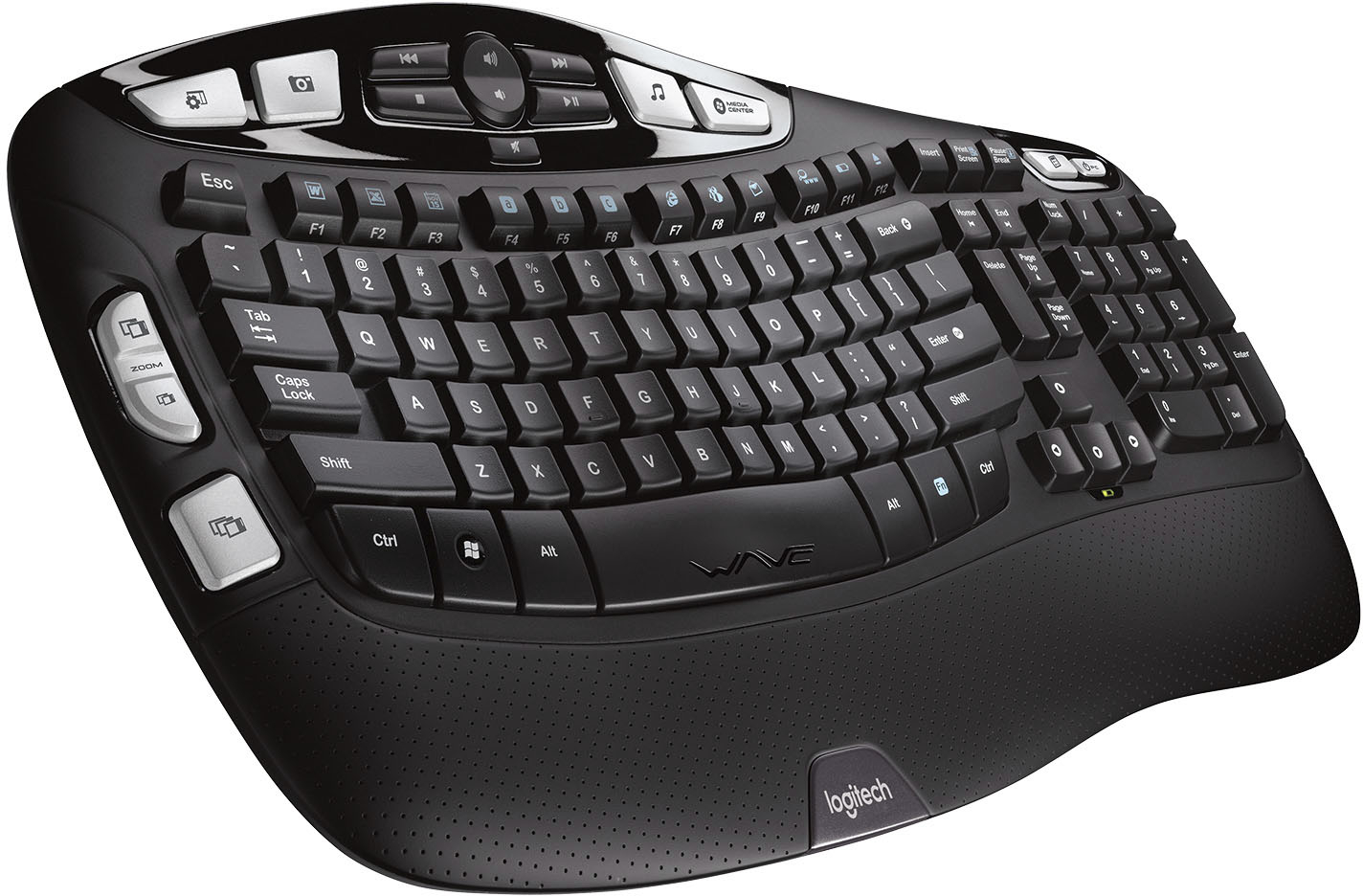
H4 H4 I MEDIA CENTER Insert Print Screen Pause Break IC MOOS Esc ~ . Tab N Caps Lock Shift ! 1 W F 2 Q A X F2 # 3 W S Z 17 F3 $ 4 E D x R C a b C F4 FS F6 % A & 5 6 7 T Y U F G H V N F7 * ( 8 9 I J K M FB ) 0 o L < , www F12 F11 F10 FD + Back - = - I } I { ] P [ u Enter E 3 ? Shift > I Home H Delete End H Page Up A Page Down Num Lock 7 Home 4 - 1 End 0 Ins / 8 t 5 2 I * 9 Po Up 6 3 Po De Del - + Enter Ctrl Alt Alt Fn Ctrl WAE logitech
The text is a list of keys on a keyboard, including function keys, arrow keys, and other special keys.](https://pisces.bbystatic.com/image2/BestBuy_US/images/products/9613/9613864_sd.jpg)

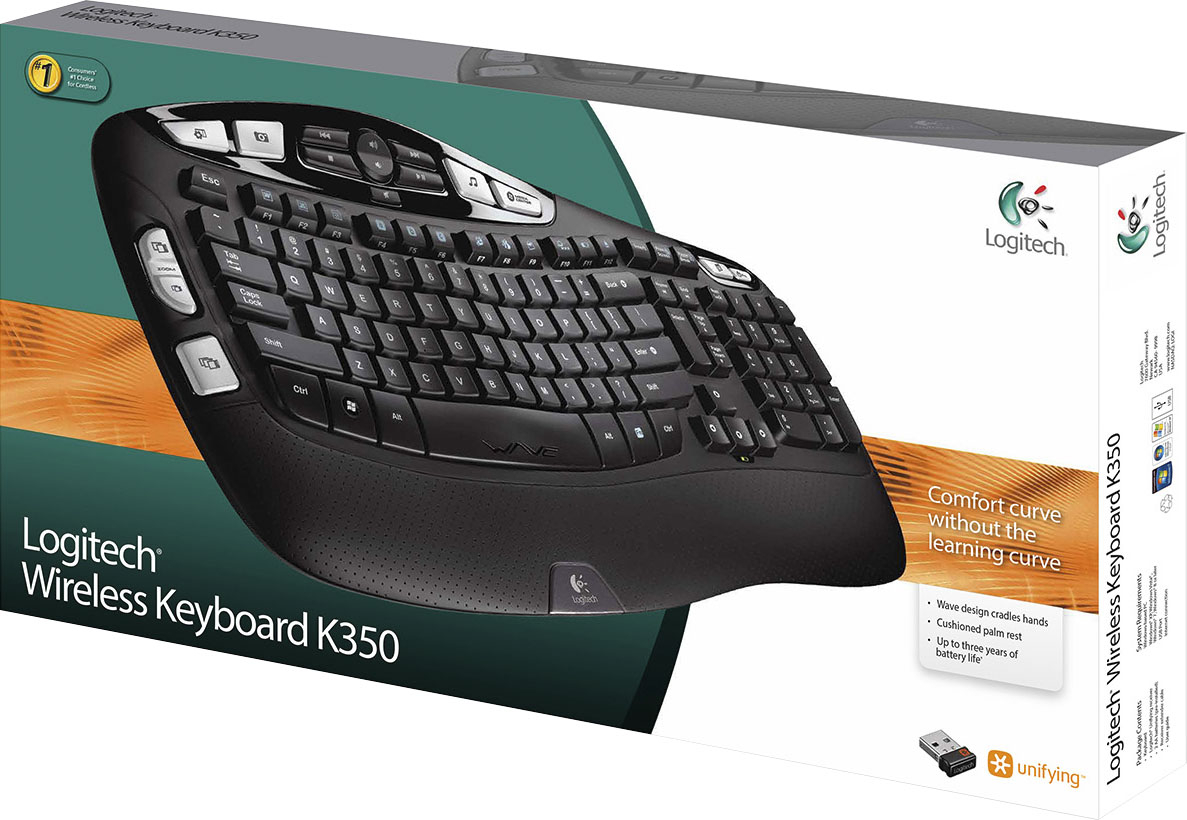
- Model:
- 920-001996
- |
- SKU:
- 9613864
Customer reviews
Rating 4.6 out of 5 stars with 485 reviews
(485 customer reviews)Rating by feature
- Value4.5
Rating 4.5 out of 5 stars
- Quality4.5
Rating 4.5 out of 5 stars
- Ease of Use4.5
Rating 4.5 out of 5 stars
Customers are saying
Customers praise the K350 Ergonomic Keyboard for its quality, ease of use, wireless functionality, comfortable wrist support, and long-lasting battery. Some customers have noted concerns about the absence of a Caps Lock indicator, its size, and compatibility issues.
This summary was generated by AI based on customer reviews.
Rated 3 out of 5 stars
Love it, but.....
Posted .This reviewer received promo considerations or sweepstakes entry for writing a review.I love this keyboard. It's comfortable and easy to type with, however the letters are starting to wear off. I've owned this keyboard for less than one year. It is used daily, appx 25 hours a week. I've had keyboards I used for data every for years and never seen the lettering wear down. I'll continue to use it for as long as it works.
I would recommend this to a friendRated 2 out of 5 stars
LOUD and made for big man hands
Posted .This reviewer received promo considerations or sweepstakes entry for writing a review.I bought this keyboard at my husband's recommendation, which should have been my first warning. He is 6'4" and has big man hands. I am 5'3" and have little lady hands. The size of this keyboard is way out of proportion for someone my size. Moreover, in my work I do a lot of phone interviewing, so a quiet keyboard is essential. This one sounded like a jackhammer as I keyed in notes during my interviews. I used it for 3 days and will be returning it. Have replaced it with a more compact, nearly silent keyboard that is perfect. Functionally, the Logitech keyboard was fine and has lots of cool bells and whistles. For a person with larger hands in an office where quiet is not important, it's probably a good choice.
No, I would not recommend this to a friendRated 1 out of 5 stars
skip it. trust me.
Posted .This reviewer received promo considerations or sweepstakes entry for writing a review.i bought this on july 1 by september i was having issues. i'd press on letter keys and it'd be blank. no movement. i'd change the batteries and nada. moments later, it'd start working again. a month later, it would start again. so disappointed. $43 dollars down the drain. oh well, i'm gonna buy a wired keyboard instead. never had issues with wired keyboards.
No, I would not recommend this to a friendBrand response from Logitech
Posted .Hello, I am so sorry to hear about the issues you are experiencing with the keyboard. it sounds like you may need to do a firmware update on the device. Here is the link for that: https://download01.logi.com/web/ftp/pub/techsupport/keyboards/FirmwareUpdateTool_1.2.169_x64.exe. if that does not solve the issue, it does come with a 5 year warranty through Logitech so we can get that replaced for you! Here is the link to file a claim: https://support.logi.com/hc/en-us/articles/360024926134-Warranty-Wireless-Keyboard-K350. I hope this helps! Thank you for taking the time to write this review, we appreciate the feedback.
Rated 1 out of 5 stars
GREAT, if you're bored with your unbroken fingers!
Posted .This reviewer received promo considerations or sweepstakes entry for writing a review.You need 50 pounds of force to press the keys, and have to be perfectly centered over them. The picture represents the force needed for casual typing, NOT a nasty social media response or emailing an ex... no injury from tossing the keyboard 50 yards.
No, I would not recommend this to a friendRated 1 out of 5 stars
not a very good product
Posted .This reviewer received promo considerations or sweepstakes entry for writing a review.i bought one it worked for a short time anc now .ypes the wrong letters ano so far logitech is no help i. tired of retyping everything to try and correct ic
No, I would not recommend this to a friend