Customer Ratings & Reviews



- Model:
- 920-011131
- SKU:
- 6516296
Rating by feature
- Value
Rating 4.7 out of 5 stars
- Quality
Rating 4.7 out of 5 stars
- Ease of Use
Rating 4.7 out of 5 stars
Customers are saying
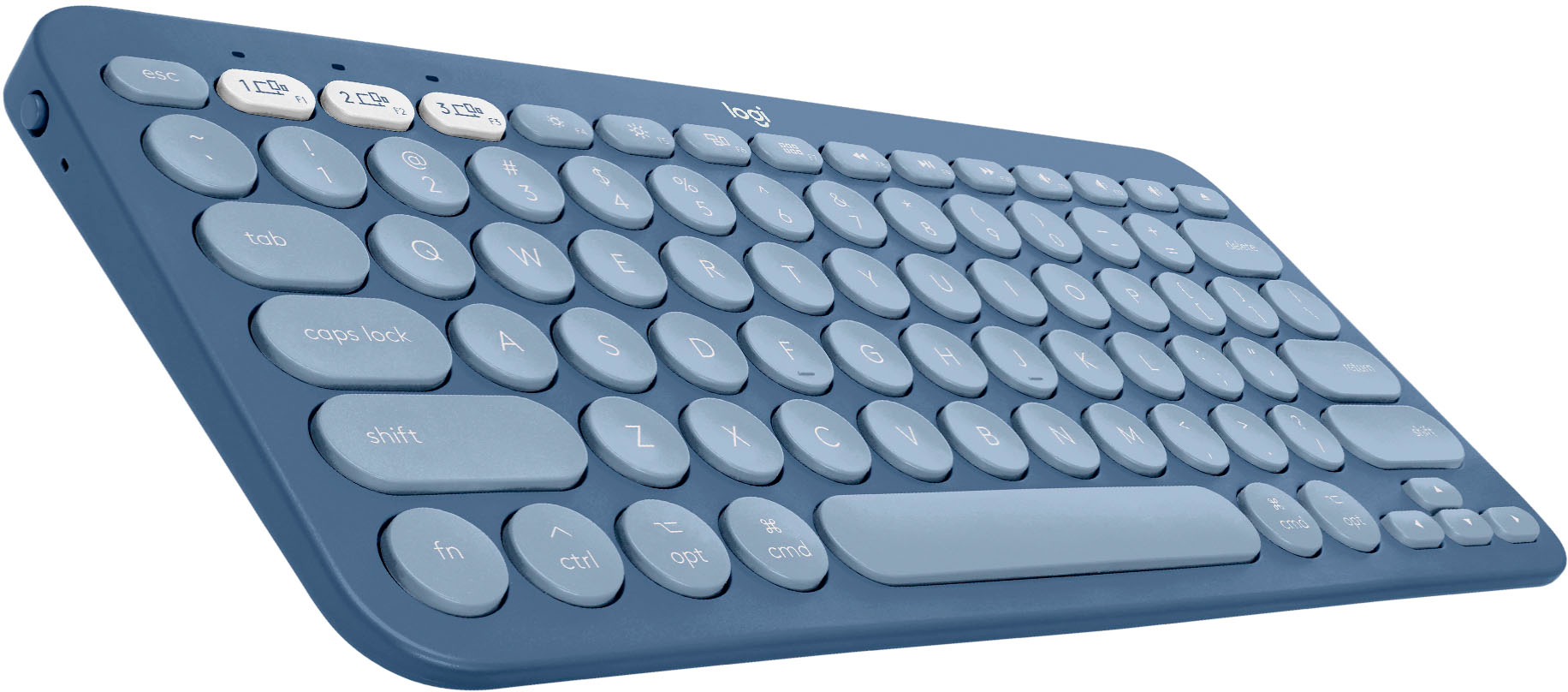
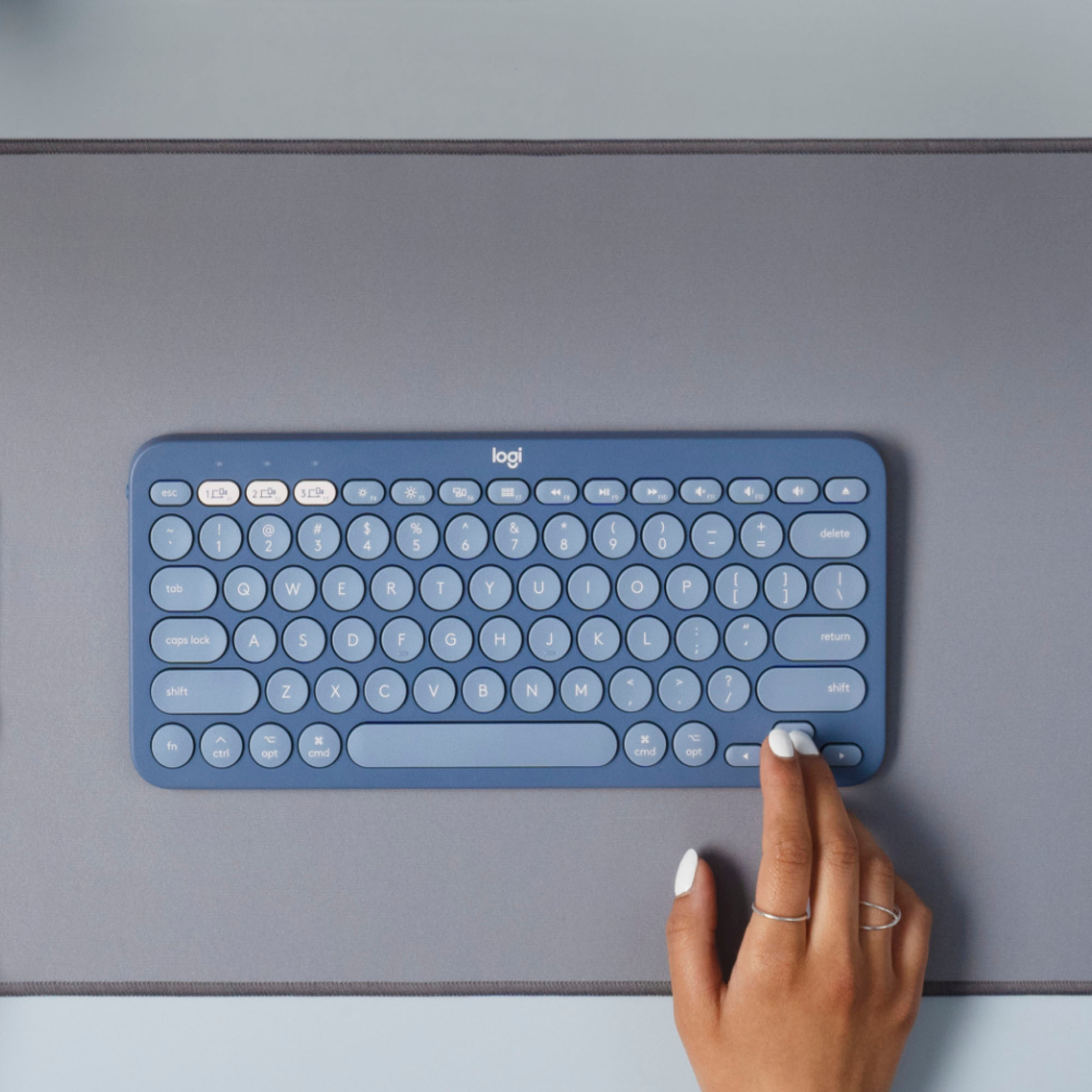
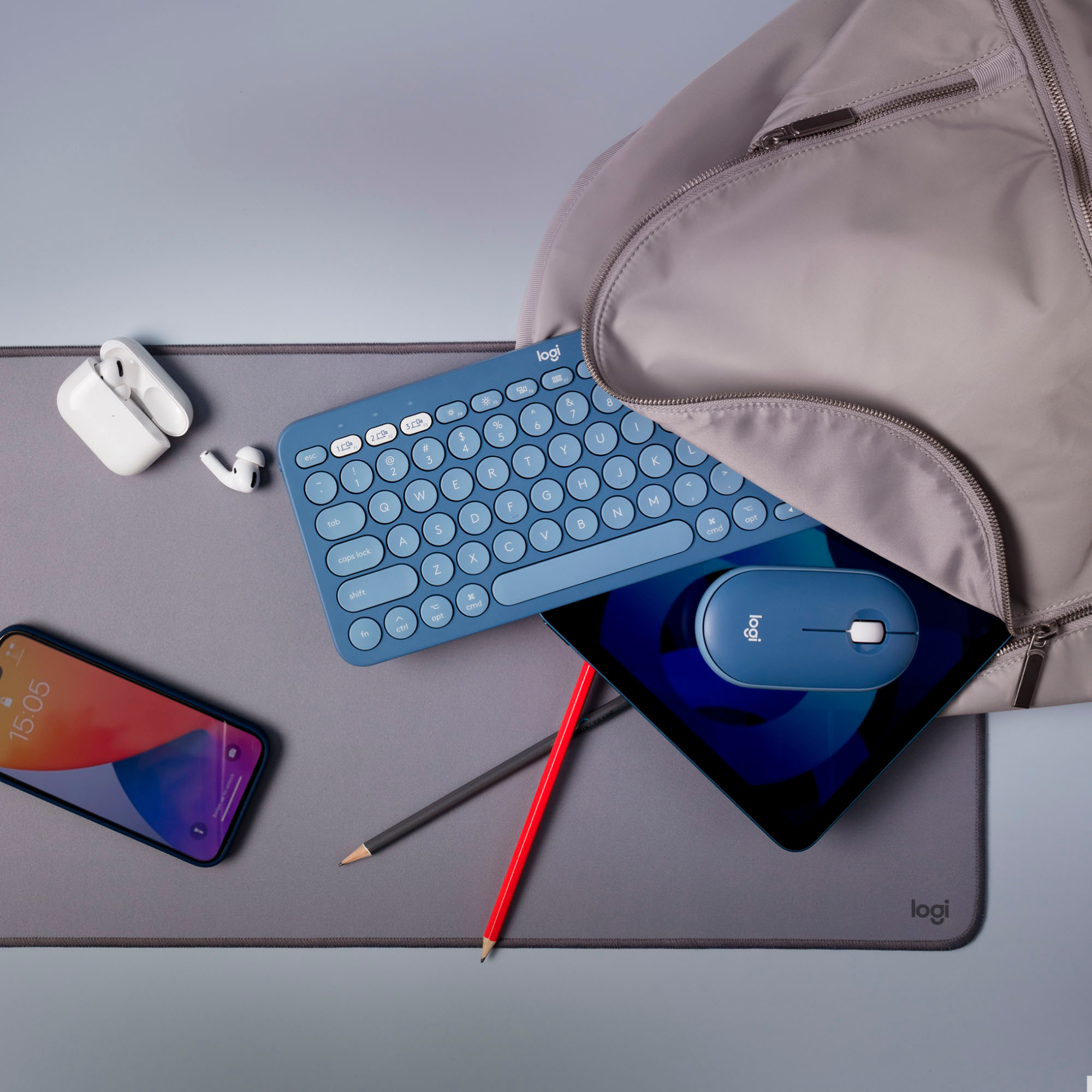
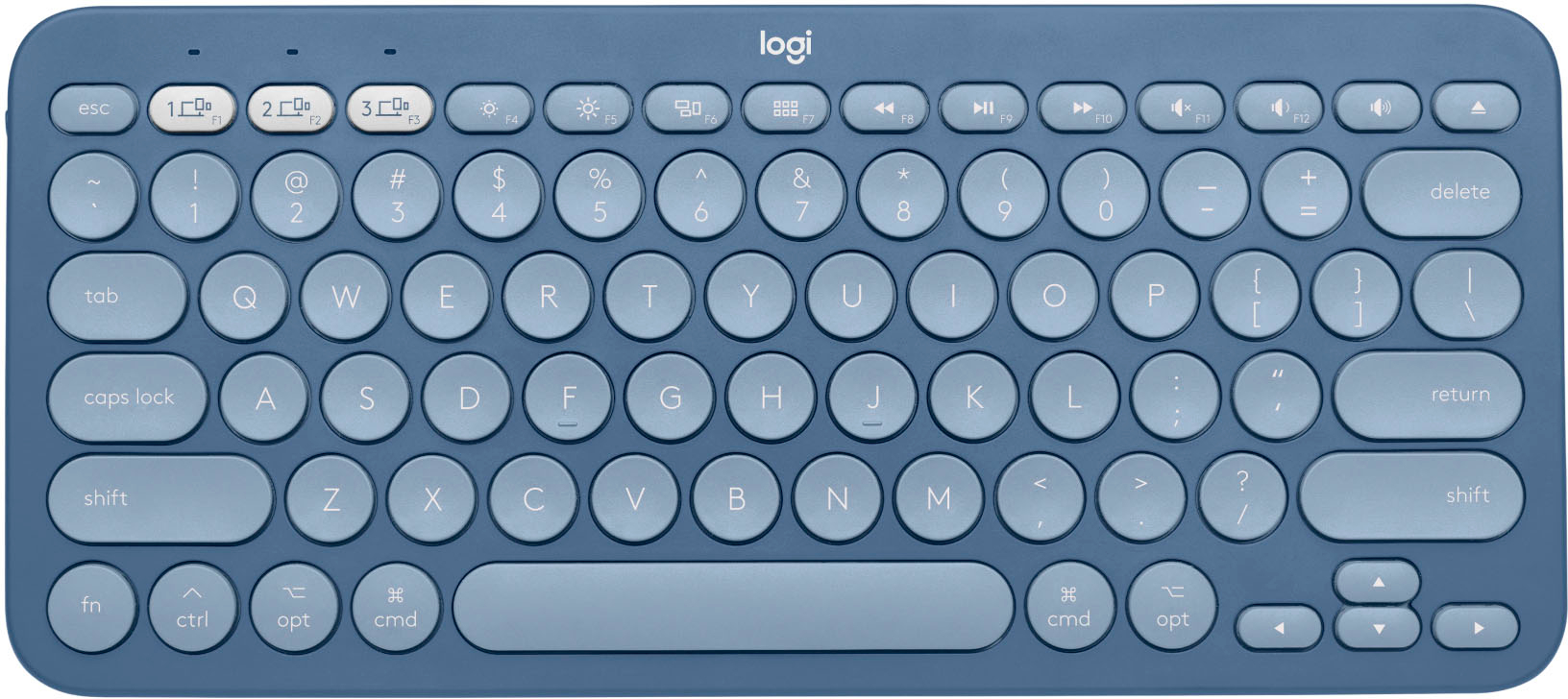
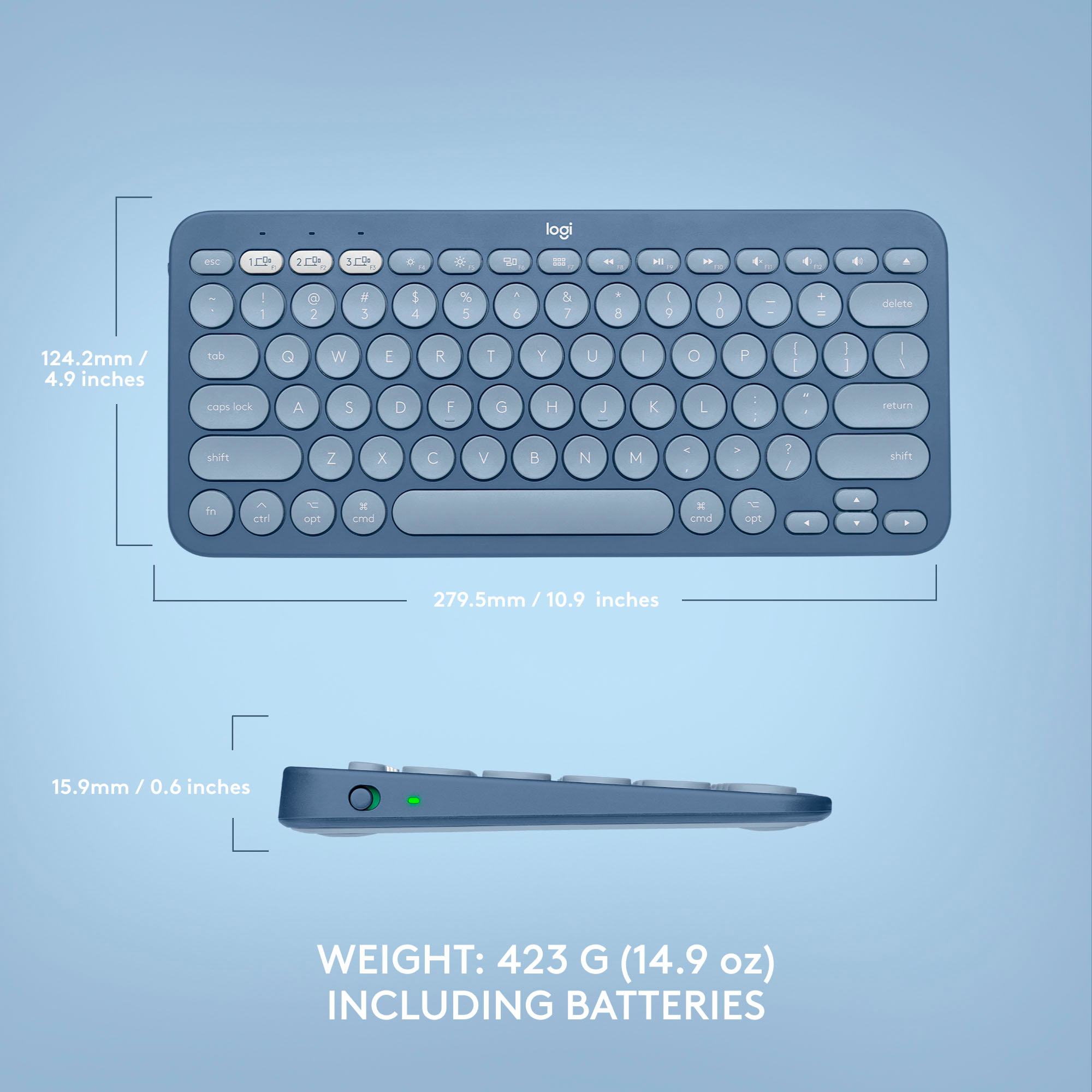
Customers love the ease of use, lightweight design, and high quality of the K380 TKL Bluetooth keyboard. Many appreciate its compact size, compatibility with multiple devices, and long battery life. Positive feedback also highlights the attractive color options and sleek design. While some minor issues with key feel and the lack of a caps lock indicator were noted, these were less frequent concerns.
This summary was generated by AI based on customer reviews.
Mobile!
||Posted . Owned for 1 week when reviewed.This reviewer received promo considerations or sweepstakes entry for writing a review.A little smaller than I was expecting but good for working on the go!
I would recommend this to a friendSo I couldn’t really tell u
||Posted .This reviewer received promo considerations or sweepstakes entry for writing a review.Pretty good I’m assuming it got stolen So I couldn’t really tell
I would recommend this to a friendGreat Keyboard
||Posted . Owned for 1 week when reviewed.This reviewer received promo considerations or sweepstakes entry for writing a review.I like the keyboard circular keys make it easier to touch. Easy to connect!
I would recommend this to a friendNice and compact.
||Posted . Owned for 1 month when reviewed.This reviewer received promo considerations or sweepstakes entry for writing a review.But Wish it was a little longer and had the separate number pad.
I would recommend this to a friendNice stick
||Posted . Owned for 1 month when reviewed.This reviewer received promo considerations or sweepstakes entry for writing a review.Good tech………………………………………………………………………………………………………………..
I would recommend this to a friendNot quite full-size
||Posted .This reviewer received promo considerations or sweepstakes entry for writing a review.The keyboard is described as full-sized and I bought it on that basis, but the keys are closer together than on my Mac keyboard, and my fingers are somewhat cramped as I use it. It seems OK in every other way, so I may still keep it, but I'm disappointed at the misleading description.
No, I would not recommend this to a friendKeyboard
||Posted . Owned for 1 month when reviewed.This reviewer received promo considerations or sweepstakes entry for writing a review.Bought as a gift. So far haven't had any problems to speak of.
I would recommend this to a friendBought for my niece
||Posted . Owned for 1 week when reviewed.This reviewer received promo considerations or sweepstakes entry for writing a review.She loved it. I’ll update if anything changes. So far so good.
I would recommend this to a friendDecent
||Posted . Owned for 3 weeks when reviewed.This reviewer received promo considerations or sweepstakes entry for writing a review.Use with laptop. Whoooooooop whoooooop whooooooppp
I would recommend this to a friendGood product connect with multiple devices
||Posted . Owned for 1 week when reviewed.This reviewer received promo considerations or sweepstakes entry for writing a review.I really love this product I would recommend it a 100%
I would recommend this to a friendCaps Lock doesn't light up if you want to lock it.
||Posted . Owned for 3 weeks when reviewed.This reviewer received promo considerations or sweepstakes entry for writing a review.Logitech seems to be a reputable name. But it is small, and the Caps Lock doesn't light up if you want to lock it. Nice that it can be used with a tablet, or computer or a phone.
No, I would not recommend this to a friendKeyboard for Mac
||Posted . Owned for 1 year when reviewed.This reviewer received promo considerations or sweepstakes entry for writing a review.Slow to connect when I first start typing, and does not have a signal when you are locked on caps. Not as good as the Apple keyboard
No, I would not recommend this to a friendIt's ok, not for the everyday user.
||Posted . Owned for 4 months when reviewed.This reviewer received promo considerations or sweepstakes entry for writing a review.It's ok... keys get sticky and have to keep dusting it (not so much dust on my desk to start with) but everything gets inside the keys.
No, I would not recommend this to a friendIt's okay, but...
||Posted . Owned for 3 weeks when reviewed.This reviewer received promo considerations or sweepstakes entry for writing a review.This keyboard is okay. The only problem I have is that the delete key + fn key does not make a forward delete on my Mac Book Pro. Several chats with the support team at Logitech were unable to resolve the issue. The only way I have found to get a forward delete on this keyboard is to use control+d, which I find annoying. If this wouldn't bother you, you'll be fine with the keyboard, but it bothers me.
No, I would not recommend this to a friendBrand response from Logitech
Posted .Hello PetMum,
I am sorry that the K380 is not meeting your expectations ultimately. I understand the inconvenience of having to delete forward differently than what you are used to. Logitech appreciates your product review. - Leo from Logitech
- Pros mentioned:Ease of use, Keyboard quality

Awesome Little Keyboard
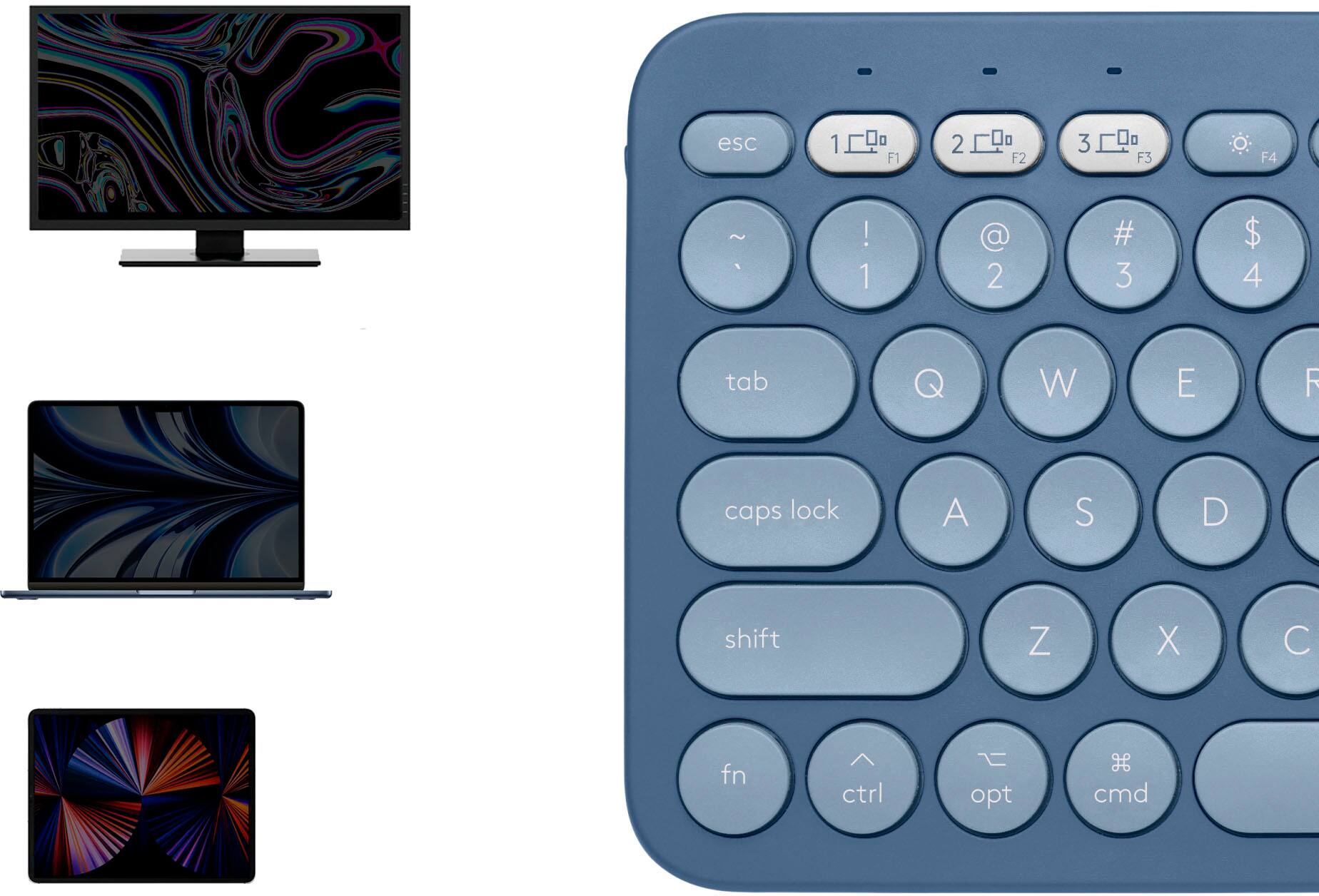
|Posted .This reviewer received promo considerations or sweepstakes entry for writing a review.First impression: My first impression of the K380 keyboard was that it was very rugged. It has a solid feel and the plastic case does not feel like it will break easily. That is good as I am using this keyboard as my portable keyboard to take for on-site IT work. The keyboard is well packaged and the non-text startup instructions are about as easy as you could imagine. And the keyboard can pair with 3 different devices and you can easily switch between all three devices in real-time. This is the same feature as on their MX Master 25 mouse which I currently use on my MacBook Pro and my Windows desktop and laptop. Test: When I pulled the battery protective strip out and held down the F1 key for 3 seconds, the MacBook immediately saw the keyboard. A popup asked me to type in 5 numbers and hit <enter> and the keyboard was paired. It really is that simple. Performance: The keyboard works beautifully on all of my devices. The keys are easy to hit and responsive and do not require excessive force. The keys also don’t bounce which is nice as I am a 2-finger typist. They are round, and this can pose a problem for people with larger fingers or 2-finger typist. But that is not a failure on their part, it is designed this way. Conclusion: OK, here is the tough part. I really like this keyboard and I wanted it to be my full-time replacement to another failed Mac external keyboard. But the keys are too small for it to be my daily-use keyboard. I am a 2-finger typist, and I need larger square keys to be able to type fast on a keyboard. Again, this is not a failure of the keyboard, but a result of how I type. This keyboard is a great companion to their MX series mice, as you can have 1 keyboard and 1 mouse for 3 devices. It is now my full-time iPad keyboard and my IT backpack keyboard. For these 2 purposes, I could not think of a better keyboard. I recommend this keyboard and give it 5 out of 5 because the keyboard does everything I need it to do, and does it very well and does it very simply. Well done Logitech!
I would recommend this to a friend - Pros mentioned:Compatibility, Ease of use, Size
Simple get the job done
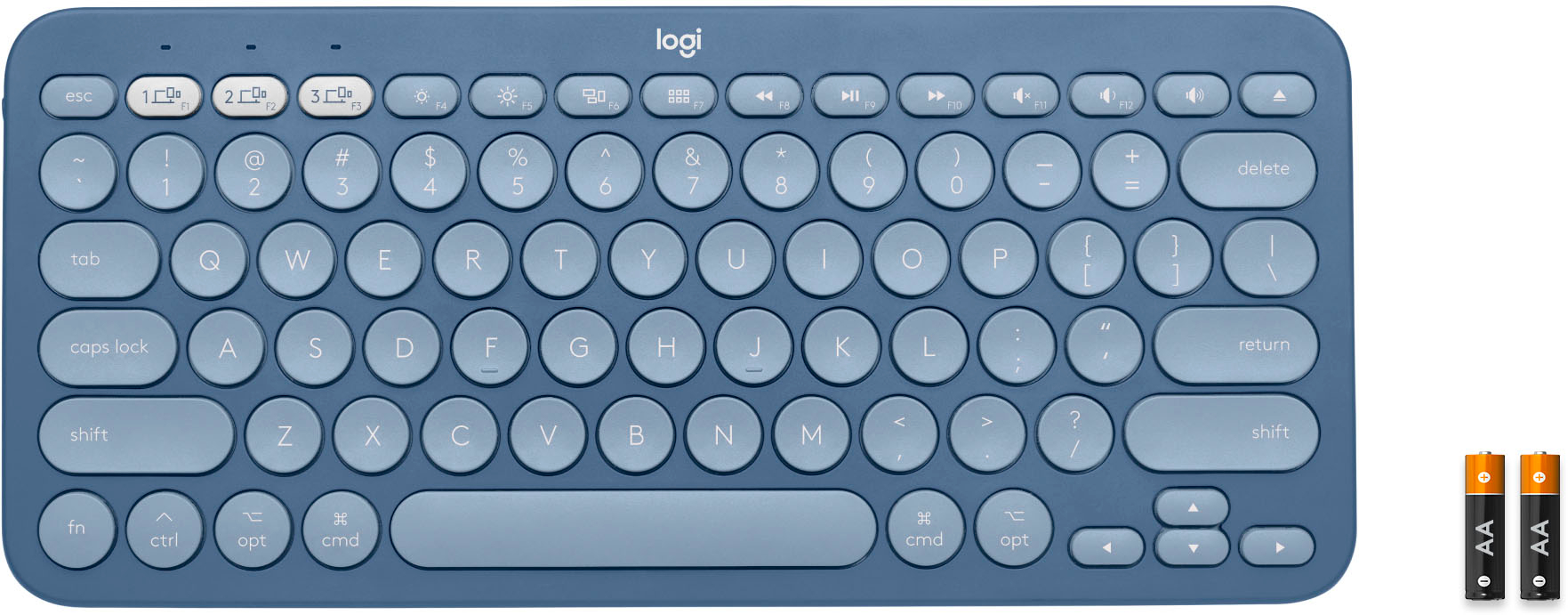
|Posted .This reviewer received promo considerations or sweepstakes entry for writing a review.My Logitech Bluetooth keyboard works pretty great it was a quick & easy set up you can program up to 3 devices on the keyboard & switch between the 3 by choosing which button you assigned the device to. I like the fact that it’s small, lightweight & compact good for packing to travel, it comes with batteries, compatible with Mac, iOS I connected it to my iPhone & iPad, it was nice to be able to use a keyboard for long ongoing text with my family group & to get some quick work done on my iPad while I was out of town & needed. Emails finished & not need a to bring my laptop along. Only thing couldn’t figure out if I could use emojis while texting lol. No cons that I noticed. Got the job done. Simple basic keyboard
I would recommend this to a friend - Pros mentioned:Keyboard quality
Did not work
||Posted .This reviewer received promo considerations or sweepstakes entry for writing a review.After seeing plenty positive reviews on YouTube, I bought this item. However, it won’t connect with my iPad’s bluetooth. Can’t find anything on the internet about troubleshooting this device because I am the only one in the universe that is having this problem. Otherwise, this keyboard is of good quality and affordable. Steps to connecting it to Apple devices are easy.....in theory.
No, I would not recommend this to a friendBrand response from Logitech
Posted .Hi Sweetie94, thank you for your feedback! You should have no problems connecting the K380 to your iPad. For support, please refer to: https://support.logi.com/hc/en-us/articles/360051435873 - Also, check out Logitech Options software: https://www.logitech.com/en-us/product/options - Will, Logitech.
Unpredictable
||Posted .This reviewer received promo considerations or sweepstakes entry for writing a review.It's great when it works -- but annoying when it doesn't. At least 2x a day I have to restart my computer, so it can connect again.
No, I would not recommend this to a friendIt could have been great.
||Posted . Owned for less than 1 week when reviewed.This reviewer received promo considerations or sweepstakes entry for writing a review.My major gripe is that there is no delete when you press fn+Delete. This aggravates me to no end. Especially since the regular K380 has this functionality. (A work-around is to use cntrl-D) A lesser gripe is that the function keys are offset to the right. E.G. If you want to turn off music it's F8 on an Apple keyboard but F9 for this. I don't see a reason to pay an extra $10.
No, I would not recommend this to a friendBrand response from Logitech
Posted .Hello DaveR! I'm sorry to hear about your experience with the K380 for Mac. If you haven't already, I would recommend downloading our Logitech Options software here https://support.logi.com/hc/en-us/articles/360025297893 to adjust which keys do what function. Thank you so much for the feedback on this keyboard! I will definitely be passing this information along. - Maggie from Logitech
- Pros mentioned:Battery life, Size
Handy mini wireless keyboard
|Posted .This reviewer received promo considerations or sweepstakes entry for writing a review.I often find myself struggling with the on screen keyboard for my iPhone and iPad. The Logitech K380 keyboard solves a number of problems for me. First off, it is compact yet easy to type on (using it for this review right now). My fingers naturally pressed the tactile and responsive keys, unlike other portable keyboards I have used in the past. Logitech definitely got the ergonomics down pat on this model. It also includes, dedicated buttons to switch between devices, this was especially handy when using with my iPad and iPhone. The brightness and volume key worked well with both of the devices I mentioned. Although the Play/Pause, FF and REW keys did not seem to function on my iPhone, either using the iOS YouTube app or the built in Photos app when playing a video. The keyboard runs on 2 AAA batteries and they claim 24 month battery life which seems pretty incredible (and obviously I have no way of verifying that). But given that there is a separate on/off switch on the side, you can power the keyboard off. Overall I am pretty happy with this Bluetooth keyboard. Certainly this would be more than adequate to use with any of my devices. You could get by with going on a trip with just this keyboard and your mobile device and have confidence that if you had to type anything substantial, this keyboard would be more that adequate to handle the situation. Pros: - Lightweight and small - Keys are spaced well, not unlike using a laptop keyboard - Well built Cons: - None yet
I would recommend this to a friend