Customer Ratings & Reviews

- Model:
- 920-000914
- |
- SKU:
- 8986662
Customer reviews
Rating 4.7 out of 5 stars with 456 reviews
(456 customer reviews)Rating by feature
- Value4.6
Rating 4.6 out of 5 stars
- Quality4.8
Rating 4.8 out of 5 stars
- Ease of Use4.8
Rating 4.8 out of 5 stars
Customers are saying
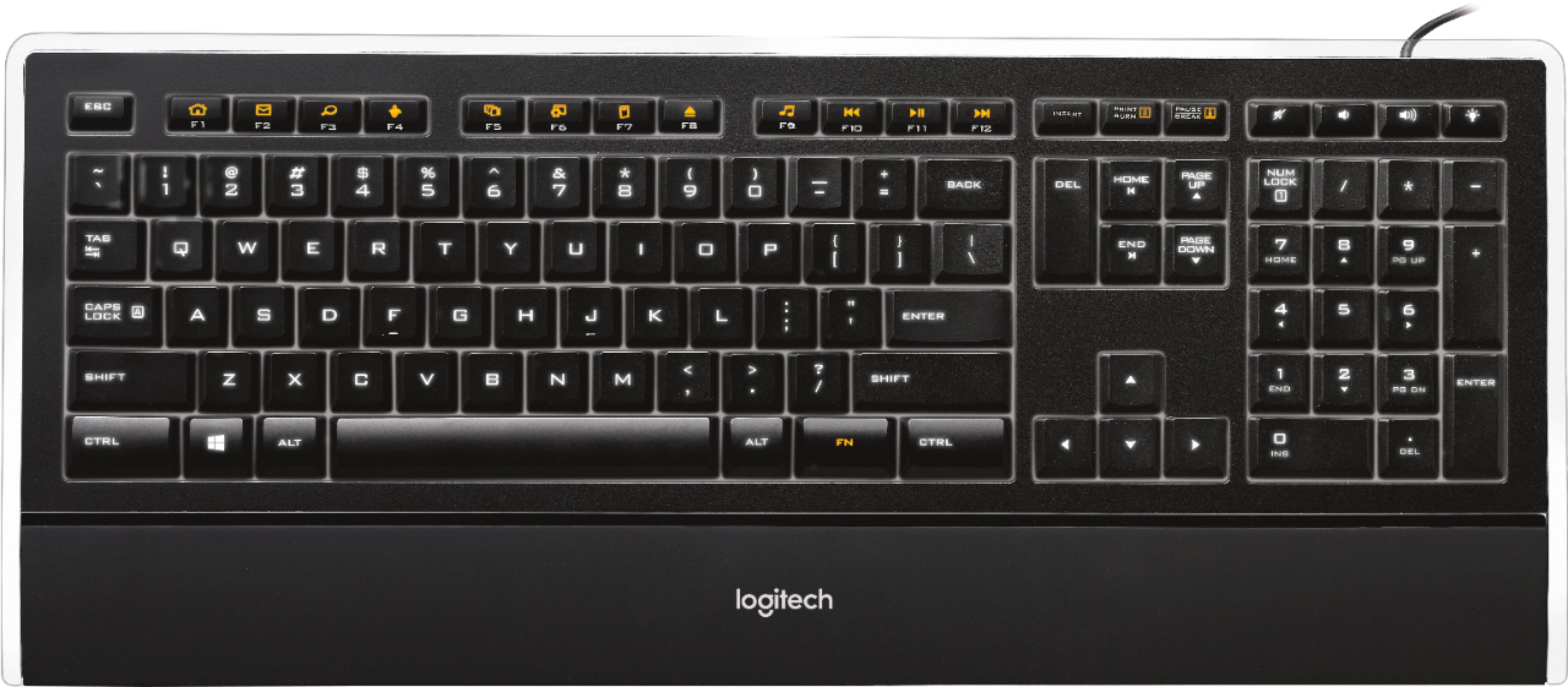
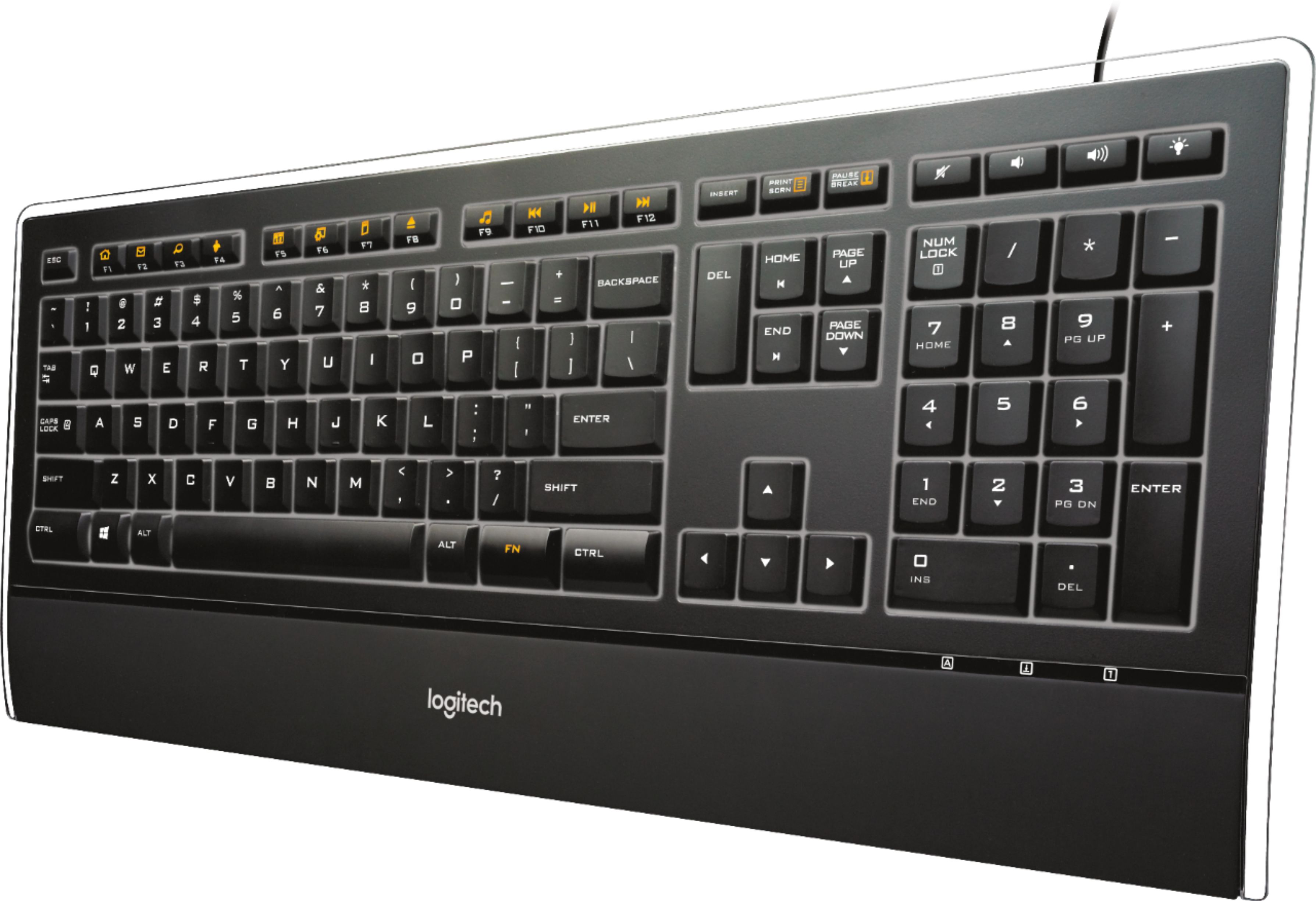
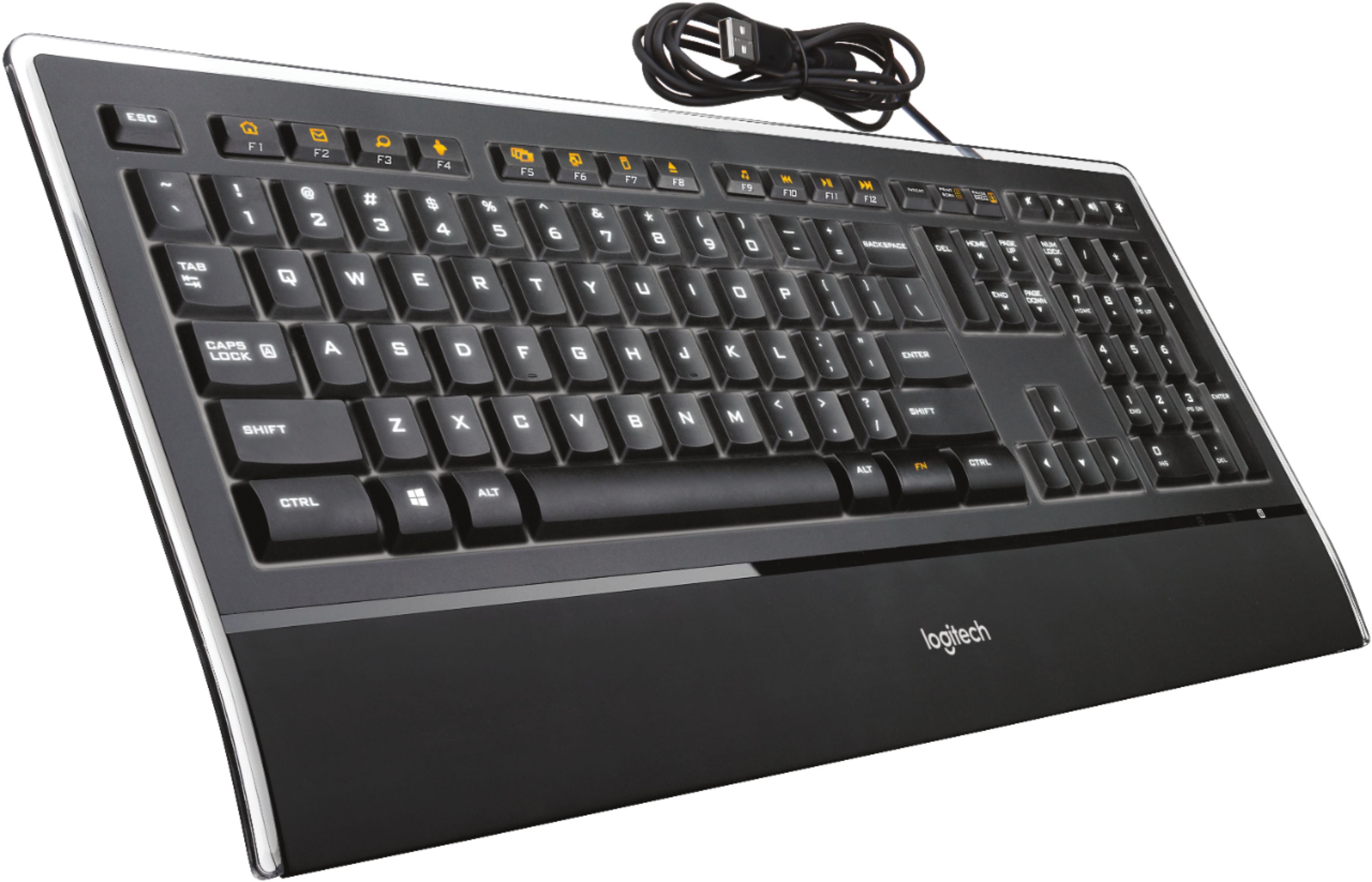
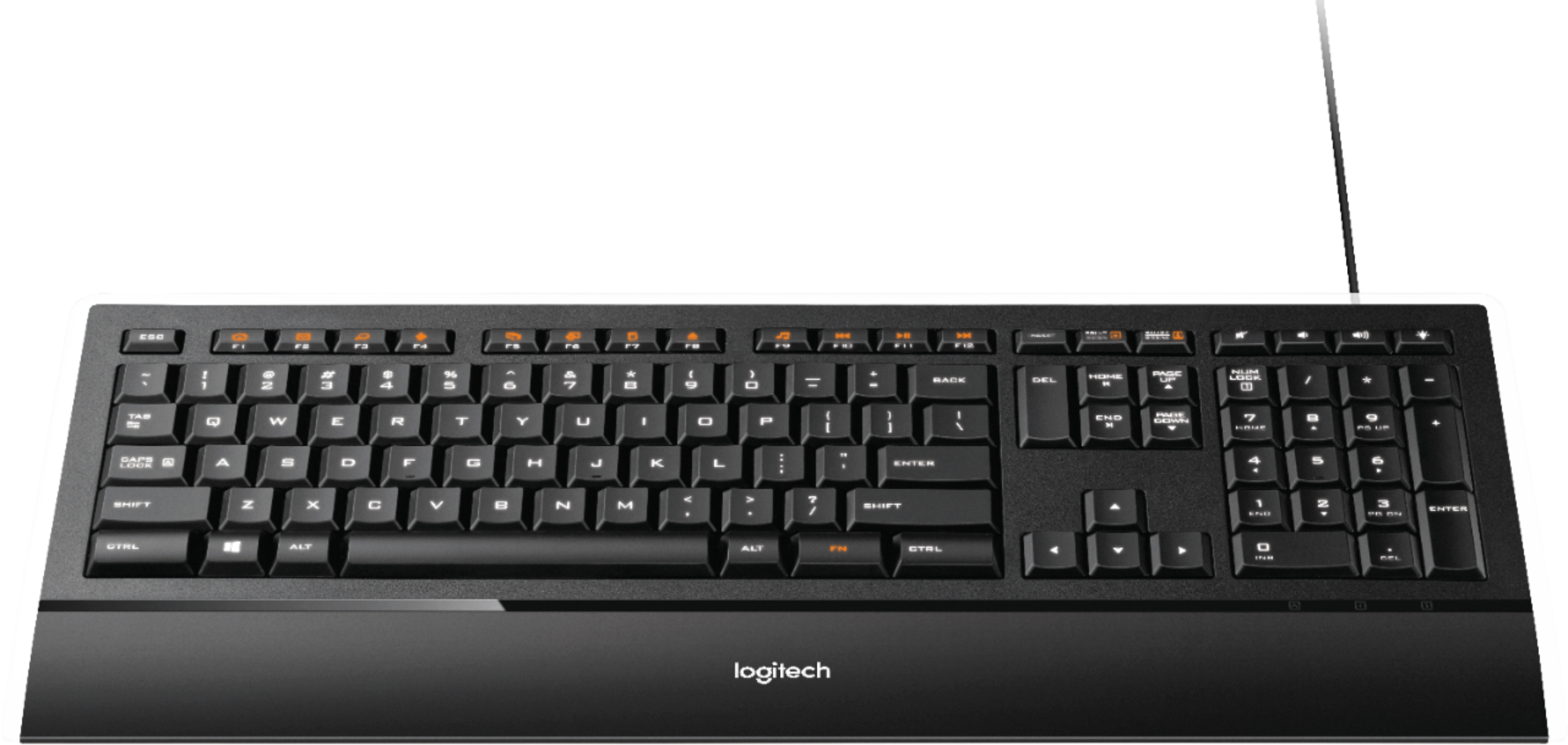
Customers consistently note the high-quality feel and ease of typing on the K740 keyboard, praising its key feel and comfortable design, including the wrist rest. Many appreciate the keyboard's ease of use and elegant appearance. However, some customers find the price to be a drawback and have reported concerns about battery life.
This summary was generated by AI based on customer reviews.
- Pros mentioned:Keyboard quality
Rated 5 out of 5 stars
Very Impressed
Posted .This reviewer received promo considerations or sweepstakes entry for writing a review.I purchased this keyboard after returning the Razer Lycosa and I have been thoroughly pleased with it. With the Lycosa I had issues with keys not functioning properly within only a few days of purchase. As the Lycosa is very close in price to the Logitech, I would rather get the most for my money. First thing I noticed about the Logitech is that it had a very heavy, sturdy design which I loved. Also the keys are very quiet in comparison to other keyboards of equal price. I also own a Logitech mouse (G9) and headset and I've never been disappointed with any of their products. I recommend them to all of my fellow WoW raiders.
I would recommend this to a friend - Pros mentioned:Key feel
Rated 5 out of 5 stars
Most Comfortable Keyboard Ever
Posted .This reviewer received promo considerations or sweepstakes entry for writing a review.I originally had bought a Logitech G15 not because I am a serious gamer but because I wanted an illuminated keyboard...Well it had 3 dead keys that did not light up and typing on the keys was ok but not great...figured it was stiffer keys for extreme gamers.. So I took back to Best Buy and returned and saw the Logitech Illuminated and decided to try it...What a surprise!!!! The letters are easier to see, the keys are great to the touch and the white illumination makes typing fun..It has to rate as the best keyboard I have ever used. A little on the pricey side as I paid the full $79.99 but in the end well worth it.
I would recommend this to a friend - Pros mentioned:Keyboard quality
Rated 5 out of 5 stars
Excellent Keyboard
Posted .This reviewer received promo considerations or sweepstakes entry for writing a review.I've owned the Razer Lycosa and several other "light up" keyboards in the past. This new Logitech is by far the best keyboard of the bunch. The keystrokes work flawlessly and the lighting system has 3 levels of brightness, and the keys glow a simple white - none of this blue/red/purple nonsense. There isn't any fancy stuff, like programmable buttons or touchpads - Logitech has minimized the possibility of failures by keeping the keyboard simple and durable. If you're looking for a keyboard that has laptop-style keys, isn't ergonomic, and is extremely low profile, then this is the right one.
I would recommend this to a friend - Pros mentioned:Keyboard qualityCons mentioned:Price
Rated 5 out of 5 stars
Love this keyboard
Posted .This reviewer received promo considerations or sweepstakes entry for writing a review.It feels great while typing & I love, love, love the backlighting and the fact that it's adjustable. I think it's a little pricey but well worth it.
I would recommend this to a friend Rated 4 out of 5 stars
See The Light
Posted .This reviewer received promo considerations or sweepstakes entry for writing a review.While eighty bucks is a bit much to pay for what is pretty much a basic keyboard in my opinion, when it comes to back-lit keyboards you don't have much of a choice. I really wanted a wireless keyboard but there are none that are back-lit. My online searches turned up either cheap no-name boards with lousy user reviews or high-priced gamers boards with more stuff than I needed or wanted. In-store, hands-on research singled out this model as my prime candidate. But then there was that $80 price tag and I had to really wrestle with my shoulder devil and angel to rationalize shelling out that kind of geetus (money) for this keyboard. Fortunately, I found it on sale online at BestBuy.com for $60 and the shoulder angel gave in, muttering that it was still a bit high for a keyboard. Now that I've had it for a few weeks I have to say that I really like it! It's pretty much plug and play and the adjustable back light is a nice feature. The Delete and Insert Keys are in a bit different configuration than a regular board for some reason, but everything else about it is very nice. Good action on the keys that don't feel cheap or flimsy in spite of how thin they are. They are very quiet and I can use it without waking my wife when I'm working late at night. Little indicator lights for the caps lock and number lock are helpful but appear under the key pad area where you might expect to see the caps lock indicator. As I mentioned above, the labels for the F-Keys are not lighted, but the special function symbols that share the key are. However, this is pretty much a full size keyboard so you should find everything right where you need it if you touch-type. Still overall, this is a fine keyboard and if you need a lighted keyboard and can find it on sale I'd say get it. You and your shoulder angel won't be disappointed.
I would recommend this to a friend- Pros mentioned:Key feel
Rated 5 out of 5 stars
Perfect keyboard
Posted .This reviewer received promo considerations or sweepstakes entry for writing a review.I LOVE this keyboard! The keys are perfect and the easiest to type on that I've found. Very comfortable. I love the backlit feature. At night you can see the keys very clearly. And you can select the level of brightness that you want. There are also added keys for internet and media which is nice. I am so glad I bought this. Very happy customer here. =)
I would recommend this to a friend - Pros mentioned:Key feel
Rated 5 out of 5 stars
Great Keyboard
Posted .This reviewer received promo considerations or sweepstakes entry for writing a review.Spending long days on a computer I want a keyboard which has a soft touch and feels effortless to use. I also prefer using a keyboard which is connected to my machine or KVM using a cable and not dealing with intricacies of wireless devices. I have found two types of keyboards that I like, this one and an Apple keyboard (against a PC). My wife found that after spilling a glass of water over one of these keyboards that one or two keys chose not to work any more, but apart from that these are great keyboards
I would recommend this to a friend - Pros mentioned:Key feel
Rated 5 out of 5 stars
It's a keyboard!!
Posted .This reviewer received promo considerations or sweepstakes entry for writing a review.after having owned a half dozen or so keyboards in the past, this one beats them all. All of the keys are back lit for ease of finding letters, keys etc esp. at night when you can power down/off your lights saving electricity. If you leave the keyboard alone for any length of time, it will go into a sleep mode, but will come back on after detecting any slight movement. Very nice
I would recommend this to a friend - Pros mentioned:Keyboard quality
Rated 5 out of 5 stars
Wow this is a beautiful keyboard
Posted .This reviewer received promo considerations or sweepstakes entry for writing a review.This is probably the nicest keyboard I've ever used. It has great feel, and the illumination greatly enhances the ambiance. If you've never used an illuminated keyboard before, you won't want to go back after trying this one. The only nit that I have is that I can't set it up on a great enough angle for comfort; the feet that you pull out aren't long enough. No big deal though, it just means getting used to a different feel. Highly recommended, if you have $70 for a keyboard.
I would recommend this to a friend - Pros mentioned:Keyboard quality
Rated 5 out of 5 stars
Awesome keyboard
Posted .This reviewer received promo considerations or sweepstakes entry for writing a review.Had to wander the store to find it after the clerk told me they were out of stock, but It paid off. By far an away the best keyboard I've ever owned. I actually LIKE typing on it, it just feels good and sounds cool. I think it make me a better typist. The box spouts something about the keystroke being optimized for better typing - well based on a days usage I'd say they are onto something. thin, light, lighted, good keyfeel, good tactile feel, good sounds. winner!
I would recommend this to a friend - Pros mentioned:Design
Rated 4 out of 5 stars
Very pleased with this keyboard!
Posted .This reviewer received promo considerations or sweepstakes entry for writing a review.Unfortunately, Logitech still hasn't gotten with the program, and made their devices compatible with KVM switches. On the good side, the laser etched keys mean that the letters won't rub off over time, and the illumination doesn't make the entire keyboard glow - just the letters. All of the function keys are working well with my UBUNTU Linux desktop - but the programmable function isn't available due to Logitech's "Linux ignorance" Also nice, is that the illumination is controlled with its own button, rather than the stupid practice of other manufacturers who re-purpose the scroll-lock key. My overall rating for this keyboard is lower because of the compatability issues, but the feel and comfort of this slim design won me over quickly.
I would recommend this to a friend Rated 5 out of 5 stars
been waiting for a keyboard like this...
Posted .This reviewer received promo considerations or sweepstakes entry for writing a review.I am replacing my diNovo Cordless Desktop with the Illuminated Keyboard. I bought this keyboard for the same reason I bought the diNovo - the laptop-style keys. I like the smoother and quite action on the keys, and the fact that it stays smooth over time unlike my experience with "conventional" keyboards. - The illumination is very sharp but subtle; even on the brightest setting. - I wanted to go back to a wired keyboard so I didn't have to deal with batteries or intermittent signal/interference problems. - The special functions for keys F1-F9 are programmable through the setpoint software. - I am thrilled with this keyboard on those points alone, but do have some nits. - I wish the "special function" keys were separate from the "F" keys. I'd like to have access to both without having to press any "modifier" key. Also, the "FN" key that shifts the "F" keys to their special function has replaced both the extra Windows key and Context Menu key, both of which I find handy on occasion. The "F" keys can be flipped so that they are the default and the "FN" modifier is needed for the "F" keys. - I don't like that the Insert key is moved up to where the Print Screen key is on conventional keyboards (the Print Screen replaces the Scroll Lock key). I'm not sure why that's done. It doesn't make the Delete key any easier to use, IMHO. - The one thing that I really miss about the diNovo is that the keyboard and Numeric Pad were separate. That way, I could center the keyboard with my monitor for better ergonomics, and at the same time keep my mouse (on the right-hand side) close enough so I don't have to reach for it. - Finally, as much as I like the key action, the diNovo keys were slightly better at the end of the stroke. They were "softer" and quieter than the Illuminated Keyboard.
I would recommend this to a friend- Pros mentioned:Keyboard quality
Rated 5 out of 5 stars
Great buy for $59.99...look for it on sale
Posted .This reviewer received promo considerations or sweepstakes entry for writing a review.The keys are so quiet compared to the regular keyboard I was replacing. The space bar makes a little more noise than the rest but still very quiet. Excellent for typing on business calls. I really like how they keys light up. Can't really notice in regular office lighting but are great when working in a dimly light room. The keyboard also looks more impressive than the ones shipped by HP or Dell. I picked it up on sale at Best Buy for $59.99. GREAT BUY.
I would recommend this to a friend - Pros mentioned:Key feel
Rated 5 out of 5 stars
Awesome Keyboard
Posted .This reviewer received promo considerations or sweepstakes entry for writing a review.I have had this keyboard for about a year now and I just absolutely love it! The keys have a great feel to them. The keyboard can lie flat or with the back slightly raised. Since it is not wireless, the keystrokes translate instantly to the screen. The illumination makes it wonderful to use in lower lighting situations. Would buy it again in a heartbeat.
I would recommend this to a friend Rated 4 out of 5 stars
Recommended
Posted .This reviewer received promo considerations or sweepstakes entry for writing a review.The Logitech Illumiinated keyboard was a perfect fit for me. At first I was only looking for a keyboard replacement that felt right. I.E., good construction, not flimsy, good key construction, well spaced keys that weren't cramped, not fancy, etc... I found all that and more with this keyboard. The First, the weight of this keyboard is perfect. It has a great solid body construction, it is not not wimpy. And yet, it is as thin as a wisp and aesthetically appealing. The 2-3" wrist rest is just right. The keys are silky smooth to the touch and so quiet. At first I didn't think the retractable support feet would be sturdy enough, but they are. I also didn't think the keyboard angled up sharply enough but got used to a 'flatter' keyboard aspect quickly. I wasn't looking for illuminated keys or special key programming but this one has both. I haven't really used the programming features but about the illumination I will say this. At 40 years old it is kind of nice to have the extra light from the keys, even with my lamps on around me. Yeah, it also looks wicked in the dark on its brightest setting. There is zero eye strain if you have to look at the keyboard to type. Also, the keys light up in increments of brightness, 4 levels from bright to not on at all. Nice. There are only 2 small points that I can 'ding' this product on. One, there is no properties key. On a traditional IBM keyboard there were usually 2 Windows logo keys or 'start' keys. One to the left of the space bar and another to the right of it. To the right side of the right most Windows key there was usually a key that looks like a page with a couple horizontal lines. This was the keyboard equivalent of right-clicking on a file/icon which usually lead to the properties and a whole bunch of other options. This keyboard does not have that shortcut. Two, there is a clear plastic strip 1/4" wide running around the outside top, left and right sides that wasn't really needed (IMO) and feels a bit rough along the edge but will probably wear smooth in time. Setup on Windows 7 Professional 64-bit was a snap. I tested the (mostly) programmable top row keys a bit and the defaults all worked fine (quickly). Bottom line: This keyboard is very good for the money. If you're picky like me and want simple solid construction then this keyboard is for you. Oh, and if like to type in the dark...
I would recommend this to a friendRated 5 out of 5 stars
Still new, but so far, my favorite keyboard ever.
Posted .This reviewer received promo considerations or sweepstakes entry for writing a review.I write for a living--day in, day out, every day, all year--and have for the past 25 years. I LOVE this keyboard. I bought it to replace one of those big honking humpy ergonomic Microsoft keyboards, and this Logitech is much more comfortable to use. I got it for its low profile and resemblance to a flat-key laptop keyboard, which I've come to prefer. I couldn't care less about the illumination aspect, from a functional standpoint, but it does look wicked cool in a dark or dimly lit room. Thing is, my 28" Hannspree monitor lights up my workspace well enough, that the illumination feature is a moot point. Regarding a number of reviews I've seen here and elsewhere complaining about "phantom blocking" of the n-apostrophe-t keystroke combination, I have not been able to reproduce it (and I really tried). That said, I am not the fastest typist in the world. I think it's not much of a problem (if a problem at all) unless you type at ungodly fast speeds. I would recommend this keyboard to anyone. Note: I did have to return the first one I bought because the left-side SHIFT button had a weird, sticky click to it. The replacement, however (which was obtained with no difficulty), has no such problem.
I would recommend this to a friend- Pros mentioned:Keyboard quality
Rated 5 out of 5 stars
All other keyboards pale in comparison.
Posted .This reviewer received promo considerations or sweepstakes entry for writing a review.I had my doubts about spending 70$ on a keyboard but this is definitely worth it. This is far and away the best keyboard I have ever used and I would highly recommend it to anyone who doesn't strongly prefer ergonomic layouts. Logitech really got this one right. A++
I would recommend this to a friend Rated 5 out of 5 stars
Beautiful keyboard
Posted .This reviewer received promo considerations or sweepstakes entry for writing a review.I saw this keyboard on sale for 60 and had to go get it after reading so many good reviews. The illuminated keys look incredibly nice, I like to turn off the lights to enjoy it. The keys are seem large and flat compared to the HP keyboard I received with my computer, which actually makes typing feel much faster and more comfortable. With the provided set point program, you can set the function keys to open certain programs or websites. Lastly, I love the look of this keyboard: it's very thin and the clear plastic around it looks fancy. No key command problems so far. I have pretty much created an awesome computer with logitech peripherals.....(keyboard, mouse, and speakers).
I would recommend this to a friend- Pros mentioned:Keyboard quality
Rated 3 out of 5 stars
For Casuals, Not Gamers
Posted .This reviewer received promo considerations or sweepstakes entry for writing a review.Anti-Ghosting - allows you to press down a maximum of keys at the same moment. PROS: Great for casual typing in chat, browsing the internet, opening applications. The features are great from the bright lit keyboard to keybinds to open applications. The laptop feel makes typing fun and very smooth CONS: However, I want to talk about where this keyboard falls short: When I'm holding multiple keys(FPS) or typing extremely fast my key commands are lost which is called anti-ghosting. This keyboard is advertised as a gaming keyboard. As a gamer knowing that, my keyboard commands are lost?! Having a command not register is extremely frustrating.
No, I would not recommend this to a friend Rated 5 out of 5 stars
Well worth the price
Posted .This reviewer received promo considerations or sweepstakes entry for writing a review.I love this keyboard! Pretty pricey for a keyboard, but easily worth it. The overall look is awesome -- like a beautiful black sports car. Most keys are illuminated white, the top function keys have amber symbols. Looks really cool!. Then there is the key action - excellent! - you can type really fast on this keyboard. My KVM switches by double clicking the scroll-lock key. At first glance, this keyboard doesn't seem to have one, but it does. You hold down the amber FN key on the lower right, and hit the amber symbol of a box with a down arrow pointing at a line, above the PAGE UP key. Definitely worth the price. Very glad I bought it.
I would recommend this to a friend