Customer Ratings & Reviews
![esc 1 2 3 F F2 F3 F4 F5 U F6 44 F I F8 > F 0 11 F12 ins del logitech ~ ! 1 @ 2 # 3 $ 4 % 5 A 6 & 7 * 8 ( 9 ) 0 - - + = back num lock cleor / . - tab Q W E R T Y U I O P { [ } ] I I 7 home 8 A 9 g up + cops lock A S D F G H J K L : ; " enter 4 5 6 shift Z X V B N M < , > ? / shift 1 end 2 Y 3 PG pg dn enter ctrl fn start alt opt alt cmd x alt cmd x ctrl alt opt A Y 0 iins del](https://pisces.bbystatic.com/image2/BestBuy_US/images/products/5592/5592420_sd.jpg)

- Model:
- 920-008149
- |
- SKU:
- 10837523
Customer reviews
Rating 4.6 out of 5 stars with 2998 reviews
(2,998 customer reviews)Rating by feature
- Value4.6
Rating 4.6 out of 5 stars
- Quality4.7
Rating 4.7 out of 5 stars
- Ease of Use4.7
Rating 4.7 out of 5 stars
Customers are saying
Customers highly value the product's excellent keyboard quality and ease of use. Many users praise its comfortable key feel, reliable connectivity, and broad compatibility across devices. They also appreciate its compact design, good battery life, and suitable weight, though some find the price to be a drawback.
This summary was generated by AI based on customer reviews.
- Pros mentioned:Key feel
Rated 5 out of 5 stars
Great keyboard!
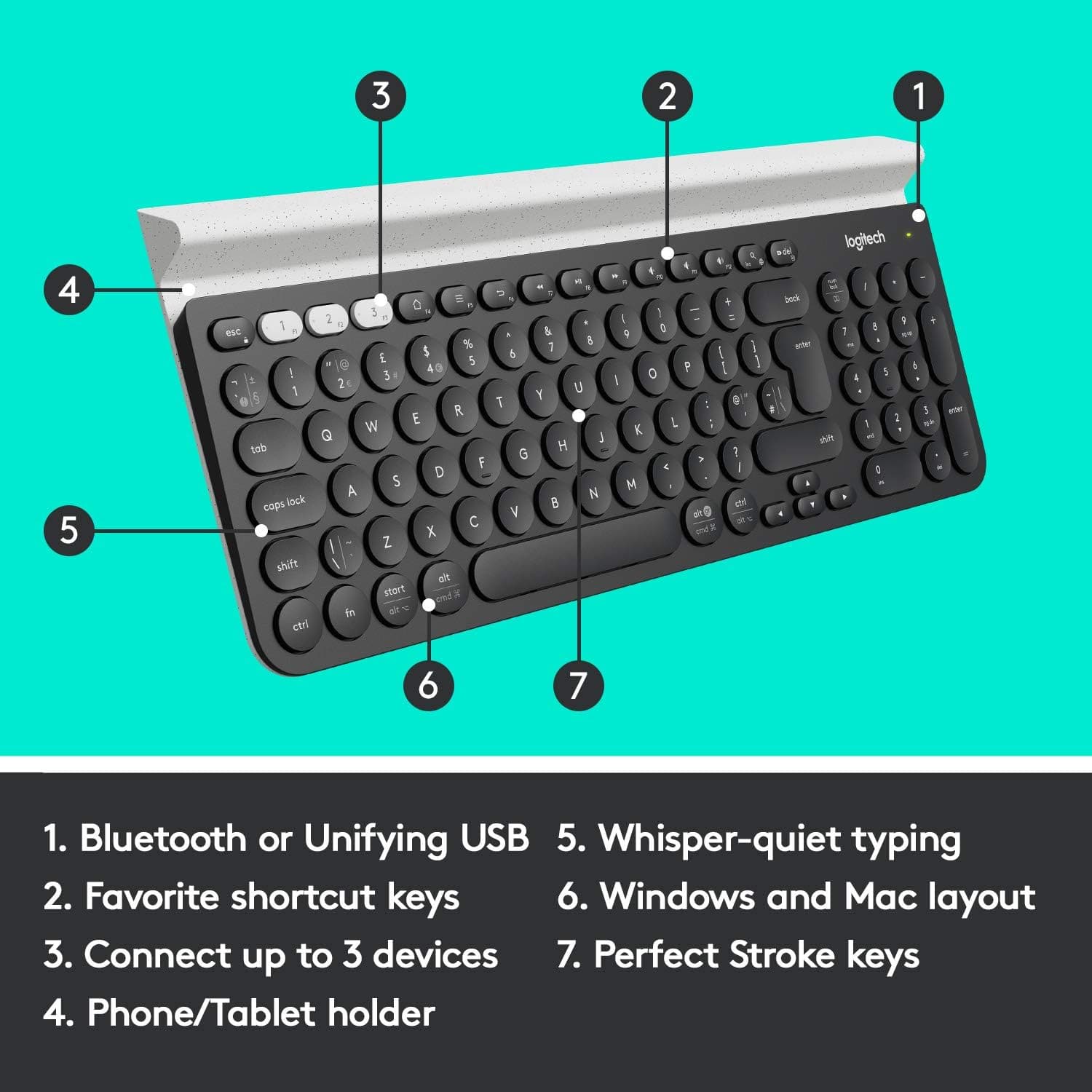
Posted .This reviewer received promo considerations or sweepstakes entry for writing a review.Needed a keyboard with better touch/action/feel in the keys and this one is perfect. As a nice bonus, it easily paired with my iPad so I can use it for typing lyrics into my SongSheet Pro app. The only negative for me is the end and home keys, which I often use to move around documents, are in the numeric keypad and aren’t accessible without toggling the number lock. Nevertheless I’d definitely recommend this keyboard to a friend.
This review is from Logitech - K780 Full-size Wireless Scissor Keyboard - Graphite
I would recommend this to a friend - Pros mentioned:Connectivity
Rated 2 out of 5 stars
Great For Bluetooth / Wireless Computers Users
Posted .This reviewer received promo considerations or sweepstakes entry for writing a review.I purchased this keyboard to replace the Logitech K750 Solar Keyboard. I love the idea that this keyboard works with both wireless and bluetooth devices. when connected to bluetooth, I'm able to use it with my Cell Phone and Tablet to respond to text messages right from the keyboard. When connected to the Bluetooth feature and the computer goes to sleep it delays for several seconds before it respond when I resume typing, same with wireless but less response time. I love the touch of the round keys when typing. I love the small size of the keyboard as it doesn't hog all the space on my desk, which leave more space for me to work. I love the 10-key pad since I use the number pad often in my home business. The ONLY major issue I've had with this keyboard is the "Print Screen" feature. I use print screen often in my home business so when I rely on it and it doesn't work, I'm not happy. Just when the warranty expires, the keyboard functions seem to expire as well. It worked perfectly fine at first but recently stopped working. it appear the "fn" key or both the "fn/del" keys together has stopped responding. I rated it 2 stars because of the print screen feature stop working right after the warranty expired and no fix for it. I will ONLY recommend this keyboard for all the features I love about it, but not sure if I will buy another Logitech wireless product since I've had several of their wireless product fail me.
This review is from Logitech - K780 Full-size Wireless Scissor Keyboard - Graphite
I would recommend this to a friend Rated 5 out of 5 stars
Best Keyboard
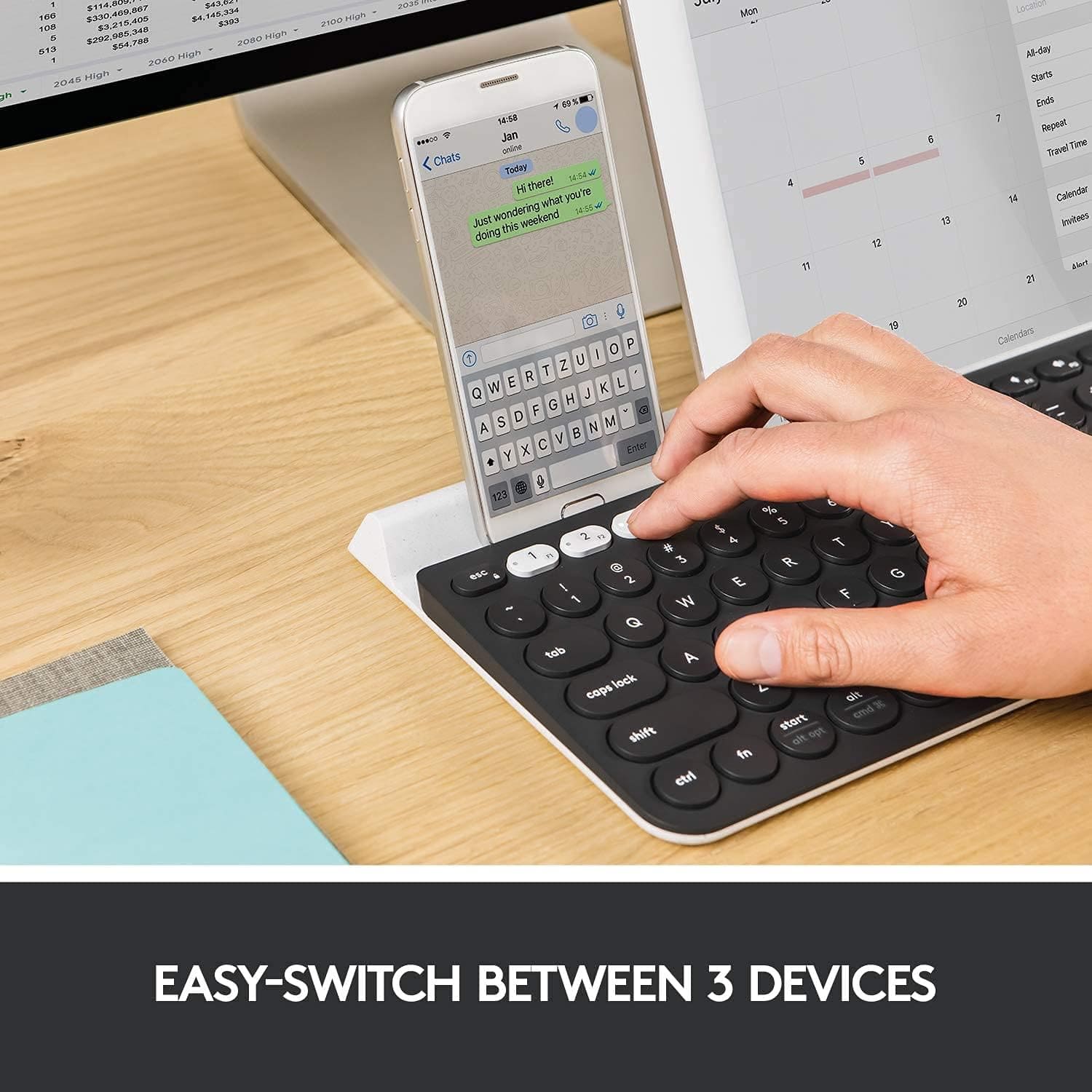
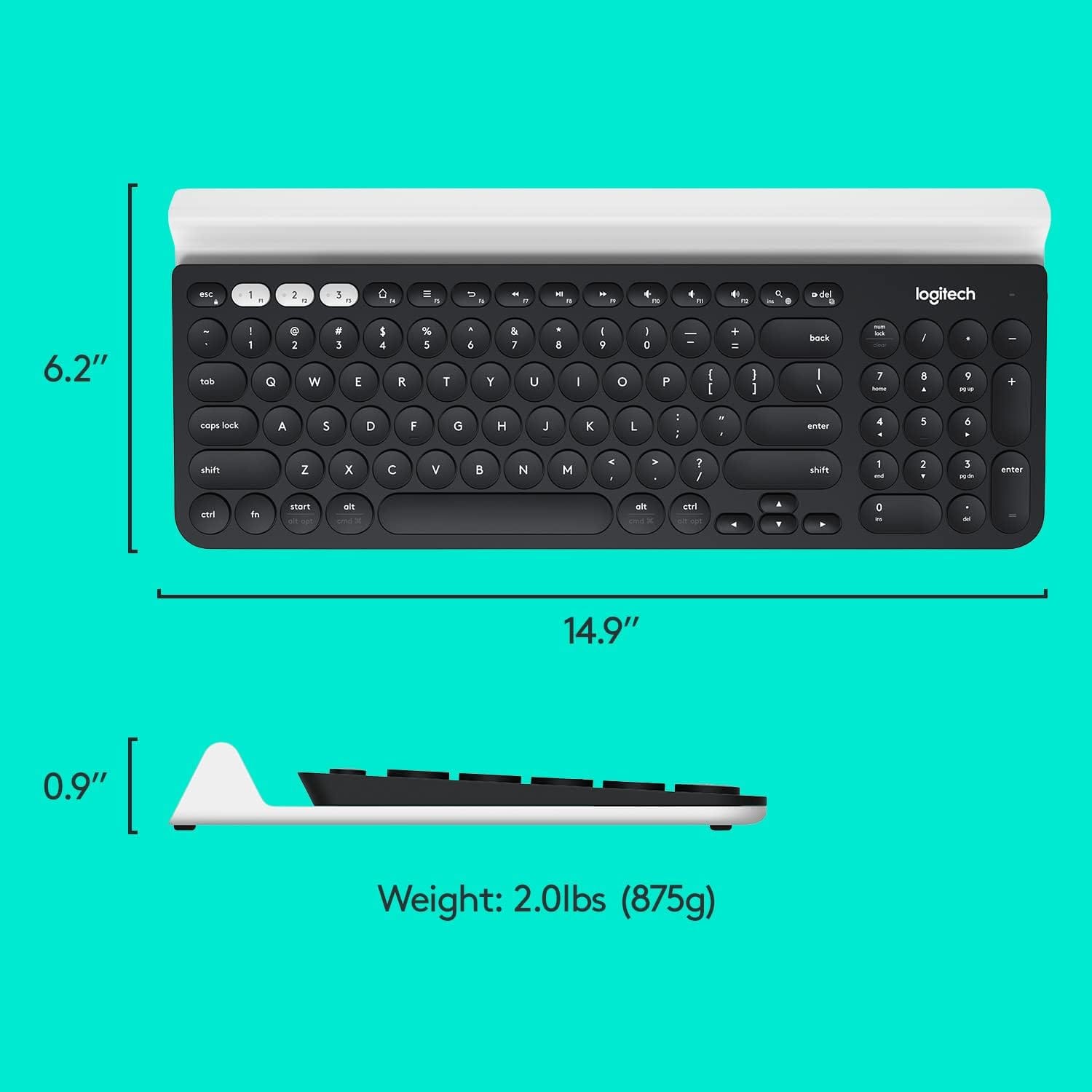
Posted .This reviewer received promo considerations or sweepstakes entry for writing a review.I have a MacBook Air, iPad mini, an iPhone 8 Plus and this keyboard works with all of them. 1) The size is perfect, it's not small, but it's not huge. 2) It switches between all of my devices with ease and quickness. 3) Set it up took no less than a minute. Press the number buttons and sync with the devices. This is the perfect keyboard for me. I am an executive that is also going to school, so being able to switch between devices and being able to multitask is a huge benefit to me. I got it on sale for under $50 which I believe is a steal.
This review is from Logitech - K780 Full-size Wireless Scissor Keyboard - Graphite
I would recommend this to a friend- Pros mentioned:Key feel
Rated 4 out of 5 stars
The Logitech keyboard MOST people should buy
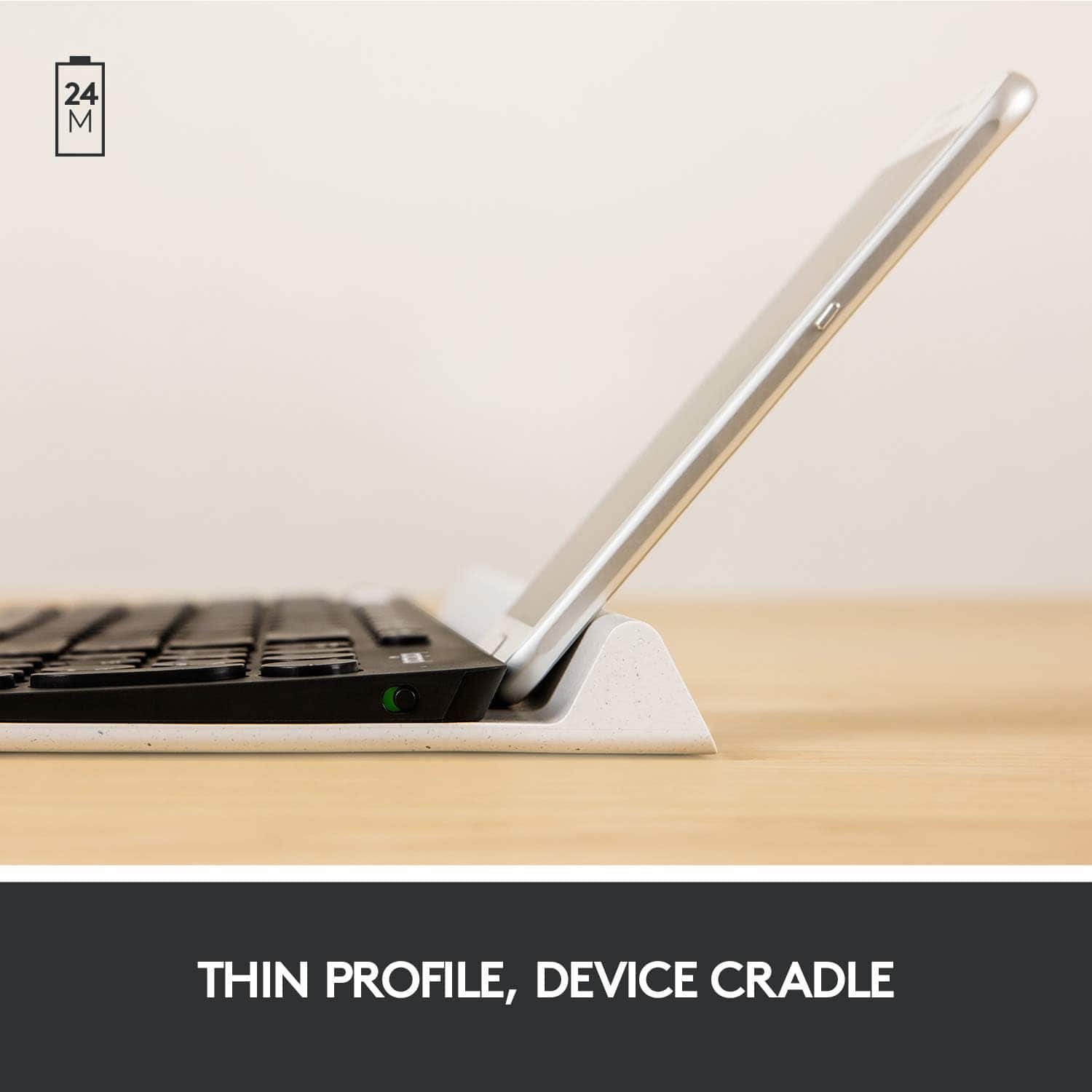
Posted .This reviewer received promo considerations or sweepstakes entry for writing a review.95% the feel & functionality of the more expensive MX keys keyboard, for 60% of the price. Only major gripe with this keyboard are the tiny arrow keys I always end up button mashing, everything else is great. Keys feel great to type on and don't cause strain. Love the kickstand slot at the top to hold my phone and various notes.
This review is from Logitech - K780 Full-size Wireless Scissor Keyboard - Graphite
I would recommend this to a friendBrand response from Logitech
Posted .Thank you for your detailed review. We appreciate your insights into the Logitech - K780's strengths and areas for improvement. Your feedback on the arrow keys is valuable and will be considered for future product iterations.
- Pros mentioned:Keyboard quality
Rated 5 out of 5 stars
Awesome keyboard!
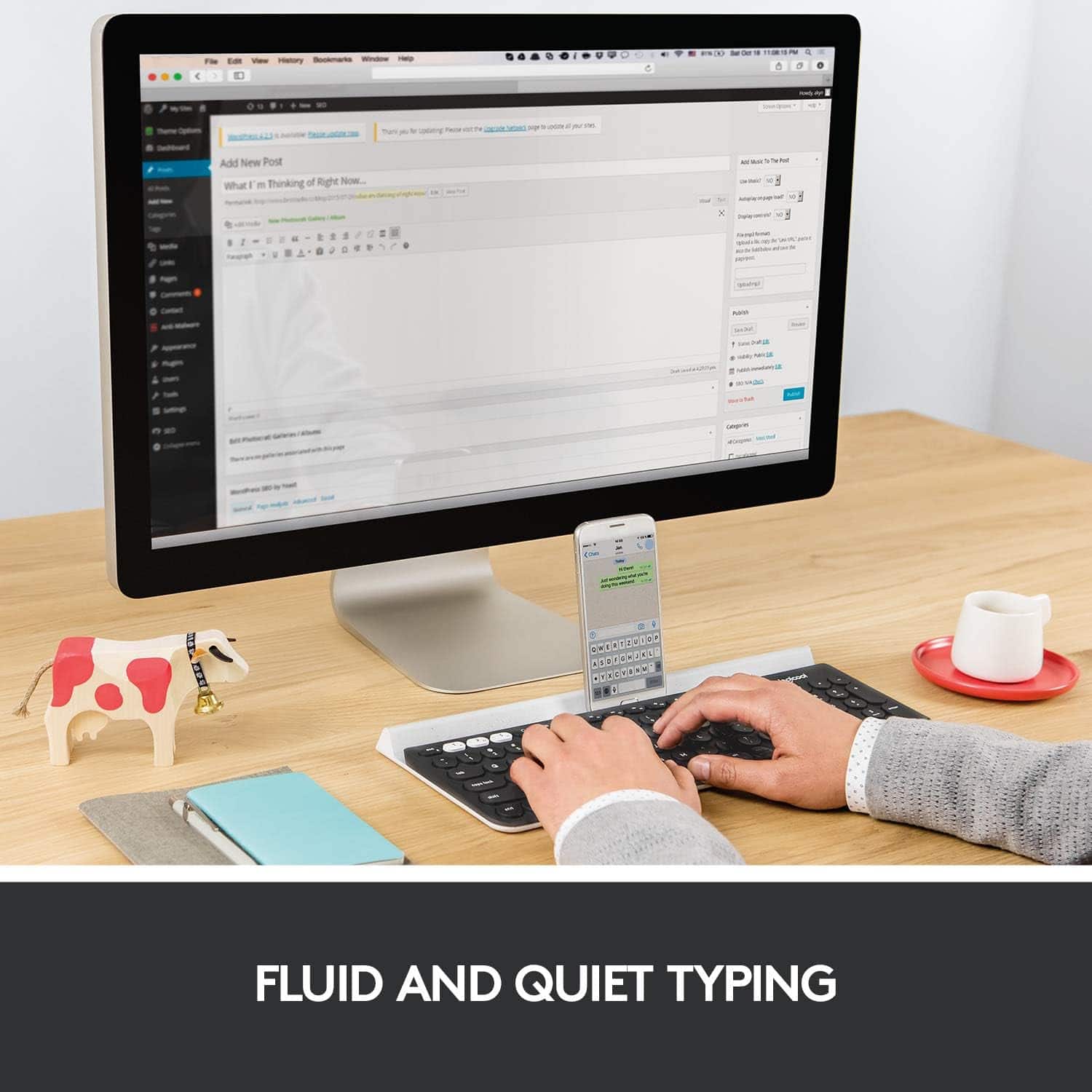
Posted .This reviewer received promo considerations or sweepstakes entry for writing a review.I have to say this has been my favorite keyboard of all time. Not only because I'm super picky with the feel and the sound of a keyboard but the functionality of easily switching devices by just clicking one of the three saved devices. I just bought this keyboard a couple of days ago and so far I have been wowed. I currently have my work Surface Book and work iPhone connected where I have my cellphone on the cradle vertically since I get a lot of texts from colleagues and can respond a lot quicker now. Highly recommend this product!
This review is from Logitech - K780 Full-size Wireless Scissor Keyboard - Graphite
I would recommend this to a friend - Pros mentioned:Ease of use
Rated 3 out of 5 stars
Great and annoying keyboard
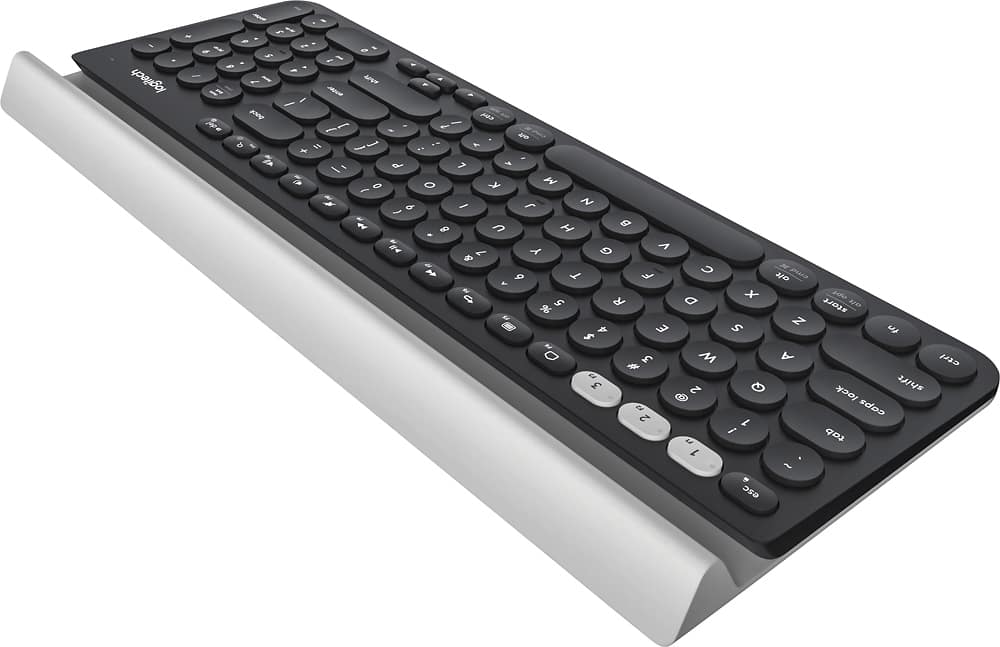
Posted .This reviewer received promo considerations or sweepstakes entry for writing a review.I hate a love hate relationship with this keyboard. I have been using it for about a year now. The movement on the keys is really good -- short and requiring little effort. If you are using this just for office purposes, not for intense gaming, then it's easy to type with. Also, switching between devices is a cinch. Just hit one of the three white buttons in the upper left corner. But there are some very annoying omissions and design issues with this keyboard that have been constant problems for me: 1. It has no dedicated Home / End / Page Up / Page Down buttons, so you are constantly having to turn the Num Lock on and off. 2. What exacerbates Issue #1 is that there is no Num Lock or Caps Lock light indicators, so you have no idea if either is on. You may try to hit a number on the keypad, only to lose your place in a document because the Num Lock was off and you hit the page up button function instead. 3. Notice that the lower-left Ctrl button is SUPER close to the edge of the keyboard. If you are a normal typer, part of your hand will tend to rest in that corner, so you will inadvertently hit the Ctrl button as you may be typing something, only to cause unintended actions, like closing a window, indenting a paragraph, or whatever function is associated with Ctrl + whatever button you happen to hit in the moment. For these very, very unfortunate shortcomings, I do not recommend this keyboard for anyone looking to use this keyboard for office functionality. Yes, you'll type faster on this keyboard than maybe on a mechanical or other type keyboard because the key movements or much shorter, but you still lose in productivity because you will constantly be deleting numbers you did not intend to enter or will mess up formatting you did not intend to cause.
This review is from Logitech - K780 Full-size Wireless Scissor Keyboard - Graphite
No, I would not recommend this to a friend - Pros mentioned:Key feel
Rated 5 out of 5 stars
Fantastic keyboard
Posted .This reviewer received promo considerations or sweepstakes entry for writing a review.Logitech really created something wonderful with with keyboard. This is my first keyboard with circular keys, and I have to admit for the first hour or so I thought I wasn't going to like them, but now I absolutely love them! The keys themselves type very smooth and are also very quiet. Coming from the new MacBook Pro keyboard its like night and day. It also connects instantly to my computer and I have not had any connection issues with is thus far. Buy this keyboard you won't regret it.
This review is from Logitech - K780 Full-size Wireless Scissor Keyboard - Graphite
I would recommend this to a friend - Pros mentioned:Keyboard quality
Rated 4 out of 5 stars
So far so good.
Posted .This reviewer received promo considerations or sweepstakes entry for writing a review.So far, this keyboard feels great. The keys travel well for me. It feels better than the keyboard that is on my Macbook Pro. I also love the fact that it has a number pad as well. I hope that I don't have any issues with it any time soon. I bought the protection plan just in case. The only reasons I have for not giving this keyboard 5 stars is that it is not as quiet as I would have preferred. If the keys would have been quieter then it would be 5 stars for sure. Also, no backlit keys. Not a deal breaker. All in all, I would still recommend this keyboard.
This review is from Logitech - K780 Full-size Wireless Scissor Keyboard - Graphite
I would recommend this to a friend - Pros mentioned:Ease of use
Rated 5 out of 5 stars
Keyboard
Posted .This reviewer received promo considerations or sweepstakes entry for writing a review.This is a great keyboard, easy to connect to multiple devices, I can use it anywhere with them and provides a great spot to hold them up, and the price is perfect
This review is from Logitech - K780 Full-size Wireless Scissor Keyboard - Graphite
I would recommend this to a friendBrand response from Logitech
Posted .Thank you for the review! We're thrilled you love the Logitech K780! It sounds like a perfect fit for you with its easy multi-device connection, convenient phone/tablet stand, and budget-friendly price. Enjoy using it everywhere you go!
Rated 5 out of 5 stars
10/10, Highly Recommend.
Posted .This reviewer received promo considerations or sweepstakes entry for writing a review.This keyboard is so nice. it's both aesthetically pleasing and easy to use. The buttons aren't particularly loud as your normal keyboard (I'm a loud typer so it helps). The response time is pretty quick too, I haven't noticed any lags. I really enjoy having a number pad as well. The only downside is that it's battery operated. Overall, 10/10, highly recommend.
This review is from Logitech - K780 Full-size Wireless Scissor Keyboard - Graphite
I would recommend this to a friendRated 5 out of 5 stars
Great Bluetooth / USB Keyboard
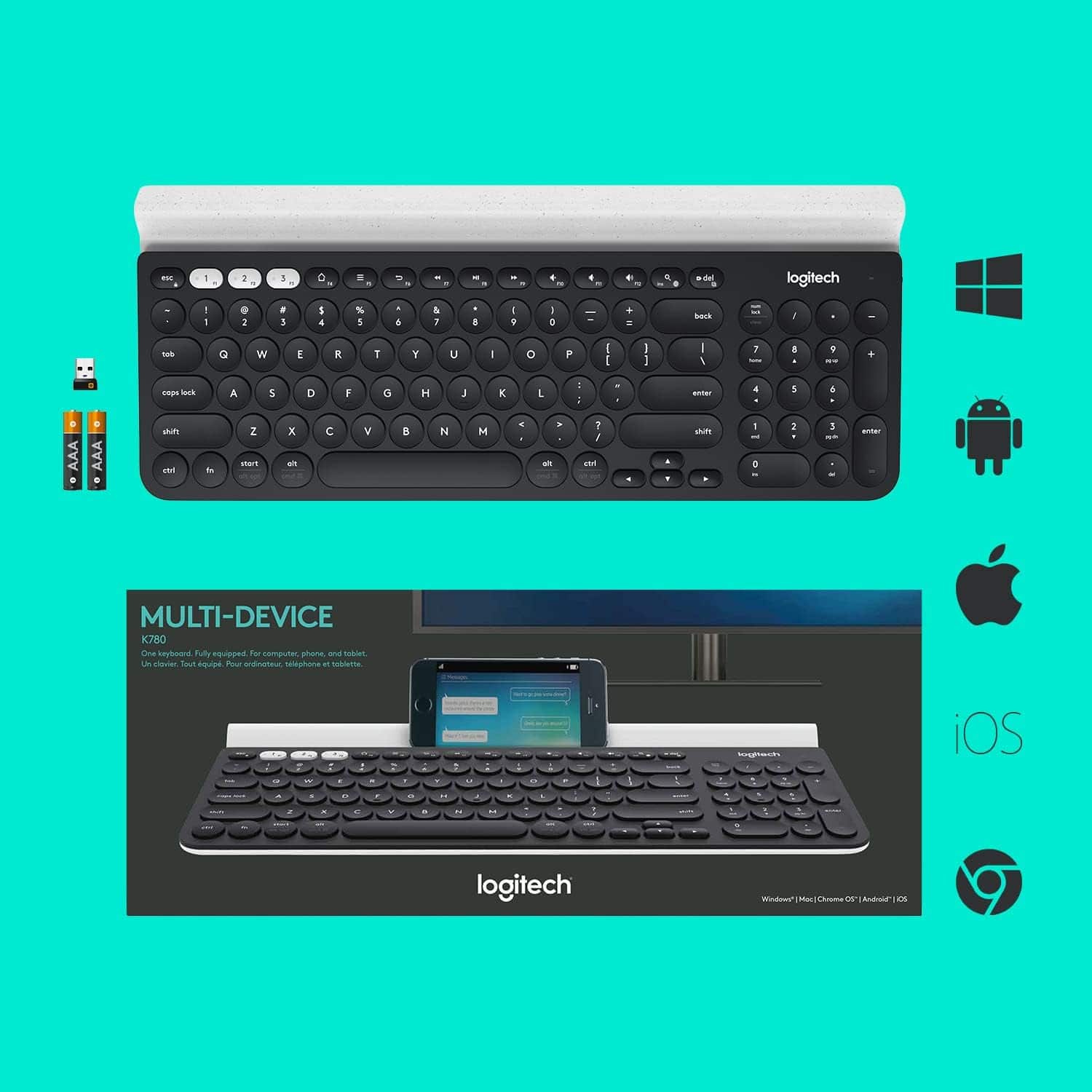
Posted .This reviewer received promo considerations or sweepstakes entry for writing a review.This keyboard is awesome. I don’t know why there are so many bad reviews, but this product worked well for me. I have my Dell Inspiron 15r 5537 with Windows 7 hooked up to it using the USB plug in device with 2 keyboards, and 1 mouse configuring it with the Logitech paring software. I also have it hooked up as a Bluetooth device just in case I unplug my notebook from my Dell monitor because the USB chip is plugged into it. I also have this keyboard hooked up to my MacBook Air 2017 via Bluetooth for Windows 10 using Boot Camp, and also for the MacOS on the same Mac. I also tried paring my Apple mini 2 to this keyboard, and it works perfectly, but I had to disconnect my Dell laptop from the keyboard because it can only pair 3 devices, or 3 operating systems on this keyboard at one time. My only complaint is that they should have made it for at least 5 devices not just 3 because my iPhone, and iPad cannot be paired unless I unpair something else. I did not test my iPhone 6 on this device as yet, but my guess is that it works too.
This review is from Logitech - K780 Full-size Wireless Scissor Keyboard - Graphite
I would recommend this to a friend- Pros mentioned:Keyboard quality
Rated 5 out of 5 stars
Connects flawlessy between my tablets and mac!
Posted .This reviewer received promo considerations or sweepstakes entry for writing a review.Keyboard feels great, good quality and with Bluetooth connection it is to switch between different devices you might need a keyboard for.
This review is from Logitech - K780 Full-size Wireless Scissor Keyboard - Graphite
I would recommend this to a friend - Pros mentioned:Ease of use
Rated 5 out of 5 stars
Improvement
Posted .This reviewer received promo considerations or sweepstakes entry for writing a review.well laid out. Very easy install. Big improvement over my old keyboard.
This review is from Logitech - K780 Full-size Wireless Scissor Keyboard - Graphite
I would recommend this to a friend - Pros mentioned:Compatibility
Rated 5 out of 5 stars
Mac Keyboard
Posted .This reviewer received promo considerations or sweepstakes entry for writing a review.Only keyboard that works for the mac. Does all the things.
This review is from Logitech - K780 Full-size Wireless Scissor Keyboard - Graphite
I would recommend this to a friend - Pros mentioned:Ease of use
Rated 5 out of 5 stars
Keyboard
Posted .This reviewer received promo considerations or sweepstakes entry for writing a review.Light touch and easy reading. Love the 9 key attached.
This review is from Logitech - K780 Full-size Wireless Scissor Keyboard - Graphite
I would recommend this to a friend - Pros mentioned:Compatibility, Key feel
Rated 5 out of 5 stars
A great key board
Posted .This reviewer received promo considerations or sweepstakes entry for writing a review.This is an amazing key board, keys are very soft to touch, works very well with Mac and Windows. You can connect with 3 devices even though I only used for one at a time. Only Con is I did not see or find ant Print Screen button
This review is from Logitech - K780 Full-size Wireless Scissor Keyboard - Graphite
I would recommend this to a friend Rated 5 out of 5 stars
Great bluetooth keyboard!!
Posted .This reviewer received promo considerations or sweepstakes entry for writing a review.I use this with my iPad and it is perfect for it! I have connected my phone to it as well, though with the case on, it doesn't fit in the the holding tray. I would have to say that that is the one downside of the keyboard.
This review is from Logitech - K780 Full-size Wireless Scissor Keyboard - Graphite
I would recommend this to a friendBrand response from Logitech
Posted .Thank you for your feedback on the K780 Full-size Wireless Scissor Keyboard. We appreciate your positive comments regarding its compatibility with your iPad and smartphone.
- Pros mentioned:Ease of use
Rated 4 out of 5 stars
Great keyboard
Posted .This reviewer received promo considerations or sweepstakes entry for writing a review.Does what is should do and is easy to set up. I like that it can connect to 3 different devices and makes working between them seamless
This review is from Logitech - K780 Full-size Wireless Scissor Keyboard - Graphite
I would recommend this to a friend - Pros mentioned:Ease of use
Rated 4 out of 5 stars
Nice & portable.
Posted .This reviewer received promo considerations or sweepstakes entry for writing a review.Easy to use and convenient. Though the keys can easily pop off.
This review is from Logitech - K780 Full-size Wireless Scissor Keyboard - Graphite
I would recommend this to a friend - Pros mentioned:Keyboard quality
Rated 3 out of 5 stars
Not for real work
Posted .This reviewer received promo considerations or sweepstakes entry for writing a review.Nice quality keyboard. And switching feature is very nice to have. But the main issue for me, that it doesn't fit standard typing patterns. I mean the language switching, absence of home/end and pageUP/pageDown buttons. If you gonna use it just for some text typing it is okay, but if you write code and frequently deal with spreadsheets it's definitely not the right choice.
This review is from Logitech - K780 Full-size Wireless Scissor Keyboard - Graphite
No, I would not recommend this to a friend