Customer Ratings & Reviews


- Model:
- 946-000006
- SKU:
- 6520378
Rating by feature
- Value
Rating 4.4 out of 5 stars
- Quality
Rating 4.7 out of 5 stars
- Ease of Use
Rating 4.8 out of 5 stars
Customers are saying
Customers love the Litra Beam Premium LED Streaming Light for its excellent brightness and ease of use. Many appreciate its intuitive setup, well-thought-out design, and multiple mounting options. Some customers have noted concerns regarding its price and the amount of heat it generates, while others feel the cable design could be improved. However, many are happy with the overall performance and find the software to be a helpful enhancement.
This summary was generated by AI based on customer reviews.
- Pros mentioned:Brightness, Ease of useCons mentioned:Cable

Bright and Versatile
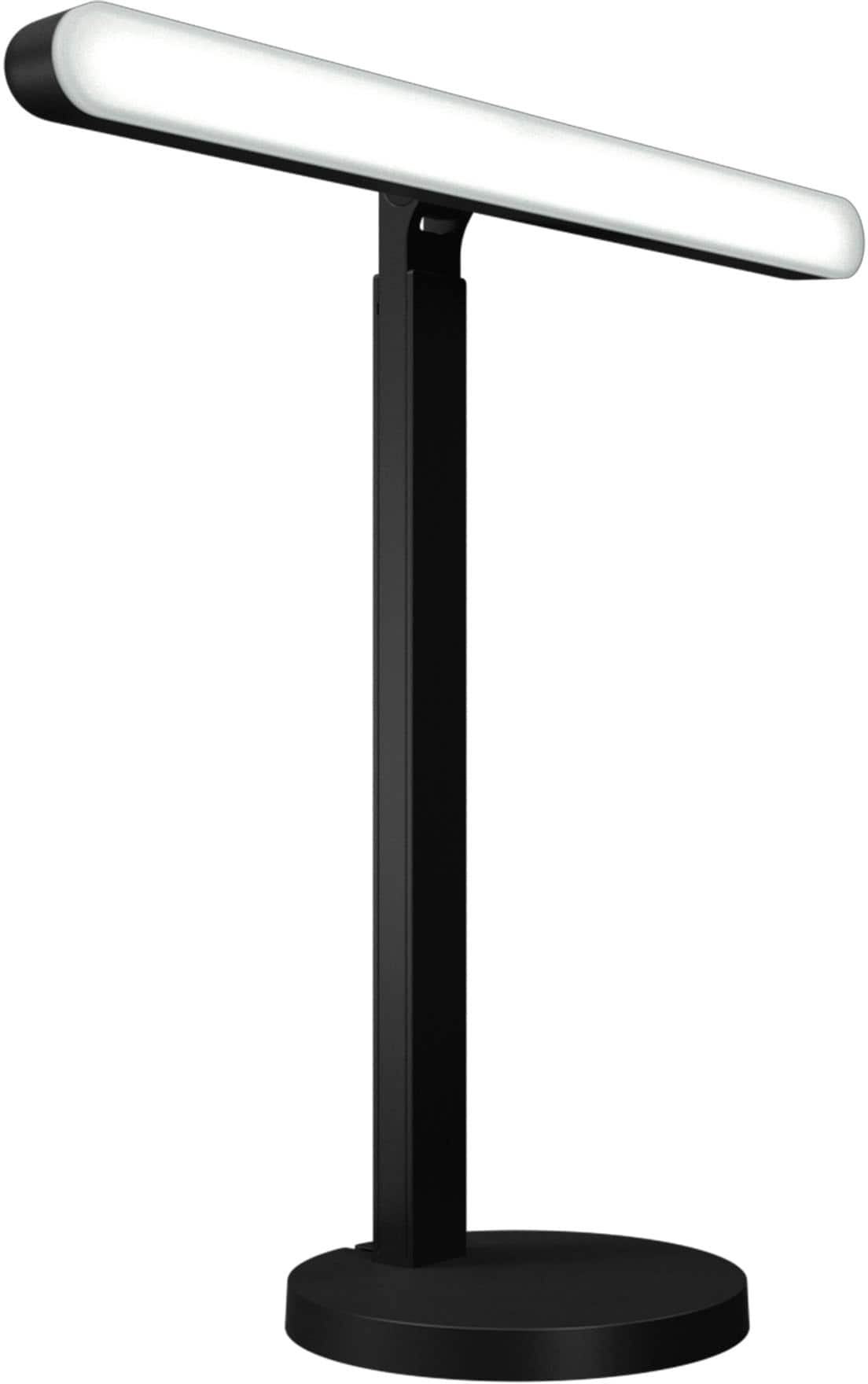
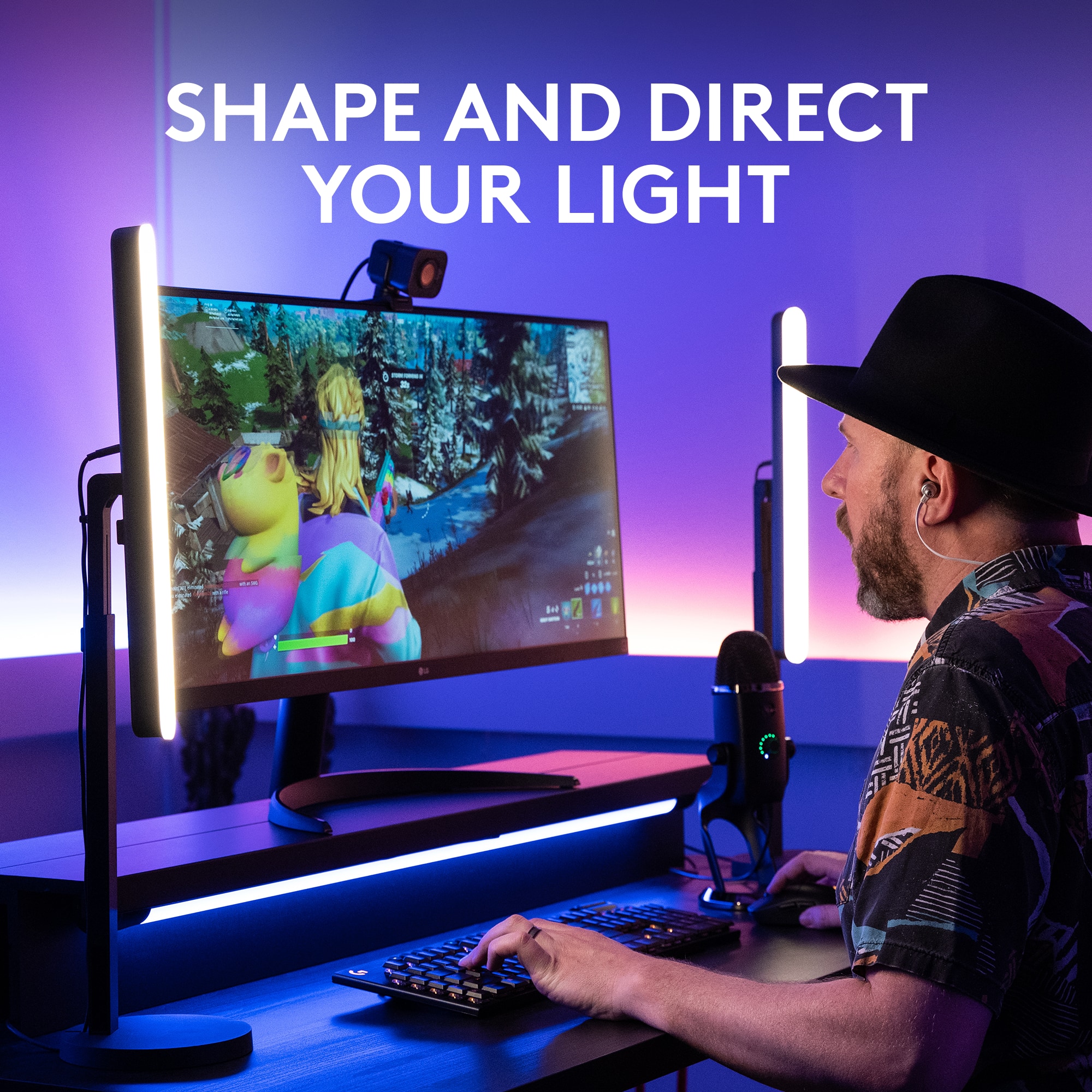
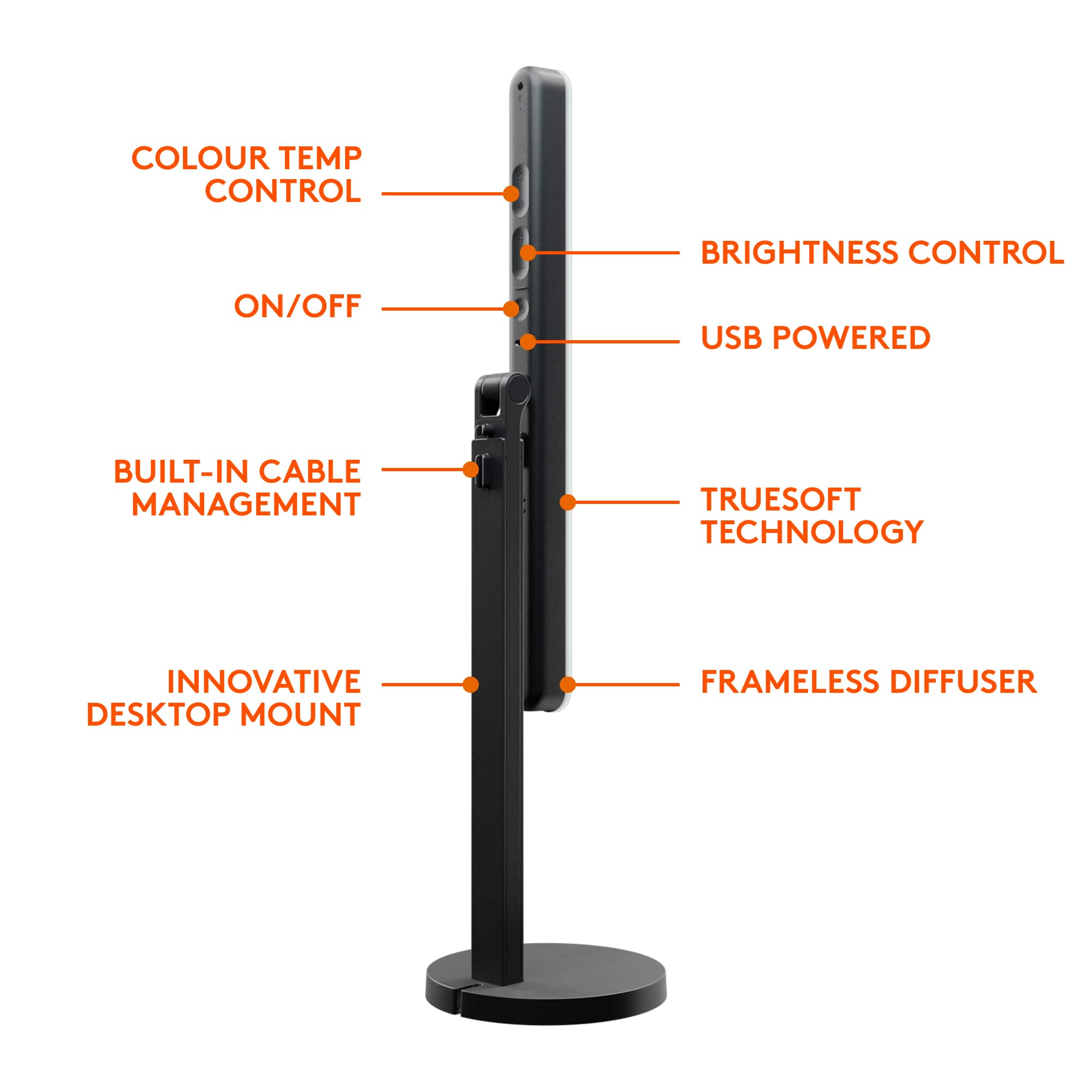
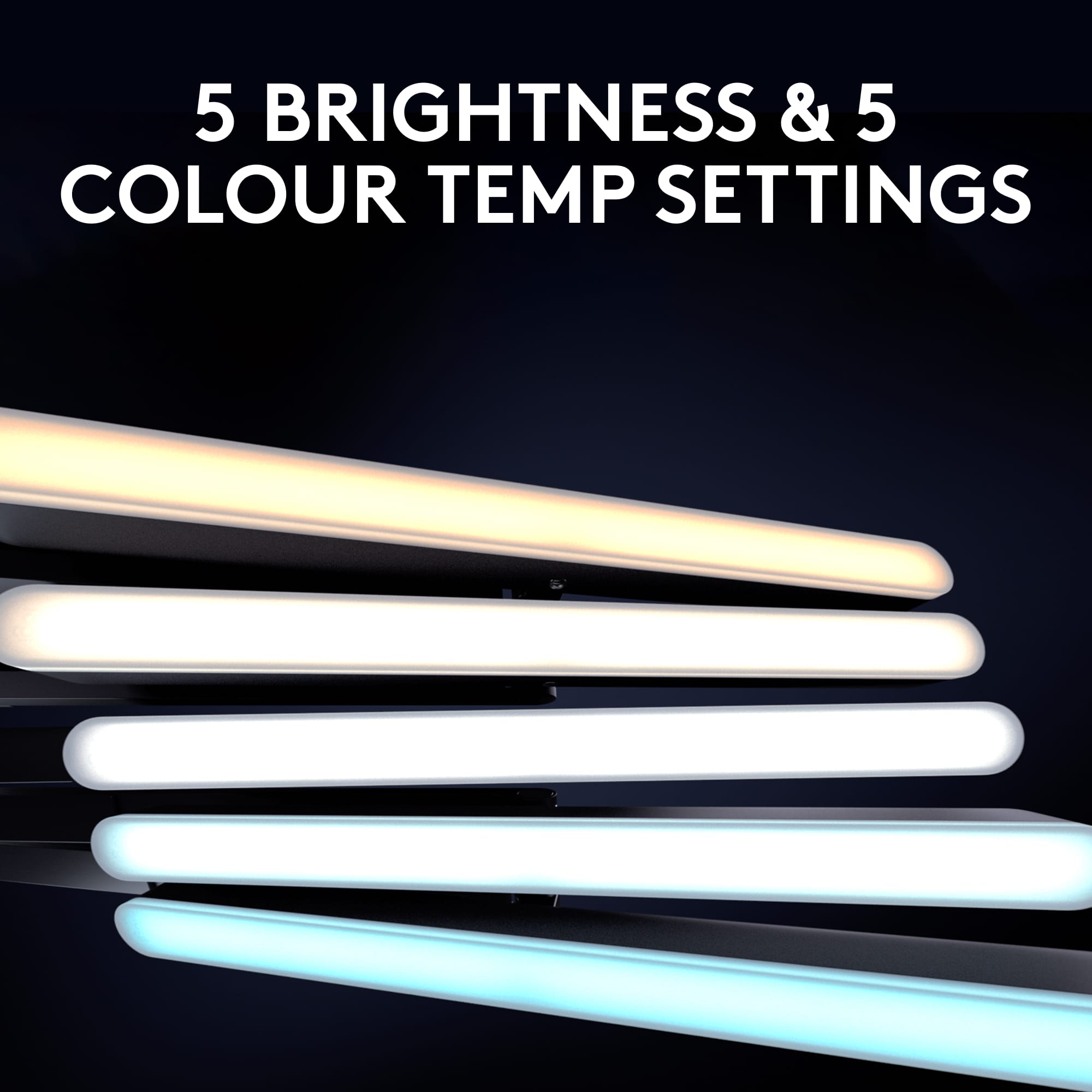
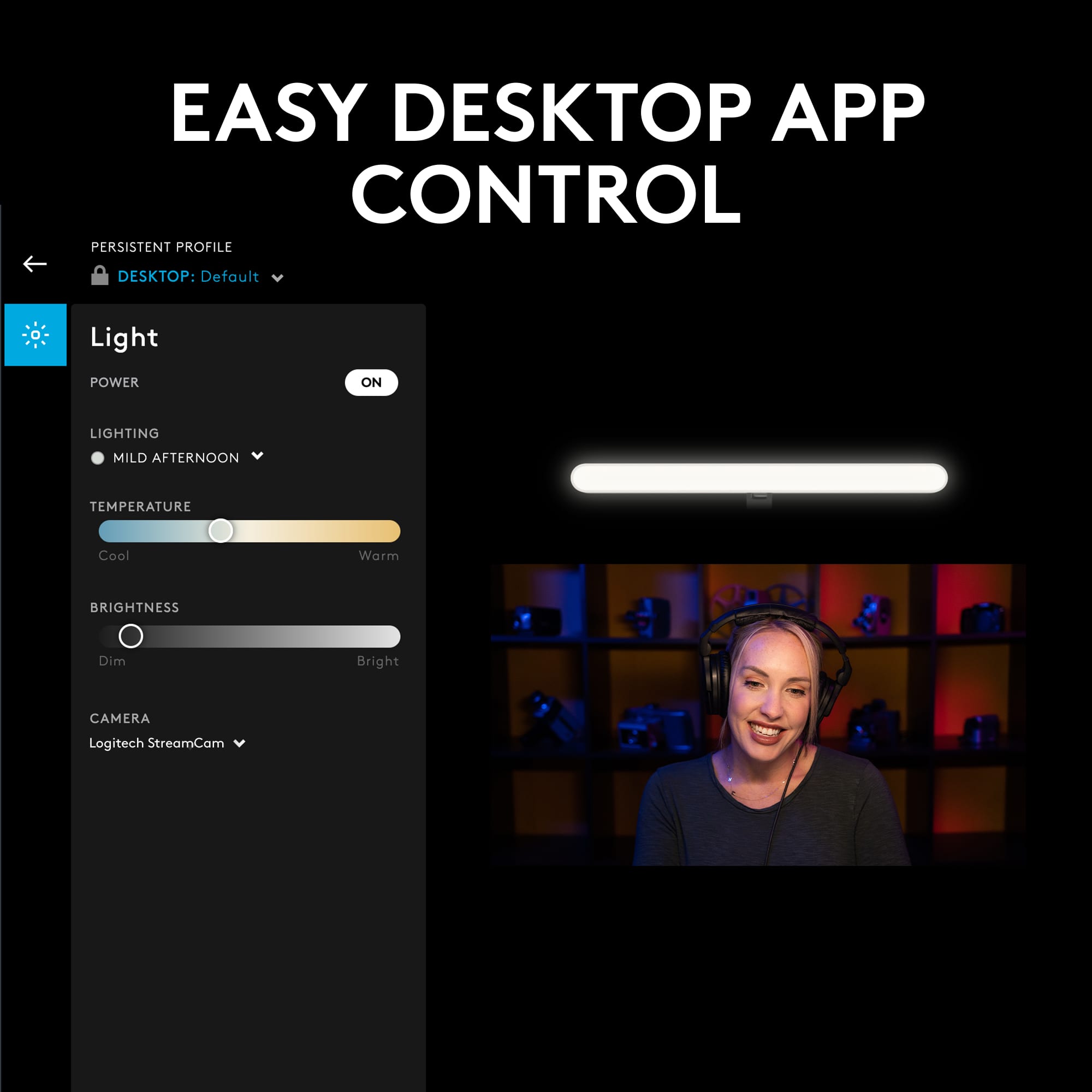
|Posted .This reviewer received promo considerations or sweepstakes entry for writing a review.Great versatile light. You have 3 different locations to attach the light to the stand, paired with several pivot points to direct light pretty much anywhere. That, and a nice build quality on the stand itself. It’s very minimal, and while rigid plastic, looks and feels more like anodized aluminum. It’s sturdy and has some added weight the the base. The light bar itself is also nicely made, buttons fairly easy to feel for and plenty bright. Speaking of bright, Logitech didn’t skimp on the driver. It has no flickering or sync issues when on camera and smoothly moves between cool to warm whites and different brightnesses, just as promised. The entire front diffuser provides good soft light, similar to a soft box. It’s great for quality front lighting during streams or video calls. While the light provides versatility in mounting, it's not without a few small caveats: - First, the cable is directly attached to the light bar, but is routed along the back of the stand through a variety of clipping and bypass points, available for use when needed. While you can easily adjust he light post up and down for height, I found this routing to snag or prevent movement based on how you managed the cable. For instance, I first wrapped the excess cable in the base of the stand, but that fully prevented me from raising the height of the bar. I gave up on using that and just routed the cable directly through the slot/notch at the bottom (without coiling) to get around it. - Second, the screw mount makes for an easy way to mount the light in three orientations, but if you adjust the light often, this can loosen. I found myself occasionally spinning the light bar 360 degrees around to get it securely tightened onto the threading again (you’re working against a pivot that that allows rotation in either direction, but with greater friction.) Without something like a set screw, this makes for some finicky moments. But for the vast majority of time, you probably won’t be re-adjusting this light. I imagine many people will simply set it up in a way that works for them once, and hardly feel the need to change it again. Software: Logitech also provides their G Hub software to let you control the light, color temperatures, and intensity from the desktop app and hot keys on your keyboard. Very nice in day-to-day use, and prevents you from having to feel for the buttons on the back of the device. They also provide a preview from your computer’s camera feed, so you can adjust the lighting and see yourself just as others will - this is both smart, and helpful. Thumb’s up. All in all, this light makes for a good addition to my desk setup. It can hide discretely behind, or to the side of your monitor without feeling in the way, thanks to its minimal design. Go for it!
I would recommend this to a friend - Pros mentioned:Brightness, Ease of useCons mentioned:Cable
Small, Bright and Flexible
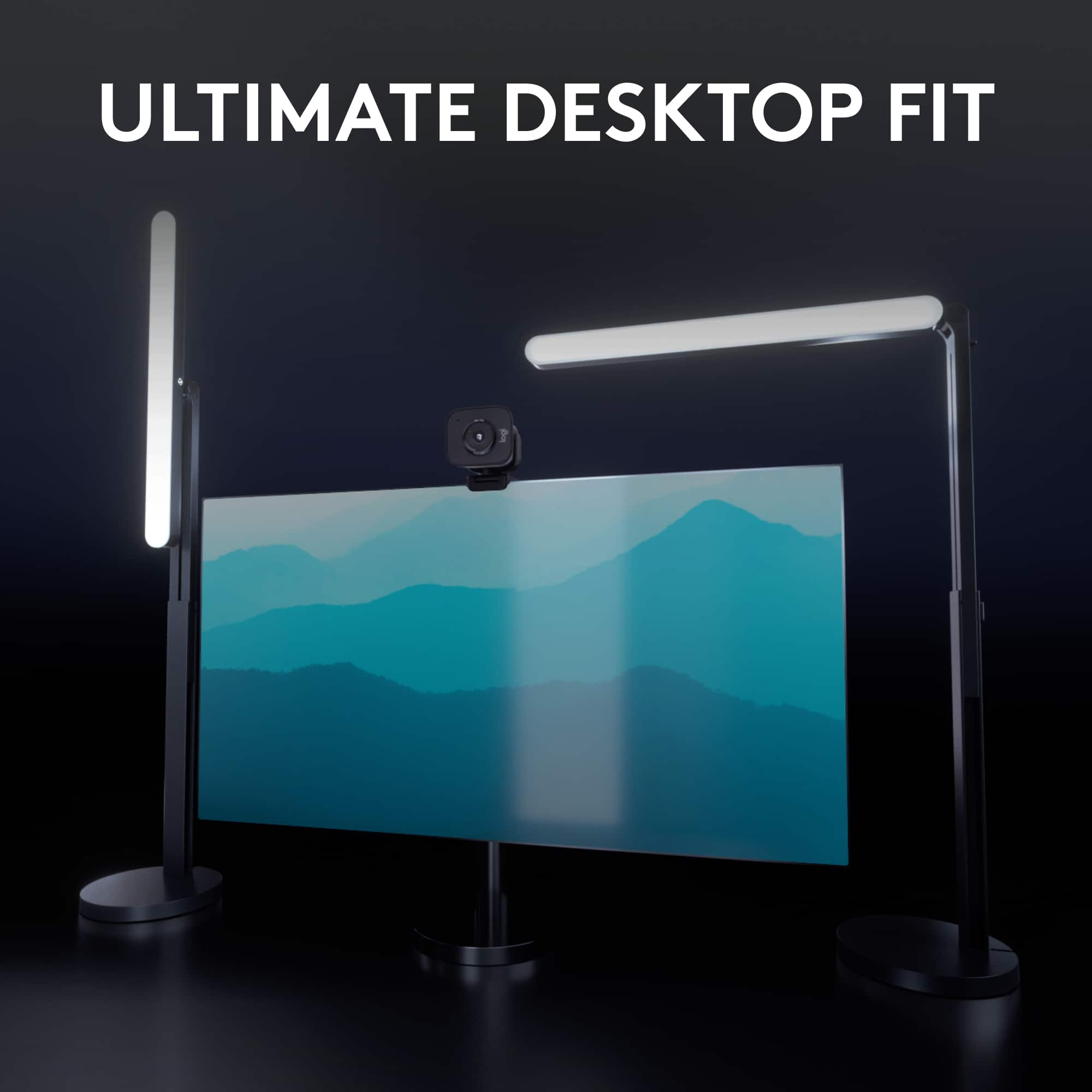
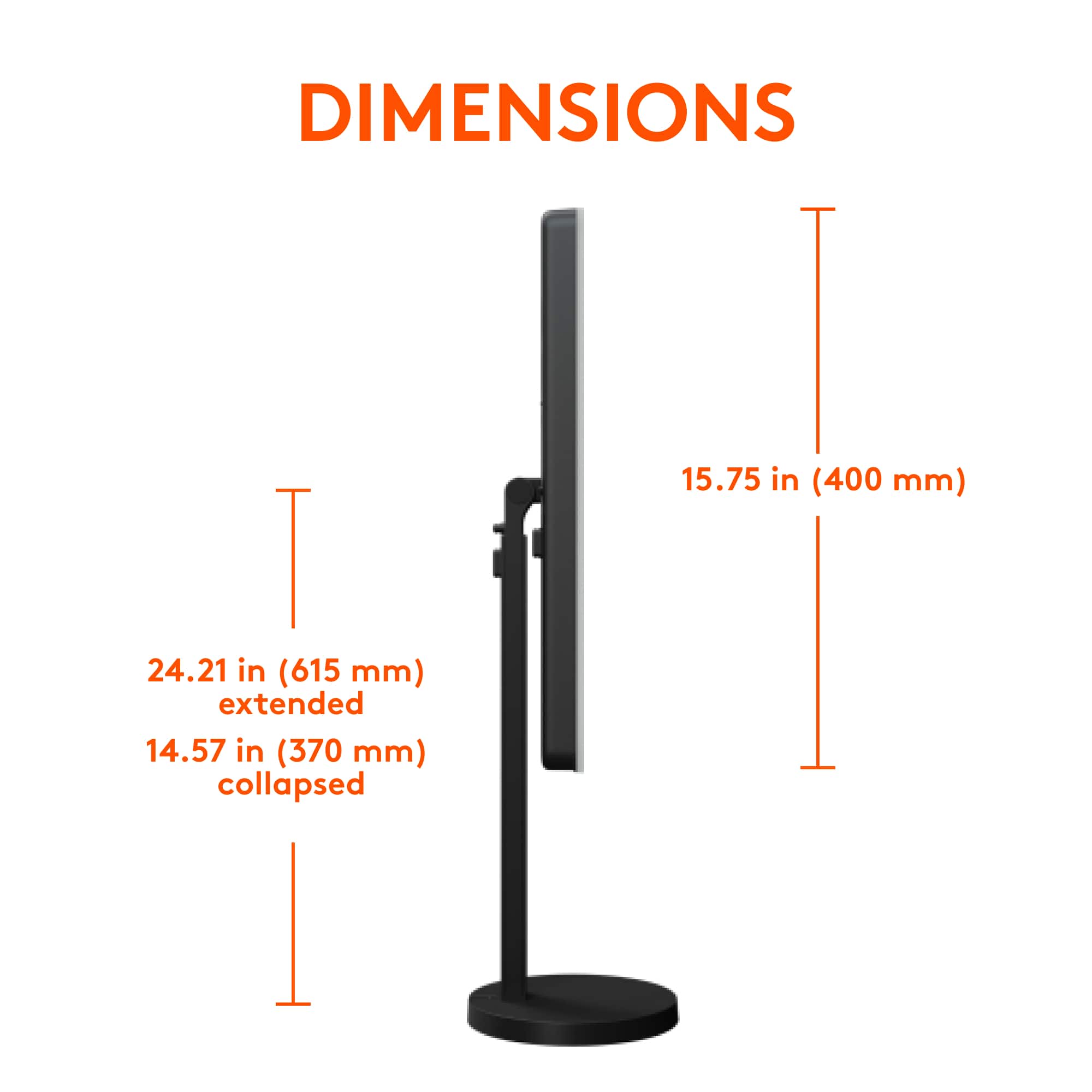
|Posted .This reviewer received promo considerations or sweepstakes entry for writing a review.The Logitech Litra Beam light is very versatile. Using the threaded inserts and the tilt, the light bar can be positioned vertically or horizontally - facing front, back, up, down or anywhere in between. The base is quite heavy which gives the light stability. The back of the lightbar has buttons to adjust both the brightness (from 2700 - 6500 Kelvin) and the temperature (cool to warm). The height easily adjusts to anywhere between 14 to 24 inches. I found the tilt to be very stiff. I had to grasp the light with two hands and pull hard to get the tilt to move. The light is powered by a USB-C to USB-A data cable that can either be plugged into a computer or if connected by Bluetooth, into a wall adapter. There is a Bluetooth connect button on the lightbar and the connection was easily made in the “Bluetooth and Other Device Settings” function on my PC. Once the light was assembled, I found it difficult to see the power and adjustment buttons - especially when in the horizontal position. However the power, temperature and brightness adjustments can be made using the app, so there is an alternative method if the buttons are out of sight/reach. There are 4 cable management guides on the lamp and base to help keep the USB cable out of the way. Any excess cable can be threaded around the inside of the base. I haven’t been able to get the cord to stay in the guide that is on the light itself. The cable stays in the other guides OK - until I reposition the light bar the slightest bit. Then the cabling has to be undone and redone. There should be a better way to do the cable. Maybe running the excess cable down the interior of the stand or through rings on the outside of the stand that loosely hold the cable. I did have some trouble with the G Hub app which was no surprise. Every Logitech app I’ve used has some quirks. If I go to the Start menu and find the Logitech G Hub app, clicking on it doesn’t do anything. I have to right click, go to More and then Run as Administrator. The G Hub software is an interesting concept. I only have the G hub light, but the Logitech G gear mice, keyboards, speakers and headsets are also compatible. Once they are connected in the software, the lights and keys on the devices can be customized and coordinated or even synchronized to music. Profiles can be created so that a device can function one way at a workstation and another way when gaming. The Litra Beam light is pretty amazing. The pros are that It is small and easily fits on a desktop. It is extremely bright and flexible. The cons are that the power and adjustment buttons are very hard to see and that the cord has to be reinserted in the guides any time the light is adjusted.
I would recommend this to a friend - Pros mentioned:Brightness, SetupCons mentioned:Cable
You don't know you need one until you have one.
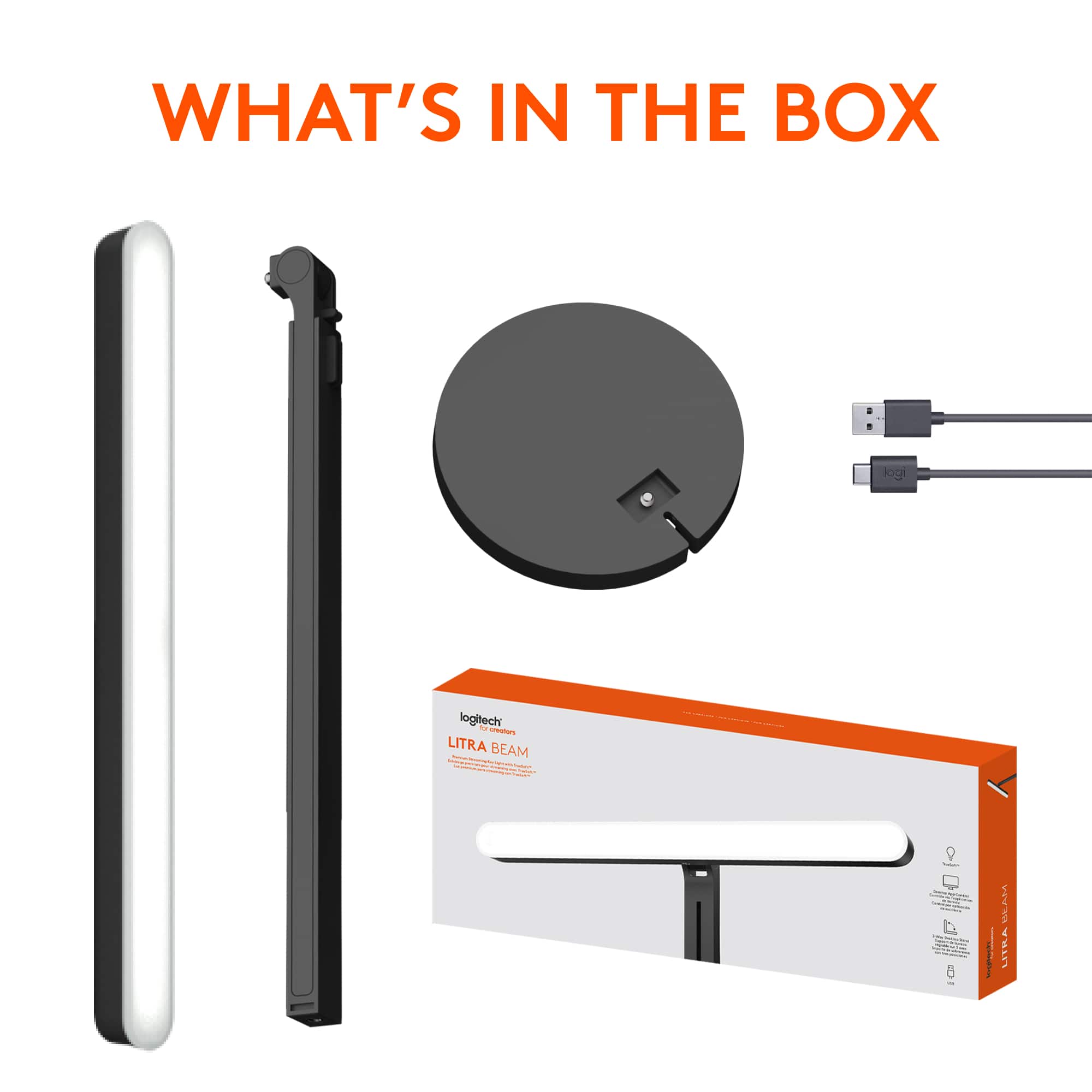
|Posted .This reviewer received promo considerations or sweepstakes entry for writing a review.This is honestly one of those things that you don't really appreciate until you have it. The setup was intuitive enough. I define intuitiveness as "can I assemble it without consulting the directions?" If you find yourself needing guidance, they do conveniently print the instructions on the inside flap/lid of the box. Assembly went on without a hitch. I do wish there was more cable management spaces along the backside of the light, but I understand that maybe there were challenges with this when the light is fully extended. Operation is just as easy. BONUS - I discovered you can repurpose one of those old Apple 12W power adapters and connect this directly to the wall, although you lose the ability to control the light from your PC/Mac. What made me discover this? I was downloading the app from the Logitech website (and this was the only part of the instructions I had to consult the inside of the box on because it's not very clearly listed on the Support website - maybe because it's new). After running the installer, the first popup I get says that Logitech wants permission to record my screen? I get that this is for content creation and maybe depending on how you create content this could be beneficial (i.e. a gamer), but I don't feel comfortable installing an app and the first thing that pops up is for invasive permission to use my computer especially when a use case has not been previously established. Outside of that the operation of this light has been like a dream. It's the perfect brightness - and at that it's adjustable. The tone of the light is adjustable so it can be warmer or cooler. You can turn and extend the light, which gives you flexibility on different angles you may need lightning. All-in-all they put a lot of thought into this. The only function I haven't been able to figure out on my own is how to extend the length (or height) of the light. Lastly, the one thing that just really bugged me about this - USB-A is really sunsetting. And the part that plugs into the actual light is USB-C. It would've made this so much better to utilize USB-C to USB-C and as I typed that, I ran and grabbed a USB-C to USB-C cable and charger and can verify that you can wall power this over USB-C as well. It would've been nice if this was included or at least easily called out so that you know this product is future-proofed in a way as well. Outside of that when the light is mounted horizontally, I wish there was more stability at the point where its able to turn vertical. It's screwed all the way in and just feels really flimsy. Other than those minor things. A great product, overall.
I would recommend this to a friend