Customer Ratings & Reviews
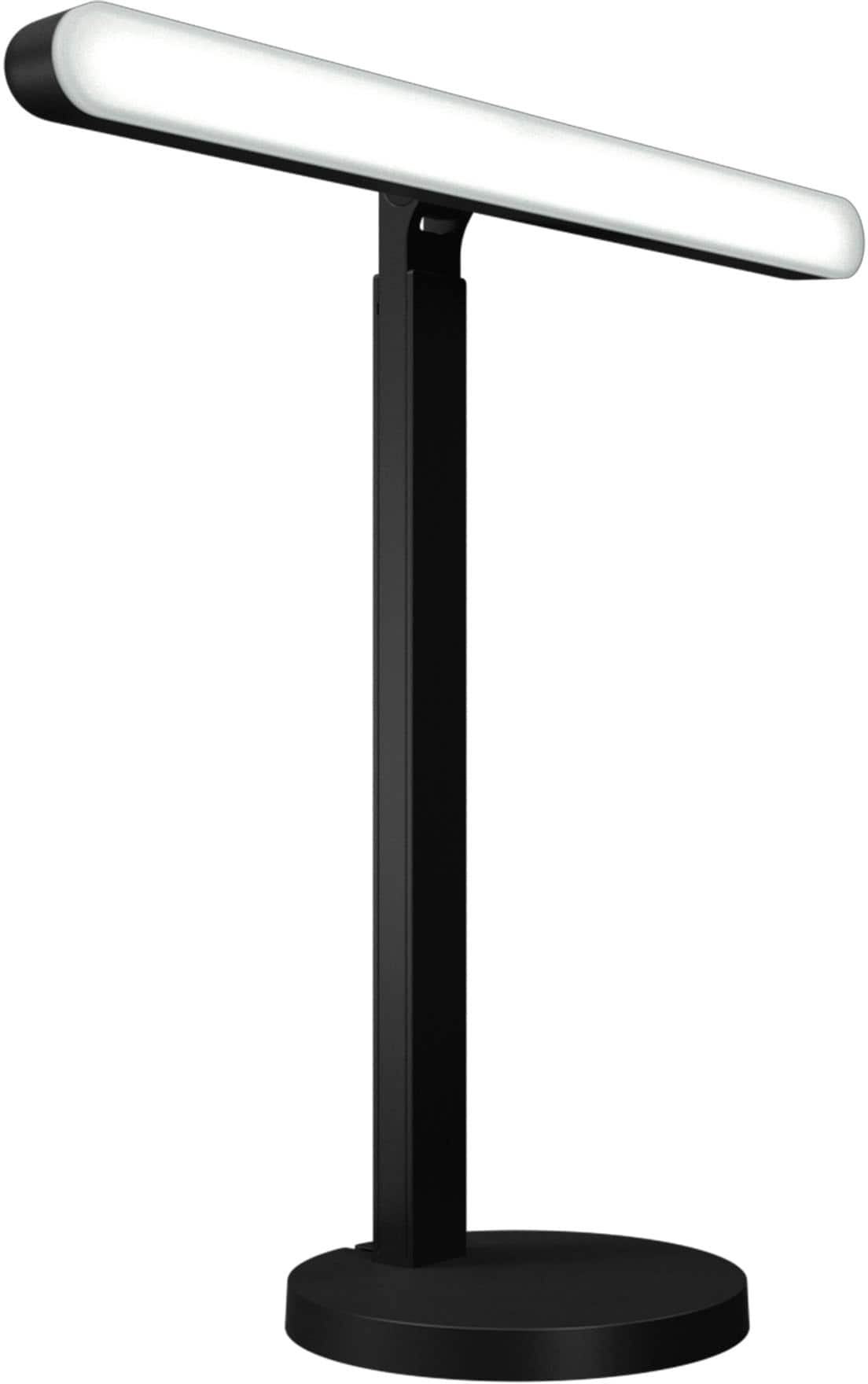

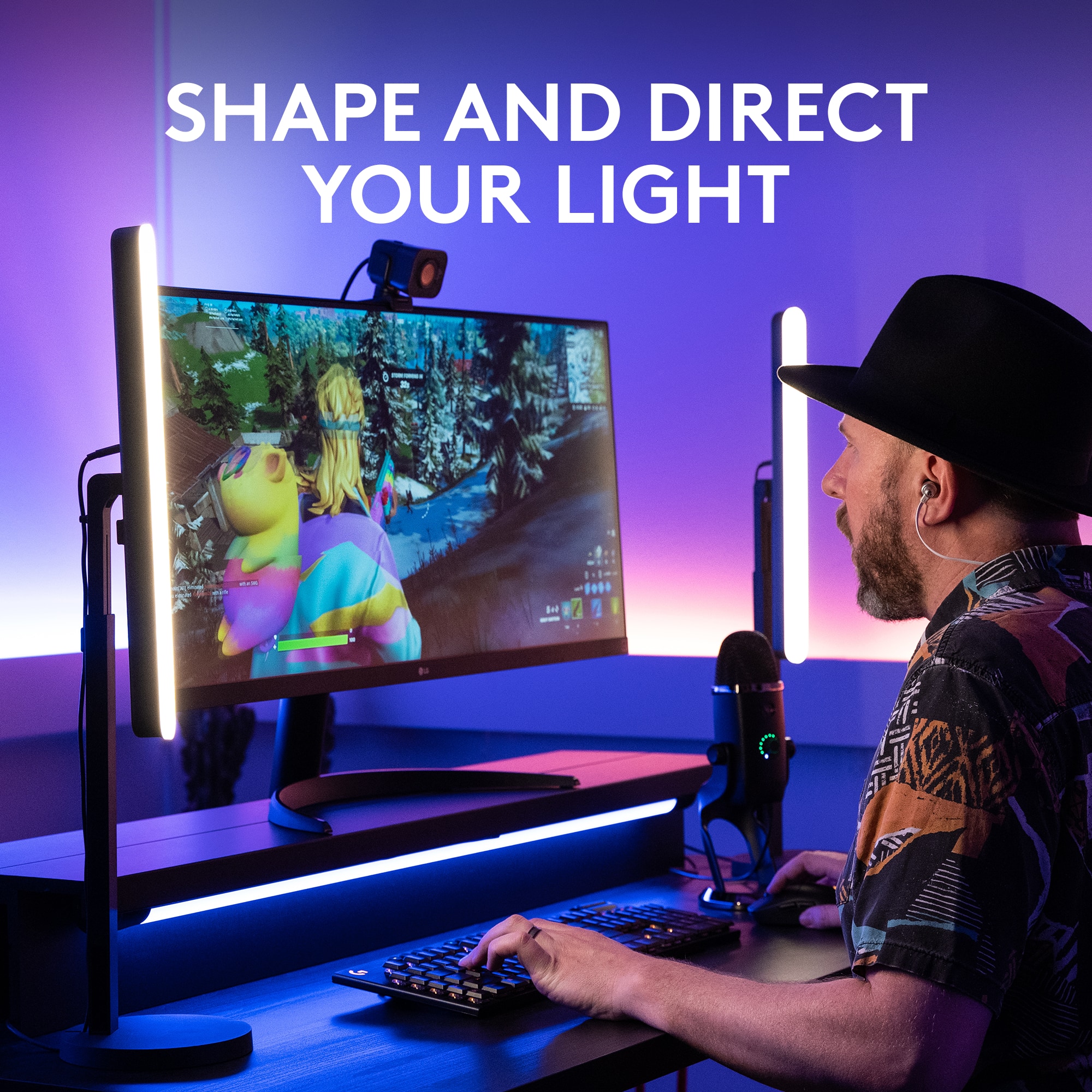
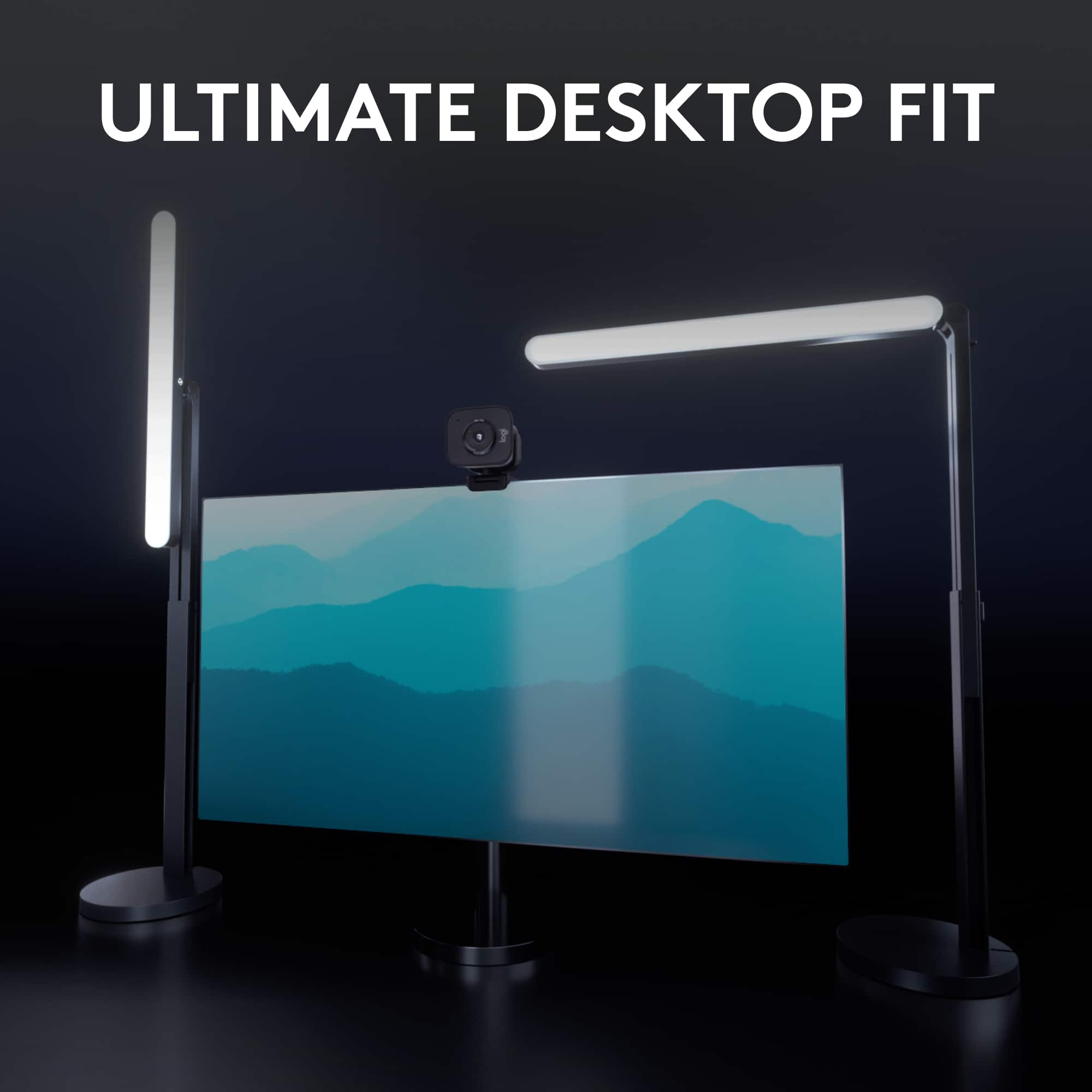
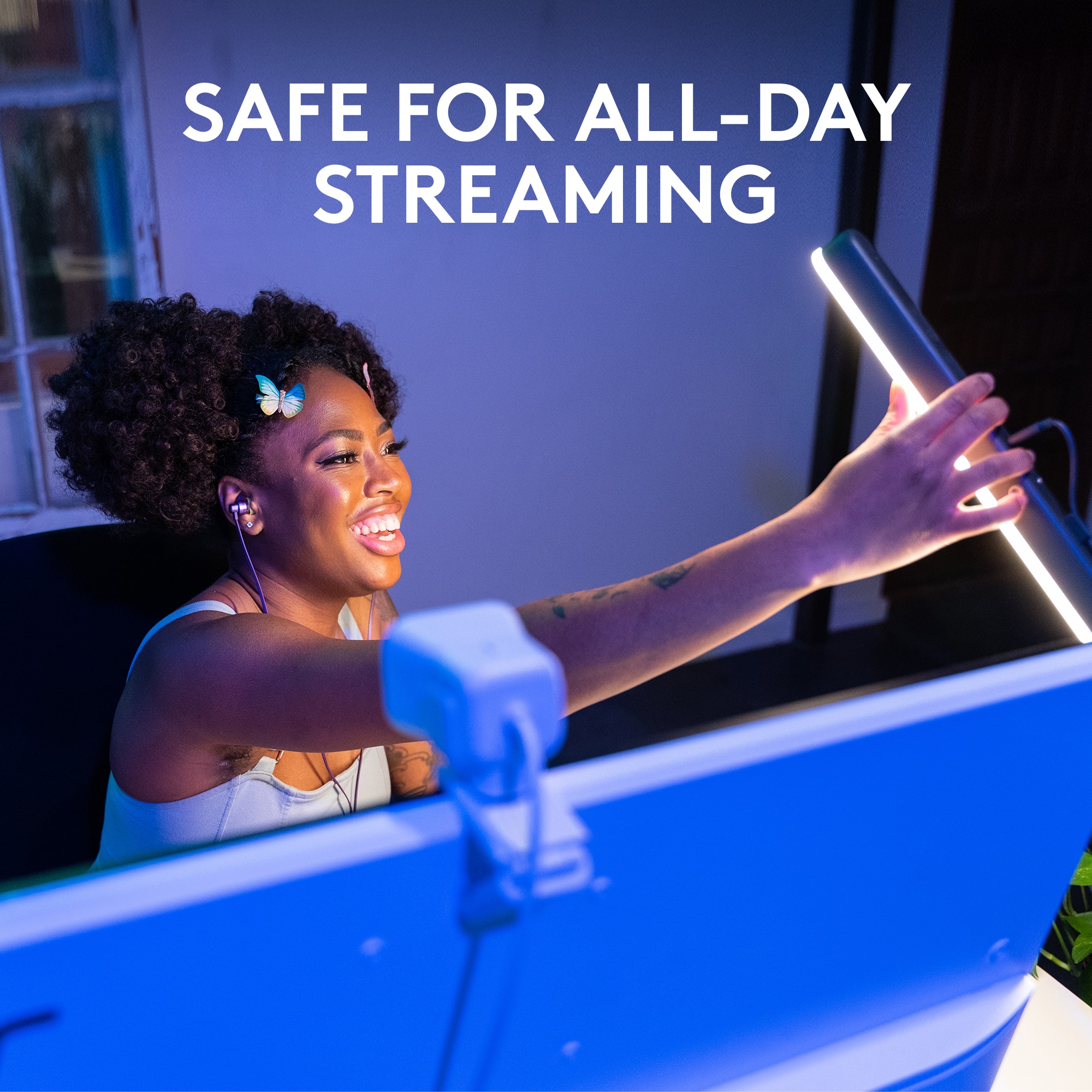

- Model:
- 946-000006
- SKU:
- 6520378
Rating by feature
- Value
Rating 4.4 out of 5 stars
- Quality
Rating 4.7 out of 5 stars
- Ease of Use
Rating 4.8 out of 5 stars
Customers are saying
Customers love the Litra Beam Premium LED Streaming Light for its excellent brightness and ease of use. Many appreciate its intuitive setup, well-thought-out design, and multiple mounting options. Some customers have noted concerns regarding its price and the amount of heat it generates, while others feel the cable design could be improved. However, many are happy with the overall performance and find the software to be a helpful enhancement.
This summary was generated by AI based on customer reviews.
- Pros mentioned:Brightness, SetupCons mentioned:Heat

Litra - Beam Me Up Scotty!
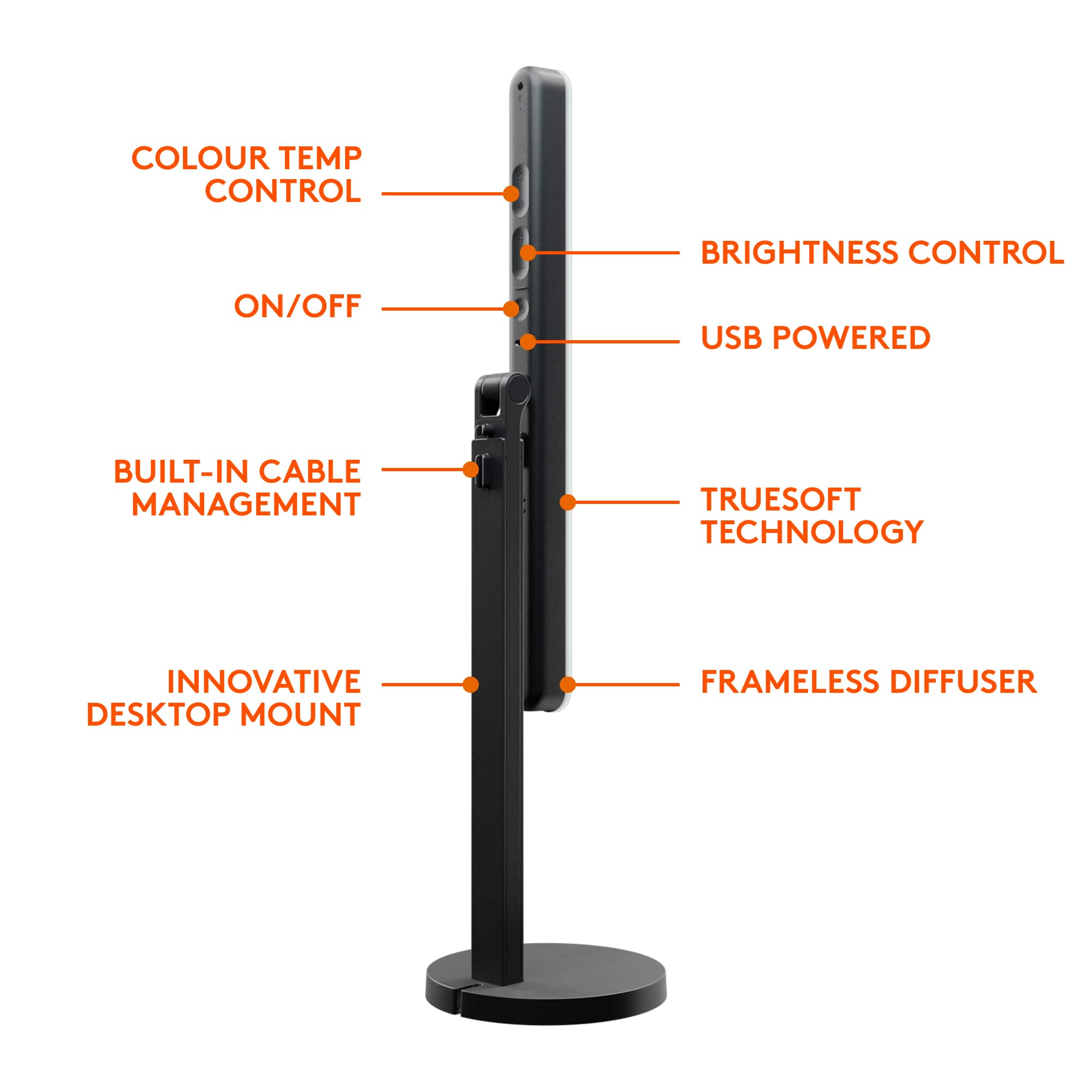
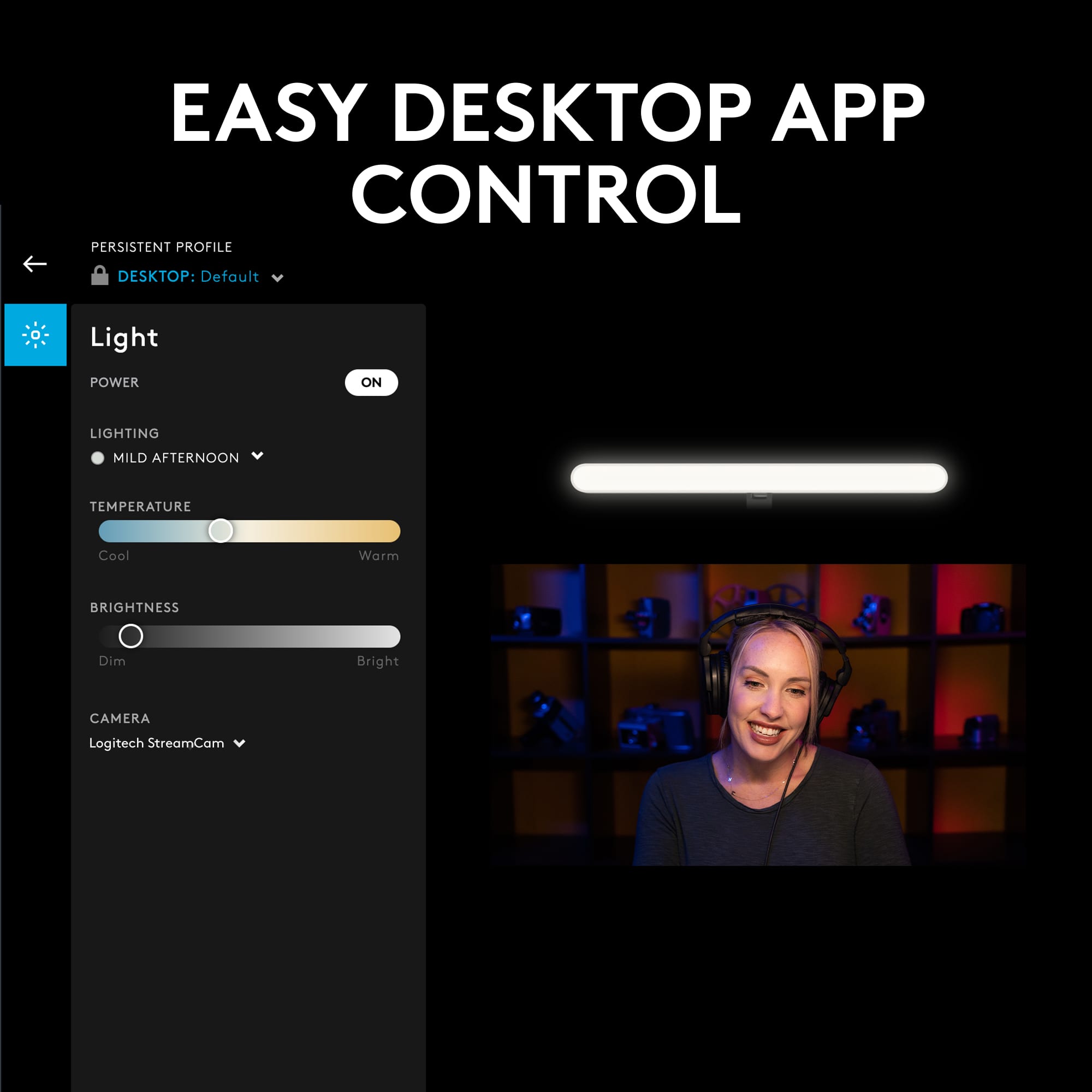
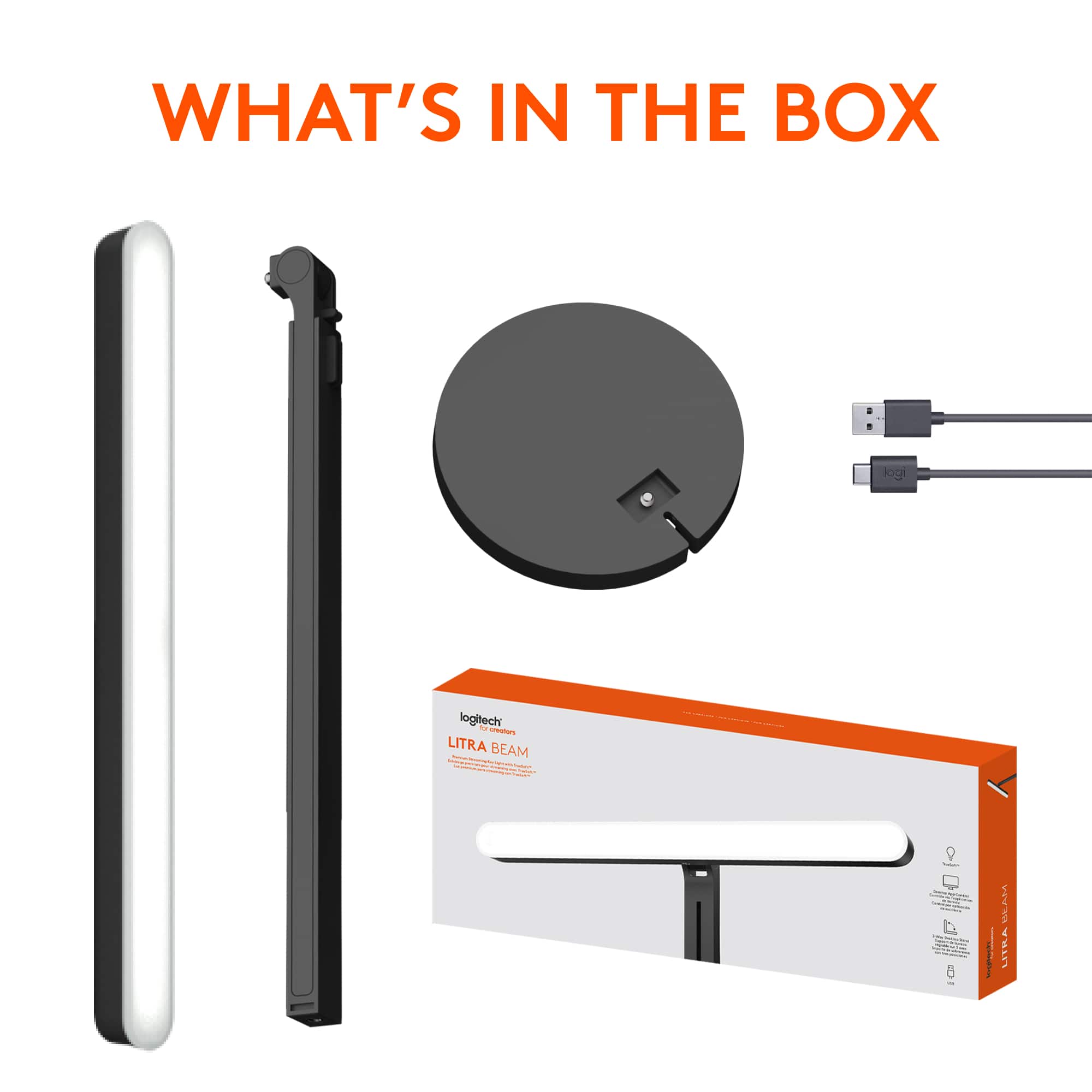
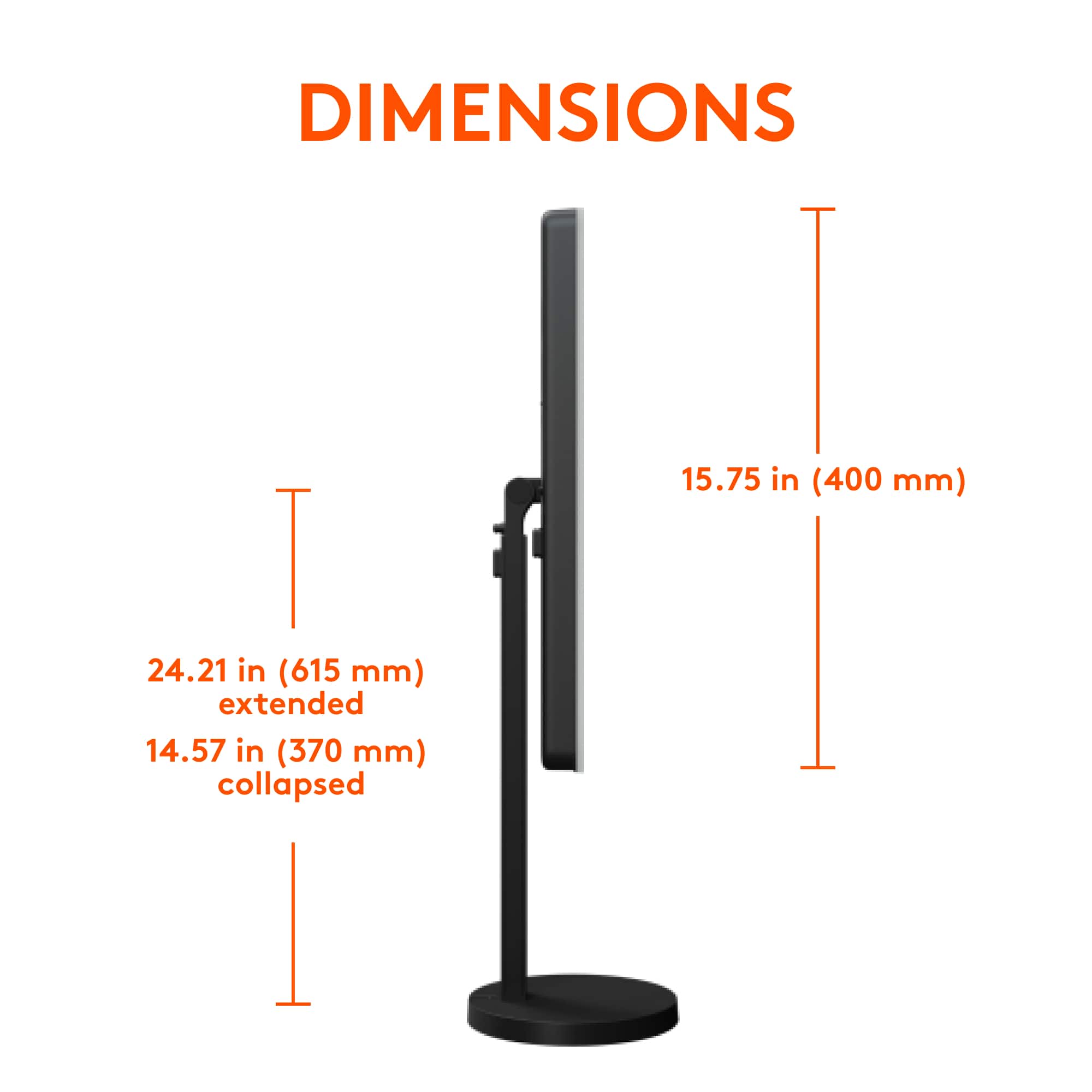
|Posted .This reviewer received promo considerations or sweepstakes entry for writing a review.PROS: As a user of video conferencing I have struggled to find a lighting product that would meet, if not exceed, my requirements. Those being easy to setup, does not produce heat, multiple adjustable positioning, dedicated onboard controls for power, variable color temperature and brightness, with an application that can duplicate the same dedicated controls. This Litra Beam meets my basic requirements as stated above, plus with the ability to setup different selectable presets/profiles depending on my specific needs through the Logitech G-Hub application. SETUP: There is some minor assembly required out of the box. That being, securing the base to the adjustable shaft, and then the beam to the other end of the shaft (3 options here). Next plugging the USB-C into the beam, dress the wiring, plugging the USB-A end into your PC, and you are now “good to go”. The adjustable height, coupled with the numerous beam bar positioning options, should satisfy most all users. Overall I would consider the weighted base stand as medium duty and should hold up for years to come. G-HUB APP: Although not actually required to use the Litra Beam (hey, it just a USB powered light, or so I thought…), I would highly recommend downloading the Logitech G HUB application. Once installed, it will find the Litra and your default camera, update the Litra firmware, provide a demo/tutorial of the unit, and allow you to select any of the six different presets, along with the current Manual setup preset. It will also allow you to create and tweak your own preset(s) if the defaults six do not meet your needs. When connected to my laptop, the Litra Beam will also remember its last setting (you can choose to lock it “persistent” across all profiles). And the Litra Beam will auto power on when my laptop powers up with the G-Hub application running. Nice touch! CONS: The first negative is the inability of the Litra Beam to program automatic power on when using a dedicated USB 5-volt power adapter or auto power on with my laptop when G-Hub is not active. Contacting support I was told it will auto power on without G-Hub, but that is not the case, at least for my laptop. (I am still awaiting answers to my follow up questions.) The second negative is, currently there is no G-HUB application for an Android device if you want to use Bluetooth connectivity to control the Litra Beam outside of your PC. (My phone will find and connect to the Litra Beam through Bluetooth, but without an app, it is useless.) BOTTOM LINE: Overall I am satisfied with the Litra Beam, its G-Hub application, with the ability to position it in numerous ways. And it is a welcomed upgrade from the smaller profile Litra Glow Streaming light, although at a substantial price increase. If it could be programmed to auto power on when using a USB adapter, and have a G-HUB Android application available, I would have rated it a 5.
I would recommend this to a friend - Pros mentioned:BrightnessCons mentioned:Heat
Very bright, app controlled light
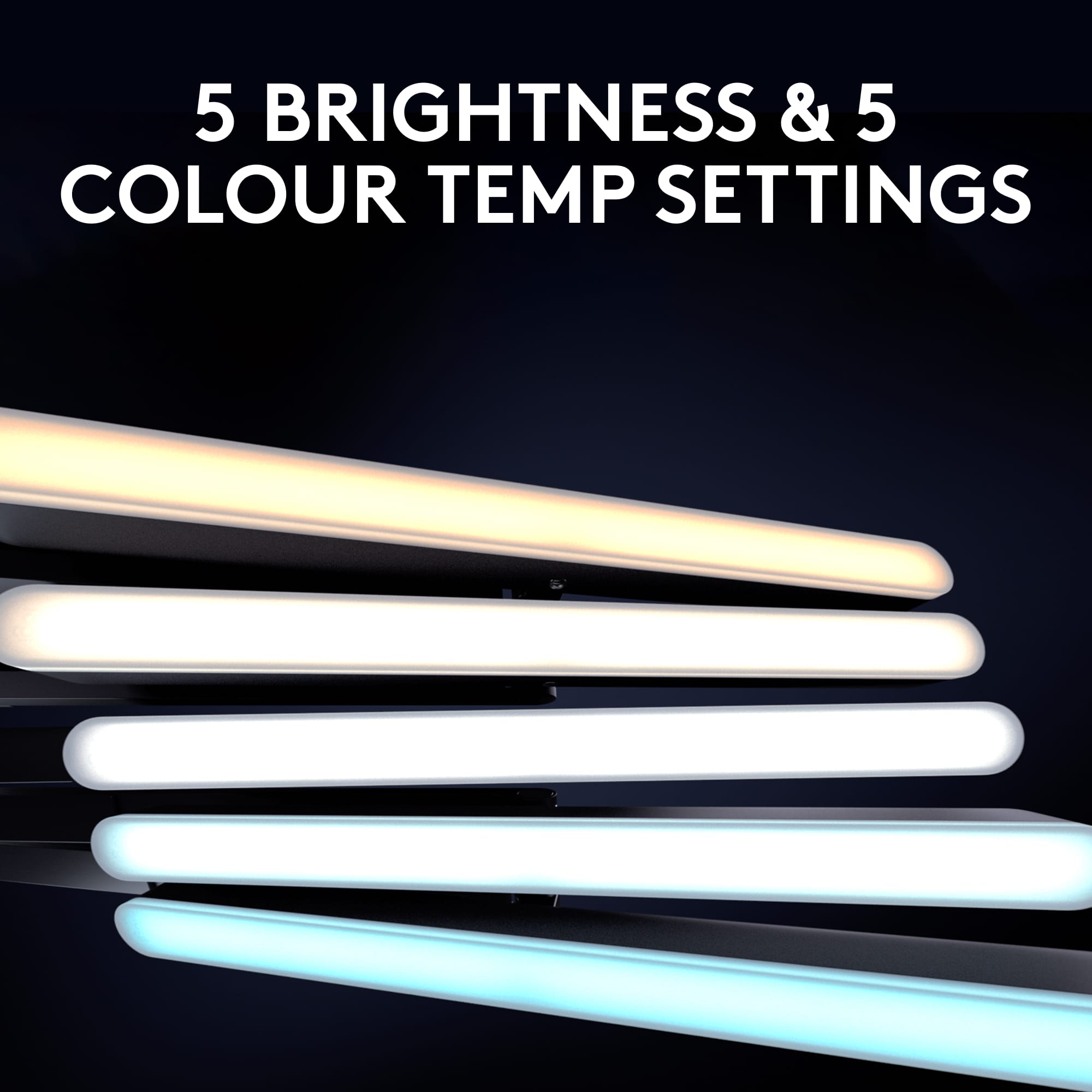
|Posted .This reviewer received promo considerations or sweepstakes entry for writing a review.This light has quite a bit to offer if you are a frequent person of video meetings or streams. It has a wide range of temperatures and brightness, so you can customize the lighting to be exactly as needed. The device has controls on the back to manually operate, but you are much better off using the G-Hub software, as you get a much wider range of controls. I've found the control on the light to be a bit difficult to use, because they are behind the bulb, so you can't see what it is you are pushing. For that reason, plus the customization, I prefer to use the G-Hub software. The light itself generates a substantial amount of heat, so be prepared, especially if you plan to use 2 lights, as you will get hot! My biggest complaint about this device is that you need a powerful USB to push the light to it's full potential. I'm currently using a Surface Book 3, an incredibly powerful business laptop, and my onboard USB-A will not push the light past 84%. If you look at my attached image, you'll see that the restriction zone for my light. If I want to full utilize this light, I'll either need to plug directly into my Surface Dock, or use a desktop. I also would really like to see an option to mount the light on top of my monitor, like you generally see with a web cam. I tried to push this light behind my monitor, but the monitor base prevents me from doing so. So, I either have to detach the light from the stand, and try to balance it on top of my monitor, or use it as a side light option.
I would recommend this to a friend - Pros mentioned:Brightness, Ease of useCons mentioned:Heat
Great, natural light for streamers and more!
|Posted .This reviewer received promo considerations or sweepstakes entry for writing a review.The Logitech - Litra Beam Premium LED Streaming Key Light looks relatively basic but it is anything but. The design and utility of this light far exceeded my expectations. First off, the light and the base are sturdy and feel like they are both very well made. The collapsable arm makes it very easy to situate the light in the best place for your streaming set up. I placed the light just behind my desktop computer's main display, just above the webcam attached to my monitor. The light is bright but not harsh and really makes people, plants, and items have a beautiful and clean colorful look. I was concerned at first as the brightness of the light seemed intense, but it allows for multiple lighting settings/techniques for the perfect amount of light. One notable plus for this light - it is very, very easy to use, move, set up, and place just about anywhere. The cord is roughly 4-5 feet long for use when streaming a YouTube (or similar) video but not so long that it becomes cumbersome when using it with a laptop/tablet. I primarily use this light for YouTube video tutorials and video meetings. I asked colleagues about how I looked along with my surroundings and the feedback was all very positive. The light generates a low amount of heat but not so hot that you can't touch/adjust it. My only concern is there is some audible feedback when I use the Litra Beam too close to my M1 Max MacBook Pro's webcam. I was able to eliminate the feedback on my end, but people viewing videos and or on meetings with me did mention there is a notable hum. Otherwise, this is a great investment for streamers, Vlogers, web meetings, and everything in between. Highly recommended
I would recommend this to a friend