Customer Ratings & Reviews

- Model:
- 946-000006
- SKU:
- 6520378
Rating by feature
- Value
Rating 4.4 out of 5 stars
- Quality
Rating 4.7 out of 5 stars
- Ease of Use
Rating 4.8 out of 5 stars
Customers are saying
Customers love the Litra Beam Premium LED Streaming Light for its excellent brightness and ease of use. Many appreciate its intuitive setup, well-thought-out design, and multiple mounting options. Some customers have noted concerns regarding its price and the amount of heat it generates, while others feel the cable design could be improved. However, many are happy with the overall performance and find the software to be a helpful enhancement.
This summary was generated by AI based on customer reviews.
- Pros mentioned:Brightness, SetupCons mentioned:Heat

Litra - Beam Me Up Scotty!
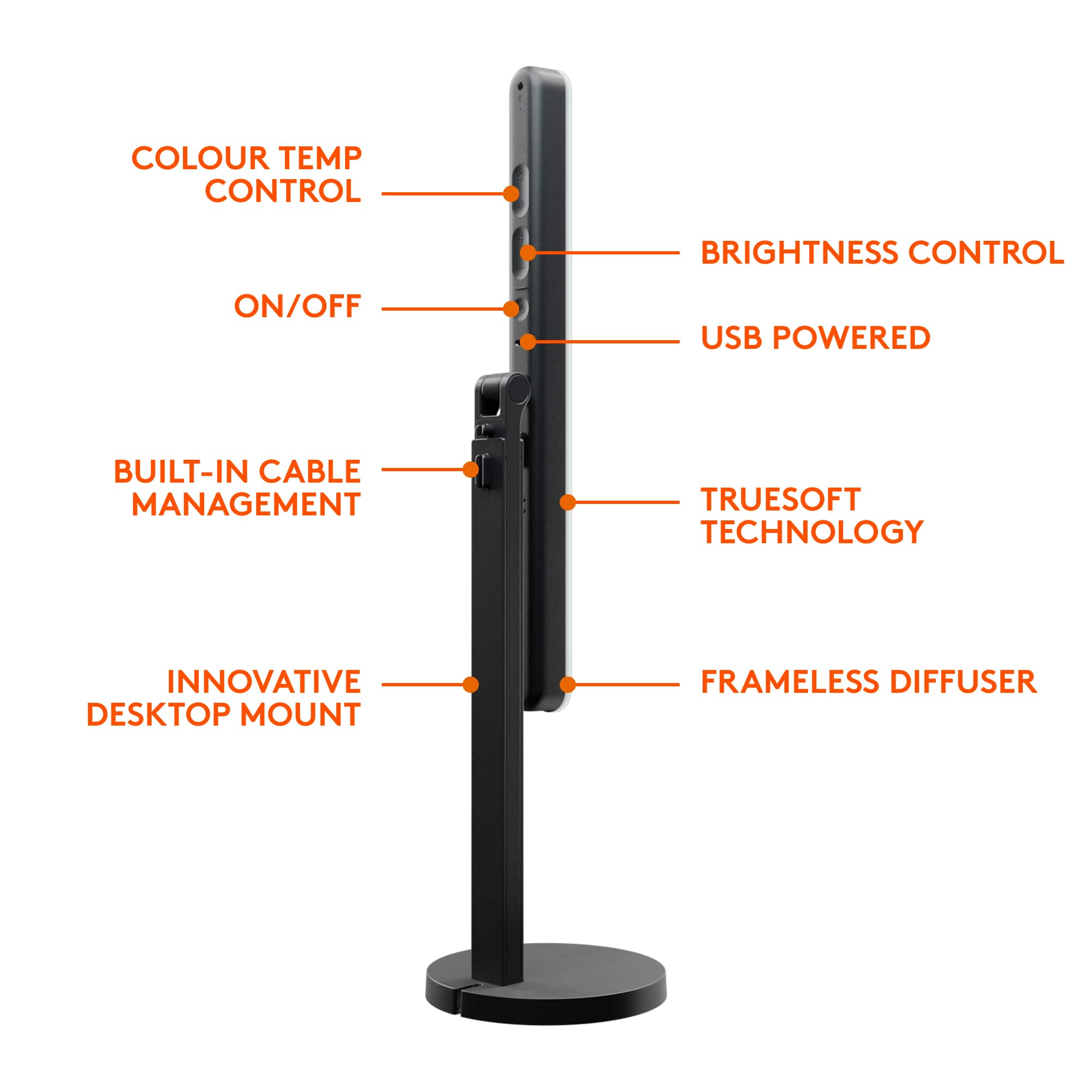
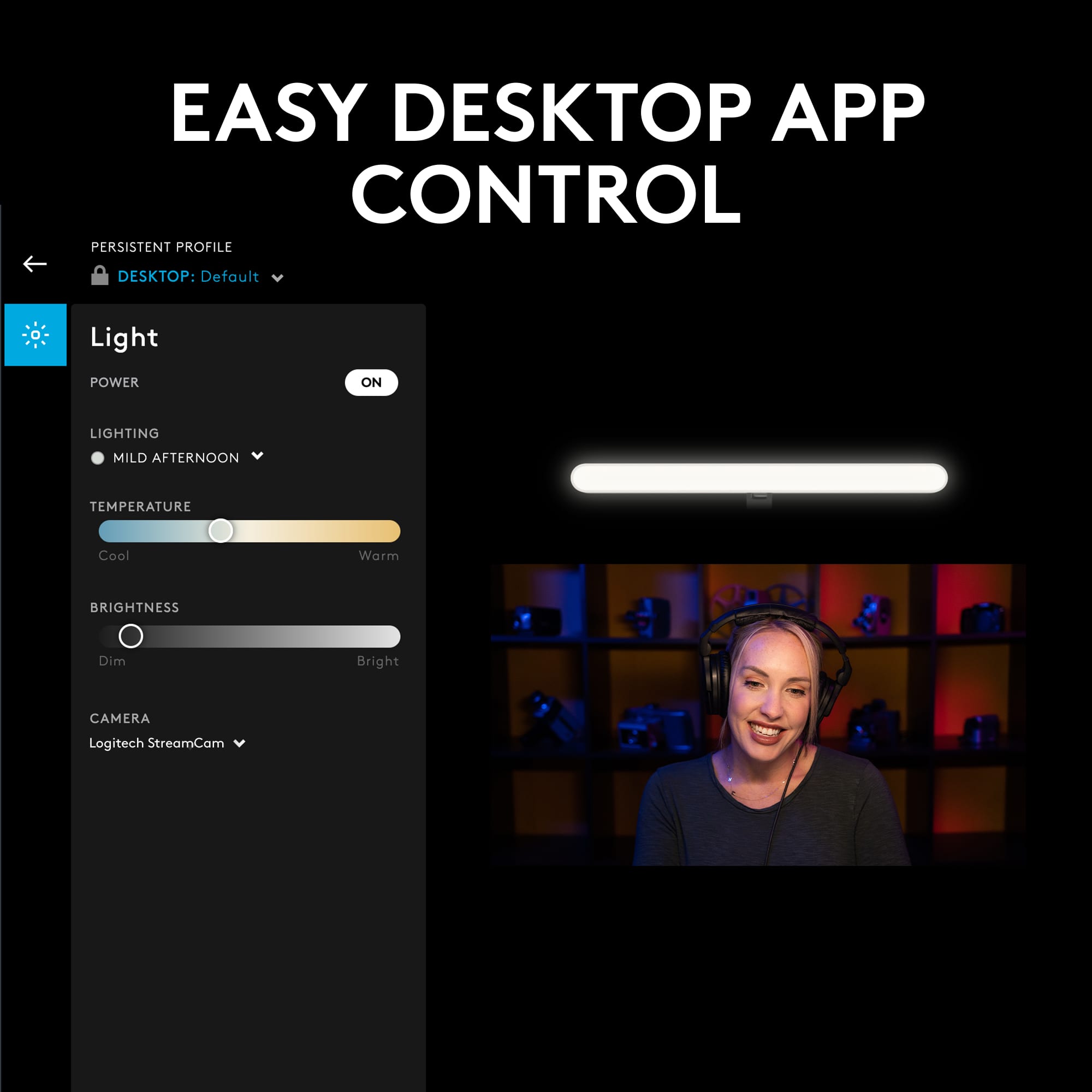
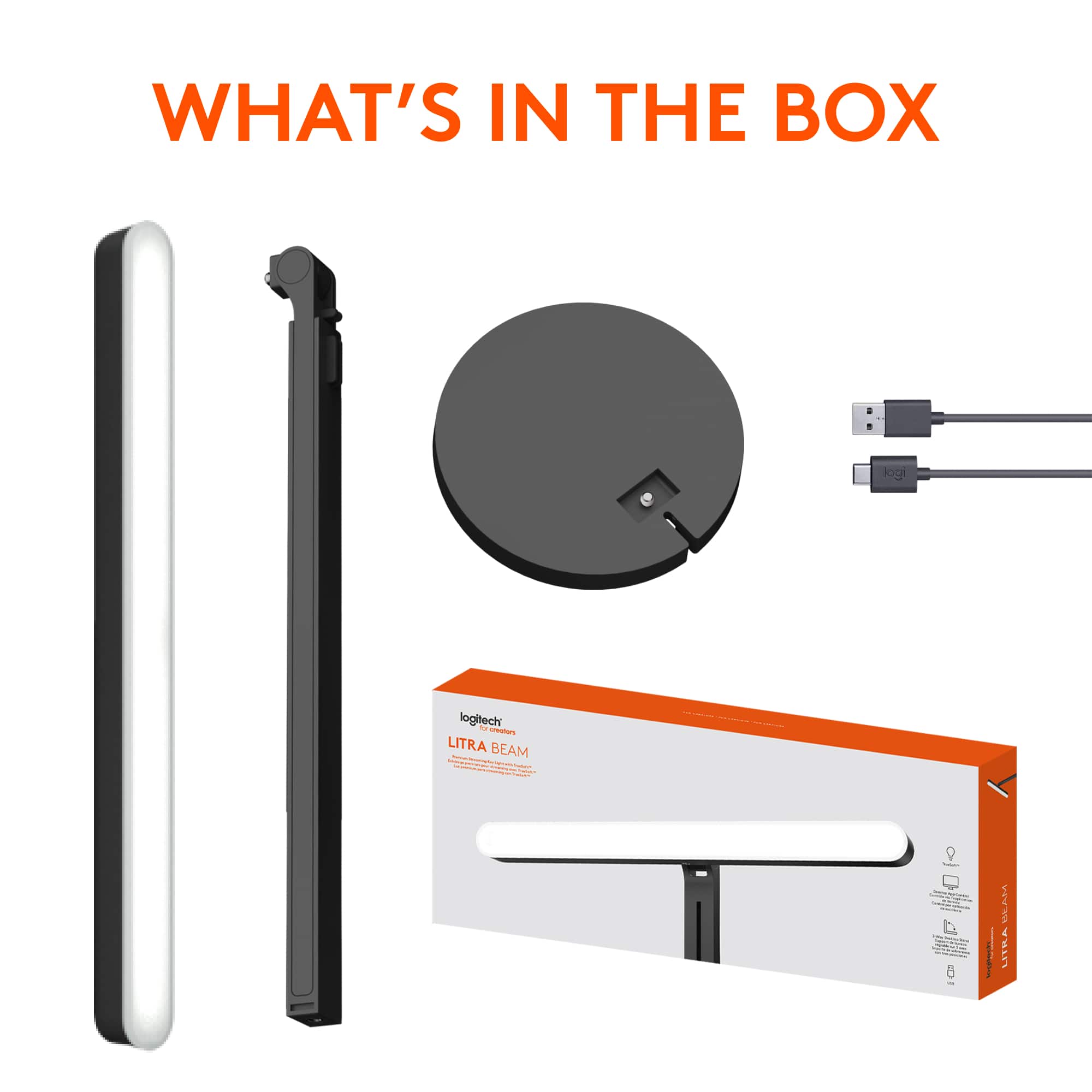
|Posted .This reviewer received promo considerations or sweepstakes entry for writing a review.PROS: As a user of video conferencing I have struggled to find a lighting product that would meet, if not exceed, my requirements. Those being easy to setup, does not produce heat, multiple adjustable positioning, dedicated onboard controls for power, variable color temperature and brightness, with an application that can duplicate the same dedicated controls. This Litra Beam meets my basic requirements as stated above, plus with the ability to setup different selectable presets/profiles depending on my specific needs through the Logitech G-Hub application. SETUP: There is some minor assembly required out of the box. That being, securing the base to the adjustable shaft, and then the beam to the other end of the shaft (3 options here). Next plugging the USB-C into the beam, dress the wiring, plugging the USB-A end into your PC, and you are now “good to go”. The adjustable height, coupled with the numerous beam bar positioning options, should satisfy most all users. Overall I would consider the weighted base stand as medium duty and should hold up for years to come. G-HUB APP: Although not actually required to use the Litra Beam (hey, it just a USB powered light, or so I thought…), I would highly recommend downloading the Logitech G HUB application. Once installed, it will find the Litra and your default camera, update the Litra firmware, provide a demo/tutorial of the unit, and allow you to select any of the six different presets, along with the current Manual setup preset. It will also allow you to create and tweak your own preset(s) if the defaults six do not meet your needs. When connected to my laptop, the Litra Beam will also remember its last setting (you can choose to lock it “persistent” across all profiles). And the Litra Beam will auto power on when my laptop powers up with the G-Hub application running. Nice touch! CONS: The first negative is the inability of the Litra Beam to program automatic power on when using a dedicated USB 5-volt power adapter or auto power on with my laptop when G-Hub is not active. Contacting support I was told it will auto power on without G-Hub, but that is not the case, at least for my laptop. (I am still awaiting answers to my follow up questions.) The second negative is, currently there is no G-HUB application for an Android device if you want to use Bluetooth connectivity to control the Litra Beam outside of your PC. (My phone will find and connect to the Litra Beam through Bluetooth, but without an app, it is useless.) BOTTOM LINE: Overall I am satisfied with the Litra Beam, its G-Hub application, with the ability to position it in numerous ways. And it is a welcomed upgrade from the smaller profile Litra Glow Streaming light, although at a substantial price increase. If it could be programmed to auto power on when using a USB adapter, and have a G-HUB Android application available, I would have rated it a 5.
I would recommend this to a friend - Pros mentioned:Brightness, Ease of use, Setup
The Most Versatile Desk Light
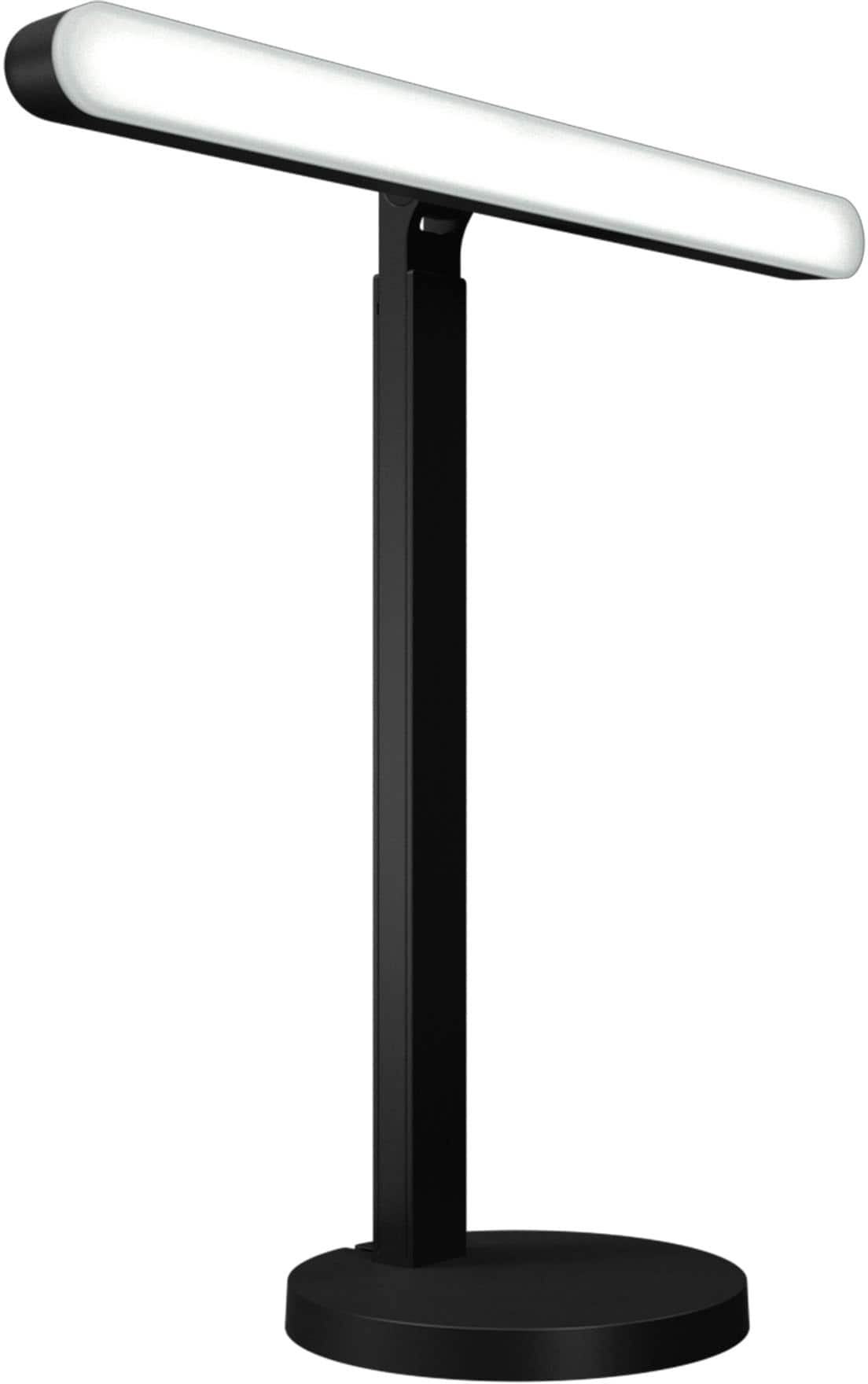
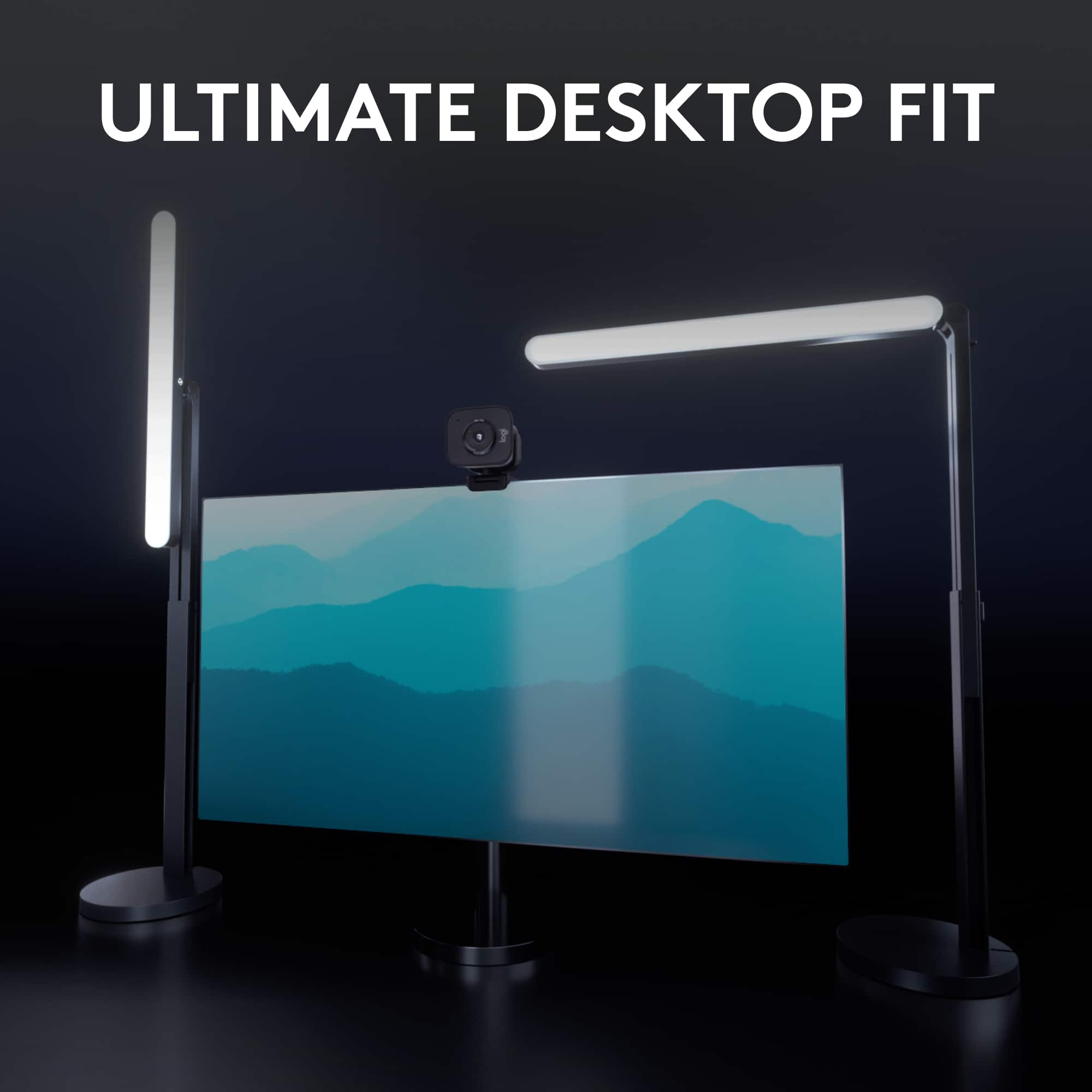
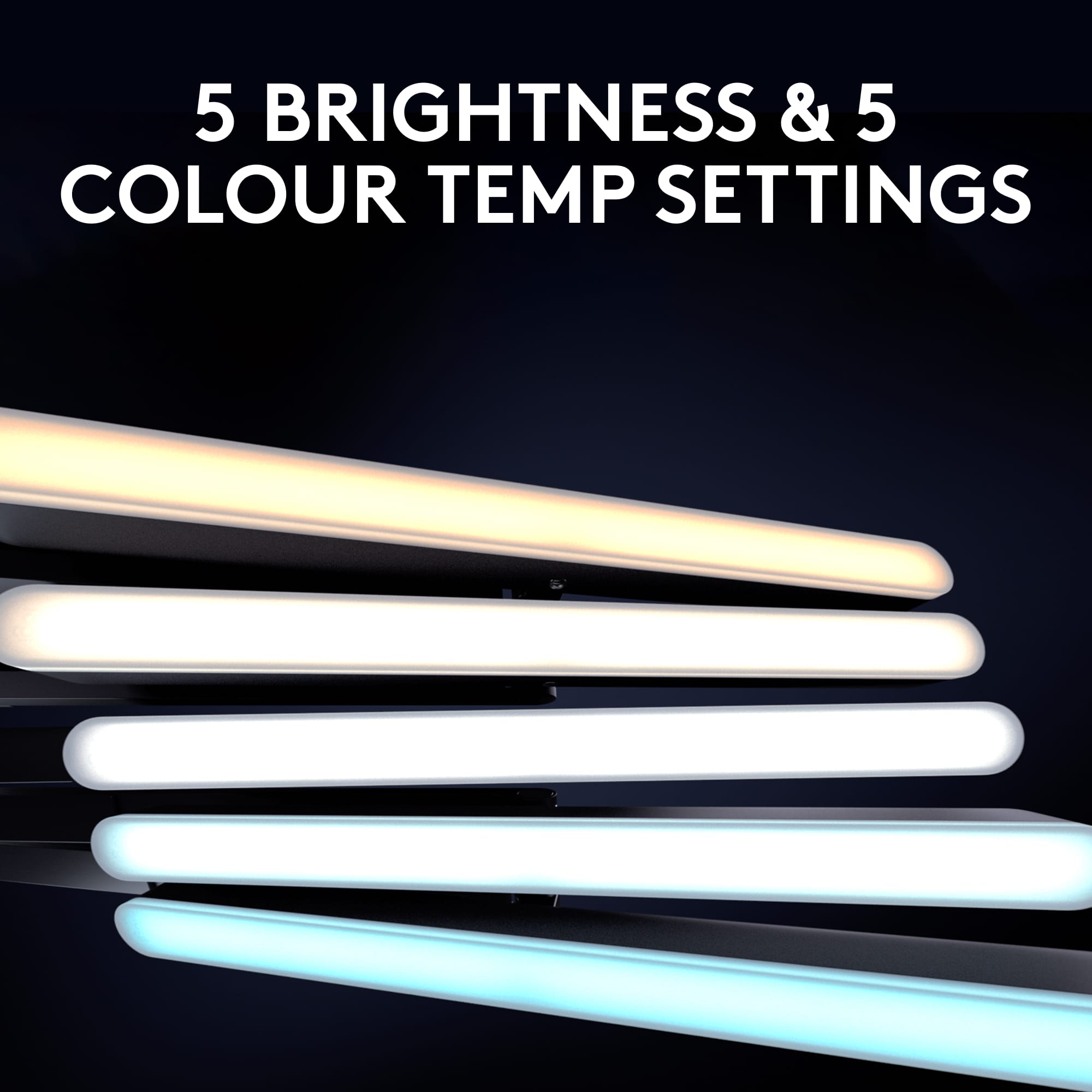
|Posted .This reviewer received promo considerations or sweepstakes entry for writing a review.The Logitech Litra Beam Premium LED Streaming Key Light with TrueSoft is the most versatile desk light I have come across to date. The Litra Beam has a super easy setup and like most Logitech products the instructions are printed right on the box with detailed pictures on how to install and set up the light bar. The versatility is that the light can be mounted 3 different ways: horizontal, Vertical with mounting it in the middle of the beam or vertical from the bottom of the beam allowing it to be higher on the stand to cover more of your desk. My personal favorite thing about the Logitech Litra Beam is how its incorporated with Logitech G Hub software, where since I already have the G915 Keyboard and the G 502X mouse, I’m able to button map the controls for the light right from my keyboard, so I don't have to physically press the buttons on the light or open the software to adjust the lights. I mapped on & off along with brighter and dimmer to my G buttons on my keyboard, which is so convenient especially for all the Zoom calls I have throughout the day. The light beam itself gets pretty bright but it keeps saying in the G hub software that my USB port isn't powerful enough when I have it plugged into my motherboards USB 3.2 port and will only get up to 69% of total brightness, which dont get me wrong is plenty bright for my setup, just kind of confusing when the requirements say it only needs USB 3.0. The Lighting software comes with 6 preset colors on the cool to warm range and you can also adjust the temperature on the light with a slider or on the back of the light with the physical buttons. Overall I think this one of the best desk lights on the market if you're a content creator or working from home, and it's even better when you pair it with other Logitech G-Hub products to utilize its full potential.
I would recommend this to a friend - Pros mentioned:Brightness, Setup
Customizable Light Color & Brightness for Everyone
||Posted . Owned for 3 weeks when reviewed.This reviewer received promo considerations or sweepstakes entry for writing a review.First time upgrading our lighting set up at our home office. These lights are easy to set up and have great options for brightness and color (warm to cool). These options are great as my partner and I can customize the brightness and color options to match our skin tones (medium/dark skin and fair skin). Doesn't make anyone look washed out or too much in shadows. The only complaint is that the rotation of it is a bit tough or too lose. It seems like it is meant to attach and then be able to infinitely rotate/spin but one of them is too tight where it feels like it will break if we rotate it. The other is too lose and feels like it is about to fall off. However, we found a system for them to be set up so that they work for us. They also take up a good bit of desk space (our desk is cramped with 2 monitors, keyboards, mice, and docks for each of us. Nevertheless, I do recommend these!
I would recommend this to a friend - Pros mentioned:Brightness, Setup
Office light Spectacular
||Posted . Owned for 2 weeks when reviewed.This reviewer received promo considerations or sweepstakes entry for writing a review.Needed a new light so I do not look washed out on Zoom. Easy setup. Many lighting and position options.
I would recommend this to a friend - Pros mentioned:Brightness, Design, Setup
Great way to elevate video quality
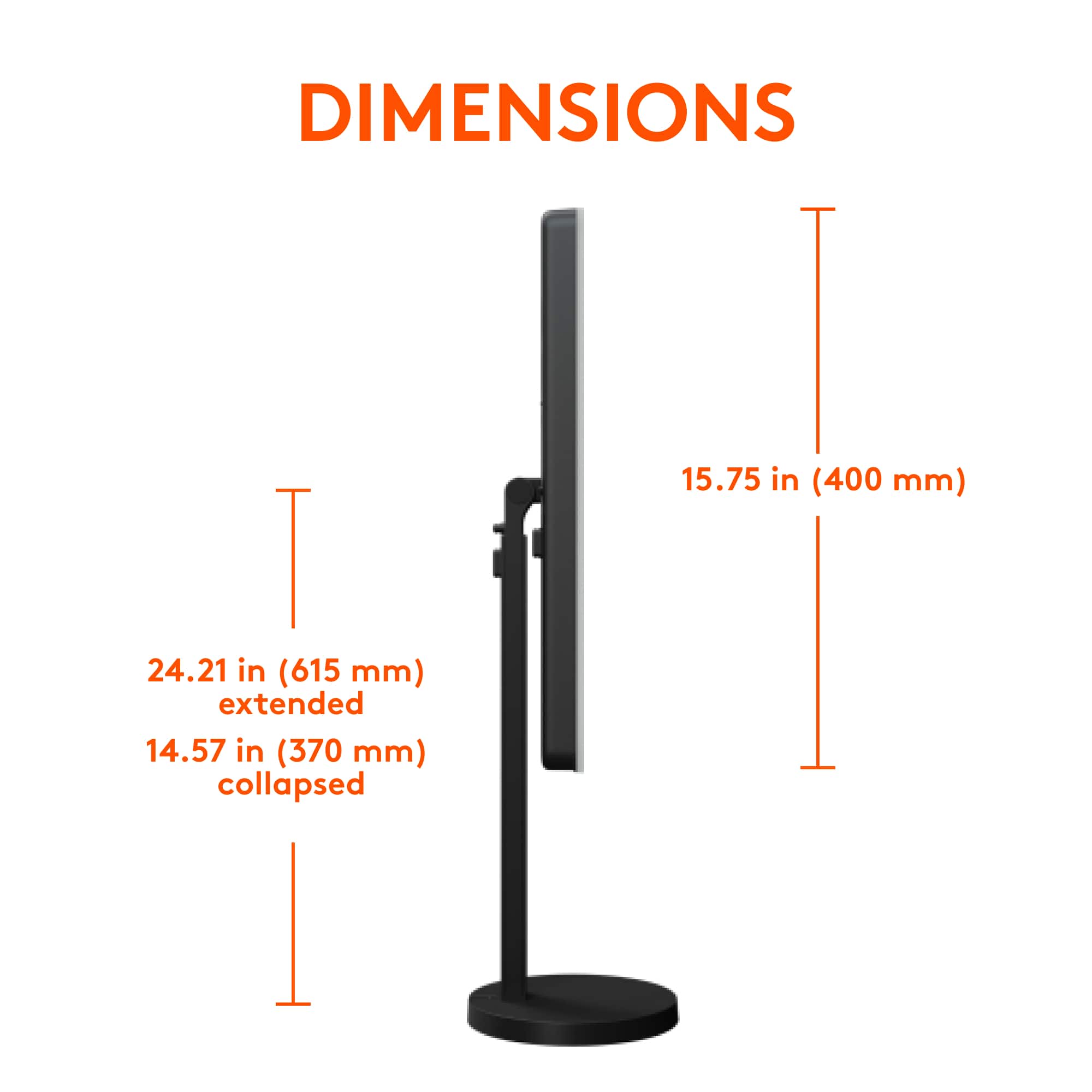
|Posted .This reviewer received promo considerations or sweepstakes entry for writing a review.The Logitech Litra Beam has been a great way to elevate the quality of my videos as well as my Zoom calls. The best part of the Logitech Litra Beam is the total control I have over the lighting in my videos. I can adjust the light beam to be either horizontal or vertical. This is great for focusing the light where I need it. I can also adjust the brightness and hue of the light-which helps me to feel more confident on camera and create my best look. Oh, and did I mention I’m able to adjust the light stand to sit between about 15 inches to 25 Inches depending on what suits my setup! In the past, trying to create my desired lighting was always a struggle or simply impossible. But Litra Beam allows the ability to create perfect lighting instantly and conveniently. It is a very sturdy light due to the circular base being quite heavy duty. This makes it great for sitting on your desk or other busy areas. It will not tip over easily. However, due to the heavy duty base, this light is probably not ideal for frequent transport as far as taking it on the go. The Logitech Litra Beam has a sleek and modern design. It does not take up much space for how powerful of a light it is. It is simple to set up and easy to use. For assembly I simply connect the base to the stand, and the stand to the light. And I operate the light on the logitech app. There are buttons on the back of the light you can use to operate. However I prefer the app so that I can set the light out of arm’s length and still turn it on very easily. Before I had the Logitech Litra Beam, I would spend so much time messing with my lamps and curtains to create the perfect kind of light. Being able to save that time and energy (and frustration) definitely makes every penny worth it for the Litra Beam. Now I am able to better spend that time and energy on the content of my videos because I know my lighting will always be perfect. And for my job, I always need to do Zoom meetings. It has been great to sit down at my desk at a moment's notice for a zoom meeting with a client and know my lighting will be bright and professional at any time. The right lighting helps me appear in better focus on camera. And because of the Litra Beam and the great lighting it provides, I have received much better engagement from my clients and audience. Getting the Litra Beam is a small and inexpensive way to create a big impact on the overall quality of my videos. The lighting on the Logitech Litra Beam creates an effect on my videos that looks professional- even if I am not someone who creates videos professionally and I don’t do anything to edit my videos! Having great lighting is probably the easiest way for my videos to be better without doing too much. So the Litra Beam has been a real lifesaver when I’m needing to make a quick but high quality video.
I would recommend this to a friend - Pros mentioned:Brightness, SetupCons mentioned:Cable
You don't know you need one until you have one.
|Posted .This reviewer received promo considerations or sweepstakes entry for writing a review.This is honestly one of those things that you don't really appreciate until you have it. The setup was intuitive enough. I define intuitiveness as "can I assemble it without consulting the directions?" If you find yourself needing guidance, they do conveniently print the instructions on the inside flap/lid of the box. Assembly went on without a hitch. I do wish there was more cable management spaces along the backside of the light, but I understand that maybe there were challenges with this when the light is fully extended. Operation is just as easy. BONUS - I discovered you can repurpose one of those old Apple 12W power adapters and connect this directly to the wall, although you lose the ability to control the light from your PC/Mac. What made me discover this? I was downloading the app from the Logitech website (and this was the only part of the instructions I had to consult the inside of the box on because it's not very clearly listed on the Support website - maybe because it's new). After running the installer, the first popup I get says that Logitech wants permission to record my screen? I get that this is for content creation and maybe depending on how you create content this could be beneficial (i.e. a gamer), but I don't feel comfortable installing an app and the first thing that pops up is for invasive permission to use my computer especially when a use case has not been previously established. Outside of that the operation of this light has been like a dream. It's the perfect brightness - and at that it's adjustable. The tone of the light is adjustable so it can be warmer or cooler. You can turn and extend the light, which gives you flexibility on different angles you may need lightning. All-in-all they put a lot of thought into this. The only function I haven't been able to figure out on my own is how to extend the length (or height) of the light. Lastly, the one thing that just really bugged me about this - USB-A is really sunsetting. And the part that plugs into the actual light is USB-C. It would've made this so much better to utilize USB-C to USB-C and as I typed that, I ran and grabbed a USB-C to USB-C cable and charger and can verify that you can wall power this over USB-C as well. It would've been nice if this was included or at least easily called out so that you know this product is future-proofed in a way as well. Outside of that when the light is mounted horizontally, I wish there was more stability at the point where its able to turn vertical. It's screwed all the way in and just feels really flimsy. Other than those minor things. A great product, overall.
I would recommend this to a friend