Customer Ratings & Reviews


- Model:
- 946-000001
- SKU:
- 10115991
Rating by feature
- Value
Rating 4.6 out of 5 stars
- Quality
Rating 4.7 out of 5 stars
- Ease of Use
Rating 4.8 out of 5 stars
to a friend

A Very Cool (or warm) Light
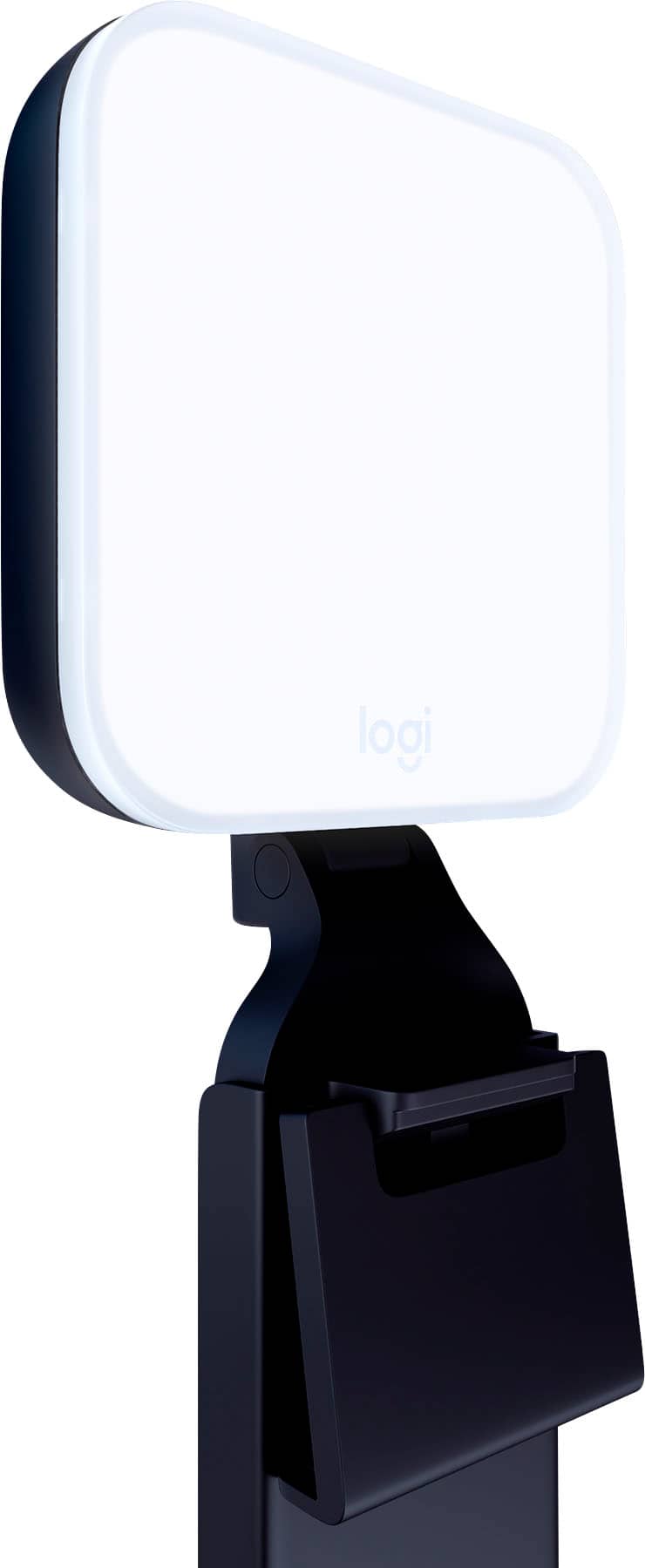
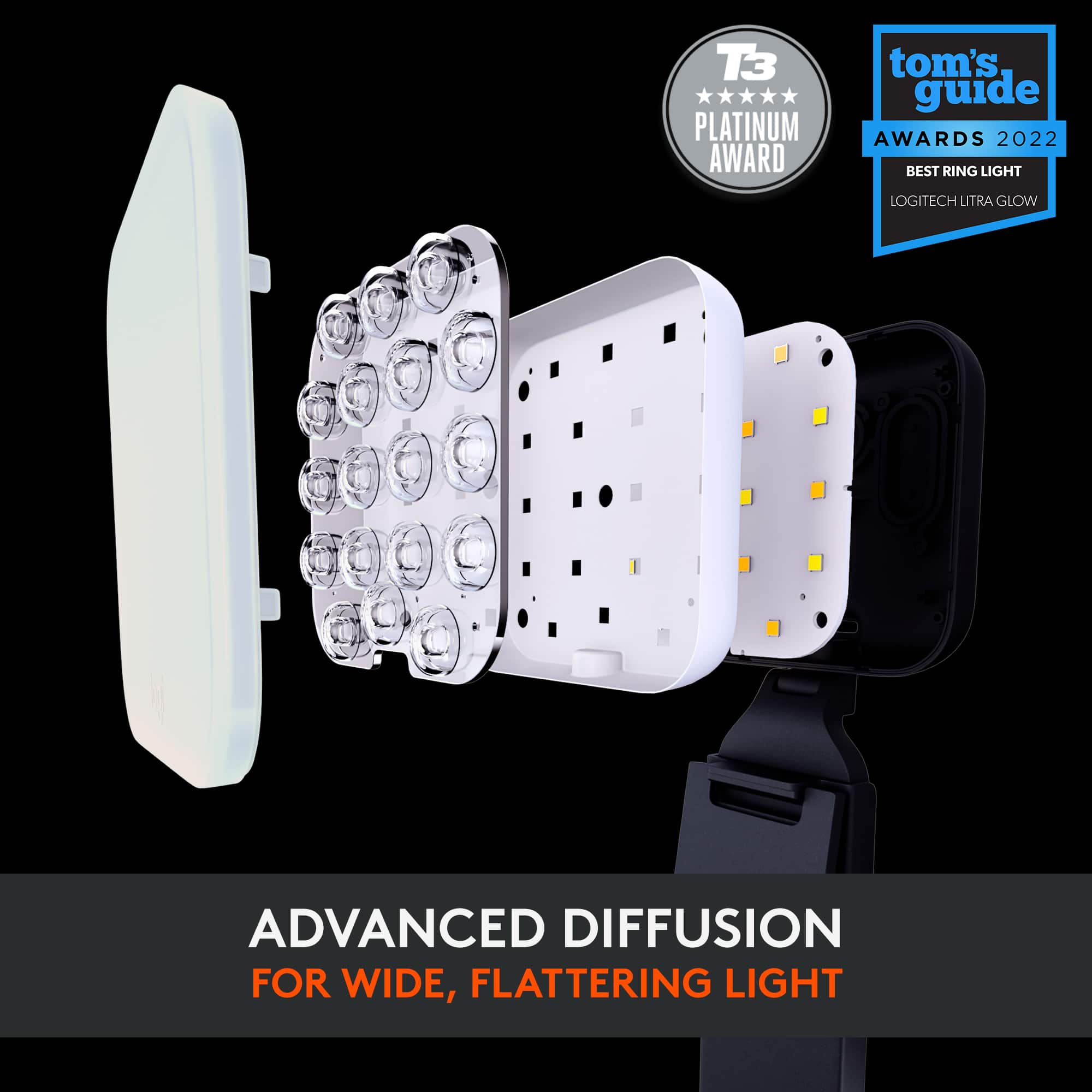
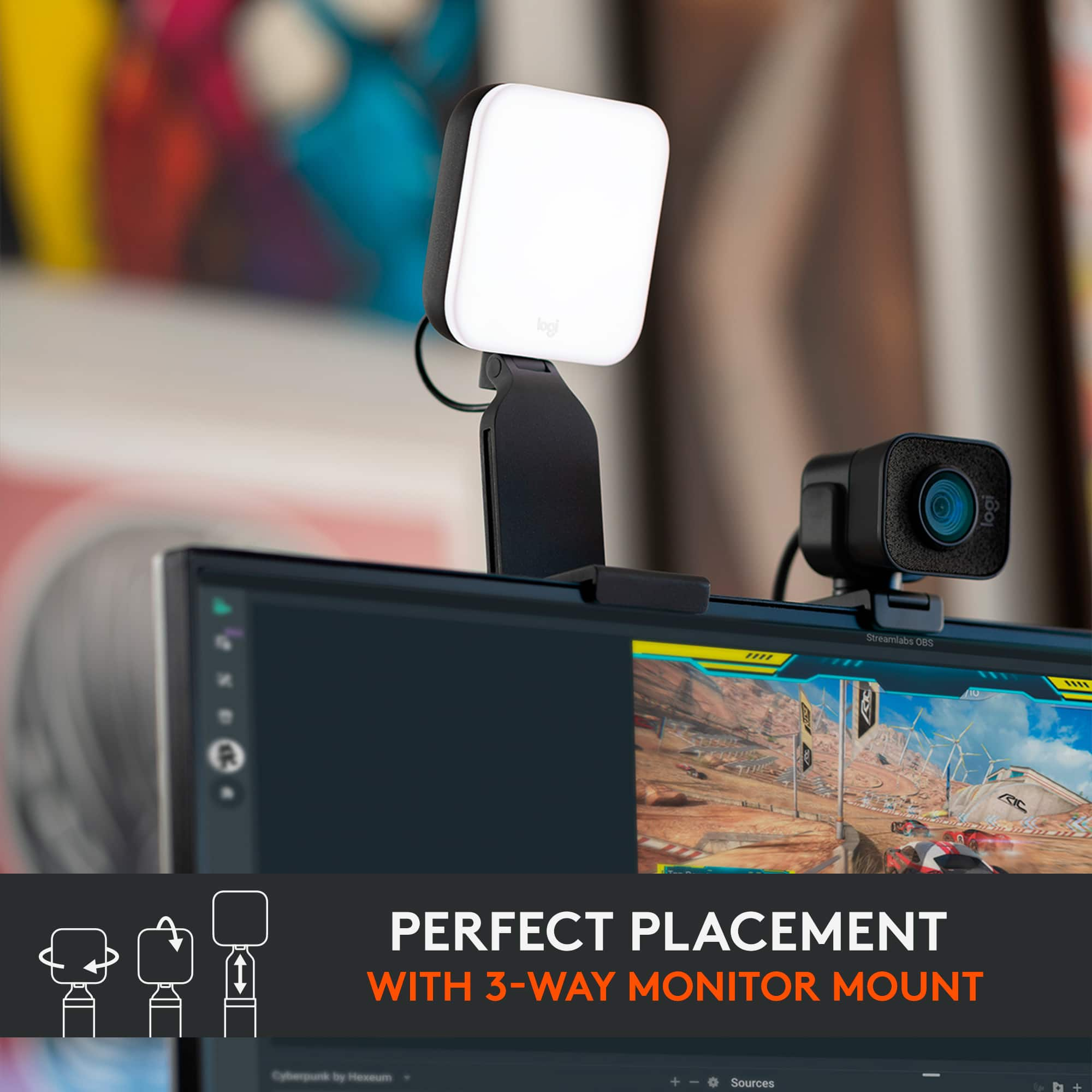
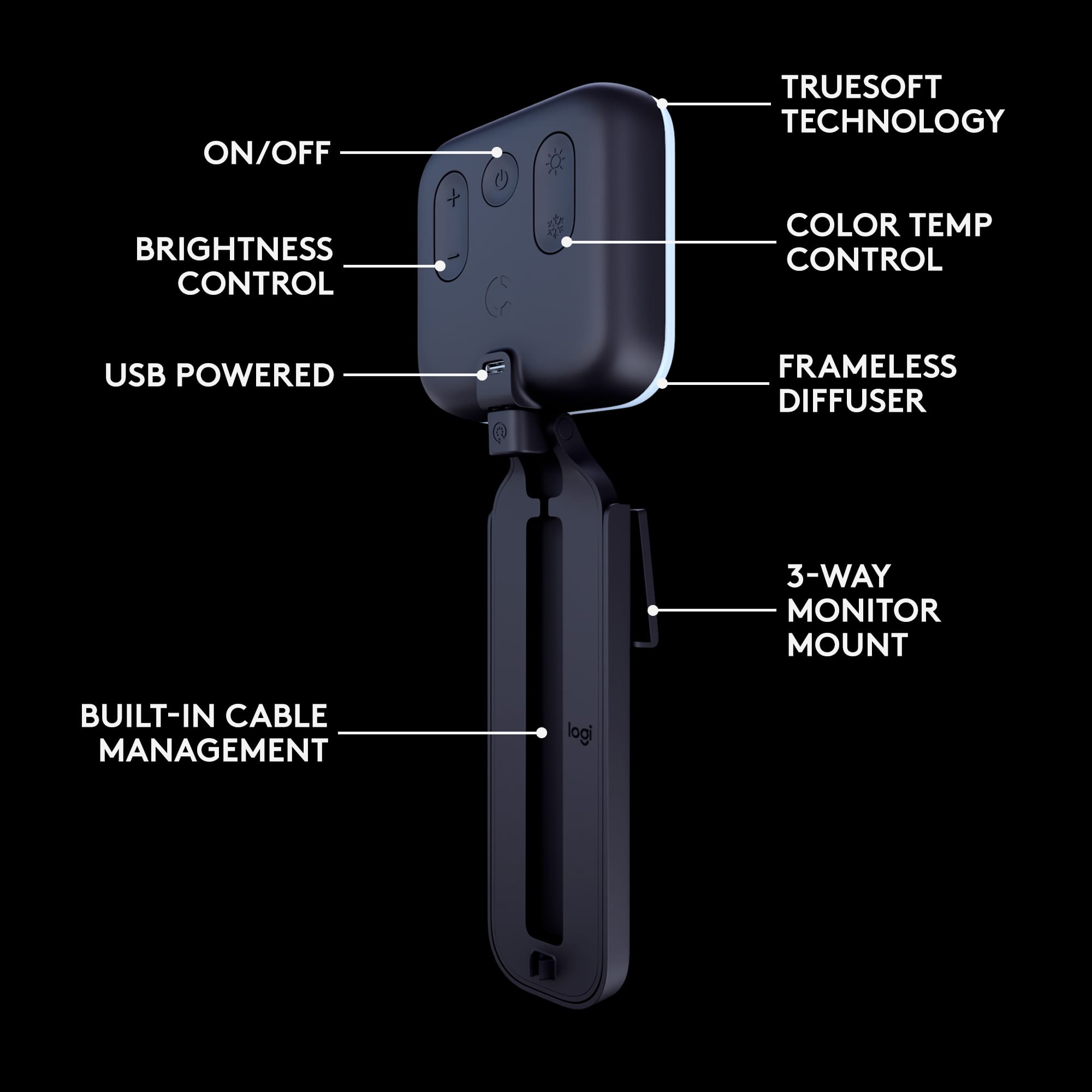
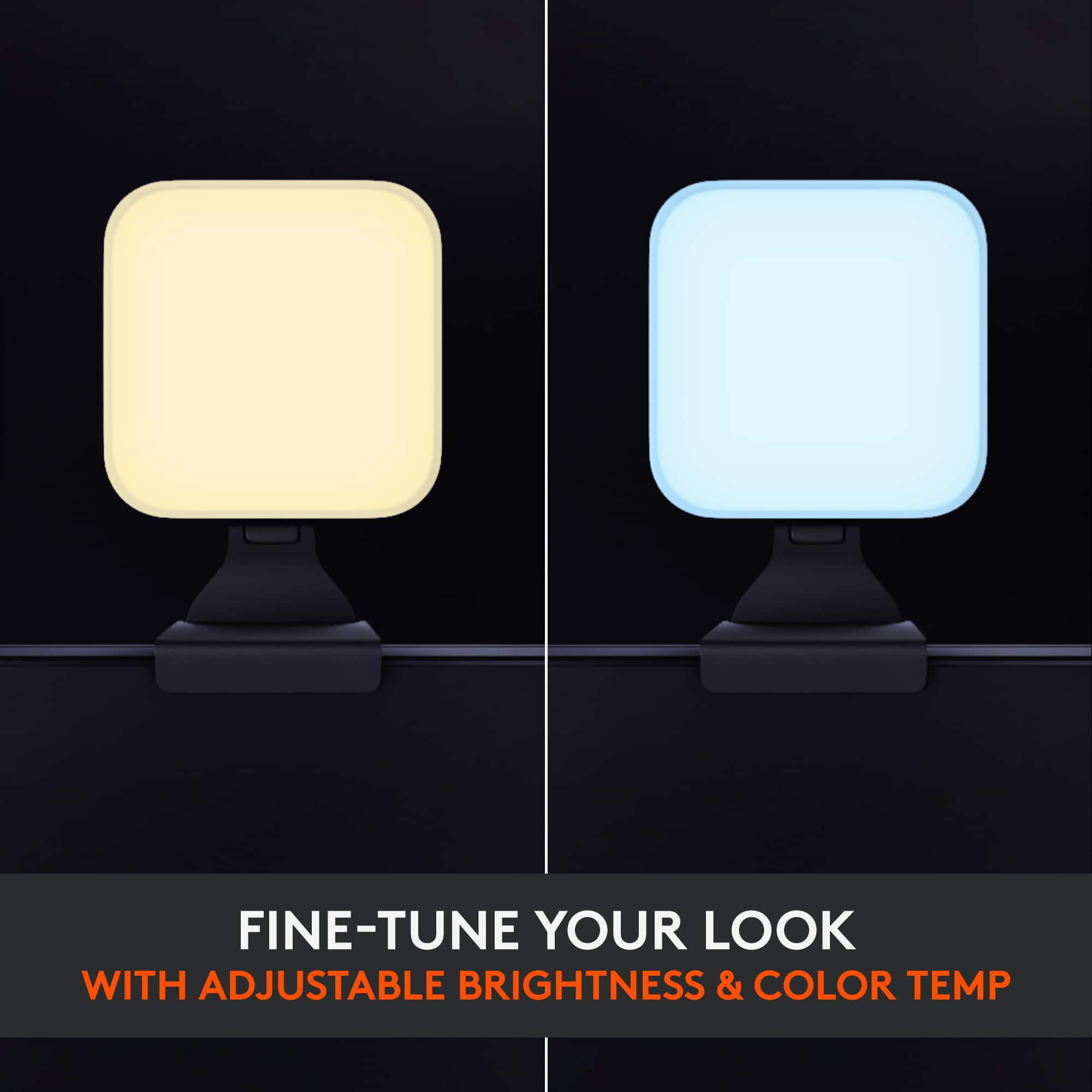
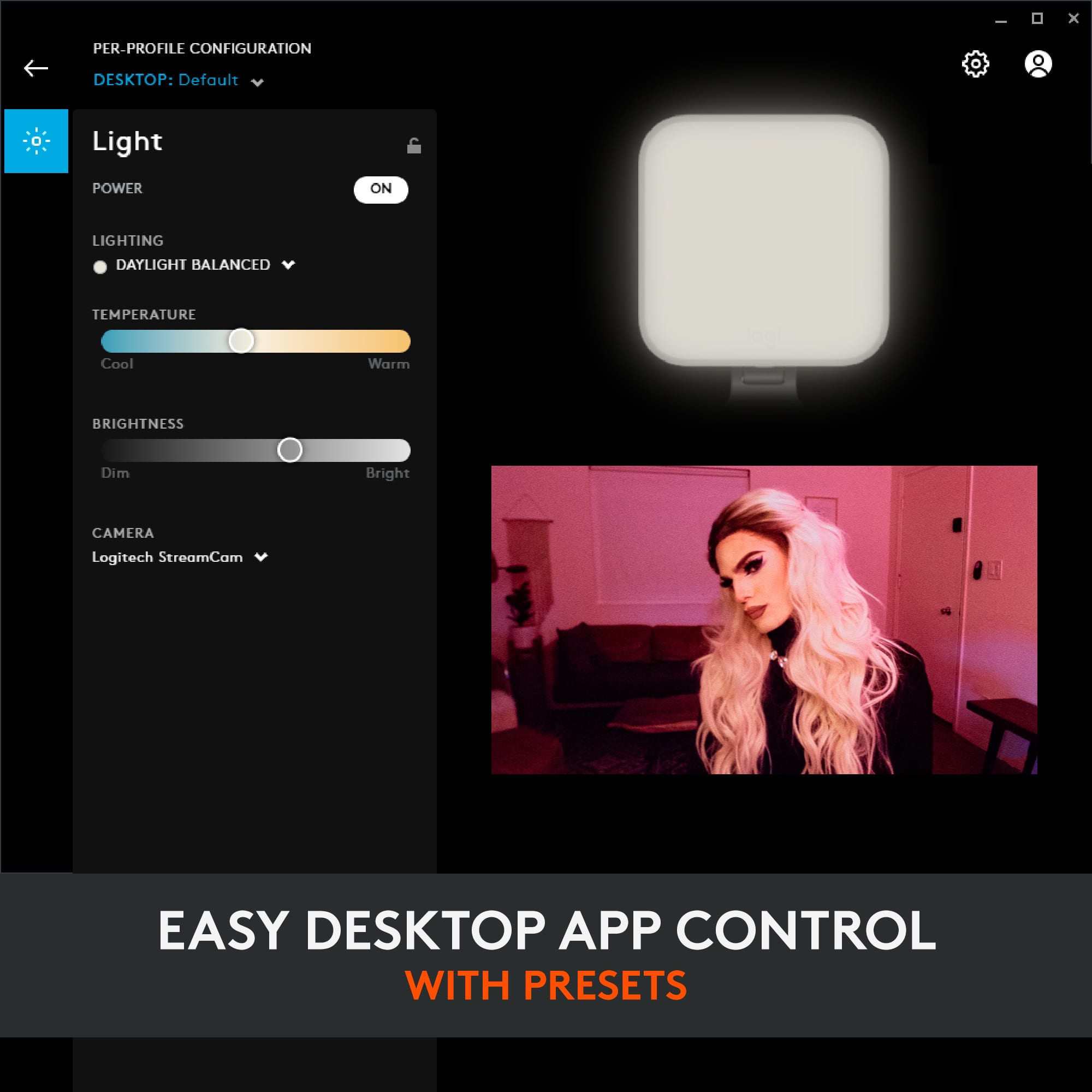
|Posted .This reviewer received promo considerations or sweepstakes entry for writing a review.The Logitech - Litra Glow Premium LED light is a very cool light or a warm light as you can adjust the color of the light using the switch on the back of the light or use the program on your computer. You can also adjust the brightness of the light to fit the situation. The light is very soft and makes your online presence look very professional. I have been using an LED light that I bought years ago that has 12 bare LEDs, no diffusion and no adjustable color so I have to depend upon the software that I am using for meetings to adjust the color and brightness. No matter what, the lighting never looked good. This light looks wonderful when adjusted properly. The G-Hub app to adjust the light is available for Mac and Windows. Unfortunately my Mac can not be updated to the required 10.15 minimum (I'm running 10.14.6) so I can't run the app on the Mac as I do all my Zooms, Webex and Google Meets on my Mac. Since my Mac is next to my Windows computer, I plugged the Litra Glow into the PC and ran the Windows version of the app and aimed the light toward my Mac so I can still adjust the light. Just to make it clear, there is no internal battery in the light so I don't have to worry about it being out of power whenever I need to join a meeting. I just plug it into the USB jack on the computer and it turns on. The bracket that holds the light can be configured to fit onto any kind of laptop or desktop monitor. My computer monitor is in a cabinet and the shelf above the monitor is only a few inches above the top of the monitor so there's not enough room to mount the light on the back of the monitor. Since the light's mount can adjust in any direction, I placed the mount on the top of the shelf and have it hang over the top of the monitor. My only complaint is that the light is heavier than the mount so I had to put a weighted object on top of the mount to hold it in place or it would fall down. I love the look of my video using this light way better than what I've been using and I'm glad I have it now.
I would recommend this to a friendReally helps if you have back-lighting!
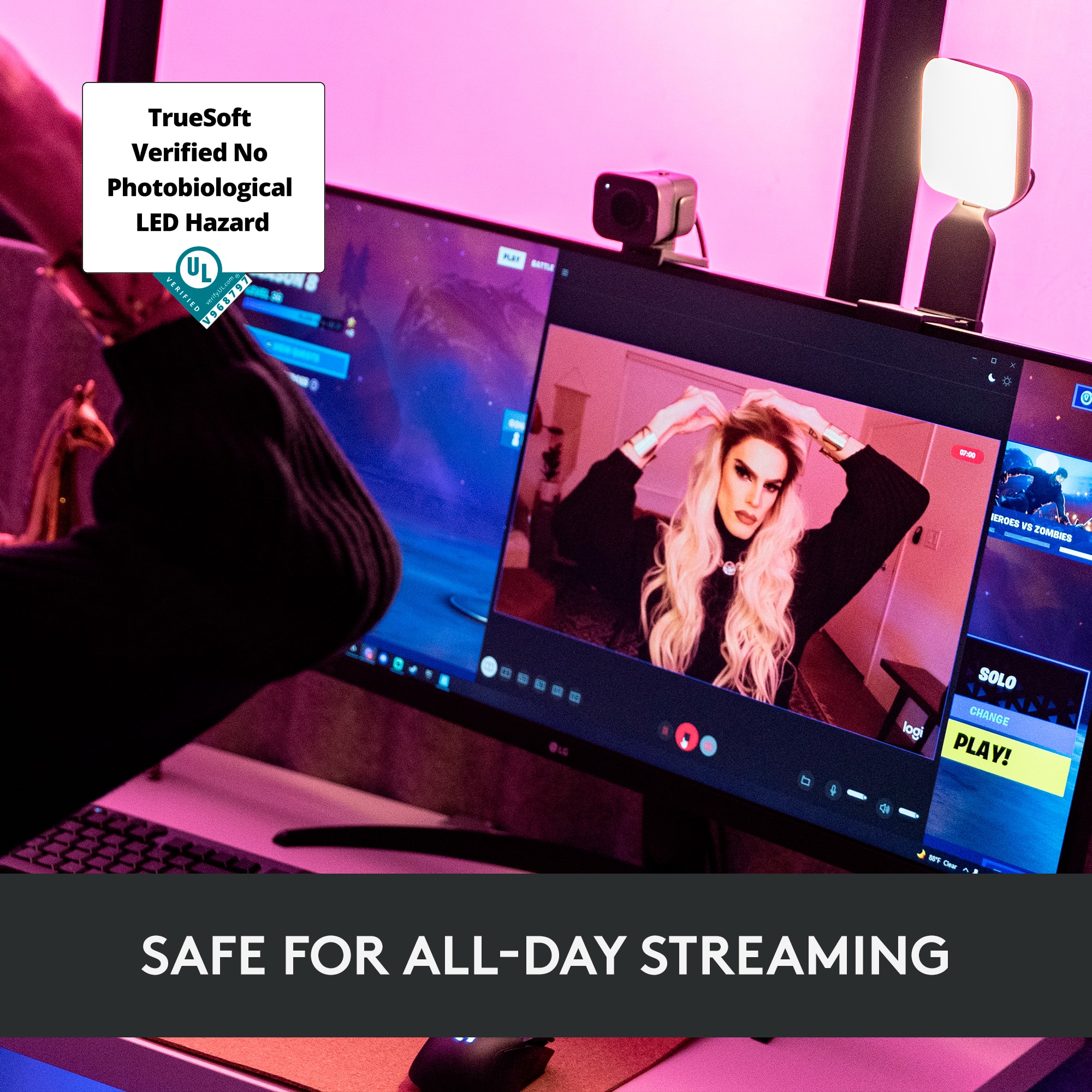
|Posted .This reviewer received promo considerations or sweepstakes entry for writing a review.I didn't think I needed this, but thought I'd try it out. Great idea and really helps! Easy to set up and mount. Especially for Teams call when I am working from home since my face often appears dark due to a window and room light behind me. This Logitech light isn't annoying to my eyes and worked great!
I would recommend this to a friendLogitech Litra Glow LED Light
Posted .This reviewer received promo considerations or sweepstakes entry for writing a review.Using the Logitech Litra Glow LED Light during online meetings made for a more professional presentation. Easy to set up and priced ideally. Highly recommend.
I would recommend this to a friendNice light for your web cam
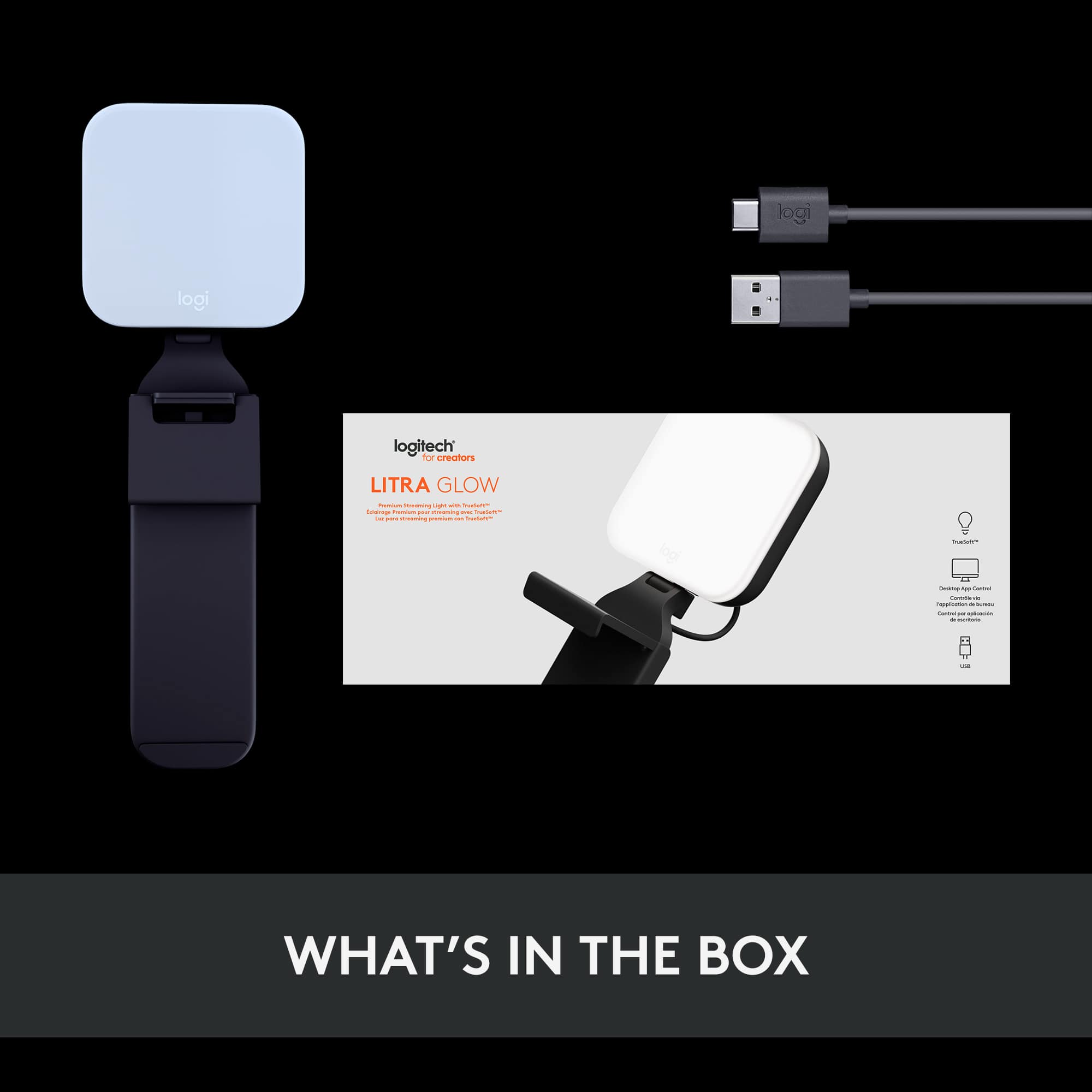
|Posted .This reviewer received promo considerations or sweepstakes entry for writing a review.The Logitech Litra Glow is a good light for streaming, adding basic lighting to a video call or recording. The application for the light allows you to set profiles for how you want the light to look. The light has a few different presets you can try out, to set the mood of the light. The app allows you to look at your camera output and adjust the light at the same time, helping you get the light configured exactly the way you want it. The light itself has controls so you can adjust everything manually without having to use the app. The light is powered by a USB-A to USB-C cable. This allows the user to use the light when away from the computer as wells as not using an electrical outlet. The Logitech Ultra Glow is very light weight and has a nice stand that keeps it balanced on your monitor. The light works great and has enough settings and options to make it a cost-effective lighting solution. I can recommend it.
I would recommend this to a friendAwesome light
Posted .This reviewer received promo considerations or sweepstakes entry for writing a review.This external computer monitor light is awesome. I am going to buy another one to provide ample light for streaming.
I would recommend this to a friendHighly recommended
Posted .This reviewer received promo considerations or sweepstakes entry for writing a review.Amazing, works right out of the box. Highly recommended
I would recommend this to a friendCould get a better review if....
Posted .This reviewer received promo considerations or sweepstakes entry for writing a review.I kind of like Litra Glow; it could get an even better review if... Logitech G Hub is the only way to control Litra Glow via SW. And it is missing some PREMIUM LED Streaming Light basics. En detail: Looks like the Logitech G Hub devision does not want you to buy more than _ONE_ Litra Glow, though. Or at least thinks you would never buy a 2nd one to use a wide angle camera like Logitechs own Brio (90°) for which a _single_ Litra Glow typically does not suffice... Maybe a mere miscomprehension of USB device enumeration by Logitech G Hub devision? Logitech G Hub "sees" all Litra Glows and shows them accordingly. However, you can only control ALL Litra Glows as ONE. This limits my creativity. The Logitech G Hub devision may wish to help Logitech selling more than _ONE_ Litra Glow per customer and support creativity by providing individual / per Litra Glow control -- the USB specification has all that is needed -- it is a SW problem. Marketed as a PREMIUM LED Streaming Light -- individual light control should be standard, should it not? Pros: Good illumination for a small form factor Reasonable control if you use only _ONE_ Litra Glow Cons: Logitech G Hub integration -- No individual control if you use more than _ONE_ Litra Glow > Would you recommend this item?* Set to "No" due to SW limitations
No, I would not recommend this to a friendNeed to have for Zoom
Posted .This reviewer received promo considerations or sweepstakes entry for writing a review.This light has made a big difference in making my zoom meetings more visually appealing, It helps eliminate shadows created by my small LED on my laptop.
I would recommend this to a friendNot what I expected
|Posted .This reviewer received promo considerations or sweepstakes entry for writing a review.I first was aware of this product based on a story I saw on CNN. The lighting in my home office leaves something to be desired - I look like I was sent from the heavens, there's a blazing sun behind me, or just outright too dark. I thought this item would resolve my issues. In a pretty small way it did. Let's get the negatives out of the way right away. If you don't have any issues having a pretty bright light in your field of vision, then I guess this isn't a negative, but it sure seems to cause some extra eye strain for me. The mounting bracket itself, which for all intensive purposes *should* work well for most people, barely works in my situation. My HP monitor has essentially no bezel on the top, so the 'claw' is technically holding on the actual screen. On the back, the counter really expects a more or less flat surface to sit against, another thing my monitor only has at the very edges. I maybe have 1/4" of play for placement with my layout. The GHub software work fine for making adjustments to the light, but I don't understand why you have to manually turn the light on/off. It's good that is an option, but there should be an option to have the light auto turn off/on when your monitors do. You also can't turn it off/on directly from the toolbar. In regard to the lighting itself, I'm just not sure it covers my need. I was hoping I could use this as a primary light source but that just doesn't 'work'. In very low light situations, my face and hands are well light, while the rest of me isn't. One guy I worked with said I looked like 'Steve Jobs'. That wasn't a compliment in this context. Maybe this is what some people will be shooting for, but to me it comes across weird. In well lit situations, at best you can use the light to change how your skin tone comes across (you can be as white as a ghost or a human orange if you so desire). At this point, I feel like I'm still trying to figure out what I expect from this product. I haven't had any software or hardware related issues, so I can't fault it there. If your existing lighting is a certain way, this could certainly help.
No, I would not recommend this to a friendworks well
Posted .This reviewer received promo considerations or sweepstakes entry for writing a review.works well, easily adjust light level to desired setting.
I would recommend this to a friendBrand response from Logitech
Posted .The Logitech Litra Glow is a well-designed and affordable lighting solution for anyone who wants to improve the quality of their video calls and streams. With its adjustable brightness and compact design, it's a great choice for both beginners and experienced users