Customer Ratings & Reviews
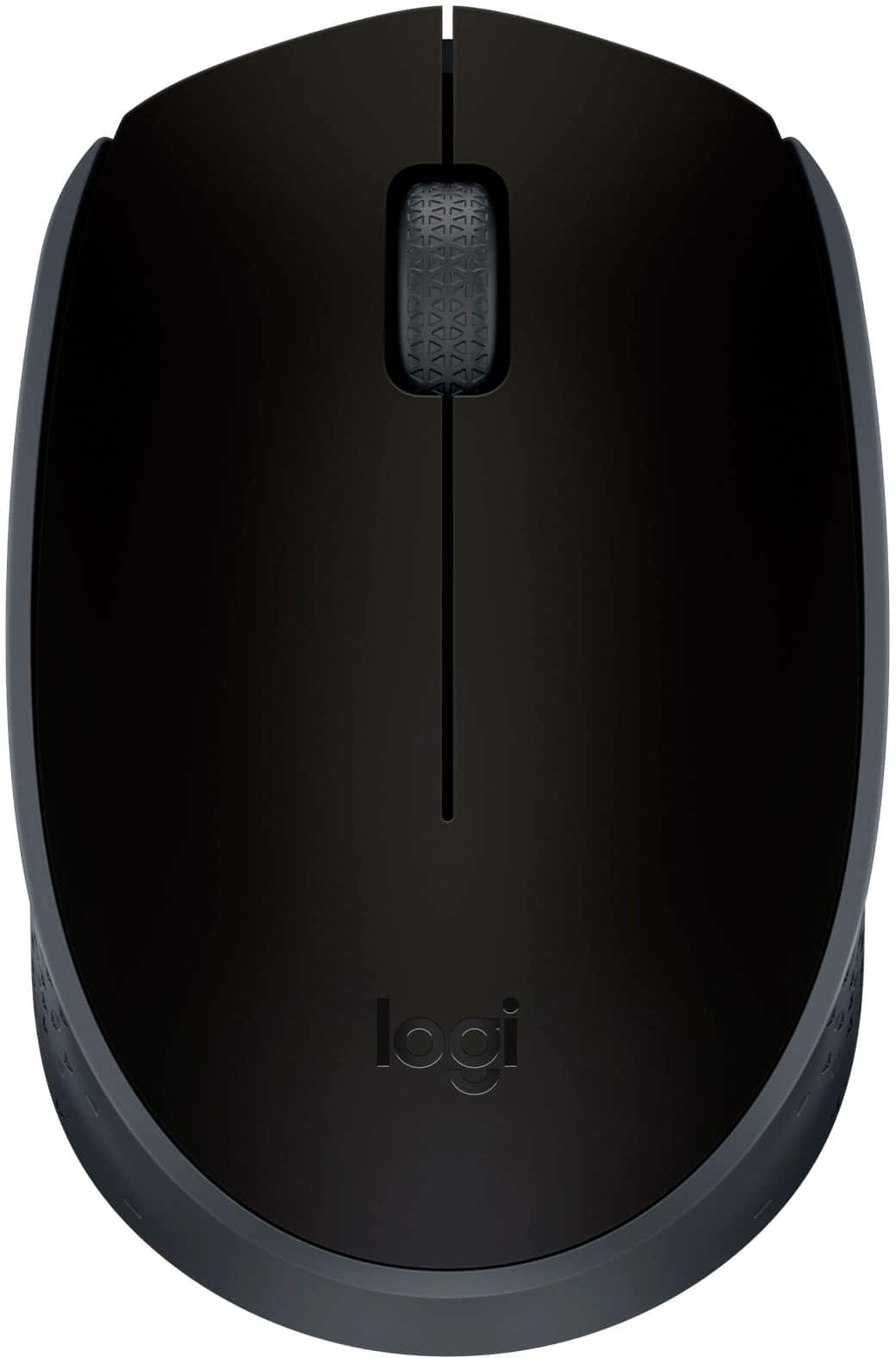
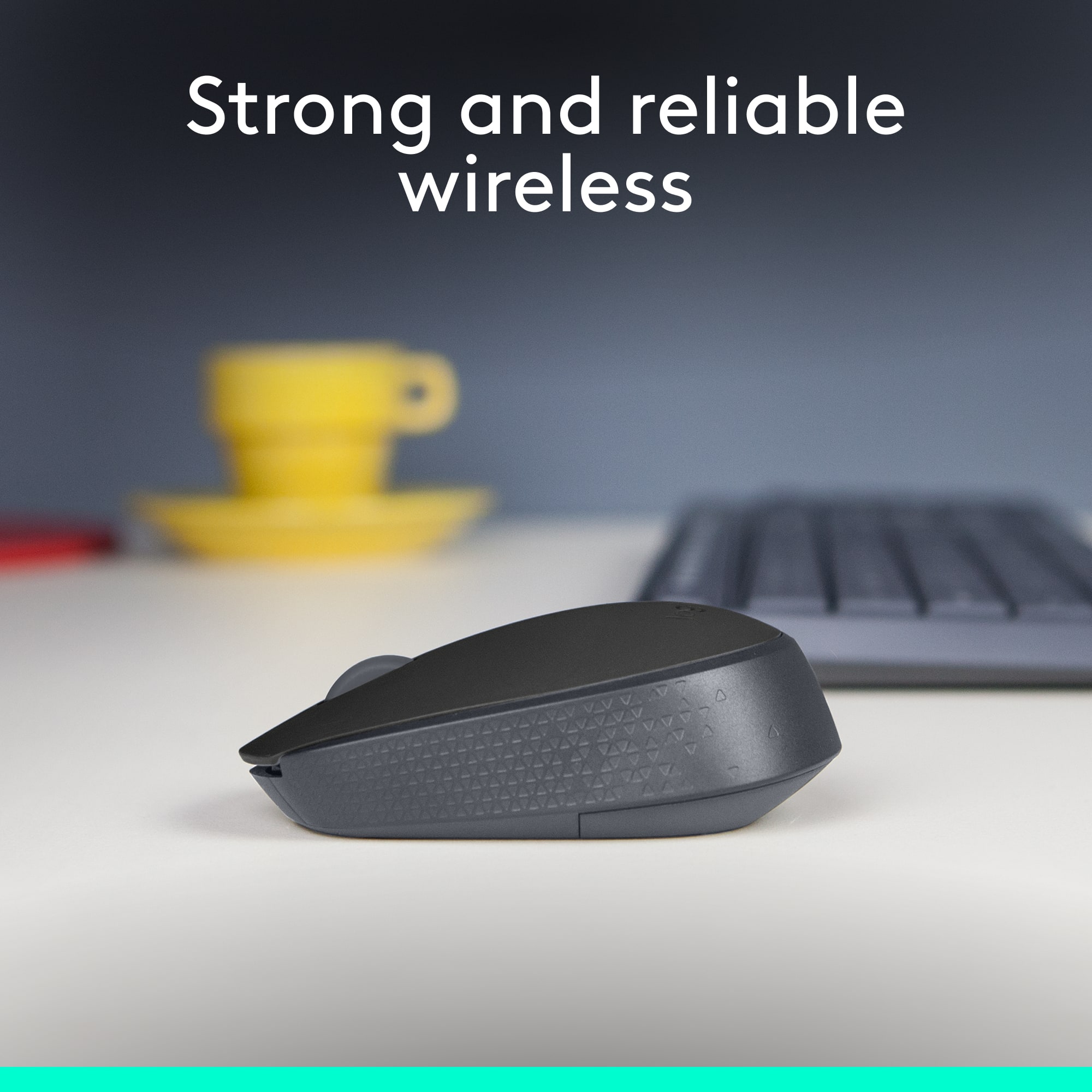


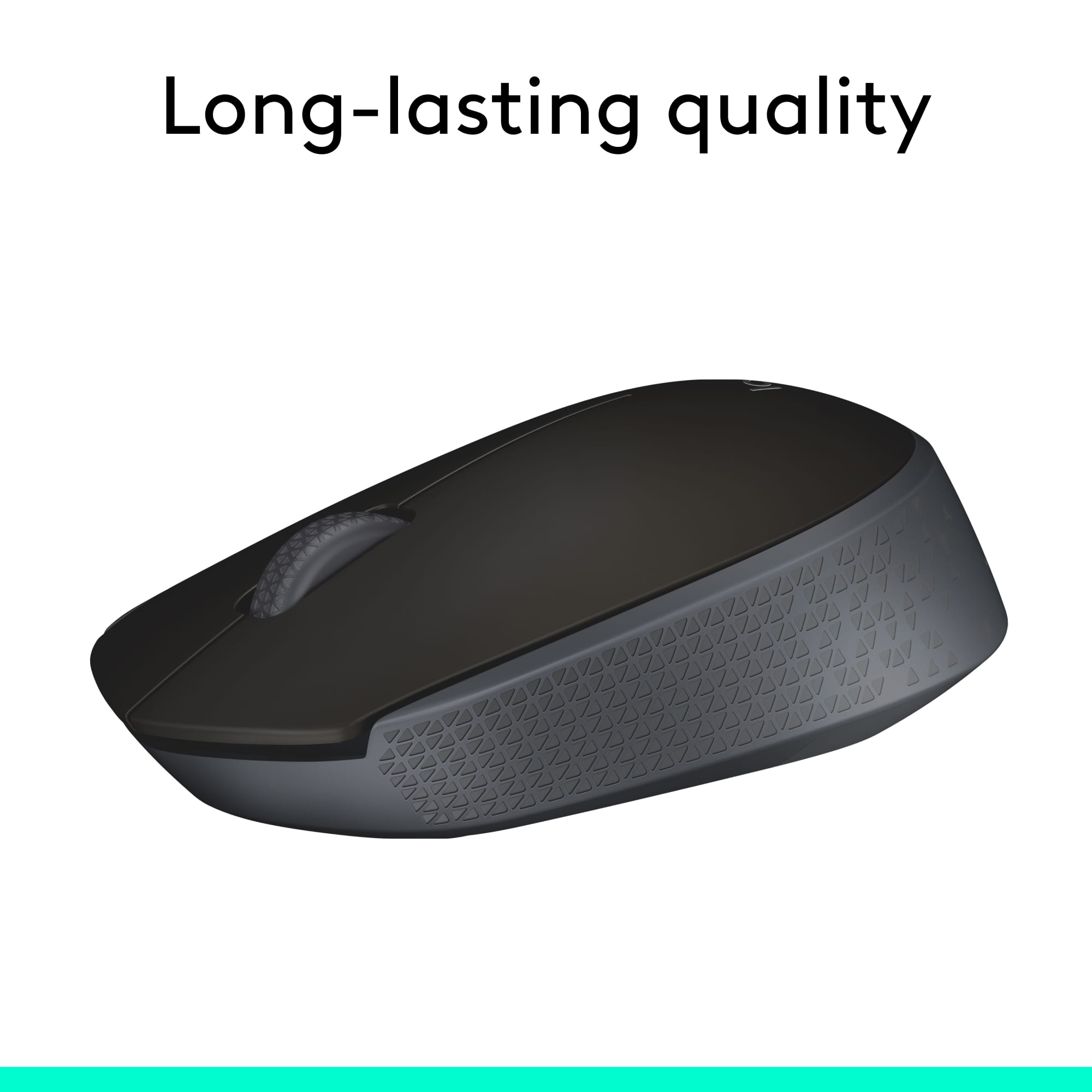
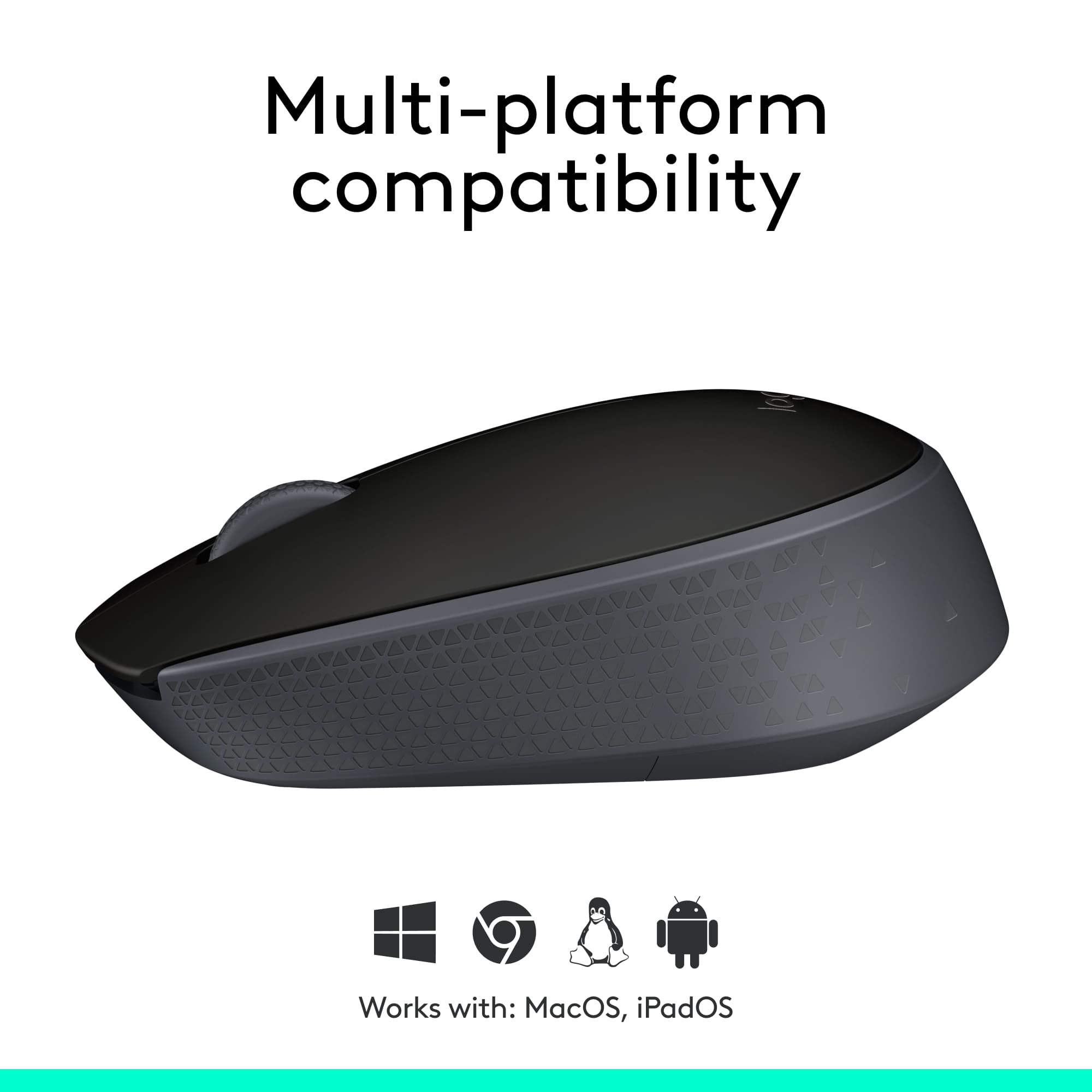
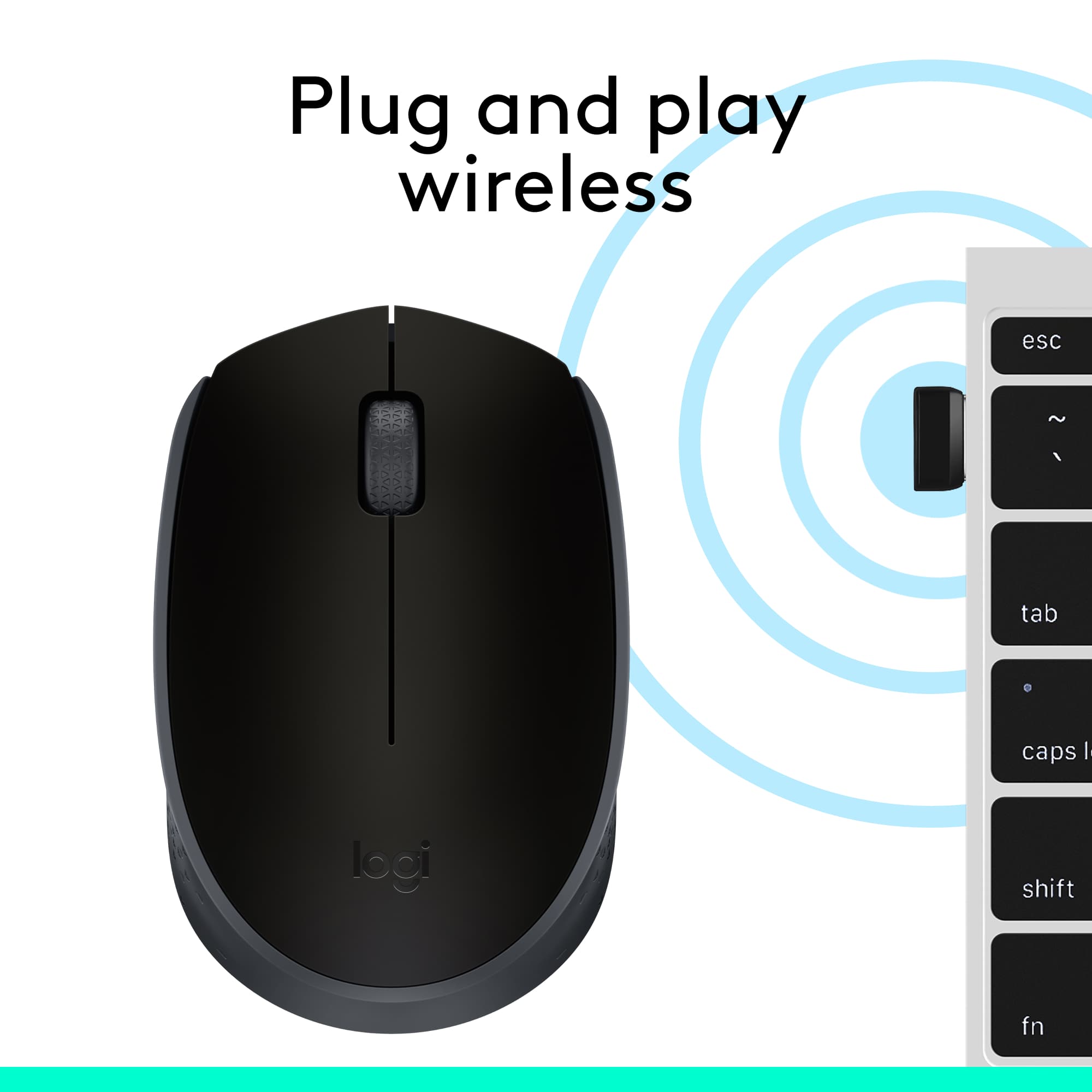
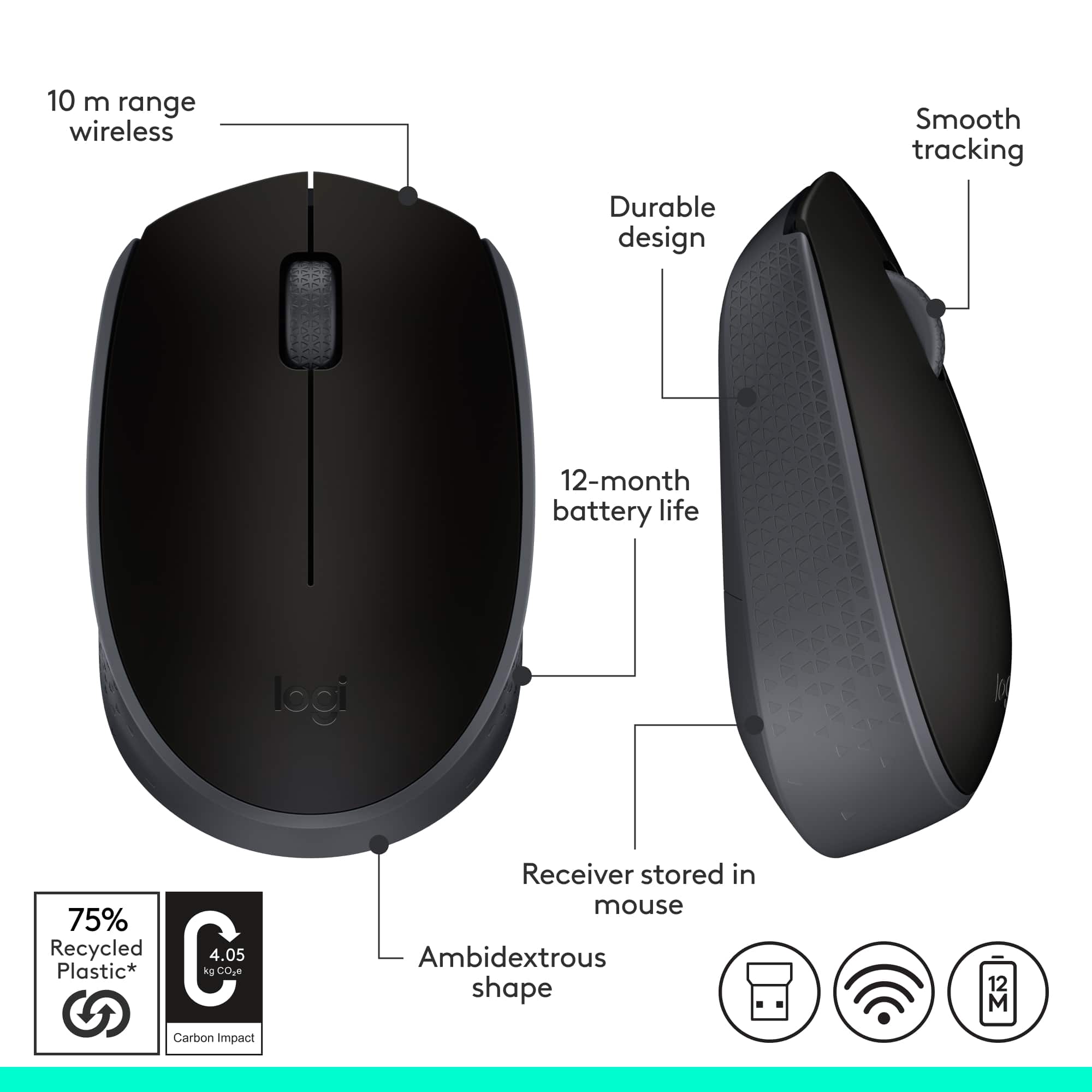
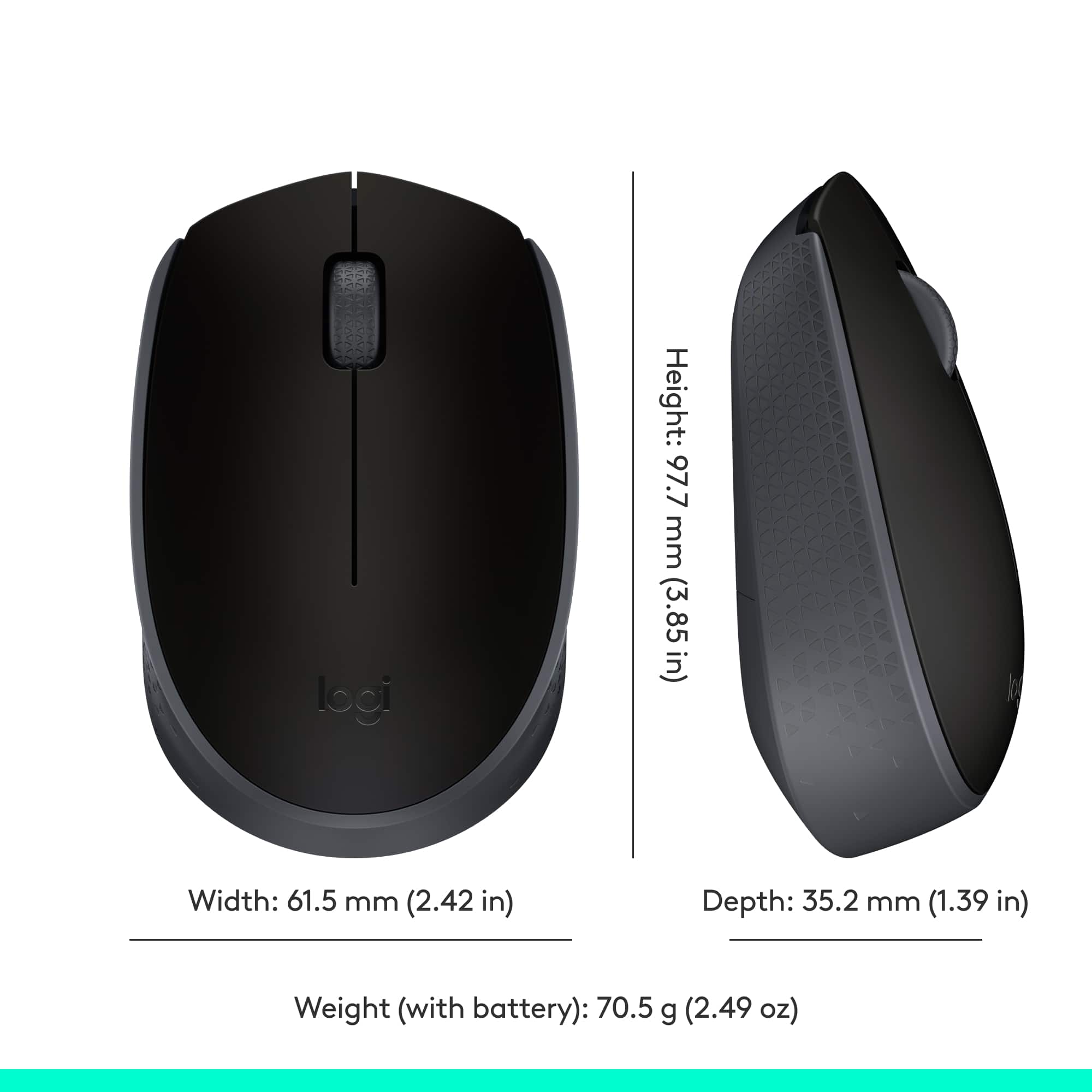
- Model:
- 910-004940
- |
- SKU:
- 5355300
Customer reviews
Rating 4.7 out of 5 stars with 2317 reviews
(2,317 customer reviews)Rating by feature
- Value4.7
Rating 4.7 out of 5 stars
- Quality4.6
Rating 4.6 out of 5 stars
- Ease of Use4.7
Rating 4.7 out of 5 stars
to a friend
Customers are saying
Customers recognize the M170 Wireless Mouse for its overall performance and ease of use. Many appreciate its compact size and ergonomic design, noting it fits comfortably in the hand. The mouse is also praised for its reliable connectivity and long battery life. However, some customers have reported compatibility issues and concerns about the click sound.
This summary was generated by AI based on customer reviews.
Rated 4 out of 5 stars
grat hp laptop
||Posted .This reviewer received promo considerations or sweepstakes entry for writing a review.best buy is my storeilikeshop ale timefrom mornitill night
This review is from Logitech - M170 Wireless Compact Optical Ambidextrous Mouse - Red
I would recommend this to a friendRated 1 out of 5 stars
Unsatisfied
||Posted . Owned for more than 2 years when reviewed.This reviewer received promo considerations or sweepstakes entry for writing a review.2020 purchase of a mouse is still delayed, yet I can't cancel because Best Buy says if its shipped no cancellation. Ordered 7/2020. It's must be in Space.
No, I would not recommend this to a friendBrand response from Logitech
Posted .Hello Unsatisfied,
I am sorry that you are having shipping issues with your M710 mouse. I will record your product review and pass it on for further investigation. Logitech appreciates your product review. - Leo from Logitech
Rated 1 out of 5 stars
Defective
||Posted . Owned for 1 month when reviewed.This reviewer received promo considerations or sweepstakes entry for writing a review.I bought this online and couldn't get it to do anything, a complete failure. I took it to a store and exchanged it, but couldn't ge the new one to work. I took it back to the store and after the employee took it in the back and came back out, the arrow would appear onscreen and move around, so I took it home, only to find out the left clicker didn't work. I trashed it and bought a different brand on ebay which works fine.
This review is from Logitech - M170 Wireless Compact Optical Ambidextrous Mouse - Wireless - Blue
No, I would not recommend this to a friendBrand response from Logitech
Posted .Thank you for your feedback! For support, please refer to: https://support.logi.com/hc/en-us/articles/360024324253 - Will, Logitech.
Rated 1 out of 5 stars
not functional, waste money.
||Posted . Owned for 1 year when reviewed.This reviewer received promo considerations or sweepstakes entry for writing a review.This is crap. I brought 2 of the and both of the click wheels stopped working after a year, which I don't believe it's coincidence.
No, I would not recommend this to a friendBrand response from Logitech
Posted .Hi Cooper, we're sorry to see you're having some performance related issues with your M170 mouse. Luckily, Logitech makes a variety of mice that suit anyone's needs such as the M350 or the M510 mice. We're always looking for ways to improve the customer experience. So, thank you for your feedback. -N from Logitech
Rated 3 out of 5 stars
Nice Product at a Good Price
||Posted . Owned for 3 weeks when reviewed.This reviewer received promo considerations or sweepstakes entry for writing a review.Good product for the price but I would have preferred a model with Bluetooth connection instead of the USB receiver thst this model uses.
This review is from Logitech - M170 Wireless Compact Optical Ambidextrous Mouse - Red
I would recommend this to a friendRated 1 out of 5 stars
It didn't work
||Posted . Owned for 3 weeks when reviewed.This reviewer received promo considerations or sweepstakes entry for writing a review.I plug this up to my laptop and it didn't work. I even switched the battery.
No, I would not recommend this to a friendRated 3 out of 5 stars
Low Quality Mouse
||Posted . Owned for 2 months when reviewed.This reviewer received promo considerations or sweepstakes entry for writing a review.Quality is reflected in the price. Back cover comes off easily.
This review is from Logitech - M170 Wireless Compact Optical Ambidextrous Mouse - Wireless - Blue
No, I would not recommend this to a friendRated 3 out of 5 stars
MouseProbem
||Posted . Owned for 1 month when reviewed.This reviewer received promo considerations or sweepstakes entry for writing a review.Not bad, but the click button had a tendacy to stick when pressing to move the arrow.
This review is from Logitech - M170 Wireless Compact Optical Ambidextrous Mouse - Red
No, I would not recommend this to a friendRated 3 out of 5 stars
Works without a lighted indicator.
||Posted . Owned for 1 month when reviewed.This reviewer received promo considerations or sweepstakes entry for writing a review.Works fine, but does not light up to indication that it is on.
This review is from Logitech - M170 Wireless Compact Optical Ambidextrous Mouse - Red
No, I would not recommend this to a friendRated 1 out of 5 stars
Not a great mouse
||Posted .This reviewer received promo considerations or sweepstakes entry for writing a review.Not great. Worked ok for a while but now it's not.
No, I would not recommend this to a friendBrand response from Logitech
Posted .Hey there, I'm sorry to hear that you've been having some issues. If you have a specific issue with the mouse, please feel free to contact us via our support site for warranty information and direct assistance. -Weston from Logitech
Rated 1 out of 5 stars
Missing USB
||Posted .This reviewer received promo considerations or sweepstakes entry for writing a review.It came without the plug and play USB, cant be used.
No, I would not recommend this to a friendBrand response from Logitech
Posted .Hello, MissingUSB! I'm sorry to hear about your experience with the M170 mouse. If you haven't already, I would recommend checking in the battery compartment for the USB receiver. Otherwise, it may be at the bottom of the packaging. If you have tried both of these things, I would then recommend taking it back to the store and exchanging it. Thank you so much for the feedback! - Maggie from Logitech
Rated 1 out of 5 stars
Cheap mouse
||Posted . Owned for 1 month when reviewed.This reviewer received promo considerations or sweepstakes entry for writing a review.Was only able to use one time. Replaced batteries but still doesn't work.
No, I would not recommend this to a friendBrand response from Logitech
Posted .Hello, we are sorry to hear about the issues that you are having with your M170 mouse hardware. Please reach out to us for technical/warranty support for your mouse: https://support.logi.com/hc/en-us/requests/new?ticket_form_id=360000621393
Rated 1 out of 5 stars
VERY poor
||Posted . Owned for 1 month when reviewed.This reviewer received promo considerations or sweepstakes entry for writing a review.They both worked once then stopped. VERY poor quality. VERY unhappy customer
No, I would not recommend this to a friendRated 1 out of 5 stars
Poor Quality
||Posted . Owned for less than 1 week when reviewed.This reviewer received promo considerations or sweepstakes entry for writing a review.I guess you get what you pay for. It doesn't work good at all.
No, I would not recommend this to a friendBrand response from Logitech
Posted .Hello, we are sorry to hear that your M170 mouse isn't meeting your needs. Please visit us for support at: https://support.logi.com/hc/en-us
Rated 1 out of 5 stars
Bummer
||Posted . Owned for 3 weeks when reviewed.This reviewer received promo considerations or sweepstakes entry for writing a review.This didn’t work at all. I should’ve known by the price.
No, I would not recommend this to a friendBrand response from Logitech
Posted .Hello Jennifer, I'm sorry your M170 mouse didn't work when you first tried to get it to work. It should be plug and play; simply plug the USB into the computer, make sure the mouse is on and the batteries are properly seated, and it should connect. Trying another USB port is an option, but if that doesn't work I would recommend contacting our support via our support site.
Rated 1 out of 5 stars
No
||Posted . Owned for 1 week when reviewed.This reviewer received promo considerations or sweepstakes entry for writing a review.I’m not receiving my package I’m so disappointed about this
No, I would not recommend this to a friendBrand response from Logitech
Posted .Hello Abinet, I am sorry to hear that you are still waiting for your package. Please refer you your Best Buy order for tracking information or expected delivery date. Thank you for choosing Logitech, have a great day! - Will, Logitech.
Rated 1 out of 5 stars
still haven't got it working.
||Posted . Owned for 3 weeks when reviewed.This reviewer received promo considerations or sweepstakes entry for writing a review.I am sure I would love this if I could get it to work.
No, I would not recommend this to a friendBrand response from Logitech
Posted .Hello Mangomadness! Sorry to hear you're having issues getting your M170 Mouse to work. It should be a fairly simple connection, just make sure the receiver is plugged it to your computer (it should be inside the mouse under the battery cover), that you have a working AA battery inside the mouse, and that the mouse power switch under the mouse is set to "on". - Mathieu from Logitech
Rated 3 out of 5 stars
Good but not long range
||Posted .This reviewer received promo considerations or sweepstakes entry for writing a review.I purchased this as a security monitor mouse but the 33 ft range was reduced by walls.
This review is from Logitech - M170 Wireless Compact Optical Ambidextrous Mouse - Red
No, I would not recommend this to a friendRated 1 out of 5 stars
Bad Scroll button
||Posted . Owned for 4 months when reviewed.This reviewer received promo considerations or sweepstakes entry for writing a review.I bought it in March, and in 4 months, scroll went for a toss. No warranty to cover it and now I would have to buy a new one
This review is from Logitech - M170 Wireless Compact Optical Ambidextrous Mouse - Wireless - Blue
No, I would not recommend this to a friendBrand response from Logitech
Posted .Hi Rajan, sorry to see you're having some performance issues with your M170 mouse. Best Buy does have a 14 day return policy for any purchased product that can be used to exchange the mouse for a different one. Please check with your local Best Buy to see how they can assist you.
Rated 1 out of 5 stars
dissatisfied
||Posted . Owned for 3 weeks when reviewed.This reviewer received promo considerations or sweepstakes entry for writing a review.The mouse showed up without the part that plugs into the laptop. the mouse is worthless without it. totlaly unuseable.
This review is from Logitech - M170 Wireless Compact Optical Ambidextrous Mouse - Red
No, I would not recommend this to a friendBrand response from Logitech
Posted .Hello, I am so sorry that you were unable to locate the USB dongle. We store it in the bottom of the mouse where the battery compartment is for safe keeping. Here is a photo to help you locate it: https://www.logitech.com/assets/64156/4/m170-reliable-wireless-connectivity.pdf. I hope this helps! Thank you for taking the time to write this review, we appreciate the feedback.
-Danielle from Logitech