Customer Ratings & Reviews

- Model:
- 910-004277
- |
- SKU:
- 10952634
Customer reviews
Rating 4.7 out of 5 stars with 15422 reviews
(15,422 customer reviews)Rating by feature
- Value4.8
Rating 4.8 out of 5 stars
- Quality4.7
Rating 4.7 out of 5 stars
- Ease of Use4.8
Rating 4.8 out of 5 stars
Customers are saying
Customers express satisfaction with the product's ease of use, overall performance, and convenient size, often highlighting its great value, wireless functionality, and long battery life. They also appreciate its ergonomics and variety of colors. However, some users have reported issues with the scroll wheel becoming stiff, occasional lag, its light weight, and concerns about sensitivity.
This summary was generated by AI based on customer reviews.
Rated 1 out of 5 stars
IT SUCKS !
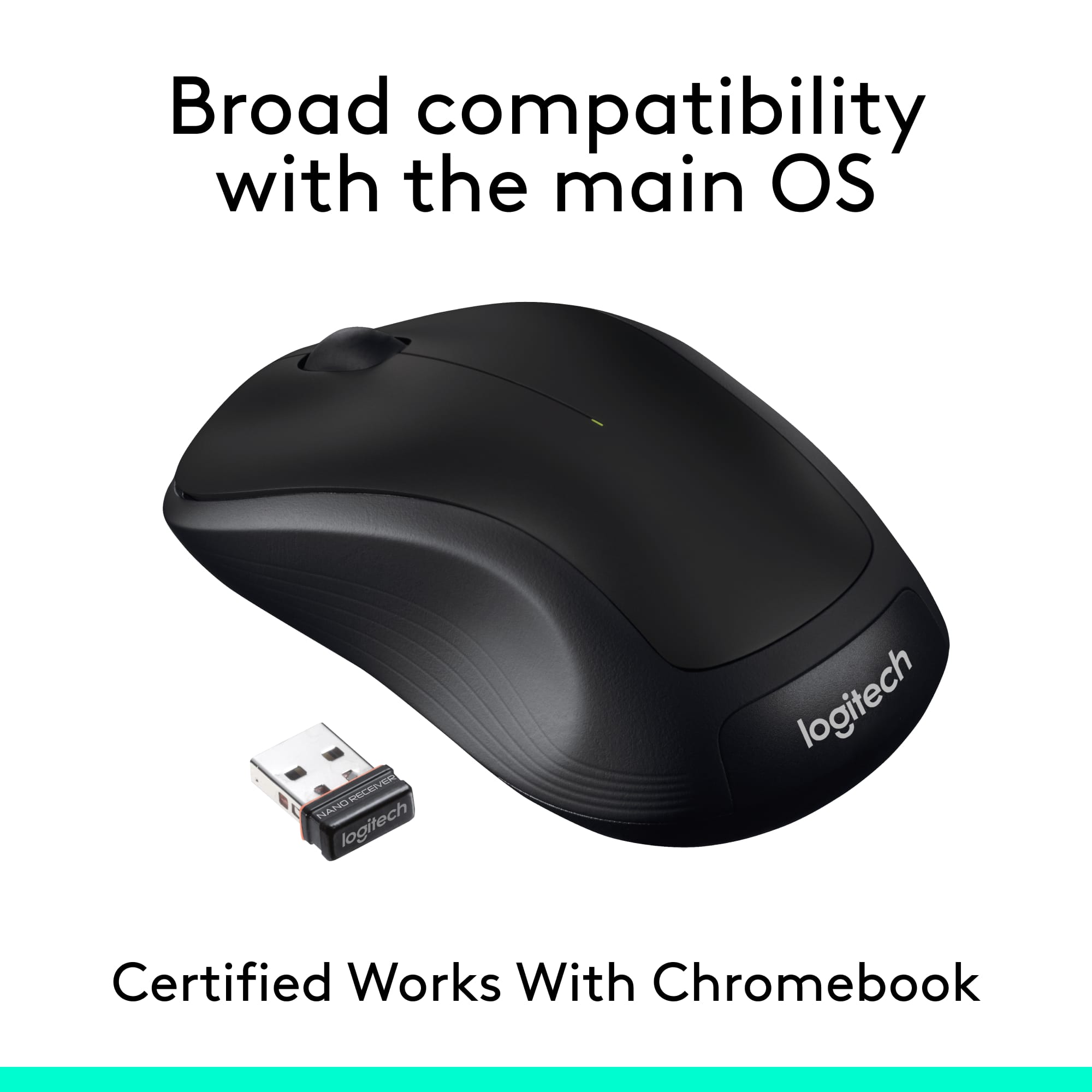
Posted .This reviewer received promo considerations or sweepstakes entry for writing a review.I ordered it online. It came in the mail. It had no Nano receiver to connect to the USB port. So I have to return it.
This review is from Logitech - M310 Wireless Optical Ambidextrous Mouse - Wireless - Silver
No, I would not recommend this to a friendRated 1 out of 5 stars
mouse
Posted .This reviewer received promo considerations or sweepstakes entry for writing a review.This is unuaseable it did not come with a chip in it.very dissapointed.
This review is from Logitech - M310 Wireless Optical Ambidextrous Mouse - Wireless - Peacock Blue
No, I would not recommend this to a friendBrand response from Logitech
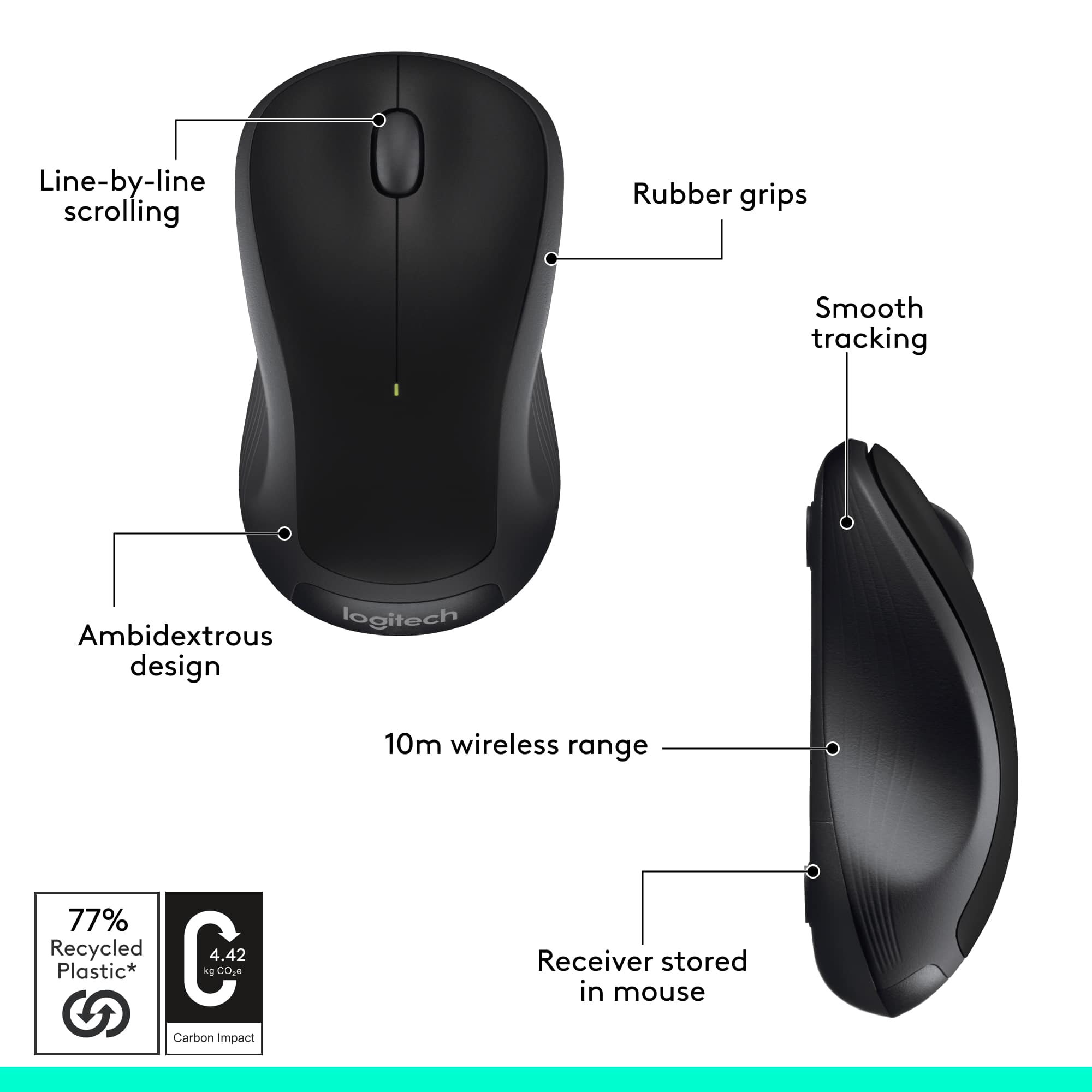
Posted .Hello, needchip! I'm sorry to hear about your experience with the M310 mouse! The USB receiver should be in the bottom of the mouse to the right of the batteries. If you have already looked there or still can't find it, I would recommend taking it back and exchanging it for a new one. Feel free to reach out to our support team here https://support.logi.com/hc/en-us/requests/new?ticket_form_id=360000621393 if you ever need any other assistance or if something else happens in the 3-year limited hardware warranty. Thank you for the feedback! I will be passing this along. - Maggie from Logitech