Customer Ratings & Reviews
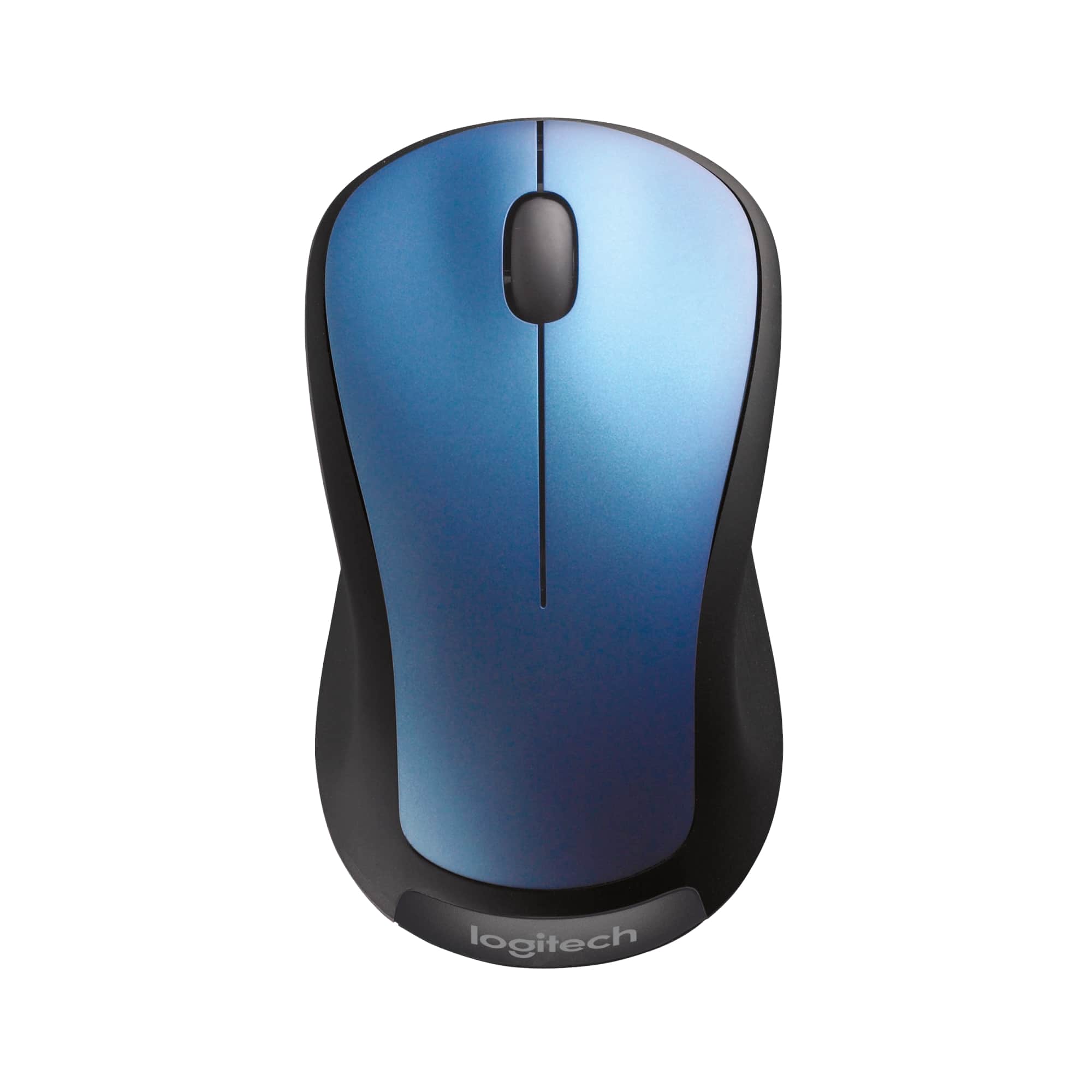

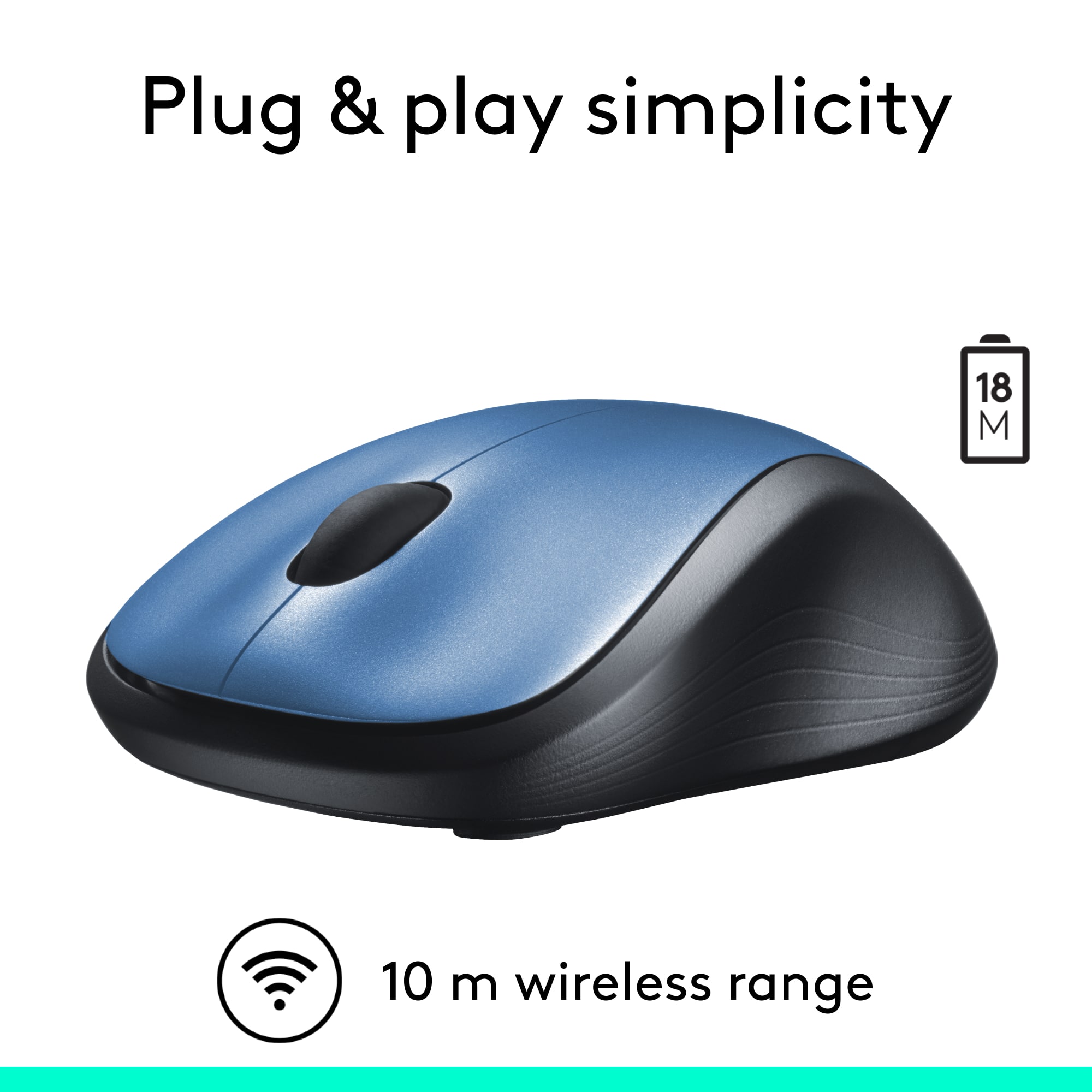


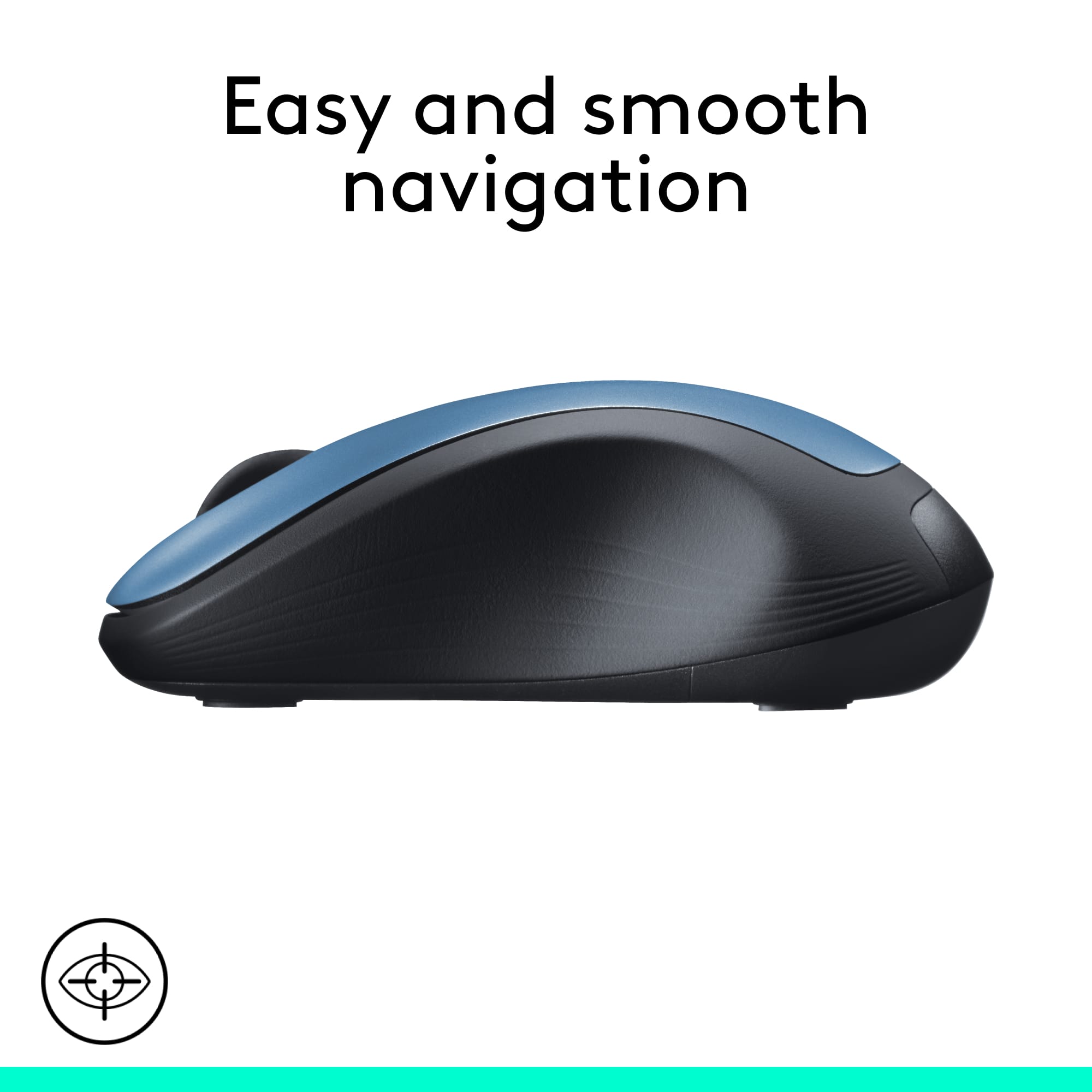
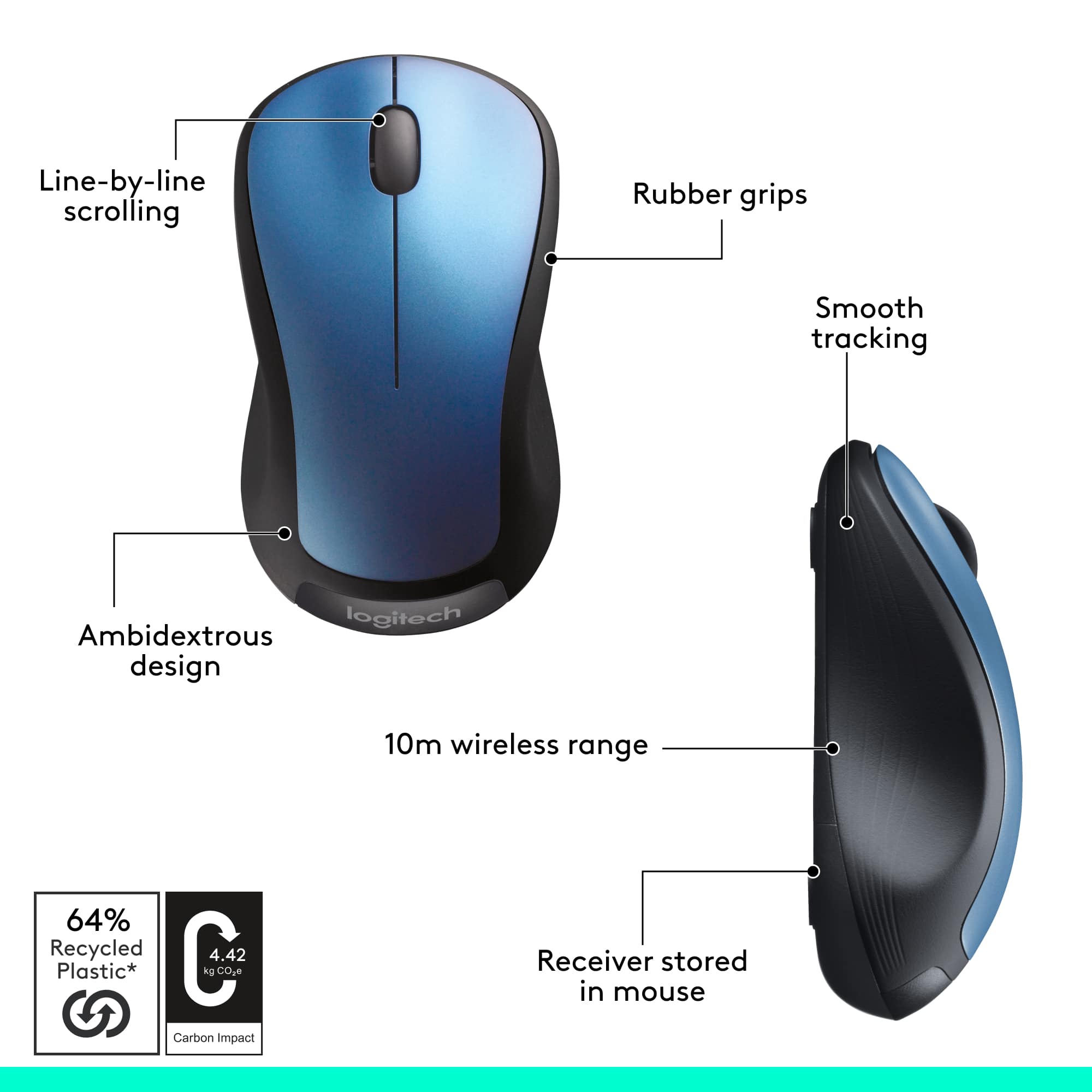


- Model:
- 910-001917
- SKU:
- 9927955
Rating by feature
- Value
Rating 4.8 out of 5 stars
- Quality
Rating 4.7 out of 5 stars
- Ease of Use
Rating 4.8 out of 5 stars
Customers are saying
Customers find value in the product's ease of use, overall performance, and convenient size, along with its competitive price, wireless functionality, and long battery life. Many also appreciate its ergonomic design and variety of colors. However, a small number of customers have reported concerns regarding the scroll wheel, occasional lag, and its weight or sensitivity.
This summary was generated by AI based on customer reviews.
Worthless
||Posted . Owned for 5 months when reviewed.This reviewer received promo considerations or sweepstakes entry for writing a review.Does not work tried to put in laptop with USB NOTHING
No, I would not recommend this to a friendBrand response from Logitech
Posted .We regret that Logitech - M310 Wireless Optical Ambidextrous Mouse didn’t work as expected. Our team would like to make this right—please email us at socialcare@logitech.com

Prefer Model 510
||Posted .This reviewer received promo considerations or sweepstakes entry for writing a review.Returned this model in favor of model 510 instead. I'd had the 510 before and prefer it's speed, feel, and features. For a few dollars more, the 510 is better for the way I work.
No, I would not recommend this to a friendJust okay
||Posted .This reviewer received promo considerations or sweepstakes entry for writing a review.Have always had great experience with Logitech so bought this mouse. The wheel squeaks and grinds and is thus annoying, but the mouse does work, but that's why I only gave 3 stars
No, I would not recommend this to a friendNot great
||Posted . Owned for 1 month when reviewed.This reviewer received promo considerations or sweepstakes entry for writing a review.Not working well with my laptop. Has imput lag issues when trying to use steam but no settings menu to rectify it.
No, I would not recommend this to a friendBrand response from Logitech
Posted .We're sorry to hear you're experiencing input lag issues with your Logitech M310 mouse, especially when using Steam on your laptop. To address this issue, we recommend reaching out to our social care team via email at socialcare@logitech.com with your
- Name:
- Email Address:
- Country:
- Product Name:
- Brief description of issue:
Not bluetooth
||Posted . Owned for 3 weeks when reviewed.This reviewer received promo considerations or sweepstakes entry for writing a review.My own fault for not reading the package more carefully. This is not a bluetooth mouse. It requires you to plug a card into a USB port.
No, I would not recommend this to a friendIt's OK for the price.
||Posted . Owned for 3 weeks when reviewed.This reviewer received promo considerations or sweepstakes entry for writing a review.It is simple to set up, but works a bit shaky, not smooth. Also the battery supplied died in a week.
I would recommend this to a friendBlue Mouse
||Posted .This reviewer received promo considerations or sweepstakes entry for writing a review.I can't real say that it is the best mouse, I ever have; but it does what it is suppose,too. I wish it had a light on you can see to let you know it is on.
I would recommend this to a friend- Pros mentioned:Overall performance
this mouse works fine at a good price too.
||Posted .This reviewer received promo considerations or sweepstakes entry for writing a review.I didn't want to spend $100 for an Apple mouse, so I purchased this Logitech brand and it works fine for me.
I would recommend this to a friend Cheap mouse, not so great.
||Posted . Owned for 3 weeks when reviewed.This reviewer received promo considerations or sweepstakes entry for writing a review.Good size, feels good in your hand. Scrolling wheel on top a bit too stiff not very linear, sometimes gets hung up.
No, I would not recommend this to a friendNot for use on a slick surface
||Posted .This reviewer received promo considerations or sweepstakes entry for writing a review.Works good in general, but if it's on a slick surface it jumps around a little and you have to correct it. Other than that, works fine for the price.
I would recommend this to a friendSide Control Buttons hard not to hit
||Posted .This reviewer received promo considerations or sweepstakes entry for writing a review.For whatever reason, I keep hitting the left side control buttons accidently, causing uncontrolled operation. It could be my clumbsy fingers and big hands.
I would recommend this to a friend- Pros mentioned:Ease of use
mouse
||Posted . Owned for 10 months when reviewed.This reviewer received promo considerations or sweepstakes entry for writing a review.Fit my hand well. Smooth when moving across desk. ease of operation.
I would recommend this to a friend Not bad
||Posted .This reviewer received promo considerations or sweepstakes entry for writing a review.Seems like a silly problem to have-- but it has a louder than I would like click to it. Which I do not mind however peers around me do... otherwise no problems
I would recommend this to a friendWorks Great....When it Works.
||Posted .This reviewer received promo considerations or sweepstakes entry for writing a review.The one problem that I've had with this product, is that it sometimes turns itself off. I'll be in the middle of doing something and all of a sudden it isn't working. I couldn't fix it by just flipping the switch to off and back on again either. I had to take the battery out and put it back in to restart it. I changed the battery a few times to make sure it wasn't just a faulty battery. So now I certainly wouldn't us it everyday. It gets put away for when I'd really need it with my laptop. Very disappointing.
No, I would not recommend this to a friendGreat Mouse
||Posted .This reviewer received promo considerations or sweepstakes entry for writing a review.What can you say about an inexpensive mouse to make it sound amazing . . . how about IT WORKS GREAT! Plug and play. My only negative is that you have to use the little bluetooth USB plug to use and can't just connect with onboard BT. But, I can deal with that for the price.
I would recommend this to a friend- Pros mentioned:Wireless
efficient mouse
||Posted . Owned for 1 month when reviewed.This reviewer received promo considerations or sweepstakes entry for writing a review.This wireless mouse seem to work well for me so far, it is more convieient than the wired mouse.
I would recommend this to a friend Poor product
||Posted .This reviewer received promo considerations or sweepstakes entry for writing a review.Stopped working after a few months; felt it would be value for money but ended up being disappointed!
No, I would not recommend this to a friendMouse
||Posted . Owned for 2 weeks when reviewed.This reviewer received promo considerations or sweepstakes entry for writing a review.Took weeks to arrive. Works backwards to me. arrived using right side to control for cursor, instead of left.
No, I would not recommend this to a friendYuck
||Posted .This reviewer received promo considerations or sweepstakes entry for writing a review.Bought this in hopes of using it on two different computers, it would not connect unless I totally removed it from the other computer.
I would recommend this to a friendPoor design results in cursor not following you
||Posted . Owned for 3 weeks when reviewed.This reviewer received promo considerations or sweepstakes entry for writing a review.This mouse isn’t designed well because I feel the optic needs to be flush against the mouse led to work effectively, but this mouse is easily lifted just slightly on either edge when using it normally, causing the optic to lift just slightly and making the cursor not follow my movements. It’s very frustrating and will be returning this when I get the next chance.
No, I would not recommend this to a friendBrand response from Logitech
Posted .Hi Harveyhog,
Thank you for your feedback. Sorry for the inconvenience you're experiencing with your mouse. Here are possible solutions: Clean your M310 mouse sensor with a soft cloth or a Q-tip. Use a mouse pad and avoid using your mouse on the following surfaces:
Glass or other transparent surfaces
Mirrors, metals or other reflective surfaces
Grained wood or other grooved surfaces. If you need further assistance, please contact Logitech Support on the website. LaShonda from Logitech