Customer Ratings & Reviews
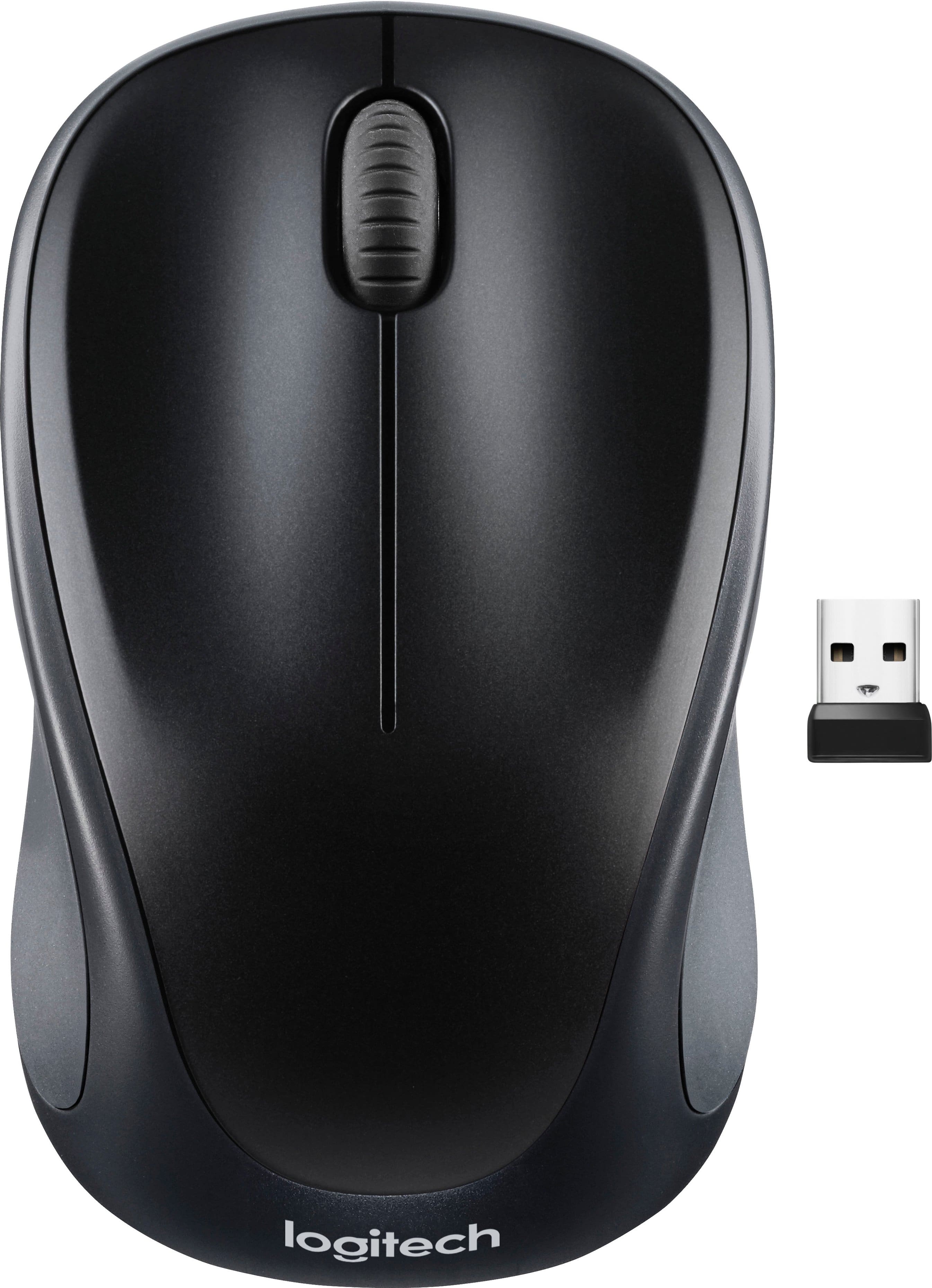

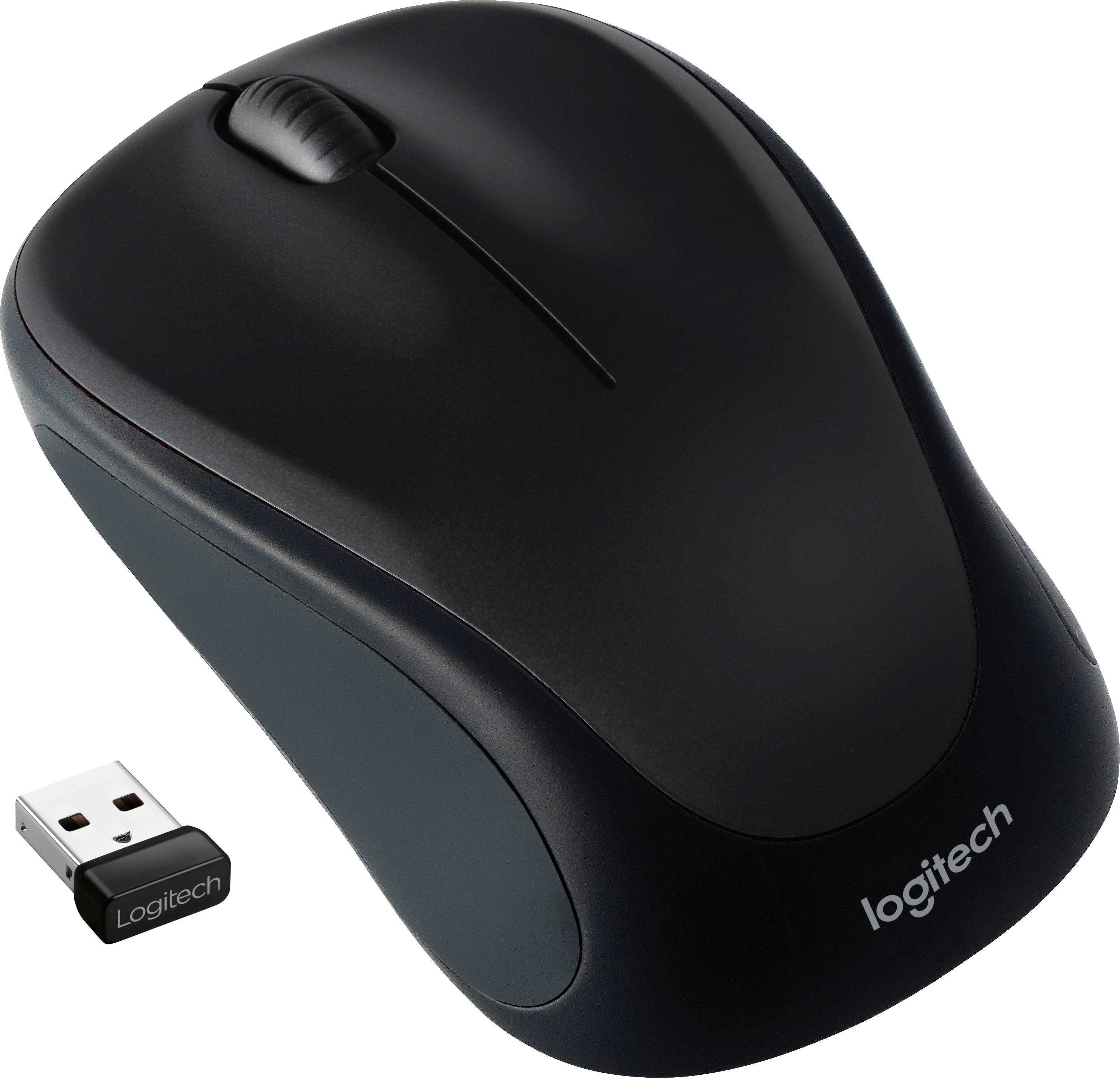
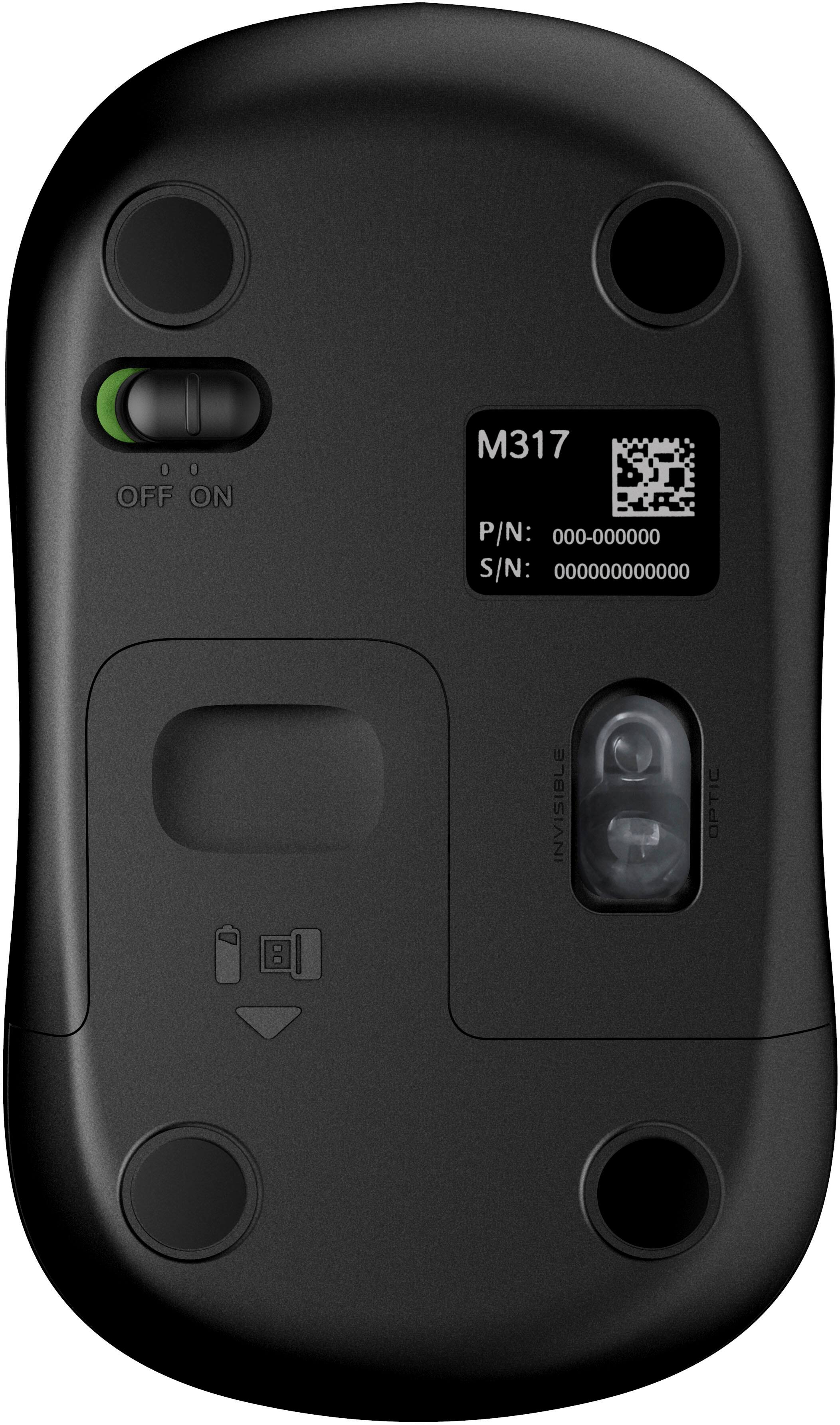
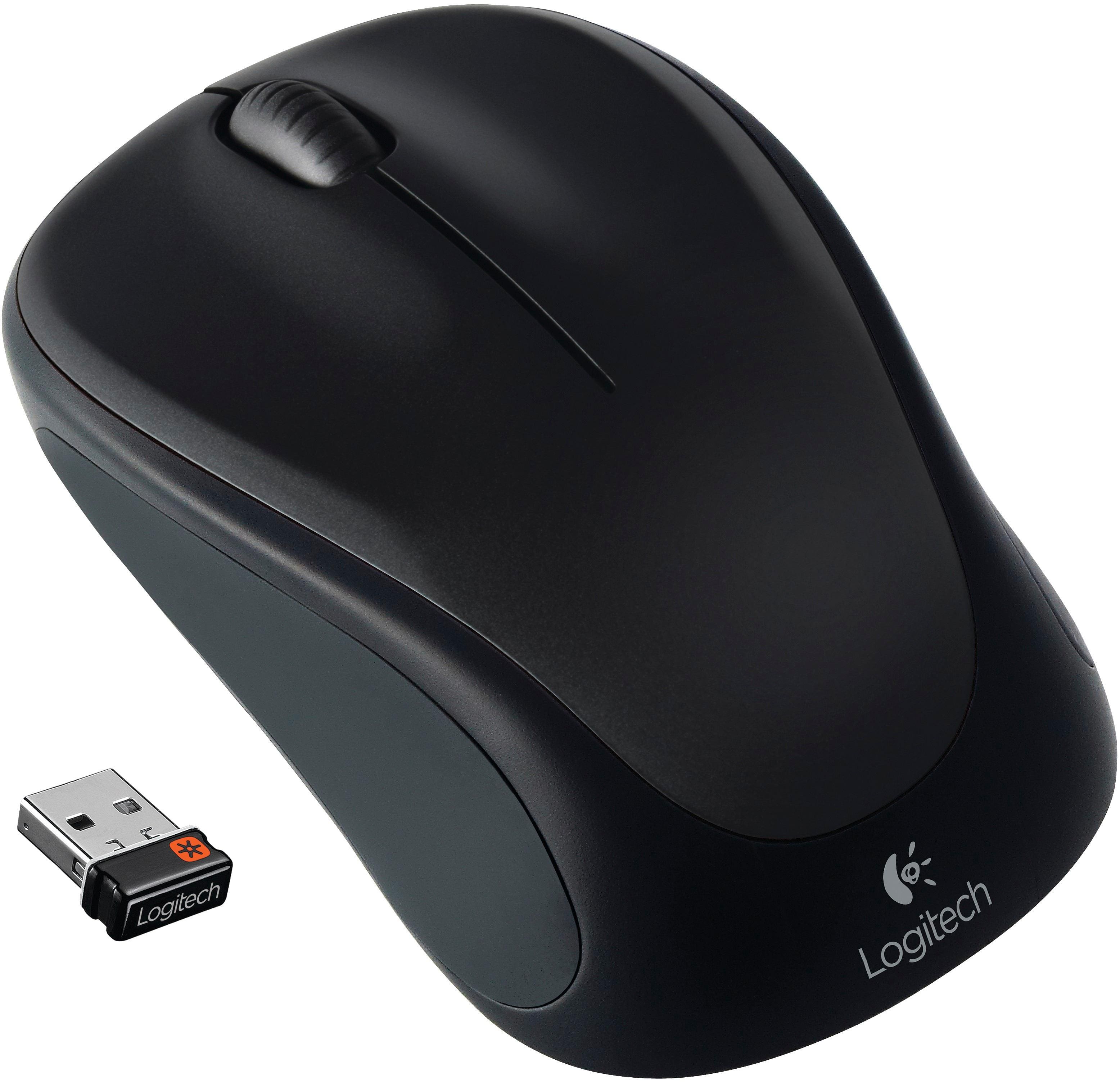
- Model:
- 910-003416
- SKU:
- 5904500
Rating by feature
- Value
Rating 4.7 out of 5 stars
- Quality
Rating 4.8 out of 5 stars
- Ease of Use
Rating 4.8 out of 5 stars
to a friend
So valuable
||Posted . Owned for 9 months when reviewed.This reviewer received promo considerations or sweepstakes entry for writing a review.Such a great office mouse and a even better price!
I would recommend this to a friendMouse
||Posted . Owned for 1 month when reviewed.This reviewer received promo considerations or sweepstakes entry for writing a review.Mouse is great. Love the fact that it is wireless.
I would recommend this to a friendSilent clickjng
||Posted . Owned for 2 weeks when reviewed.This reviewer received promo considerations or sweepstakes entry for writing a review.Silent, Bluetooth, and ergonomic for large hands!!
I would recommend this to a friendmouse does less
||Posted . Owned for 1 month when reviewed.This reviewer received promo considerations or sweepstakes entry for writing a review.Clicking my new mouse will NOT turn on my computer, whereas my old mouse DOEs turn on my computer. I had to hook my old mouse back up
No, I would not recommend this to a friendMouse
||Posted . Owned for 1 month when reviewed.This reviewer received promo considerations or sweepstakes entry for writing a review.Works very slow. I did mit like this mouse. I recommend a better quality mouse.
No, I would not recommend this to a friendBrand response from Logitech
Posted .We're sorry to hear that you found the mouse to work very slowly and that it didn't meet your expectations. To address this issue, we recommend reaching out to our social care team via email at socialcare@logitech.com with your
- Name:
- Email Address:
- Country:
- Product Name:
- Brief description of issue:
Should have paid more for the upgrade
||Posted . Owned for 1 month when reviewed.This reviewer received promo considerations or sweepstakes entry for writing a review.Decent mouse, however, not even comparable to my MX Master in my home office.
I would recommend this to a friendBrand response from Logitech
Posted .We value your feedback and apologize for any inconvenience caused. Thank you for bringing this to our attention.
dont waste money
||Posted . Owned for 1 month when reviewed.This reviewer received promo considerations or sweepstakes entry for writing a review.barely lasted a month of use tried changing battery it just doesnt work anymore
No, I would not recommend this to a friendReally disappointed in Logitech lately
||Posted . Owned for 1 month when reviewed.This reviewer received promo considerations or sweepstakes entry for writing a review.I have owned close to a dozen Logitech mice over the years, this is the first one that I stopped using after only a day. It simply has jerky mouse pointer movements, plus the scroll wheel starts to roll super SLOW at odd times. Plus, really SUCKS that I must now use two Logitech dongles as this mouse uses the new "Bolt" dongle, but my logitech keyboard needs the old dongle.
No, I would not recommend this to a friendBrand response from Logitech
Posted .Hello eye4bear,
I am sorry that the M650 L mouse did not meet your expectations. Logitech understands that every user's needs are different, which is why they offer an ample line of products. Feel free to check out other Logitech mice that still work with the Unify wireless adapter. Logitech appreciates your product review. - Leo from Logitech
Works great.
||Posted . Owned for 3 weeks when reviewed.This reviewer received promo considerations or sweepstakes entry for writing a review.Mouse worked great, just too small for my hand. I wound up buying the larger model.
I would recommend this to a friendMouse
||Posted . Owned for 1 month when reviewed.This reviewer received promo considerations or sweepstakes entry for writing a review.Was told it would work with an Apple Computer and it does not always work
No, I would not recommend this to a friendBrand response from Logitech
Posted .Hey there, I'm sorry to hear that your mouse isn't working. The M650 is compatible with mac os 10.10 or later, so if you're still having issues I would recommend contacting us via our support site for additional assistance. -Weston from Logitech

A Very Nice Wireless Mouse
|Posted .This reviewer received promo considerations or sweepstakes entry for writing a review.The Logitech Signature M650 Wireless Mouse is an excellent device to use with your computer. While I have large hands, I found the mouse to be very comfortable to use. With its quiet clicks, a smartwheel that allows you to scroll line-by-line or with a flick of the finger go to very fast scrolling, and 24 month battery life, this mouse is a beauty. It connects to your computer via Bluetooth Low Energy wireless or its included Logi Bolt USB receiver and is very easy to connect and configure. The Logitech M650 comes in sizes for small to medium hands as wll as large and left hand models so everyone can find their perfect fit. The buttons on the Logi mouse can be customized using Logitech Options Plus software downloaded for free from Logitech.com/OptionsPlus and using a single AA battery you should get around 24 months use before needing to replace the battery!
I would recommend this to a friendnot good
||Posted . Owned for 4 months when reviewed.This reviewer received promo considerations or sweepstakes entry for writing a review.The right click thing is way too sensitive, just your finger resting on it engages it--very annoying. Also, doesn't always work immediately when you want to select something. One good thing--scrolling is fast and convenient.
No, I would not recommend this to a friendBrand response from Logitech
Posted .We sincerely regret if our product provided you with a inferior experience. We understand your displeasure and apologize for any issues that arise. We value your input, therefore we will forward it along to the appropriate team so they can look into it.
Great Mouse on Logi Bolt platform
|Posted .This reviewer received promo considerations or sweepstakes entry for writing a review.Before getting this mouse, please make sure to get a good understanding of its different models. There are 3 of them. The M650 is the smallest of them. It's larger than travel sized, but it isn't full sized. There is the M650 L which is the full sized mouse. Lastly there is the M650 L Left, which is the full sized mouse designed for left handed people. I'm left handed, but I've never had a problem having the mouse on the right hand side. So I was avoiding the M650 L Left, but I got confused by the model names. So I ended up getting the M650 (small). While looking at the specifications, the difference between the M650 and M650 L are as follows: M650 • Height: 4.22 in (107.19 mm) • Width: 2.43 in (61.80 mm) • Depth: 1.49 in (37.8 mm) • Weight: 3.57 oz (101.2 g) M650 L • Height: 4.65 in (118.19 mm) • Width: 2.58 in (65.63 mm) • Depth: 1.64 in (41.52 mm) • Weight: 3.93 oz (111.2 g) So while the M650 has a nice feel to my hand, I prefer the full size like the M650 L and my main mouse is the Logitech M510. The M650 has nice construction and I don't feel like the clicks echo through the mouse like on the Pebble M350. The last few mice I've tried from Logitech follow the trend of silencing the mouse clicks. I don't mind the clicks from my M510, so the silenced M650's clicks took a little bit of getting used to. The M650 uses 1 AA battery which is included. It also has a Nano-USB receiver, but it's now the Logi Bolt USB receiver instead of the Logitech Unifying Receiver. I liked the old Unifying Receiver, it allowed me to use 1 receiver plugged into my work laptop and I could leave a mouse at work and a mouse at home and it worked flawlessly once everything was paired. I expect the same of the Logi Bolt Receiver. Logitech had to discontinue the Unifying Receiver due to security concerns and it may have taken them a couple years, but I'm glad they brought back the functionality via the Bolt receivers. While basic mouse functionality is achieved out of the box, to get the most out of the M650's features, you'll need to download and install Logitech Options+. At the time of this review, the M650 requires Logitech Options+ Beta version. Within the Logitech Options+ program you can fine tune the pointer speed, set the button functions. To pair additional Bolt devices, there is a button to add devices, but it requires a separate Bolt program to handle the pairing. The M650 also uses the SmartWheel. Normal scrolling works as you might expect, single notch scrolling gives you line-by-line control. But if you need to quickly advance through a page, you can scroll quickly by flicking the scroll wheel with your finger. The scroll wheel doesn't freely spin. It will catch on one of the notches and if you watch it closely, it will vibrate between notches for a moment. But the sensor is detecting the quick movement and interprets by advancing the page quickly. The M650 also gives you the flexibility to connect via Bluetooth, but I find Bluetooth less reliable than the Bolt receiver, so I stick with that. The only thing I kinda wish the M650 would include is the tilt wheel function. It made scrolling horizontally across large spreadsheets very easy. But it's not a deal breaker since I work across several virtual machines and the drivers to support the tilt wheel function aren't always installed in each virtual machine. Overall, I like the M650. I would prefer the M650 L, but that's my own preference. If I had to jump on the Logi Bolt receiver bandwagon, I would replace my M510 mice with the M650 L.
I would recommend this to a friendWorst Logitech I've ever owned
||Posted . Owned for 2 months when reviewed.This reviewer received promo considerations or sweepstakes entry for writing a review.It's a little too big and the left mouse click button does not work as it should.
No, I would not recommend this to a friendBrand response from Logitech
Posted .Thank you for your feedback on the Signature M650 L Mouse. We sincerely apologize for the issues you've encountered, including the size and the left mouse button functionality. To get that issue resolved, we recommend reaching out to our social care team via email at socialcare@logitech.com with your
- Name:
- Email Address:
- Country:
- Product Name:
- Brief description of issue:
Try a different mouse
||Posted . Owned for 7 months when reviewed.This reviewer received promo considerations or sweepstakes entry for writing a review.The only good thing about this mouse is that since it connects with Bluetooth it doesn't take up a USB port on computer. I've had it six months and had to uninstall and reinstall numerous times.
No, I would not recommend this to a friendBrand response from Logitech
Posted .Sorry about that! Incase the issue is persistent, we'd recommend you to get in touch with the Logi Support Team in this case and the team will definitely walk you through all the available options, next steps, and best possible solution.
Awful mouse
||Posted . Owned for 4 months when reviewed.This reviewer received promo considerations or sweepstakes entry for writing a review.This is a supposed to be a "silent click" mouse. My complaint is that it takes no effort to press the buttons. This means you are pressing the buttons whether you want to or not...and it makes this mouse completely unusable.
No, I would not recommend this to a friendWorks well
||Posted . Owned for 2 weeks when reviewed.This reviewer received promo considerations or sweepstakes entry for writing a review.Could track a little better, but otherwise well made.
I would recommend this to a friendNot Impressed
||Posted . Owned for 1 month when reviewed.This reviewer received promo considerations or sweepstakes entry for writing a review.Did not have all the pieces - was missing the most important piece of all - the computer chip that runs the whole thing!!
No, I would not recommend this to a friendBrand response from Logitech
Posted .Hello! We are sorry to hear that your Logitech Signature M650 mouse was missing critical components and inoperable. We understand your frustration and apologize for the inconvenience this caused you. To find it, check the battery compartment & box edges. If not there, contact the retailer for a replacement.
Bluetooth
||Posted . Owned for 1 month when reviewed.This reviewer received promo considerations or sweepstakes entry for writing a review.Drops blue tooth signal out often. Seems to occur if I move the cursor too much with the touchpad. I have an older laptop so that may be the issue, but other than signal issues its a good mouse.
I would recommend this to a friendNot compatible with Logitech Unifying devices
||Posted . Owned for 3 weeks when reviewed.This reviewer received promo considerations or sweepstakes entry for writing a review.Disappointed that the logi Bolt technology is not backward compatible with Logitech Unifying devices. I have to use two usb dongles or replace my keyboard. And I’m not a fan of the silent click.
No, I would not recommend this to a friend