Customer Ratings & Reviews
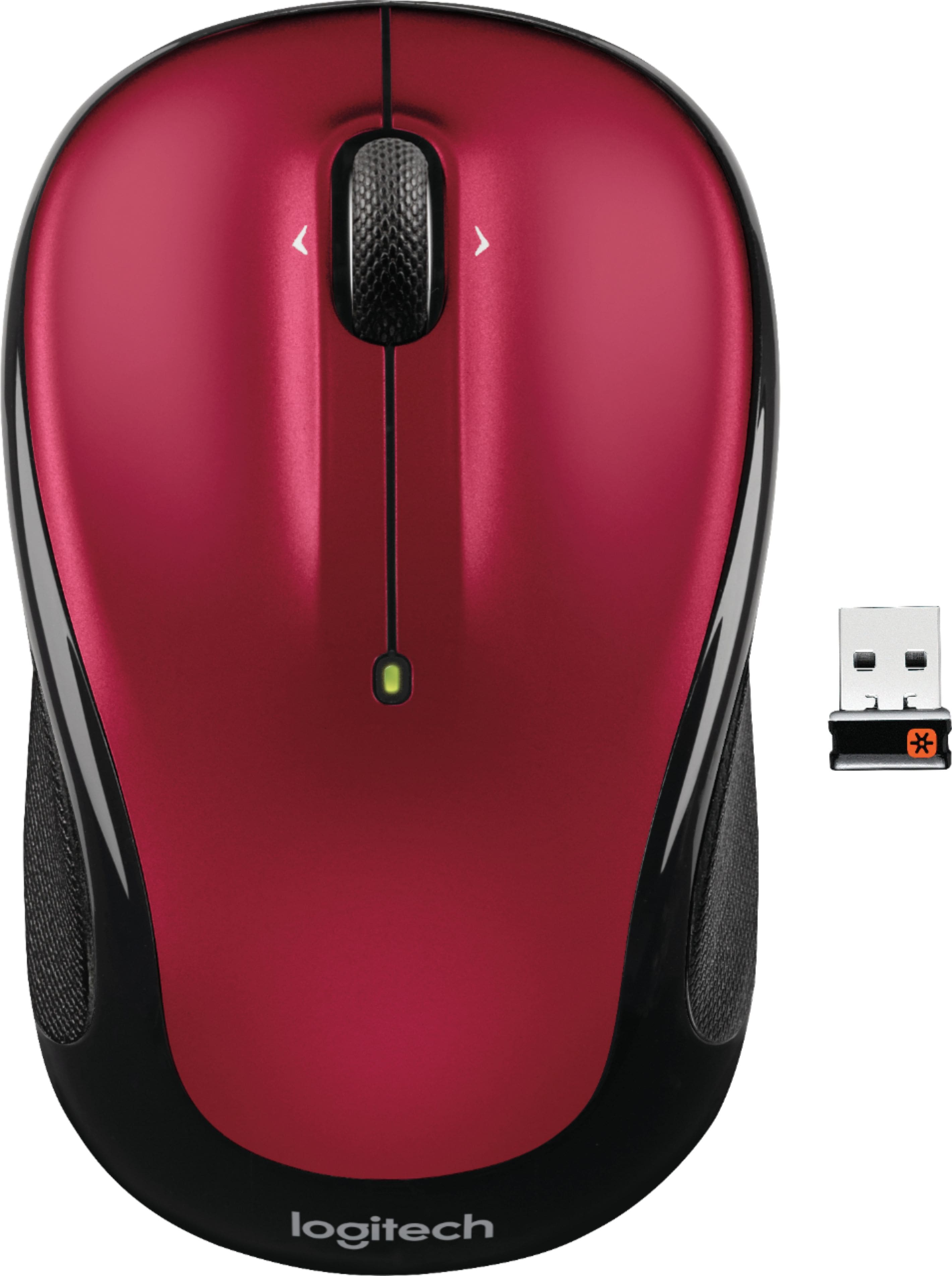
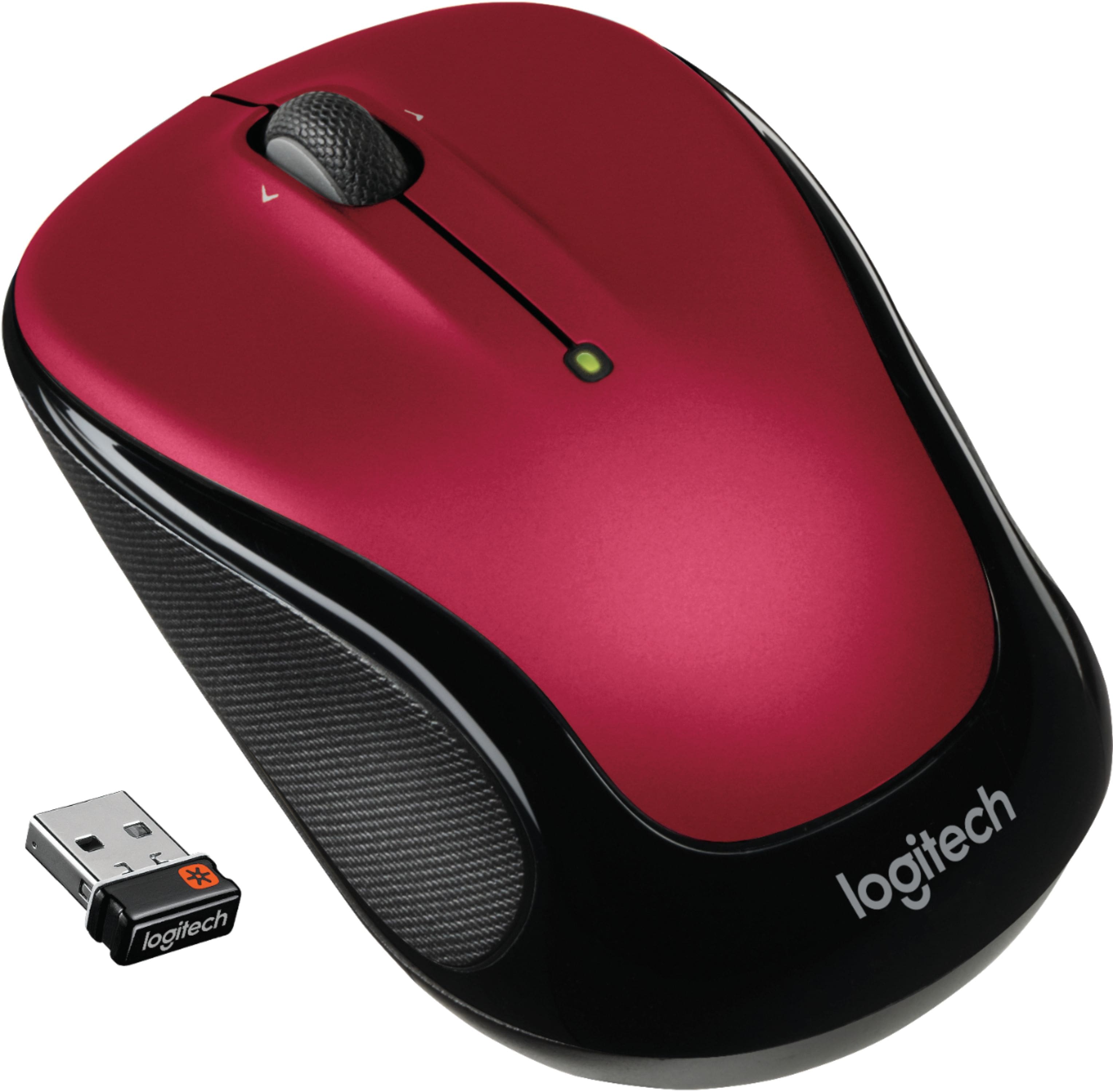
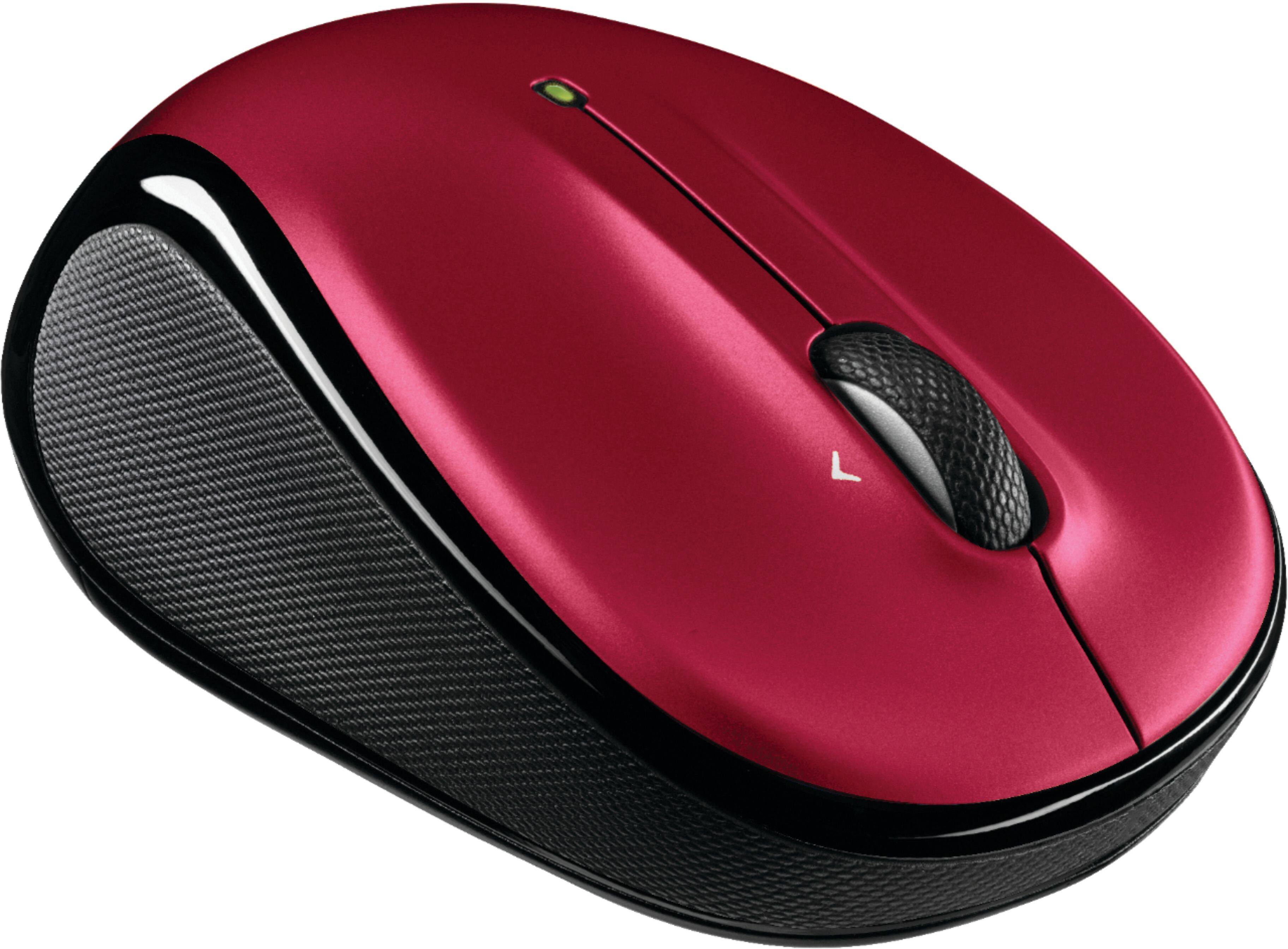
- Model:
- 910-002651
- |
- SKU:
- 3937952
Customer reviews
Rating 4.7 out of 5 stars with 29200 reviews
(29,200 customer reviews)Rating by feature
- Value4.8
Rating 4.8 out of 5 stars
- Quality4.7
Rating 4.7 out of 5 stars
- Ease of Use4.8
Rating 4.8 out of 5 stars
Customers are saying
Customers frequently mention the ease of use, comfortable size, and attractive price of the M325 Wireless Optical Ambidextrous Mouse. Positive feedback also highlights the long battery life, wireless functionality, and responsive performance. While some users reported issues with the scroll wheel, the overall experience is largely considered positive. Many appreciate the mouse's lightweight design and pleasing aesthetics.
This summary was generated by AI based on customer reviews.
Rated 3 out of 5 stars
an economical average mouse
||Posted .This reviewer received promo considerations or sweepstakes entry for writing a review.very economical and it serves the purpose just fine
This review is from Logitech - M325 Wireless Optical Ambidextrous Mouse - Wireless - Silver
I would recommend this to a friendRated 2 out of 5 stars
Not at all that good
||Posted . Owned for 1 month when reviewed.This reviewer received promo considerations or sweepstakes entry for writing a review.Everytime I get on the the computer, I have to pull out the the thing a jimmy from the the usb and reseat it. So the the little mouse can do its thing. Yes my computer is up to date.
This review is from Logitech - M325 Wireless Optical Ambidextrous Mouse - Wireless - Black
No, I would not recommend this to a friendBrand response from Logitech
Posted .Hello, I am sorry to hear about the issues you are having with the mouse. You may need to a firmware update for the USB dongle. This can be found on the support page for this item on Logitech.com. I hope this helps. Thank you for taking the time to write this review, we appreciate the feedback.
Rated 5 out of 5 stars
Great mouse
Posted .This reviewer received promo considerations or sweepstakes entry for writing a review.I had a wireless mouse by microsoft before getting this mouse. The big issue I had with my old mouse was the battery life. It seemed like every couple of months I was changing the battery. What sold me on the Logitech mouse was that the battery is rated to last 18 months. I have yet to find out if it's the case, but it will be better than a couple of months. The mouse is very responsive and user friendly. Setting it up was easy. I plugged in the receiver, downloaded the setpoint from the logitech website and it was ready to go. It started working as soon as I plugged the receiver in. However adding setpoint made things a little better. It allows you to change the settings on the mouse and how you use it. I would definitely recommend this mouse.
I would recommend this to a friendRated 2 out of 5 stars
Broke in 6 months
||Posted . Owned for 6 months when reviewed.This reviewer received promo considerations or sweepstakes entry for writing a review.A fine mouse while it lasted. However, receiver (or perhaps transmitter in the mouse itself) gave out after about 6 months of regular use.
No, I would not recommend this to a friendBrand response from Logitech
Posted .Hello, Daniel! I'm sorry to hear about your experience with the M325 mouse! I would recommend reaching out to our support team here https://support.logi.com/hc/en-us/requests/new?ticket_form_id=360000621393 to file a warranty claim. The M325 has a 3-year limited hardware warranty. Thank you for the feedback! I will be passing this along. - Maggie from Logitech
Rated 2 out of 5 stars
Nope.
||Posted . Owned for 1.5 years when reviewed.This reviewer received promo considerations or sweepstakes entry for writing a review.I got very little use out of this mouse before the USB broke, dissatisfied but it was cheap so I can’t be too upset.
This review is from Logitech - M325 Wireless Optical Ambidextrous Mouse - Wireless - Black
No, I would not recommend this to a friendRated 2 out of 5 stars
Try a different mouse
||Posted . Owned for 3 weeks when reviewed.This reviewer received promo considerations or sweepstakes entry for writing a review.Honestly not the best. Worked a few times for me and then started having issues with it connecting. Had to get a different one after this just stopped working
This review is from Logitech - M325 Wireless Optical Ambidextrous Mouse - Wireless - Silver
No, I would not recommend this to a friendBrand response from Logitech
Posted .Hi Brettp, thank you for your feedback! For support, please refer to: https://support.logi.com/hc/en-us/articles/360024159334 - Will, Logitech.
Rated 1 out of 5 stars
PORTABLE MOUSS
||Posted . Owned for 1 month when reviewed.This reviewer received promo considerations or sweepstakes entry for writing a review.Worked for 4 hrs, changed batteries but nothing worked! NOT A HAPPY CUSTOMER
This review is from Logitech - M325 Wireless Optical Ambidextrous Mouse - Wireless - Light Silver
No, I would not recommend this to a friendBrand response from Logitech
Posted .Hello, I am so sorry to hear the mouse no longer functions for you. Luckily, it does come with a 3 year warranty through Logitech, so we can get that replaced for you. Here is the link in order to file a claim: https://support.logi.com/hc/en-us/articles/360024927034-Warranty-Wireless-Mouse-M325. I hope this helps! Thank you for taking the time to write this review, we appreciate the feedback.
Rated 1 out of 5 stars
Defectivemouse
||Posted . Owned for 5 months when reviewed.This reviewer received promo considerations or sweepstakes entry for writing a review.The mouse stop working on my computer after several weeks. I do not recomment it.
This review is from Logitech - M325 Wireless Optical Ambidextrous Mouse - Wireless - Blue
No, I would not recommend this to a friendBrand response from Logitech
Posted .Hello IanStarWars,
Thank you for choosing Logitech and for taking the time to review the M325 Wireless mouse. I am sorry that you have experienced an issue with your mouse. I would like to help. I have attached a link to the support page for the M325. Here you will find software downloads, product guides and further support. If you have not already done so, please check your computer for system updates. If your computer is not responding to the mouse, you may want to run the “Unifying” software where you can reestablish a connection between the mouse and receiver. For further support. Please visit the Logitech website.
Best regards,
John at Logitech
https://support.logi.com/hc/en-us/articles/360024159334
Rated 1 out of 5 stars
Not worth it
||Posted . Owned for 4 months when reviewed.This reviewer received promo considerations or sweepstakes entry for writing a review.Stopped working in less than a month! Not even worth the small price tag.
This review is from Logitech - M325 Wireless Optical Ambidextrous Mouse - Wireless - Blue
No, I would not recommend this to a friendRated 1 out of 5 stars
Cheap & flimsy
||Posted . Owned for 2 months when reviewed.This reviewer received promo considerations or sweepstakes entry for writing a review.Stopped working in less than a month! Not even worth the small price tag.
This review is from Logitech - M325 Wireless Optical Ambidextrous Mouse - Wireless - Violet
No, I would not recommend this to a friendRated 2 out of 5 stars
Just OK
||Posted . Owned for less than 1 week when reviewed.This reviewer received promo considerations or sweepstakes entry for writing a review.On first use the scrolling is a little jerky and delayed. It's also frozen up a couple of times. Side scrolling doesn't work on Macs, so I will be returning it.
This review is from Logitech - M325 Wireless Optical Ambidextrous Mouse - Wireless - Black
No, I would not recommend this to a friendBrand response from Logitech
Posted .Hello we are sorry to hear about your issues with the M325C . We hope that you were able to find another product in the Logi family that suited your needs.If you ever have any feature/settings questions, please visit us for support at https://support.logi.com/hc/en-us
Rated 2 out of 5 stars
cheap mouse
||Posted . Owned for 3 months when reviewed.This reviewer received promo considerations or sweepstakes entry for writing a review.the man who sold me my laptop sold me this very basic mouse...it works most of the time but not always...very cheap model
This review is from Logitech - M325 Wireless Optical Ambidextrous Mouse - Wireless - Silver
No, I would not recommend this to a friendBrand response from Logitech
Posted .Hello, I am sorry to hear you are not satisfied with the product. Thank you for taking the time to write this review, we appreciate the feedback.
Rated 1 out of 5 stars
The Mouse is not good
||Posted .This reviewer received promo considerations or sweepstakes entry for writing a review.The Mouse has stopped working for at least one week before writing this review. This is very disheartening that I can't even enjoy my money I paid for this good that is fake.
This review is from Logitech - M325 Wireless Optical Ambidextrous Mouse - Wireless - Blue
No, I would not recommend this to a friendRated 1 out of 5 stars
Didn't last long
||Posted .This reviewer received promo considerations or sweepstakes entry for writing a review.Unfortunately the mouse broke not long after I bought it. I did not keep the receipt as it was a cheap purchase, so I didn't bother taking it back.
This review is from Logitech - M325 Wireless Optical Ambidextrous Mouse - Wireless - Blue
No, I would not recommend this to a friendBrand response from Logitech
Posted .Hi, sorry to see you're having some durability issues with your M325 mouse. You do have a 3 year limited warranty that comes with purchase that can be used to get a replacement sent to you. Here is the link to do so: https://support.logi.com/hc/en-us/articles/360024159334--Getting-Started-Wireless-Mouse-M325. Hope that helps.
Rated 1 out of 5 stars
Good size
||Posted .This reviewer received promo considerations or sweepstakes entry for writing a review.Too bad it doesn’t work. I picked this mouse for its size and to add convienence to using my PC but it’s never worked since day one.
This review is from Logitech - M325 Wireless Optical Ambidextrous Mouse - Wireless - Blue
No, I would not recommend this to a friendRated 2 out of 5 stars
Meh...
||Posted . Owned for 4 months when reviewed.This reviewer received promo considerations or sweepstakes entry for writing a review.Worked fine for first couple of weeks. Now it's constantly loosing contact and I have to open it, take the battery out put it back in in order to work.
No, I would not recommend this to a friendBrand response from Logitech
Posted .Hello, we are sorry to hear that you are having connectivity issues with your M325. You may reach us for support by opening a Technical Support ticket here: https://support.logi.com/hc/en-us/requests/new?ticket_form_id=360000621393
Rated 2 out of 5 stars
mouse but the scroll wheel is bad!
||Posted . Owned for 3 months when reviewed.This reviewer received promo considerations or sweepstakes entry for writing a review.The mouse scroll wheel is unbelievably loud and annoying! The rest of it seemed fine but this was not even worth using.
This review is from Logitech - M325 Wireless Optical Ambidextrous Mouse - Wireless - Silver
No, I would not recommend this to a friendBrand response from Logitech
Posted .Hello, Xavier! I'm sorry to hear about your experience with the M325 mouse. Thank you so much for the feedback on the scroll wheel! I will be passing this along. - Maggie from Logitech
Rated 1 out of 5 stars
ok
||Posted .This reviewer received promo considerations or sweepstakes entry for writing a review.great price but does not work properly.most of the time when moving the mouse the arrow does not move,you have to keep moving it around for it to work.
No, I would not recommend this to a friendRated 1 out of 5 stars
terrible mouse
||Posted . Owned for 1 month when reviewed.This reviewer received promo considerations or sweepstakes entry for writing a review.It has already stopped working. I am bringing in back for a replacement.
This review is from Logitech - M325 Wireless Optical Ambidextrous Mouse - Wireless - Blue
No, I would not recommend this to a friendBrand response from Logitech
Posted .Hi Rosie,
Sorry to hear that you are unsatisfied with your M325. We are always looking for ways to improve our products, so we appreciate your review. What I can suggest is downloading Logitech Options; https://support.logi.com/hc/en-us/articles/360024704274--Downloads-Wireless-Mouse-M325. This application will automatically check for recent firmware updates among other features. If you ever have additional feedback or questions regarding Logitech products, feel free to visit https://support.logi.com/hc/en-us
Thanks,
-Logitech
Rated 1 out of 5 stars
Do not buy!
||Posted . Owned for 1 month when reviewed.This reviewer received promo considerations or sweepstakes entry for writing a review.Quit working after a month! Store says no longer returnable!
This review is from Logitech - M325 Wireless Optical Ambidextrous Mouse - Wireless - Black
No, I would not recommend this to a friendBrand response from Logitech
Posted .Hi Thewildasparagus, Thank you for your feedback. Sorry you are having issues with your keyboard. Here are possible solutions: The connection between the keyboard and the USB receiver can be lost for several reasons, including: • Low battery charge • Moving the USB receiver from one USB port to another • Moving the USB receiver to another computer • Plugging the USB receiver into a USB hub, KVM switch or other unsupported device. (NOTE: Your USB receiver must be plugged directly into your computer.) • Using your wireless keyboard on metal surfaces • Radio frequency (RF) interference from other sources If your keyboard is not working, the problem is likely to be a lost connection. The connection between the keyboard and the USB receiver can be lost for several reasons. Make sure you have fresh batteries in your keyboard. Make sure your keyboard is turned on. Make sure the USB receiver is securely plugged directly into a working USB port on your computer. Turn your computer on download the correct version of Logitech SetPoint Mouse and Keyboard Software. If you need further assistance, please contact Logitech Support on the website. LaShonda from Logitech