Customer Ratings & Reviews
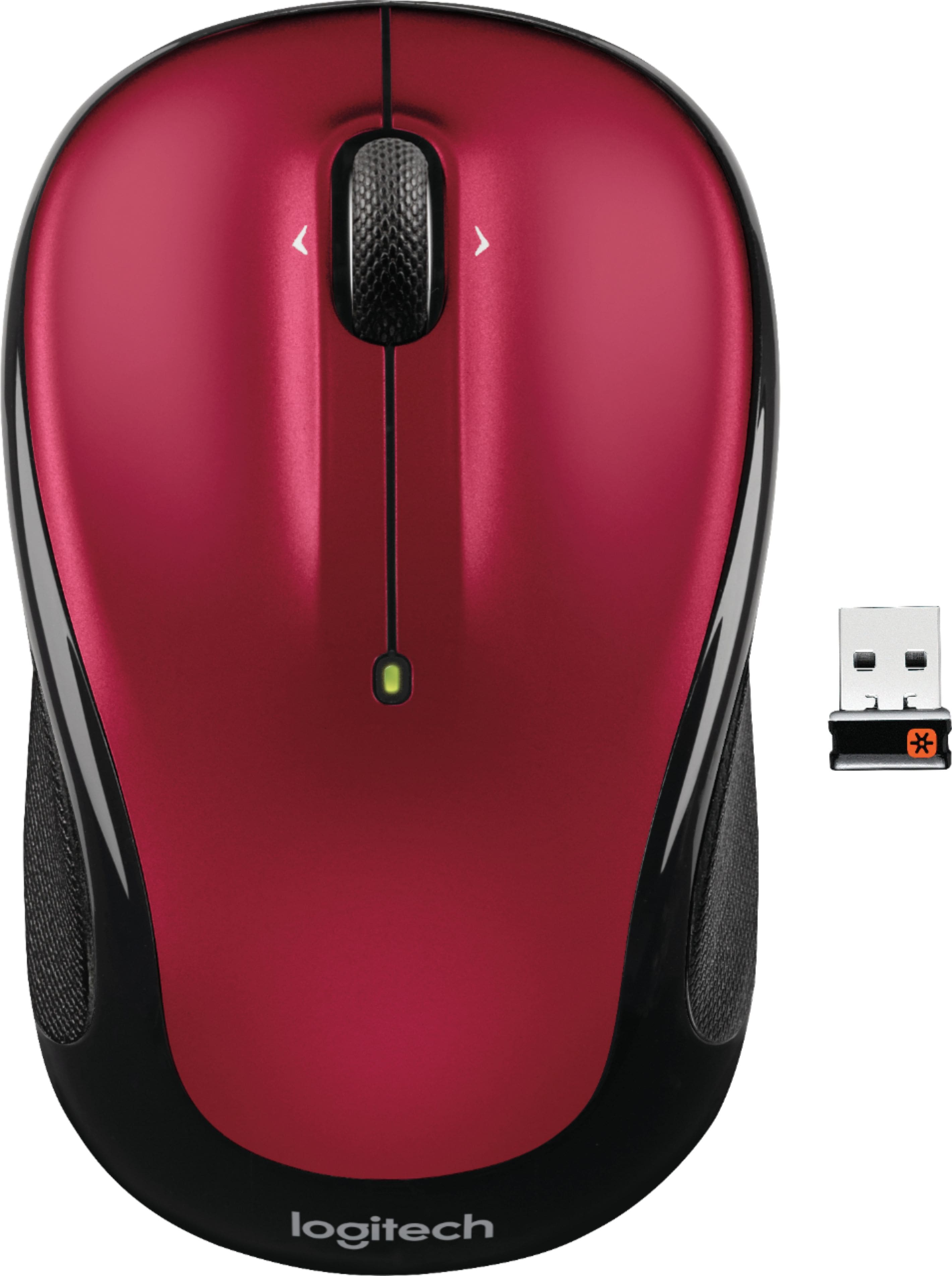
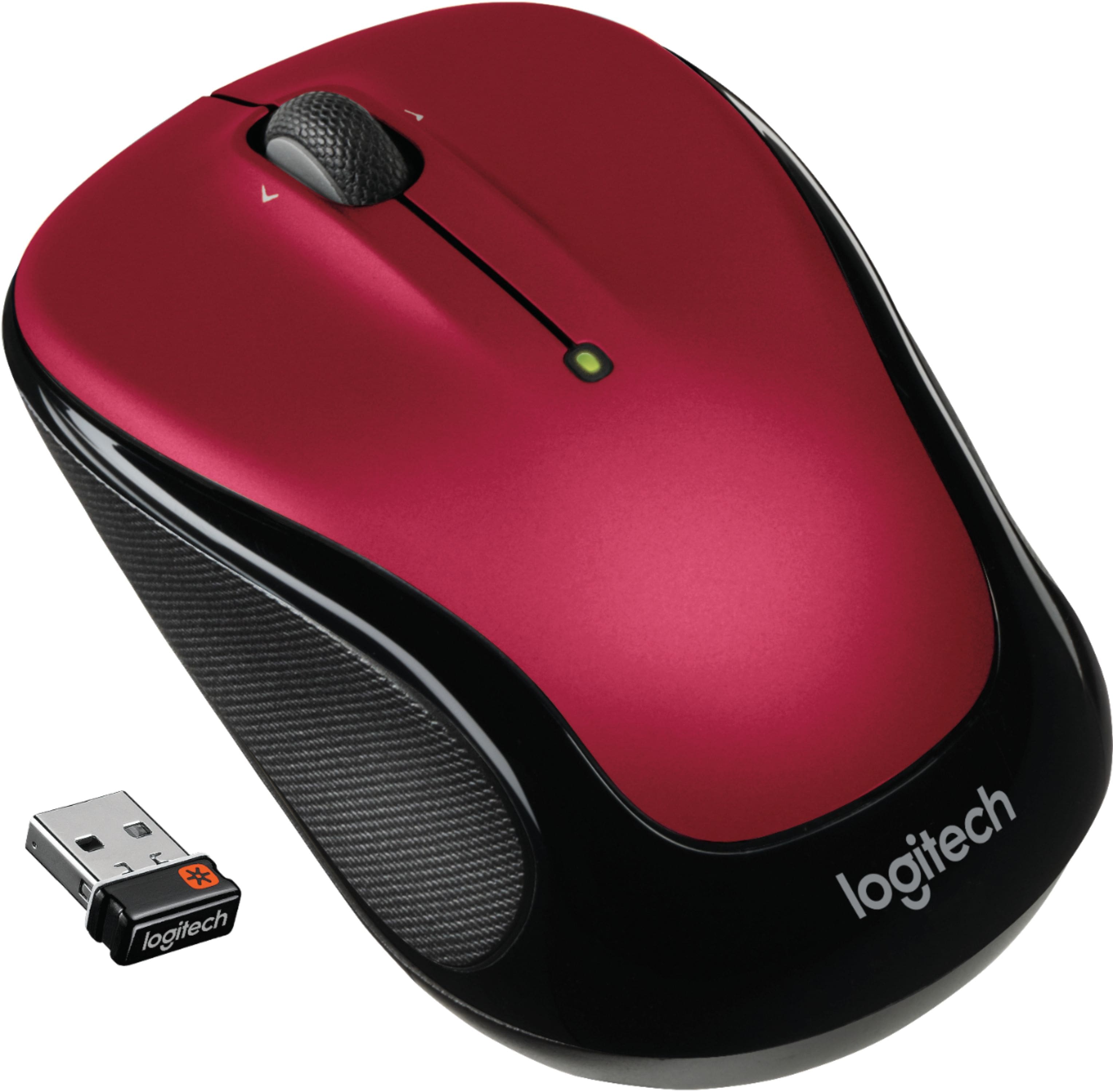
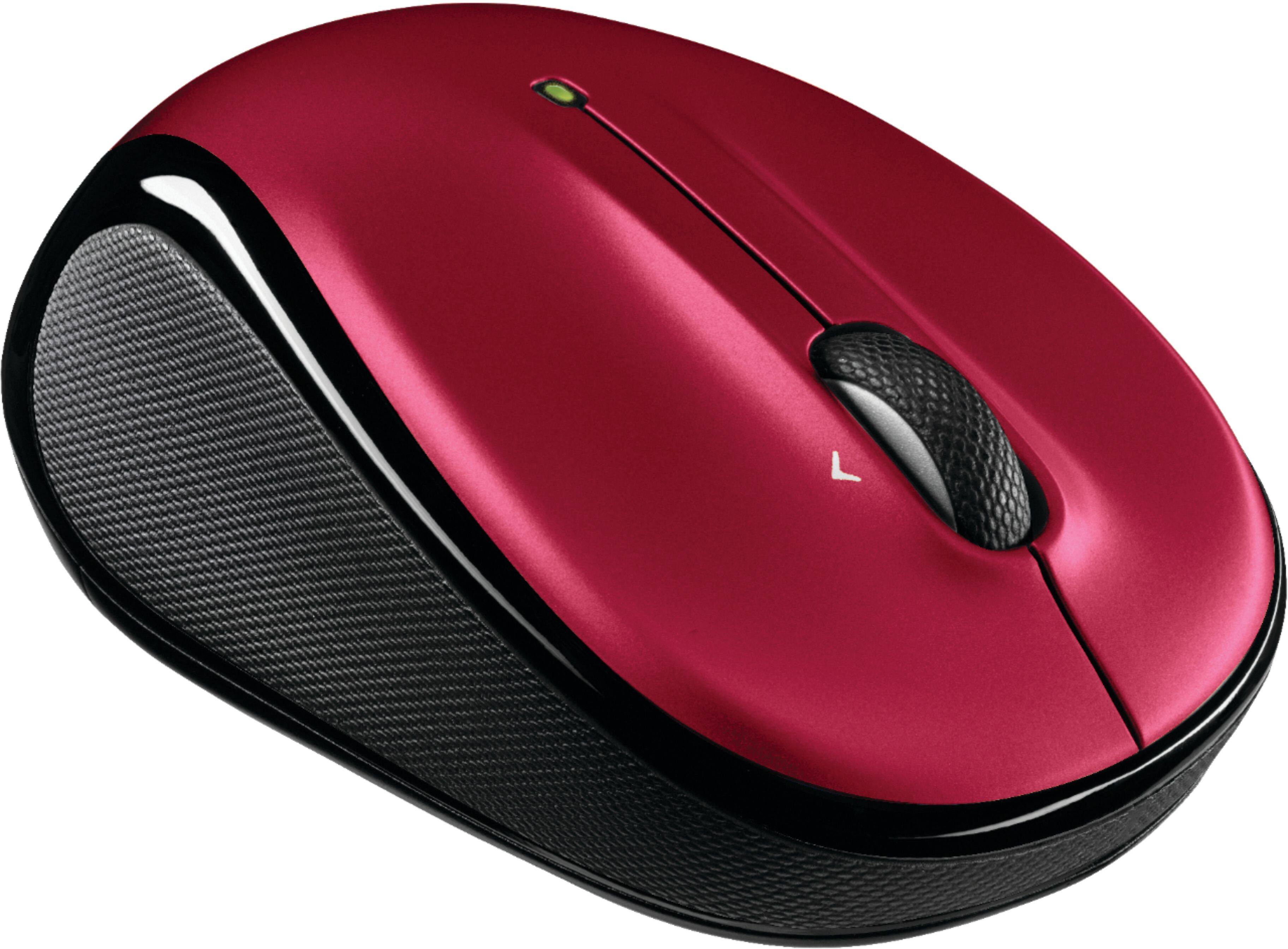
- Model:
- 910-002651
- |
- SKU:
- 3937952
Customer reviews
Rating 4.7 out of 5 stars with 29200 reviews
(29,200 customer reviews)Rating by feature
- Value4.8
Rating 4.8 out of 5 stars
- Quality4.7
Rating 4.7 out of 5 stars
- Ease of Use4.8
Rating 4.8 out of 5 stars
Customers are saying
Customers frequently mention the ease of use, comfortable size, and attractive price of the M325 Wireless Optical Ambidextrous Mouse. Positive feedback also highlights the long battery life, wireless functionality, and responsive performance. While some users reported issues with the scroll wheel, the overall experience is largely considered positive. Many appreciate the mouse's lightweight design and pleasing aesthetics.
This summary was generated by AI based on customer reviews.
Rated 2 out of 5 stars
stopped working
||Posted .This reviewer received promo considerations or sweepstakes entry for writing a review.after 4 months, it stops working suddenly then works then stops again.
This review is from Logitech - M325 Wireless Optical Ambidextrous Mouse - Wireless - Silver
No, I would not recommend this to a friendRated 1 out of 5 stars
DO NOT BUY
||Posted . Owned for 8 months when reviewed.This reviewer received promo considerations or sweepstakes entry for writing a review.I would give it 0 star if I could. Even when I use a mouse pad, it still lags significantly and is frequently stuck with a full battery. Can't return because already passed the date... I would never buy their stuff ever again
No, I would not recommend this to a friendBrand response from Logitech
Posted .Hi linnifer, So sorry to hear about the lag issues that you're experiencing with the M325 Wireless Mouse. Most lag issues are due to a poor connection with the USB receiver and your device. If you're using your mouse with a desktop tower and have the receiver connected in a rear facing USB port there's interference with the signal which you can allay by using a front facing USB port if you have one available. If not, then I suggest using a USB extender cord. Another reason for poor connection is if you have the receiver plugged into a USB hub or KVM switch. Make sure the receiver is plugged directly into your device. If none of those work, then here's a link to the product support page for the M325 that will have more troubleshooting FAQs, software downloads, warranty information and more: https://support.logi.com/hc/en-us/articles/360024159334. Hope that you found this useful and that all is going much better. Thank you for being a Logitech customer. - Richard from Logitech
Rated 1 out of 5 stars
didn't work
||Posted .This reviewer received promo considerations or sweepstakes entry for writing a review.I have a Mac book pro and this mouse worked off and on for a few days, than didn't work at all. Had to replace it with another one, which hasn't come in yet
This review is from Logitech - M325 Wireless Optical Ambidextrous Mouse - Wireless - Silver
No, I would not recommend this to a friendBrand response from Logitech
Posted .Hello carol, so sorry to hear about your experience with the M325 mouse. At Logitech, it is our goal to ensure you are completely satisfied with your Logitech purchase. We take pride in the products and services we offer, and want our customers to enjoy them just as much as we do. If you ever experience any issues with our products, please reach out to us on our Logitech support website so we can help out. Hope you have a great day!
- Ricky from Logitech
Rated 2 out of 5 stars
Mediocre
||Posted .This reviewer received promo considerations or sweepstakes entry for writing a review.Mediocre performance but ok for routine regular use of computer.
This review is from Logitech - M325 Wireless Optical Ambidextrous Mouse - Wireless - Blue
No, I would not recommend this to a friendRated 2 out of 5 stars
must've got a dud
||Posted .This reviewer received promo considerations or sweepstakes entry for writing a review.It broke within a month ... lost connection couldn't get it to sync again
This review is from Logitech - M325 Wireless Optical Ambidextrous Mouse - Wireless - Light Silver
No, I would not recommend this to a friendRated 2 out of 5 stars
Ok
||Posted .This reviewer received promo considerations or sweepstakes entry for writing a review.Does not perform all functions I am used to see. Loud clicking.
This review is from Logitech - M325 Wireless Optical Ambidextrous Mouse - Wireless - Blue
No, I would not recommend this to a friendRated 1 out of 5 stars
Not What I Expected
||Posted . Owned for 3 weeks when reviewed.This reviewer received promo considerations or sweepstakes entry for writing a review.This mouse is very touchy. Many times I have to click several times before it does what it's supposed to do. I would not recommend this product.
This review is from Logitech - M325 Wireless Optical Ambidextrous Mouse - Wireless - Blue
No, I would not recommend this to a friendBrand response from Logitech
Posted .Hello, I am sorry to hear you were not satisfied with the product. Thank you for taking the time to write this review, we appreciate all the feedback
Rated 2 out of 5 stars
Good simple mouse
||Posted .This reviewer received promo considerations or sweepstakes entry for writing a review.This is a good simple mouse but it is too expensive
This review is from Logitech - M325 Wireless Optical Ambidextrous Mouse - Wireless - Silver
I would recommend this to a friendRated 2 out of 5 stars
Okay
||Posted .This reviewer received promo considerations or sweepstakes entry for writing a review.I worked well for a while but died with in a year.
This review is from Logitech - M325 Wireless Optical Ambidextrous Mouse - Wireless - Silver
No, I would not recommend this to a friendRated 2 out of 5 stars
Old tech
||Posted .This reviewer received promo considerations or sweepstakes entry for writing a review.Cheaper to go with newer mouse. You get what you pay.
No, I would not recommend this to a friend- Pros mentioned:Wireless
Rated 5 out of 5 stars
Little Mouse
Posted .This reviewer received promo considerations or sweepstakes entry for writing a review.This little mouse works well. It is very responsive.
I would recommend this to a friend Rated 1 out of 5 stars
Not a very good mouse
||Posted . Owned for 3 weeks when reviewed.This reviewer received promo considerations or sweepstakes entry for writing a review.I did not like this mouse at all!! It gets stuck and I have to constantly be moving it around the mouse pad to work. I’ve tried different mouse pads and got the same result.
This review is from Logitech - M325 Wireless Optical Ambidextrous Mouse - Wireless - Light Silver
No, I would not recommend this to a friendBrand response from Logitech
Posted .Hello, I am sorry to hear you are not satisfied with the product. Thank you for taking the time to write this review, we appreciate the feedback.
Rated 1 out of 5 stars
cordless mouse - needs instructions
||Posted .This reviewer received promo considerations or sweepstakes entry for writing a review.When I purchased this I forgot that there's NEVER any instructions. Not everyone was born with a computer in their mouths. Some of us 70 year olds need instructions. This mouse is useless to me. I should never have purchased it knowing there wouldn't be basic instructions.
This review is from Logitech - M325 Wireless Optical Ambidextrous Mouse - Wireless - Light Silver
No, I would not recommend this to a friendRated 1 out of 5 stars
Taking it back
||Posted .This reviewer received promo considerations or sweepstakes entry for writing a review.I couldn't find the part that connects with my computer that is a wired up mess, not wireless as it is too big and loaded. This may be that the part was concealed so well that I couldn't find it or it just isn't there. I'll find out more when I return it.
No, I would not recommend this to a friendRated 1 out of 5 stars
Warning: will not connect to new MacBook Pro
||Posted .This reviewer received promo considerations or sweepstakes entry for writing a review.I know it is a good mouse but just not for current MacPro. Requires an adapter to connect dongle which costs more than mouse. Packaging should be clearly marked that it is not compatible.
This review is from Logitech - M325 Wireless Optical Ambidextrous Mouse - Wireless - Light Silver
No, I would not recommend this to a friendBrand response from Logitech
Posted .Hi! Sorry to see you're having compatibility issues with your M325 mouse. We have other options that will connect via Bluetooth such as the MX Anywhere 3 mouse! But if you have any questions, check out the Logitech support page at https://support.logi.com/hc/en-us/articles/360024159334. Hope that helps!
Rated 2 out of 5 stars
Logitech - M325 Wireless Optical Mouse
||Posted .This reviewer received promo considerations or sweepstakes entry for writing a review.THE PRODUCT WORKS PERFECTLY, BUT IT IS CHEAPER IN MY COUNTRY
No, I would not recommend this to a friendRated 1 out of 5 stars
Mis-information
||Posted . Owned for less than 1 week when reviewed.This reviewer received promo considerations or sweepstakes entry for writing a review.The key did not fit my laptop. Will have to return it. Not anything wrong with the mouse just mis-information at the store. Was told it would work.
This review is from Logitech - M325 Wireless Optical Ambidextrous Mouse - Wireless - Silver
No, I would not recommend this to a friendRated 2 out of 5 stars
Mouse Poor
||Posted .This reviewer received promo considerations or sweepstakes entry for writing a review.THIS MOUSE IS NEEDED IMPROVE IN BATTERY AND GRIP AREA.
This review is from Logitech - M325 Wireless Optical Ambidextrous Mouse - Wireless - Silver
No, I would not recommend this to a friendRated 1 out of 5 stars
Worthless did not work out of package
||Posted . Owned for 1 month when reviewed.This reviewer received promo considerations or sweepstakes entry for writing a review.Do not buy. This was only brand available in store. Package did not say if or type of batteries needed and store employee did not know. Bought unit and 2 types batteries. Unit did not work when I got to office?
This review is from Logitech - M325 Wireless Optical Ambidextrous Mouse - Wireless - Light Silver
No, I would not recommend this to a friendBrand response from Logitech
Posted .Hello customer, I'm sorry to hear that your M325 wasn't working properly when you received it. The M325 is a plug and play mouse, which means that all you should need to do is remove the USB dongle from the battery compartment, plug it into your computer, make sure the mouse is on, and it should work right away. It sounds like either the included batteries were dead, or there was something wrong with the device internally. If it was the latter, I would recommend contacting our support site for troubleshooting tips and tricks and further assistance with the device. -Weston from Logitech.
Rated 1 out of 5 stars
There may be better mouses out there...
||Posted .This reviewer received promo considerations or sweepstakes entry for writing a review.My first M325 mouse had to be returned as it was causing my new Lenovo Yoga laptop's screen to flicker... This M325 may have to be returned as well because sometimes when scrolling it gets stuck and continues to scroll even after I stop and just move the mouse...
This review is from Logitech - M325 Wireless Optical Ambidextrous Mouse - Wireless - Light Silver
No, I would not recommend this to a friendBrand response from Logitech
Posted .Hi favre. Sorry to see you're having some connectivity issues with your M325 mouse. You can try to reconnect the mouse to the receiver with the Logitech Unifying Software to see if that resolves those issues: https://support.logi.com/hc/en-us/articles/360025297913. Hope that helps!