Customer Ratings & Reviews
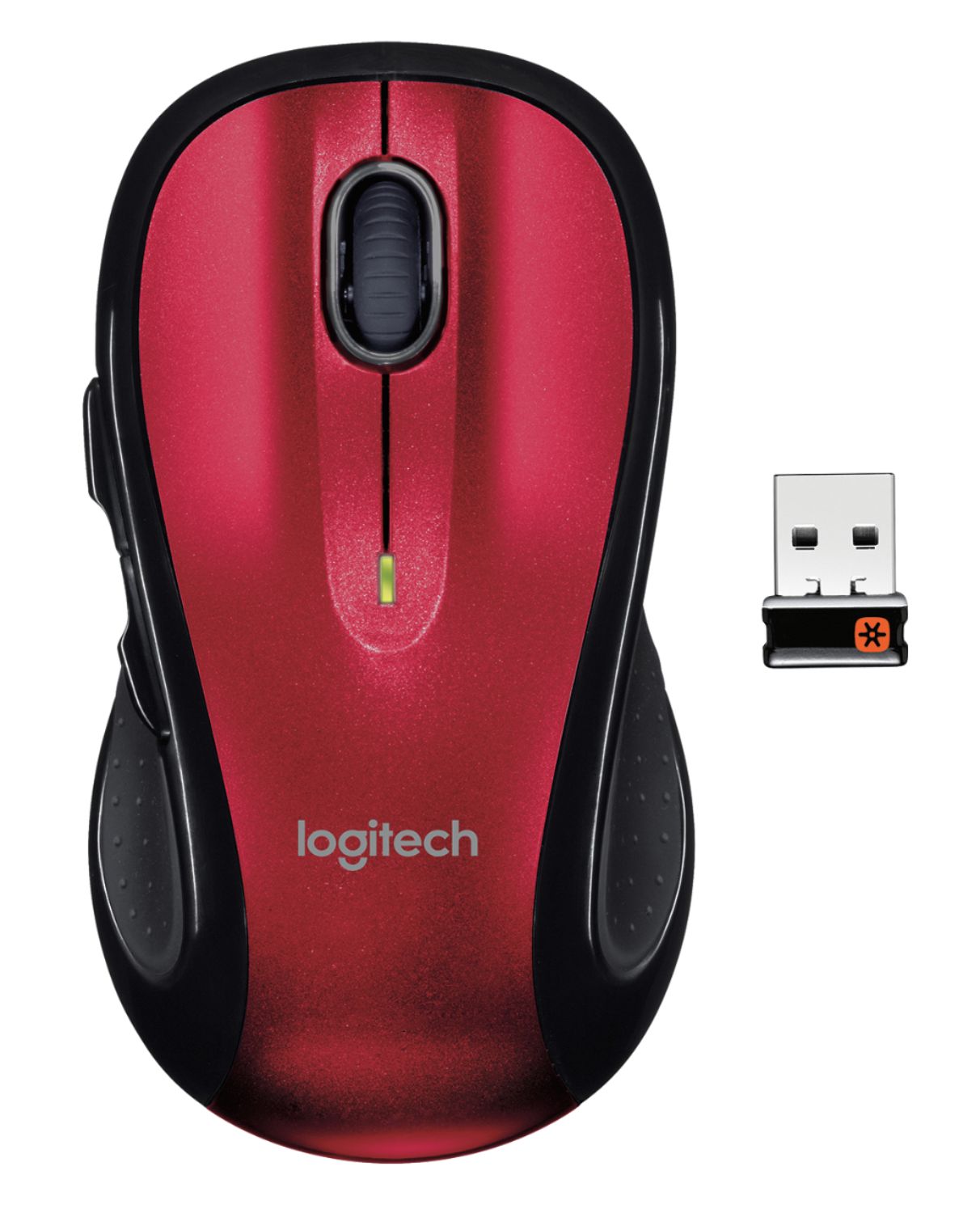
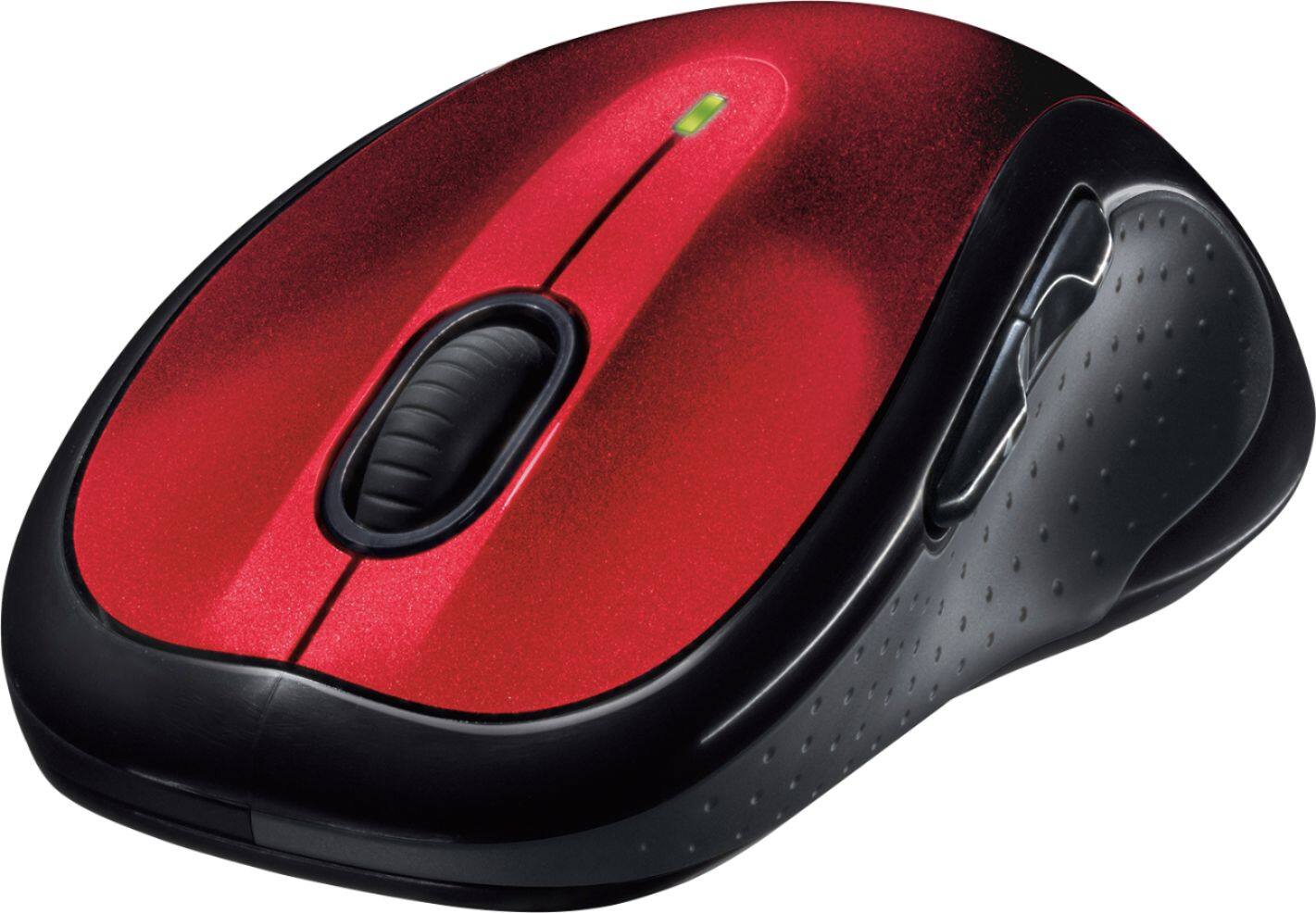
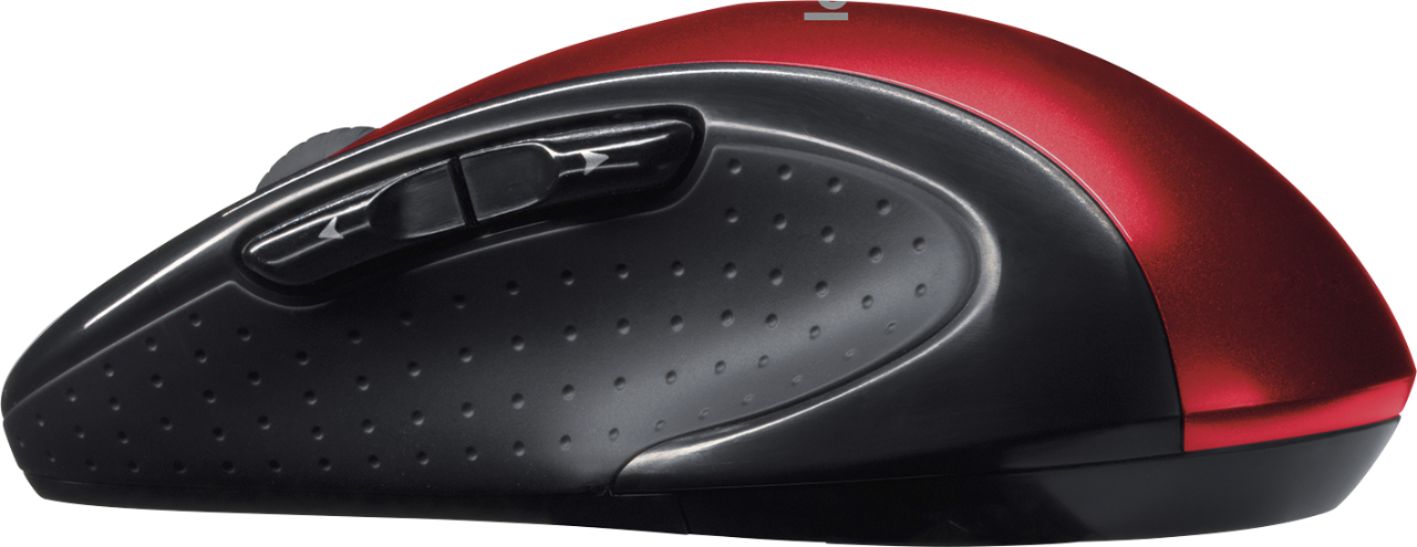
- Model:
- 910-004554
- |
- SKU:
- 5106403
Customer reviews
Rating 4.7 out of 5 stars with 17478 reviews
(17,478 customer reviews)Rating by feature
- Value4.7
Rating 4.7 out of 5 stars
- Quality4.8
Rating 4.8 out of 5 stars
- Ease of Use4.8
Rating 4.8 out of 5 stars
Customers are saying
Customers are impressed with the M510 Wireless Optical Ambidextrous Mouse's ease of use, comfortable size, and long battery life. Many appreciate its wireless functionality, the value for the price, and the ergonomic design. Positive feedback also highlights its responsiveness and the inclusion of extra buttons. While some users noted minor issues with the scroll wheel, overall the mouse receives overwhelmingly positive reviews.
This summary was generated by AI based on customer reviews.
Rated 2 out of 5 stars
Bigger then I expected for a protable mouse
||Posted .This reviewer received promo considerations or sweepstakes entry for writing a review.I was looking for a portable mouse for my surface book that had the extra side buttons. The mouse work perfectly but it's a full size mouse and does not travel well.
This review is from Logitech - M510 Wireless Optical Ambidextrous Mouse - Wireless - Blue
No, I would not recommend this to a friendRated 2 out of 5 stars
Finicky mouse, weak button
||Posted .This reviewer received promo considerations or sweepstakes entry for writing a review.If I don't press the left mouse button "just so" nothing happens. I need to have my hand in a particular position and need to press in one specific spot on the mouse.
This review is from Logitech - M510 Wireless Optical Ambidextrous Mouse - Wireless - Blue
No, I would not recommend this to a friend- Pros mentioned:Battery life, Comfortable
Rated 5 out of 5 stars
Great fit, performance, price, battery life
Posted .This reviewer received promo considerations or sweepstakes entry for writing a review.This is the best mouse I've ever used for a daily mouse. It fits my hand really well to make long periods of use comfortable. It tracks well even on surfaces that give other mice problems. The price is great. I've seen it as low as $20 and as much as $30, and it's well worth that price. Also, the battery life is much better than other mice I have. I bought one of these for every computer in my house, my work computer, and recommended to coworkers. The only improvement I could think of is to have a bluetooth option, but the dongle is small enough that it isn't a problem.
This review is from Logitech - M510 Wireless Optical Ambidextrous Mouse - Wireless - Silver/Black
I would recommend this to a friend Rated 2 out of 5 stars
Cheap, both in quality and pricing.
||Posted .This reviewer received promo considerations or sweepstakes entry for writing a review.The mouse isn't the most accurate, there's a tiny bit of delay it seems. But its a cheap mouse that'll work fine for things like basic browsing etc...
No, I would not recommend this to a friendRated 2 out of 5 stars
Not too Durable
||Posted . Owned for 1 year when reviewed.This reviewer received promo considerations or sweepstakes entry for writing a review.Initially product was great, but middle button acts up after a few months of use
No, I would not recommend this to a friendBrand response from Logitech
Posted .Hey there, I'm sorry to hear that you had some issues with your M510. If you still have the mouse, please consider contacting us via our support site for warranty information, as the M510 has a 1 year warranty. -Weston from Logitech
- Pros mentioned:Battery life, Comfortable
Rated 4 out of 5 stars
Best thing I've seen that's not a gaming mouse
Posted .This reviewer received promo considerations or sweepstakes entry for writing a review.I've had the mouse at least a couple of years. Pros: Awesome grip Back and Forward buttons that you cannot live without after using Being able to scroll left and right not just up and down Very long battery life Great usb connection 0 problem ever with that, and it's tiny! Ability to turn it off and on without unplugging it It tells you when it's low on battery Cons: Can be louder than an average mouse.. Especially when you mindlessly press the back and forward buttons When you press down the scroll bar it's supposed to open a link in a new tab.. The longer I've had it, the least responsive the scroll bar gets to being pressed down It needs a perfect surface to work on.. I have to buy a new mouse pad every couple of months because it wears it down and just starts moving very slowly.
This review is from Logitech - M510 Wireless Optical Ambidextrous Mouse - Wireless - Silver/Black
I would recommend this to a friend Rated 1 out of 5 stars
Avoid this!!!
||Posted . Owned for 1 month when reviewed.This reviewer received promo considerations or sweepstakes entry for writing a review.I bought a Logitech mouse about 5 years ago. It's working fine but I just wanted to get a new Logitect mouse to see if there were any improvements then I saw and bought this one. However, this one is so uncomfortable to use. it's not really responsive and laggy. It's even worse than the one I have been using for 5 years.
This review is from Logitech - M510 Wireless Optical Ambidextrous Mouse - Wireless - Blue
No, I would not recommend this to a friendBrand response from Logitech
Posted .Hi Dennis, Very sorry to hear about the myriad of issues you had with the M510 Wireless Mouse. In regards to the response lag, Logitech does provide a very easy-to-use application called Options that enhances the performance of the M510 by alerting you to any needed firmware updates. Options also allows you to customize settings like DPI and to also personalize the 5 buttons to your liking. Here's a link to the download https://support.logi.com/hc/en-us/articles/360024701174--Downloads-Wireless-Mouse-M510. If that doesn't solve your issues, fortunately the M510 does come with a 3-year limited warranty. Here's a link to make the most of your warranty https://support.logi.com/hc/en-us/articles/360024924594-Warranty-Wireless-Mouse-M510. Hope that this helped and finds you well. - Richard from Logitech
Rated 2 out of 5 stars
Only works on a mousepad
||Posted .This reviewer received promo considerations or sweepstakes entry for writing a review.This mouse does not "see" my desk, coffee shop table, or the back of my notebook. It works ok on a black mousepad, so I kept it as a spare.
This review is from Logitech - M510 Wireless Optical Ambidextrous Mouse - Wireless - Blue
No, I would not recommend this to a friendRated 2 out of 5 stars
Yuck
||Posted . Owned for less than 1 week when reviewed.This reviewer received promo considerations or sweepstakes entry for writing a review.Would not work with my computer. I did everything it said and it would never show up on my MacBook.
This review is from Logitech - M510 Wireless Optical Ambidextrous Mouse - Wireless - Blue
No, I would not recommend this to a friendBrand response from Logitech
Posted .Hello, Hbaker08! I'm sorry to hear you're having issues using the M510 on your MacBook. If you have a newer MacBook, with only the USB-C ports, this could be why you're having issues. The receiver has issues communicating with devices that are using a dongle or a USB hub. I would personally recommend looking for a mouse that has Bluetooth on it, instead of the receiver. This way, you don't have to worry about plugging in the receiver and hoping it works. Thank you so much for this feedback! I will be passing that along. - Maggie from Logitech
Rated 2 out of 5 stars
Great design if it works for you
||Posted .This reviewer received promo considerations or sweepstakes entry for writing a review.I live the ergonomics of this full size mouse, but,at least with my system, it didn't track well on the pad that previously worked perfectly. I returned this item.
This review is from Logitech - M510 Wireless Optical Ambidextrous Mouse - Wireless - Blue
No, I would not recommend this to a friendRated 1 out of 5 stars
Worked fine for 6 months, and then stopped working
||Posted .This reviewer received promo considerations or sweepstakes entry for writing a review.I bought this product back in August 2018. The warranty period is 3 years but it stopped working in 6 months. I'm in the process of claiming the warranty but it has been extremely inconvenient for the past 2-3 weeks. BestBuy asked me to contact to the manufacturer but the Logitech support helpline is always busy. I had to write an email to them explaining my situation. I haven't received any response yet.
This review is from Logitech - M510 Wireless Optical Ambidextrous Mouse - Wireless - Blue
No, I would not recommend this to a friendBrand response from Logitech
Posted .Hi Animesh, sorry to see you're having some performance issues with your M510 mouse. You do have a 3 year limited warranty that comes with purchase that can be claimed to have a replacement sent to you. But if you have any questions, check out the Logitech support page at https://support.logi.com/hc/en-us/articles/360024157414--Getting-Started-Wireless-Mouse-M510. Hope that helps!
Rated 2 out of 5 stars
Not for small hands
||Posted .This reviewer received promo considerations or sweepstakes entry for writing a review.Not very comfortable for use with smaller hands, however, it's affordable and very stylish.
No, I would not recommend this to a friendRated 2 out of 5 stars
You get what you pay for.
||Posted .This reviewer received promo considerations or sweepstakes entry for writing a review.Very cheaply made. Left and right buttons overly sensative, often does things I don't want it to.
This review is from Logitech - M510 Wireless Optical Ambidextrous Mouse - Wireless - Blue
No, I would not recommend this to a friendBrand response from Logitech
Posted .Hi Fred, Very sorry to hear about the issues you're having with the M510 Wireless Mouse. There could be a couple ways to solve the problem. The first would be to update the firmware which you can do through the Options software. Here's a link to download https://www.logitech.com/en-us/product/options. Options will also allow you to customize settings and personalize certain buttons. If this doesn't solve the sensitivity issues and unwanted things, the M510 does have a 3-year limited warranty if the mouse is simply defective. Here's a link to file a claim https://support.logi.com/hc/en-us/articles/360024924594-Warranty-Wireless-Mouse-M510. Hope that you found this helpful and that it also finds you well. Thank you for choosing Logitech. - Richard from Logitech
Rated 2 out of 5 stars
Uncomfortable
||Posted .This reviewer received promo considerations or sweepstakes entry for writing a review.This mouse was recommended by the sales person but I find the positions of the side clickers hard to work with. A simple two button mouse is far batter.
This review is from Logitech - M510 Wireless Optical Ambidextrous Mouse - Wireless - Blue
No, I would not recommend this to a friendRated 2 out of 5 stars
Don’t Settle
||Posted . Owned for 5 months when reviewed.This reviewer received promo considerations or sweepstakes entry for writing a review.Not what I expected. Noisy and “clicky” Spend the extra money and don’t settle for this.
This review is from Logitech - M510 Wireless Optical Ambidextrous Mouse - Wireless - Blue
No, I would not recommend this to a friendBrand response from Logitech
Posted .Hello BestBuyReviewer! I'm sorry to hear the M510 is too loud. Thank you so much for this design feedback! I will be passing this along! Feel free to reach out to our support team here https://support.logi.com/hc/en-us/requests/new?ticket_form_id=360000621393 if you run into any other issues. - Maggie from Logitech
Rated 1 out of 5 stars
Absolutely useless !!
||Posted . Owned for 3 weeks when reviewed.This reviewer received promo considerations or sweepstakes entry for writing a review.It constantly loses its connection. You have to take the back off, jiggle the batteries, and hope it will work for 10 more minutes. Annoying, useless, but expanding my repertoire of Very Bad Words.
No, I would not recommend this to a friendBrand response from Logitech
Posted .Hi squidd, Very sorry to hear about the connection issues you're having with the M510 Wireless Mouse. Here are some things that you can do to improve your connection. Keep other electrical devices at least 8 inches away from the Unifying Receiver. Move the mouse closer to the USB Unifying Receiver. Move the USB Unifying Receiver to different locations. If you have the receiver plugged into a USB hub or other unsupported device such as a KVM switch, the receiver needs to be plugged directly into your computer. If none of these things solve the issue, then fortunately the M510 comes with a 3-year limited hardware warranty. Here's a link to File A Claim: https://support.logi.com/hc/en-us/articles/360024924594-Warranty-Wireless-Mouse-M510. Hope that you found this helpful and that all is going well. Thank you for choosing Logitech. - Richard from Logitech
Rated 2 out of 5 stars
Red but choppy
||Posted . Owned for 4 months when reviewed.This reviewer received promo considerations or sweepstakes entry for writing a review.Didn’t work well. I loved the color and foot on my hand contours but moves sporadically
No, I would not recommend this to a friendBrand response from Logitech
Posted .Hey there Saundra, it sounds like you're having some connectivity issues with your M510. This can be caused by a few things. First make sure the batteries are fresh and properly seated inside the mouse. Next, make sure the USB receiver is fully plugged into your computer. Finally, try using the receiver in a different USB port, possibly one closer to your mouse or with fewer obstructions.
- Pros mentioned:Comfortable
Rated 5 out of 5 stars
I absolutely love it!!
Posted .This reviewer received promo considerations or sweepstakes entry for writing a review.I actually purchased my M510 mouse 3-1/2 years ago and so far it is still going strong. I bought it with my laptop because I cannot stand to use the laptop touch pad. The mouse is big enough for most hands but still sleek enough to be portable. It is comfortable to use for those many hours of college homework/studying and I can see myself using this at work too. It has all the features I am looking for in a wireless mouse--comfortable & decent-sized fit, backward/forward side buttons, optional programmable scroll wheel buttons, on/off switch, and just overall reliability. For some reason I still have not gotten around to programing the side buttons on the scroll wheel (I blame busy college life). I have had many classmates and coworkers rave over how handy those buttons are, and they highly recommend programing either speaker volume or screen brightness to the scroll wheel. I will get around to using that feature eventually. My brother has the super small logitech that comes in many colors. I am not sure why he got that one because he has bigger hands and long fingers. As a result, he very rarely uses his mouse because it is too small. Sometimes he asks to borrow my M510 mouse (which can be tricky if I need to do a school project also) and he absolutely loves how it fits in his hand. I am planning to get him his own M510 for his birthday. The only downside is that I wish this mouse came in more colors--not a huge deal breaker for me, but some personalized options would still be nice. Perhaps logitech could make a removable cover plate decoration; I would love to bedeck my mouse with Zelda, Star Trek, or even the Avengers. Overall, this reliable mouse has a lot of features for $20 despite it coming in only three colors.
This review is from Logitech - M510 Wireless Optical Ambidextrous Mouse - Wireless - Silver/Black
I would recommend this to a friend Rated 2 out of 5 stars
Mouse motion was slow despite of set full speed
||Posted .This reviewer received promo considerations or sweepstakes entry for writing a review.Mouse motion was slow despite of set full speed in to control panel mouse applet. Thanks BestBuy has return policy.
This review is from Logitech - M510 Wireless Optical Ambidextrous Mouse - Wireless - Blue
No, I would not recommend this to a friend- Cons mentioned:Durability
Rated 1 out of 5 stars
Not happy
||Posted .This reviewer received promo considerations or sweepstakes entry for writing a review.I had the product for about 4 months and now it does not work. I am a bit puzzled by this.
This review is from Logitech - M510 Wireless Optical Ambidextrous Mouse - Wireless - Blue
No, I would not recommend this to a friend