Customer Ratings & Reviews
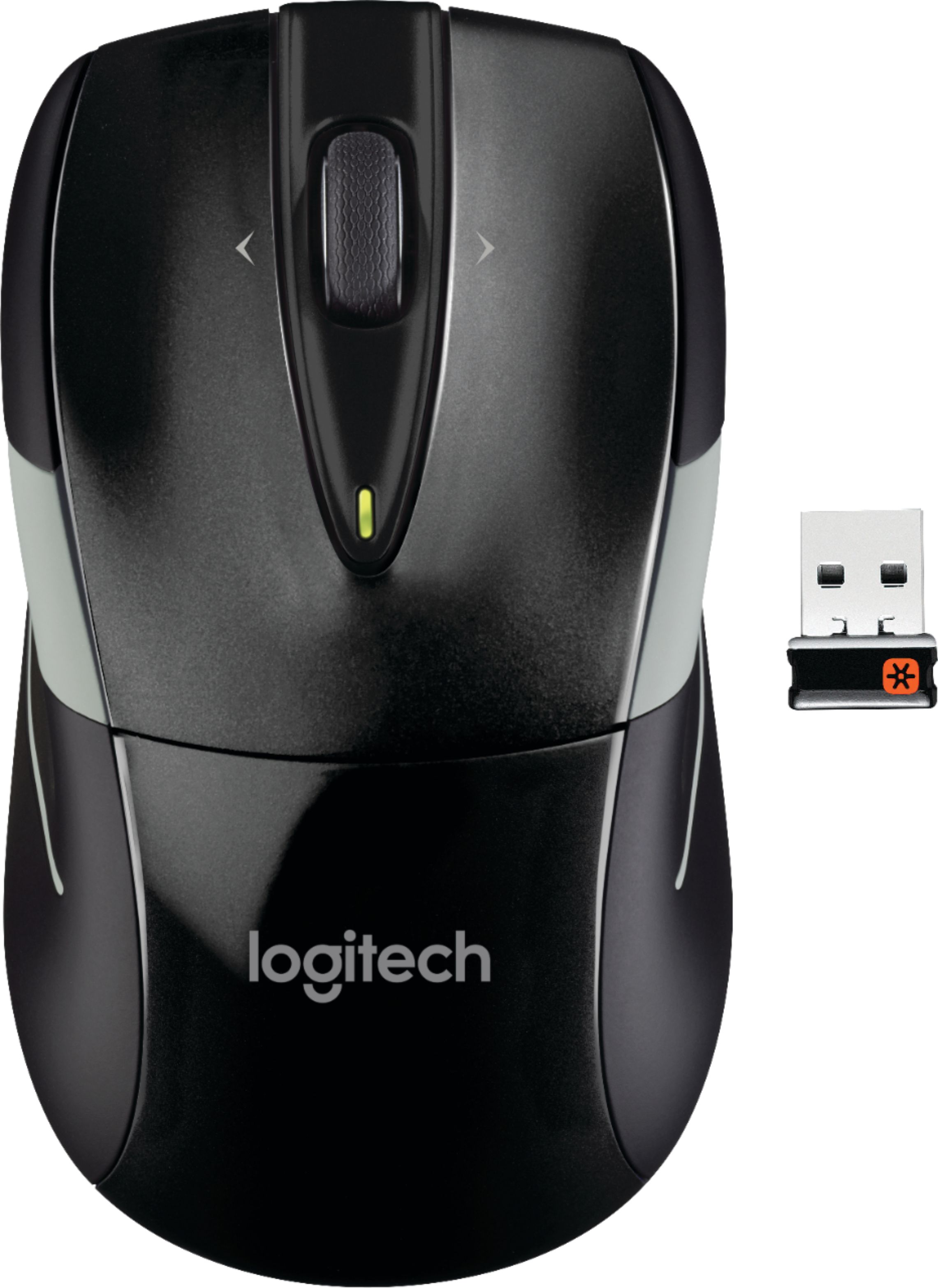
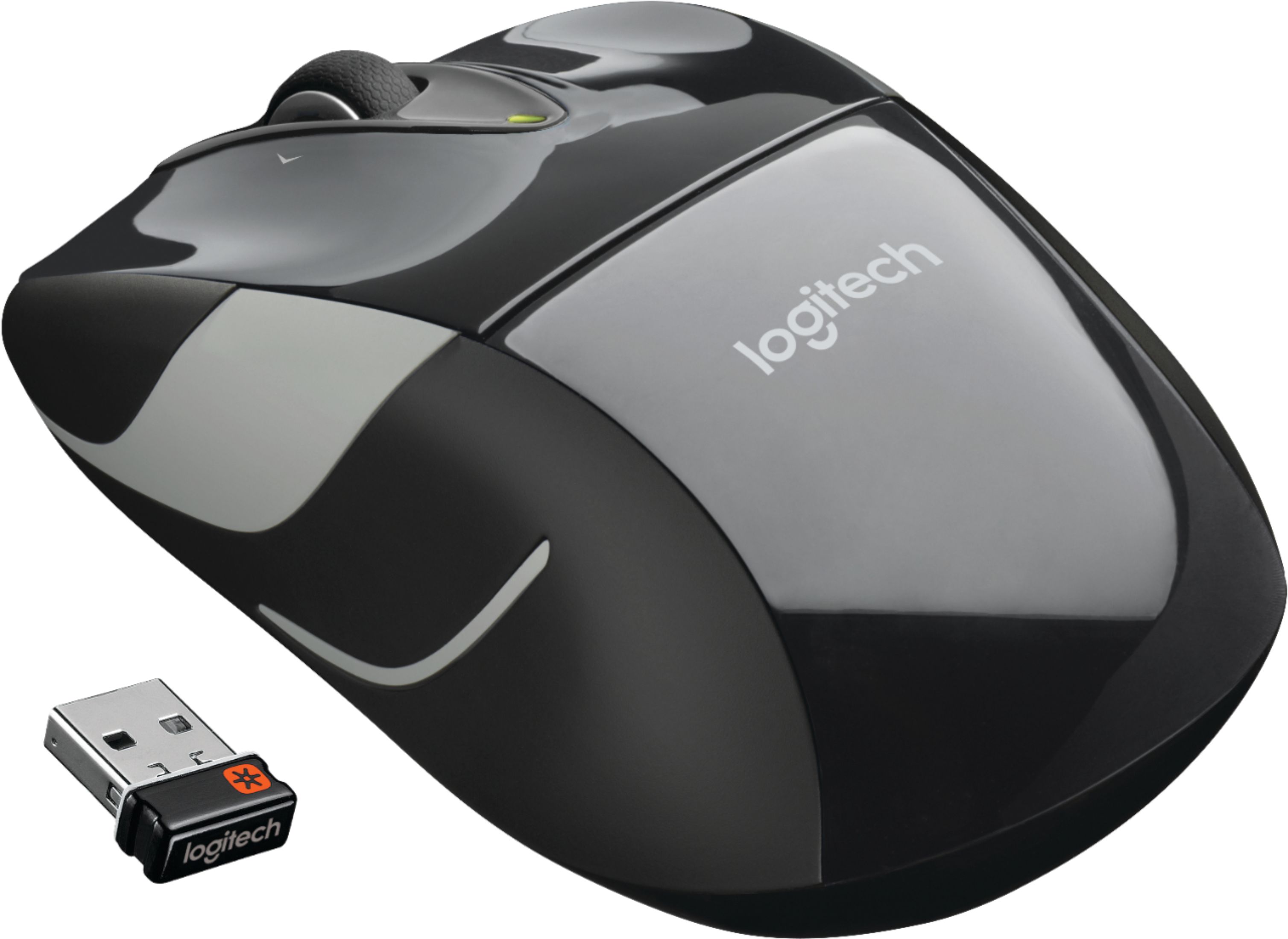
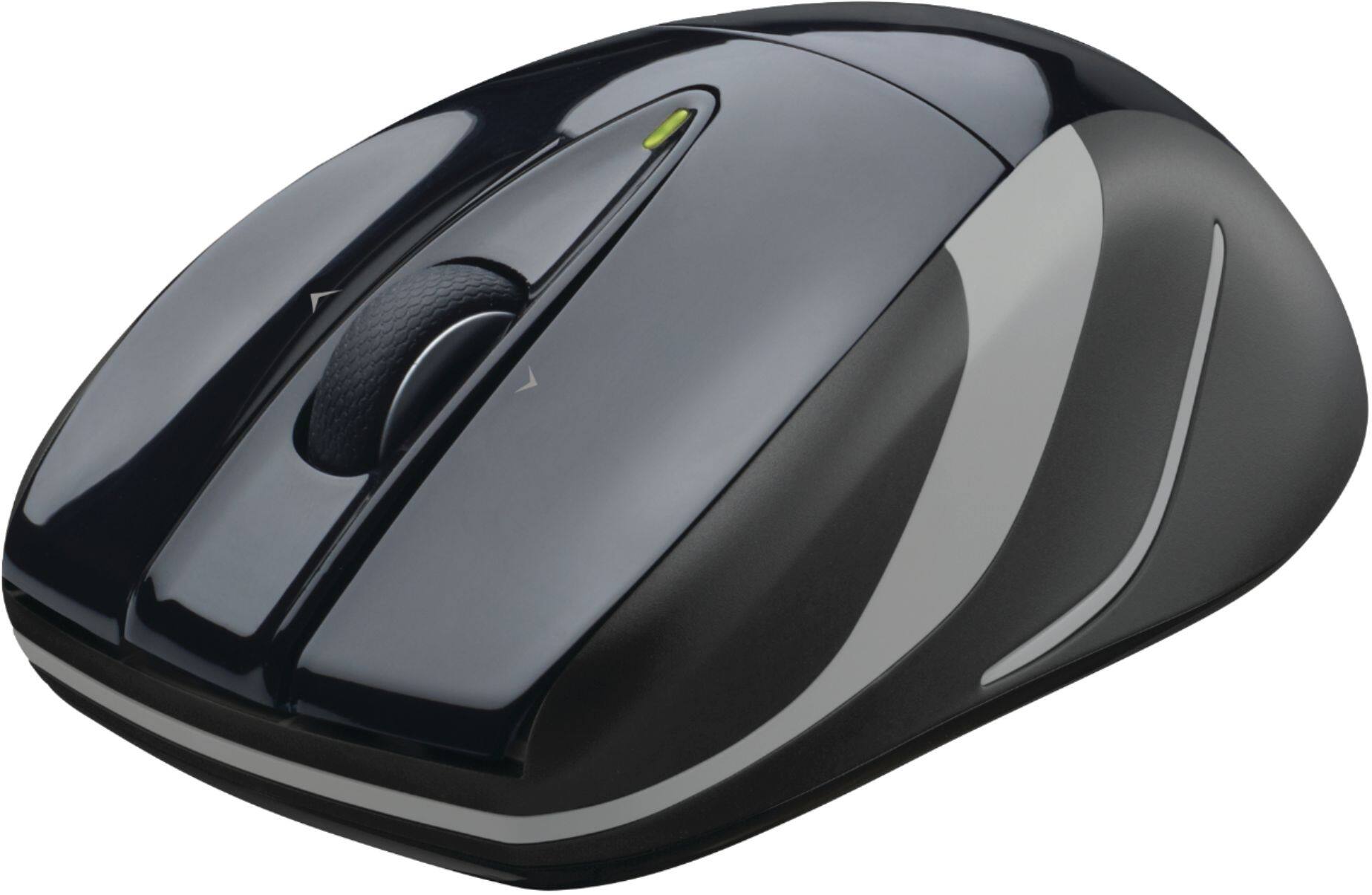

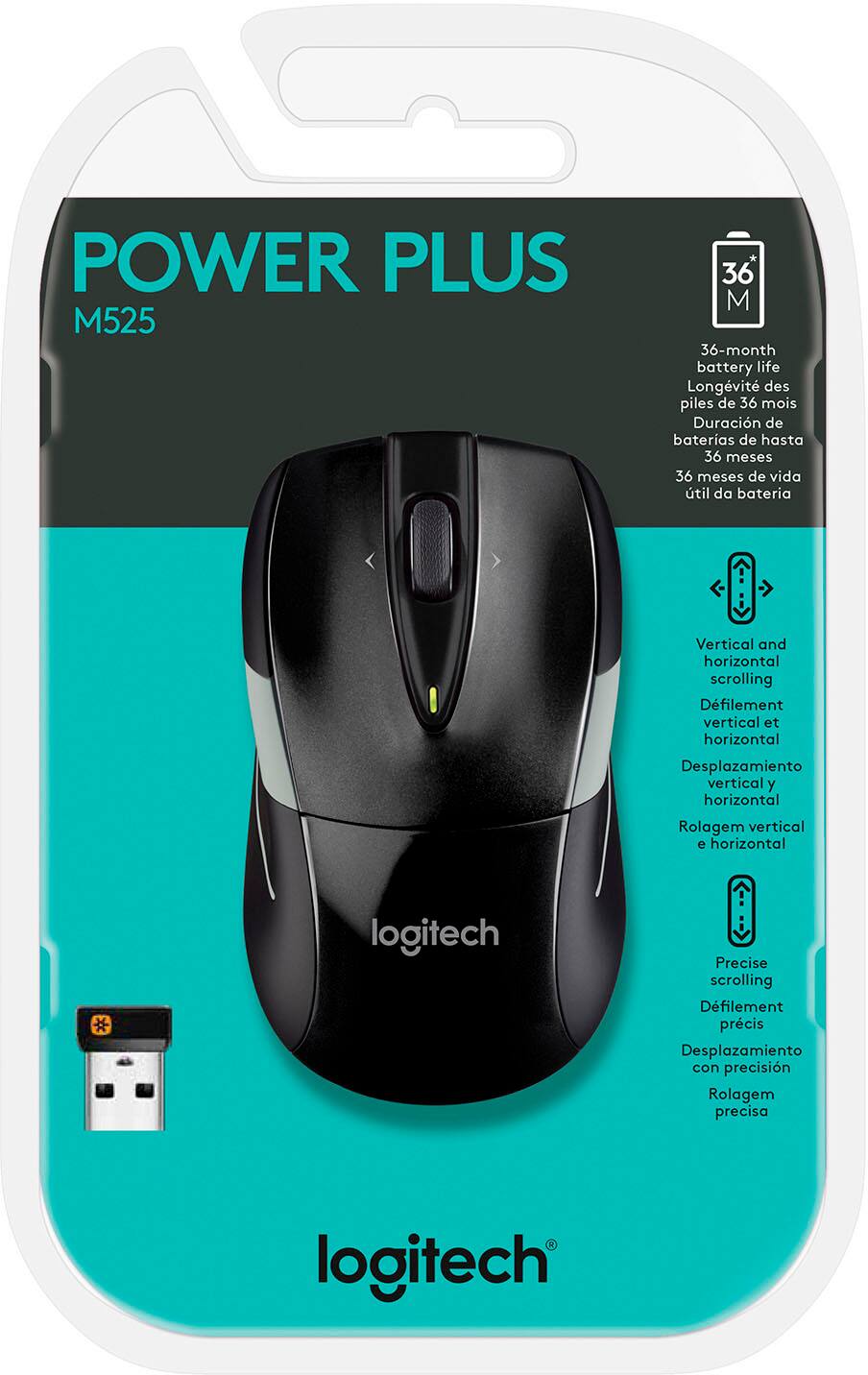
- Model:
- 910-002696
- |
- SKU:
- 3435868
Customer reviews
Rating 4.7 out of 5 stars with 2654 reviews
(2,654 customer reviews)Rating by feature
- Value4.7
Rating 4.7 out of 5 stars
- Quality4.8
Rating 4.8 out of 5 stars
- Ease of Use4.8
Rating 4.8 out of 5 stars
Customers are saying
Customers are impressed with the M525 Wireless Mouse's ease of use, long battery life, and compact size, frequently praising its wireless functionality and comfortable ergonomics. Many appreciate its compatibility with various surfaces and the reasonable price point. While some users reported issues with the scroll wheel, the overall feedback highlights a positive user experience.
This summary was generated by AI based on customer reviews.
Rated 3 out of 5 stars
no special comment
||Posted .This reviewer received promo considerations or sweepstakes entry for writing a review.overall ok, but nothing special, just a normal product
This review is from Logitech - M525 Wireless Mouse - Red
No, I would not recommend this to a friendRated 1 out of 5 stars
Returned the product o9
||Posted . Owned for 3 weeks when reviewed.This reviewer received promo considerations or sweepstakes entry for writing a review.Stopped functioning after 3 days.Returned it and purchased a different mouse.
No, I would not recommend this to a friendBrand response from Logitech
Posted .Hello Pelinor201,
I am sorry to hear that your Logitech mouse suddenly stopped working. This issue may have been due to a defective item, but I recommend updating the device's firmware just in case. I will record your review and pass it along. Logitech appreciates your product review. - Leo from Logitech
Rated 4 out of 5 stars
Excellent except its heavy
Posted .This reviewer received promo considerations or sweepstakes entry for writing a review.I recently replaced this with M315 which was also good. a) This model, newest as of now, has better wheel to navigate the page scroll than M315 which was a disaster if you were to scroll up and down the pages through the wheel. Its wheel is grooved more so than one in M315. Thus, giving a faster scroll on page up and down. However, it is still not fast enough to scroll quickly: If you have to go down 50 pages on your monitor screen, then you might still be better to use your screen scroll for quicker scroll than with this mouse. I am liking it better than M315 because I could use for scrolling at least a number of pages quicker-I could never use M315 for scrolling even few pages up and down. b) Also, the wheel is better quality than the one on M315 which was very cheap quality. When you scroll with this wheel, it almost never misses "the beat" in scrolling. As opposed to M315 that would miss several beats easily when turning the wheel, especially when fast. c) One major negative for me is that it is heavy. I mean considerably heavier than M315, some due to its two AA batteries. Thus, when I move cursor, I can feel the drain on my hand. M315 was much better in that respect. Also, this one is larger in size than M315. I actually liked M315 in that respect-though smaller, it was no big deal-you get used to it. d) On the same note, if you used any photoshop pencil tool using M315, then the movement, due to its light weight, were so free that you could not make sharp and controlled movement that required tiny manupulation. In that sense, this heavier M525 is better for those who would use it for fine photofinishing tool etc. e) Another bad for both mice is that the middle wheel scrolling for pages up and down is never smooth. When you use the wheels to go up and down pages, you will see it is not smooth and the page moves in "jerks." Also note that it says batteries last for 3 years compared to one for M315 that would last for 1 year is due to the fact that this one takes up 2 batteries instead of one in M315. Thus, the battery duration (depending on use anyway) should not even be counted if you want to make a decision between the two. Above were just negative. On positive side, i) both mice worked fast and accurately without any delays or lagging at all. I mean no lagging at all even after sleep. ii) Amazingly enough, this mouse worked from at least 10 feet away with the same sharpness and accuracy as if it were just close. I had hit my room wall, so it might even work from farther distance without any lagging. iii) Even more amazingly, this mouse works even with that long distance no matter what direction the mouse faces and even if it is blocked with my body or some other stuff such as blankets in the room. It has worked on all surfaces from smooth mouse pad to rough fur blanket surface. So, if you dont mind the heaviness and need to use for pages scrolling up and down with the wheel, then this is it. If you dont need scrolling pages up and down with mouse, then I would go for M315 because it was lighter, smaller and did not tire my hands so much; the cursor response I felt was quicker and faster from one side of computer screen to another. Given, that a) this mouse is heavier resulting in more energy to move and thus takes little longer to move cursor from one side of screen to another, and b) that the page scroll is still not that fast, and c) that the page scroll is not smooth but jerky with the wheel I would give it 4 rather than 5.
I would recommend this to a friendRated 2 out of 5 stars
Not a good mouse
||Posted .This reviewer received promo considerations or sweepstakes entry for writing a review.I do not like this mouse at all. For some reason I am unable to control the way it works. It goes sporadically all over the screen
This review is from Logitech - M525 Wireless Mouse - Red
No, I would not recommend this to a friendRated 2 out of 5 stars
Missing Buttons
||Posted .This reviewer received promo considerations or sweepstakes entry for writing a review.It was missing the buttons I need to advance forward and backwards.
I would recommend this to a friendBrand response from Logitech
Posted .Hello Webholio,
I am sorry the M525 is not meeting your expectations. Good observation, the M525 is not designed with the Back/Forward bottoms. I suggest you try the M510, which is a bit larger but comes with the features you are looking for. Logitech appreciates your product review. - Leo from Logitech
- Pros mentioned:Size
Rated 5 out of 5 stars
Smaller is Better!!!
Posted .This reviewer received promo considerations or sweepstakes entry for writing a review.This was my 2nd Logitech mouse. I recently bought a laptop and wanted to get a new mouse for it. My first one that my husband uses now with his desktop is a laser one and has been working great for the last few year. Because I heard that a laser one is better quality and newer than an optical one, I was set to buy a M510 and so I did. I took it home and started using it. It was great except that M510 was too big for my hand since it was a full-size mouse. My index finger reached just 1/3 of the wheel with my wrist relaxed. I was getting uncomfortable reaching out. So when I was thinking of returning the M510, I asked a salesman if there was a big difference between laser and optical. He said I wouldn't be able to tell any difference if I am not a super gamer. So I decided to exchange it to M525. I am VERY happy that I did. M525 fits my hand perfectly!! And the salesman was so right! I can't tell any difference!! This advanced optical mouse is as good as a laser mouse!! It is very responsive and works nicely without a mouse pad. The wheel is very smooth. I love the fact that it doesn't have "back & forward" bottoms on the side. I used to press the side bottoms unintentionally and it used to get me really frustrated. So tilting the wheel to go back and forward was a nice change. And yes, this has a zooming capability on pictures just like M510. This smaller mouse takes less space and is very comfortable holding it. I couldn't be happier with M525.
This review is from Logitech - M525 Wireless Mouse - Red
I would recommend this to a friend Rated 2 out of 5 stars
Meh.
||Posted . Owned for 1 month when reviewed.This reviewer received promo considerations or sweepstakes entry for writing a review.This mouse responds sluggishly and something about the shape causes my hand to cramp.
This review is from Logitech - M525 Wireless Mouse - Red
No, I would not recommend this to a friend- Pros mentioned:Battery life, Ergonomics, SizeCons mentioned:Scroll wheel
Rated 4 out of 5 stars
Full sized mouse with small wireless dongle
Posted .This reviewer received promo considerations or sweepstakes entry for writing a review.Good quality mouse, that is full sized with very good curvature to fit hand. Most cheap wireless mice are much smaller and flatter and contribute to carpal tunnel syndrome but this one is more well designed. Excellent pointer precision. Comes with a very small dongle that doesn't stick out of the machine much. Also includes on/off button on bottom to conserve battery. Wheel tends to spin too easily/too far when used which is only drawback.
This review is from Logitech - M525 Wireless Mouse - Red
I would recommend this to a friend Rated 2 out of 5 stars
To small
||Posted .This reviewer received promo considerations or sweepstakes entry for writing a review.To small for comfortable use. Nice to look at but much to small for my 18 year old son
This review is from Logitech - M525 Wireless Mouse - Red
No, I would not recommend this to a friend- Pros mentioned:Ergonomics, Size
Rated 4 out of 5 stars
Great All Around Mouse
Posted .This reviewer received promo considerations or sweepstakes entry for writing a review.Just bought this Logitech mouse to switch out my Kensington Trackball. Got tired of using the trackball. First off, I really like Logitech mice and have 2 others. I also have 2 Microsoft mice. The M525 is a great mouse in all aspects except for one. In terms of design it fits well in my hand. I have medium sized hands and the mouse is bigger than my V220 and smaller than my LZ6. It has an average hand size to it. I really like the quality of the trackball. It seems sturdy and has a nice rubberized grip. The sides of the mouse are also rubberized giving it a nice grip. I love the unifying nano transceiver. My other 3 mice have the old transceiver (a brick waiting to be broken) so it is nice to have the nano which fits snuggly in my laptop. The buttons are firm and overall the mouse is what I was looking for. As an added bonus the transceiver fits into the mouse when not in use. I was comparing this mouse to the Microsoft 4000 but the 4000 felt cheap and the trackball felt like a cheap piece of plastic. Now the only negative is the price. $40 for a mouse is a lot of money nowadays. The only reason I paid so much is because I had $15 in reward zone cash. Also I am not so fond of the red. My Best Buy only had the red in stock but I would have actually preferred a silver to match my Samsung laptop. Overall this is a great mouse and a great purchase. I have never had issues with any of my Logitech mice. A+
This review is from Logitech - M525 Wireless Mouse - Red
I would recommend this to a friend - Pros mentioned:Ease of use, Size
Rated 5 out of 5 stars
As Advertised
Posted .This reviewer received promo considerations or sweepstakes entry for writing a review.Perfect wireless, smaller to mid sized mouse. Nothing real fancy - just works like it's supposed to on limited desktop space our small enough to be portable for laptop use. Installed easily. Was fine for me (male) with larger hands but think it would be perfect for many women.
This review is from Logitech - M525 Wireless Mouse - Red
I would recommend this to a friend Rated 1 out of 5 stars
It quit working after a month.
||Posted .This reviewer received promo considerations or sweepstakes entry for writing a review.I've had numerous Logitech mice but this one just quit working after a month. I have been in touch with Logitech. Issue not resolved yet. Probably a bad mouse and waiting on Logitech's response.
No, I would not recommend this to a friend- Pros mentioned:Battery life, Ergonomics
Rated 5 out of 5 stars
Fantastic Design, Extremely Ergonomic, Best Value
Posted .This reviewer received promo considerations or sweepstakes entry for writing a review.This is easily the best all-around mouse I have ever encountered. It is extremely ergonomic; I have medium-sized hands and some of the smaller wireless mice are too small to relax your hand on without your fingers trailing past the edge of the buttons, which feels unnatural. The scroll wheel & left/right scroll wheel buttons are nice. It is extremely well designed. It comes with a simple on/off switch which conserves battery life. The USB connector is fantastically small, which means it will never interfere with other USB connectors and you can safely leave it in your laptop 24-7 without fear of it snapping off. In addition, it supports multiple simultaneous Logitech devices, maximizing your available USB ports (important for laptop users). Oh, and I almost forgot to mention that the optical tracking, while not laser, has always been flawless in my experience.
I would recommend this to a friend Rated 1 out of 5 stars
Garbage
||Posted .This reviewer received promo considerations or sweepstakes entry for writing a review.No pro/con on this one. It is complete garbage. Mouse is too small for even small hands and the usb plug easily breaks.
This review is from Logitech - M525 Wireless Mouse - Red
No, I would not recommend this to a friendRated 1 out of 5 stars
regretful purchase
||Posted .This reviewer received promo considerations or sweepstakes entry for writing a review.This mouse excessively pauses the cursor & renders itself useless if you have multiple tasks to perform. It's good if you just want to surf the web w/ a few point & clicks.
This review is from Logitech - M525 Wireless Mouse - Red
No, I would not recommend this to a friendRated 5 out of 5 stars
Excellent Basic Little Mouse
Posted .This reviewer received promo considerations or sweepstakes entry for writing a review.I bought this mouse to replace an older Microsoft wireless mouse that was going bad. After comparing lots of mice on several web sites I decided on this one, because it received almost universally great reviews. The setup (on Windows Vista) couldn't be easier. Just insert the batteries, turn it on, plug the USB adapter into your computer, and that's it! I was at first surprised how very responsive this mouse was, but that could be because I had gotten so used to fighting with the old one. The scroll wheel is very smooth. I don't miss having more than the basic 3 buttons, because I never used the additional buttons of the old one anyway. The only "problem" is, that it is smallish, so people with very large hands might find it difficult and tiring to use. In summary, if you don't need a ton of buttons on your mouse and don't mind it being on the smaller side, you will be hard pressed to find a better value than this.
I would recommend this to a friend- Pros mentioned:Battery lifeCons mentioned:Scroll wheel
Rated 3 out of 5 stars
Just a usable but not a great mouse.
Posted .This reviewer received promo considerations or sweepstakes entry for writing a review.1st I should say I purchased this mouse on-sale for $20. At that price it's worth it. If I would have paid the normal $40 BB sells it for I would not have been happy with it. It's a low-end mouse in quality although it looks conservative enough to be used on a work PC/laptop. It's extremely lite and the batteries used are 2/3 it's weight. The battery door and outer shell covering is very thin plastic. A drop or two would surely ruin it. The one I got is red but I would guess the other colors would be the same. The physical size is much smaller than I expected. More like a kid's mouse for little hands. I'm holding it between my fingertips as it's too far too small to fit in my hand. I might not have purchased this mouse had I tried it out ahead of time in a store instead of ordering store pickup. Not great for someone with medium to large hands. On the plus side it is a little more portable as a result. The scroll wheel is very loose and barely has any tactile feel to it at all. It can actually be spun a bit. It is so loose that you will find you bump and move it frequently. In programs that use the scroll wheel for screen sizing or zooming, this becomes a source of frustration. They should have given this wheel a bit more resistance and tactile click feel. If you move this too fast it also seems to activate the side scrolling feature in the middle of what you're doing. It happened once while typing and scrolling this review. It uses 2 AA batteries instead of the traditional 1. I haven't owned this mouse long enough to need to replace the battery, so I'm hoping the two batteries will make it last longer than previous 1 battery models do. The 2nd battery also gives the mouse a little more weight which is actually good as this mouse is extremely lite otherwise. The tracking and sensitivity of the optical mechanism is great! You can actually set back and use this mouse on your pant leg if you want. This is a good mouse for diverse surfaces. I have used on wood-grain desks and metal surfaces (and my pant leg without any problems at all. I haven't tried it on a glass surface though. Best part of this mouse is the optical sensitivity. Logitech has an issue with all of it's mice that use the unifying receivers that is annoying for me. I've had 4 mice from Logitech recently (cheap to expensive) with these receivers. They all have short range issues. The range is under 3 feet. I often put my tower PCs on the floor next to my desk. This makes the distance from the mouse to the PC front about 2.75 feet and the distance to the rear of the PC a little over 3 feet. The mouse is very unresponsive and cuts out if I try to plug the receiver in the rear USB ports. So I have to use up one of the two front USB ports to get the mouse to be in range. I wish Logitech would extend the range of their unifying receivers a foot or two. This is quite annoying. I wish Logitech would go back to including the marvelous setpoint software in with the mouse. Now you always have to go hunting for it online as they don't include it. Setpoint is far better than the Windows mouse setup screens. In summation, if you can get this mouse on-sale for $20 or less it's a good buy. But at the $40 retail price, it's definitely not worth it. I used to swear by Logitech mice. Now with the short range and wireless quality issues I've recently had with some of them, I'm considering other brands. $40 is too much for a low-end wireless mouse when I can get from other manufacturers for 12-20 dollars.
This review is from Logitech - M525 Wireless Mouse - Red
No, I would not recommend this to a friend Rated 1 out of 5 stars
would not work
||Posted .This reviewer received promo considerations or sweepstakes entry for writing a review.I tried to install but got pop ups saying not compatable with H.P unless I paid 10.00 per mo.
This review is from Logitech - M525 Wireless Mouse - Red
No, I would not recommend this to a friendRated 1 out of 5 stars
Very poor product
||Posted .This reviewer received promo considerations or sweepstakes entry for writing a review.Was disappointed - have replaced it with an old wireless mouse. Would not purchase again.
This review is from Logitech - M525 Wireless Mouse - Red
No, I would not recommend this to a friendRated 1 out of 5 stars
I haven't been able to get the new mouse operating
||Posted .This reviewer received promo considerations or sweepstakes entry for writing a review.I can't make a fair review - if it is not working!
No, I would not recommend this to a friend