Customer Ratings & Reviews
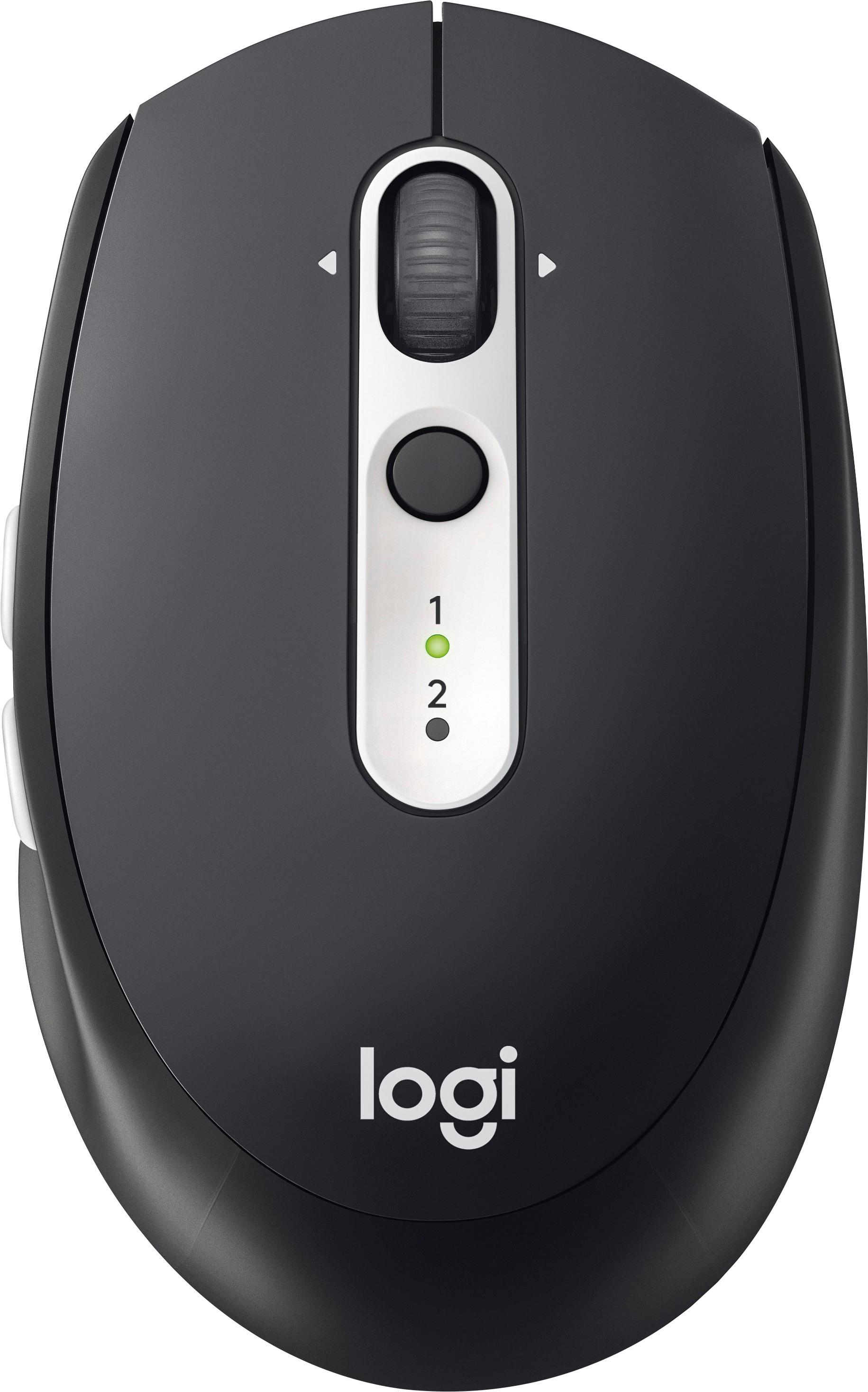

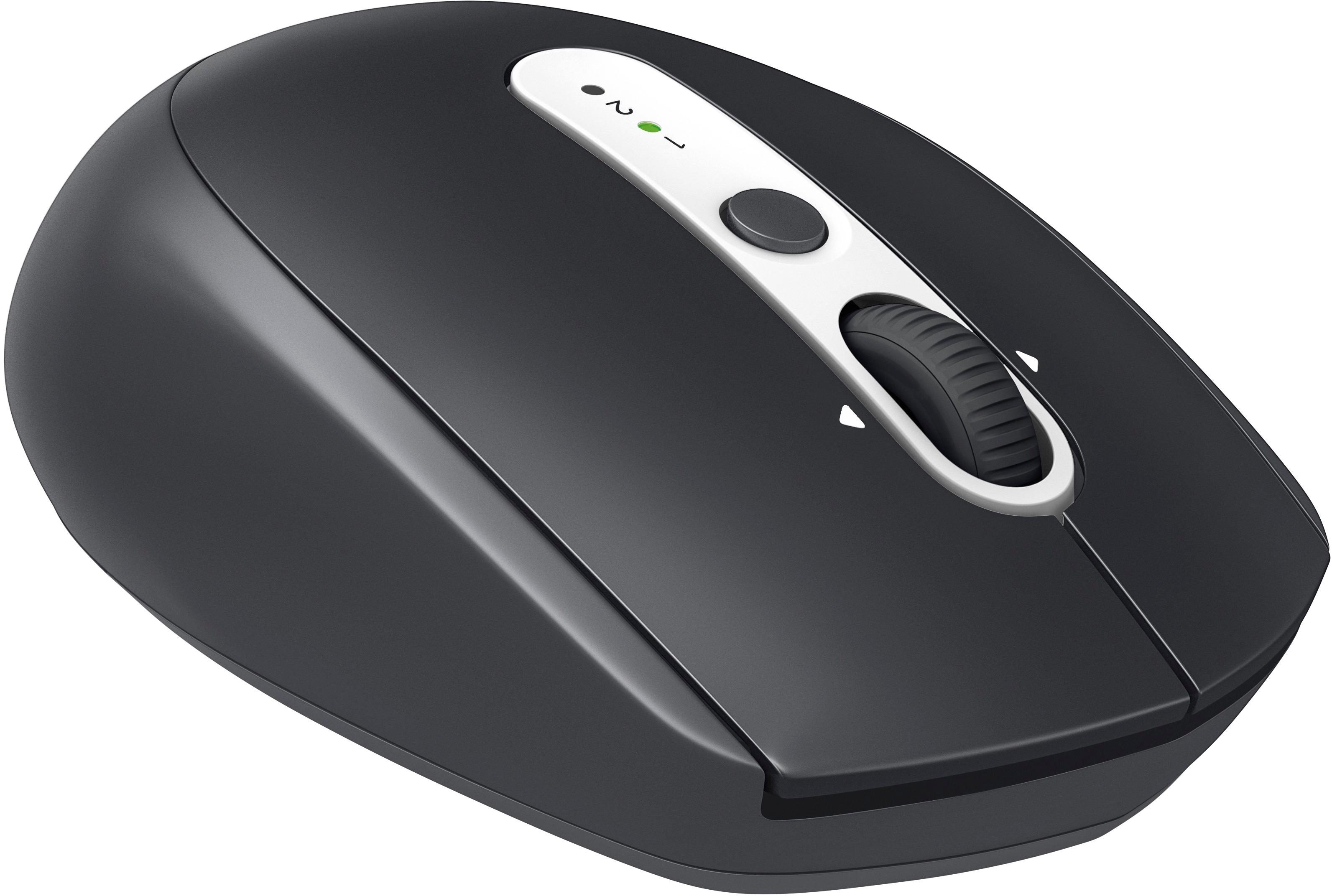
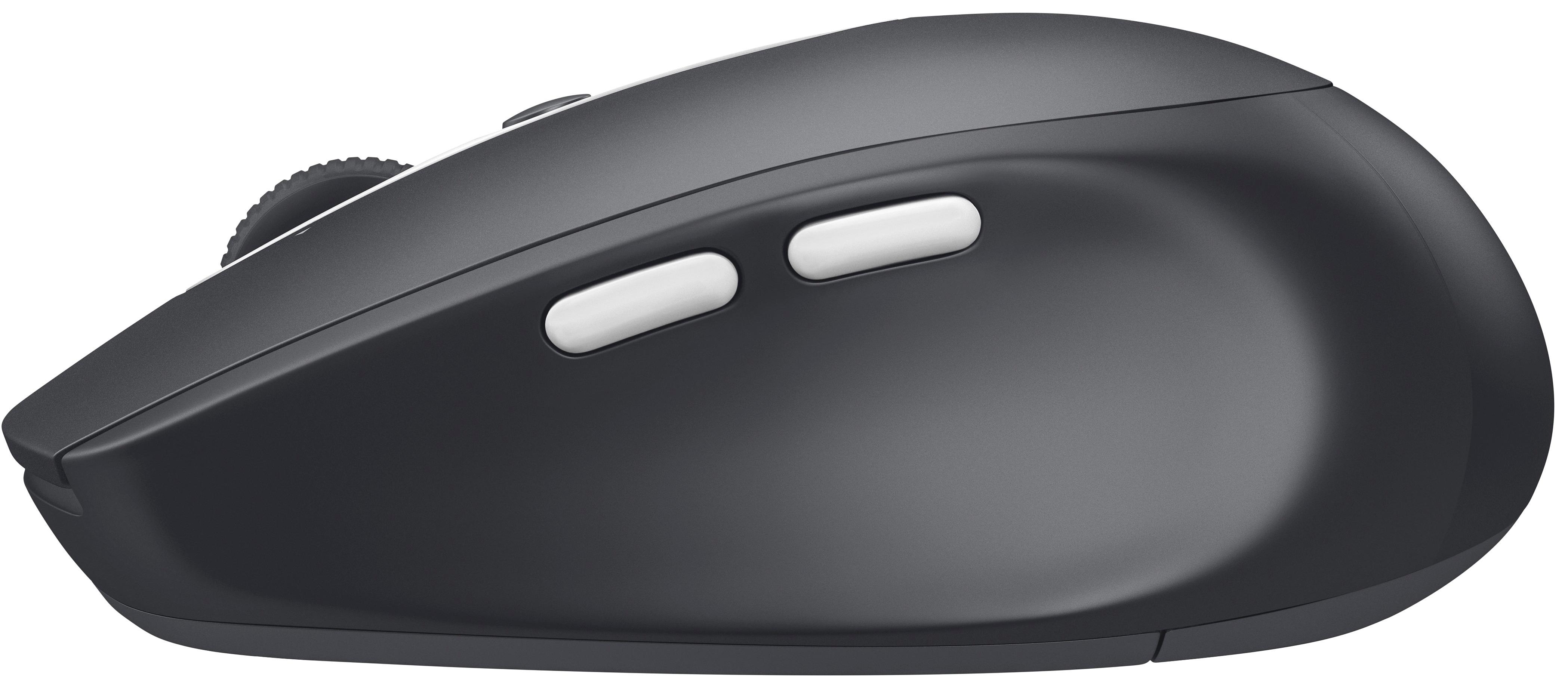
- Model:
- 910-005012
- |
- SKU:
- 5870700
Customer reviews
Rating 4.7 out of 5 stars with 940 reviews
(940 customer reviews)Rating by feature
- Value4.6
Rating 4.6 out of 5 stars
- Quality4.8
Rating 4.8 out of 5 stars
- Ease of Use4.7
Rating 4.7 out of 5 stars
Customers are saying
Customers find value in the M585 Bluetooth Optical Mouse's Bluetooth connectivity, ease of use, and comfortable size. Many appreciate its excellent battery life and responsive performance, while some experienced occasional connection issues or noted the click sound. The price point is also frequently praised. A few users mentioned minor concerns with the scroll wheel.
This summary was generated by AI based on customer reviews.
Rated 3 out of 5 stars
Great when used as a common mouse
||Posted .This reviewer received promo considerations or sweepstakes entry for writing a review.I thought I would use the combination mouse for my everyday use. Ended up using the mouse as a common single screen product
No, I would not recommend this to a friendRated 3 out of 5 stars
Works ok..
||Posted .This reviewer received promo considerations or sweepstakes entry for writing a review.Not sure what to say about this mouse, it sometimes comes unplugged but I just turn it off and back on and it works...
No, I would not recommend this to a friendRated 3 out of 5 stars
Wireless mouse
||Posted . Owned for 1 month when reviewed.This reviewer received promo considerations or sweepstakes entry for writing a review.It works okay, it sometimes powers off by itself! Maybe I should have gotten the wired?!
No, I would not recommend this to a friendRated 3 out of 5 stars
Ok Mouse
||Posted . Owned for 1 year when reviewed.This reviewer received promo considerations or sweepstakes entry for writing a review.Impossible to swap between laptops. The cheaper logictechs are better.
No, I would not recommend this to a friendRated 3 out of 5 stars
Split on the decision
||Posted . Owned for 3 weeks when reviewed.This reviewer received promo considerations or sweepstakes entry for writing a review.Sometimes it works and sometimes it does not, not with the high price.
No, I would not recommend this to a friendRated 3 out of 5 stars
Disappointed
||Posted .This reviewer received promo considerations or sweepstakes entry for writing a review.The mouse works just fine for two laptops, but not what I was looking for or expected.
I would recommend this to a friend- Cons mentioned:Size
Rated 2 out of 5 stars
Awkward size
||Posted .This reviewer received promo considerations or sweepstakes entry for writing a review.But something else. Too small for unclear reasons.
No, I would not recommend this to a friend Rated 1 out of 5 stars
Don't wast your money
||Posted .This reviewer received promo considerations or sweepstakes entry for writing a review.This thing just keeps quitting. Does not work like it should. Bluetooth just stops working on it.
No, I would not recommend this to a friendRated 2 out of 5 stars
No. bluetooth is unreliable
||Posted . Owned for 1 year when reviewed.This reviewer received promo considerations or sweepstakes entry for writing a review.Have had this device for a year and finally fed up. The bluetooth connection consistently lags and loses connection. I have lost days of my life and work productivity because of it. Stuck with it because of financial reasons
No, I would not recommend this to a friendBrand response from Logitech
Posted .Hello Cookie,
I am sorry that the Logitech M585 mouse is not working as you expected. Bluetooth is prompt to signal contamination if you have several Bluetooth devices, so I recommend you use a wireless adapter mouse of one of Logitech mice with Bolt wireless adapter. I will log your review and pass it on. Logitech appreciates your product review. - Leo from Logitech
Rated 3 out of 5 stars
Fits my hand nicely
||Posted .This reviewer received promo considerations or sweepstakes entry for writing a review.It’s not easy to setup and keep it functioning properly. I blame it on Windows 10
No, I would not recommend this to a friendRated 3 out of 5 stars
good
||Posted .This reviewer received promo considerations or sweepstakes entry for writing a review.The Logitech - M585 Bluetooth Optical Mouse is a good mouse.
I would recommend this to a friendRated 3 out of 5 stars
Eats battery
||Posted . Owned for 2 months when reviewed.This reviewer received promo considerations or sweepstakes entry for writing a review.It works well. It just seems to eat batteries fast
I would recommend this to a friendRated 3 out of 5 stars
Alright
||Posted . Owned for less than 1 week when reviewed.This reviewer received promo considerations or sweepstakes entry for writing a review.Cool idea but its just meh. Nothing amazing at all.
No, I would not recommend this to a friendRated 2 out of 5 stars
Plenty of advice
||Posted .This reviewer received promo considerations or sweepstakes entry for writing a review.Got advice from 3 geeks and they were all wrong. Returned everything I bought. 2 stars are because at least two of them were nice. The third one; not so much
No, I would not recommend this to a friendRated 3 out of 5 stars
skittish
||Posted .This reviewer received promo considerations or sweepstakes entry for writing a review.it's a bit sensitive and moves too quickly for me at times
No, I would not recommend this to a friendRated 2 out of 5 stars
didn't last
||Posted . Owned for more than 2 years when reviewed.This reviewer received promo considerations or sweepstakes entry for writing a review.Best Buy had the item i wanted at a fair price. Smooth and successful purchase. Very silly for me to supply a 50 character review when much less typing is really required!
No, I would not recommend this to a friendRated 1 out of 5 stars
Disappointing
||Posted . Owned for 1 month when reviewed.This reviewer received promo considerations or sweepstakes entry for writing a review.When I can get the mouse to connect to my computer, it works great, however, any time my computer goes to sleep, it loses the connection. The only solution is for me to uninstall the mouse and reinstall it. My computer is only a couple of months old so I feel confident that it's not the problem. Will be returning this mouse.
No, I would not recommend this to a friendBrand response from Logitech
Posted .Hi Jet100,
Thank you for your feedback. Sorry you are having issues with your mouse. Here are possible solutions:
If your mouse is not working, the problem is likely to be a lost connection. The connection between the mouse and Unifying USB receiver can be lost for several reasons. Make sure you have fresh batteries in your mouse and is turned on. Make sure the Unifying USB receiver is securely plugged directly into a working USB port on your computer. Turn your computer on. Finally, download the correct version of Logitech SetPoint mouse and keyboard software. If you need further assistance, please contact Logitech support on the website.
LaShonda from Logitech
Rated 1 out of 5 stars
HORRIBLE!!!
||Posted . Owned for 6 months when reviewed.This reviewer received promo considerations or sweepstakes entry for writing a review.I wish I was able to return this sooner. I purchased this back in January and had some issues with connecting the mouse to Bluetooth I thought it was my computer. I recently upgraded my laptop and same issues! The mouse you have to constantly press the button in the middle to connect back to your computer, if you let it sit for about 5-10 minutes the mouse automatically disconnects.
No, I would not recommend this to a friendBrand response from Logitech
Posted .Hi T Johnson, Thank you for your feedback. It is greatly appreciated. Sorry for any inconvenience. If you ever need assistance, please contact Logitech Support on the website. LaShonda from Logitech
Rated 2 out of 5 stars
Wasn’t a good option for me
||Posted . Owned for 2 months when reviewed.This reviewer received promo considerations or sweepstakes entry for writing a review.Did not maintain a consistent Bluetooth connection. Ultimately returned for a refund.
No, I would not recommend this to a friendBrand response from Logitech
Posted .Hi! Sorry to see you're having some connectivity issues with your M585 mouse. Sometimes these occurrences happen due to other devices interfering with the receiver. But if you have any questions, check out the Logitech support page at https://support.logi.com/hc/en-us/articles/360024150134. Hope that helps!
Rated 2 out of 5 stars
It is OK nothing special
||Posted . Owned for 1 month when reviewed.This reviewer received promo considerations or sweepstakes entry for writing a review.I thought I needed a new mouse but it turns out it is the mouse operator who is the problem.
I would recommend this to a friendBrand response from Logitech
Posted .Hi Suzanne, Thank you for your feedback. It is greatly appreciated. Sorry for any inconvenience. If you ever need assistance, please contact Logitech Support on the website. LaShonda from Logitech