Customer Ratings & Reviews
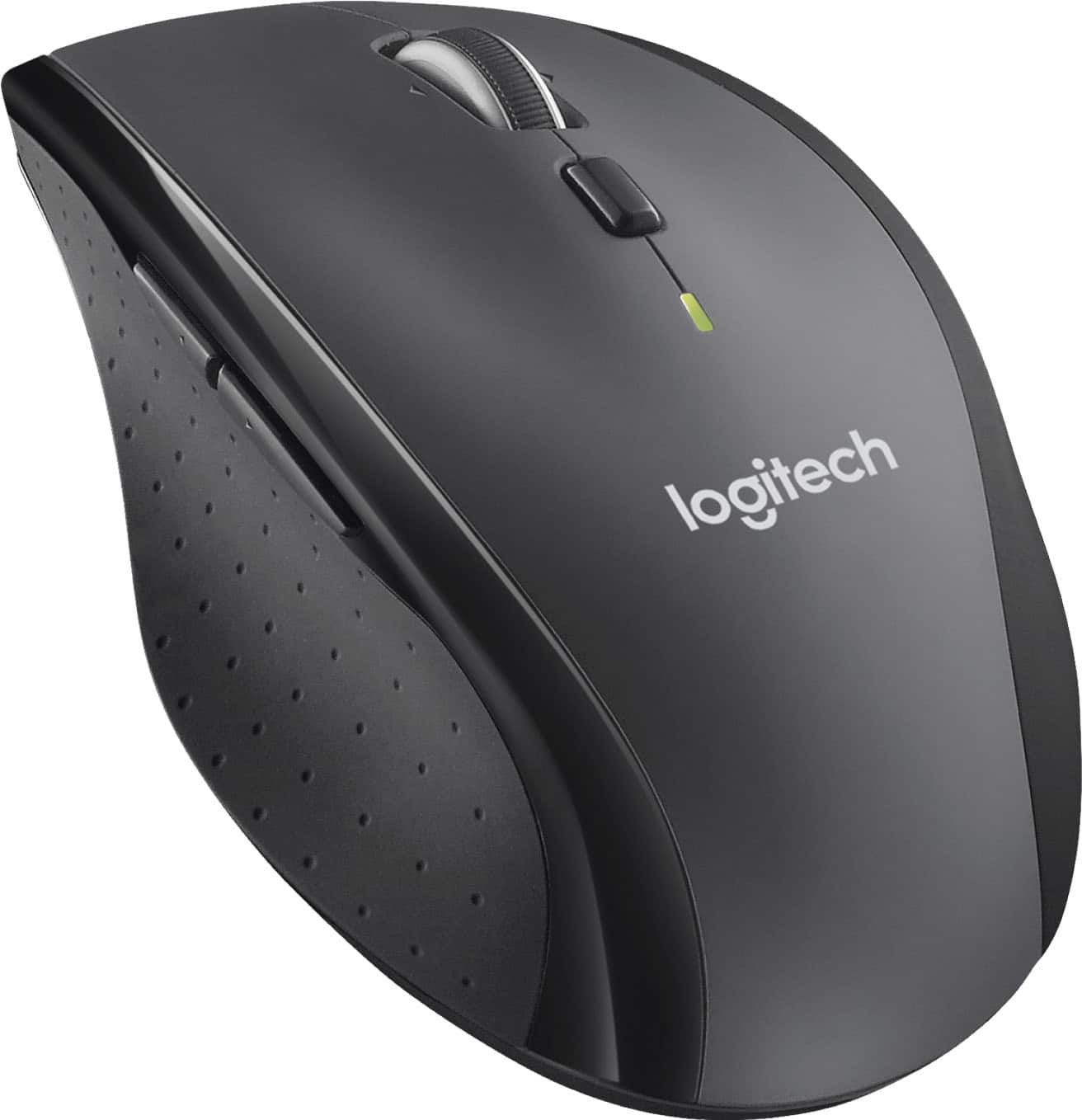


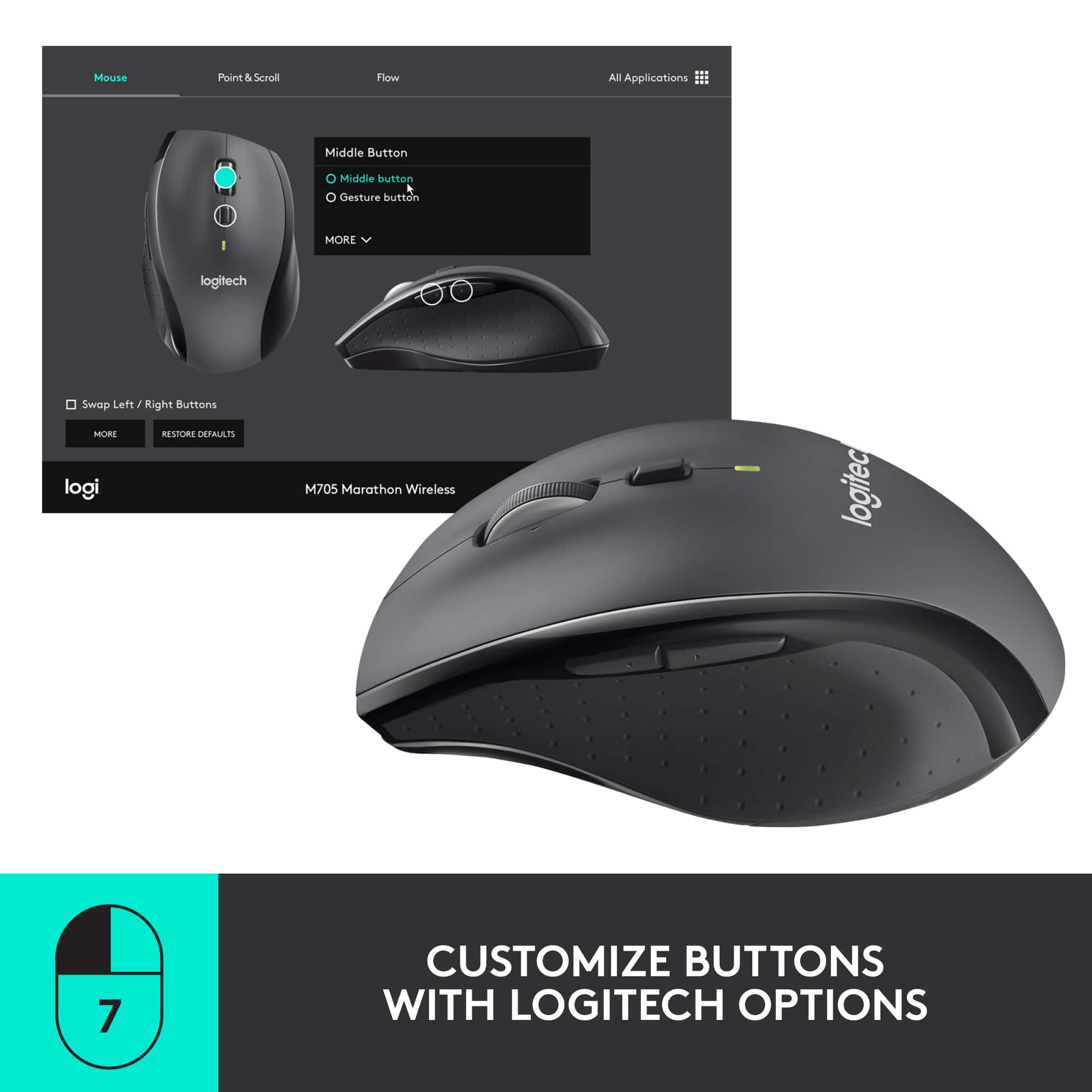
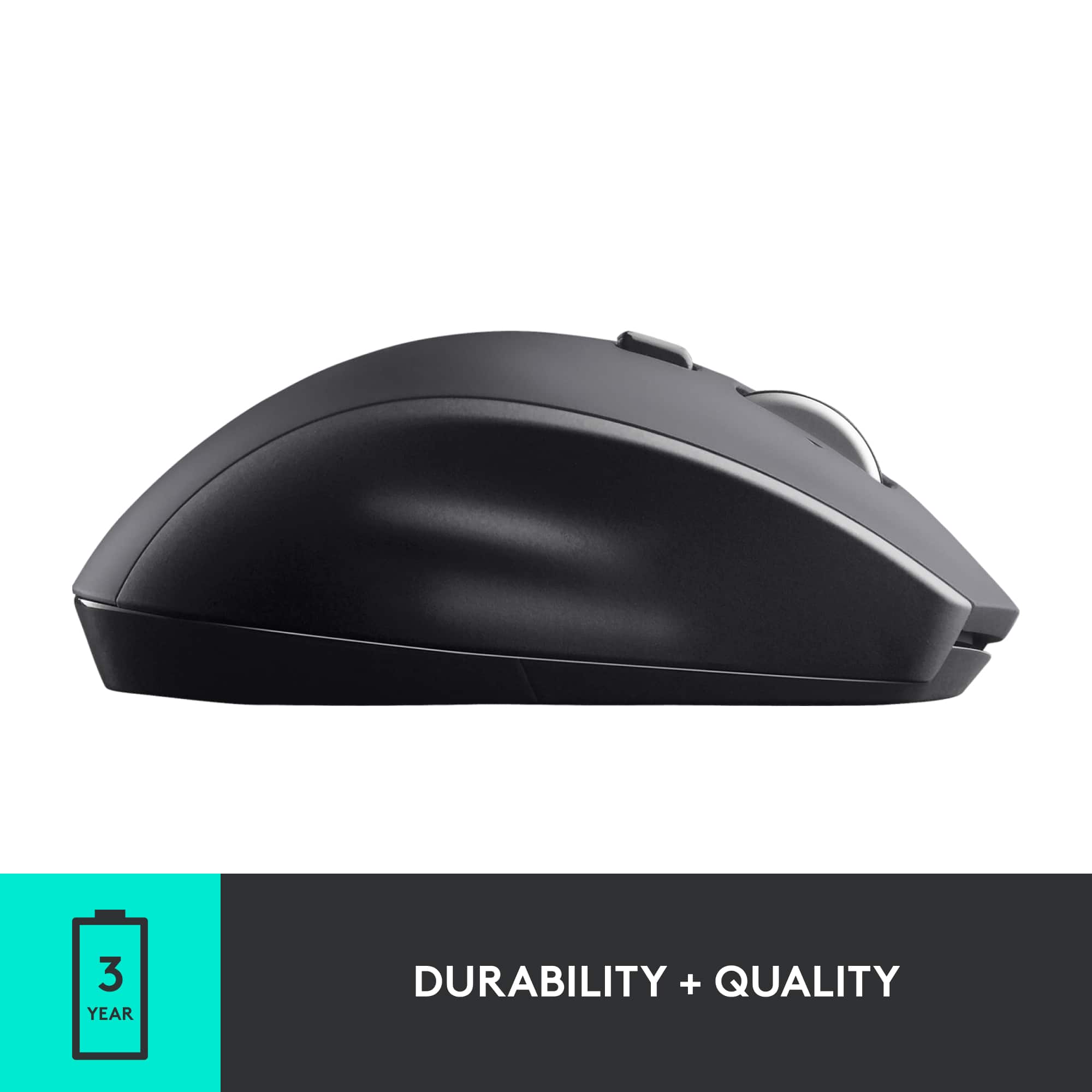
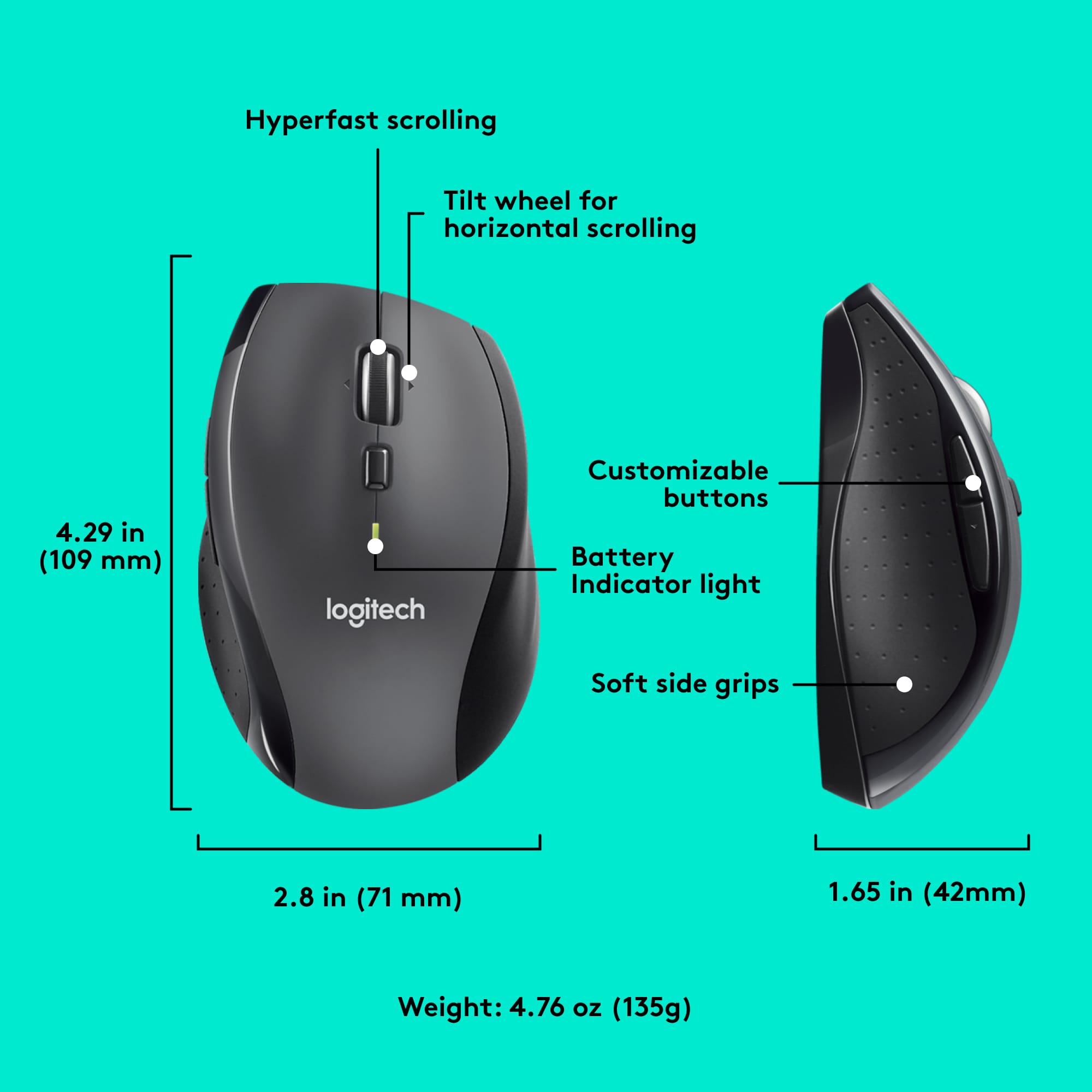


- Model:
- 910-001935
- |
- SKU:
- 10952696
Customer reviews
Rating 4.6 out of 5 stars with 5079 reviews
(5,079 customer reviews)Rating by feature
- Value4.7
Rating 4.7 out of 5 stars
- Quality4.7
Rating 4.7 out of 5 stars
- Ease of Use4.7
Rating 4.7 out of 5 stars
Rated 1 out of 5 stars
Deteriorating Quality
||Posted .This reviewer received promo considerations or sweepstakes entry for writing a review.Logitech used to be the mouse of choice, Owned at least 10. Last two indicate that quality has deteriorated significantly! First one failed in one year (left and right mouse don't click every time). Then bought this one, which came out defective right out of the box (wheel unbalanced and scrolls back). Would try Microsoft in the future.
This review is from Logitech - M705 Marathon Wireless Optical Mouse with 5 Programmable Buttons - Wireless - Black
No, I would not recommend this to a friendBrand response from Logitech
Posted .Hi! Sorry to see you're having hardware issues with your M705 mouse. For more info, check out the link at https://support.logi.com/hc/en-us/articles/360024155494.
Rated 3 out of 5 stars
Arrow is hard to stabilize and hoover over desired
||Posted .This reviewer received promo considerations or sweepstakes entry for writing a review.Better than the first one that the arrow bounced all over the screen, so I'm keeping this one only because I don't want to keep returning and purchasing only to find they're all like this. MO time.
This review is from Logitech - M705 Marathon Wireless Optical Mouse with 5 Programmable Buttons - Wireless - Black
No, I would not recommend this to a friendRated 1 out of 5 stars
Horrible
||Posted . Owned for 3 weeks when reviewed.This reviewer received promo considerations or sweepstakes entry for writing a review.Horrible, the lack of the wheel clicking made me hate it instantly, oh, and the wheel spontaneously going off on its own now. Waste of $30. My $10 mouse works better than this.
This review is from Logitech - M705 Marathon Wireless Optical Mouse with 5 Programmable Buttons - Wireless - Black
No, I would not recommend this to a friendBrand response from Logitech
Posted .That sounds like an issue. In order to assist you effectively, please provide your information to our support team by emailing socialcare@logitech.com. Name – Email address – Country – Product name – Brief description of the issue –
Rated 2 out of 5 stars
Decent hand feel, but id go elsewhere.
||Posted . Owned for 3 months when reviewed.This reviewer received promo considerations or sweepstakes entry for writing a review.Decent, didnt last long. scroll week broke within a couple weeks of light office use.
This review is from Logitech - M705 Marathon Wireless Optical Mouse with 5 Programmable Buttons - Wireless - Black
No, I would not recommend this to a friendBrand response from Logitech
Posted .Hello UMcgillicutty, Very sorry to hear about the issue you're having with the scroll wheel breaking on the M705 Marathon Mouse. The scroll wheel for the M705 features Dual-mode scrolling that lets you switch between speed and precision. To switch modes simply click the button below the scroll wheel to toggle between the two modes. You may have accidentally toggled the hyper-fast scrolling. If that isn't the case, thankfully the M705 does come with a 3-year limited warranty. Here's link to File A Claim: https://support.logi.com/hc/en-us/articles/360025078953-Warranty-M705-Marathon-Mouse. Hope that you found this helpful and that all is going better. Thank you for being a Logitech customer. - Richard from Logitech
Rated 2 out of 5 stars
Would not buy this mouse again
||Posted . Owned for 3 weeks when reviewed.This reviewer received promo considerations or sweepstakes entry for writing a review.Having major issues with the mouse flying working properly. Drifts off in a direction other than where I am trying to go. Troubleshooting it with Logitech didn't solve issue. Using another mouse at this time. Wish I could return it.
This review is from Logitech - M705 Marathon Wireless Optical Mouse with 5 Programmable Buttons - Wireless - Black
No, I would not recommend this to a friendBrand response from Logitech
Posted .We sincerely regret if our product provided you with a inferior experience. We understand your displeasure and apologize for any issues that arise. We value your input, therefore we will forward it along to the appropriate team so they can look into it.
Rated 3 out of 5 stars
mouse
||Posted . Owned for 1 week when reviewed.This reviewer received promo considerations or sweepstakes entry for writing a review.bought mouse, but you had to take out sim card each time and it took away a usb port
This review is from Logitech - M705 Marathon Wireless Optical Mouse with 5 Programmable Buttons - Wireless - Black
No, I would not recommend this to a friend- Cons mentioned:Sensitivity
Rated 1 out of 5 stars
ok mouse for the price
||Posted . Owned for 3 weeks when reviewed.This reviewer received promo considerations or sweepstakes entry for writing a review.unless you hit the button above the wheel mouse to control the sensitivity the wheel will just drift and scroll when you are not even using the mouse - other than that it is fine
This review is from Logitech - M705 Marathon Wireless Optical Mouse with 5 Programmable Buttons - Wireless - Black
No, I would not recommend this to a friendBrand response from Logitech
Posted .Thanks for your valuable feedback. We regret to know that the product did not meet your expectations. We'll make sure to share it with the right team so they can look into it.
Rated 3 out of 5 stars
Mouse
||Posted . Owned for 3 weeks when reviewed.This reviewer received promo considerations or sweepstakes entry for writing a review.Upset had to go to Apple Store to get adaptor for mouse to work with Apple computer!
This review is from Logitech - M705 Marathon Wireless Optical Mouse with 5 Programmable Buttons - Wireless - Black
No, I would not recommend this to a friendRated 3 out of 5 stars
noisy mouse
||Posted . Owned for 1 month when reviewed.This reviewer received promo considerations or sweepstakes entry for writing a review.this is an average mouse - too noisty for me though
This review is from Logitech - M705 Marathon Wireless Optical Mouse with 5 Programmable Buttons - Wireless - Black
No, I would not recommend this to a friendRated 3 out of 5 stars
Not sure yet
||Posted . Owned for 1 week when reviewed.This reviewer received promo considerations or sweepstakes entry for writing a review.I think I need a mousepad but I’m not so sure about this mouse yet.
This review is from Logitech - M705 Marathon Wireless Optical Mouse with 5 Programmable Buttons - Wireless - Black
No, I would not recommend this to a friend- Cons mentioned:Lag
Rated 2 out of 5 stars
Lag
||Posted .This reviewer received promo considerations or sweepstakes entry for writing a review.The mouse did in fact work with my MacBook Pro 2020. However, it was a bit too laggy for my liking.
This review is from Logitech - M705 Marathon Wireless Optical Mouse with 5 Programmable Buttons - Wireless - Black
No, I would not recommend this to a friendBrand response from Logitech
Posted .Hi KC24, I'm glad you were able to find a mouse that works with the MacBook Pro 2020. Many times when you are plugging a wireless receiver into a hub it will often times be delayed as the data is having to transfer farther than if it was directly connected to the computer. Logitech offers several mice that would connect to the MacBook Pro 2020 via Bluetooth. This could give you the connection without the lag you are looking for. The MX Master 3 and M720 are similar mice in shape and size to the M705 marathon. Thank you for being a loyal Logitech customer. If you have other questions about Logitech products you can visit us at support.logi.com
Kristi from Logitech
Rated 3 out of 5 stars
Pricy
||Posted . Owned for 1 month when reviewed.This reviewer received promo considerations or sweepstakes entry for writing a review.Too complicated & pricy. I was in a hurry and out of town or I would have returned it.
This review is from Logitech - M705 Marathon Wireless Optical Mouse with 5 Programmable Buttons - Wireless - Black
No, I would not recommend this to a friendRated 3 out of 5 stars
Mediocre
||Posted .This reviewer received promo considerations or sweepstakes entry for writing a review.Works fine as a simple house, and I only use the basic features....but the track wheel spins too fast in terms of cursor movement on the screen....not certain if it's adjustable...
This review is from Logitech - M705 Marathon Wireless Optical Mouse with 5 Programmable Buttons - Wireless - Black
I would recommend this to a friendRated 5 out of 5 stars
Great mouse
||Posted .This reviewer received promo considerations or sweepstakes entry for writing a review.Great mouse. Good price. Feels good in the hand. Web browser buttons are nice
This review is from Logitech - M705 Marathon Wireless Optical Mouse with 5 Programmable Buttons - Wireless - Black
I would recommend this to a friendRated 3 out of 5 stars
Does not work as well
||Posted . Owned for 3 weeks when reviewed.This reviewer received promo considerations or sweepstakes entry for writing a review.When your computer is in sleep mode, normally you just need to slide the mouse to wake your computer up. Most of the time, I have to lift it.
This review is from Logitech - M705 Marathon Wireless Optical Mouse with 5 Programmable Buttons - Wireless - Black
No, I would not recommend this to a friendRated 3 out of 5 stars
Good mouse.
||Posted . Owned for 1 month when reviewed.This reviewer received promo considerations or sweepstakes entry for writing a review.solid standard mouse. I wish it glided better on a normal desk surface. It feels a little rough. But the buttons and response has been good.
This review is from Logitech - M705 Marathon Wireless Optical Mouse with 5 Programmable Buttons - Wireless - Black
I would recommend this to a friendRated 2 out of 5 stars
the usb connection damaged easily
||Posted . Owned for 4 months when reviewed.This reviewer received promo considerations or sweepstakes entry for writing a review.Is okay but e aware the usb conector damaged quickly. I had to buy another mouse in less than 2 months
This review is from Logitech - M705 Marathon Wireless Optical Mouse with 5 Programmable Buttons - Wireless - Black
No, I would not recommend this to a friendBrand response from Logitech
Posted .Hello, i am sorry to hear about the USB issues you are having. If you have to replace it again that is covered under the warranty with Logitech. So you can get the replacement from us for free! All you have to do is visit the support page for the item on Logitech.com in order to start the claim process. I hope this helps! Thank you for taking the time to write this review, we appreciate the feedback.
- Pros mentioned:Overall performance
Rated 5 out of 5 stars
Works very easily.
||Posted .This reviewer received promo considerations or sweepstakes entry for writing a review.The product is very easy to work with. No problems encountered so far.
This review is from Logitech - M705 Marathon Wireless Optical Mouse with 5 Programmable Buttons - Wireless - Black
I would recommend this to a friend Rated 3 out of 5 stars
ITS OK
||Posted .This reviewer received promo considerations or sweepstakes entry for writing a review.THE MOUSE IS ADVERTISED THAT ITLL WORK ANYWHERE BUT THAT IS NOT THE CASE. THE MX SERIES ARE WAY BETTER AS THEY DO EXACTLY AS THEY ARE ADVERTISED. THE FEEL OF THIS MOUSE IS VERY GOOD THO
This review is from Logitech - M705 Marathon Wireless Optical Mouse with 5 Programmable Buttons - Wireless - Black
I would recommend this to a friend- Pros mentioned:Ease of use
Rated 5 out of 5 stars
Great wireless mouse
||Posted .This reviewer received promo considerations or sweepstakes entry for writing a review.This is an easy to use wireless mouse. Plug and play and ready to go.
This review is from Logitech - M705 Marathon Wireless Optical Mouse with 5 Programmable Buttons - Wireless - Black
I would recommend this to a friend