Customer Ratings & Reviews



- Model:
- 910-001935
- SKU:
- 11237343
Rating by feature
- Value
Rating 4.7 out of 5 stars
- Quality
Rating 4.7 out of 5 stars
- Ease of Use
Rating 4.7 out of 5 stars
Doesn't work real well
||Posted .This reviewer received promo considerations or sweepstakes entry for writing a review.Scrolling wheel doesn't work well. If you change some settings, some of them don't stay saved, some do stay saved.
No, I would not recommend this to a friendWorks OK - just too many buttons
||Posted . Owned for 1 month when reviewed.This reviewer received promo considerations or sweepstakes entry for writing a review.The mouse works just fine, but I keep pushing the buttons on the side by accident. Should have just bought a basic model.
No, I would not recommend this to a friend- Pros mentioned:Overall performance
Mouse
||Posted . Owned for 1.5 years when reviewed.This reviewer received promo considerations or sweepstakes entry for writing a review.I was disappointed. It worked great at fine but then it stopped.
No, I would not recommend this to a friendBrand response from Logitech
Posted .Hi Sissy,
Thank you for your feedback. Sorry you are having issues with your mouse. Here are possible solutions:
If your mouse is not working, the problem is likely to be a lost connection. The connection between the mouse and Unifying USB receiver can be lost for several reasons. Make sure you have fresh batteries in your mouse and is turned on. Make sure the Unifying USB receiver is securely plugged directly into a working USB port on your computer. Turn your computer on. Finally, download the correct version of Logitech SetPoint mouse and keyboard software. If you need further assistance, please contact Logitech support on the website.
LaShonda from Logitech
c
||Posted .This reviewer received promo considerations or sweepstakes entry for writing a review.Overall a very good wireless mouse. Very easy to connect
I would recommend this to a friendDecent
||Posted .This reviewer received promo considerations or sweepstakes entry for writing a review.It's OK I still much prefer my M525. It's a little touchy with the wheel. Other than that it is fine. Logitech usually makes a solid product.
I would recommend this to a friendReturn
||Posted . Owned for 1 month when reviewed.This reviewer received promo considerations or sweepstakes entry for writing a review.I had to immediately return the product. This was a gift for a family member. I was embarrassed to find out there were batteries installed and the driver was not in the box. The device is useless without it. I informed the store about it. Not sure if I can recommend as it was never used.
No, I would not recommend this to a friendBrand response from Logitech
Posted .Thank you for sharing your experience with the Logitech M705 mouse. We're very sorry to hear that the product arrived without the driver and with pre-installed batteries, causing you embarrassment and requiring an immediate return. We apologize for this oversight and the inconvenience it caused. We appreciate you informing the store about the issue.

- Cons mentioned:Sensitivity
Most Imprecise mouse I’ve ever used
||Posted .This reviewer received promo considerations or sweepstakes entry for writing a review.It pains me to give Logitech a negative review. I’ve used their products for years and have always been happy.... until now. This mouse is difficult to use because it is imprecise. It takes extra effort and focus to do something as simple as navigate a folder structure. I will be returning it.
No, I would not recommend this to a friendBrand response from Logitech
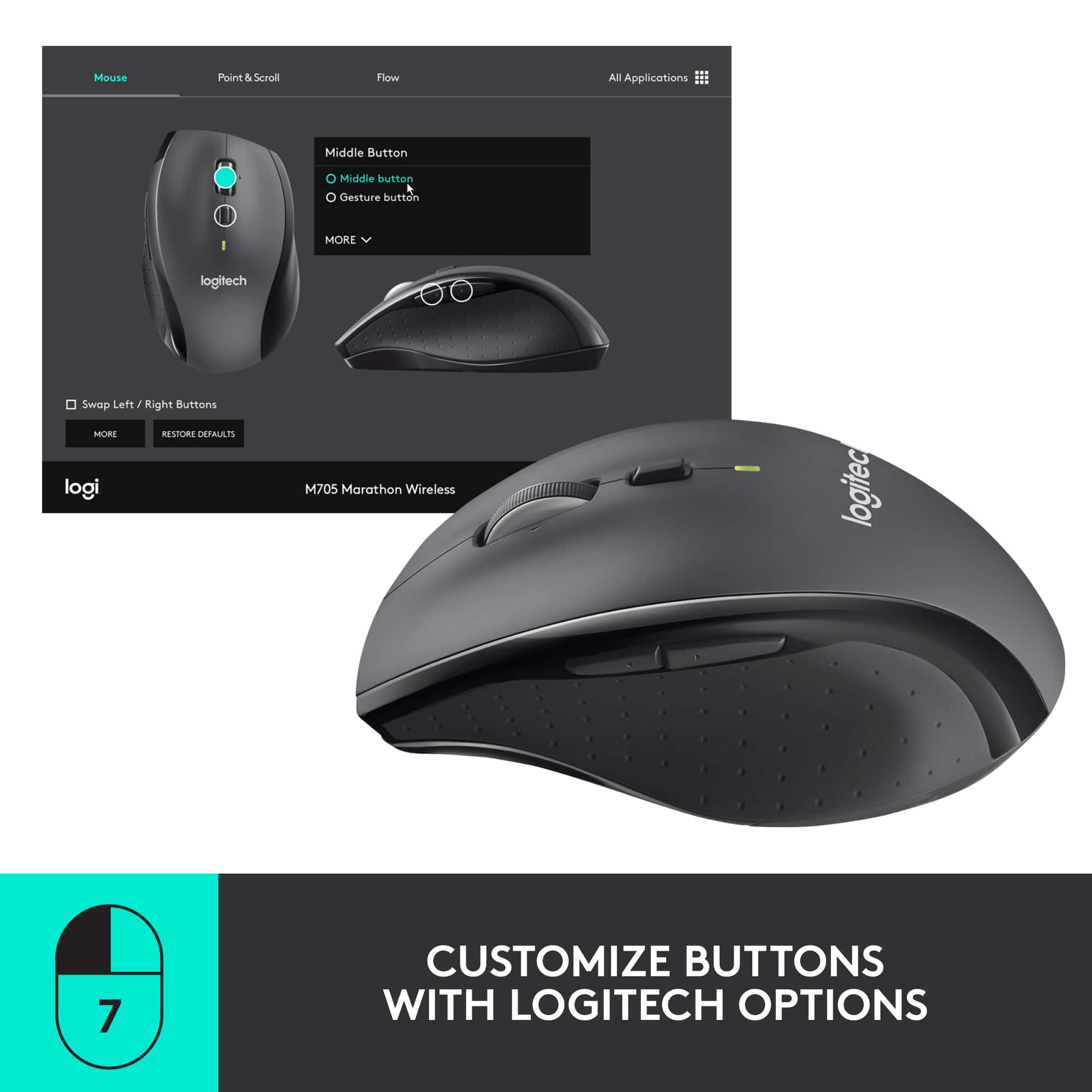
Posted .Hello Spite 1000, I am so sorry to hear about your issues with the M705 mouse. Thanks so much for the honest feedback. Before returrning, I would love to recommend some troubleshooting tips. It seems that it might be your DPI settings. If set too high, the mouse will be super sensitive, which could be a possibility of the imprecise cursor. If you haven't done so already, download our free Logitech Options software. There, you will be able to update the mouse and also customize any buttons or DPI settings you'd like. I hope this helps. Don't hesitate in reaching out to us on our Logitech support website for additional help. Good day.
Logitech Options:
https://www.logitech.com/en-us/product/options
-Ricky from Logitech
Quit working
||Posted .This reviewer received promo considerations or sweepstakes entry for writing a review.The mouse stopped working 3 months after I bought it. I have never experienced this with any other mouse.
No, I would not recommend this to a friendWorks well, not great!
||Posted .This reviewer received promo considerations or sweepstakes entry for writing a review.Works very well for the price. Clearly not a high equipment, just ok for everyday use.
I would recommend this to a friend- Pros mentioned:Battery life
Awesome battery life
||Posted .This reviewer received promo considerations or sweepstakes entry for writing a review.These are a great bang for the buck. Can’t beat the battery life. Overall great buy!
I would recommend this to a friend no money to pay
||Posted . Owned for 1 month when reviewed.This reviewer received promo considerations or sweepstakes entry for writing a review.I am unable to buy this time cos no job no income if u reduce the price so I can think
I would recommend this to a friendOk replacement.
||Posted . Owned for 1 month when reviewed.This reviewer received promo considerations or sweepstakes entry for writing a review.Bought this as a temporary replacement to my MX Master 3. It has similar buttons and feel but is much smaller.
No, I would not recommend this to a friendMousewheel makes it unusable
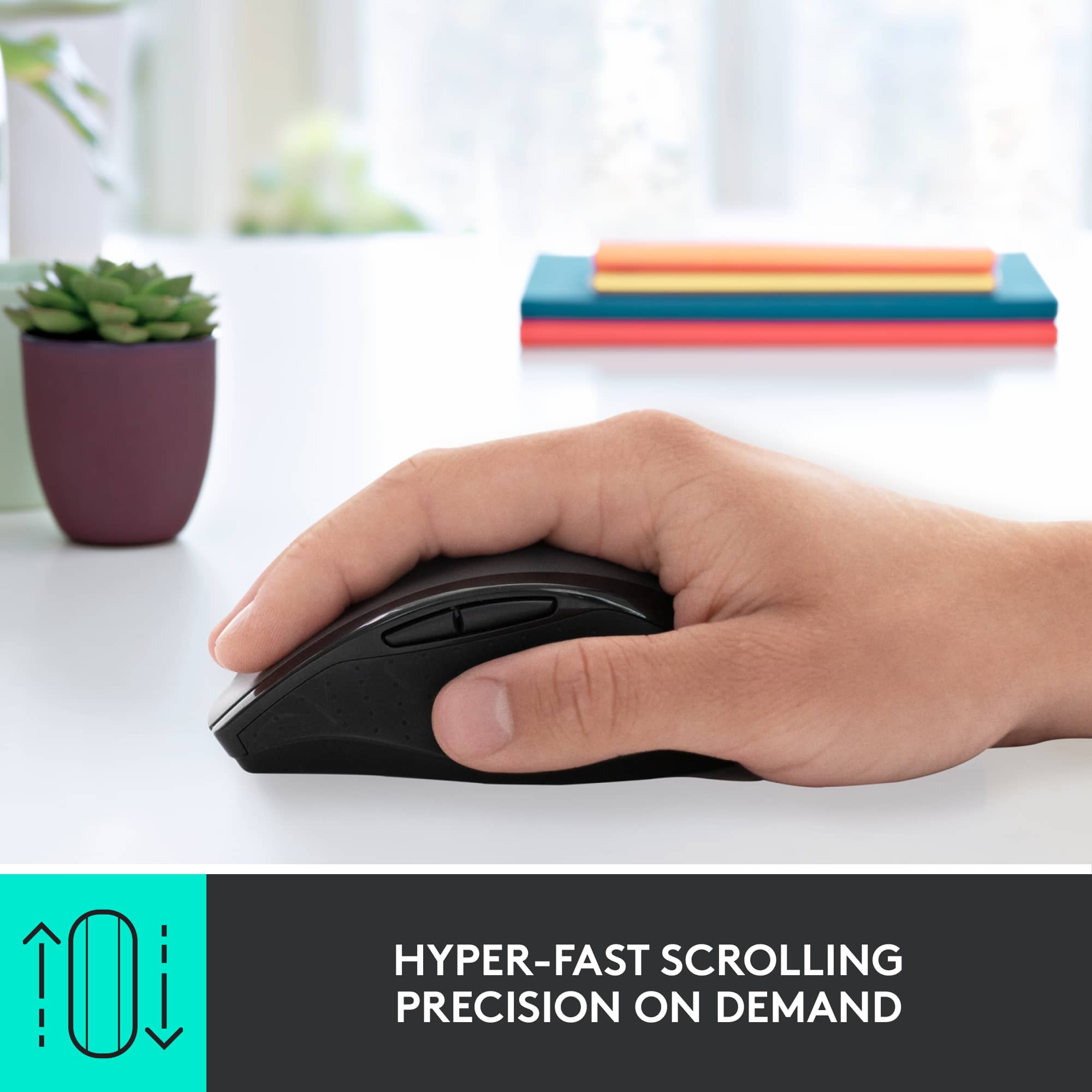
||Posted . Owned for 2 weeks when reviewed.This reviewer received promo considerations or sweepstakes entry for writing a review.Terrible mouse. The wheel is so smooth and "loose" that it often over scrolls, even if you adjust the line scroll count to 1. Ergonomically it is somewhat awkward for people with larger hands. It is also very unfortunate that Best Buy's return policy remains unchanged during Covid 19.
No, I would not recommend this to a friendBrand response from Logitech
Posted .Hello Disgruntledpurchaser! Sorry to hear you weren't happy with the feel of the M705 Wireless Laser Mouse, but we appreciate your feedback. We hope you'll find the right solution among our other products! Simply visit our support page if we can be of any help: https://support.logi.com/hc/en-us - Mathieu from Logitech
Looks good but not convenient for use
||Posted .This reviewer received promo considerations or sweepstakes entry for writing a review.The roller of this mouse goes the different way as the other mouses, it is very uncomfortable and disturbing.
No, I would not recommend this to a friendlatest model of technology in a mouse
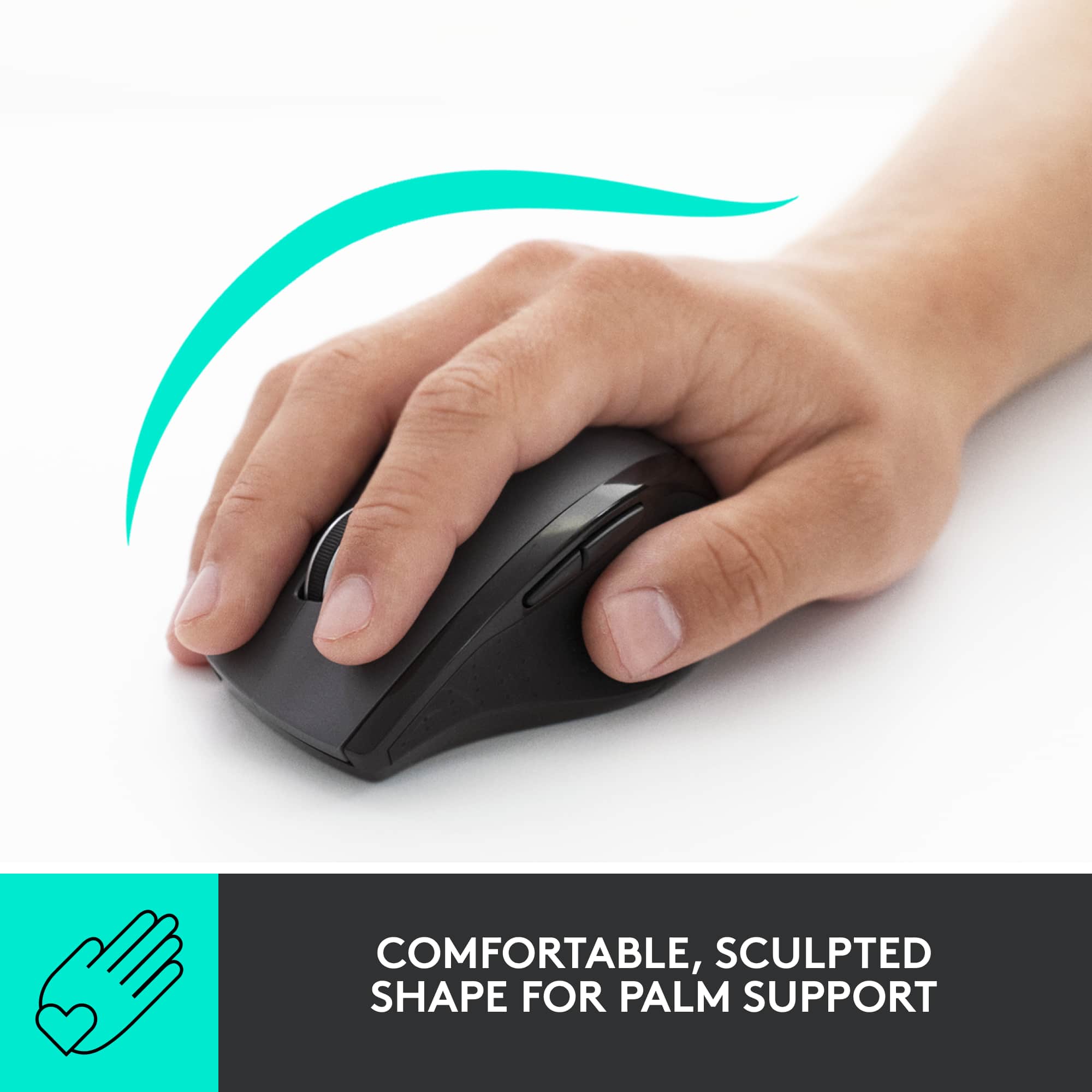
||Posted .This reviewer received promo considerations or sweepstakes entry for writing a review.It's ok. A little too big for my hand so therefore not comfortable to use for very long. The movement is also a little too unwieldy.
I would recommend this to a friendNot satisfied
||Posted . Owned for 1 month when reviewed.This reviewer received promo considerations or sweepstakes entry for writing a review.Mouse is much too small for my hands. Constantly hitting the center wheel. Noisy wheel. Cheap feel.
No, I would not recommend this to a friendStick with lower model
||Posted . Owned for 1 month when reviewed.This reviewer received promo considerations or sweepstakes entry for writing a review.Not worth the extra money. The lower priced model worked just the same.
I would recommend this to a friend- Cons mentioned:Surface compatibility
Bad quality
||Posted . Owned for less than 1 week when reviewed.This reviewer received promo considerations or sweepstakes entry for writing a review.Looks bad on real and doesn’t work on all surfaces
No, I would not recommend this to a friendBrand response from Logitech
Posted .Hi Mohamed, I'm sorry that the design of the mouse didn't appeal to you. Not all mice will track on all surfaces. Logitech does offer a few mice with their Dark Field Sensor that will track on all surfaces including glass. The MX Master 3 and the MX Anywhere 3 both offer that sensor. The MX Master 3 will have a larger body shape like the M705 to offer some ergonomic support, while the MX Anywhere 3 is a more compact mouse. I hope you are able to find a mouse that suits your needs. Thank you for being a loyal Logitech customer. If you have questions about our products please visit us at support.logi.com
Kristi from Logitech
Disappointed
||Posted . Owned for less than 1 week when reviewed.This reviewer received promo considerations or sweepstakes entry for writing a review.I had hopes for this mouse because Logitech has always made quality products, in my opinion. The mouse was sound, mechanically, but periodically it would lose the connection to the computer. Of course, it would happen in the worst possible time: while I was gaming! Sadly, I was forced to return it and bought a Razer mouse.
No, I would not recommend this to a friendBrand response from Logitech
Posted .Hello, I am sorry to hear about the connectivity issues with the mouse. Next time let us get it replaced for you as it has a 3 year warranty through Logitech. Just visit the support page on the Logitech site and file a claim there. I hope this was helpful! Thank you for taking the time to write this review, we appreciate the feedback.
The Hyper Scroll Wheel is Horrible
||Posted .This reviewer received promo considerations or sweepstakes entry for writing a review.The hyper scroll wheel is too sensitive. I had to change all my computer mouse settings to their lowest possible settings for the scroll wheel to be usable. Would rather have a click wheel for better control. Would not recommend as this has been frustrating to get use to.
No, I would not recommend this to a friendBrand response from Logitech
Posted .Hello Haze! I'm sorry to hear that the M705 isn't working out for you. The button underneath the scroll wheel will switch between the Hyper Scrolling and standard ratchet scrolling. Thank you for shopping Logitech. - Maggie from Logitech