Customer Ratings & Reviews
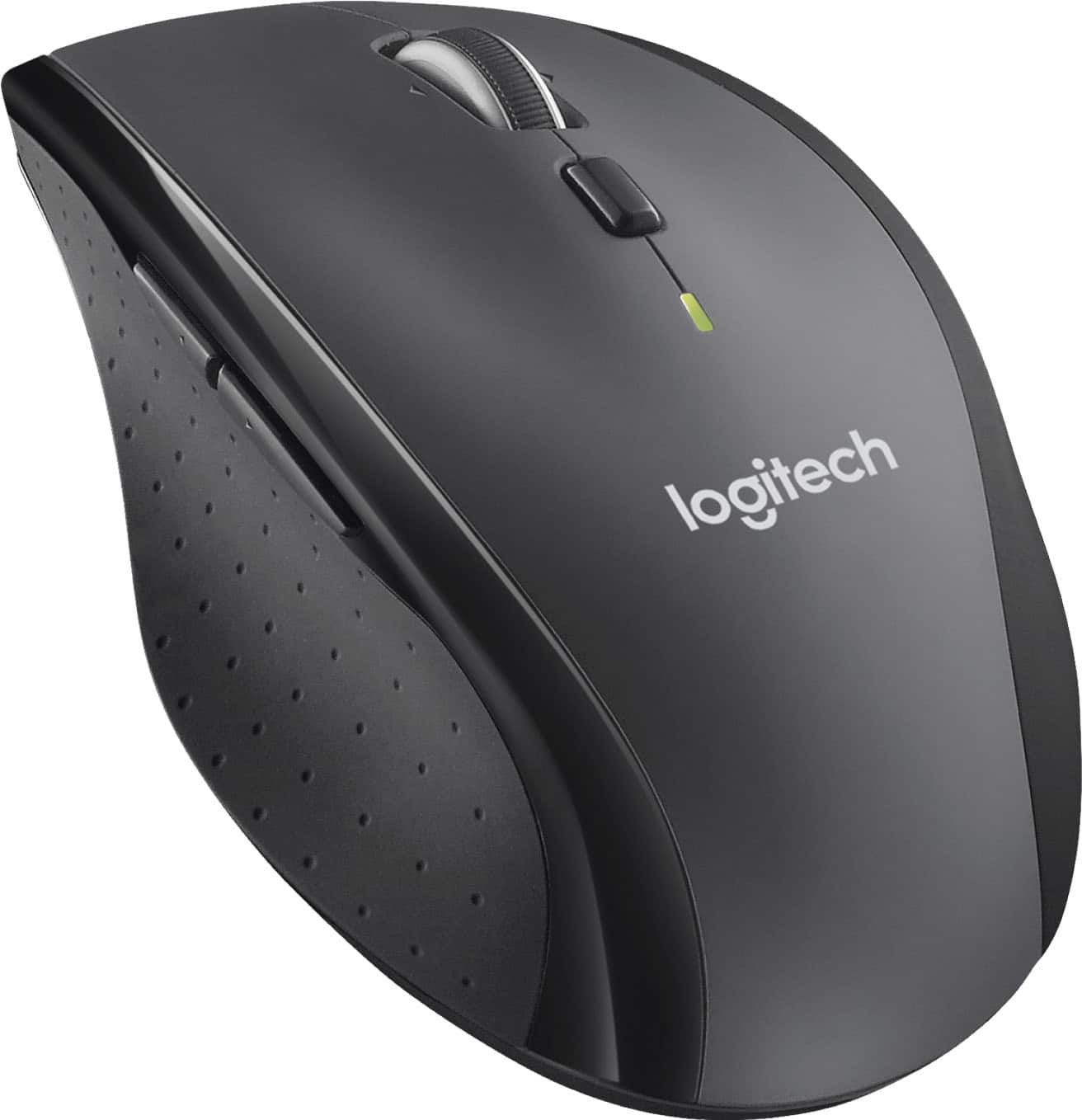

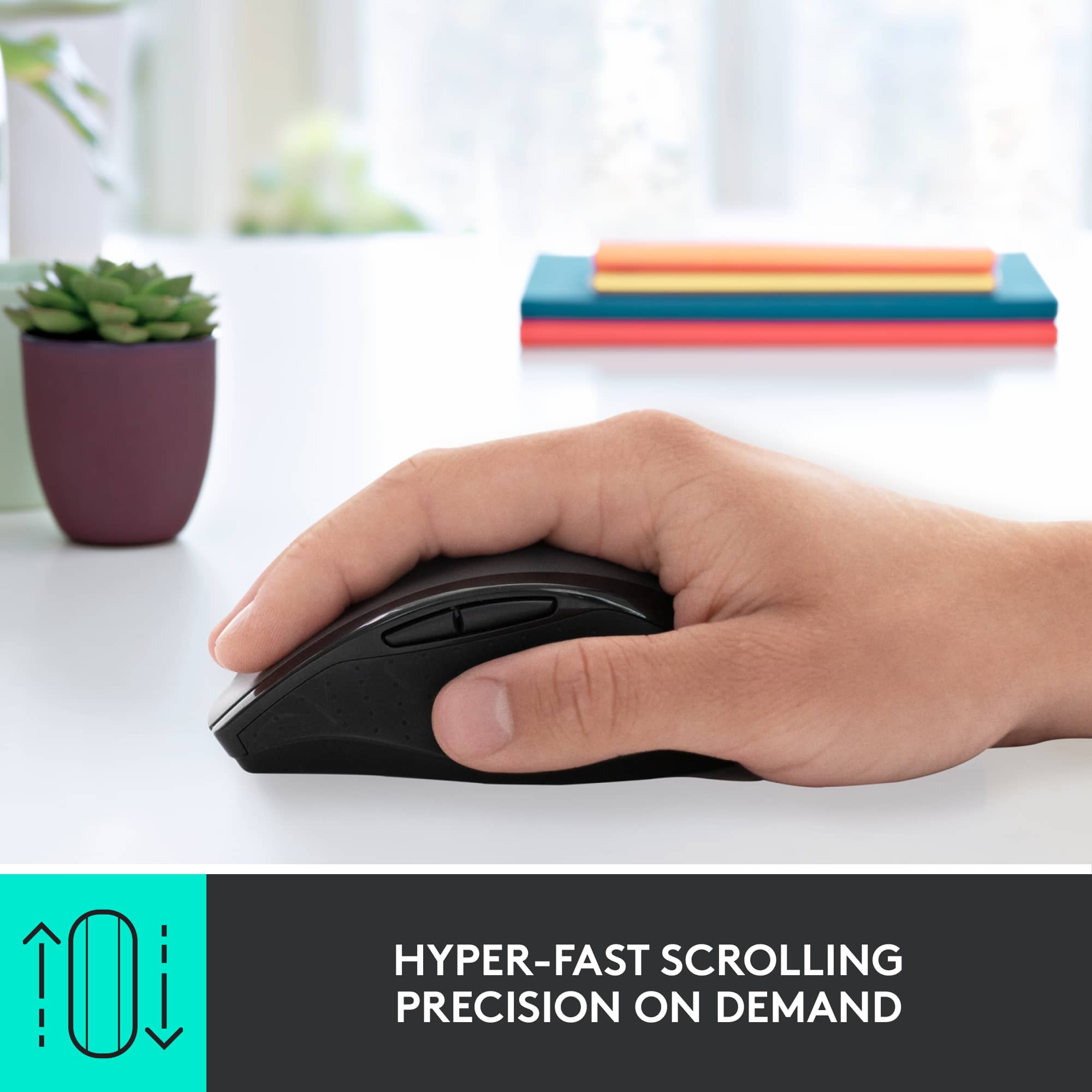
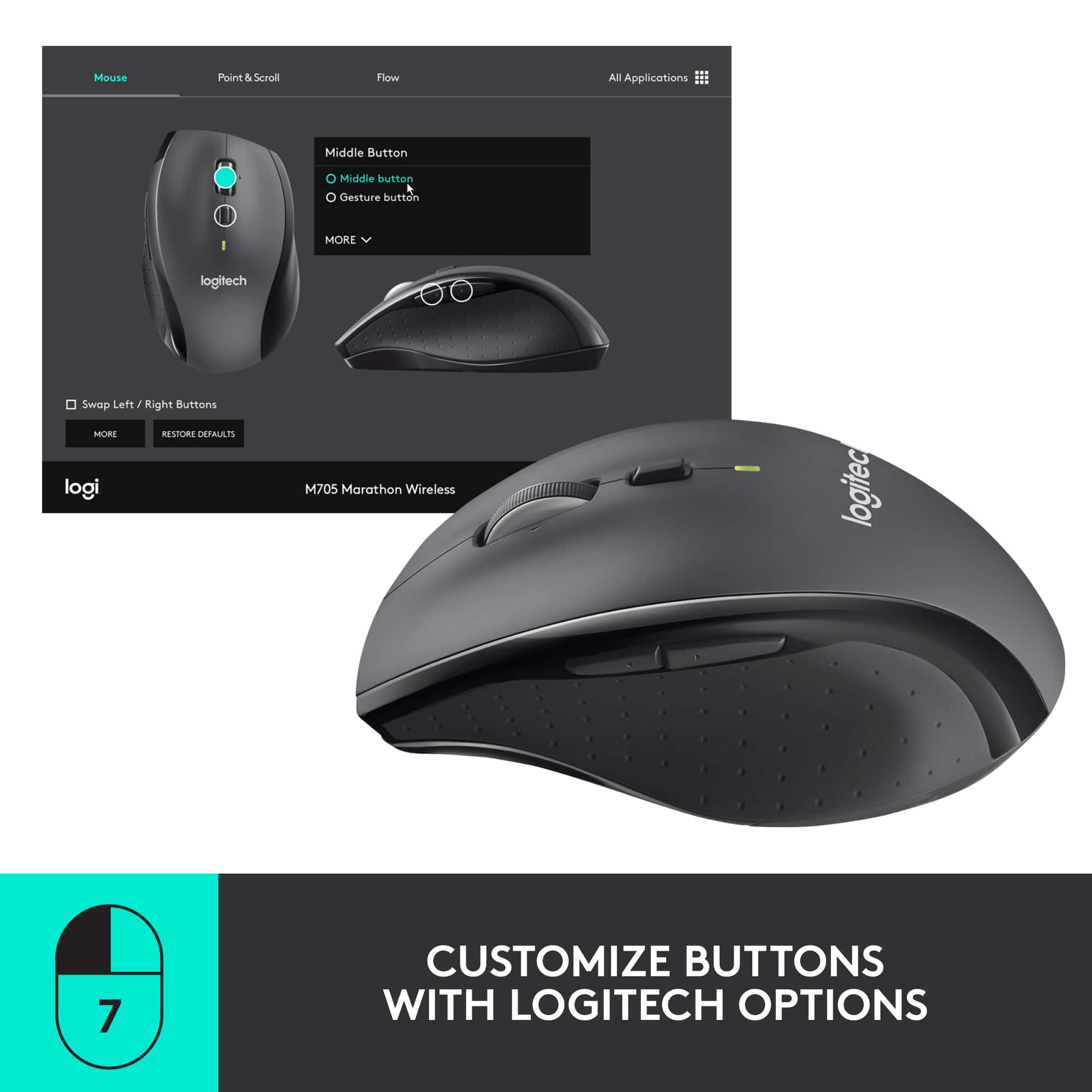
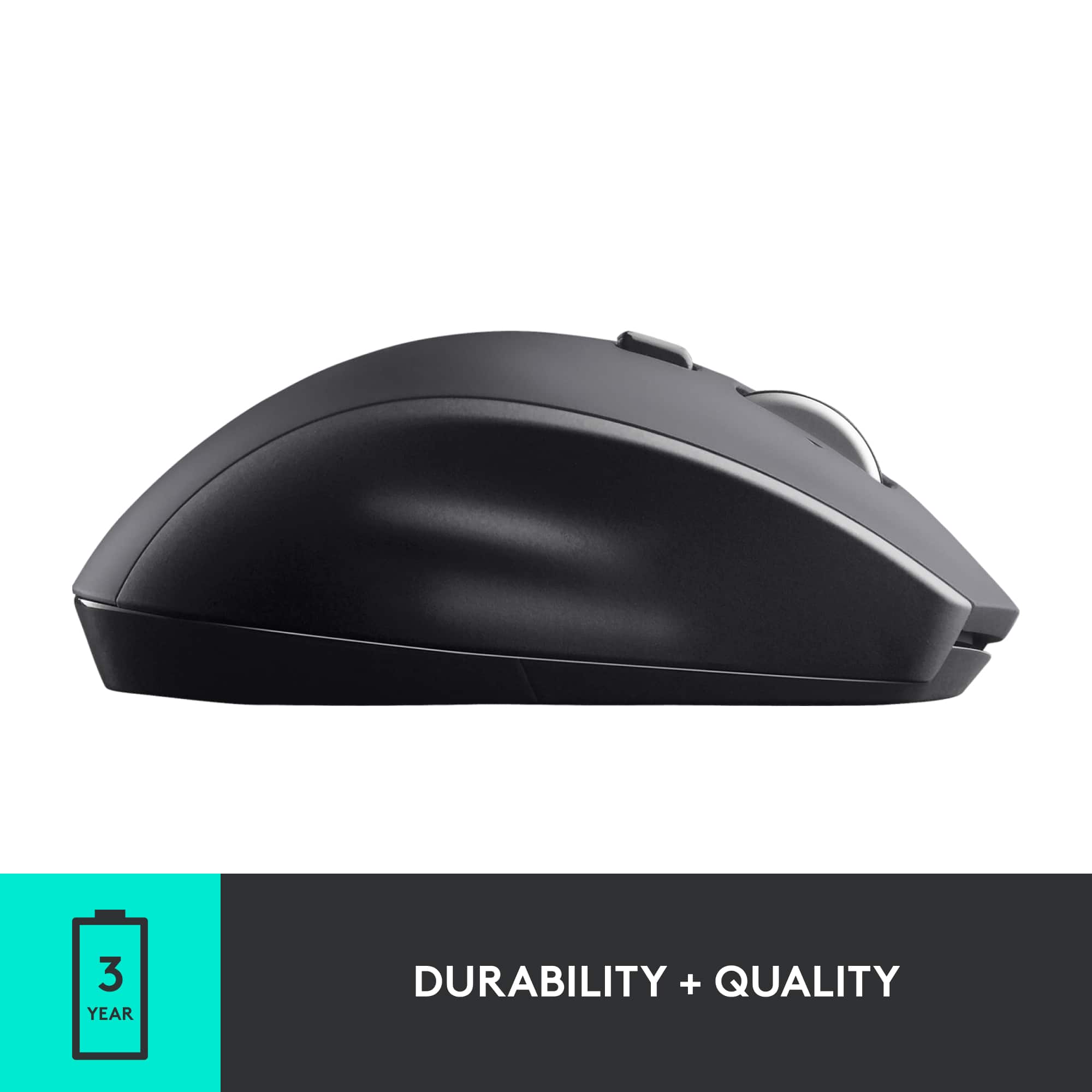
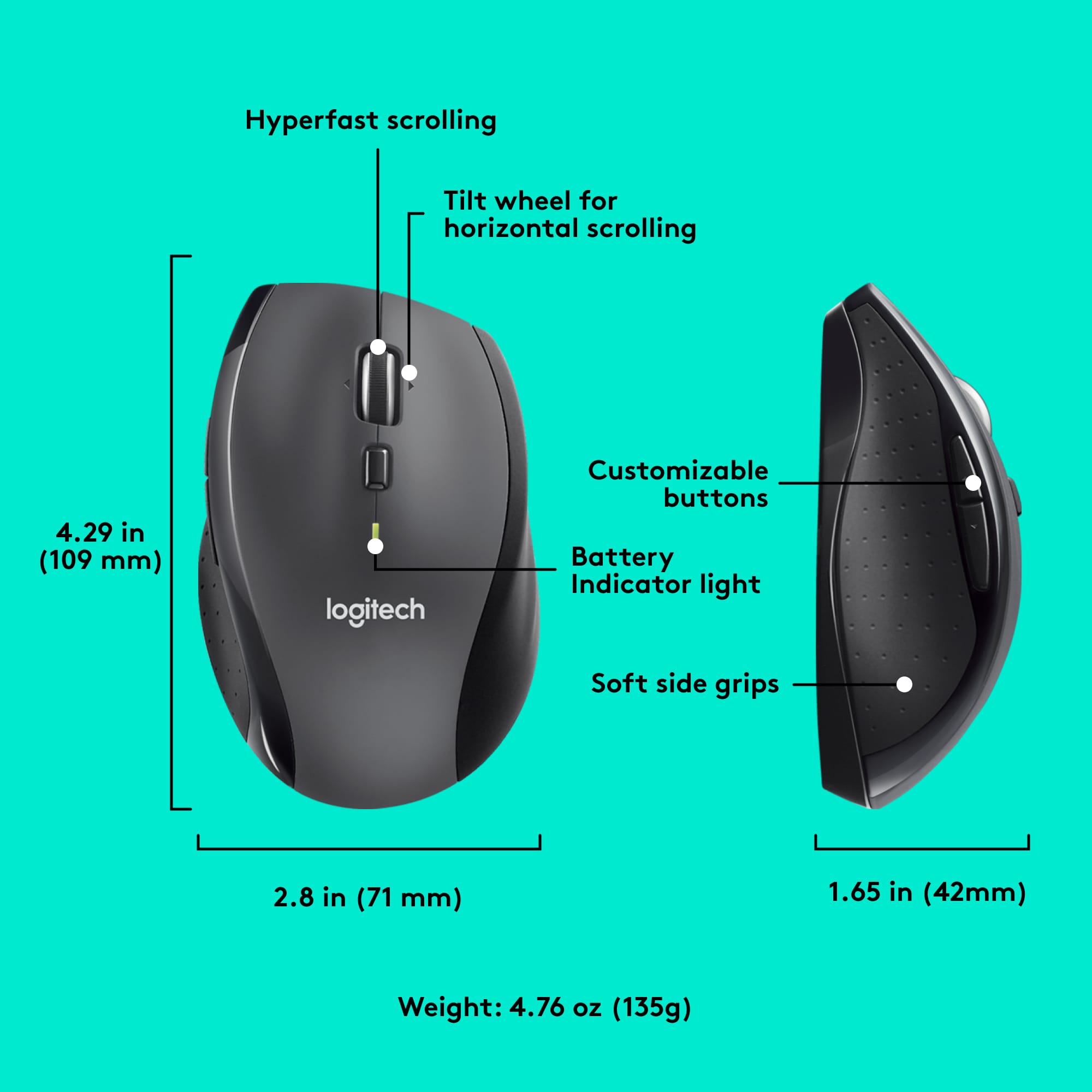
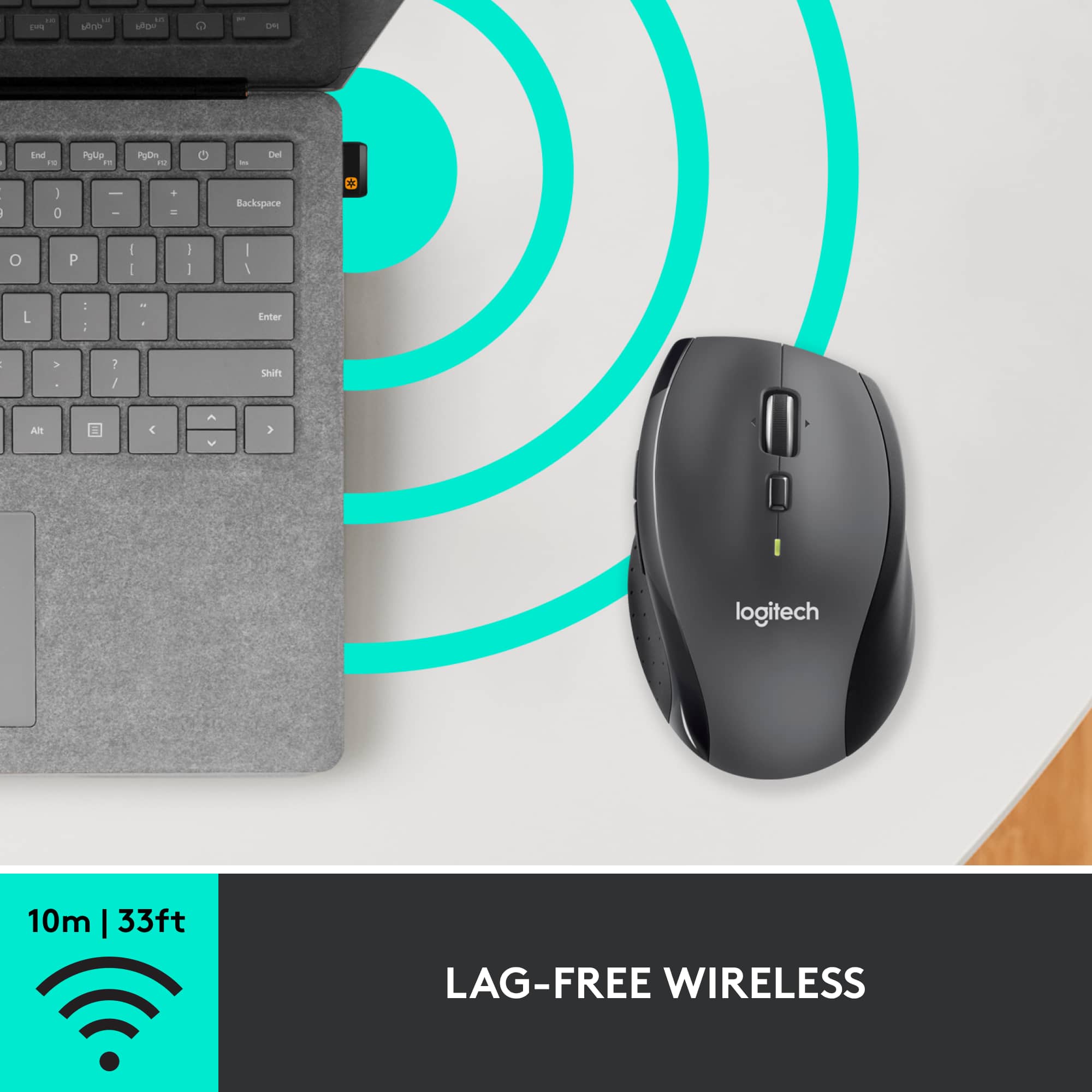
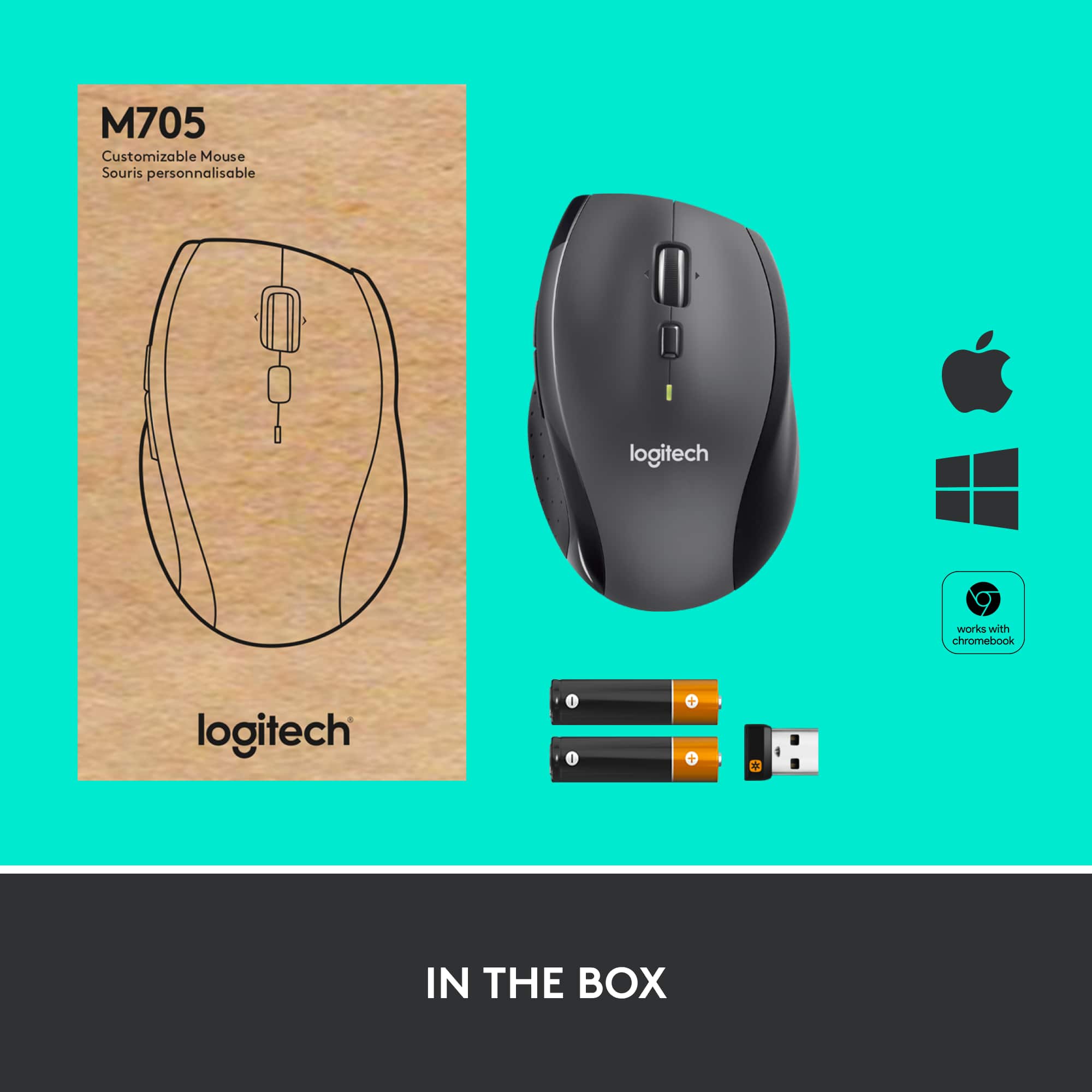

- Model:
- 910-001935
- |
- SKU:
- 12508260
Customer reviews
Rating 4.6 out of 5 stars with 5096 reviews
(5,096 customer reviews)Rating by feature
- Value4.7
Rating 4.7 out of 5 stars
- Quality4.7
Rating 4.7 out of 5 stars
- Ease of Use4.7
Rating 4.7 out of 5 stars
Customers are saying
Customers express satisfaction with the product's ease of use, long battery life, and overall performance. They also appreciate its comfortable ergonomics, responsive scroll wheel, suitable size, wireless functionality, and good price. However, some users have noted concerns regarding its sensitivity, finding it less accurate, and its compatibility with shiny surfaces. The lighter weight, compared to a previous version, is also a point of concern for some.
This summary was generated by AI based on customer reviews.
Rated 3 out of 5 stars
Works OK - just too many buttons
||Posted . Owned for 1 month when reviewed.This reviewer received promo considerations or sweepstakes entry for writing a review.The mouse works just fine, but I keep pushing the buttons on the side by accident. Should have just bought a basic model.
This review is from Logitech - M705 Marathon Wireless Optical Mouse with 5 Programmable Buttons - Wireless - Black
No, I would not recommend this to a friend- Pros mentioned:Overall performance
Rated 2 out of 5 stars
Mouse
||Posted . Owned for 1.5 years when reviewed.This reviewer received promo considerations or sweepstakes entry for writing a review.I was disappointed. It worked great at fine but then it stopped.
This review is from Logitech - M705 Marathon Wireless Optical Mouse with 5 Programmable Buttons - Wireless - Black
No, I would not recommend this to a friendBrand response from Logitech
Posted .Hi Sissy,
Thank you for your feedback. Sorry you are having issues with your mouse. Here are possible solutions:
If your mouse is not working, the problem is likely to be a lost connection. The connection between the mouse and Unifying USB receiver can be lost for several reasons. Make sure you have fresh batteries in your mouse and is turned on. Make sure the Unifying USB receiver is securely plugged directly into a working USB port on your computer. Turn your computer on. Finally, download the correct version of Logitech SetPoint mouse and keyboard software. If you need further assistance, please contact Logitech support on the website.
LaShonda from Logitech
Rated 2 out of 5 stars
Quit working
||Posted .This reviewer received promo considerations or sweepstakes entry for writing a review.The mouse stopped working 3 months after I bought it. I have never experienced this with any other mouse.
This review is from Logitech - M705 Marathon Wireless Optical Mouse with 5 Programmable Buttons - Wireless - Black
No, I would not recommend this to a friend- Cons mentioned:Sensitivity
Rated 1 out of 5 stars
Most Imprecise mouse I’ve ever used
||Posted .This reviewer received promo considerations or sweepstakes entry for writing a review.It pains me to give Logitech a negative review. I’ve used their products for years and have always been happy.... until now. This mouse is difficult to use because it is imprecise. It takes extra effort and focus to do something as simple as navigate a folder structure. I will be returning it.
This review is from Logitech - M705 Marathon Wireless Optical Mouse with 5 Programmable Buttons - Wireless - Black
No, I would not recommend this to a friendBrand response from Logitech
Posted .Hello Spite 1000, I am so sorry to hear about your issues with the M705 mouse. Thanks so much for the honest feedback. Before returrning, I would love to recommend some troubleshooting tips. It seems that it might be your DPI settings. If set too high, the mouse will be super sensitive, which could be a possibility of the imprecise cursor. If you haven't done so already, download our free Logitech Options software. There, you will be able to update the mouse and also customize any buttons or DPI settings you'd like. I hope this helps. Don't hesitate in reaching out to us on our Logitech support website for additional help. Good day.
Logitech Options:
https://www.logitech.com/en-us/product/options
-Ricky from Logitech
Rated 4 out of 5 stars
Works well, not great!
||Posted .This reviewer received promo considerations or sweepstakes entry for writing a review.Works very well for the price. Clearly not a high equipment, just ok for everyday use.
This review is from Logitech - M705 Marathon Wireless Optical Mouse with 5 Programmable Buttons - Wireless - Black
I would recommend this to a friend- Pros mentioned:Battery life
Rated 4 out of 5 stars
Awesome battery life
||Posted .This reviewer received promo considerations or sweepstakes entry for writing a review.These are a great bang for the buck. Can’t beat the battery life. Overall great buy!
This review is from Logitech - M705 Marathon Wireless Optical Mouse with 5 Programmable Buttons - Wireless - Black
I would recommend this to a friend Rated 3 out of 5 stars
c
||Posted .This reviewer received promo considerations or sweepstakes entry for writing a review.Overall a very good wireless mouse. Very easy to connect
This review is from Logitech - M705 Marathon Wireless Optical Mouse with 5 Programmable Buttons - Wireless - Black
I would recommend this to a friendRated 3 out of 5 stars
Looks good but not convenient for use
||Posted .This reviewer received promo considerations or sweepstakes entry for writing a review.The roller of this mouse goes the different way as the other mouses, it is very uncomfortable and disturbing.
This review is from Logitech - M705 Marathon Wireless Optical Mouse with 5 Programmable Buttons - Wireless - Black
No, I would not recommend this to a friendRated 3 out of 5 stars
no money to pay
||Posted . Owned for 1 month when reviewed.This reviewer received promo considerations or sweepstakes entry for writing a review.I am unable to buy this time cos no job no income if u reduce the price so I can think
This review is from Logitech - M705 Marathon Wireless Optical Mouse with 5 Programmable Buttons - Wireless - Black
I would recommend this to a friendRated 3 out of 5 stars
Ok replacement.
||Posted . Owned for 1 month when reviewed.This reviewer received promo considerations or sweepstakes entry for writing a review.Bought this as a temporary replacement to my MX Master 3. It has similar buttons and feel but is much smaller.
This review is from Logitech - M705 Marathon Wireless Optical Mouse with 5 Programmable Buttons - Wireless - Black
No, I would not recommend this to a friendRated 3 out of 5 stars
latest model of technology in a mouse
||Posted .This reviewer received promo considerations or sweepstakes entry for writing a review.It's ok. A little too big for my hand so therefore not comfortable to use for very long. The movement is also a little too unwieldy.
This review is from Logitech - M705 Marathon Wireless Optical Mouse with 5 Programmable Buttons - Wireless - Black
I would recommend this to a friendRated 1 out of 5 stars
Mousewheel makes it unusable
||Posted . Owned for 2 weeks when reviewed.This reviewer received promo considerations or sweepstakes entry for writing a review.Terrible mouse. The wheel is so smooth and "loose" that it often over scrolls, even if you adjust the line scroll count to 1. Ergonomically it is somewhat awkward for people with larger hands. It is also very unfortunate that Best Buy's return policy remains unchanged during Covid 19.
This review is from Logitech - M705 Marathon Wireless Optical Mouse with 5 Programmable Buttons - Wireless - Black
No, I would not recommend this to a friendBrand response from Logitech
Posted .Hello Disgruntledpurchaser! Sorry to hear you weren't happy with the feel of the M705 Wireless Laser Mouse, but we appreciate your feedback. We hope you'll find the right solution among our other products! Simply visit our support page if we can be of any help: https://support.logi.com/hc/en-us - Mathieu from Logitech
Rated 3 out of 5 stars
Not satisfied
||Posted . Owned for 1 month when reviewed.This reviewer received promo considerations or sweepstakes entry for writing a review.Mouse is much too small for my hands. Constantly hitting the center wheel. Noisy wheel. Cheap feel.
This review is from Logitech - M705 Marathon Wireless Optical Mouse with 5 Programmable Buttons - Wireless - Black
No, I would not recommend this to a friendRated 3 out of 5 stars
Stick with lower model
||Posted . Owned for 1 month when reviewed.This reviewer received promo considerations or sweepstakes entry for writing a review.Not worth the extra money. The lower priced model worked just the same.
This review is from Logitech - M705 Marathon Wireless Optical Mouse with 5 Programmable Buttons - Wireless - Black
I would recommend this to a friend- Cons mentioned:Surface compatibility
Rated 2 out of 5 stars
Bad quality
||Posted . Owned for less than 1 week when reviewed.This reviewer received promo considerations or sweepstakes entry for writing a review.Looks bad on real and doesn’t work on all surfaces
This review is from Logitech - M705 Marathon Wireless Optical Mouse with 5 Programmable Buttons - Wireless - Black
No, I would not recommend this to a friendBrand response from Logitech
Posted .Hi Mohamed, I'm sorry that the design of the mouse didn't appeal to you. Not all mice will track on all surfaces. Logitech does offer a few mice with their Dark Field Sensor that will track on all surfaces including glass. The MX Master 3 and the MX Anywhere 3 both offer that sensor. The MX Master 3 will have a larger body shape like the M705 to offer some ergonomic support, while the MX Anywhere 3 is a more compact mouse. I hope you are able to find a mouse that suits your needs. Thank you for being a loyal Logitech customer. If you have questions about our products please visit us at support.logi.com
Kristi from Logitech
Rated 2 out of 5 stars
Disappointed
||Posted . Owned for less than 1 week when reviewed.This reviewer received promo considerations or sweepstakes entry for writing a review.I had hopes for this mouse because Logitech has always made quality products, in my opinion. The mouse was sound, mechanically, but periodically it would lose the connection to the computer. Of course, it would happen in the worst possible time: while I was gaming! Sadly, I was forced to return it and bought a Razer mouse.
This review is from Logitech - M705 Marathon Wireless Optical Mouse with 5 Programmable Buttons - Wireless - Black
No, I would not recommend this to a friendBrand response from Logitech
Posted .Hello, I am sorry to hear about the connectivity issues with the mouse. Next time let us get it replaced for you as it has a 3 year warranty through Logitech. Just visit the support page on the Logitech site and file a claim there. I hope this was helpful! Thank you for taking the time to write this review, we appreciate the feedback.
Rated 1 out of 5 stars
The Hyper Scroll Wheel is Horrible
||Posted .This reviewer received promo considerations or sweepstakes entry for writing a review.The hyper scroll wheel is too sensitive. I had to change all my computer mouse settings to their lowest possible settings for the scroll wheel to be usable. Would rather have a click wheel for better control. Would not recommend as this has been frustrating to get use to.
This review is from Logitech - M705 Marathon Wireless Optical Mouse with 5 Programmable Buttons - Wireless - Black
No, I would not recommend this to a friendBrand response from Logitech
Posted .Hello Haze! I'm sorry to hear that the M705 isn't working out for you. The button underneath the scroll wheel will switch between the Hyper Scrolling and standard ratchet scrolling. Thank you for shopping Logitech. - Maggie from Logitech
Rated 3 out of 5 stars
It is ok
||Posted .This reviewer received promo considerations or sweepstakes entry for writing a review.The mouse is ok. Have problems with it when using it on the couch. My old mouse did not have any problems using it on the couch.
This review is from Logitech - M705 Marathon Wireless Optical Mouse with 5 Programmable Buttons - Wireless - Black
No, I would not recommend this to a friendRated 3 out of 5 stars
Ok
||Posted .This reviewer received promo considerations or sweepstakes entry for writing a review.This mouse ok for the price. It works great except for the clicker being super loud at least for me.
This review is from Logitech - M705 Marathon Wireless Optical Mouse with 5 Programmable Buttons - Wireless - Black
No, I would not recommend this to a friendRated 3 out of 5 stars
Works
||Posted .This reviewer received promo considerations or sweepstakes entry for writing a review.Great looking mouse. The only thing I dislike about it is that the roller squeaking while spinning
This review is from Logitech - M705 Marathon Wireless Optical Mouse with 5 Programmable Buttons - Wireless - Black
I would recommend this to a friend