Customer Ratings & Reviews


- Model:
- 910-004790
- SKU:
- 10837504
Rating by feature
- Value
Rating 4.7 out of 5 stars
- Quality
Rating 4.8 out of 5 stars
- Ease of Use
Rating 4.7 out of 5 stars
to a friend
Customers are saying
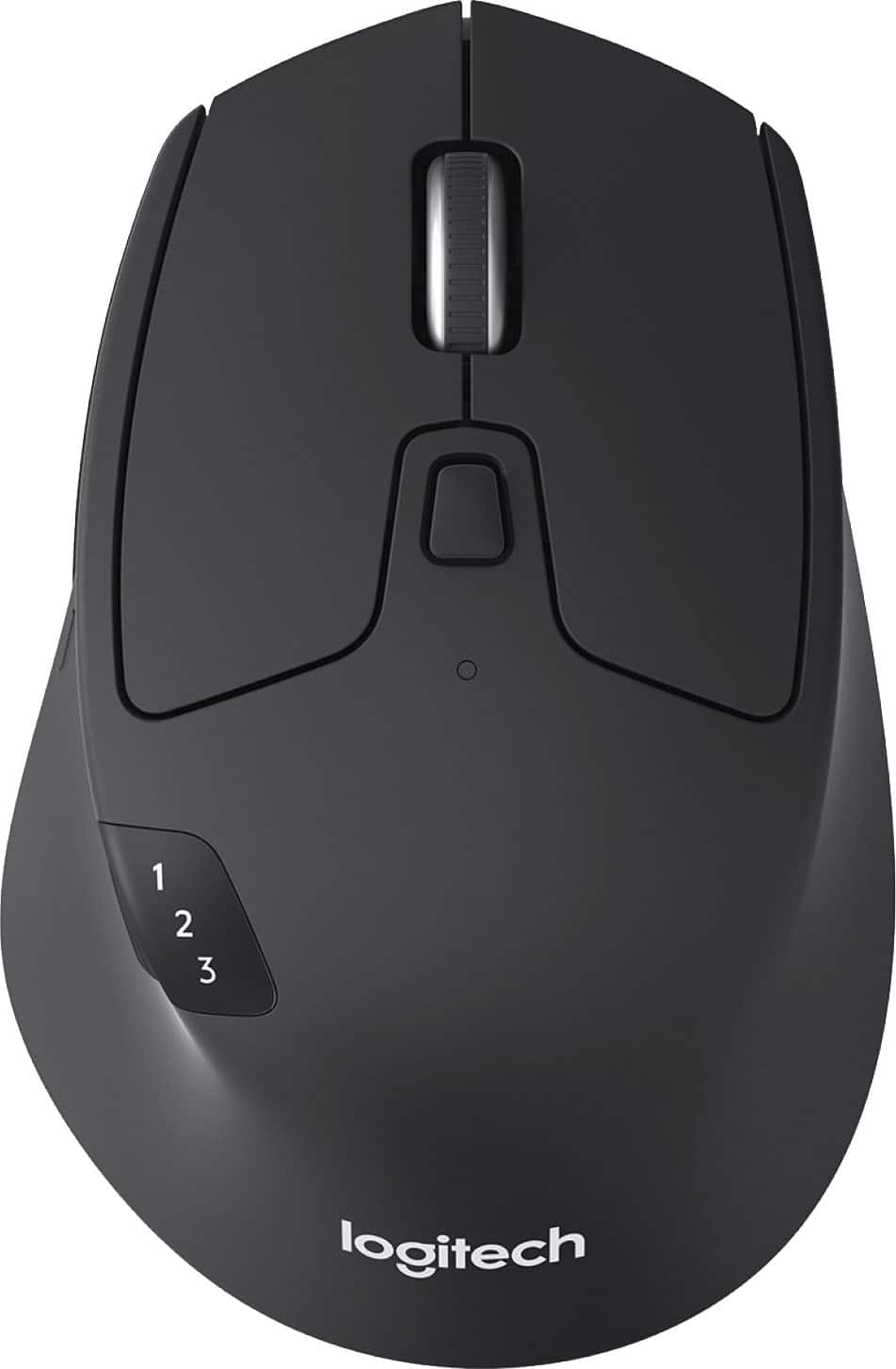
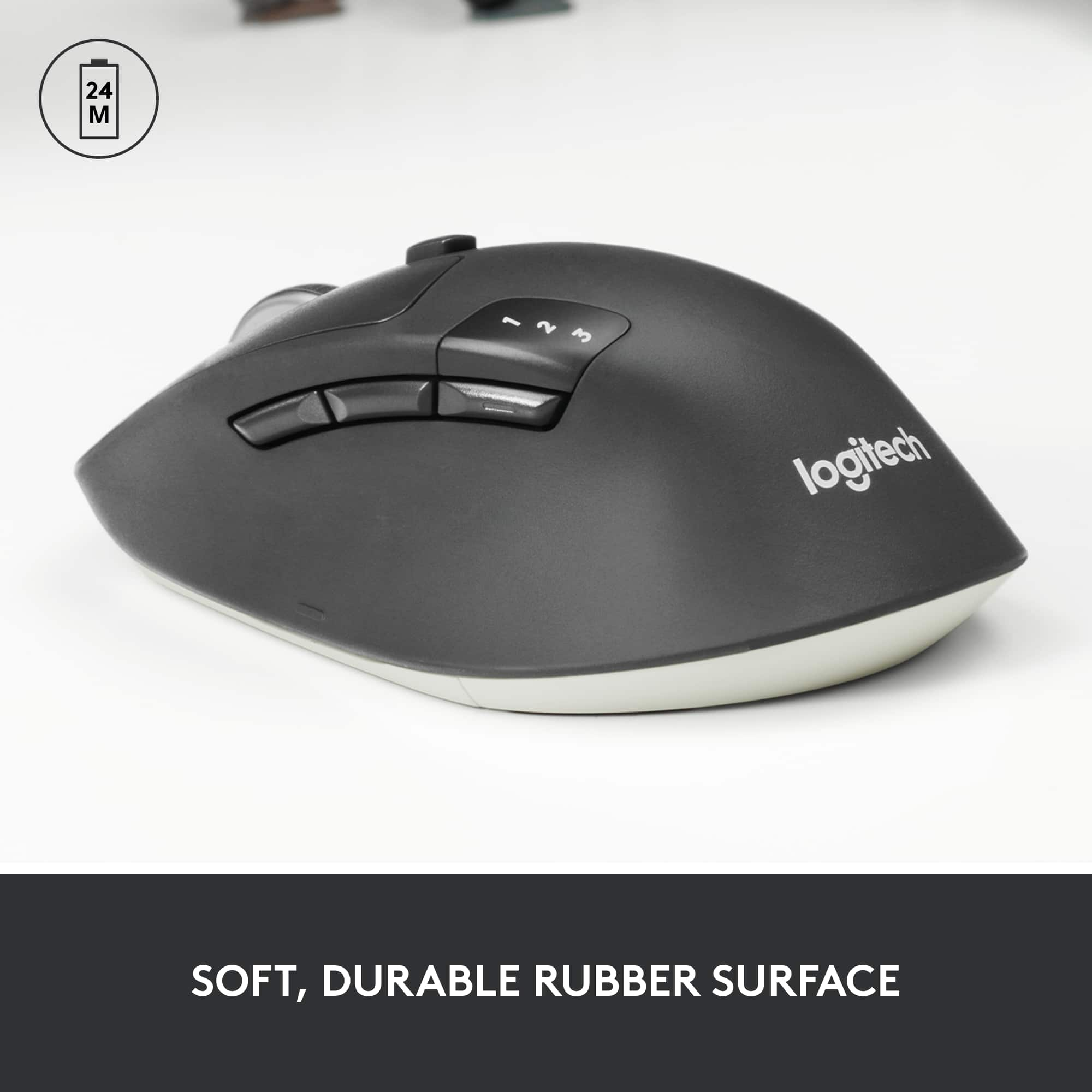
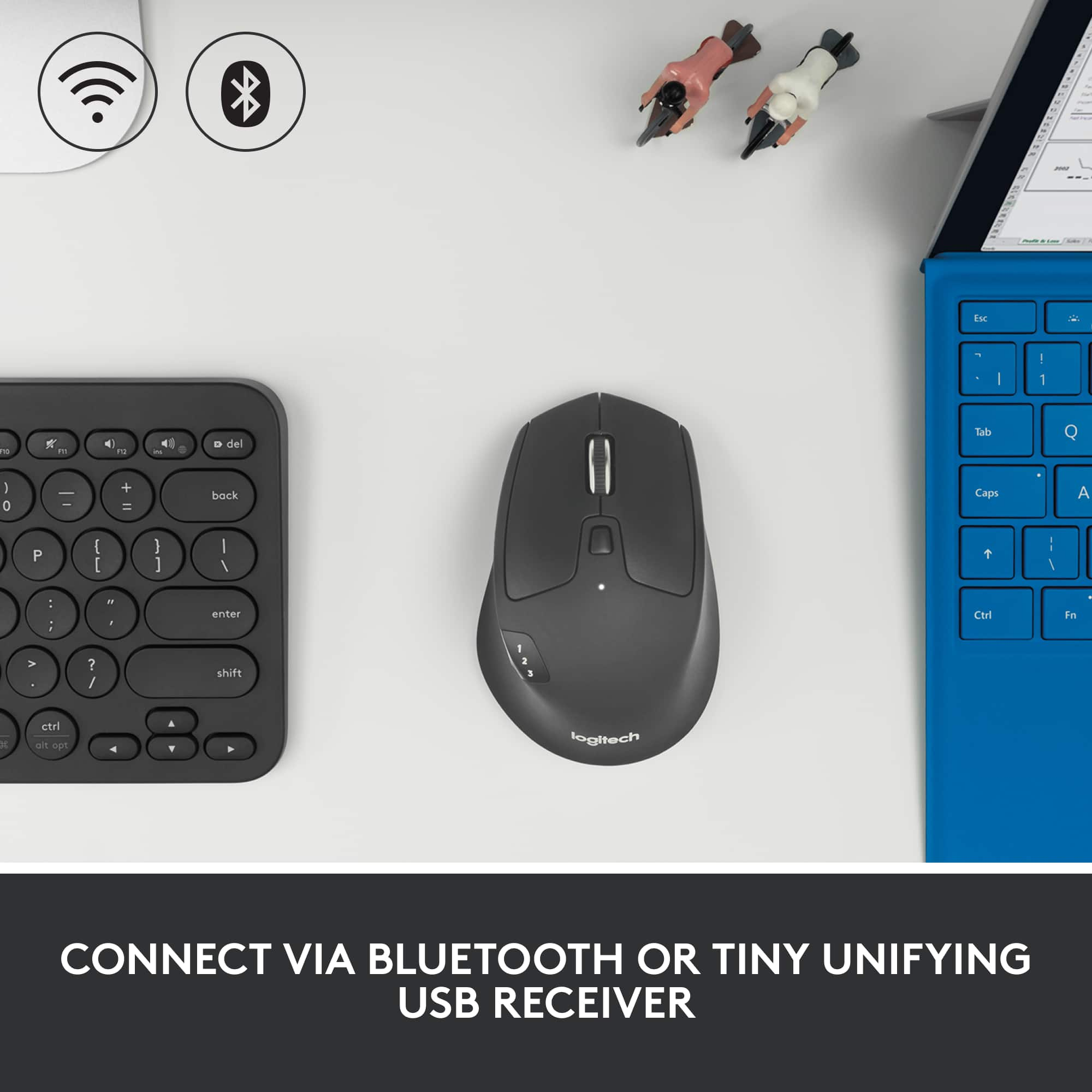
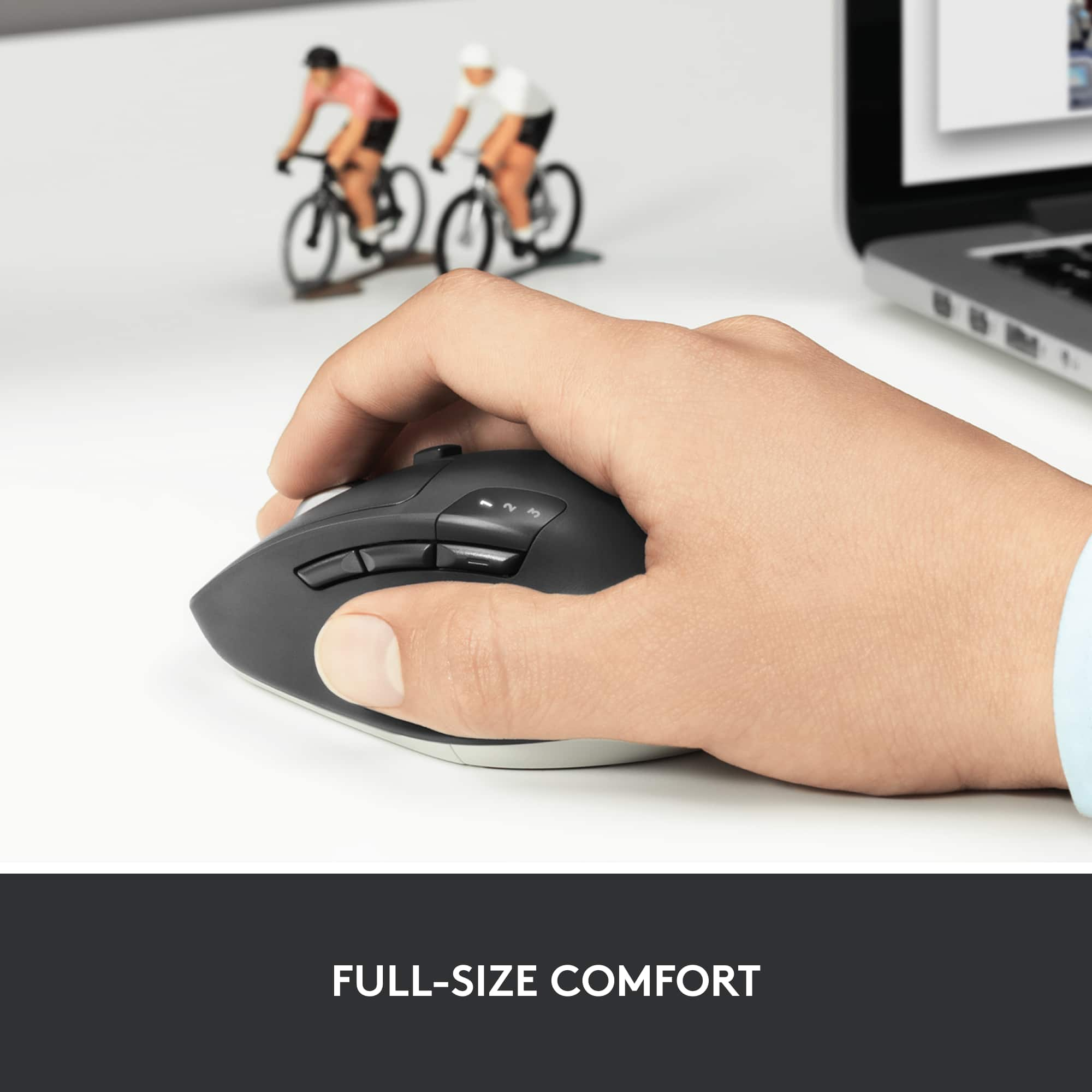
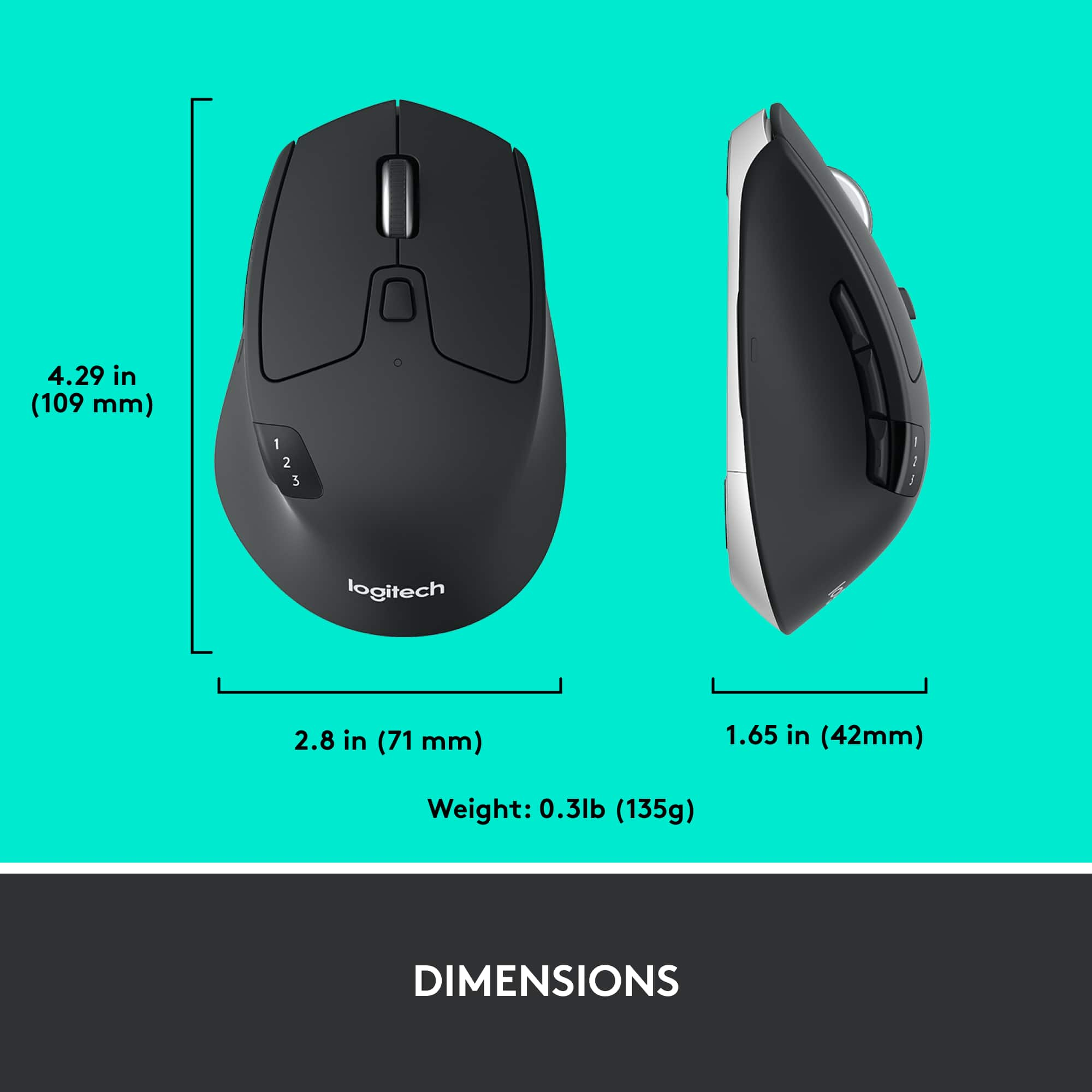
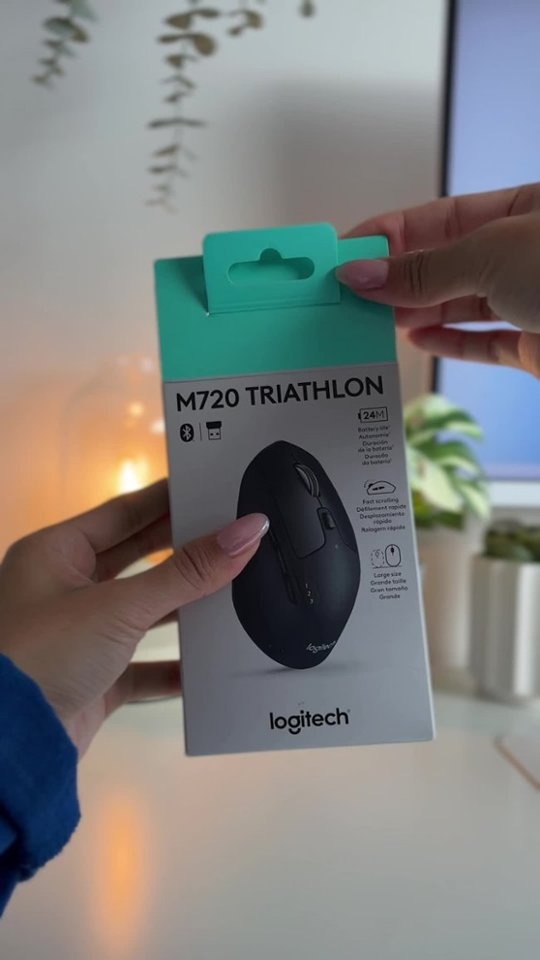
Customers admire the M720 Triathlon Wireless Optical Mouse for its ease of use, Bluetooth connectivity, and overall performance. Many find the mouse very comfortable due to its ergonomics and appreciate the excellent battery life. While the size is suitable for many, some customers feel it could be heavier.
This summary was generated by AI based on customer reviews.
Great Replacement Mouse
||Posted . Owned for 3 weeks when reviewed.This reviewer received promo considerations or sweepstakes entry for writing a review.Bought one for home and one for office. I like the feature to switch the scroll wheel between smooth scrolling and clicking. Using Bluetooth connection and having no problems at all. Still getting used to the placement of the thumb buttons - not positioned where my hand is used to resting on the mouse - but I'm sure I'll adapt. Very happy with the purchase. Great value with "deal of the day" purchase.
I would recommend this to a friendGreat mouse
||Posted .This reviewer received promo considerations or sweepstakes entry for writing a review.This mouse is a good size (not tiny and not too big). Very easy to use. My husband has tremors, and this one works better for him than the old one.
I would recommend this to a friendBrand response from Logitech
Posted .Thank you for sharing your thoughtful feedback! We’re glad the Logitech M720 Triathlon is easy to use and provides better comfort for your husband. Your experience truly means a lot to us!

Amazing work mouse just got better again!
||Posted . Owned for 1 week when reviewed.This reviewer received promo considerations or sweepstakes entry for writing a review.Years ago i used to have the marathon mouse with the logitech usb dongle. Battery and mouse lasted me about 6 years before I switched to using a gaming mouse. Now that I’ve started using a MacBook, this triathlon mouse is a big upgrade and even allows bluetooth so I don’t have to keep track of the dongle and constantly plug and unplug it.
I would recommend this to a friendAn upgrade? Yes and no
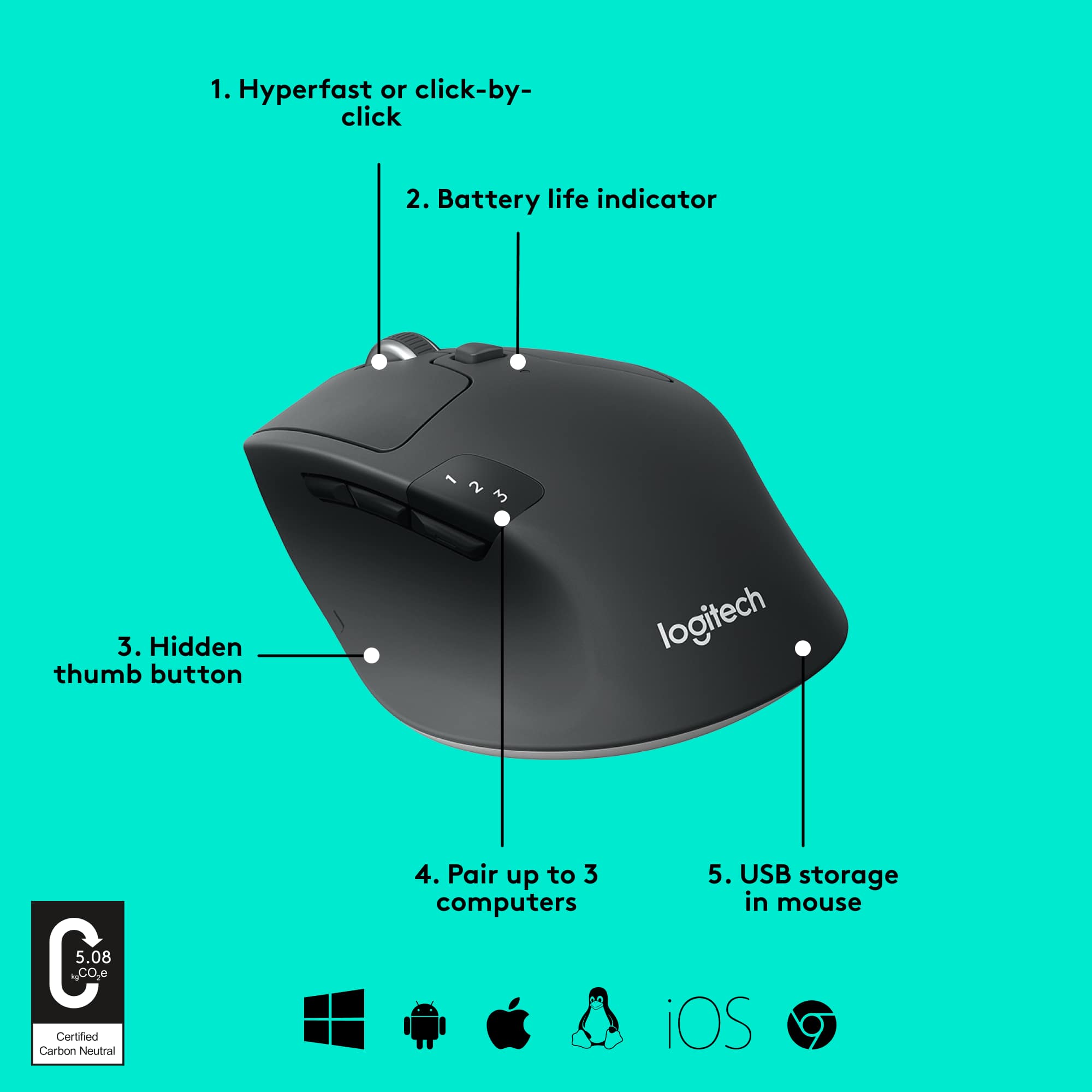
||Posted . Owned for 5 months when reviewed.This reviewer received promo considerations or sweepstakes entry for writing a review.I bought this to replace an older Logitech 2 device mouse that had developed a bad left button. My old one had a button behind the scroll wheel to switch between devices, which was easy to hit when you wanted to, but not by accident. The M720's is right behind the back button, easy to press when going for the back button. I changed "back" to the "Hidden thumb button", which is easier to use anyway, but easy to press accidently when picking it up and going back a page when you don't want to. What I do like about it is the weighted scroll wheel with the detent disengaged (the button behind the scroll wheel). You can give it a flick and quickly scroll though a page or spreadsheet and stop it where you want.
I would recommend this to a friendBrand response from Logitech
Posted .Thank you for your detailed feedback on the M720 Triathlon. We appreciate you sharing your experience with the device switching button placement and your workaround solution with the thumb button. We understand the sensitivity of those buttons can be a concern. We're glad you're enjoying the weighted scroll wheel and its smooth scrolling functionality. Your feedback is valuable and helps us improve our products.
Awesome mouse!
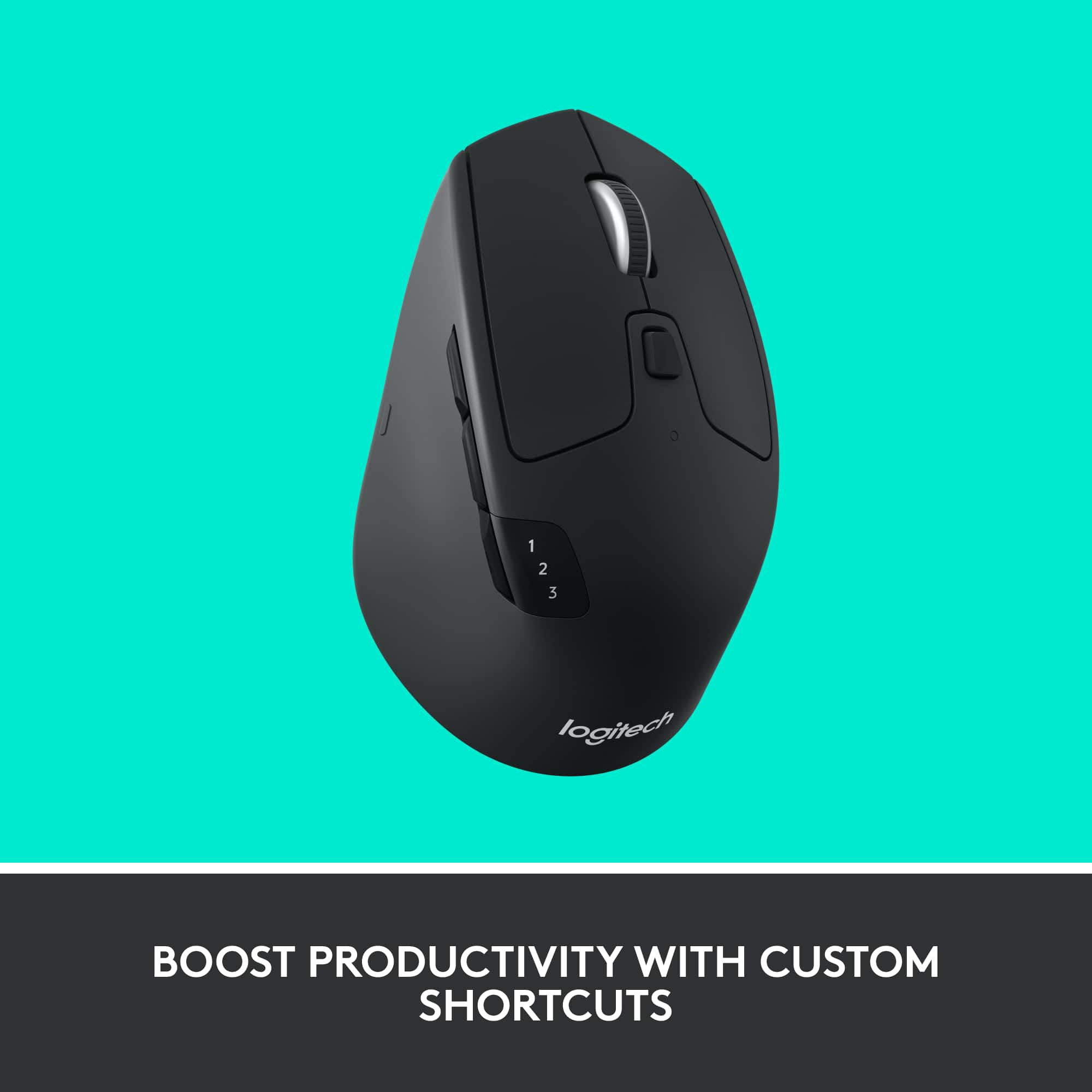
||Posted .This reviewer received promo considerations or sweepstakes entry for writing a review.My old trusty Logitech v270 bluetooth mouse died and I was desperate for a replacement. Optical vs laser doesn't really matter to me, though I do like that the laser works better on multiple surfaces (such as glass) so it gives me flexibility when I travel. Sure there are much cheaper mice, but I got this one on sale so I figured I'd try something fancy, and I'm absolutely delighted with the custom buttons that I didn't think I'd ever use. Just download and install the "Logitech Options" program, and customizing the buttons is as simple as choosing from a drag and drop list. I use this with a Macbook Pro, and I love having dedicated buttons to go backwards/fowards for web browsing, and i programed the other buttons to clear the desktop and mission control (see all open windows at once). NOTE A few things to note: when I first opened the Logitech Options app to customize the mouse buttons, I was confused about the "middle button" which looked like it was between the left and right mouse buttons in the graphic. I foolishly tried clicking both buttons at once, but then realized the button is the scroll wheel. Just press it in like any other button. DUH. The other button I was confused about, yet felt less silly over, was the one on the left side of the mouse where your thumb would be if you were holding it with your right hand. There's actually a little button hidden in the body of that little ergonomic curve, which you'll quickly notice when you press it in. It has a nice touch so you can tell when you press it, and I haven't had any issues accidentally pressing it. BLUETOOTH NOTE I wasted a bunch of time trying to figure out why this bluetooth mouse wouldn't sync up with my laptop or even be recognized. Turns out, this uses Smart Bluetooth, which I guess is a newer version of the tech, and is incompatible with the bluetooth in my old 2010 MacBook Pro. Considering my laptop's 6 years old now, I guess that's fair, being that's a lifetime in tech years. Fortunately they include a unifying receiver which works very well and has a little slot to hide inside the mouse when not in use or traveling. My only knock on this mouse is that I can't use it with a bluetooth connection like I was hoping to, but that's cause I have an old computer. Other than that, it's a great mouse and I really enjoy the custom buttons which I use way more frequently than I thought I would.
I would recommend this to a friendGood mouse, good concept.
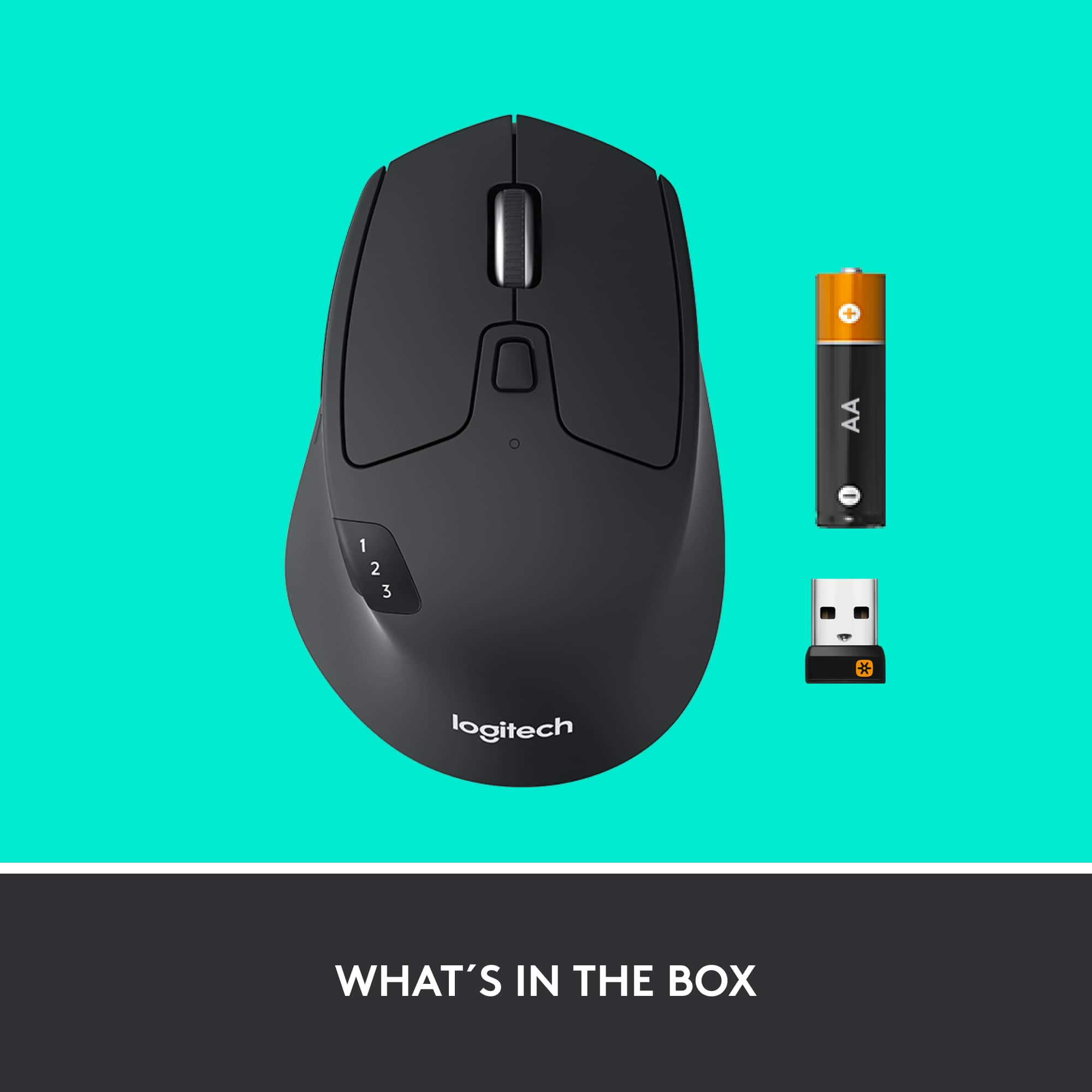
||Posted .This reviewer received promo considerations or sweepstakes entry for writing a review.I actually returned this mouse because I found it a bit "bulkier" than I preferred, but that's just "personal preference" rather than any knock against the mouse. But I can certainly write a review and put this mouse into perspective: Over the years, I have certainly come to prefer Logitech's mice. Frankly, my favorite mouse for many years has been its "MX Anywhere" mouse, a rather spendy mouse that has one slight problem: It just plain wears out over time, and starts malfunctioning just enough to make life miserable. And actually, Logitech has come out with a "new, improved" version of that mouse, which I tried and definitely didn't like as much as the older one. I was able to find one of the older ones the last time I needed a replacement, but that option is long gone by now. So, I thought I'd give this one a try. It's certainly not a bad mouse in any way, and it has the novel feature that allows you to use it with three different computers over Bluetooth. Though, I have to say that I usually use my notebook computers "along with my desktop computer" -- my normal usage means that I really do need a different mouse for each computer. Otherwise, I suppose this feature has got to be worthwhile to a lot of other folks. I went through an interesting little setup routine when I installed this mouse on my desktop computer: It's "Bluetooth," and my computer doesn't have Bluetooth. But, since it showed that it comes with a dongle that has a Bluetooth logo on it, I figured I could indeed install it on my desktop computer. Well, surprise number 1 came when I went looking for the dongle -- the package just shows a PICTURE of it, and in fact it's contained within the mouse, under the slider you have to pull out to change the battery. This is one of those things that the "pictures-only" instructions could have clarified in a couple of seconds, by using just a handful of words. But no. Surprise #2 came when I plugged the dongle into my computer -- I got an "Oh, no, you can only use one dongle at a time." I still had my old dongle plugged into the computer, because I also use a Logitech wireless keyboard. In the end, this is all part of Logitech's "Unifying" hardware and software, and what I finally comprehended was that all of those "Unifying" dongles actually HAVE BLUETOOTH -- I didn't need to use the new dongle at all, as my old one provided the Bluetooth connection I needed. Ultimately, though, I wasn't quite satisfied with the feel of the mouse, and I wound up returning it. Not only was it a bit bulkier than I preferred, but the buttons weren't quite stiff enough to deal with a little personal issue I've always had: I always tend to rest my "right mouse finger" on the right-side button, which often leads to unintended right mouse clicks. Like a lot of mice these days, this has "nothing but buttons" all the way to the edges, and the buttons weren't otherwise stiff enough to keep away the inadvertent right-clicks. In the end, I found a different Logitech mouse -- the M10 Advanced -- which not only felt better in my hand, but also has the buttons "inset" inside an outer shell, which really allows me to rest my finger without activating unintended right clicks. So, that one was "just right," instead of this one. So, that's my story. This is a fine mouse, but I prefer the M510.
I would recommend this to a friendGreat mouse for smaller hands
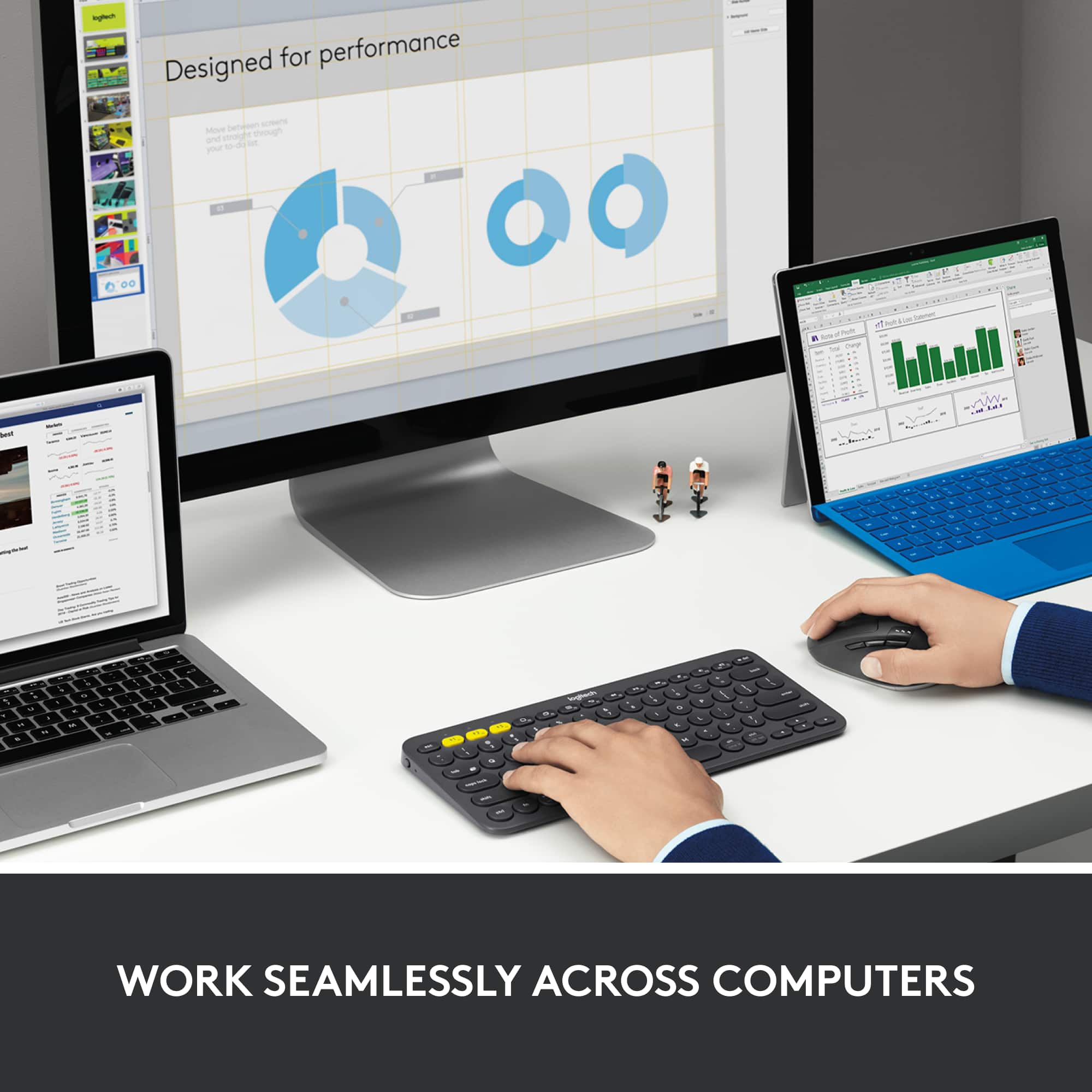
||Posted . Owned for 2 weeks when reviewed.This reviewer received promo considerations or sweepstakes entry for writing a review.Great mouse for controlling multiple PC's. The logitech flow function is great - as it allows you to seamlessly control two PC's by just mousing over to the edge of the screen. You can also switch by just pushing the toggle button on top I bought this for my girlfriend because ergonomics are good for smaller hands and it has both bluetooth and logitech unified dongle connectivity. Larger hands should go for the logitech mx master 3.
I would recommend this to a friendLogitech Triathlon Wireless Mouse
||Posted . Owned for 2 weeks when reviewed.This reviewer received promo considerations or sweepstakes entry for writing a review.This mouse is incredibly easy to setup and use. The biggest issue is remembering to turn it off to save battery life.
I would recommend this to a friendBrand response from Logitech
Posted .Thank you for sharing your experience with the Logitech M720 Triathlon Mouse! We’re glad you found it easy to set up and use, and we truly appreciate your helpful note on battery care.
Great mouse, functional and quality
||Posted . Owned for 1 month when reviewed.This reviewer received promo considerations or sweepstakes entry for writing a review.Great mouse use it for work between offices. Smooth buttons great on any surface. I think this is my go to mouse!
I would recommend this to a friendBrand response from Logitech
Posted .We’re so happy to hear your experience has been positive. Your feedback helps us stay focused on what matters most—our users. Thanks for supporting Logitech!
Best Wireless Mouse I Have Used
||Posted . Owned for 1 month when reviewed.This reviewer received promo considerations or sweepstakes entry for writing a review.I bought this along with the K780 Wireless Keyboard so that I could use my mouse and keyboard across 3 different machines (at different times). The only reason that I gave this 4 stars is because I sometimes have to re-pair the bluetooth device to my computer randomly. As far as the mouse goes, it is very comfortable in my hands (I can easily palm a basketball... not a brag) and is very smooth. Along with that, the Logi software allows you to customize the buttons to do a bunch of things. I have a button mapped to open up a specific program and another to switch windows. This is a great mouse, and I am even considering buying one for work. Go get it if you are thinking about it.
I would recommend this to a friendNot quite 5 stars
||Posted .This reviewer received promo considerations or sweepstakes entry for writing a review.I'd give this a 4.5 if I could, because it's ALMOST "great". I got it to replace an M505 whose right button died after years of heavy use. It was only a few dollars more on Black Friday, and I like the idea of being able to pair it to multiple computers, and maybe even a tablet via Bluetooth (haven't tried it yet, though). The M505 is "ambidextrous", and I find the right-handedness of the M720 a little more comfortable. I also like the M720 wheel better. The one downside is the side buttons. I don't find them that easy to use. They're positioned a little differently, and don't seem to match my hand as well. But they might match yours better, so try it in the store to see whether it's a problem for you. I'd definitely give it 5 stars if it weren't for this.
I would recommend this to a friendJust what you need!
||Posted . Owned for 6 months when reviewed.This reviewer received promo considerations or sweepstakes entry for writing a review.Perfect size, easy to use & set up, and very comfortable! Smooth pointing and scrolling. Perfect for the job!
I would recommend this to a friendA great mouse
||Posted . Owned for 3 weeks when reviewed.This reviewer received promo considerations or sweepstakes entry for writing a review.This is a really great mouse. I love the fact that I can pair it to multiple devices and use the same mouse with everything. I had some issues with another (wired) Logitech mouse that I bought recently but I thought I'd give this a try to see if maybe that one was a lemon. I was not disappointed. This is a great mouse.
I would recommend this to a friendBrand response from Logitech
Posted .Thanks for the fantastic review! We're thrilled to hear how much you're enjoying your Logitech M720 Triathlon Wireless Optical Mouse.
Love This Mouse!!!
||Posted .This reviewer received promo considerations or sweepstakes entry for writing a review.I love this mouse because it is large for my large hands, the buttons are soft and easy to press and the scroll is very smooth and it is very fast without any delays. A very nice feature of this mouse is that it can easy switch between different computers automatically. Best Mouse I have ever owned.
I would recommend this to a friendBrand response from Logitech
Posted .That’s a stellar review, thanks for sharing your experience with the M720! Sounds like it checks all the boxes for comfort, responsiveness, and seamless multi-device switching. The soft-touch buttons and smooth scroll make it even more user-friendly, especially for those with larger hands. Clearly a top-tier choice that’s earned its title as your best mouse yet!
Trusted brand, really comfy for all day use.
||Posted . Owned for 1 year when reviewed.This reviewer received promo considerations or sweepstakes entry for writing a review.Logitech always delivers! I’ve had it about a year now and it’s still going strong like I bought it yesterday. This one is great for all day use and is really affordable compared to other ergonomic mouses.
I would recommend this to a friendBrand response from Logitech
Posted .Thanks for the positive review of the Logitech M720! It's great to hear that it's lived up to Logitech's reputation for quality and that you've gotten a year of reliable use out of it. Especially at a good price point, the M720 sounds like a winner for all-day comfort.
Working Well After More than One Year.
||Posted . Owned for 1 year when reviewed.This reviewer received promo considerations or sweepstakes entry for writing a review.I use this mouse on two different Windows 10 computers in the same workspace, and this mouse makes going back and forth between them a breeze without cluttering my area. I have used it daily for more than one year, and it continues to work very well. This is only one of a string of Logitech mice I use in various applications, and all work well.
I would recommend this to a friendGaming mouse
||Posted . Owned for 2 weeks when reviewed.This reviewer received promo considerations or sweepstakes entry for writing a review.Solid performing gaming mouse. Extremely comfortable and easy to use.
I would recommend this to a friendBrand response from Logitech
Posted .We appreciate you taking a moment to share your experience. It’s great to know that our product is living up to your expectations and making your tasks easier. Your support means the world to us—thanks for being a Logitech customer.
Bluetooth, portable mouse with lots of buttons!
||Posted . Owned for 1 month when reviewed.This reviewer received promo considerations or sweepstakes entry for writing a review.Good wireless mouse with lots of programmable buttons. Connects by Bluetooth as well as USB transceiver. Purchased for use on a Surface Pro 9. Very simple to pair and connects easily. It's a full size mouse, but still works to be portable.
I would recommend this to a friendA great mouse
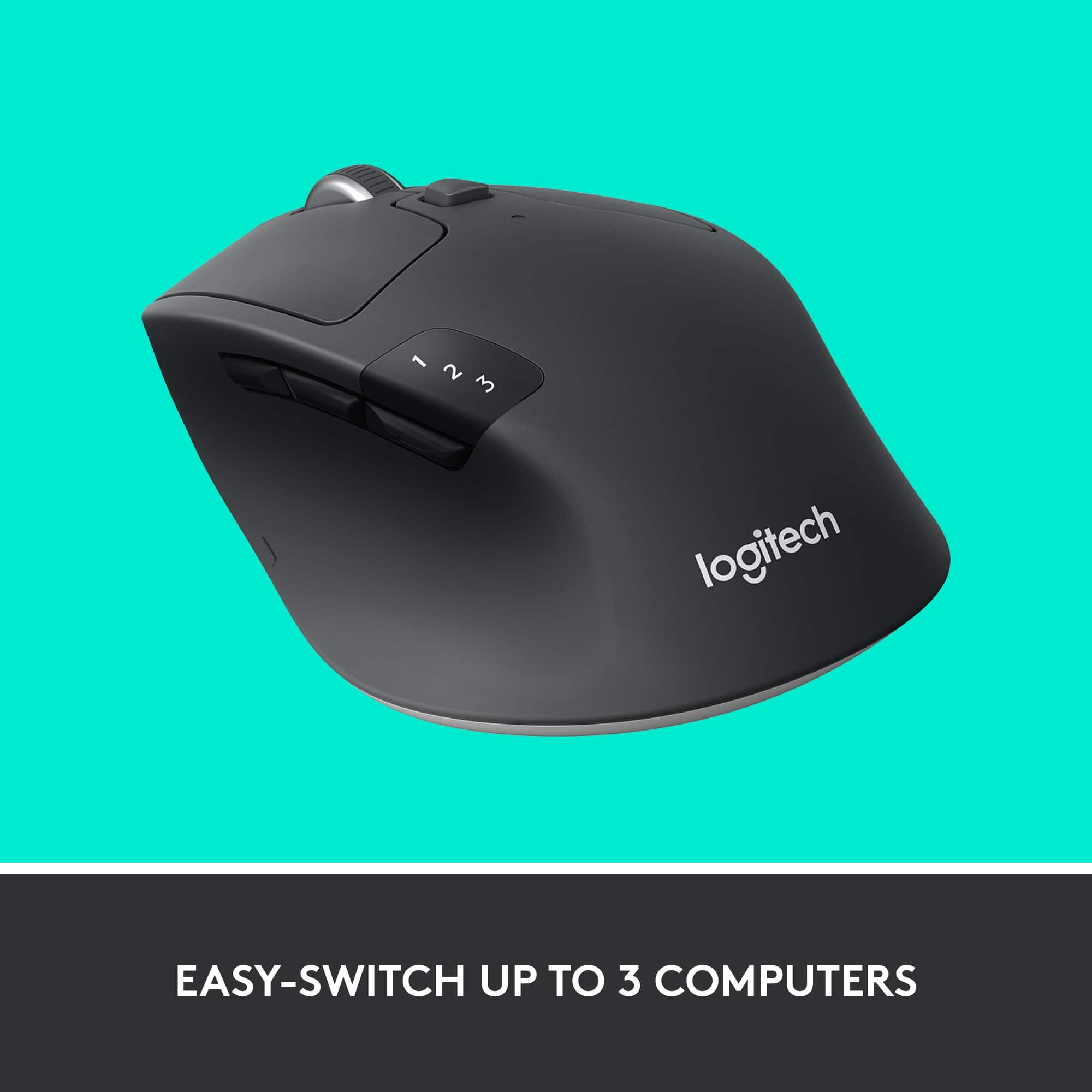
||Posted . Owned for 3 weeks when reviewed.This reviewer received promo considerations or sweepstakes entry for writing a review.The Logitech M720 Mouse feels very well built. It is "full size" and comfortably fills your hand. Great for working on spread sheets and long multi page documents. The mouse can be used on three (3) devices at the same time and transitions between the devices with a push of a button. It is very easy to use. This mouse connects with my computer using the same USB dongle I use for my Logitech keyboard. I highly recommend this mouse.
I would recommend this to a friendGreat mouse with great features
||Posted .This reviewer received promo considerations or sweepstakes entry for writing a review.First, the build of the mouse is awesome. It fits my hand and compliments the natural resting form of my hand. So I give it a big thumbs up with that regard. Second, the features on it, such as the two modes of feel for the scroll wheel, is very well thought out. Before I start with what I dislike about this, let me say that I am being very critical for the purpose of being detailed as possible. One thing I do not like about this is the lag or lack of precise responsiveness. I bought this for my MacBook so I can do some photo editing and I could tell right away that I was going to have a little trouble with small movements. It doesn't pick up small movements very well. Also, moving from a dead stop is sort of jittery. I've tried using the mouse on different surfaces and all came back with the same results. I guess the silver lining to this is that the mouse is very versatile with regards to working surfaces you may have. Other than that I gave this 4 stars mainly because I feel that a 5 star is reserved for products that really impress me in every aspect.
I would recommend this to a friend