Customer Ratings & Reviews
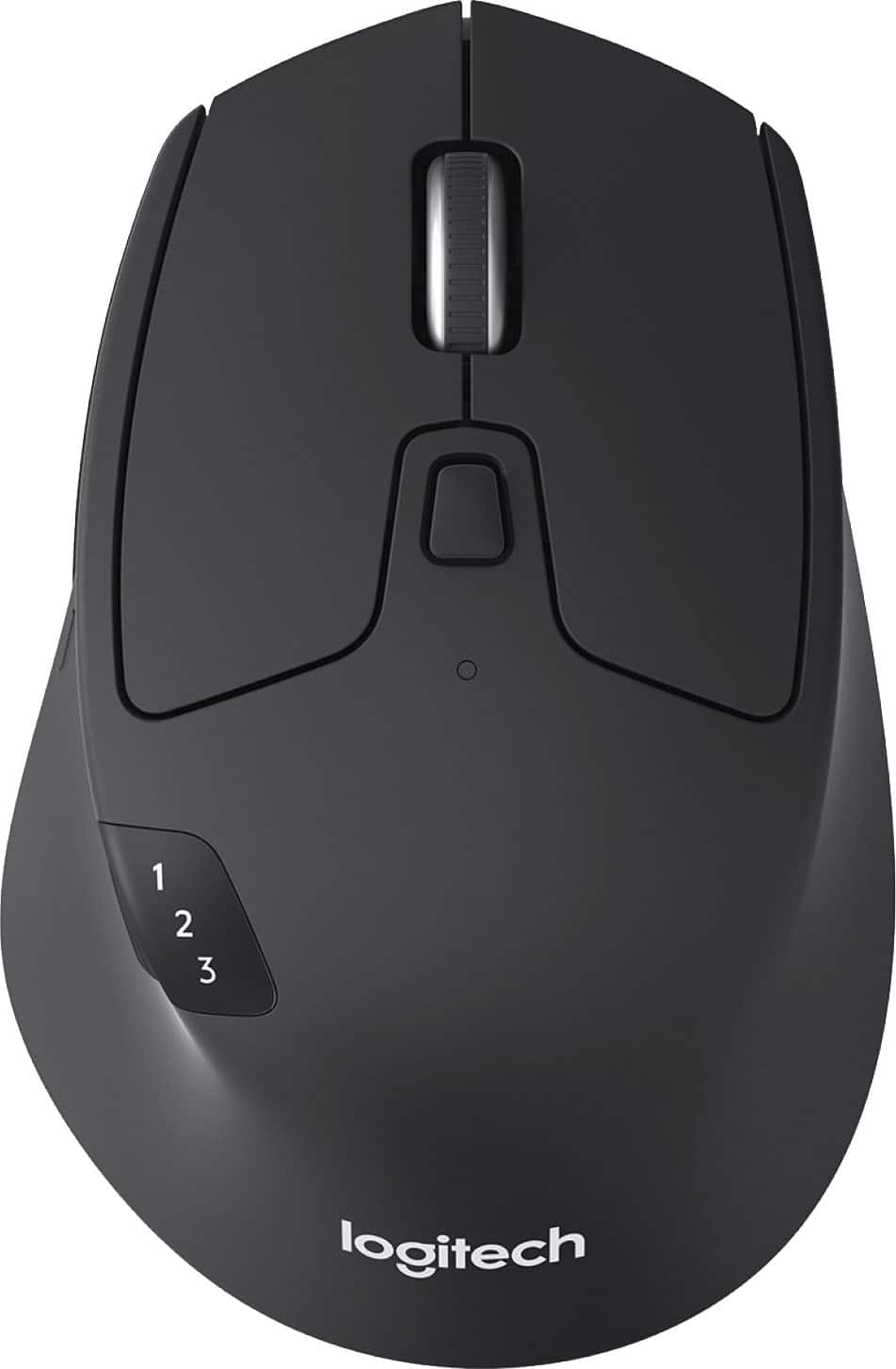
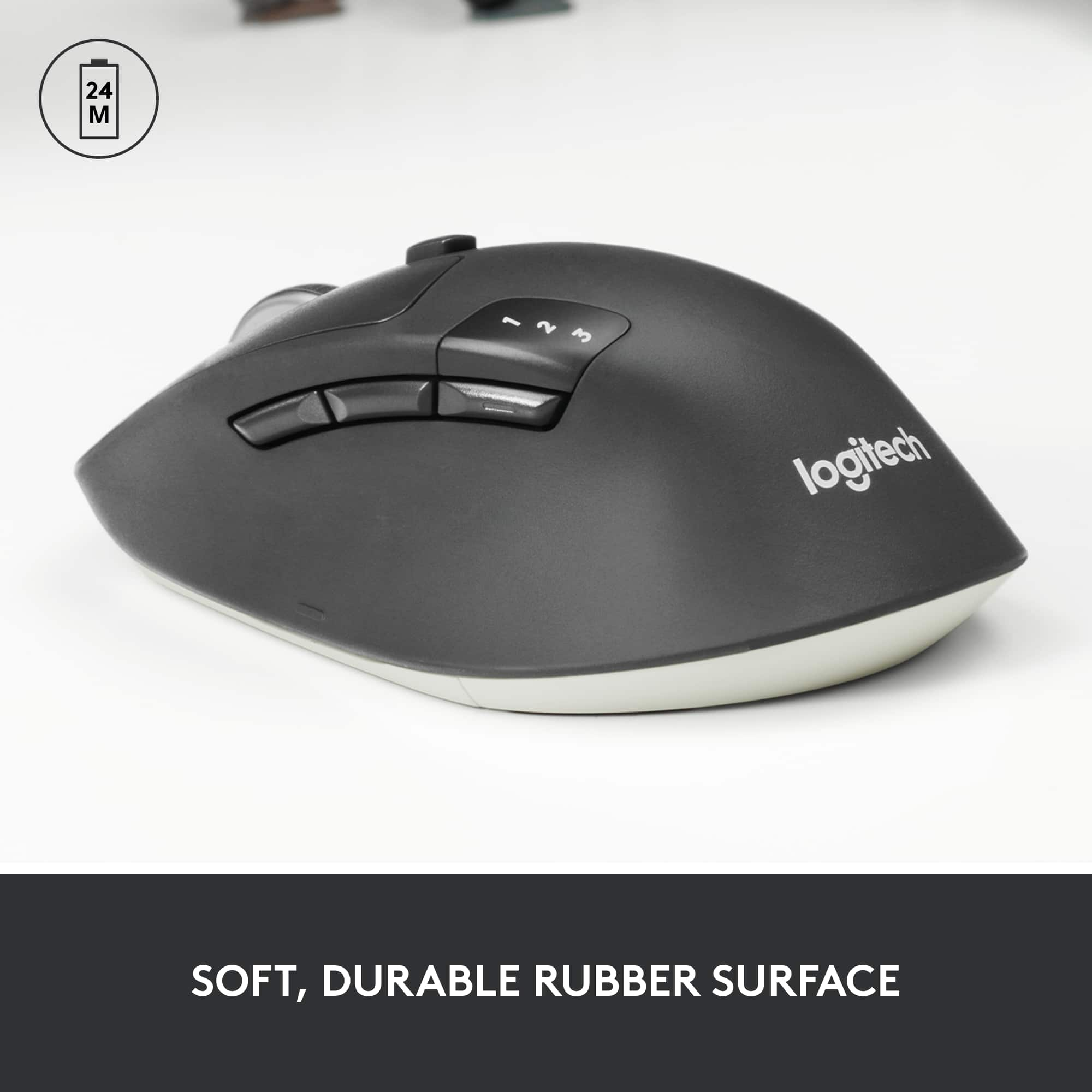
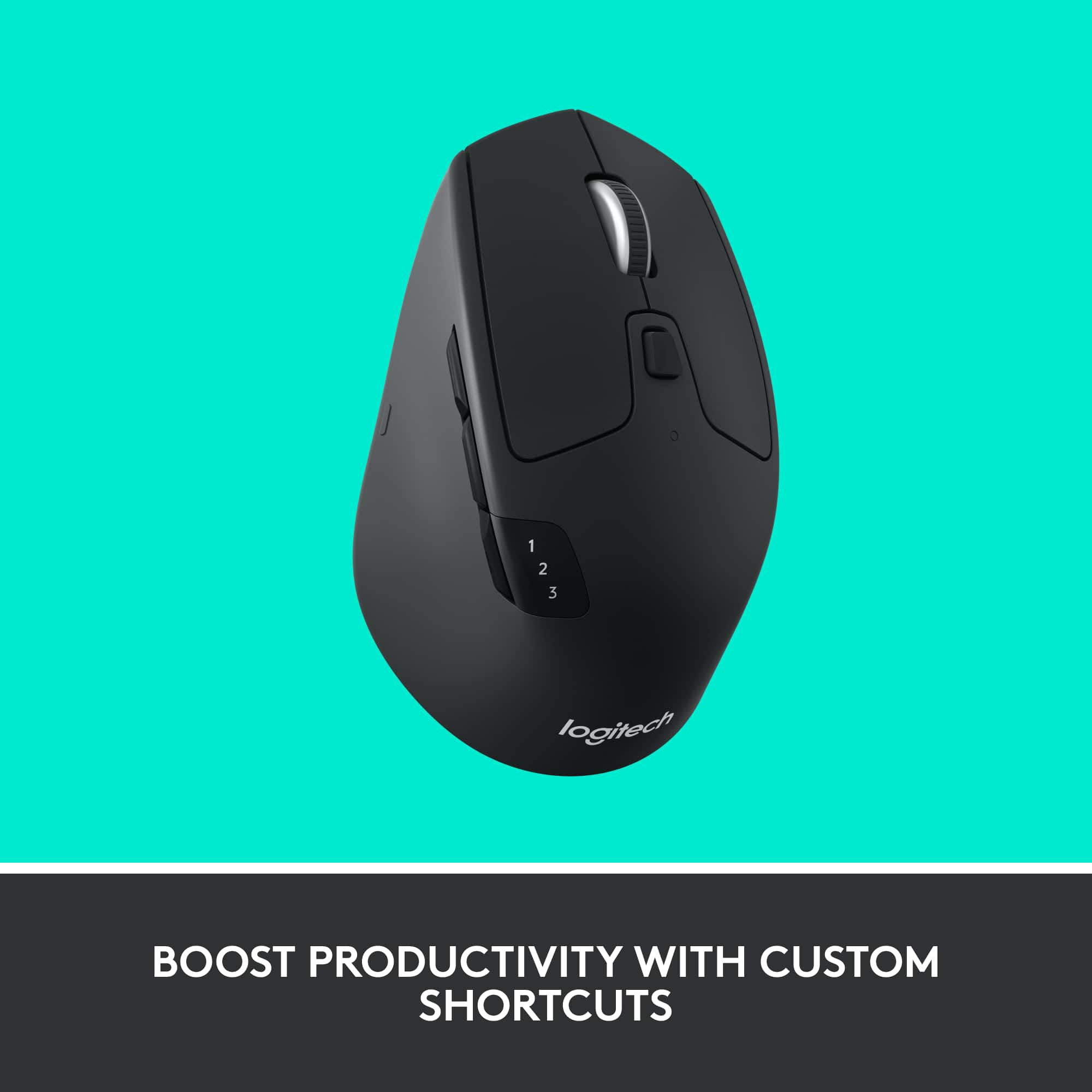
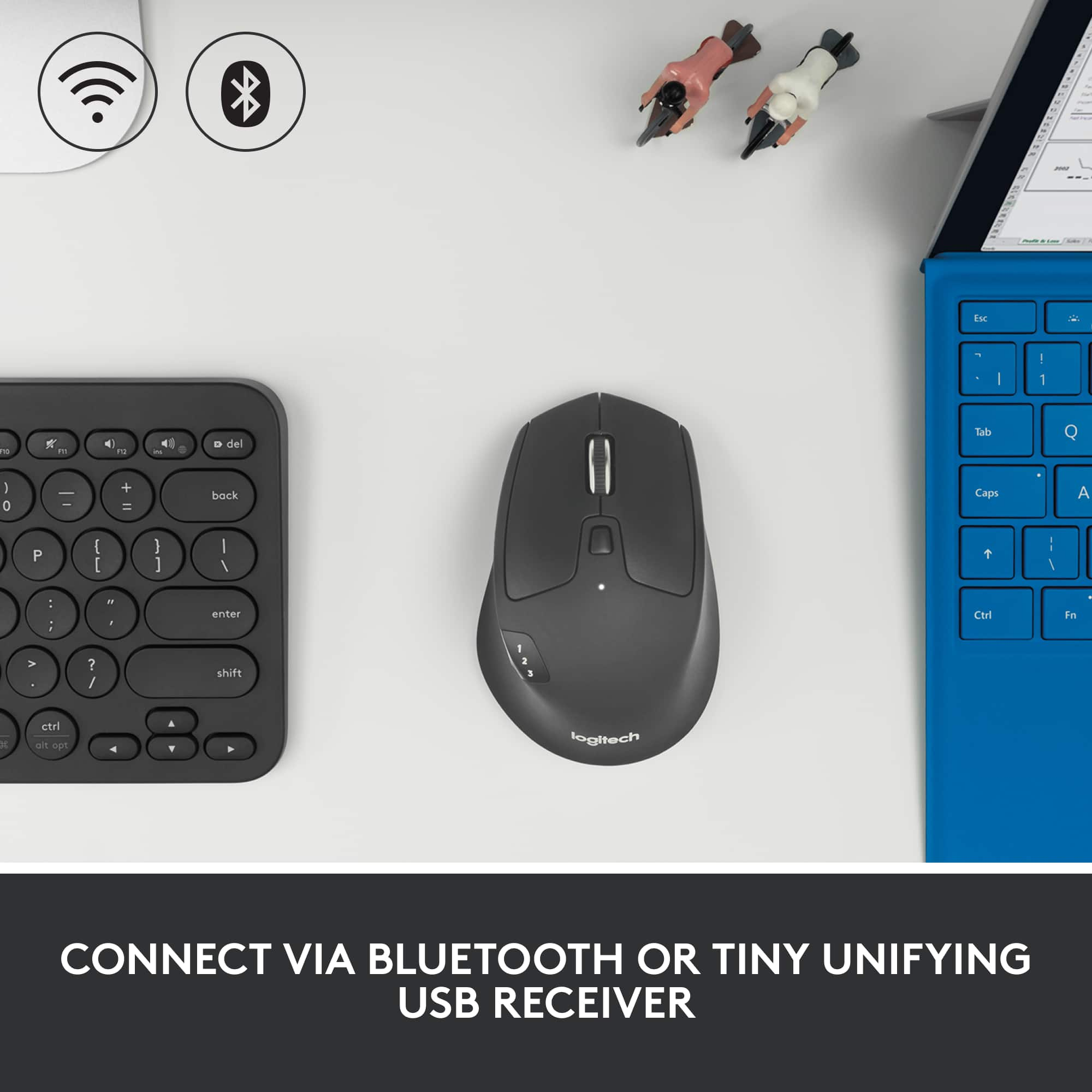


- Model:
- 910-004790
- SKU:
- 11500510
Rating by feature
- Value
Rating 4.7 out of 5 stars
- Quality
Rating 4.8 out of 5 stars
- Ease of Use
Rating 4.7 out of 5 stars
Good value.
Posted .This reviewer received promo considerations or sweepstakes entry for writing a review.Lightweight. Smaller form factor. Easy to program and pair.
I would recommend this to a friendBrand response from Logitech
Posted .Sounds like the M720 Triathlon is doing exactly what it’s meant to—compact, intuitive, and versatile. Its multi-device pairing and programmable buttons make it a great fit for productivity on the go. Solid pick.

Bluetooth problems with MacBook Pro
Posted .This reviewer received promo considerations or sweepstakes entry for writing a review.Works fine much of the time though has an annoying issue. It causes both my Apple Bluetooth keyboard and the mouse itself to lose Bluetooth connectivity about once every 2 hours. This only happens when the Marathon mouse is connected and lasts until I open my laptop (using external monitor) & manually reconnect them using the trackpad. Super annoying. I’m on a 2015 MBP with all software updated. Other than that mouse is fine, though I prefer the ergonomics and button placement of my old M510.
No, I would not recommend this to a friendBrand response from Logitech
Posted .Hello macuser, I'm sorry to hear about your bluetooth issues you are having. If you haven't done so already, make sure you download the Logitech Options software from our Logitech.com website, it's a free. Update and it should help your connectivity issues. At Logitech, it is our goal to ensure you are completely satisfied with your Logitech purchase. We take pride in the products and services we offer, and want our customers to enjoy them just as much as we do. If you ever experience any issues with our products, please reach out to us on our Logitech support website so we can help out. Hope you have a great day!
- Ricky from Logitech
- Pros mentioned:Overall performance
Logitech m720
Posted .This reviewer received promo considerations or sweepstakes entry for writing a review.great product.................................................
I would recommend this to a friend - Pros mentioned:Ease of use
M720 Triathlon
Posted .This reviewer received promo considerations or sweepstakes entry for writing a review.Easy installation. I did take the time to read the online manual on the Logitech site before installation on second computer and my Samsung Note 3. No issues and the mouse works smoothly. The controls are very easy to adjust , I would have preferred a darker bottom color than white, but that is the only con.
I would recommend this to a friend - Pros mentioned:Ergonomics
Logitech Wireless Mouse
Posted .This reviewer received promo considerations or sweepstakes entry for writing a review.Excellent mouse and very responsive. Fits nicely in the palm of my hand.
I would recommend this to a friend Well made, versatile product
Posted .This reviewer received promo considerations or sweepstakes entry for writing a review.I found this a great mouse, nice fit to the hand. And have used with both Mac and PC laptops. Well made product.
I would recommend this to a friendGreat for using with multiple computers
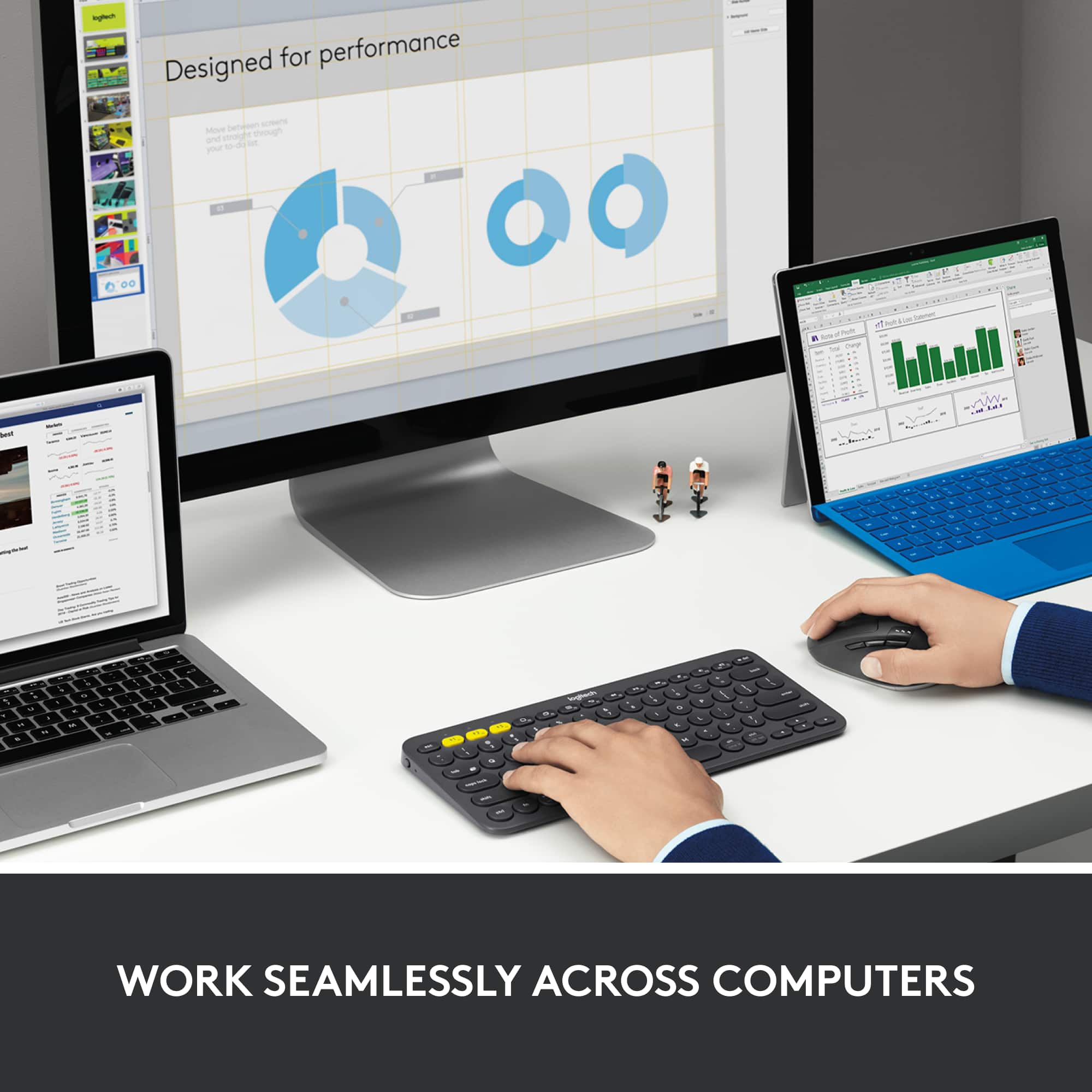
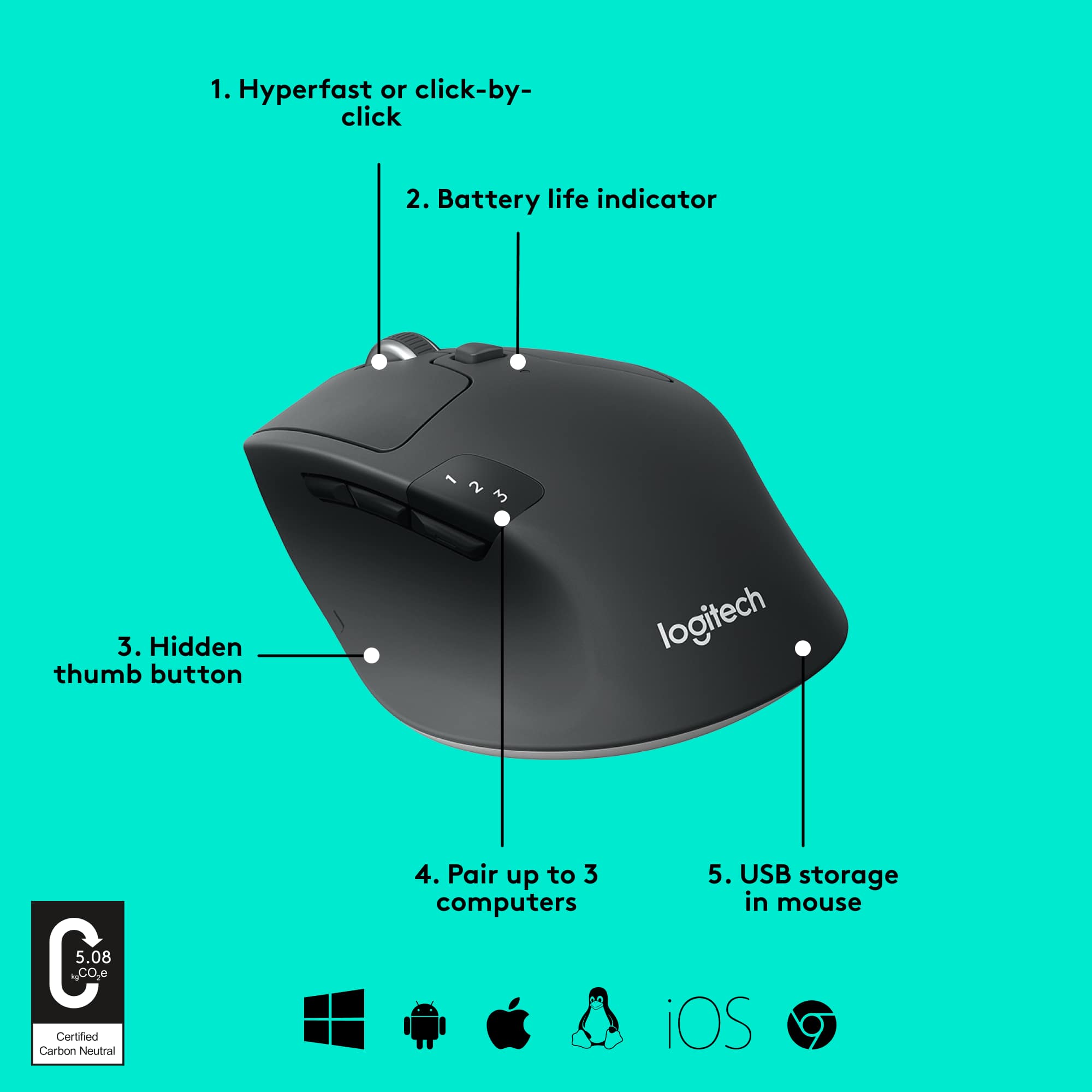
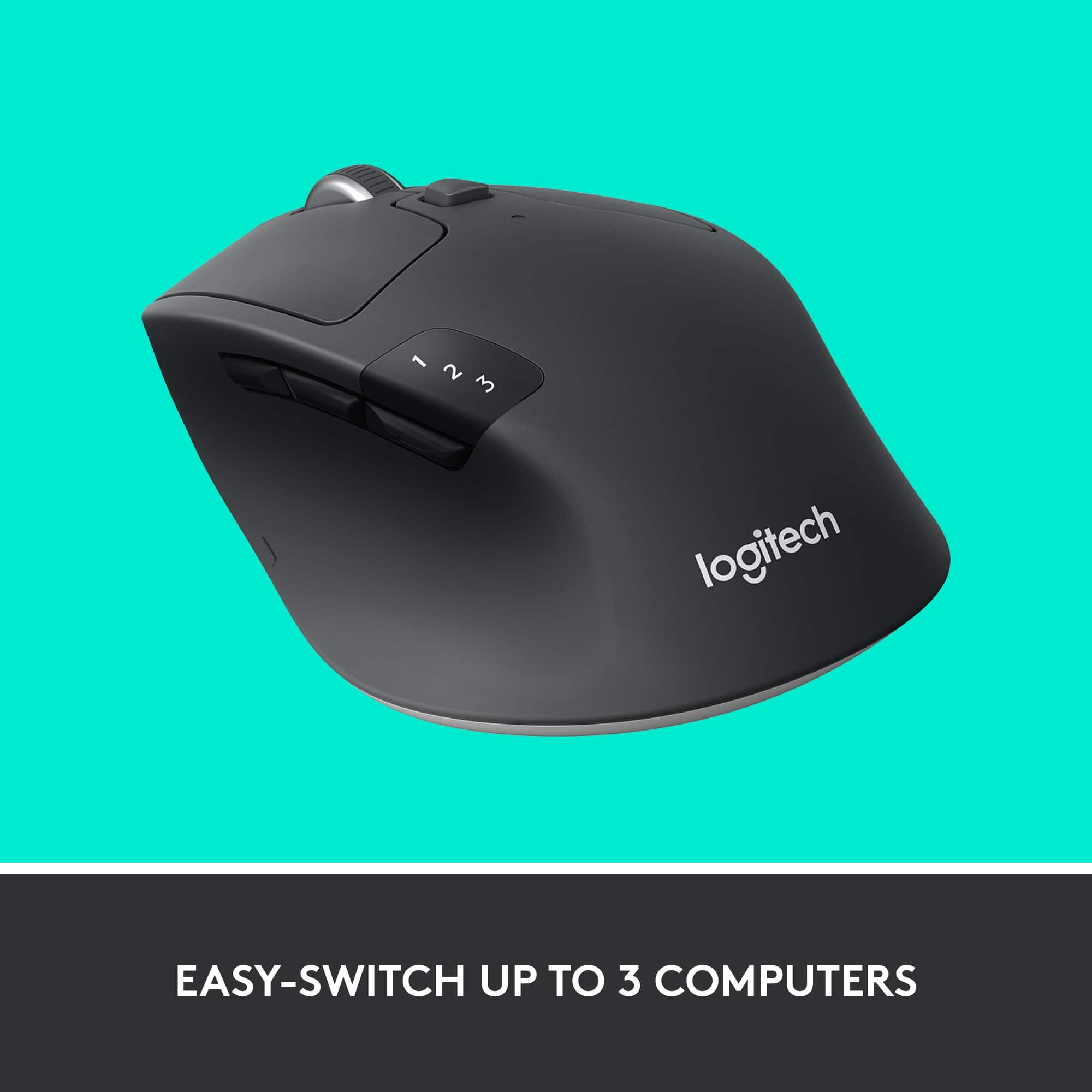
Posted .This reviewer received promo considerations or sweepstakes entry for writing a review.I definitely recommend the Logitech M720 Triathlon. Before this mouse, I had the Logitech MX Master 3 mouse, but I prefer this M720 Triathlon because the button to switch which computer you're connected to is on the top. On the MX Master 3 mouse, you have to pick up the mouse to access the switch button, which gets annoying if you need to switch frequently. It's also easier to tell which device you're connected to with this mouse because of the indicator on the top, rather than the bottom.
I would recommend this to a friend- Pros mentioned:Ease of use
The mouse
Posted .This reviewer received promo considerations or sweepstakes entry for writing a review.very good and perfect to handle and move around your desk
I would recommend this to a friend - Pros mentioned:Ease of use
Best overall
Posted .This reviewer received promo considerations or sweepstakes entry for writing a review.Just the best Mouse for the use of multiple pc's. .............................................................................
I would recommend this to a friend - Pros mentioned:Overall performance
Super great mouse.
Posted .This reviewer received promo considerations or sweepstakes entry for writing a review.I like it, it works great. Does everything it is suppose to.
I would recommend this to a friend Great mouse for the price
Posted .This reviewer received promo considerations or sweepstakes entry for writing a review.Excellent wireless connection. Very comfortable. Great mouse for the price.
I would recommend this to a friend- Pros mentioned:Ease of use
Logitech-m720
Posted .This reviewer received promo considerations or sweepstakes entry for writing a review.I love the way it its the palm of my hand, easy to navigate.
I would recommend this to a friend Not bad, but too small for my hand
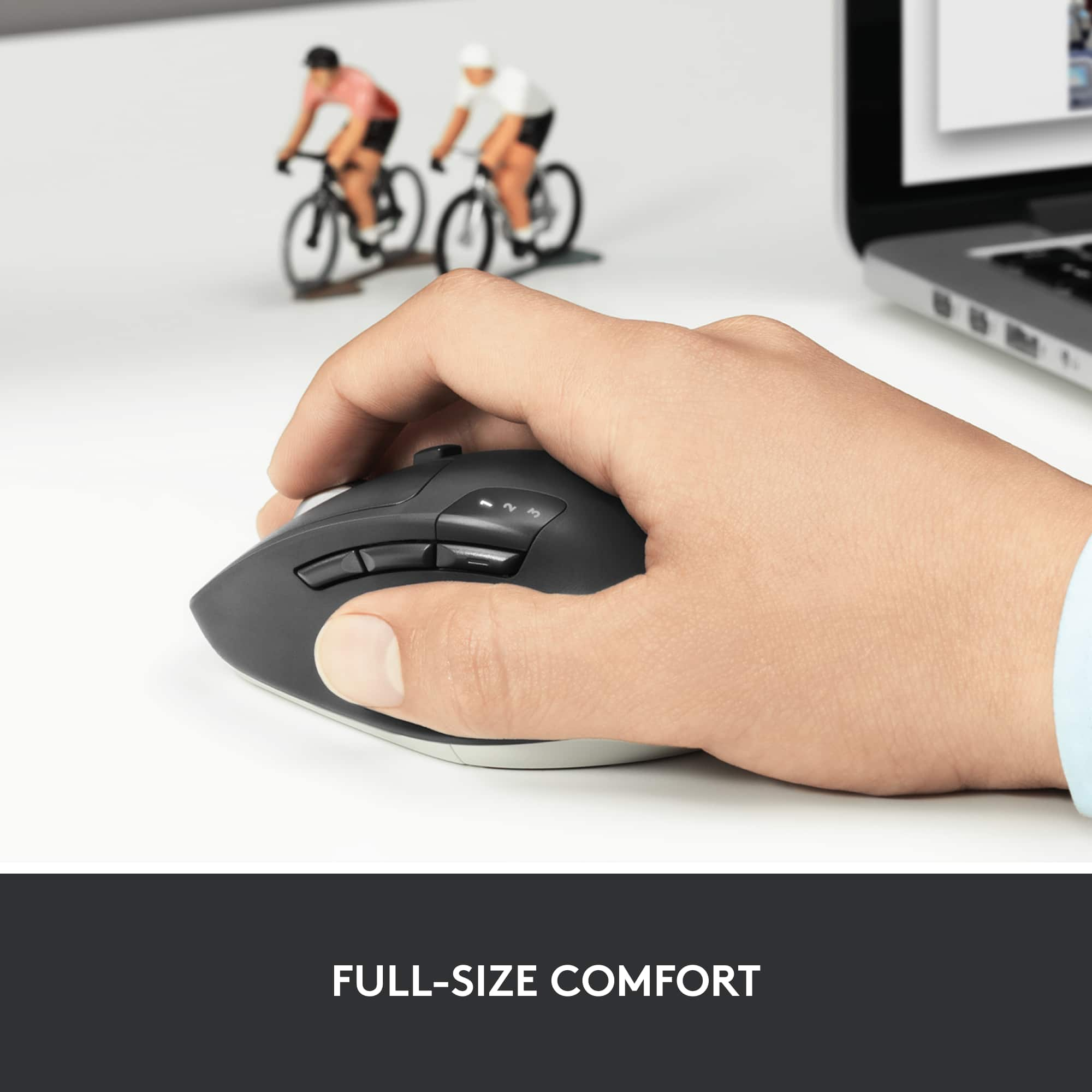
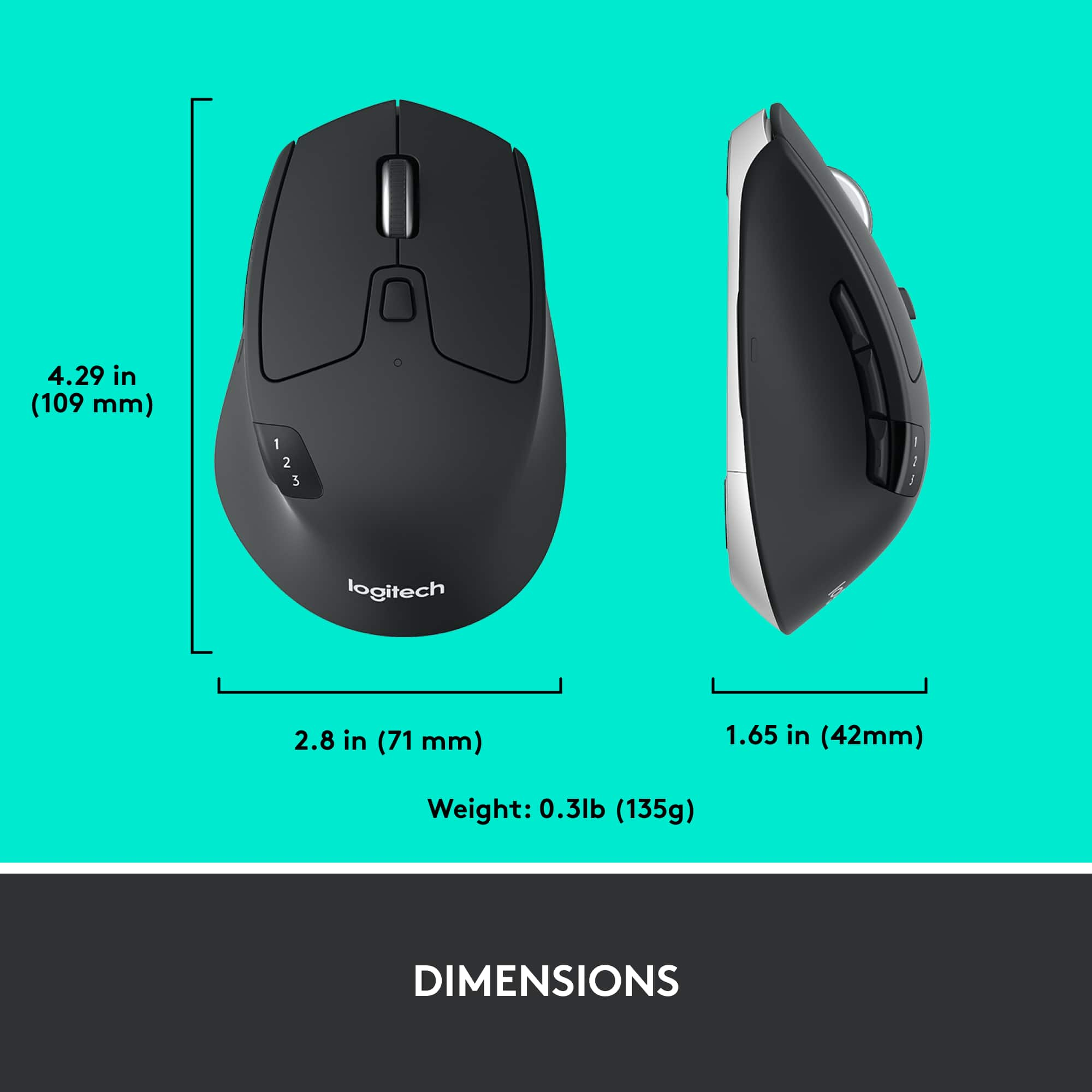
Posted .This reviewer received promo considerations or sweepstakes entry for writing a review.The mouse seems well made and has a good response, but the body of the mouse is too short for my hand. If I rest my palm comfortably on the back of the mouse, I have to push the buttons with the 2nd knuckle of my fingers or bend them up and an awkward angle to use my fingertips. It would probably work just fine for someone with smaller hands than mine (which are admittedly larger than most.)
I would recommend this to a friendA Danos
Posted .This reviewer received promo considerations or sweepstakes entry for writing a review.Wee love it. It provides great hand comfort while doing computer work.
I would recommend this to a friendBrand response from Logitech
Posted .We're delighted to hear that the Logitech M720 Triathlon Wireless Optical Mouse has been a great fit for your hand. Your positive review means a lot to us.
The M720 is designed to provide a comfortable and ergonomic grip, helping to reduce hand strain during long computer sessions. We're glad to know that it's meeting your expectations.
Thank you for choosing Logitech. We hope you continue to enjoy using the M720.
Great mouse for everyday work.
Posted .This reviewer received promo considerations or sweepstakes entry for writing a review.Excellent mouse with highly customizable buttons. Nice weight in the hand.
I would recommend this to a friendBrand response from Logitech
Posted .Thank you for your kind words about the Logitech - M720 mouse. We appreciate you highlighting its customizable features and comfortable design. We're glad it's enhancing your productivity!
Connection Issues
Posted .This reviewer received promo considerations or sweepstakes entry for writing a review.I have been using this mouse for over a year. It is a great mouse IF it stays connected. I connect via Bluetooth. So frustrating that I now have wired mouse connected for those times. Obviously I like the mouse when it is connected but in todays world this is unacceptable. Doesn't take long to reconnect it (using the wired mouse). One of these days it will hit the trash. BTW, I have/had other Logitech devices. Got rid of their wireless keyboard. Unreliable. Have Harmony remotes. Glitchy. Maybe it is an issue with Apple IOS?
No, I would not recommend this to a friendBrand response from Logitech
Posted .Hello, I am so sorry to hear about your connectivity issue. Bluetooth is not the most reliable connection as other devices can interfere with it. If you still have the dongle, give that a try? I hope this helps! thank you for your review.
Logitech still uses faulty switches.
Posted .This reviewer received promo considerations or sweepstakes entry for writing a review.Bought this mouse and it was great for just over a year. Then it began having double-click and click-hold issues. A quick bit of research shows this has been a known problem with the Omron D2FC-F-7N switch used inside SINCE 2009. It's now 2022. Rather than spend $0.02 to get a better switch, Logitech reduced the warranty to 1 year so they can force you to buy a new mouse they know will fail with normal use just after the warranty is up. This is unacceptable anyway, but this considered a premium mouse. Logitech support is extremely apathetic and non-existent when you speak with them about it, too. Buy if you want to replace your mouse every year, otherwise go with a brand who doesn't use faulty switches.
No, I would not recommend this to a friendDifficult to click and drag to select text
Posted .This reviewer received promo considerations or sweepstakes entry for writing a review.This product is really cool but It's difficult to click and hold the left (top) button to select text. I suspect that the side button on the mouse interferes with the operation of clicking and holding down the top button to select text . Each time you try to hold down the top button, you unconsciously put pressure on the side button using your thumb as you try to drag the mouse (which clicks the side button). This leads to weird behavior.
No, I would not recommend this to a friendBrand response from Logitech
Posted .Hey there Paul, I'm sorry to hear that you've got some issues with your M720. It sounds like something may be wrong with the mouse, so I would recommend contacting our support site for further assistance. -Weston from Logitech
Breaks after 2 years of solid use
Posted .This reviewer received promo considerations or sweepstakes entry for writing a review.I love Logitech products, and this was great out of the gate, but started to fail after about 1 year. First the scroll wheel started to become jumpy in smooth scroll mode. After about 2 years of heavy use, the primary click button translates all single clicks into double clicks, and is useless for click-and-drag. This mouse cannot be disassembled and cleaned without breaking it permanently.
No, I would not recommend this to a friendBrand response from Logitech
Posted .Hello, we are sorry to hear that you are having issues with your M720 mouse. You may reach us for support by opening a Technical Support ticket here: https://support.logi.com/hc/en-us/requests/new?ticket_form_id=360000621393
We can attempt to resolve the issue for you
Mouse Lags
Posted .This reviewer received promo considerations or sweepstakes entry for writing a review.Affordable mouse, but I have had issues with this mouse lagging when using it with my Macbook. Whether I use the receiver or use Bluetooth, it is always the same result. I have never had issues with the MX Anywhere or MX Master series, so I guess this is a case of you get what you pay for.
No, I would not recommend this to a friend