Customer Ratings & Reviews

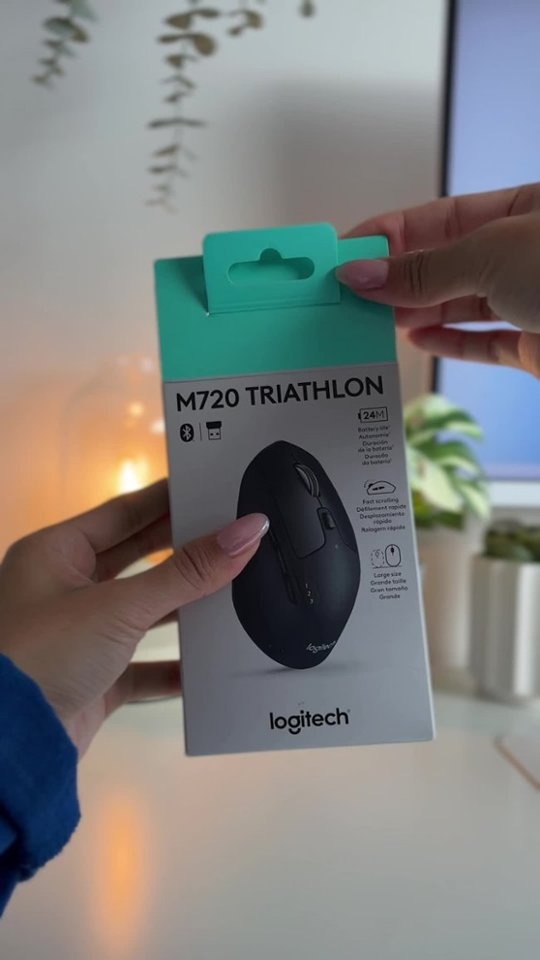

- Model:
- 910-004790
- SKU:
- 5592421
Rating by feature
- Value
Rating 4.7 out of 5 stars
- Quality
Rating 4.8 out of 5 stars
- Ease of Use
Rating 4.7 out of 5 stars
to a friend
Customers are saying
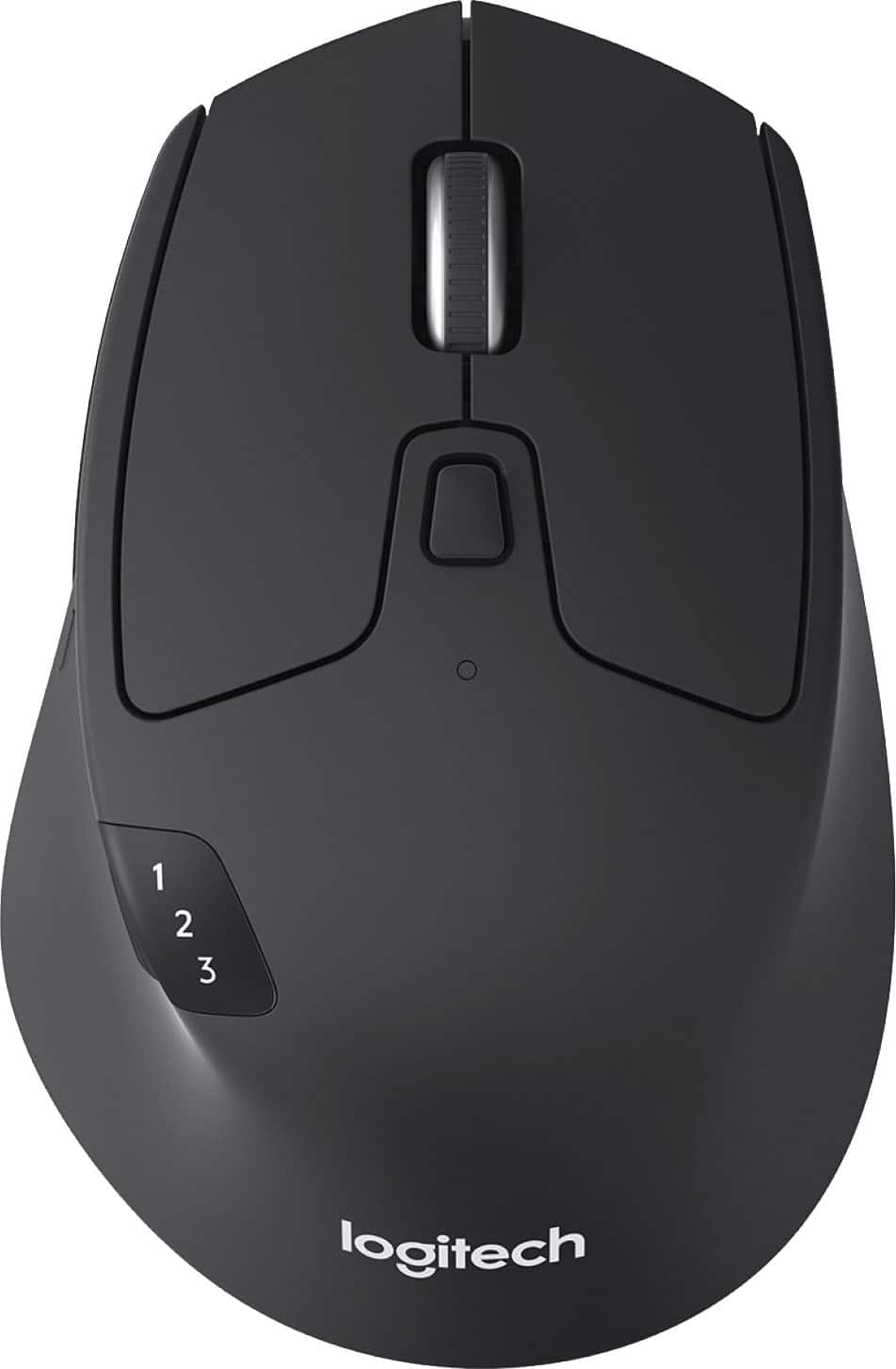
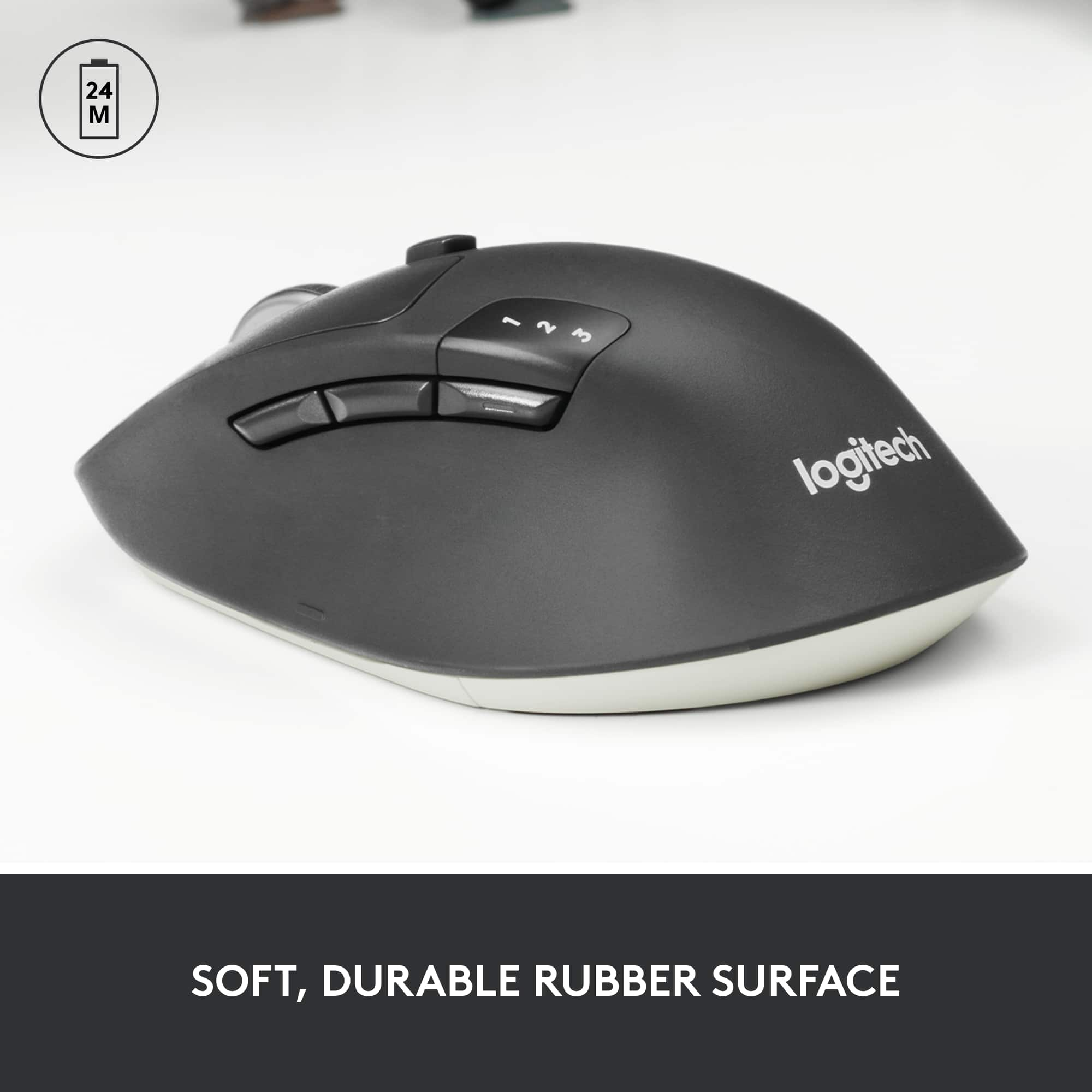
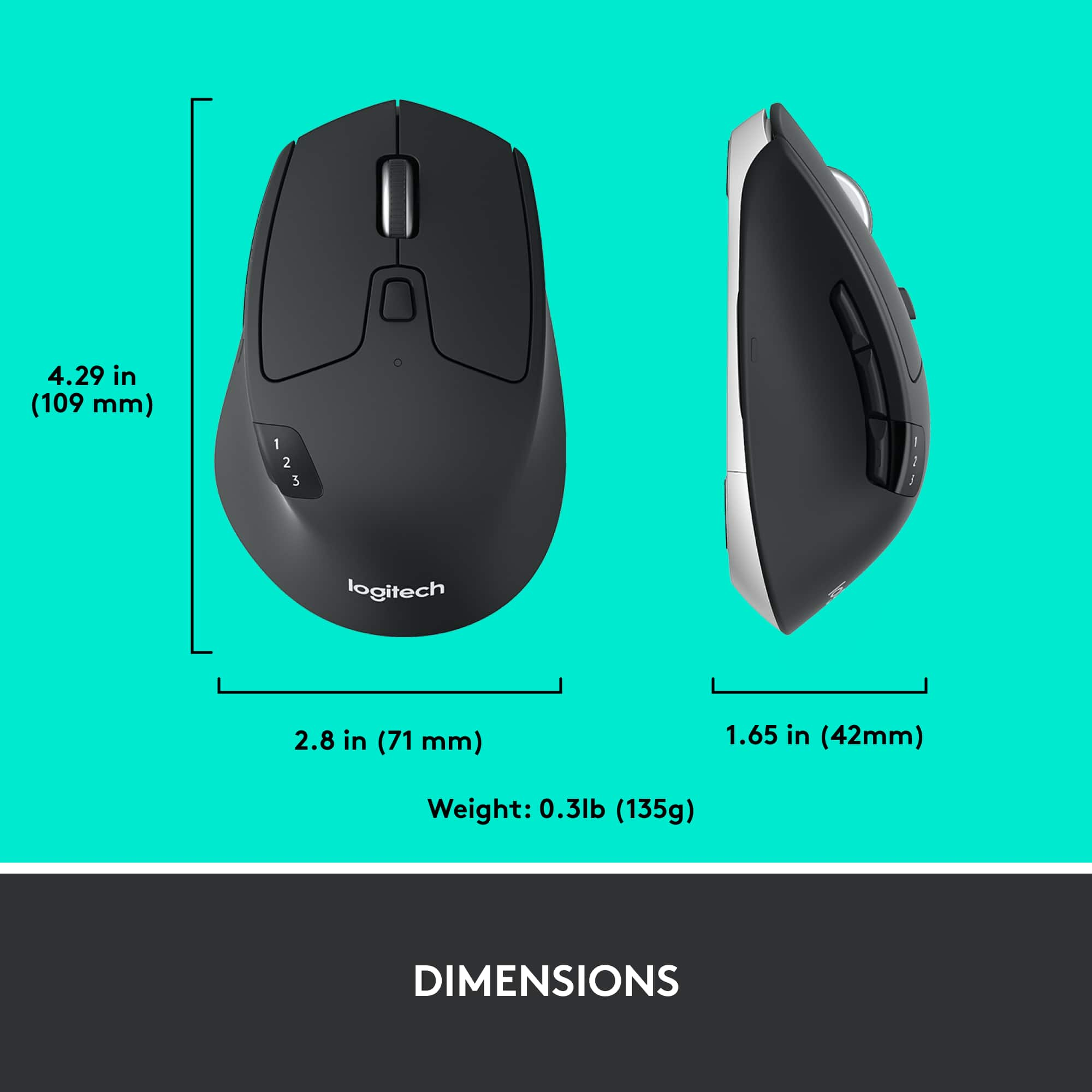
Customers are impressed with the M720 Triathlon Wireless Optical Mouse, particularly its ease of use, Bluetooth connectivity, and overall performance. Many find the mouse to be comfortable due to its ergonomic design and appreciate the excellent battery life. The size and infinity-style scroll wheel are also well-received features, while a few customers feel the mouse could be slightly heavier.
This summary was generated by AI based on customer reviews.
The mouse is a must have for a decent price
||Posted .This reviewer received promo considerations or sweepstakes entry for writing a review.This mouse is very smooth to operate. It feels comfortable and is great to switch between multiple displays. The infinity scrolling is interesting and the weight makes it feel durable.
I would recommend this to a friendA great choice at the price point
||Posted . Owned for 3 weeks when reviewed.This reviewer received promo considerations or sweepstakes entry for writing a review.I was looking for an inexpensive bluetooth mouse for use with my work PC, and this easily fit the bill! Setup was smooth and simple, and I've been using it for weeks without issue. If the battery life is anywhere near what they advertise I'll recommend this mouse to everyone!
I would recommend this to a friendBrand response from Logitech
Posted .Thank you for your positive feedback on the Logitech - M720 mouse. We're glad to hear about your positive setup experience and reliable performance.
No complaints!
||Posted . Owned for 1 month when reviewed.This reviewer received promo considerations or sweepstakes entry for writing a review.Great mouse that doesn't break the bank. No issues setting up with Bluetooth to iMac and tracking is pretty stable without using mousepad. So far battery life has been as expected, no replacement yet in almost 2 months of everyday all-day use.
I would recommend this to a friendBrand response from Logitech
Posted .Great review of the Logitech M720! It sounds like you've found a reliable and affordable mouse with solid performance. The Bluetooth connectivity and long battery life make it a convenient choice for everyday use.
Logitech M720 Tele-tactile device
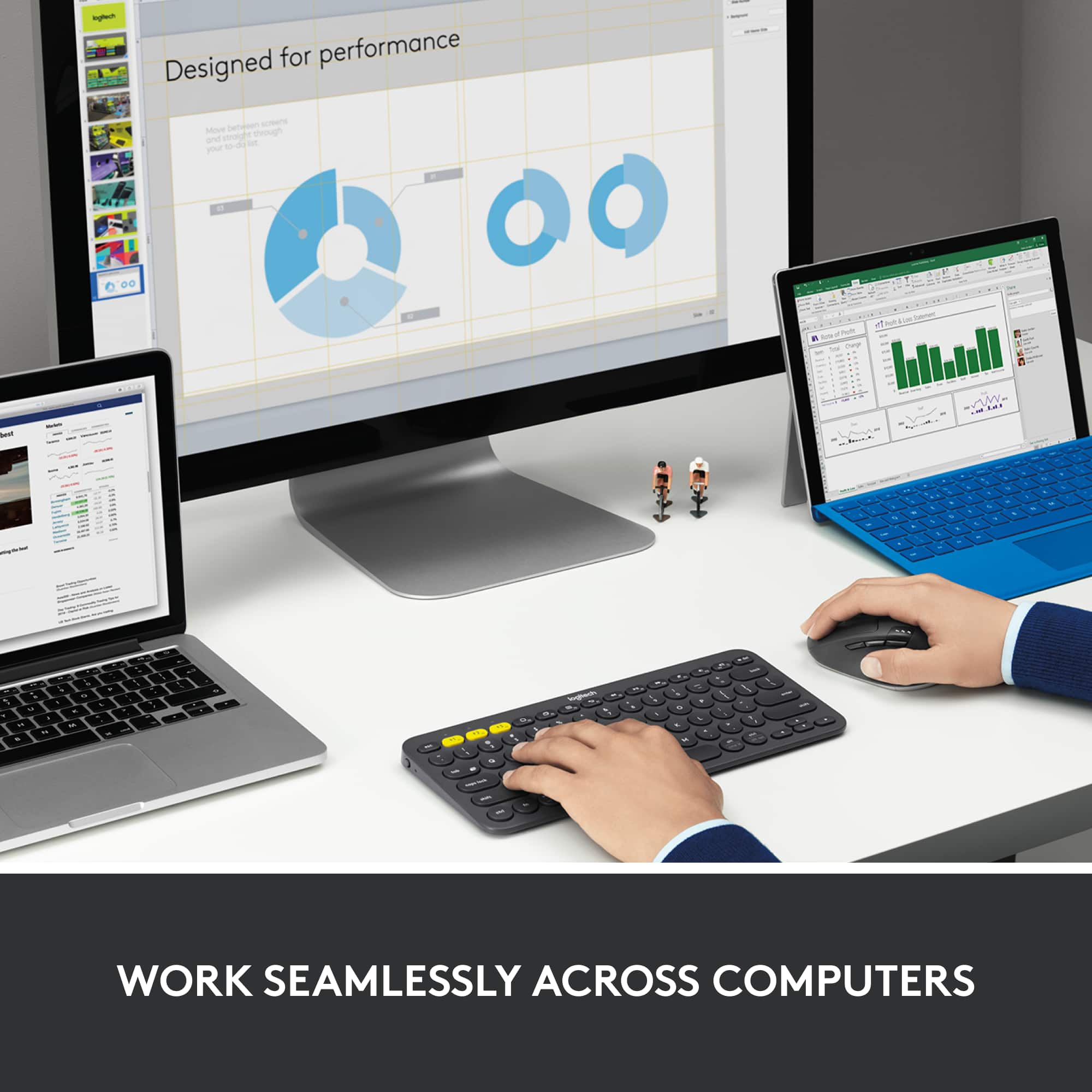
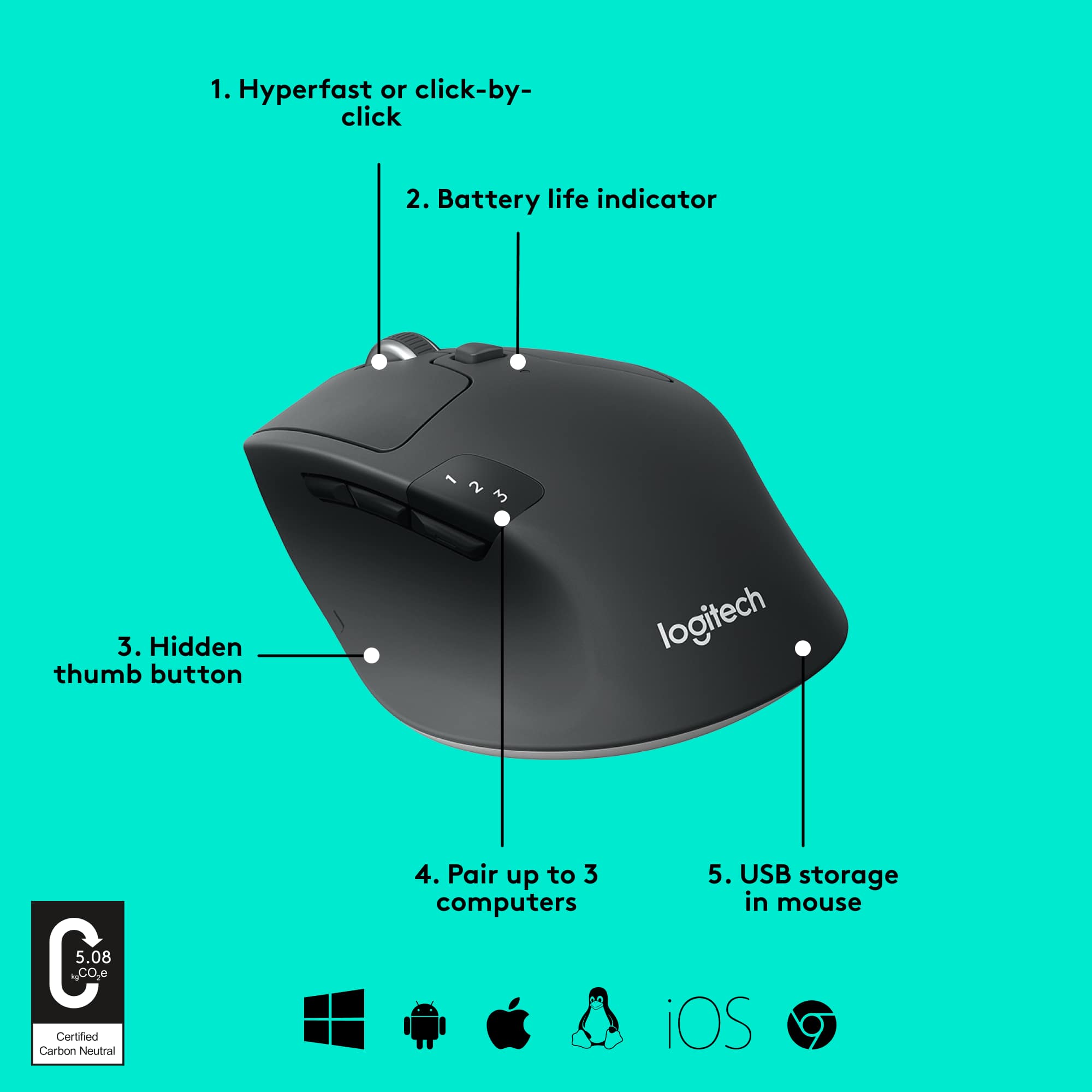
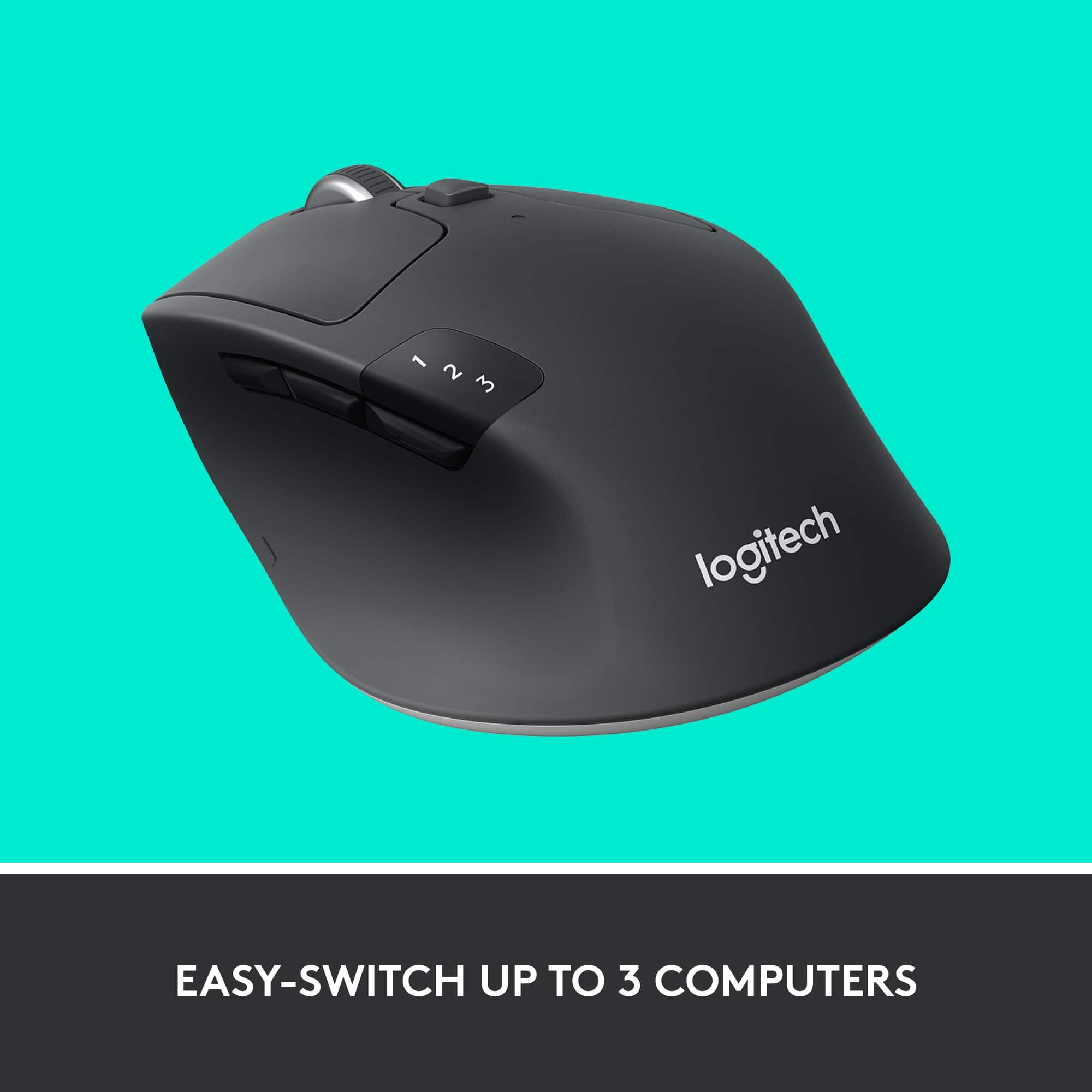
||Posted . Owned for 1 month when reviewed.This reviewer received promo considerations or sweepstakes entry for writing a review.Excellent tele-tactile device for pointing and clicking to select and process computer related application options. This is used to control three computers flawlessly. Switching between computers via a button on the side. Can control the scrolling speed by another button on the top, Scrolling can be held to noticeable feedback or super-fast scrolling without feedback. Web browsing can also be controlled with back and forward buttons easily accessed via a thumb across the bottom edge. Another great product from Logitech. Third M720 I have purchased.
I would recommend this to a friendBrand response from Logitech
Posted .Thanks for the kind words! We’re proud to know our product is making a difference. Your feedback keeps us moving forward.

Wireless mouse
||Posted . Owned for 2 weeks when reviewed.This reviewer received promo considerations or sweepstakes entry for writing a review.Works better than anticipated. No problem connecting to my computer. Smooth operation
I would recommend this to a friendBrand response from Logitech
Posted .It’s always a pleasure to hear from satisfied users. Thanks for sharing your experience—it helps us keep doing what we love.
Been usigng the M720 for several years.
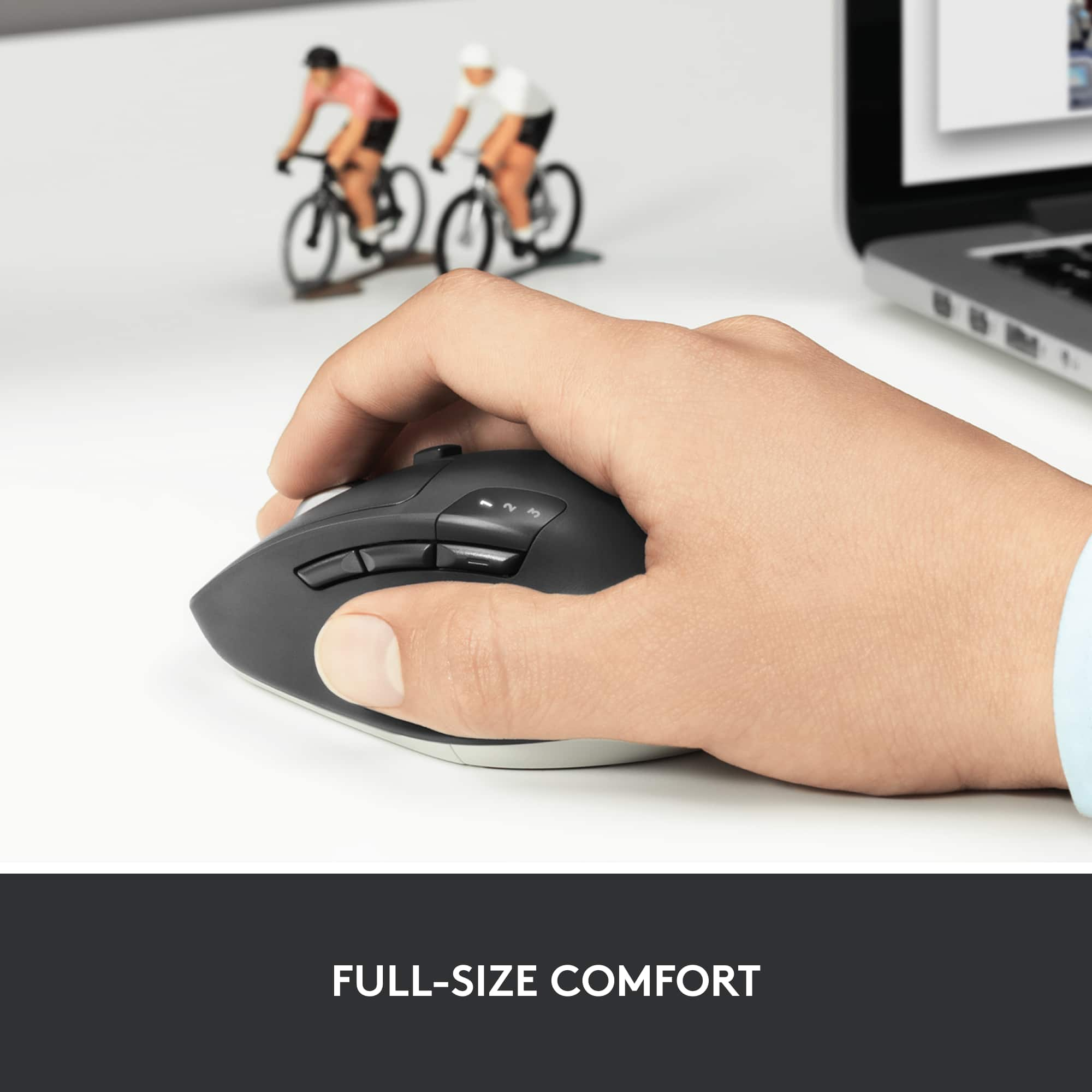
||Posted . Owned for 1 week when reviewed.This reviewer received promo considerations or sweepstakes entry for writing a review.I had been using the Logitech Marathon M705 mouse for many years, but then I switched over to M720 Triathlon several years ago, I use it for both work and home. I need to have the Hyper-Scroll feature for large documents, as well as the Tilt-Wheel capability for spreadsheets as well, and the Triathlon has both of these options. It's also great to be able to switch this mouse over to different devices. The one thing I really like about this mouse is that the size and shape are a perfect fit for my right hand, including the groove on the left side of the mouse for my thumb, it is so comfortable to use. Add to that the ease of programming multiple buttons, and this is a no brainer. My experience is that the M720 mouse will last about 3-4 years. and then the left clicking mechanism stops working correctly. Then, when you single left-click - it either doesn't register the click, or it has unintended double or multiple clicks. That's when I know it's time to buy another one. I figure with several hours of use each day, it's justifiable that the mechanisms of the mouse will wear out at some point, and 3-4 years seems to be about the average life-span. I'd still recommend this mouse.
I would recommend this to a friendChristmas gift
||Posted .This reviewer received promo considerations or sweepstakes entry for writing a review.It's easy to use and navigate with my laptop. I can adjust the function to fit the need when it is necessary.
I would recommend this to a friendBrand response from Logitech
Posted .Thanks for your kind words! We’re proud to know our product is meeting your needs. Your support keeps us motivated.
Great mouse
||Posted .This reviewer received promo considerations or sweepstakes entry for writing a review.This mouse is a good size (not tiny and not too big). Very easy to use. My husband has tremors, and this one works better for him than the old one.
I would recommend this to a friendBrand response from Logitech
Posted .Thank you for sharing your thoughtful feedback! We’re glad the Logitech M720 Triathlon is easy to use and provides better comfort for your husband. Your experience truly means a lot to us!
BUY!!!!
||Posted . Owned for 4 months when reviewed.This reviewer received promo considerations or sweepstakes entry for writing a review.I have had this mouse going on 7 months and not a bit of change in it's performance. By far one of the best I have ever owned. Battery holds for quite some time and very little (almost unnoticeable) delay wireless. Would recommend.
I would recommend this to a friendBrand response from Logitech
Posted .We’re so glad you’re enjoying your Logitech Logitech M720 Triathlon Wireless Optical Mouse. Your feedback helps us stay on track and continue delivering great experiences.
PERFECTION!!!
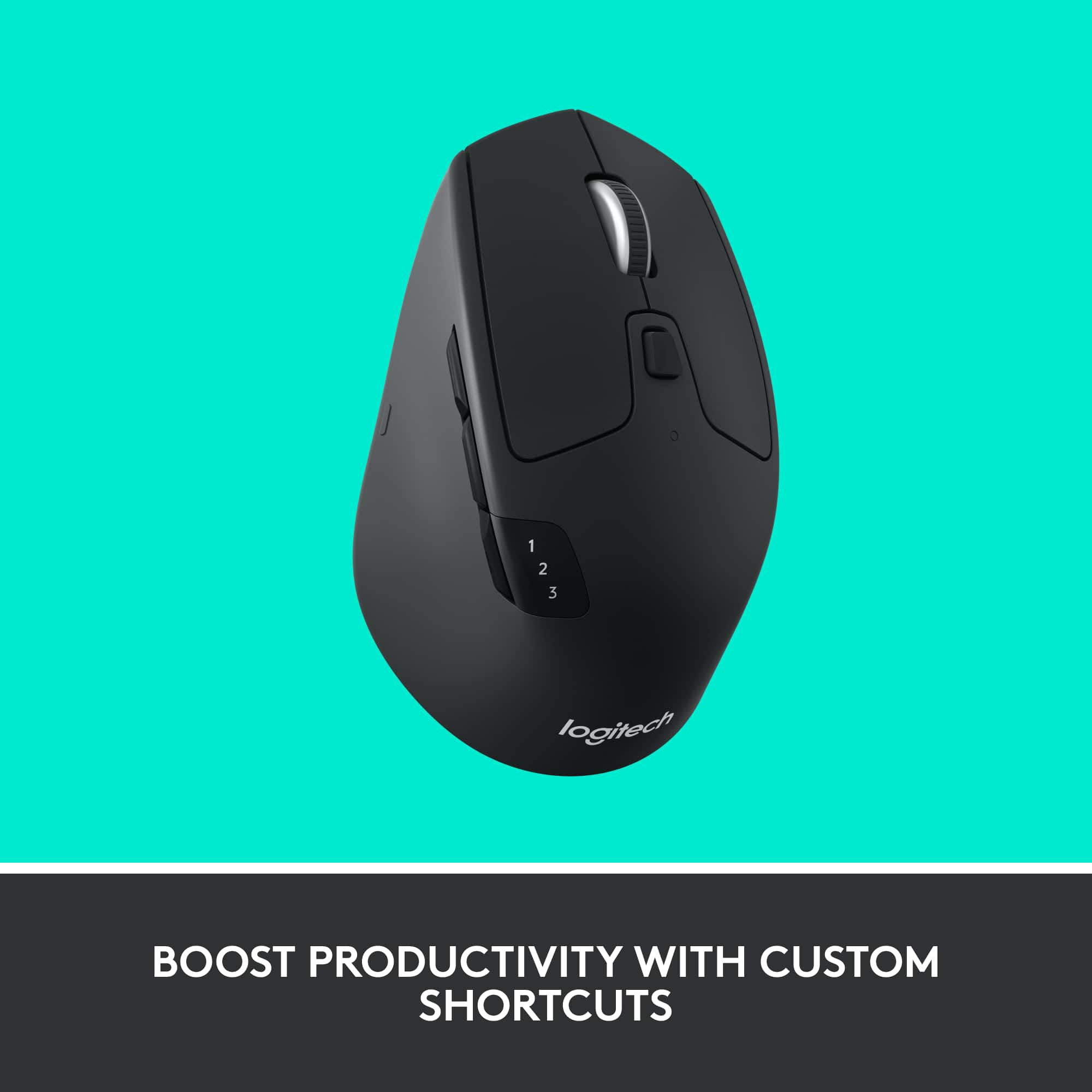
||Posted .This reviewer received promo considerations or sweepstakes entry for writing a review.Love it!! Along with the K780 keyboard, I'm able to seamlessly switch between my iPad, Windows PC, and Android phone. Love the Logitech Options App where it's easy to program all the buttons, and the two different scrolling modes are amazing and love how you just push the center button to toggle between them. Scrolling has never felt so good. Tracks perfectly on any surface, and battery lasts forever. LOVE LOVE LOVE it!!!
I would recommend this to a friendContinues to be best
||Posted . Owned for 1 month when reviewed.This reviewer received promo considerations or sweepstakes entry for writing a review.Bought my first one for home and absolutely loved it. Was having a lot of hand cramps with traditional mouse and this one just feels better. Allowed me to use home computer and work computer so loved that. Ended up buying another one exclusively for work. The work one lasted couple of years but just recently the right-click just randomly clicked and sometimes the programmable buttons just activated themselves. Kind of dealt with it for a while and then finally it just wasnt responding to bluetooth very well. I have never used the included wifi dongle so have no clue how well that works. But I have just recently bought my third one of these. And I probably will buy another soon to have as backup.
I would recommend this to a friendBrand response from Logitech
Posted .That's an incredible review! We're thrilled to hear that you've been a long-time fan of the Logitech M720 and that it's been so beneficial for your comfort and productivity. Your feedback about the recent issues with your second M720 is valuable to us. We'll investigate these concerns to ensure future models are even more reliable. Thank you for your continued support and loyalty to Logitech!
Amazing
||Posted . Owned for 1 month when reviewed.This reviewer received promo considerations or sweepstakes entry for writing a review.Mouse is great didn’t care too much about connecting to 3 computers until my mouse at work broke, then it came in extra handy, has a great baterry life you can adjust how loose the scroll wheel is just does whts its meant to and more
I would recommend this to a friendBrand response from Logitech
Posted .That sounds great! We're glad it came in handy when your work mouse decided to call it quits. That's exactly what we aim for with our multi-device capabilities. Thank you and have an amazing day!
Excellent Desktop Mouse
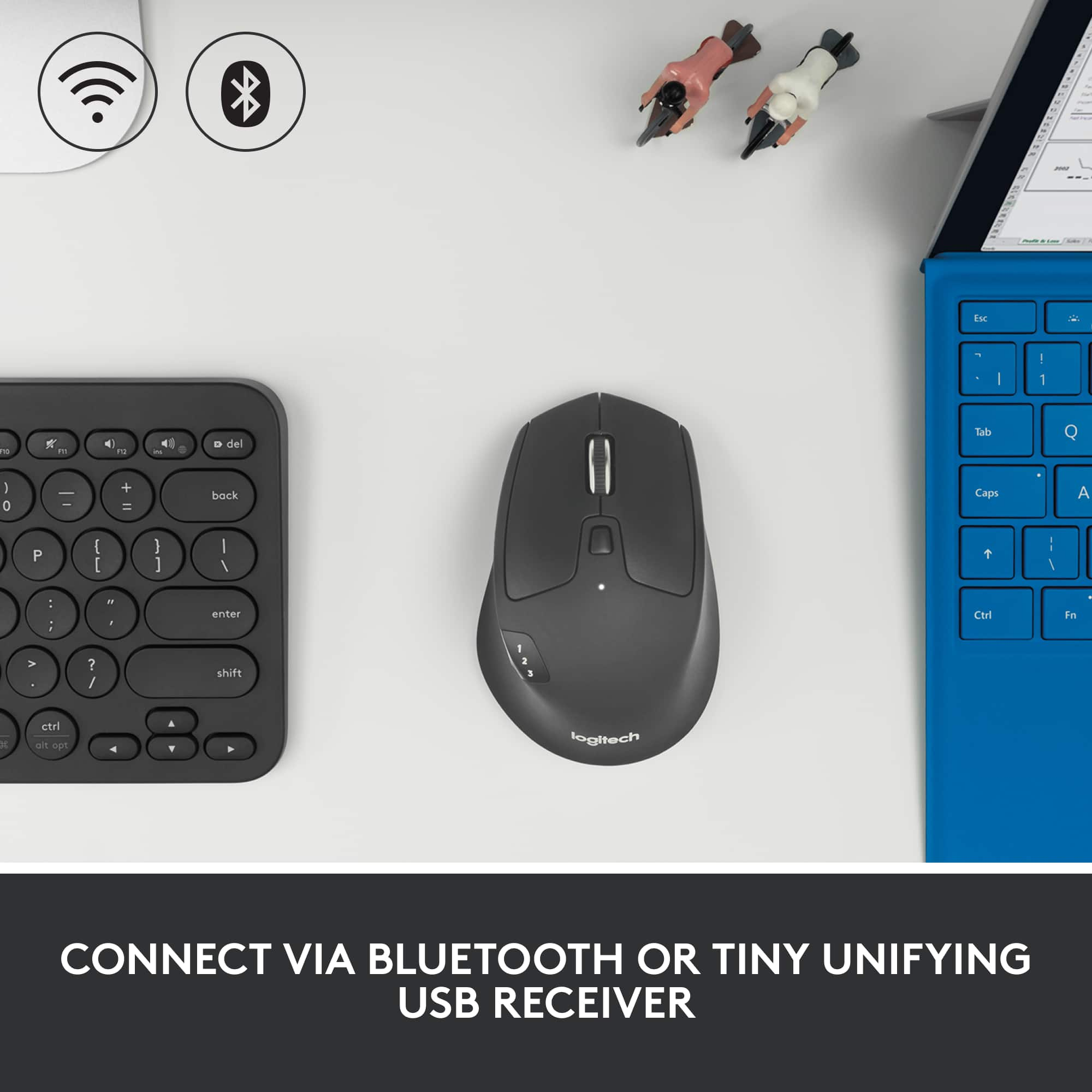
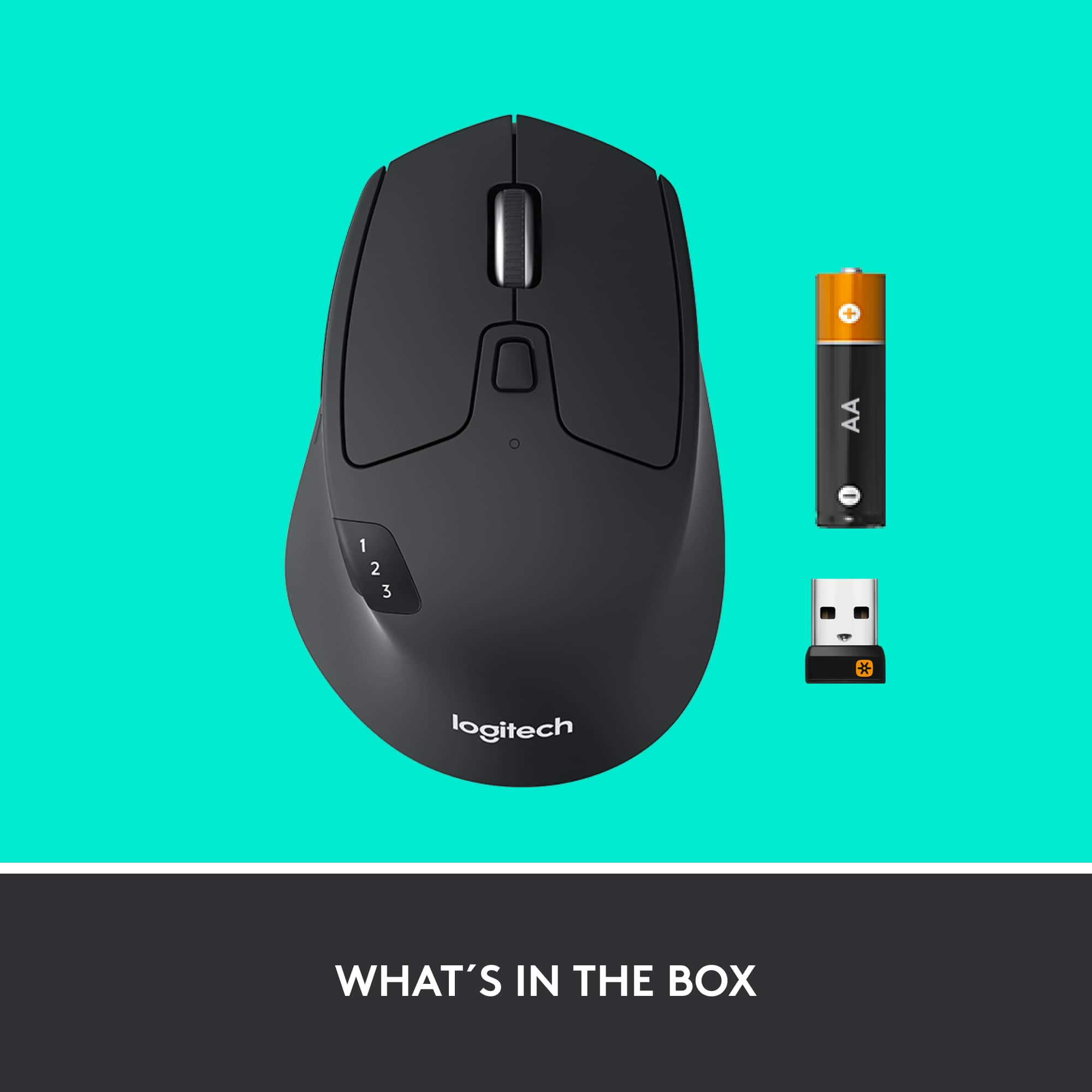
||Posted . Owned for 1 week when reviewed.This reviewer received promo considerations or sweepstakes entry for writing a review.This mouse is extremely responsive and the ergonomic design makes it comfortable to use all day. I love that you can connect it via Bluetooth or the provided dongle. I highly recommended this mouse as it provides a host of great features at an affordable price.
I would recommend this to a friendBrand response from Logitech
Posted .The Logitech M720 is a great all-around mouse. It's comfy, works well, and connects to devices easily via Bluetooth or USB. Plus, it's affordable!
Great mouse, functional and quality
||Posted . Owned for 1 month when reviewed.This reviewer received promo considerations or sweepstakes entry for writing a review.Great mouse use it for work between offices. Smooth buttons great on any surface. I think this is my go to mouse!
I would recommend this to a friendBrand response from Logitech
Posted .We’re so happy to hear your experience has been positive. Your feedback helps us stay focused on what matters most—our users. Thanks for supporting Logitech!
Logitech Triathlon Wireless Mouse
||Posted . Owned for 2 weeks when reviewed.This reviewer received promo considerations or sweepstakes entry for writing a review.This mouse is incredibly easy to setup and use. The biggest issue is remembering to turn it off to save battery life.
I would recommend this to a friendBrand response from Logitech
Posted .Thank you for sharing your experience with the Logitech M720 Triathlon Mouse! We’re glad you found it easy to set up and use, and we truly appreciate your helpful note on battery care.
Love It!
||Posted . Owned for 1 month when reviewed.This reviewer received promo considerations or sweepstakes entry for writing a review.Love this mouse. I especially like the ease with you can assign most buttons to execute commands that would otherwise require finger gymnastics on the keyboard. Scroll wheel is smooth as silk. I bought the open box version for savings and I found it to be like new.
I would recommend this to a friendGaming mouse
||Posted . Owned for 2 weeks when reviewed.This reviewer received promo considerations or sweepstakes entry for writing a review.Solid performing gaming mouse. Extremely comfortable and easy to use.
I would recommend this to a friendBrand response from Logitech
Posted .We appreciate you taking a moment to share your experience. It’s great to know that our product is living up to your expectations and making your tasks easier. Your support means the world to us—thanks for being a Logitech customer.
An upgrade? Yes and no
||Posted . Owned for 5 months when reviewed.This reviewer received promo considerations or sweepstakes entry for writing a review.I bought this to replace an older Logitech 2 device mouse that had developed a bad left button. My old one had a button behind the scroll wheel to switch between devices, which was easy to hit when you wanted to, but not by accident. The M720's is right behind the back button, easy to press when going for the back button. I changed "back" to the "Hidden thumb button", which is easier to use anyway, but easy to press accidently when picking it up and going back a page when you don't want to. What I do like about it is the weighted scroll wheel with the detent disengaged (the button behind the scroll wheel). You can give it a flick and quickly scroll though a page or spreadsheet and stop it where you want.
I would recommend this to a friendBrand response from Logitech
Posted .Thank you for your detailed feedback on the M720 Triathlon. We appreciate you sharing your experience with the device switching button placement and your workaround solution with the thumb button. We understand the sensitivity of those buttons can be a concern. We're glad you're enjoying the weighted scroll wheel and its smooth scrolling functionality. Your feedback is valuable and helps us improve our products.
Great Replacement Mouse
||Posted . Owned for 3 weeks when reviewed.This reviewer received promo considerations or sweepstakes entry for writing a review.Bought one for home and one for office. I like the feature to switch the scroll wheel between smooth scrolling and clicking. Using Bluetooth connection and having no problems at all. Still getting used to the placement of the thumb buttons - not positioned where my hand is used to resting on the mouse - but I'm sure I'll adapt. Very happy with the purchase. Great value with "deal of the day" purchase.
I would recommend this to a friendAmazing work mouse just got better again!
||Posted . Owned for 1 week when reviewed.This reviewer received promo considerations or sweepstakes entry for writing a review.Years ago i used to have the marathon mouse with the logitech usb dongle. Battery and mouse lasted me about 6 years before I switched to using a gaming mouse. Now that I’ve started using a MacBook, this triathlon mouse is a big upgrade and even allows bluetooth so I don’t have to keep track of the dongle and constantly plug and unplug it.
I would recommend this to a friend