Customer Ratings & Reviews
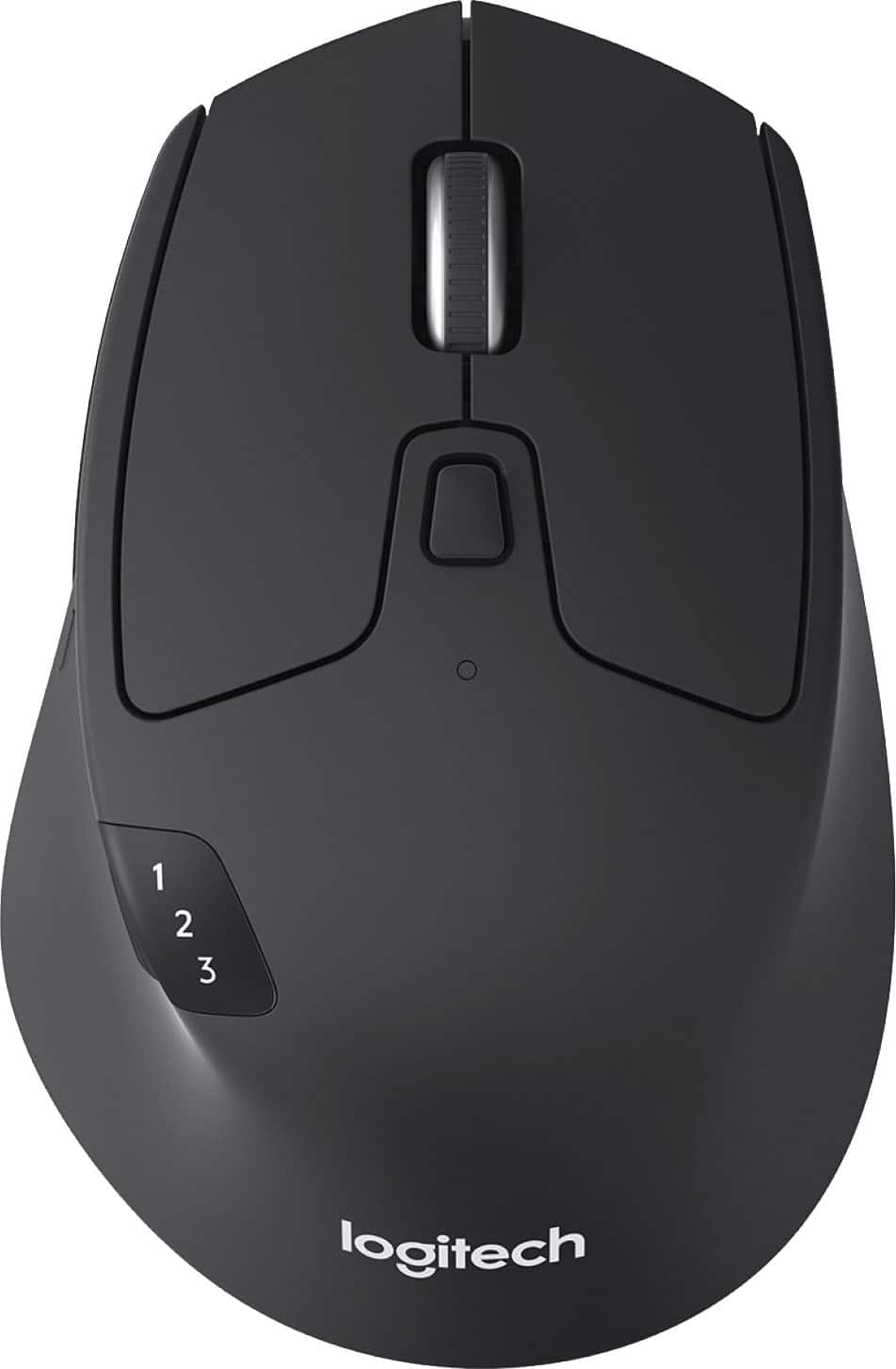
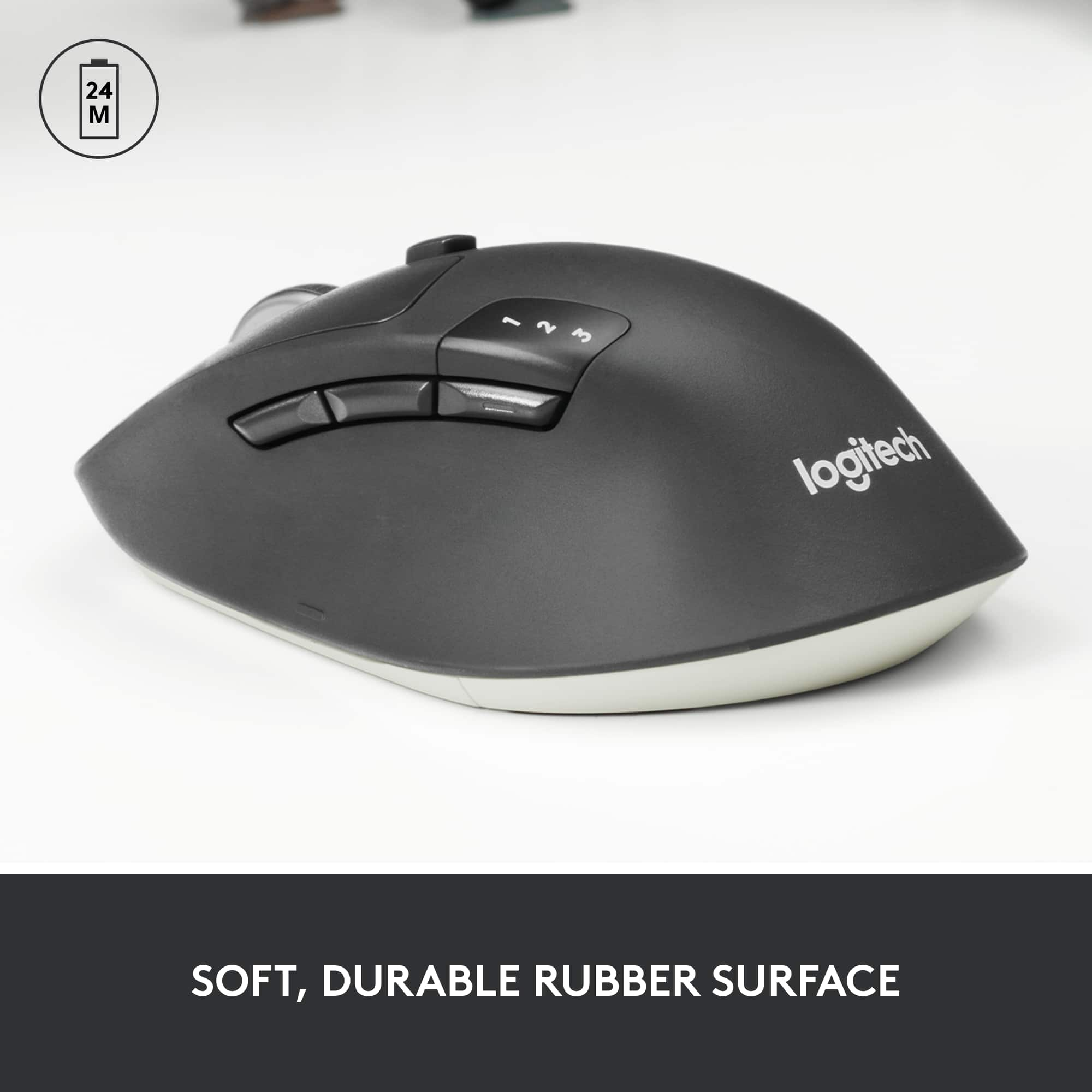
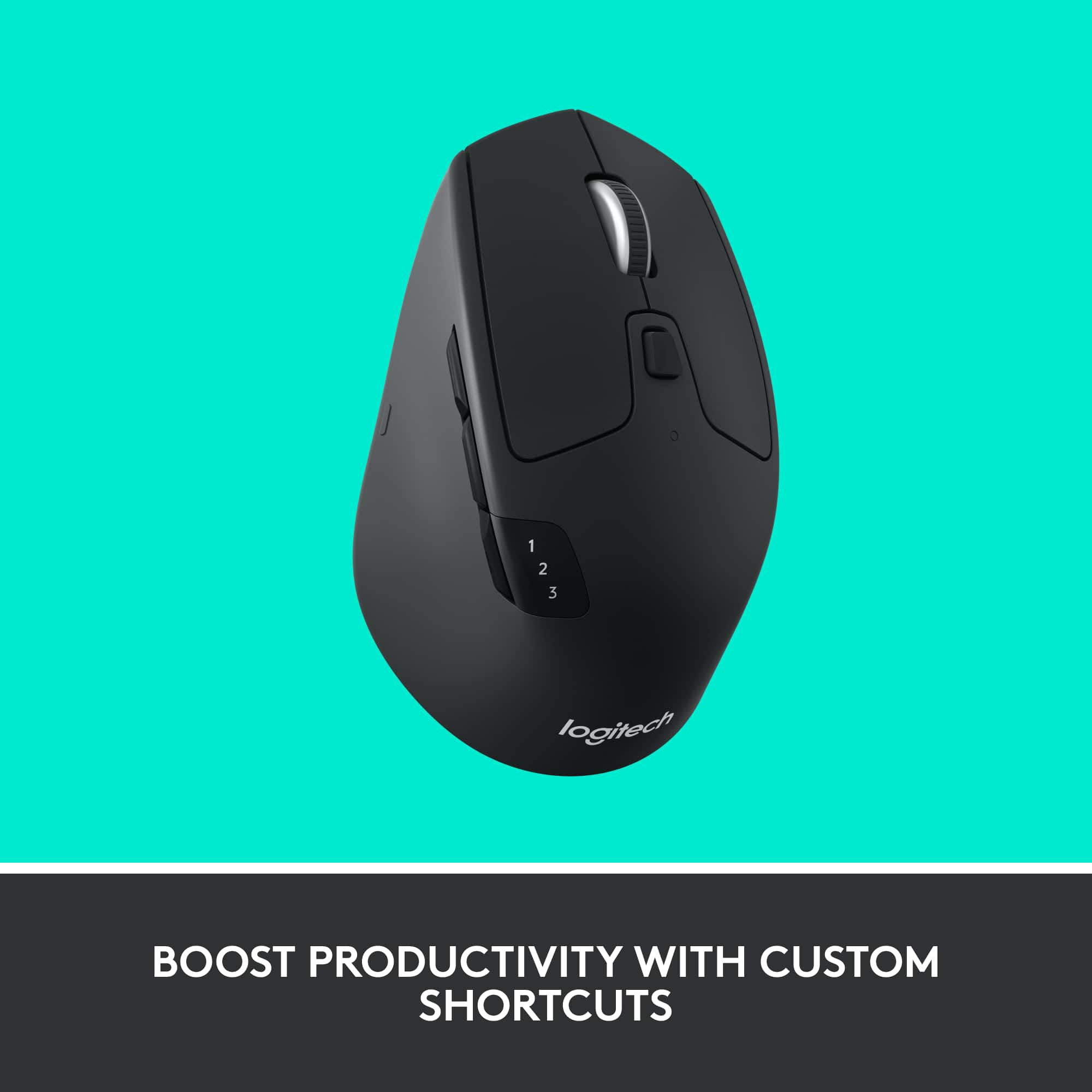
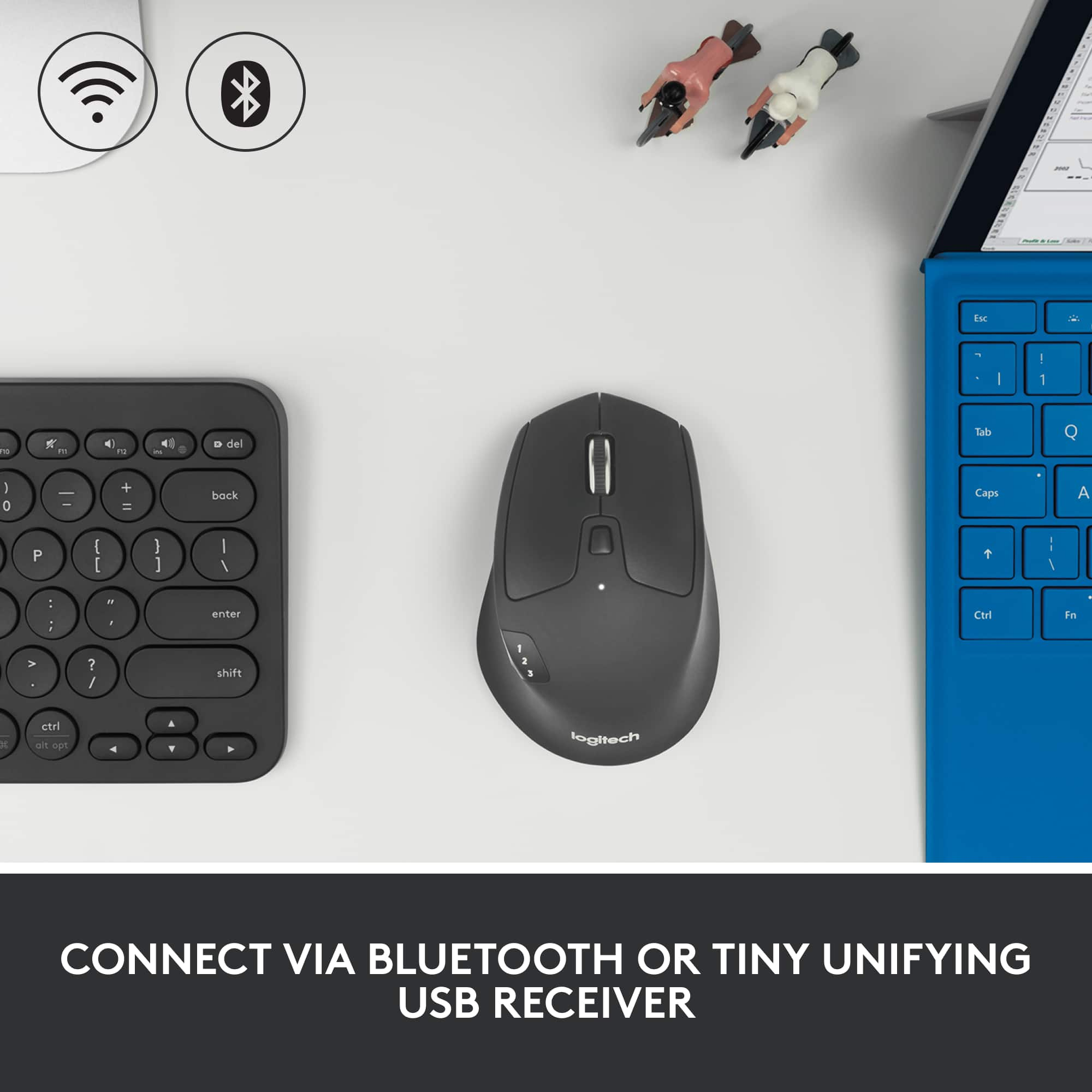

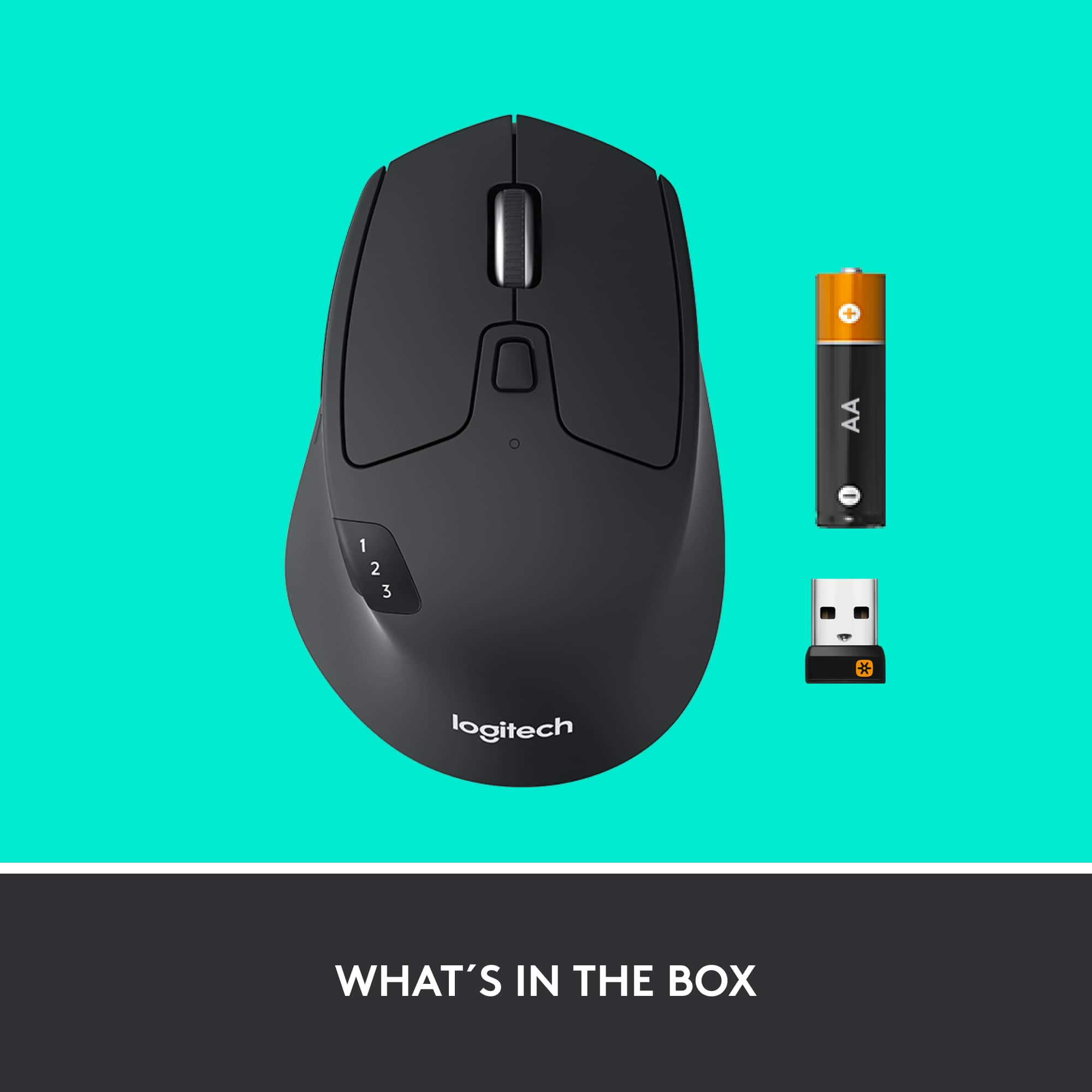

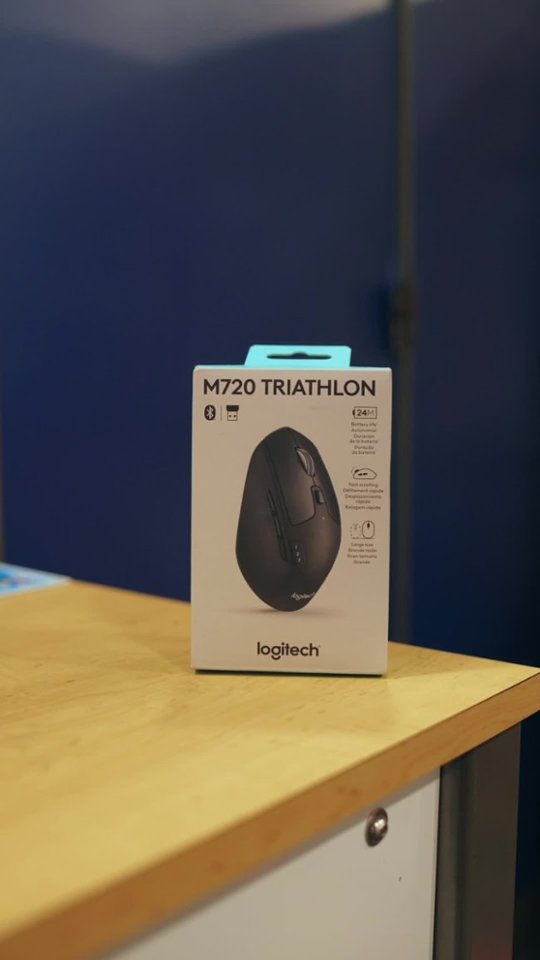
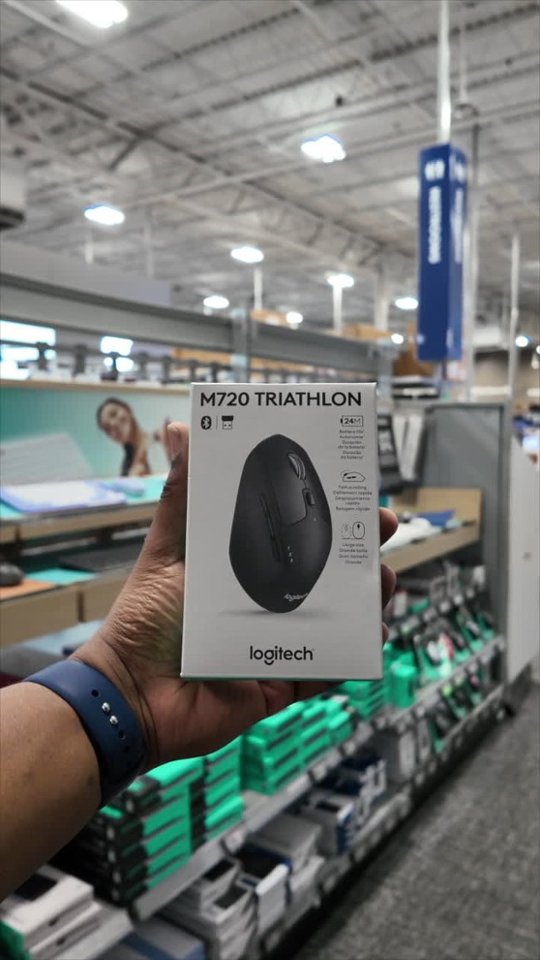
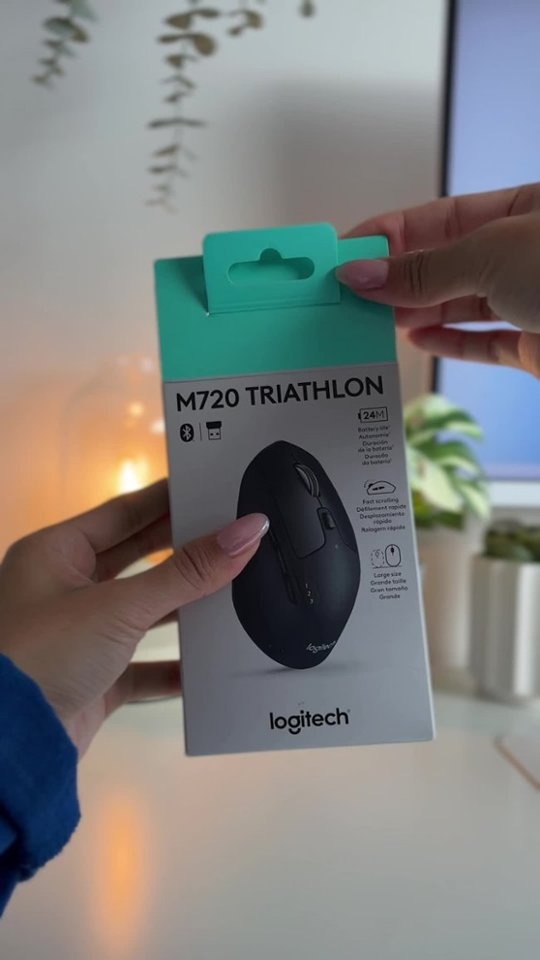

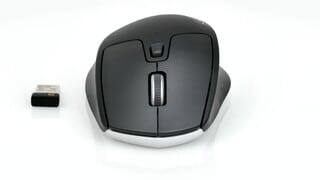
- Model:
- 910-004790
- |
- SKU:
- 5592421
Customer reviews
Rating 4.7 out of 5 stars with 3895 reviews
(3,895 customer reviews)Rating by feature
- Value4.7
Rating 4.7 out of 5 stars
- Quality4.8
Rating 4.8 out of 5 stars
- Ease of Use4.7
Rating 4.7 out of 5 stars
Customers are saying
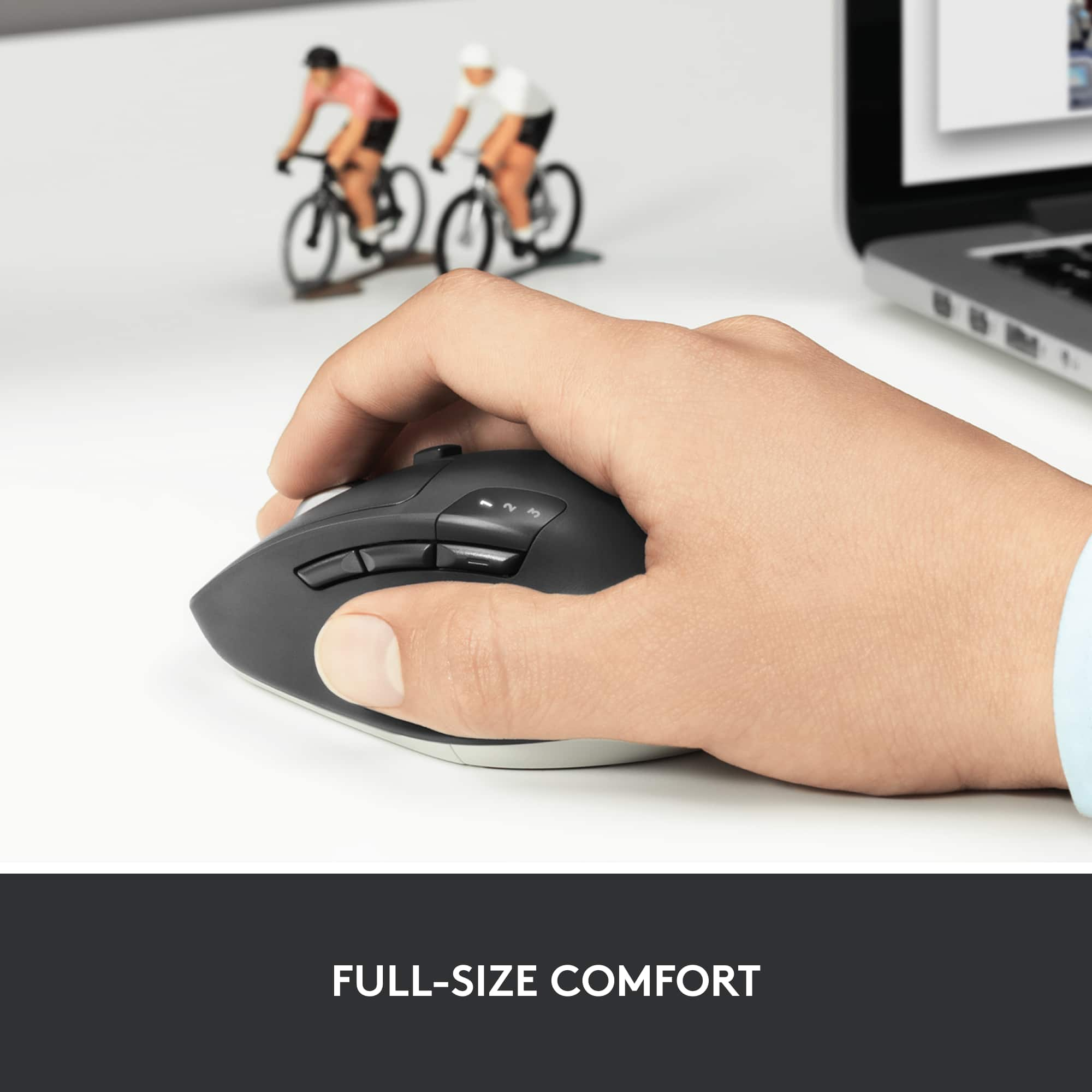
Customers consistently note the product's exceptional ease of use, seamless Bluetooth connectivity, and smooth overall performance. Its comfortable ergonomics, excellent battery life, and ideal size are also frequently praised, along with its distinctive scroll wheel and multi-device capabilities. While many appreciate its compatibility and value, a very small number of users felt it could benefit from a bit more weight.
This summary was generated by AI based on customer reviews.
Rated 4 out of 5 stars
It’s ok
||Posted . Owned for 1 month when reviewed.This reviewer received promo considerations or sweepstakes entry for writing a review.I find it a little jittery but it could just be me. All and all it’s not a bad mouse.
I would recommend this to a friendRated 5 out of 5 stars
Good product with good price
||Posted .This reviewer received promo considerations or sweepstakes entry for writing a review.Got it with sale price. Good mouse and good value.
I would recommend this to a friend- Pros mentioned:Overall performance
Rated 3 out of 5 stars
i have not learned how to program
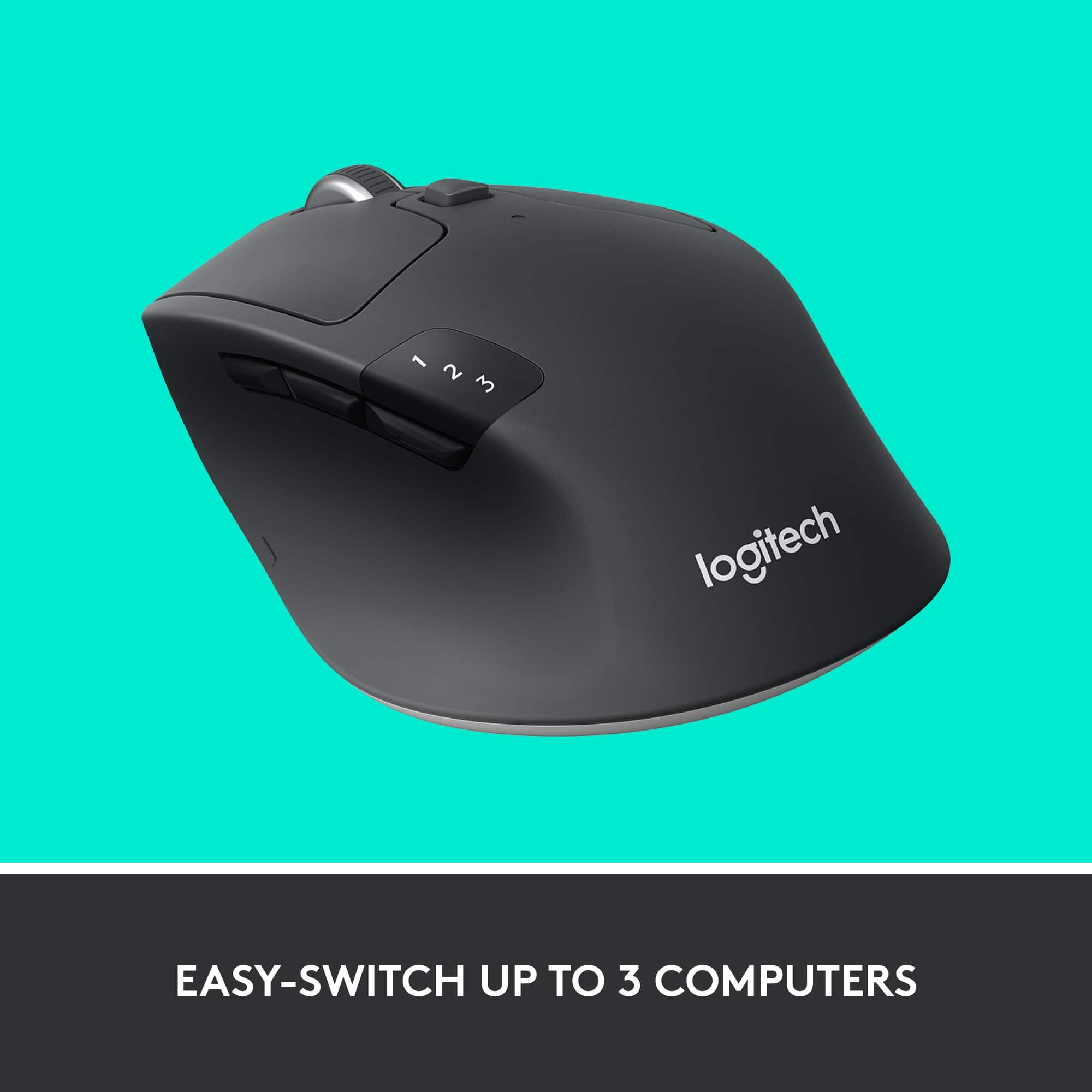
||Posted .This reviewer received promo considerations or sweepstakes entry for writing a review.overall a good mouse but i haven't learned how to program to 3 computers yet
I would recommend this to a friend Rated 5 out of 5 stars
My brother needed one
||Posted .This reviewer received promo considerations or sweepstakes entry for writing a review.My brother needed one because his old one stop working.
I would recommend this to a friendRated 5 out of 5 stars
Best mouse
||Posted .This reviewer received promo considerations or sweepstakes entry for writing a review.Best mouse and great feel. Jirefuihrsghihnjtdcbjhvd
I would recommend this to a friendRated 5 out of 5 stars
window 10 much better tnan 7
||Posted .This reviewer received promo considerations or sweepstakes entry for writing a review.I like my computer very much faster and clear pictures
I would recommend this to a friendRated 3 out of 5 stars
ok mid range mouse
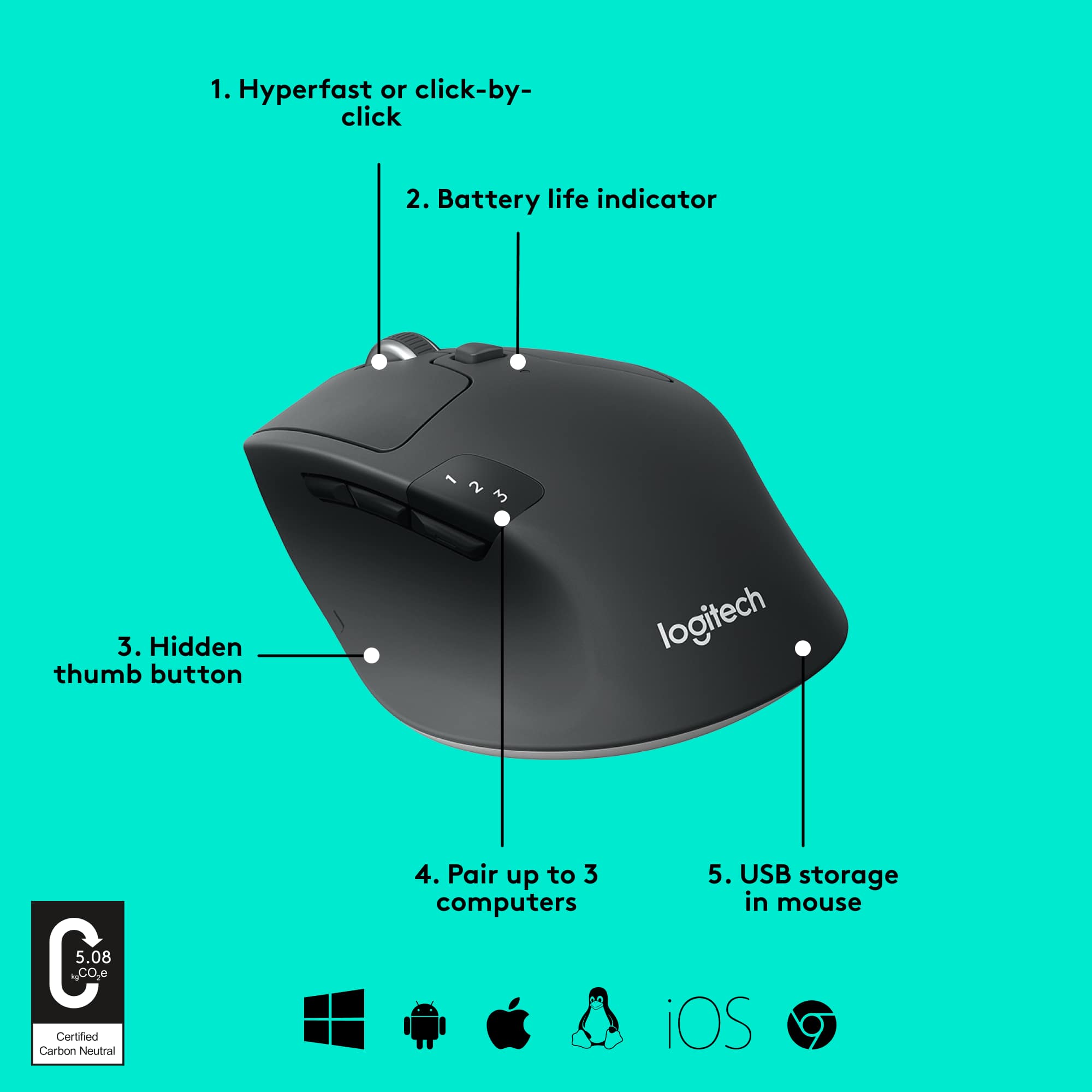
||Posted .This reviewer received promo considerations or sweepstakes entry for writing a review.logitecg always make a good product,fits good in the hand,program up to 3 computers
I would recommend this to a friendRated 4 out of 5 stars
so-so mouse
||Posted .This reviewer received promo considerations or sweepstakes entry for writing a review.it does not work with older blue tooth technology. it occasionally looses connection. Just not as good as advertised
No, I would not recommend this to a friendRated 4 out of 5 stars
Great Mouse
||Posted . Owned for 3 weeks when reviewed.This reviewer received promo considerations or sweepstakes entry for writing a review.At first I wasn’t sure I purchased the correct mouse, WOW was I wrong. Great features!
I would recommend this to a friendRated 3 out of 5 stars
Good mouse
||Posted .This reviewer received promo considerations or sweepstakes entry for writing a review.Good mouse if you are using dongle, but could be better in bluetooth signal
I would recommend this to a friendRated 4 out of 5 stars
Nice Mouse
||Posted . Owned for 8 months when reviewed.This reviewer received promo considerations or sweepstakes entry for writing a review.Really nice mouse. only missing one star due to lack of rechargeable battery
I would recommend this to a friendRated 3 out of 5 stars
Decent Mouse
||Posted . Owned for 3 weeks when reviewed.This reviewer received promo considerations or sweepstakes entry for writing a review.I have used Logitech as my favorite mouse for more than 20 years. This M720 is a decent mouse but I have some phantom roll. After scrolling down the page it wants to rest a few lines higher. This has been extremely frustrating as you need the mouse to stop exactly where you stop it. Beyond that it works as promised.
I would recommend this to a friendRated 4 out of 5 stars
In and out of operation more frequently th
||Posted .This reviewer received promo considerations or sweepstakes entry for writing a review.In and out of operation more frequently than it should. Annoying. Takes a.minute or two to reboot it.
No, I would not recommend this to a friendRated 4 out of 5 stars
good mouse for the price
||Posted . Owned for 1 month when reviewed.This reviewer received promo considerations or sweepstakes entry for writing a review.Good mid tier mouse. works as expected without issues.
I would recommend this to a friendRated 3 out of 5 stars
Fair with MacBook
||Posted . Owned for less than 1 week when reviewed.This reviewer received promo considerations or sweepstakes entry for writing a review.I bought this mouse so I could use it with my Mac Book pro however I forgot that they don’t have USB connection and it only connect Bluetooth. The connection is not great but it does the job fairly.
No, I would not recommend this to a friendRated 4 out of 5 stars
great mouse
||Posted .This reviewer received promo considerations or sweepstakes entry for writing a review.handles well, and does a great job accurately with my laptops, would recommend it to anyone, performs well.
I would recommend this to a friendRated 4 out of 5 stars
good mouse
||Posted .This reviewer received promo considerations or sweepstakes entry for writing a review.this mouse is very nice. It has a "smooth" rolling action compared to my older one, which had very "jerky motion".
I would recommend this to a friendRated 4 out of 5 stars
Good mouse
||Posted . Owned for 1 month when reviewed.This reviewer received promo considerations or sweepstakes entry for writing a review.This would be a great mouse if the buttons were spaced out more or different.
I would recommend this to a friend- Pros mentioned:Bluetooth
Rated 5 out of 5 stars
Perfect for multiple computers
||Posted .This reviewer received promo considerations or sweepstakes entry for writing a review.This mouse is great. Typical Logitech quality with the unique ability to switch between 3 computers on the fly. Can switch between Bluetooth or the included unifying receiver easily.
I would recommend this to a friend Rated 3 out of 5 stars
Mouse
||Posted . Owned for 3 weeks when reviewed.This reviewer received promo considerations or sweepstakes entry for writing a review.Works ok. Only problem is with design......three buttons on left side are positioned so it's easy to inadvertently hit one of them......and you have to retrace.
No, I would not recommend this to a friend