Customer Ratings & Reviews

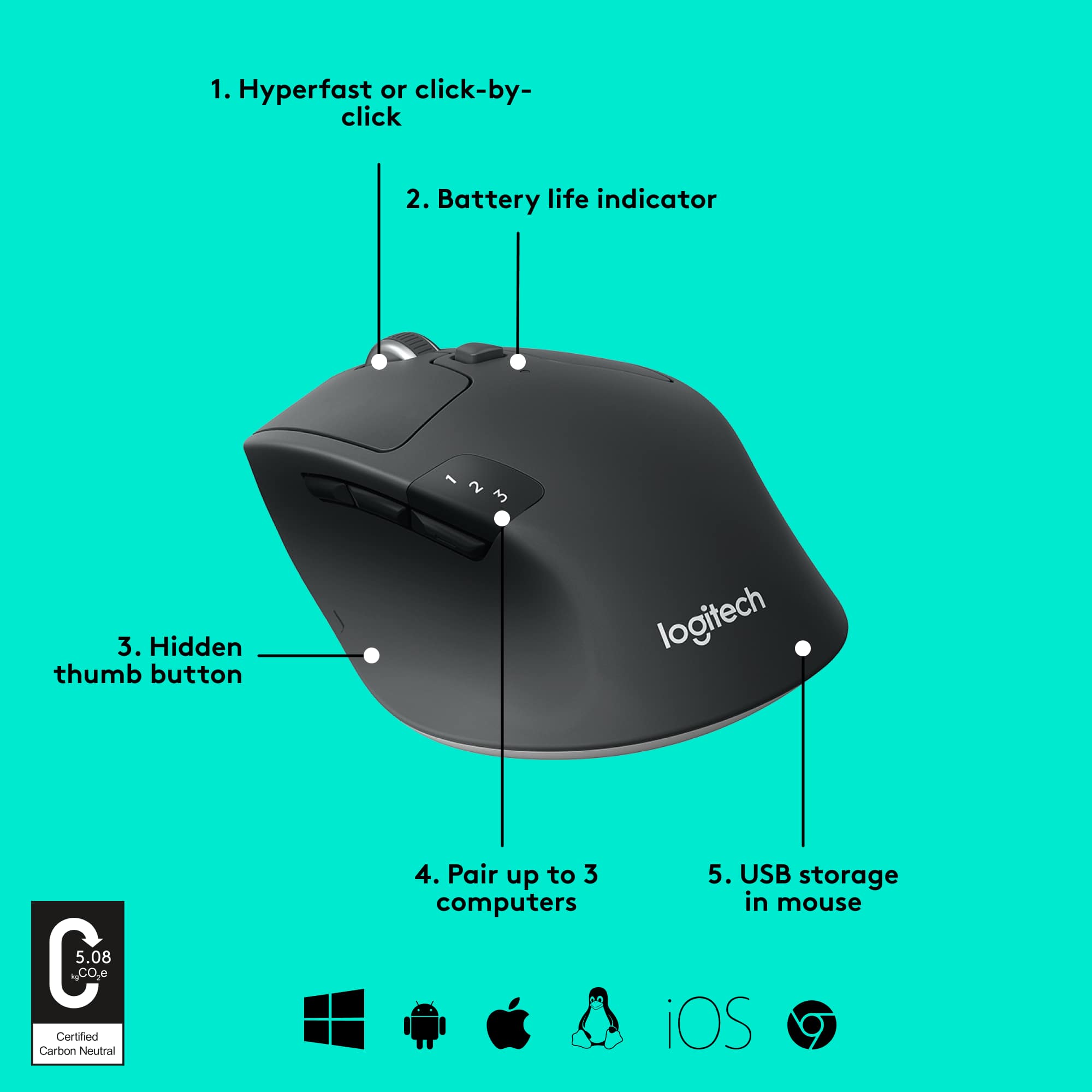
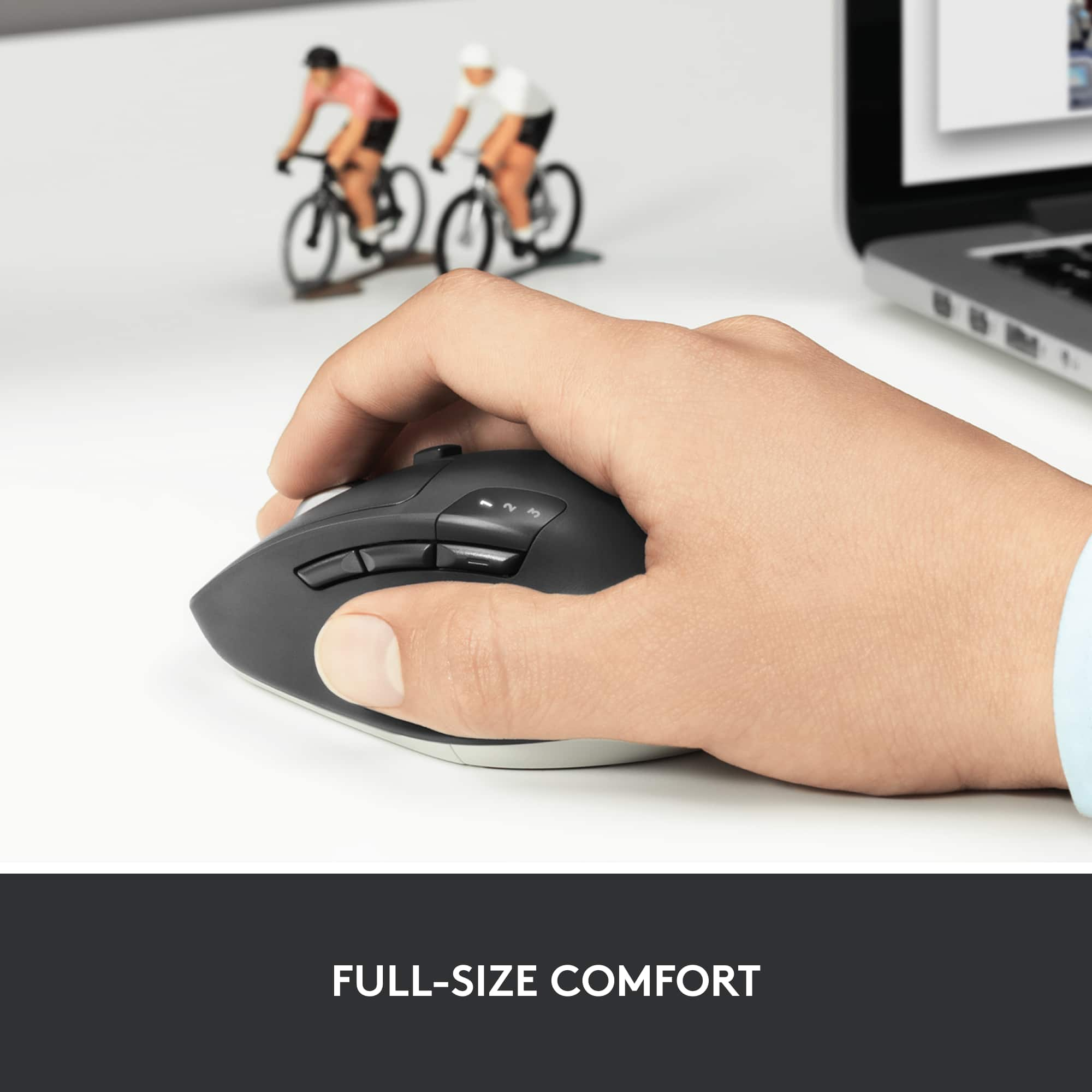
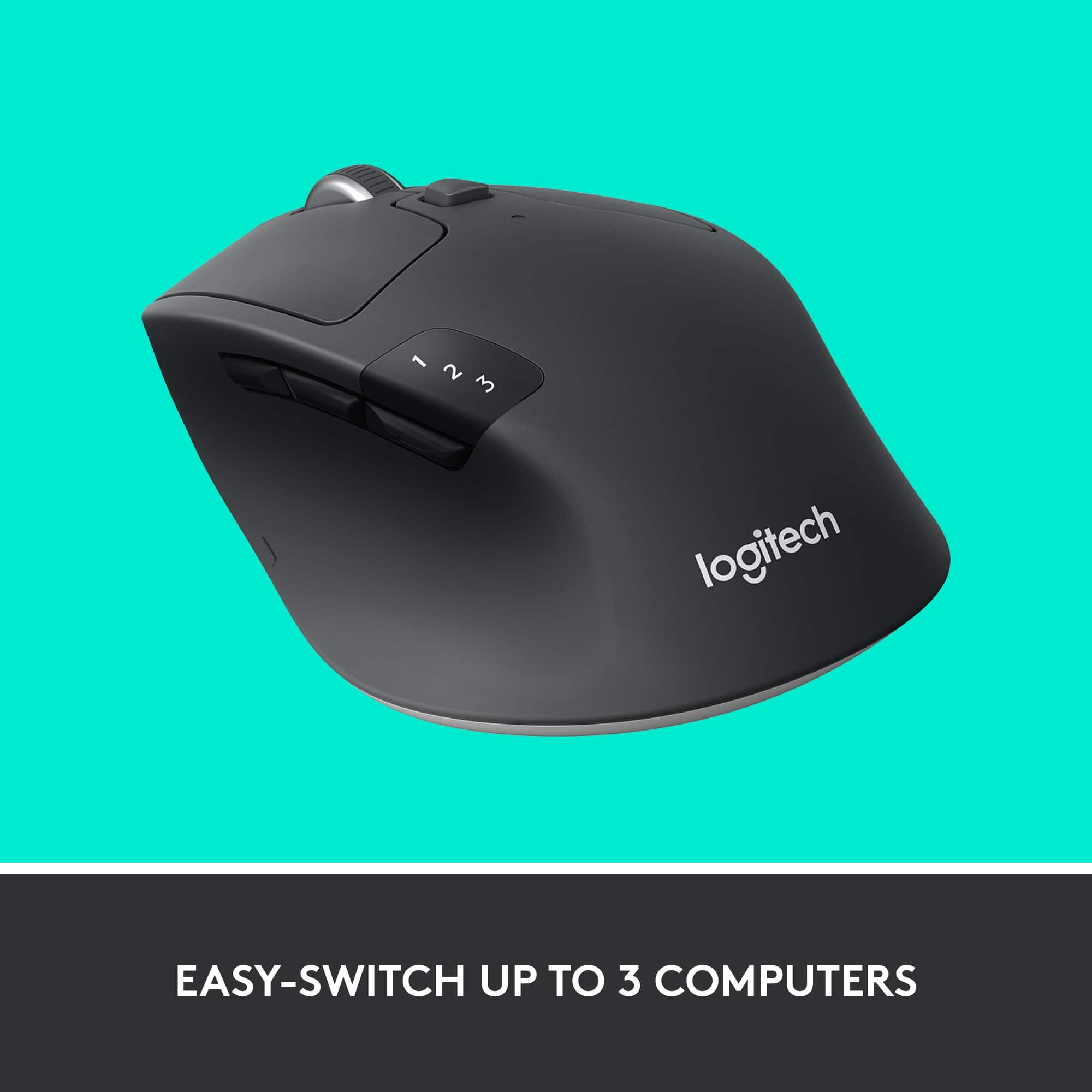
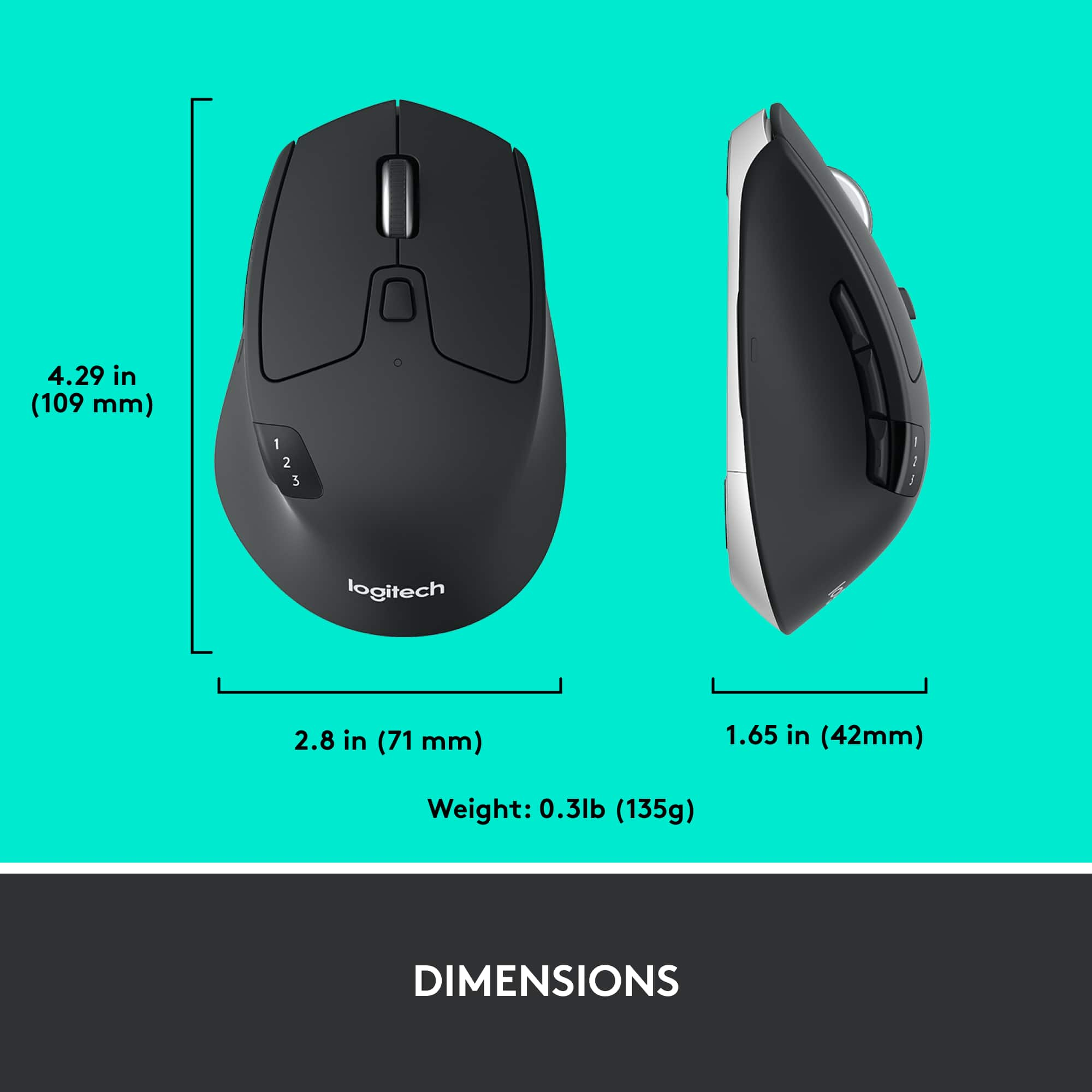


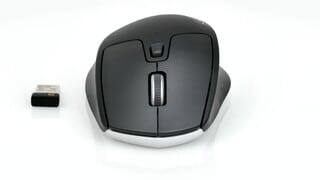
- Model:
- 910-004790
- SKU:
- 5592421
Rating by feature
- Value
Rating 4.7 out of 5 stars
- Quality
Rating 4.8 out of 5 stars
- Ease of Use
Rating 4.7 out of 5 stars
Customers are saying
Customers consistently note the product's exceptional ease of use, seamless Bluetooth connectivity, and smooth overall performance. Its comfortable ergonomics, excellent battery life, and ideal size are also frequently praised, along with its distinctive scroll wheel and multi-device capabilities. While many appreciate its compatibility and value, a very small number of users felt it could benefit from a bit more weight.
This summary was generated by AI based on customer reviews.
Great mouse but...
||Posted .This reviewer received promo considerations or sweepstakes entry for writing a review.Great mouse but it’s not for gaming. I like the design.
I would recommend this to a friendTo hard to understand every buttons, notcolor code
||Posted . Owned for 3 weeks when reviewed.This reviewer received promo considerations or sweepstakes entry for writing a review.I don't know the middle buttons does and i press to stop the fast scrolling down and it doesn't stop until I click it. The good news is I don't need to buy two or three mouse for my computer to access the screen
I would recommend this to a friendIts just OK, I don't recommend for gamming
||Posted .This reviewer received promo considerations or sweepstakes entry for writing a review.If you use it for gaming, you definitely need to use 2 receivers, one for the KB (if wireless Logitech as well) and a separate one for the mouse. Logitech allows you to pair multiple devices on one usb receiver but the performance is awful.
No, I would not recommend this to a friendgood
||Posted . Owned for less than 1 week when reviewed.This reviewer received promo considerations or sweepstakes entry for writing a review.very fast and there is a button to toggle the speed of the scrolling button. goof fit for my hand size
I would recommend this to a friendNo longer works in 18 Months
||Posted . Owned for 1 year when reviewed.This reviewer received promo considerations or sweepstakes entry for writing a review.Purchased in August 2019. continue to have issues. Mouse will shut down after a short time of inactivity. Also the mouse will lose power and I need to remove the battery. The battery is fine, but need the mouse to drain residual power. After I replace the battery, it will work. Well, now it no longer works. The battery is replaced, it will light up then shut off. For the money and the brand name of Logitech, this mouse should not have problems in 18 months
No, I would not recommend this to a friendBrand response from Logitech
Posted .Hey there John, I'm sorry to hear that you've been having some issues with your M720 mouse. It sounds to me like the battery is having some problems with being seated properly. If the battery is fine but he mouse is losing power, it's probably not properly touching both connections inside the mouse. I would recommend tweaking with how the battery is seated inside the mouse, and if you're still having problems after that, I would recommend contacting our support site for further assistance.
Ok mouse with an Interesting shape
||Posted . Owned for 1 month when reviewed.This reviewer received promo considerations or sweepstakes entry for writing a review.Mouse works well. The shape feels odd to my hand though
No, I would not recommend this to a friendBrand response from Logitech
Posted .I'm sorry to hear that the M720 shape isn't a perfect fit for your hand Even though the mouse works well overall, comfort is important.
Ok, but not for games
||Posted . Owned for 3 weeks when reviewed.This reviewer received promo considerations or sweepstakes entry for writing a review.Only paid 49.99 and I should have spent a little more, not a bad mouse, just not a good gaming set up. Next time I will get a gaming mouse, not one that looks like one.
No, I would not recommend this to a friend- Pros mentioned:Ergonomics
Mouse
||Posted .This reviewer received promo considerations or sweepstakes entry for writing a review.this mouse works real well for me as I have twisted and arthiritic fingers and thumbs . This mouse is real good and allows me to use my computer for a longer period of time.
I would recommend this to a friend - Pros mentioned:Overall performance
Mouse
||Posted . Owned for 1 week when reviewed.This reviewer received promo considerations or sweepstakes entry for writing a review.Mouse works great and not sure how I can go wrong with this purchase. Strictly for work.
I would recommend this to a friend Left click problem less than 1 year.
||Posted . Owned for 10 months when reviewed.This reviewer received promo considerations or sweepstakes entry for writing a review.Adter 10 months , left click faced some problem. Specially on drag and drop . Its frustrating.
No, I would not recommend this to a friend- Pros mentioned:Ergonomics
Good mouse
||Posted .This reviewer received promo considerations or sweepstakes entry for writing a review.Very good ergonomics, nice click response. I like the software and customization of buttons.
I would recommend this to a friend - Pros mentioned:Ease of use
Perfect Mouse
||Posted .This reviewer received promo considerations or sweepstakes entry for writing a review.I enjoy using this mouse. It fits perfectly to my hand and the Bluetooth setup is a breeze.
I would recommend this to a friend Pairing is beyond unpredictable and frustrating.
||Posted . Owned for 1 month when reviewed.This reviewer received promo considerations or sweepstakes entry for writing a review.I purchased this about a month ago. Trying to pair it with my Macbook Pro initially took hours. My Macbook software is completely up to date. I've never had an issue pairing any other device with my laptop. To this day, it's still completely unpredictable and difficult to pair. The mouse shows up under bluetooth devices, I click on "connect" and it flashes very quickly, repeatedly between "connect" and "not connected" but will only connect once in awhile. I try removing it, turning bluetooth and the mouse on and off, etc. Then it disconnects overnight or after being idle for a couple of hours and I have to start the whole process again. A month later I still have to reconnect it pretty much daily and it takes a long time - there is no rhyme or reason as to how to get it to work. I've spent over 15 minutes on it so far this morning and it still won't connect. I called Logitech a few times at the beginning and they had no advice. Finally one agent said it must be defective and I should return it and get a new one. I returned it and the same thing happened with the replacement. I called Logitech again and another agent told me that the "new-in-package" replacement that I bought at Best Buy may be a "refurbished" one and that's why IT doesn't work!? Super frustrating and waste of time. It's very nice when it works, but those times are few and far in-between.
No, I would not recommend this to a friendBrand response from Logitech
Posted .Hi Beebalm, thank you for your feedback! For support with M720, please refer to: https://support.logi.com/hc/en-us/articles/360024154994 - Will, Logitech.
good for 6 months
||Posted . Owned for 7 months when reviewed.This reviewer received promo considerations or sweepstakes entry for writing a review.Logitech used to be a great brand making quality products. My most recent purchases of Logitech mice would start off great but would end with utter frustration. This particular mouse lasted 6 months. Throughout the last couple of months the left click just completely broke down the way most Logitech mouses in my experience have. This will drive you crazy if you have to hightlight/copy over data and the left click gives out while dragging. It was used for work with spreadsheets so nothing crazy. It was a good mouse while it worked!
No, I would not recommend this to a friendBrand response from Logitech
Posted .Hi HelloBB, thank you for your feedback! The M720 is backed by a 1-year limited hardware warranty. For support, please refer to: https://support.logi.com/hc/en-us/articles/360024154994--Getting-Started-M720-Triathlon-Multi-Device-Mouse - Will, Logitech.
Preowned mouse was not usable
||Posted . Owned for 3 weeks when reviewed.This reviewer received promo considerations or sweepstakes entry for writing a review.Had to return the mouse. The scroll wheel was wobbly, and doesn’t stop scrolling when it should be. Small movement of the mouse causes the wheel to scroll webpage on its own!
No, I would not recommend this to a friendBrand response from Logitech
Posted .Apologize about the experience and it's surely not what we expect to deliver. We understand your displeasure and we will forward it along to the right team so they can look into it. Thanks for bringing this to our attention.
Ok mouse with lousy tech support
||Posted .This reviewer received promo considerations or sweepstakes entry for writing a review.I purchased this mouse because it offered bluetooth connectivity. It didn't work. When I called tech support, they agreed that it doesn't work, but it was Apple's fault. They went on to complain about changes to the Apple operating system. The company stated they were having trouble with the BY moue functionality and had no fix for the mouse software.
No, I would not recommend this to a friend- Pros mentioned:Ergonomics
GREAT Mouse!
||Posted .This reviewer received promo considerations or sweepstakes entry for writing a review.Very nice wireless mouse, ergonomic, pairing up with more than one computer - AWESOME
I would recommend this to a friend Don't buy this
||Posted . Owned for 1 year when reviewed.This reviewer received promo considerations or sweepstakes entry for writing a review.This is the second mouse i have owned and it stopped working right after the warranty ended. I will never buy this mouse again. Stay away. It will fail after a year. Youve benn warned.
No, I would not recommend this to a friendBrand response from Logitech
Posted .Thanks for you feedback. Your feedback is important to us, and we'll make sure to share it with the right team.
Decent mouse
||Posted . Owned for 1 month when reviewed.This reviewer received promo considerations or sweepstakes entry for writing a review.It's a decent mouse; although I had to get it replaced cause the track wheel broke.
I would recommend this to a friendDid not last long
||Posted .This reviewer received promo considerations or sweepstakes entry for writing a review.Lasted about three months before it stopped working
No, I would not recommend this to a friendBrand response from Logitech
Posted .That's not the experience we want. Please reach out to our support team or email us at socialcare@logitech.com with your name and country so we can investigate further.
