Customer Ratings & Reviews
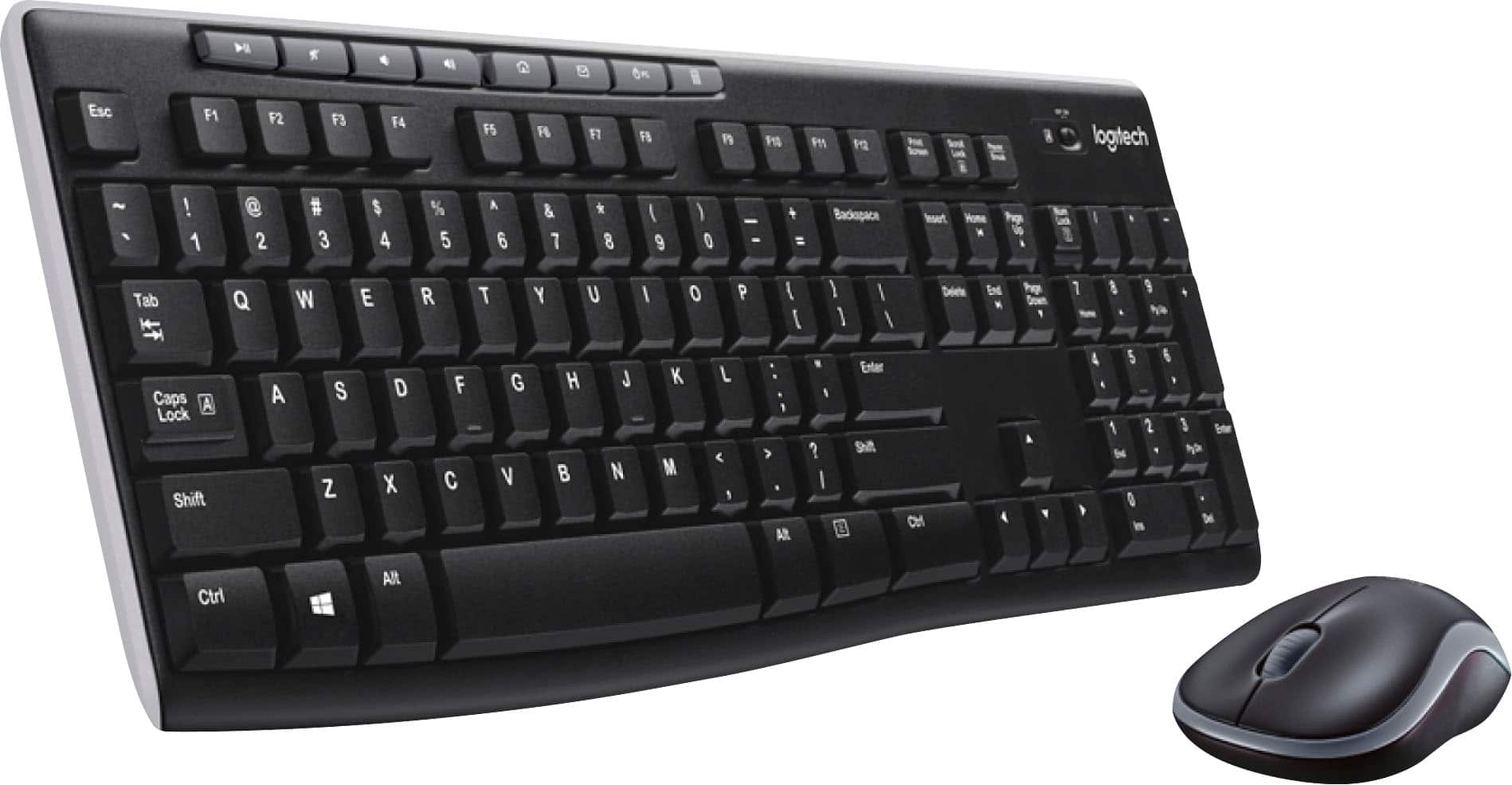
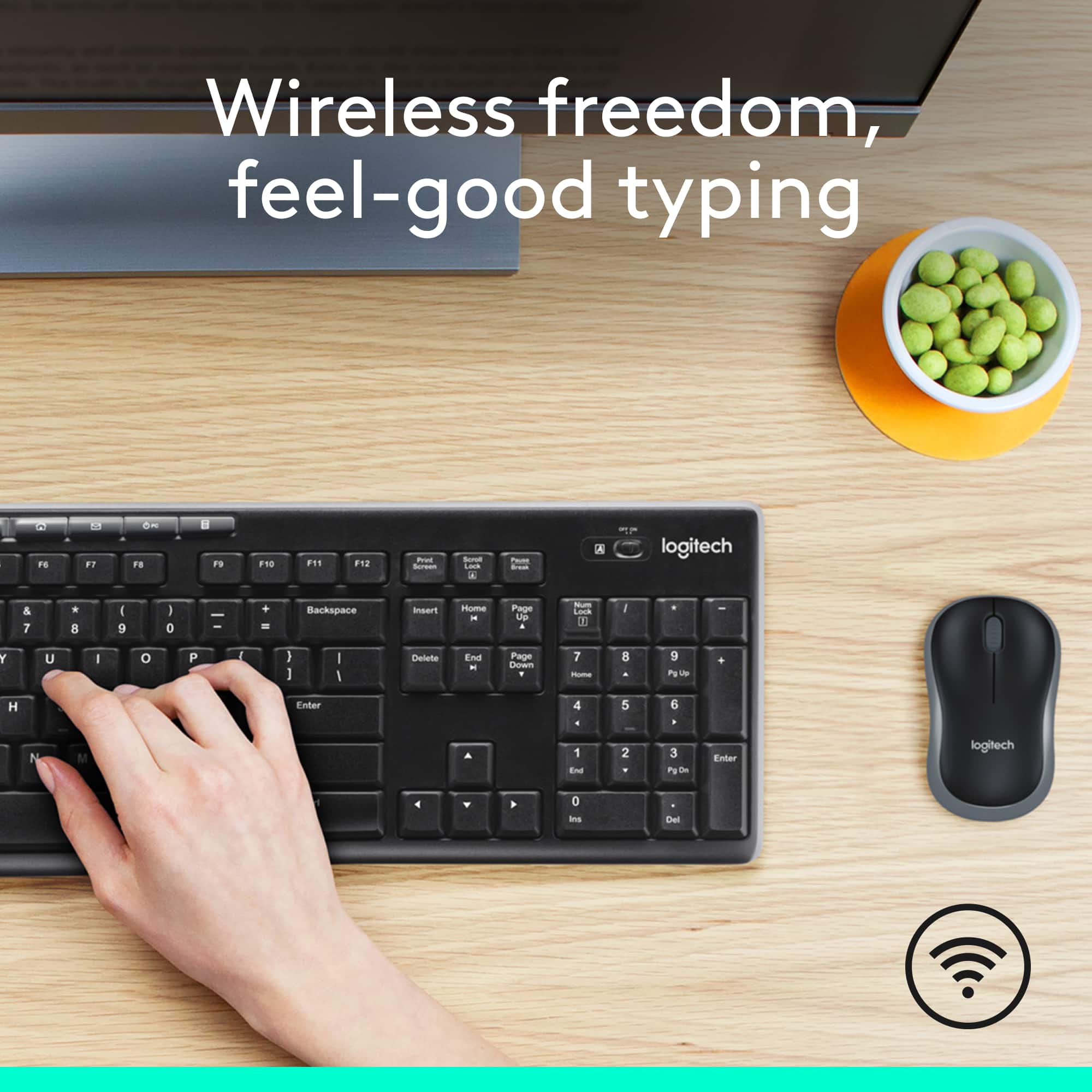


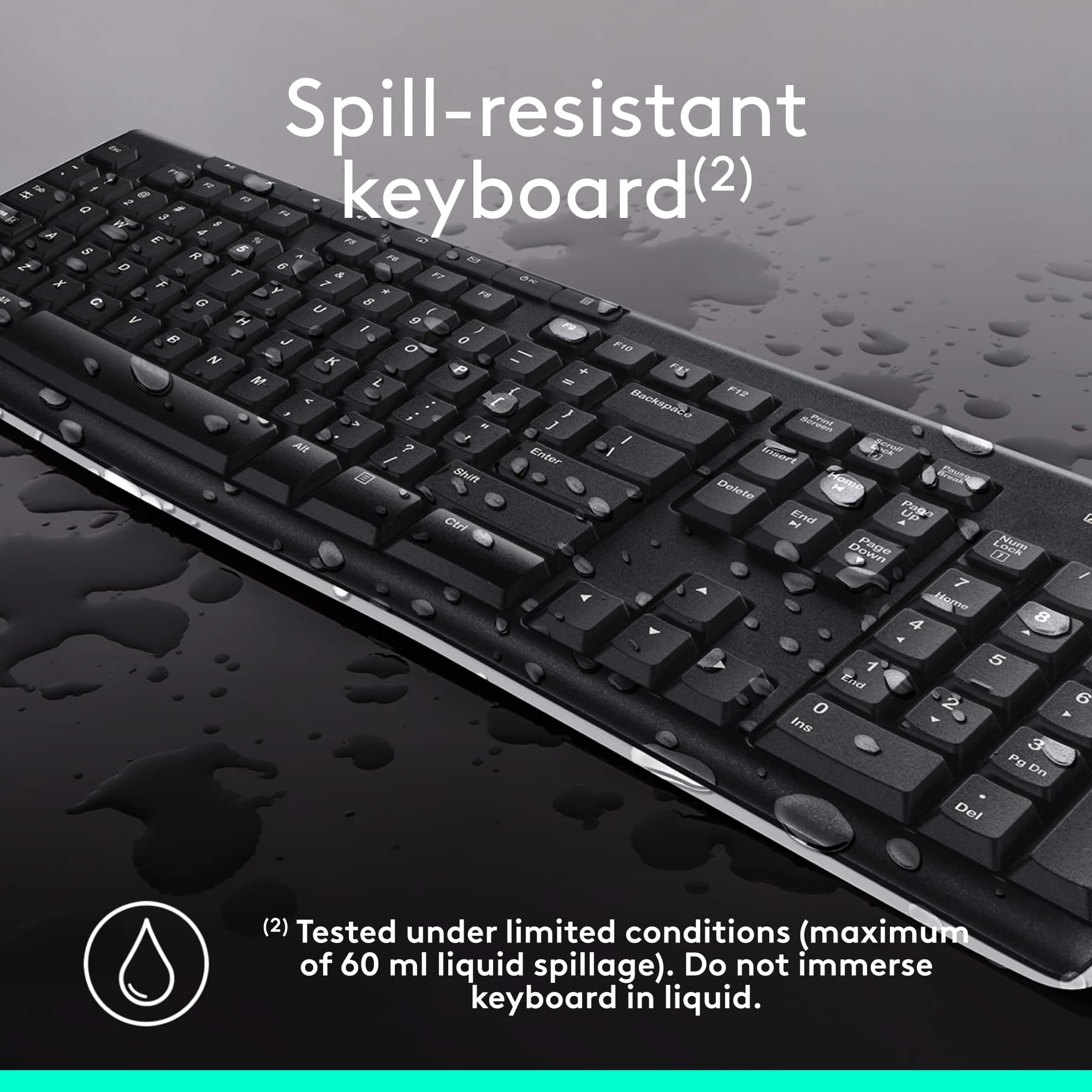
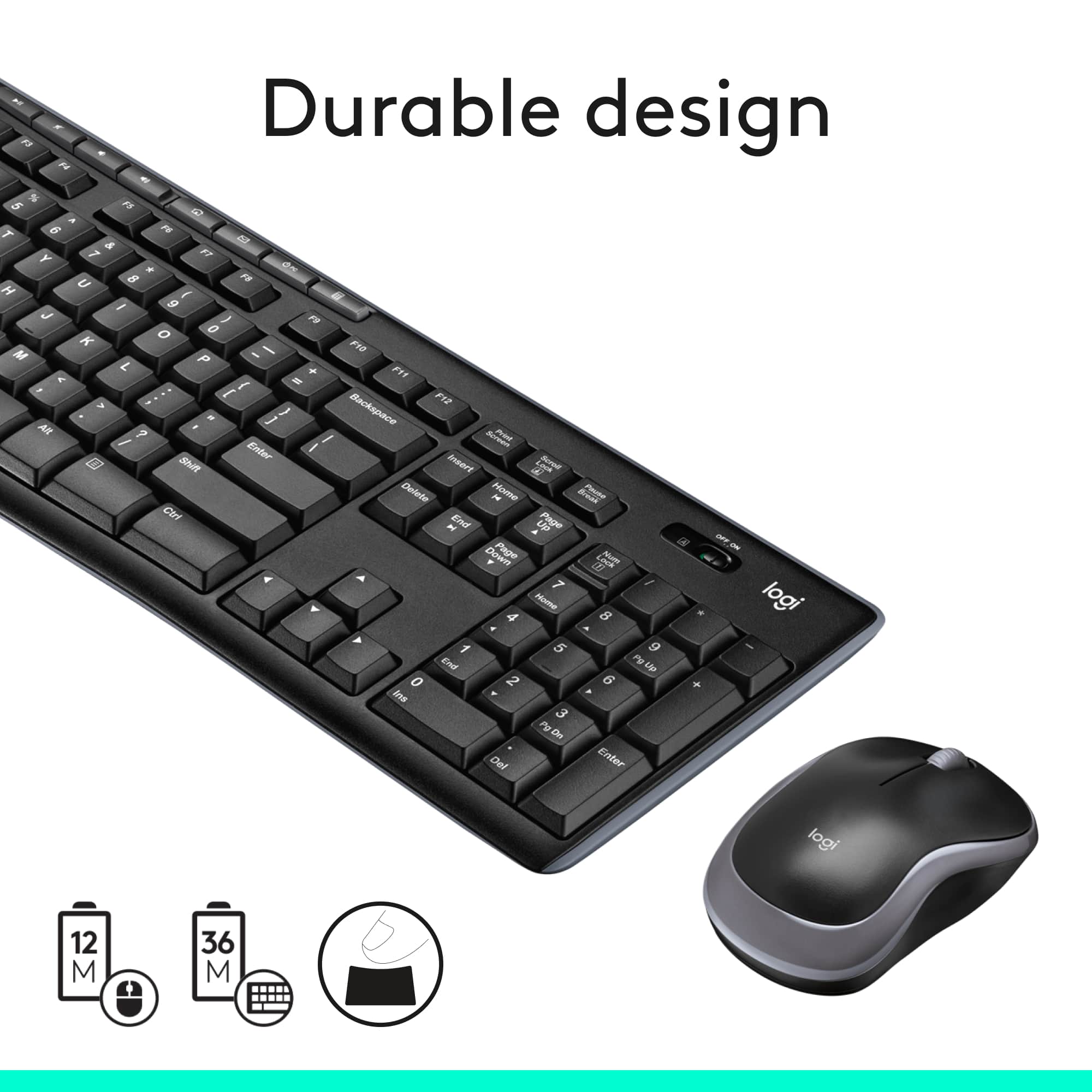


- Model:
- 920-004536
- |
- SKU:
- 11132183
Customer reviews
Rating 4.6 out of 5 stars with 10056 reviews
(10,056 customer reviews)Rating by feature
- Value4.7
Rating 4.7 out of 5 stars
- Quality4.5
Rating 4.5 out of 5 stars
- Ease of Use4.7
Rating 4.7 out of 5 stars
Customers are saying
Customers have good things to say about the product's ease of use, keyboard quality, and wireless functionality. Many also appreciate its excellent price and long battery life, noting its convenient size. The only minor concern raised by a small number of users is occasional lag.
This summary was generated by AI based on customer reviews.
Rated 2 out of 5 stars
Keyboard
||Posted . Owned for less than 1 week when reviewed.This reviewer received promo considerations or sweepstakes entry for writing a review.Keyboard Will not work consistently with my computer, it lags. Will return it ASAP
This review is from Logitech - MK270 Full-size Wireless Membrane Keyboard and Mouse Bundle for PC - Black
No, I would not recommend this to a friendBrand response from Logitech
Posted .Hello, Keyboard! I'm sorry to hear about your experience with the MK270 combo! I would recommend downloading our Firware Update Tool here https://support.logi.com/hc/en-us/articles/360024703674-Download-Wireless-Combo-MK270 to see if your combo needs an update. Thank you so much for the feedback on the performance of your MK270 combo! I will be passing this along. - Maggie from Logitech
Rated 2 out of 5 stars
Disposable Keyboard
||Posted . Owned for 3 months when reviewed.This reviewer received promo considerations or sweepstakes entry for writing a review.For sure reason the keyboards on these things don't last long. But at the price they are they're disposable.
This review is from Logitech - MK270 Full-size Wireless Membrane Keyboard and Mouse Bundle for PC - Black
No, I would not recommend this to a friendBrand response from Logitech
Posted .Hi Matt,
Thank you for your feedback. Sorry for the inconvenience. If you ever need assistance, please contact Logitech Support on the website. LaShonda from Logitech
Rated 5 out of 5 stars
Best value
||Posted .This reviewer received promo considerations or sweepstakes entry for writing a review.Best value for keyboard and mouse. USB sender needs to be in plain sight or signal gets choppy
This review is from Logitech - MK270 Full-size Wireless Membrane Keyboard and Mouse Bundle for PC - Black
I would recommend this to a friendRated 2 out of 5 stars
A MEH keyboard
||Posted . Owned for 2 weeks when reviewed.This reviewer received promo considerations or sweepstakes entry for writing a review.its okay. its not backlit nor is it a space saver .This is not one of Logitech's best products
This review is from Logitech - MK270 Full-size Wireless Membrane Keyboard and Mouse Bundle for PC - Black
No, I would not recommend this to a friendBrand response from Logitech
Posted .Hello, Memory! I'm sorry to hear that the MK270 wasn't the right fit for you. Thank you so much for this feedback and for leaving this review! I will be passing this information along. - Maggie from Logitech
Rated 1 out of 5 stars
Wouldn't connect to the computer.
||Posted . Owned for less than 1 week when reviewed.This reviewer received promo considerations or sweepstakes entry for writing a review.I took the paper out of the back and nothing happened. No light no connecting to the computer. Even replaced the battery and that didn't help either.
This review is from Logitech - MK270 Full-size Wireless Membrane Keyboard and Mouse Bundle for PC - Black
No, I would not recommend this to a friendBrand response from Logitech
Posted .We apologize for the difficulty you encountered in setting up the Logitech MK270 keyboard and mouse combo. That's unexpected! In order to help you effectively, please provide your information to our support team via email at socialcare@logitech.com with your
- Name:
- Email Address:
- Country:
- Product Name:
- Brief description of issue:
Rated 1 out of 5 stars
Keyboard is complete trash!
||Posted . Owned for 1 year when reviewed.This reviewer received promo considerations or sweepstakes entry for writing a review.Avoid purchasing this type of keyboard! I would have better range with a wired keyboard than I do with this keyboard. This needs to be no more than a 4 inches from where the usb adapter is. Ridiculous. The mouse works well and has a good range but the keyboard is complete trash! This issue started within a week of using the product.
This review is from Logitech - MK270 Full-size Wireless Membrane Keyboard and Mouse Bundle for PC - Black
No, I would not recommend this to a friendBrand response from Logitech
Posted .Hi! Sorry to see you're having connectivity related issues with your MK270. If you have any questions, please check out the Logitech support page at https://support.logi.com/hc/en-us/articles/360024158874.
Rated 2 out of 5 stars
Didn't realize it was only one receiver for both
||Posted . Owned for 3 weeks when reviewed.This reviewer received promo considerations or sweepstakes entry for writing a review.I didn't realize the set came with only one receiver - which means you MUST use both together and never apart! Kind of annoying...
This review is from Logitech - MK270 Full-size Wireless Membrane Keyboard and Mouse Bundle for PC - Black
No, I would not recommend this to a friend- Pros mentioned:Ease of use
Rated 1 out of 5 stars
They are working very well
||Posted .This reviewer received promo considerations or sweepstakes entry for writing a review.They are both easy to use so far. Purchasing was easy as associate was helpful describing the differences.
This review is from Logitech - MK270 Full-size Wireless Membrane Keyboard and Mouse Bundle for PC - Black
I would recommend this to a friend Rated 1 out of 5 stars
Tried 2 and both never worked
||Posted . Owned for 3 weeks when reviewed.This reviewer received promo considerations or sweepstakes entry for writing a review.Bought this in store and took home. It wouldn't connect to my computer or turn on. Even tried brand new batteries in it. Took it back to another location to exchange and decided to try it before walking out. The rep couldn't get it to turn on nor could the guy from geek squad. I ended up returning and getting my money back.
This review is from Logitech - MK270 Full-size Wireless Membrane Keyboard and Mouse Bundle for PC - Black
No, I would not recommend this to a friendBrand response from Logitech
Posted .Hi! Sorry to see you're having hardware related issues with your MK270. If you have any questions, please check out the Logitech support page at https://support.logi.com/hc/en-us/articles/360024158874.
Rated 1 out of 5 stars
Loses connection constantly.
||Posted . Owned for 1 month when reviewed.This reviewer received promo considerations or sweepstakes entry for writing a review.After having it 30 days, keyboard randomly stops communicating. Sometimes a few seconds others like 30 seconds or more. Sometimes it would just miss characters randomly. Switched with a wireless set off another computer to see if it was my computer or the keyboard, other set works fine. Will toss this one in the trash and find a better quality one.
This review is from Logitech - MK270 Full-size Wireless Membrane Keyboard and Mouse Bundle for PC - Black
No, I would not recommend this to a friendBrand response from Logitech
Posted .Hello, sorry to hear that you are unsatisfied with your MK270 Wireless Keyboard and Mouse. We are always looking for ways to improve our products, so we appreciate your review. Here are some tips to troubleshoot: 1) Verify the product or receiver is connected directly to the computer and not to a hub, extender, switch or something similar. 2)Move the keyboard closer to the USB receiver. If your receiver is in the back of your computer, it may help to relocate the receiver to a front port. In some cases the receiver signal gets blocked by the computer case, causing a delay.
3)Keep other electrical wireless devices away from the USB receiver to avoid interferences.
4)Unpair/repair or disconnect/reconnect hardware.
If you have a Unifying receiver, identified by this logo, Unifying Logo see Unpair a mouse or keyboard from the Unifying receiver.
If your receiver is non-Unifying, it cannot be unpaired. However, if you have a replacement receiver, you can use the Connection Utility software to perform the pairing.
5)Upgrade the firmware for your device if available.
Windows only — check if there are any Windows updates running in the background that may cause the delay.
Mac only — check if there are any background updates that may cause the delay.
Try on a different computer.
If you ever have additional feedback or questions regarding Logitech products, feel free to visit https://support.logi.com/hc/en-us Thanks, -Logitech
Rated 2 out of 5 stars
Junk
||Posted . Owned for 3 weeks when reviewed.This reviewer received promo considerations or sweepstakes entry for writing a review.The space bar is the worst. If you tap the space bar on one of the ends 80% of the time it does not register.
This review is from Logitech - MK270 Full-size Wireless Membrane Keyboard and Mouse Bundle for PC - Black
No, I would not recommend this to a friendBrand response from Logitech
Posted .Hi TAggy,
Thank you for your feedback. Sorry you are having issues with your keyboard. Here are possible solutions: Before you clean your device: Unplug it from your computer and make sure it’s turned off. Remove the batteries. Keep liquids away from your device, and don’t use solvents or abrasives. Use compressed air to remove any loose debris and dust between the keys. To clean the keys, use water to lightly moisten a soft, lint-free cloth and gently wipe down the keys. If you need further assistance, please contact Logitech support on the website. LaShonda from Logitech
- Pros mentioned:Price
Rated 1 out of 5 stars
great price
||Posted .This reviewer received promo considerations or sweepstakes entry for writing a review.This is a great bargain plus the $ 4.99 2 year replacement contract is an even better bargain
This review is from Logitech - MK270 Full-size Wireless Membrane Keyboard and Mouse Bundle for PC - Black
I would recommend this to a friend Rated 2 out of 5 stars
keyboard
||Posted . Owned for 3 weeks when reviewed.This reviewer received promo considerations or sweepstakes entry for writing a review.cheap quality skips and don't enter all the keys, have to redo , backspace or type over
This review is from Logitech - MK270 Full-size Wireless Membrane Keyboard and Mouse Bundle for PC - Black
No, I would not recommend this to a friendBrand response from Logitech
Posted .Hello, Very sorry to hear about the issues you're having with the keyboard for the MK270. It sounds like you may have some connection issues between the receiver and the keyboard. This can be caused by RF (Radio Frequency) interference from other wireless devices which may be too close to the receiver. If you have the USB receiver plugged in the back of a desktop tower that could be causing a weak or intermittent signal. Try plugging the receiver into another USB port preferably not a USB 3.0 one or one on a USB Hub or docking station. Hope you found this helpful, but if that didn't solve the issue, the MK270 does have a 3-year limited warranty. Here's a link to File A Claim: https://support.logi.com/hc/en-us/articles/360024926554-Warranty-Wireless-Combo-MK270. Thank you for being a Logitech customer. - Richard from Logitech
Rated 2 out of 5 stars
not great
||Posted .This reviewer received promo considerations or sweepstakes entry for writing a review.This was a inexpensive purchase and worked for a bit but the the mouse just quit working. Not great quality but they were cheap.
This review is from Logitech - MK270 Full-size Wireless Membrane Keyboard and Mouse Bundle for PC - Black
No, I would not recommend this to a friendRated 1 out of 5 stars
NOT unifying capable
||Posted .This reviewer received promo considerations or sweepstakes entry for writing a review.I bought this to replace my K260 keyboard. This one will NOT connect to the unifying dongle that came with my M570 trackball and does not include a unifying dongle. The logitech website says it does, but it is wrong. Such a waste of time and a HUGE aggravation for me! It is going back to the store today!
This review is from Logitech - MK270 Full-size Wireless Membrane Keyboard and Mouse Bundle for PC - Black
No, I would not recommend this to a friendBrand response from Logitech
Posted .Hi PCnut, Very sorry for the misinformation that was listed on Logitech's website regarding the MK270's USB receiver. Thanks to your call out, it was corrected to reflect the proper information. The MK270 uses the Nano receiver which pairs both devices of the MK270 and won't pair with the Unifying receiver that came with your M570 trackball. Again, very sorry for the inconvenience this caused. Best regards, Richard from Logitech
Rated 2 out of 5 stars
Not good
||Posted .This reviewer received promo considerations or sweepstakes entry for writing a review.When I used this, the keyboard did not respond about 20 percent of the time. I had to switch to the wired keyboard that came with the computer
This review is from Logitech - MK270 Full-size Wireless Membrane Keyboard and Mouse Bundle for PC - Black
No, I would not recommend this to a friendRated 1 out of 5 stars
Keyboard and Mouse Combo Disappointment
||Posted . Owned for 11 months when reviewed.This reviewer received promo considerations or sweepstakes entry for writing a review.Works fine when it does work. Seems that the mouse and keyboard looses connectivity on a constant basis. Went to Logitech's website for update, no firmware or software update for this model of keyboard mouse combo. This was cheap to buy. Buy cheap, get cheap. Will not recommend for purchase. Spend the extra money for a better quality keyboard and mouse combo.
This review is from Logitech - MK270 Full-size Wireless Membrane Keyboard and Mouse Bundle for PC - Black
No, I would not recommend this to a friendBrand response from Logitech
Posted .Hi tydmink, thank you for your feedback! The MK270 is a simple mouse and keyboard combo. Here is the MK270 support page: https://support.logi.com/hc/en-us/articles/360024158874--Getting-Started-Wireless-Combo-MK270 - Here is a firmware update: https://support.logi.com/hc/en-us/articles/360024703674--Downloads-Wireless-Combo-MK270 - Will, Logitech.
Rated 2 out of 5 stars
Replaced my corded keyboard
||Posted . Owned for 6 months when reviewed.This reviewer received promo considerations or sweepstakes entry for writing a review.Occasionally locks up and I need to turn off/on keep it working
This review is from Logitech - MK270 Full-size Wireless Membrane Keyboard and Mouse Bundle for PC - Black
No, I would not recommend this to a friendBrand response from Logitech
Posted .Hello PianoJoe,
I am sorry that the MK270 is not working as expected. Try downloading the SetPoint app to sink your device and update the firmware. If you keep experiencing connectivity issues after using the SetPoint app, please contact the Logitech support team for personalized assistance. Logitech appreciates your product review. - Leo from Logitech
Rated 5 out of 5 stars
keyboard fits right in
||Posted .This reviewer received promo considerations or sweepstakes entry for writing a review.I was very pleased that this brand was compatible with hp and for half the cost
This review is from Logitech - MK270 Full-size Wireless Membrane Keyboard and Mouse Bundle for PC - Black
I would recommend this to a friendRated 2 out of 5 stars
Wouldn't recommend
||Posted . Owned for 1 month when reviewed.This reviewer received promo considerations or sweepstakes entry for writing a review.Batteries don't last long and keyboard needs to be so close to the dongle. Mouse very spastic
This review is from Logitech - MK270 Full-size Wireless Membrane Keyboard and Mouse Bundle for PC - Black
No, I would not recommend this to a friendBrand response from Logitech
Posted .Hello Kmf1210,
Thank you for choosing Logitech and for taking the time to review the MK270 Mouse and Keyboard combo. I am sorry that you have had issues with the mouse being “spastic” and that the “batteries don’t last long”; I would like to help.If you have not already done so, please download the Logitech “SetPoint” and “Options” software for customization and updates. It seems like you may be experiencing a connectivity issue, I recommend downloading the “Connection Utility” software, which will allow you to reestablish the connection of the mouse and keyboard to the USB Nano receiver. These downloads, product guides and further support are available on the Logitech website. I have attached a link to the “Getting Started” support page for your MK270. For further support. Please visit the Logitech website.
Best regards,
John at Logitech
https://support.logi.com/hc/en-us/articles/360024158874--Getting-Started-Wireless-Combo-MK270