Customer Ratings & Reviews
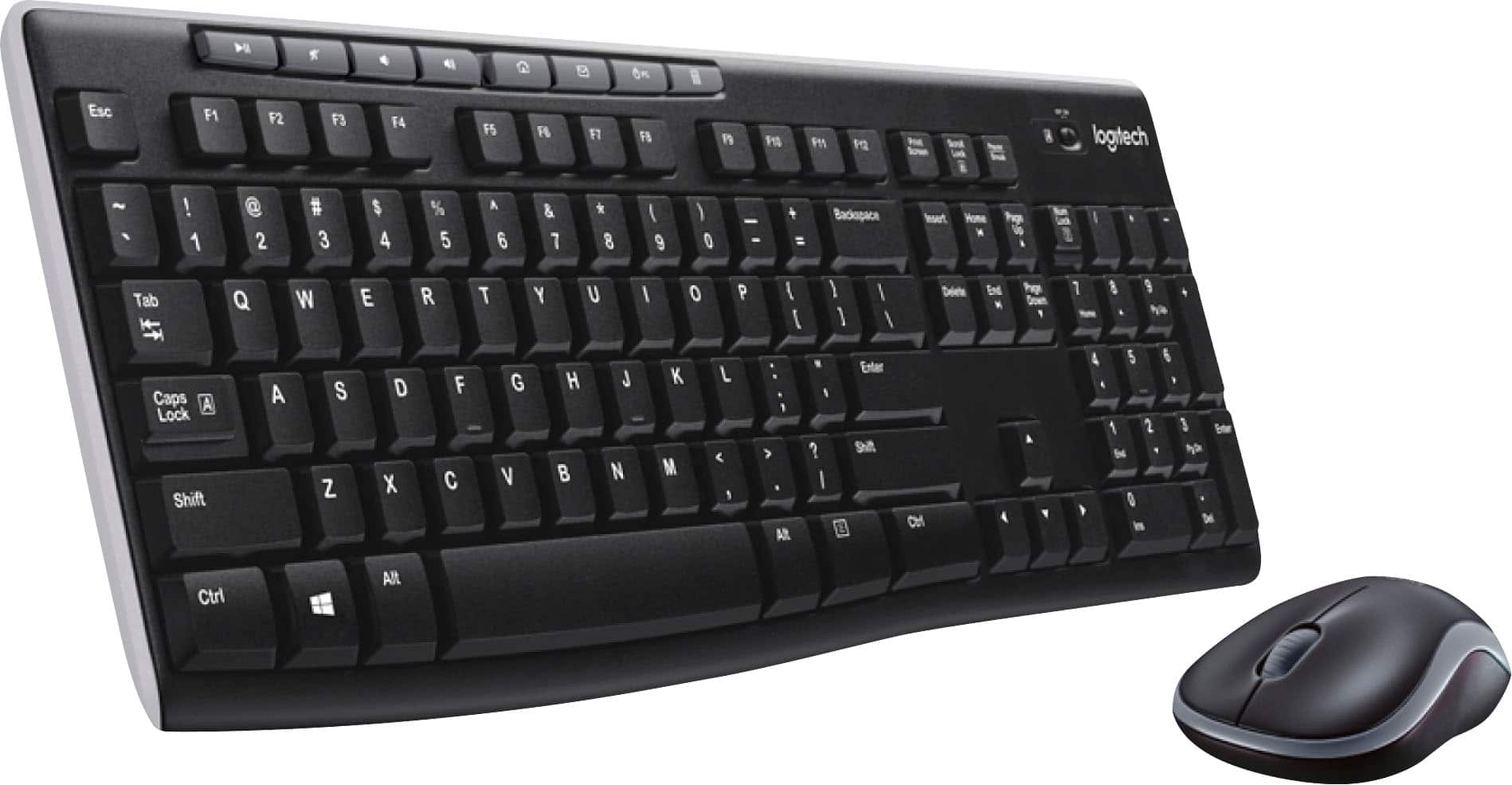
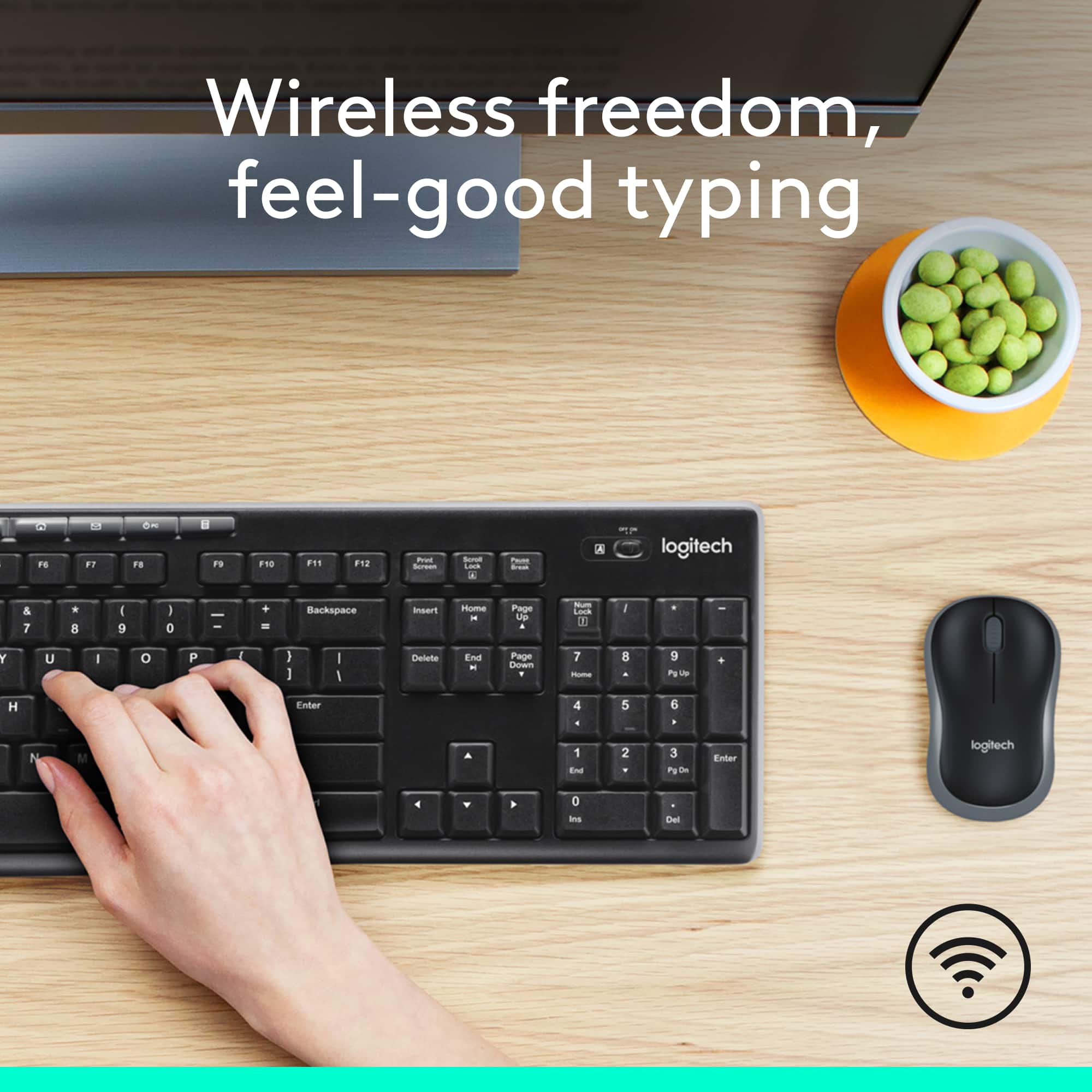



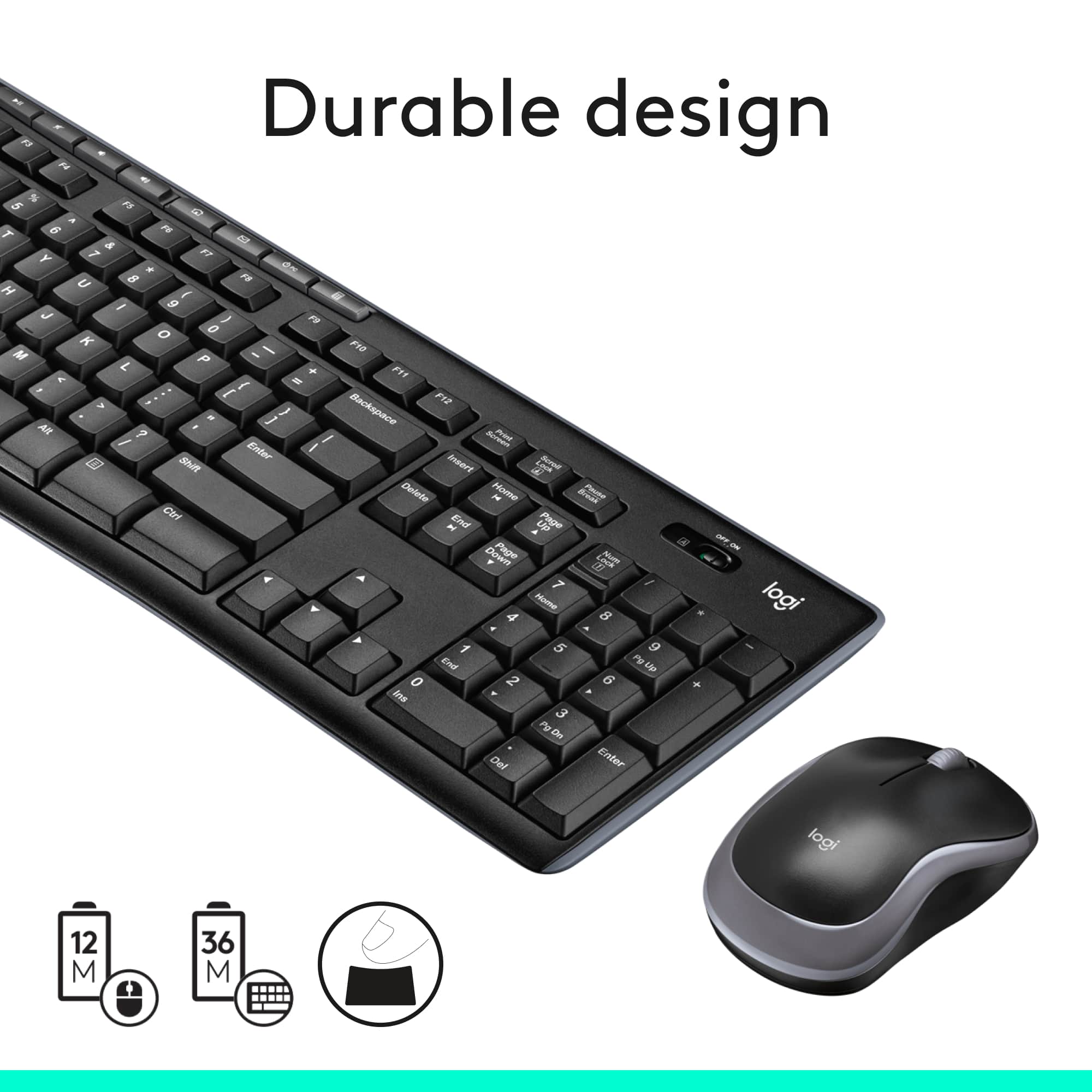
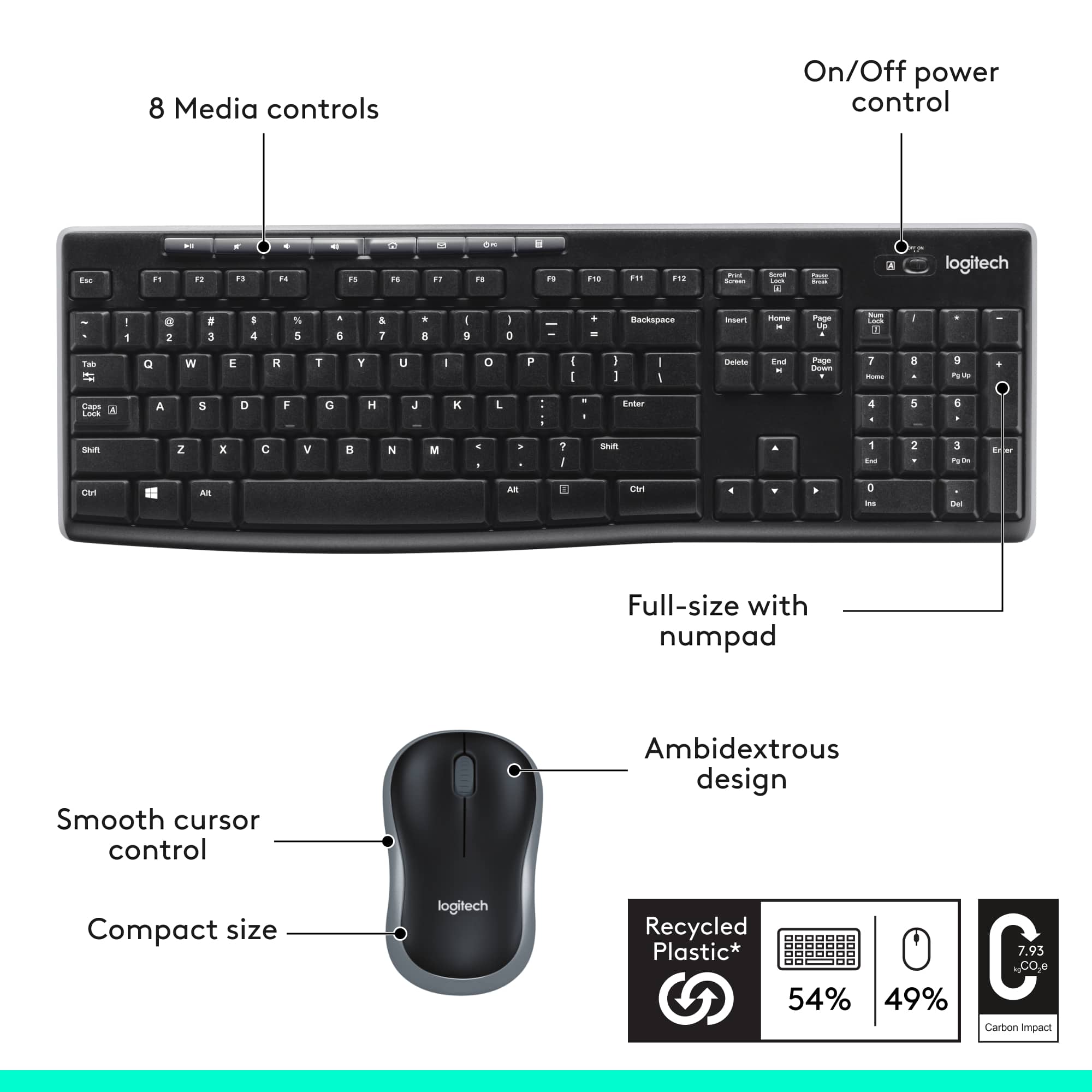


- Model:
- 920-004536
- |
- SKU:
- 11132183
Customer reviews
Rating 4.6 out of 5 stars with 10056 reviews
(10,056 customer reviews)Rating by feature
- Value4.7
Rating 4.7 out of 5 stars
- Quality4.5
Rating 4.5 out of 5 stars
- Ease of Use4.7
Rating 4.7 out of 5 stars
Customers are saying
Customers have good things to say about the product's ease of use, keyboard quality, and wireless functionality. Many also appreciate its excellent price and long battery life, noting its convenient size. The only minor concern raised by a small number of users is occasional lag.
This summary was generated by AI based on customer reviews.
Rated 2 out of 5 stars
Okay keyboard
||Posted . Owned for 2 months when reviewed.This reviewer received promo considerations or sweepstakes entry for writing a review.The space bar on the keyboard is hard to press while typing. I need to replace it
This review is from Logitech - MK270 Full-size Wireless Membrane Keyboard and Mouse Bundle for PC - Black
No, I would not recommend this to a friendBrand response from Logitech
Posted .Hello, we are sorry to hear about your issue with your MK270 space bar. Please reach us at https://support.logi.com/hc/en-us for technical support/warranty replacement.
Rated 2 out of 5 stars
Junk
||Posted . Owned for 1 week when reviewed.This reviewer received promo considerations or sweepstakes entry for writing a review.Keyboard keys came all fallen out had to put together and once built keys worked half the timer
This review is from Logitech - MK270 Full-size Wireless Membrane Keyboard and Mouse Bundle for PC - Black
No, I would not recommend this to a friendRated 2 out of 5 stars
Took it back
||Posted .This reviewer received promo considerations or sweepstakes entry for writing a review.The problem was the letter “r” did not always register. Otherwise it was fine. Took it back for a refund.
This review is from Logitech - MK270 Full-size Wireless Membrane Keyboard and Mouse Bundle for PC - Black
No, I would not recommend this to a friendRated 5 out of 5 stars
Buttons don’t click
||Posted .This reviewer received promo considerations or sweepstakes entry for writing a review.Laptop buttons are too shallow. Need the keyboard feeling.
This review is from Logitech - MK270 Full-size Wireless Membrane Keyboard and Mouse Bundle for PC - Black
I would recommend this to a friendRated 2 out of 5 stars
geek will be coming to my home 11-14.
||Posted .This reviewer received promo considerations or sweepstakes entry for writing a review.hope geek can put this lenovo in running order. should have done this when purchased a month ago.
This review is from Logitech - MK270 Full-size Wireless Membrane Keyboard and Mouse Bundle for PC - Black
No, I would not recommend this to a friendRated 5 out of 5 stars
Good combo
||Posted .This reviewer received promo considerations or sweepstakes entry for writing a review.Good combo. They both feel good to use and seem durable.
This review is from Logitech - MK270 Full-size Wireless Membrane Keyboard and Mouse Bundle for PC - Black
I would recommend this to a friendRated 2 out of 5 stars
You get what you pay for...
||Posted . Owned for 1 month when reviewed.This reviewer received promo considerations or sweepstakes entry for writing a review.Stopped working after 3 weeks and returned it. Got what I paid for.
This review is from Logitech - MK270 Full-size Wireless Membrane Keyboard and Mouse Bundle for PC - Black
No, I would not recommend this to a friendBrand response from Logitech
Posted .Hello, I am so sorry to hear the keyboard stopped functioning for you after only 3 weeks. This does come with a 3 year warranty so let us replace it for you next time! Thank you for taking the time to write this review, we appreciate the feedback.
Rated 1 out of 5 stars
Constant Disconnects
||Posted . Owned for 3 weeks when reviewed.This reviewer received promo considerations or sweepstakes entry for writing a review.This is probably the worst mouse and keyboard i've ever had. It is always constantly disconnecting and reconnecting or it has delayed reactions on both the mouse and the keyboard. between 30secs to 2 minutes. Even installing software update doesn't help and getting drivers. I would not recommend this at all
This review is from Logitech - MK270 Full-size Wireless Membrane Keyboard and Mouse Bundle for PC - Black
No, I would not recommend this to a friendBrand response from Logitech
Posted .Hi! Sorry to see you're having connectivity issues with your MK270. If you have any questions, please check out the Logitech support page at https://support.logi.com/hc/en-us/articles/360024158874.
Rated 2 out of 5 stars
It's an OK products.
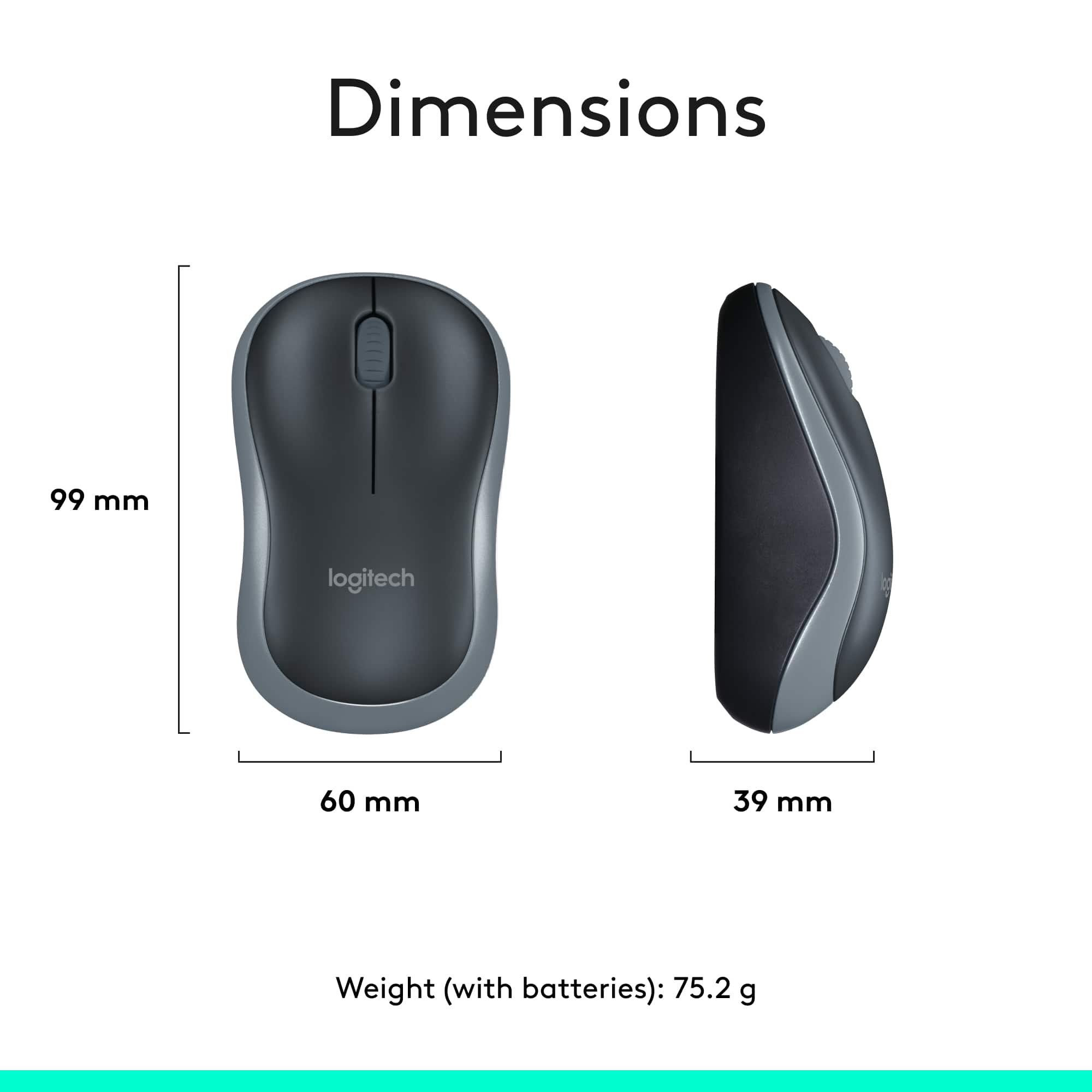
||Posted .This reviewer received promo considerations or sweepstakes entry for writing a review.The keyboard is fine but the mouse to small for my hand. Try to find medium or large size.
This review is from Logitech - MK270 Full-size Wireless Membrane Keyboard and Mouse Bundle for PC - Black
No, I would not recommend this to a friendRated 1 out of 5 stars
Logitech keyboard mouse combo crap
||Posted . Owned for 2 months when reviewed.This reviewer received promo considerations or sweepstakes entry for writing a review.I have always trusted logitech products but this one has really disappointed me. Started having trouble with the mouse after only 2 months. Now 2 weeks later it is dead!! Have tried everything to make it work. No luck. Return period is over. Guess I'm just out of luck and money.
This review is from Logitech - MK270 Full-size Wireless Membrane Keyboard and Mouse Bundle for PC - Black
No, I would not recommend this to a friendBrand response from Logitech
Posted .Hello Jeff,
Thank you for choosing Logitech and for taking the time to share your experience. I am sorry that you have experienced an issue with the mouse; I would like to help. If you have not already done so please download the Logitech "SetPoint" software for customization and updates. Please check your computer for system and driver updates, restart your computer, and if you are still experiencing issues, please run the "Connection Utility" software. I have attached a link to the "Getting Started" support page for your MK270 where you will find product guides, software downloads and further support. I hope these suggestions will resolve the issue that you have experienced. Please visit the Logitech website for further support.
Best regards,
John at Logitech
https://support.logi.com/hc/en-us/articles/360024158874--Getting-Started-Wireless-Combo-MK270
Rated 2 out of 5 stars
Not good
||Posted .This reviewer received promo considerations or sweepstakes entry for writing a review.Mouse good Key board does not work would not buy
This review is from Logitech - MK270 Full-size Wireless Membrane Keyboard and Mouse Bundle for PC - Black
No, I would not recommend this to a friendBrand response from Logitech
Posted .Hello, I am so sorry to hear the keyboard does not work. Fortunately, this combo comes with a 3 year warranty. Here is the link in order to file a claim: https://support.logi.com/hc/en-us/articles/360024926554-Warranty-Wireless-Combo-MK270. I hope this helps! Thank you for taking the time to write this review, we appreciate the feedback.
-Danielle from Logitech
Rated 2 out of 5 stars
Nice for beginners keyboard
||Posted . Owned for 1 month when reviewed.This reviewer received promo considerations or sweepstakes entry for writing a review.Some Keys stick. When I type and hit certain keys, they don't appear on screen.
This review is from Logitech - MK270 Full-size Wireless Membrane Keyboard and Mouse Bundle for PC - Black
No, I would not recommend this to a friendRated 1 out of 5 stars
It's not good as we expected.
||Posted . Owned for 3 months when reviewed.This reviewer received promo considerations or sweepstakes entry for writing a review.I purchased this in May, and I didn't use it a lot. Actually, I just started using it only one moth recently, and both of the mouse and the keyboard are failed to connect with my computer now (in Aug.). Nest time, I may use wire keyboard in stead of wireless one. It was too disappointed.
This review is from Logitech - MK270 Full-size Wireless Membrane Keyboard and Mouse Bundle for PC - Black
No, I would not recommend this to a friendBrand response from Logitech
Posted .Hello, I am sorry to hear about the combo failing on you. That is definitely not normal! Fortunately, this keyboard has a 3 year warranty through Logitech so we can get it replaced for you! Just visit the support page for this item on Logitech.com and start the claim process in order to receive a new one! Thank you for taking the time to write this review, we appreciate the feedback.
Rated 1 out of 5 stars
A litte too "wireless" for me
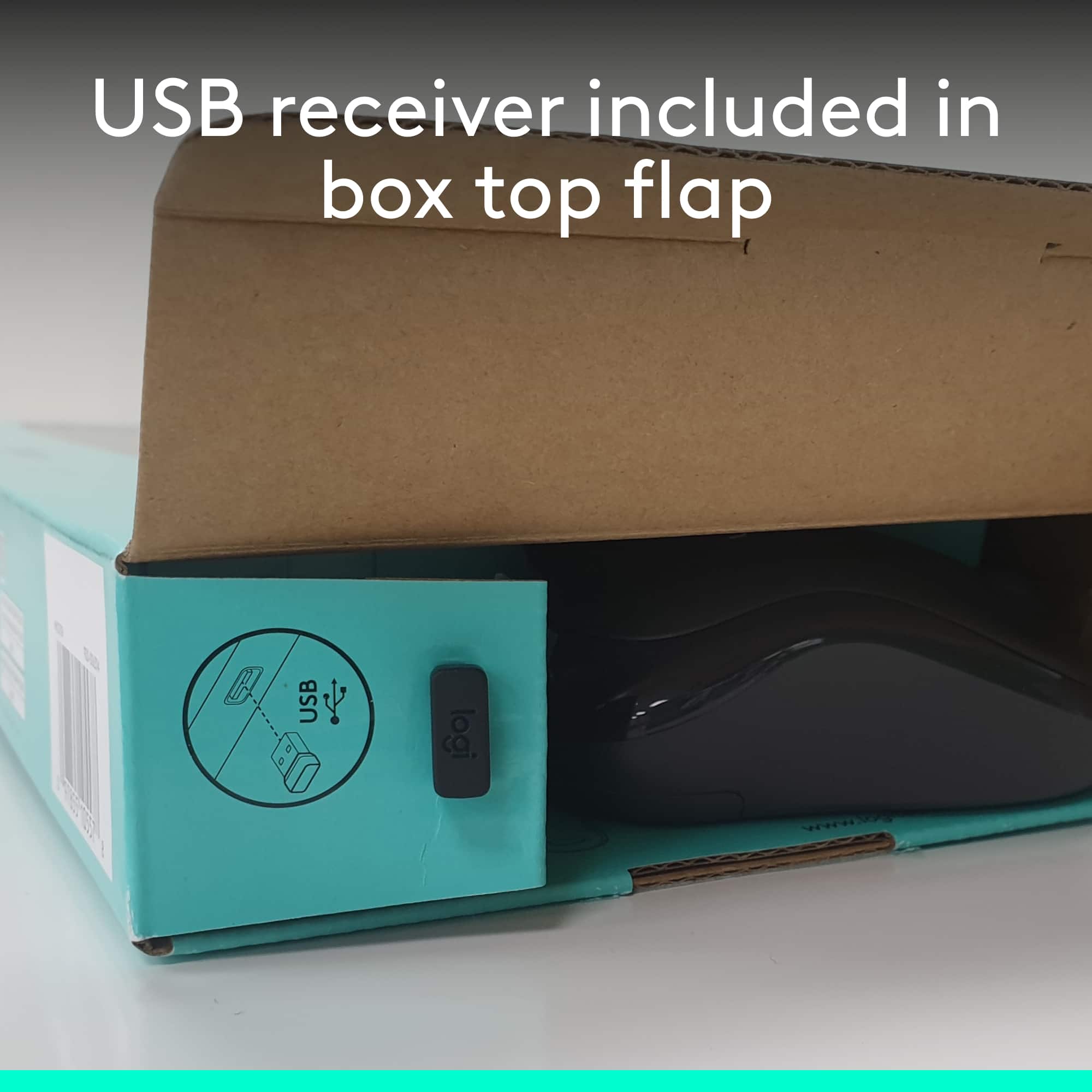
||Posted . Owned for 2 weeks when reviewed.This reviewer received promo considerations or sweepstakes entry for writing a review.The box was damaged but I wasn't too concerned. I was just going to throw that away anyway. The issue is that it became very clear this was a returned item, and it was never inspected before going back on the shelf. It was missing the BT receiver that is stored inside the mouse.
This review is from Logitech - MK270 Full-size Wireless Membrane Keyboard and Mouse Bundle for PC - Black
No, I would not recommend this to a friendBrand response from Logitech
Posted .Hi SLEUser, thank you for your feedback! You are correct, the box should have a fresh seal and there should be a USB receiver located inside of the mouse. For support, please refer to: https://support.logi.com/hc/en-us/articles/360024158874 - Will, Logitech.
Rated 1 out of 5 stars
Didn't work
||Posted . Owned for 1 week when reviewed.This reviewer received promo considerations or sweepstakes entry for writing a review.Connect USB to my laptop so I could use a 10 key pad for work but the keyboard never worked. Wouldn't even let me type in my password that includes the alphabet and numbers but nothing typed. Tried numerous times unsyncing device, taking out USB and reconnecting still nothing.
This review is from Logitech - MK270 Full-size Wireless Membrane Keyboard and Mouse Bundle for PC - Black
No, I would not recommend this to a friendBrand response from Logitech
Posted .Hello,
Thank you for choosing Logitech and for taking the time to review the MK270 mouse and keyboard combo. I am sorry that you have experienced this issue with your MK270, I would like to help. If you could please check the battery compartment as there may be a protective cover if you are getting setup for the first time. Please download the Logitech “Connection Utility Software”, this will allow you to check for Firmware updates and can be used to reestablish the connection to the USB Nano receiver. I also recommend downloading the Logitech “SetPoint” software for customization, updates, and best performance. These are available in the Downloads tab of the “Getting Started” support page, which I have attached below. Further assistance is available on this Logitech support page if you are still experiencing this issue after taking these steps and restarting your computer.
Best regards,
John at Logitech
https://support.logi.com/hc/en-us/articles/360024158874--Getting-Started-Wireless-Combo-MK270
Rated 2 out of 5 stars
Keyboard MK 270 bows in the middle
||Posted .This reviewer received promo considerations or sweepstakes entry for writing a review.The keyboard MK 270 is to flexible in the middle and bows when applying typing pressure.
This review is from Logitech - MK270 Full-size Wireless Membrane Keyboard and Mouse Bundle for PC - Black
No, I would not recommend this to a friendRated 2 out of 5 stars
No real instructions.
||Posted . Owned for 1 month when reviewed.This reviewer received promo considerations or sweepstakes entry for writing a review.Could never get it to work because there’s no instructions.
This review is from Logitech - MK270 Full-size Wireless Membrane Keyboard and Mouse Bundle for PC - Black
No, I would not recommend this to a friendBrand response from Logitech
Posted .Hello, I am sorry there were not instructions included with the combo. Here is the set up guide for the combo: https://www.logitech.com/assets/45924/wireless-combo-mk270-quick-start-guide.pdf. I hope this helps! Thank you for taking the time to write this review, we appreciate the feedback.
Rated 2 out of 5 stars
Wish I'd spent more money
||Posted . Owned for 1 month when reviewed.This reviewer received promo considerations or sweepstakes entry for writing a review.It doesn't work to far from the computer. I'm only talking about 5 feet
This review is from Logitech - MK270 Full-size Wireless Membrane Keyboard and Mouse Bundle for PC - Black
No, I would not recommend this to a friendRated 1 out of 5 stars
Buy a better keyboard
||Posted . Owned for 1.5 years when reviewed.This reviewer received promo considerations or sweepstakes entry for writing a review.The keyboard range was less than 10 ft The mouse had a little better range would not recommend
This review is from Logitech - MK270 Full-size Wireless Membrane Keyboard and Mouse Bundle for PC - Black
I would recommend this to a friendBrand response from Logitech
Posted .That's disappointing to hear and it's surely not what we expect to deliver. We understand your displeasure and apologize for any issues that arise. We value your input, therefore we will forward it along to the appropriate team so they can look into it.
Rated 4 out of 5 stars
Good keyboard
||Posted .This reviewer received promo considerations or sweepstakes entry for writing a review.I like the this keyboards, the mouse is a little small than standard mouses.
This review is from Logitech - MK270 Full-size Wireless Membrane Keyboard and Mouse Bundle for PC - Black
I would recommend this to a friend