Customer Ratings & Reviews
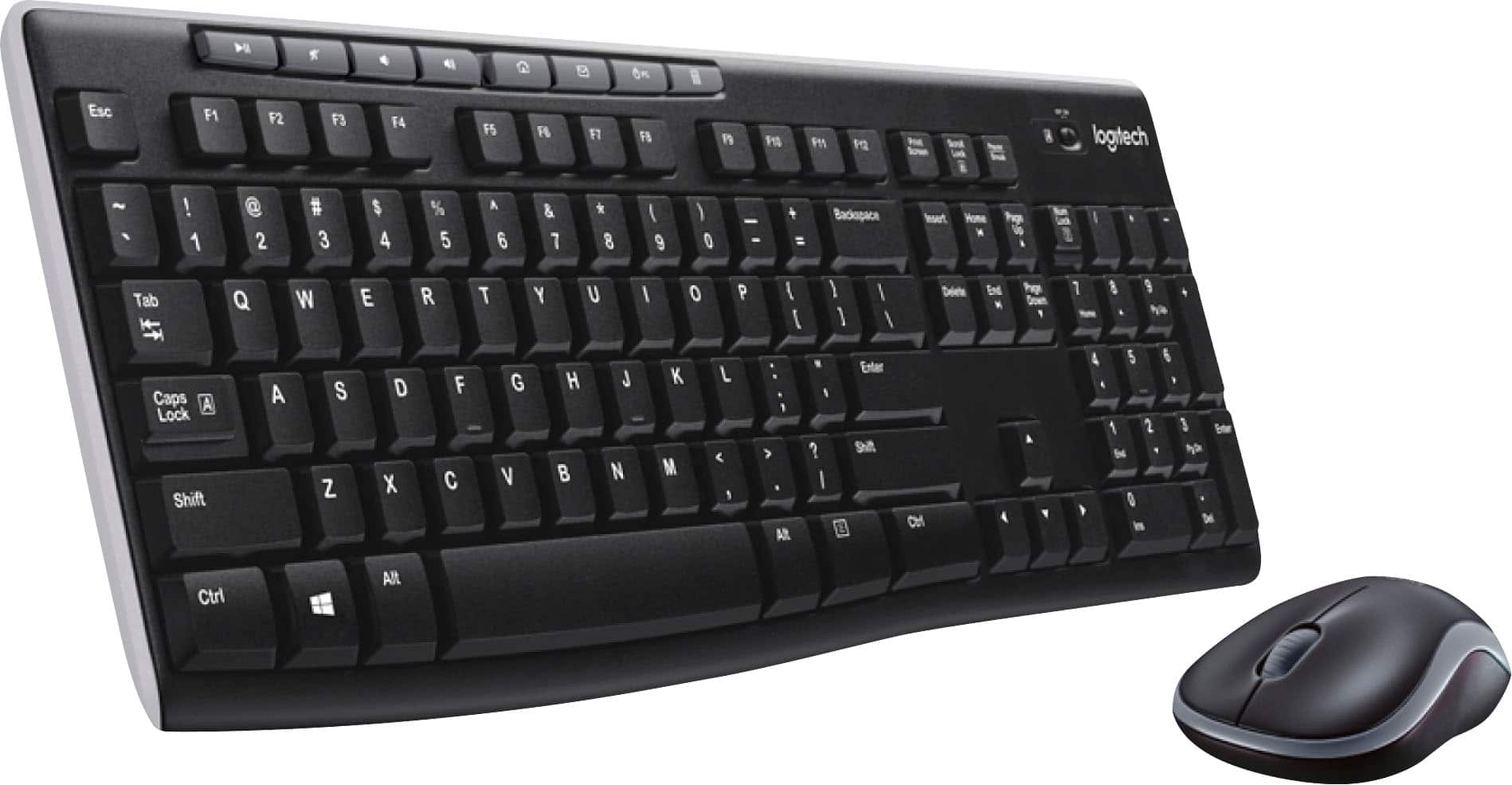




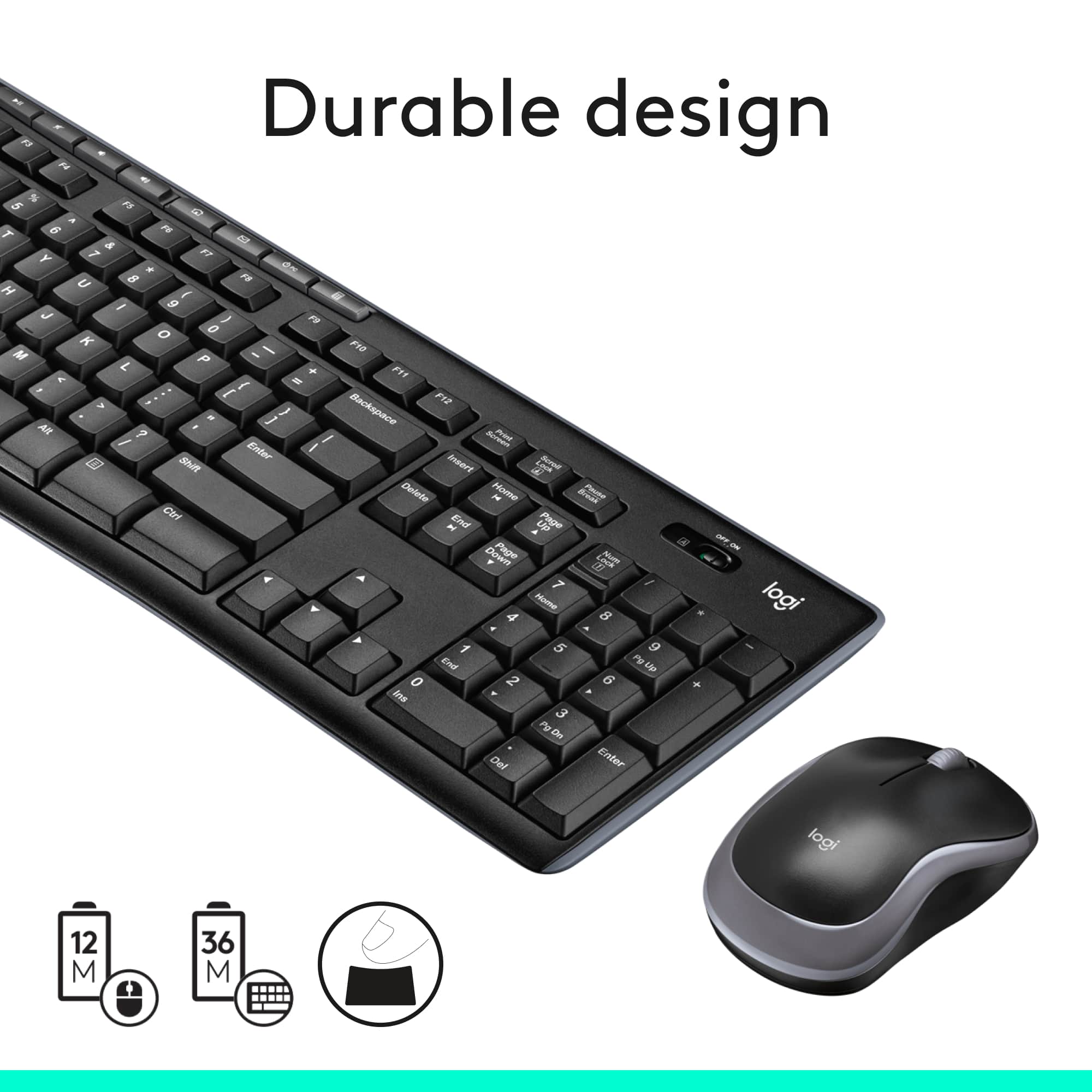
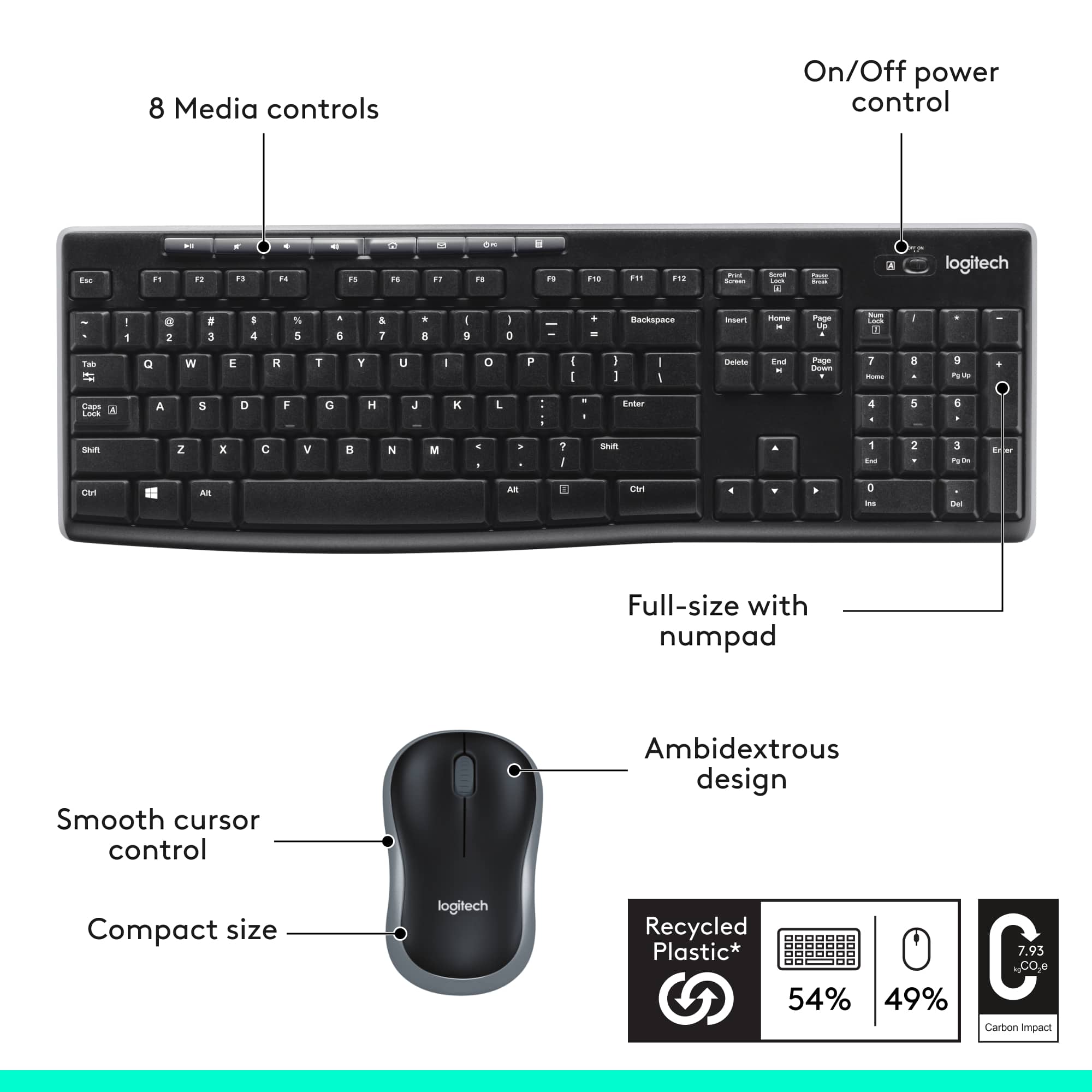
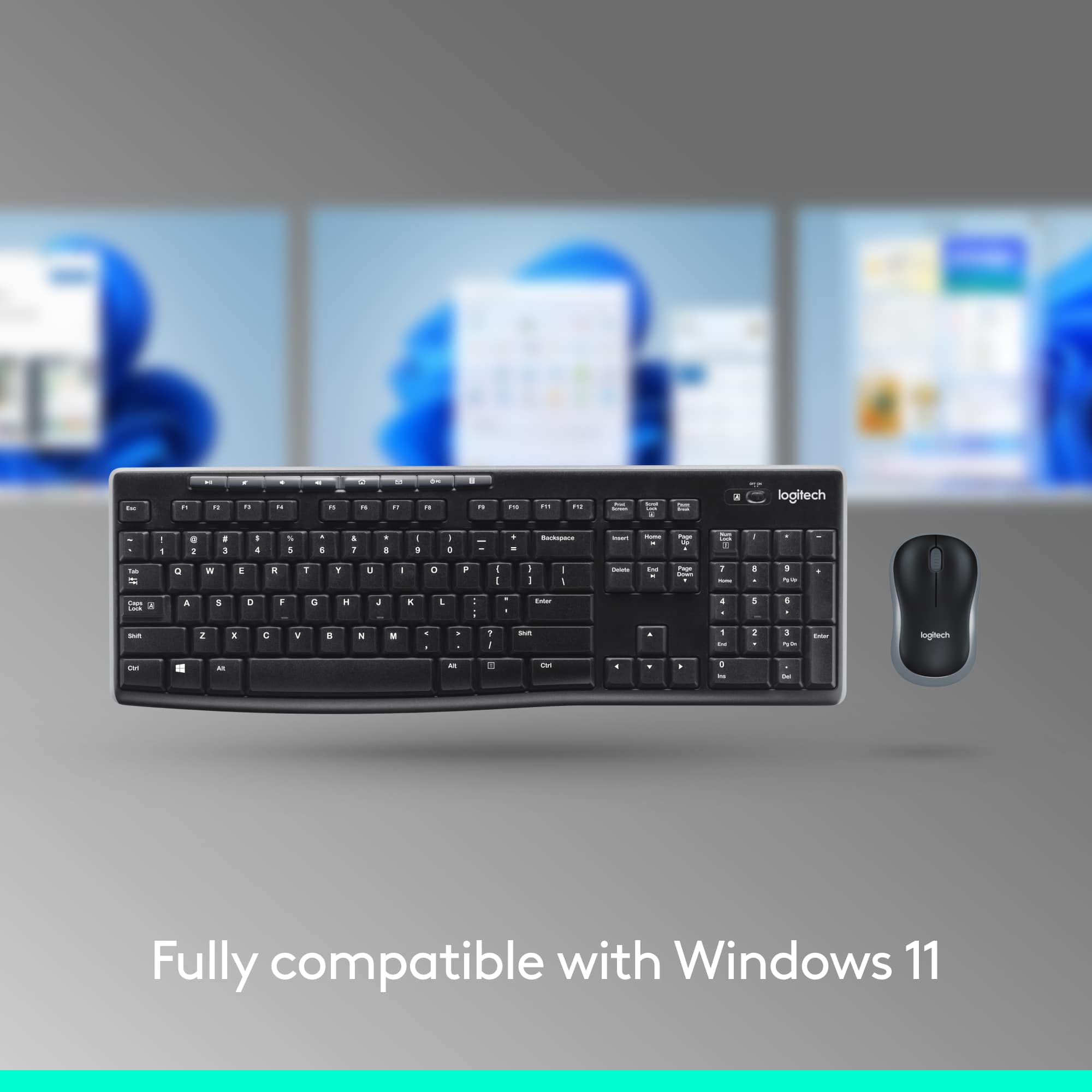


- Model:
- 920-004536
- |
- SKU:
- 1440638
Customer reviews
Rating 4.6 out of 5 stars with 9985 reviews
(9,985 customer reviews)Rating by feature
- Value4.7
Rating 4.7 out of 5 stars
- Quality4.5
Rating 4.5 out of 5 stars
- Ease of Use4.7
Rating 4.7 out of 5 stars
Customers are saying
Customers commend the MK270 keyboard and mouse bundle for its quality, ease of use, and affordable price. Users appreciate its wireless functionality, long battery life, and convenient size, as well as its plug-and-play compatibility. Some users have reported minor lag and occasional connection issues. Overall, the positive aspects of the product appear to outweigh the negative ones.
This summary was generated by AI based on customer reviews.
Rated 1 out of 5 stars
keyboard is terrible
Posted .This reviewer received promo considerations or sweepstakes entry for writing a review.I purchased three of the MK270 keyboard/mouse combinations in March. In less than 2 months, two of the three keyboards do not work. New batteries did not help
No, I would not recommend this to a friendRated 1 out of 5 stars
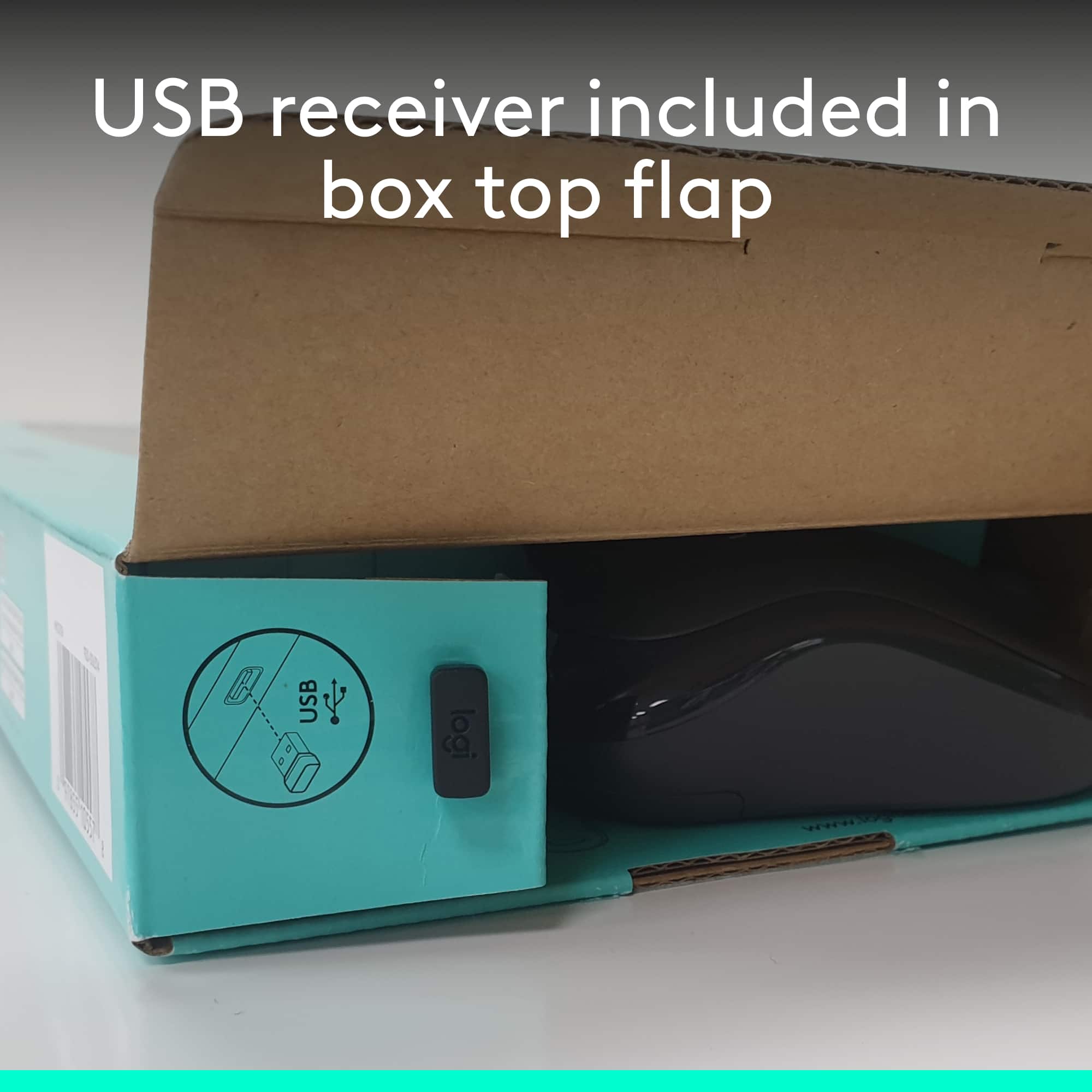
Refund or send another mouse with usb
Posted .This reviewer received promo considerations or sweepstakes entry for writing a review.Mouse is without USB. And it’s not working. Need my money back otherwise send me new mouse.
No, I would not recommend this to a friendBrand response from Logitech
Posted .Hello, Jimmy! I'm sorry to hear about your experience with the MK270 combo. This combo only comes with one USB receiver for both the keyboard and the mouse. Please make sure that the switch on the bottom of the mouse is in the "On" position. If the mouse if on and still not working, changing the batteries can help as well. If neither of these options work, please reach out to our support team here https://support.logi.com/hc/en-us/requests/new?ticket_form_id=360000621393 to file a warranty claim. The MK270 has a 3-year limited hardware warranty. Thank you for this feedback! I will be passing this along. - Maggie from Logitech
Rated 1 out of 5 stars
Lags
Posted .This reviewer received promo considerations or sweepstakes entry for writing a review.Horrible keyboard and mouse combo. the keyboard and mouse lags. making it very annoying to use.,
No, I would not recommend this to a friendBrand response from Logitech
Posted .Hello,
Thank you for taking the time to review the MK270 mouse and keyboard combo. I am sorry that you experienced a lag, I would like to help. I have attached a link to the “Getting Started” support page for the MK270. I recommend running the Logitech “Connection Utility Tool” which is available in the “Downloads” tab. With “Connection Utility” you can check for Firmware updates and you can also use this software to reestablish the connection of the Keyboard and mouse to the USB receiver. I also recommend downloading the “SetPoint” and “Options” software for best connectivity and customization of your mouse and keyboard. If you are still experiencing issues after trying these steps and after restarting the computer, please reach out to Logitech support, which can also be found on this link.
Best regards,
John at Logitech
https://support.logi.com/hc/en-us/articles/360024158874
Rated 2 out of 5 stars
It works, but...
Posted .This reviewer received promo considerations or sweepstakes entry for writing a review.This set uses a non-unifying receiver. I have no idea if that means the connectivity signal is slightly lesser but I found the wireless performance pretty sub par. Keystrokes and mouse movement was laggy. Tried moving the units closer/ further from the receiver but it didn't help. Also tried using the receiver in a docking station and laptop itself but it also didn't help.
No, I would not recommend this to a friendRated 1 out of 5 stars
NO BUENO
Posted .This reviewer received promo considerations or sweepstakes entry for writing a review.There USB was missing So I could not use this. This is not the first time this has happened.
No, I would not recommend this to a friend