Customer Ratings & Reviews
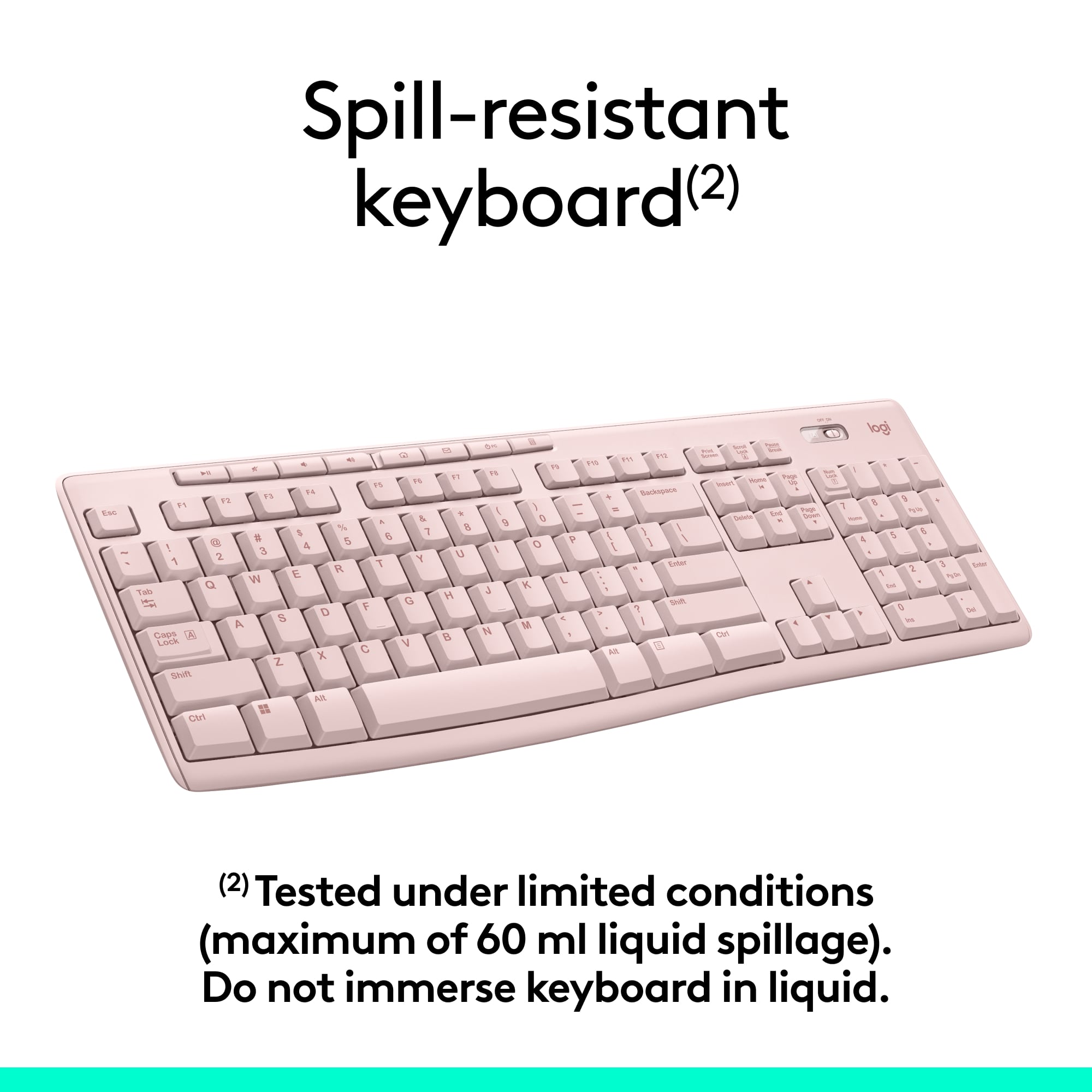
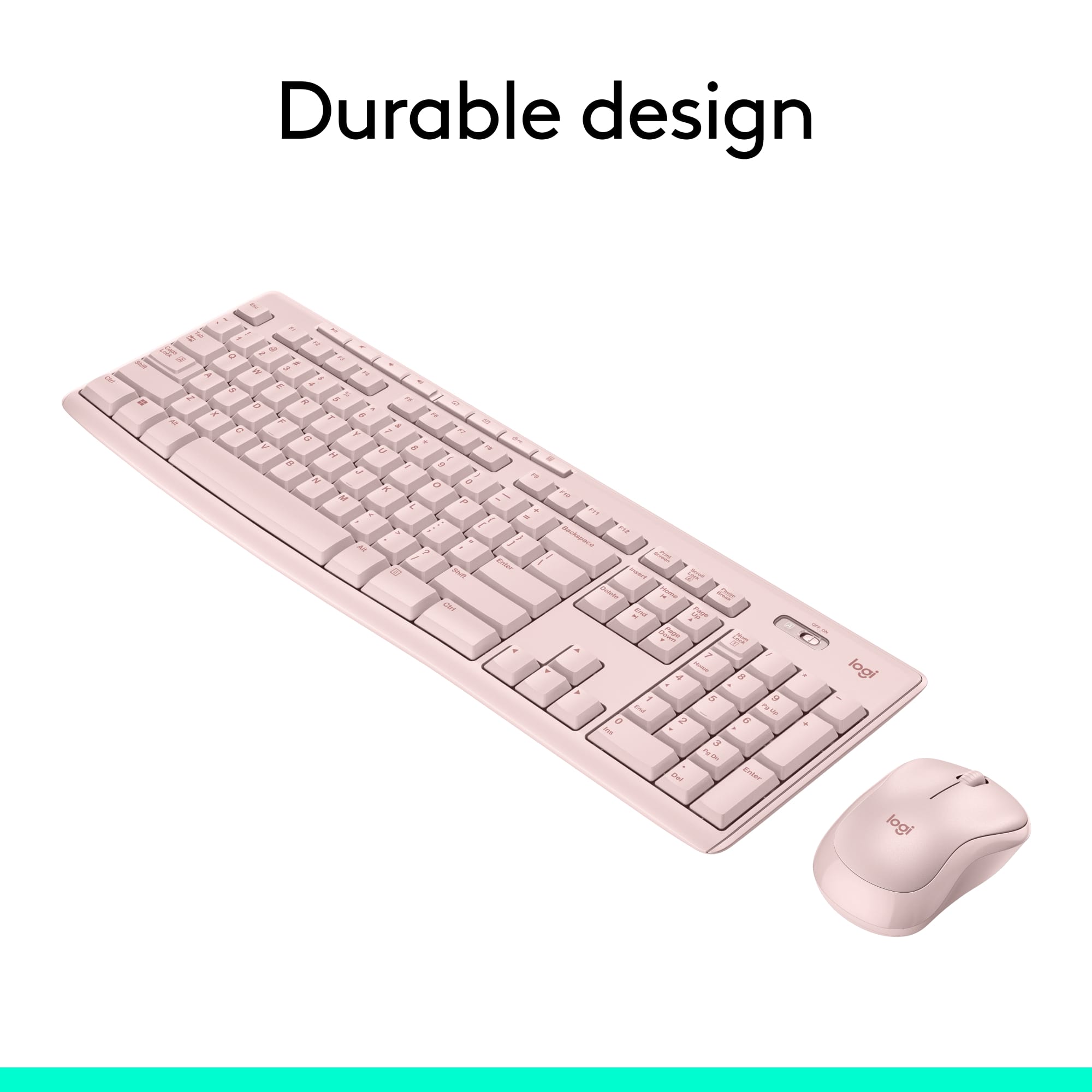
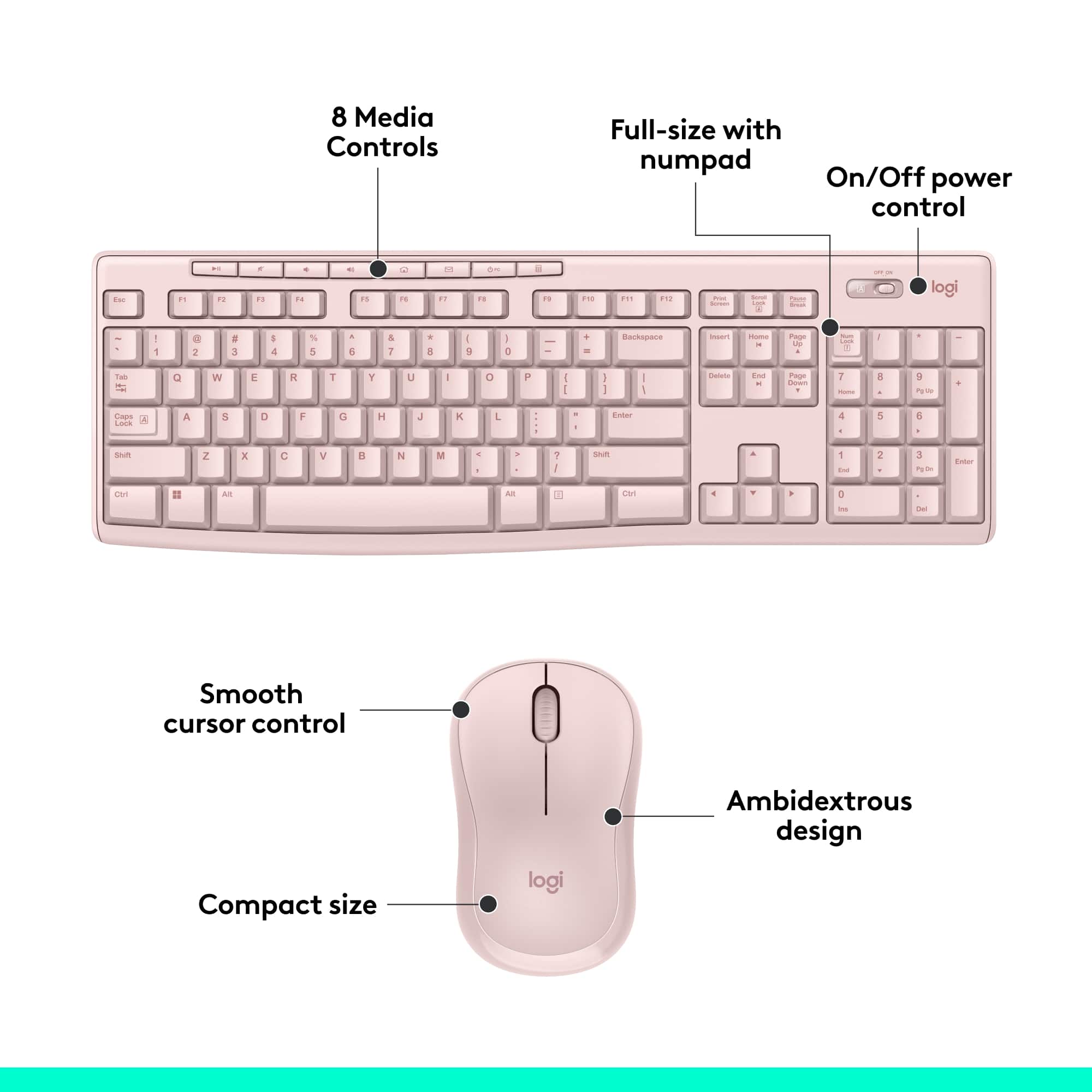
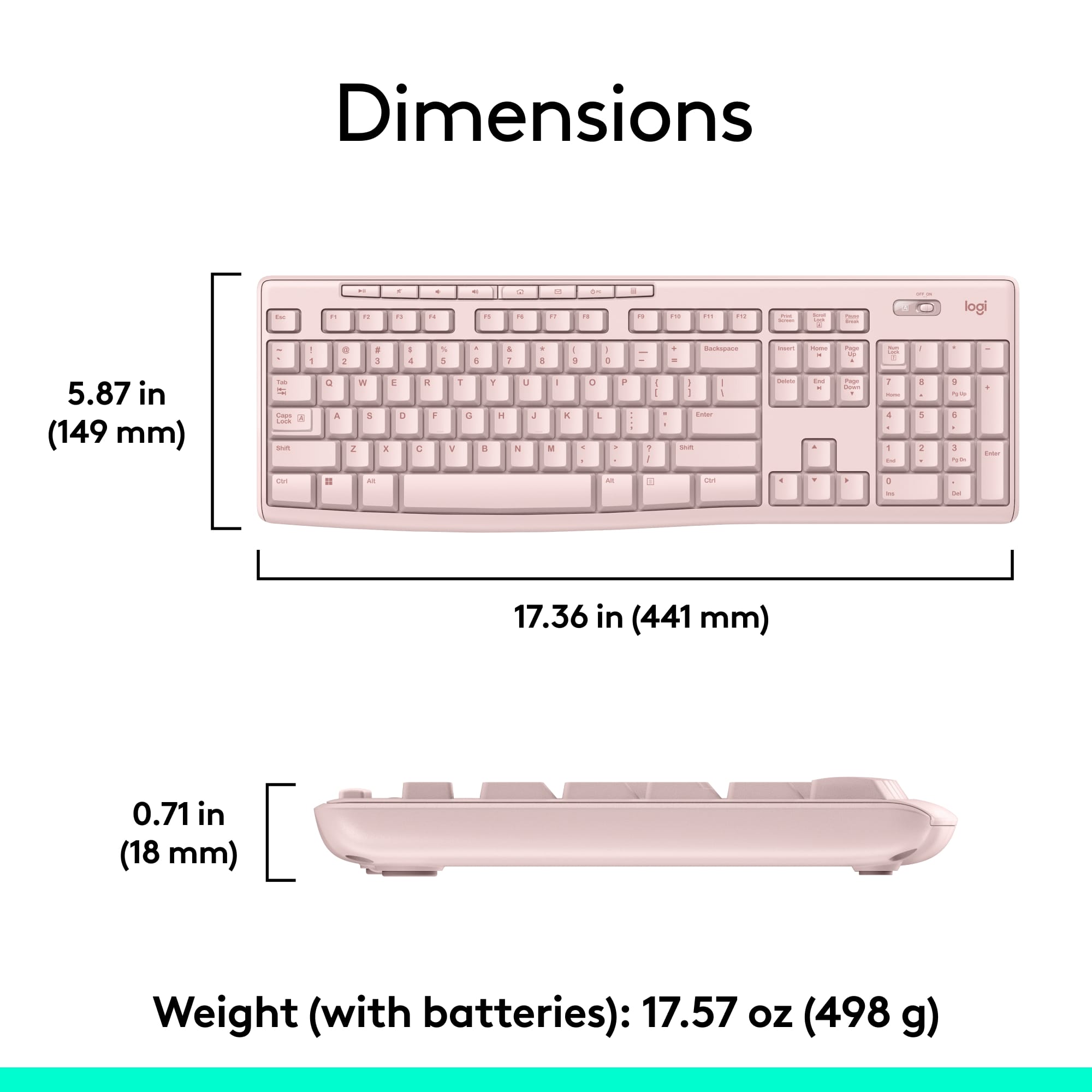
![Sure, here is the corrected and grouped text from the image:
---
**Top Row:**
- Esc
- F1 F2 F3 F4 F5 F6 F7 F8 F9 F10 F11 F12
**Second Row:**
- 1 ! 2 @ 3 # 4 $ 5 % 6 ^ 7 & 8 * 9 ( 0 ) - _ + =
**Third Row:**
- Tab Q W E R T Y U I O P [ { ] } \
**Fourth Row:**
- Caps Lock A S D F G H J K L ; ' Enter
**Fifth Row:**
- Shift Z X C V B N M , . / Shift
**Function Keys:**
- F1 F2 F3 F4 F5 F6 F7 F8 F9 F10 F11 F12
**Right Side:**
- Insert Home Page Up Delete End Page Down
**Bottom Row:**
- Ctrl Alt Spacebar Alt Ctrl
**Additional Keys:**
- Logi
- Scroll Lock
- Pause Break
---
This should match the layout of the keyboard in the image.](https://pisces.bbystatic.com/image2/BestBuy_US/images/products/0ce0f170-380c-41e4-8d6a-fa0aadbd534c.jpg)



- Model:
- 920-013270
- |
- SKU:
- 12327131
Customer reviews
Rating 4.6 out of 5 stars with 10026 reviews
(10,026 customer reviews)Rating by feature
- Value4.7
Rating 4.7 out of 5 stars
- Quality4.5
Rating 4.5 out of 5 stars
- Ease of Use4.7
Rating 4.7 out of 5 stars
to a friend
Customers are saying
Customers highly value the MK270 keyboard and mouse bundle for its ease of use, quality, and wireless capabilities. The affordable price point and long battery life are also appreciated. The compact size is another positive aspect for many users. However, a small number of users have reported experiencing some lag.
This summary was generated by AI based on customer reviews.
Rated 2 out of 5 stars
Junk
||Posted . Owned for 3 weeks when reviewed.This reviewer received promo considerations or sweepstakes entry for writing a review.The space bar is the worst. If you tap the space bar on one of the ends 80% of the time it does not register.
This review is from Logitech - MK270 Full-size Wireless Membrane Keyboard and Mouse Bundle for PC - Black
No, I would not recommend this to a friendBrand response from Logitech
Posted .Hi TAggy,
Thank you for your feedback. Sorry you are having issues with your keyboard. Here are possible solutions: Before you clean your device: Unplug it from your computer and make sure it’s turned off. Remove the batteries. Keep liquids away from your device, and don’t use solvents or abrasives. Use compressed air to remove any loose debris and dust between the keys. To clean the keys, use water to lightly moisten a soft, lint-free cloth and gently wipe down the keys. If you need further assistance, please contact Logitech support on the website. LaShonda from Logitech
Rated 1 out of 5 stars
great price
||Posted .This reviewer received promo considerations or sweepstakes entry for writing a review.This is a great bargain plus the $ 4.99 2 year replacement contract is an even better bargain
This review is from Logitech - MK270 Full-size Wireless Membrane Keyboard and Mouse Bundle for PC - Black
I would recommend this to a friendRated 2 out of 5 stars
keyboard
||Posted . Owned for 3 weeks when reviewed.This reviewer received promo considerations or sweepstakes entry for writing a review.cheap quality skips and don't enter all the keys, have to redo , backspace or type over
This review is from Logitech - MK270 Full-size Wireless Membrane Keyboard and Mouse Bundle for PC - Black
No, I would not recommend this to a friendBrand response from Logitech
Posted .Hello, Very sorry to hear about the issues you're having with the keyboard for the MK270. It sounds like you may have some connection issues between the receiver and the keyboard. This can be caused by RF (Radio Frequency) interference from other wireless devices which may be too close to the receiver. If you have the USB receiver plugged in the back of a desktop tower that could be causing a weak or intermittent signal. Try plugging the receiver into another USB port preferably not a USB 3.0 one or one on a USB Hub or docking station. Hope you found this helpful, but if that didn't solve the issue, the MK270 does have a 3-year limited warranty. Here's a link to File A Claim: https://support.logi.com/hc/en-us/articles/360024926554-Warranty-Wireless-Combo-MK270. Thank you for being a Logitech customer. - Richard from Logitech
Rated 2 out of 5 stars
not great
||Posted .This reviewer received promo considerations or sweepstakes entry for writing a review.This was a inexpensive purchase and worked for a bit but the the mouse just quit working. Not great quality but they were cheap.
This review is from Logitech - MK270 Full-size Wireless Membrane Keyboard and Mouse Bundle for PC - Black
No, I would not recommend this to a friendRated 1 out of 5 stars
NOT unifying capable
||Posted .This reviewer received promo considerations or sweepstakes entry for writing a review.I bought this to replace my K260 keyboard. This one will NOT connect to the unifying dongle that came with my M570 trackball and does not include a unifying dongle. The logitech website says it does, but it is wrong. Such a waste of time and a HUGE aggravation for me! It is going back to the store today!
This review is from Logitech - MK270 Full-size Wireless Membrane Keyboard and Mouse Bundle for PC - Black
No, I would not recommend this to a friendBrand response from Logitech
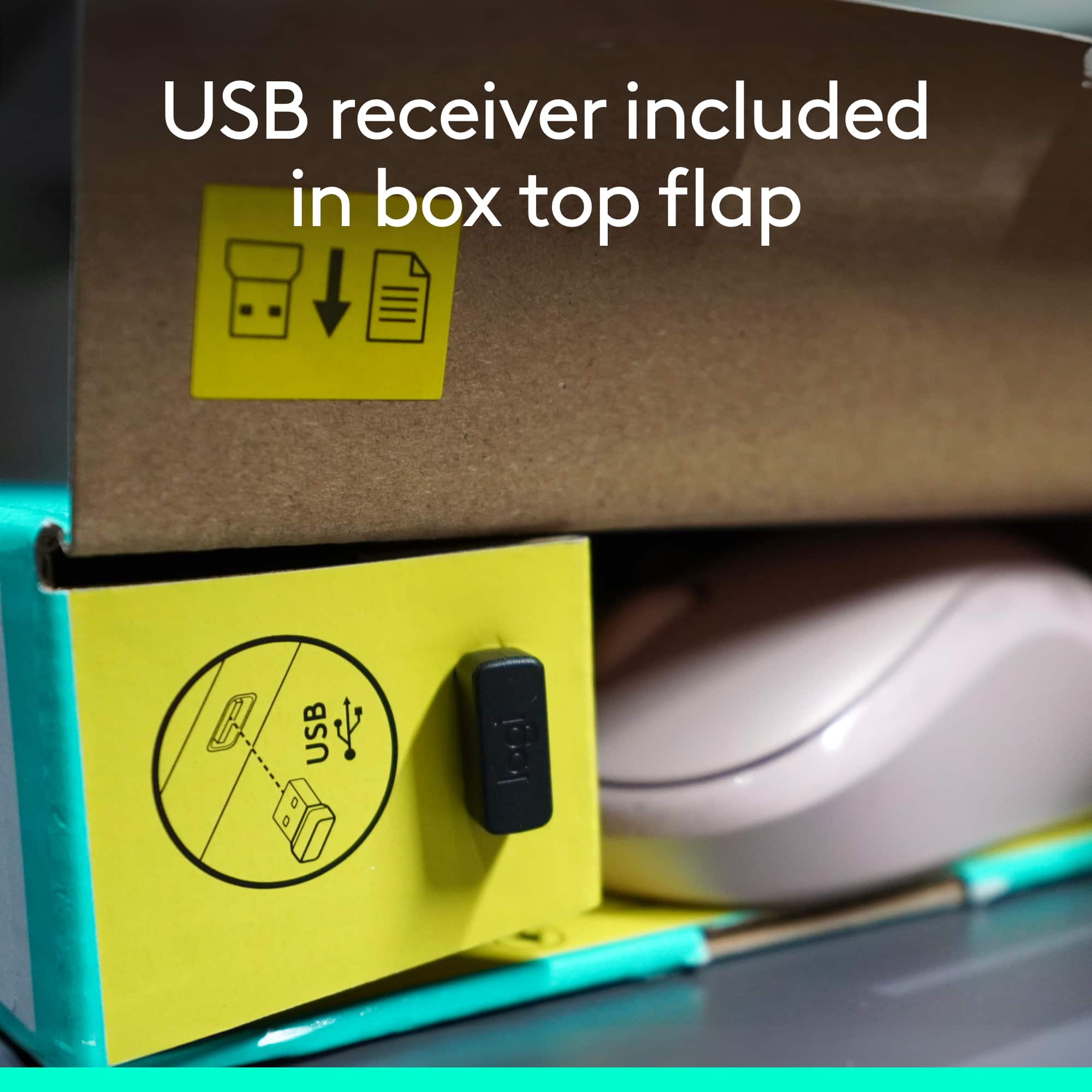
Posted .Hi PCnut, Very sorry for the misinformation that was listed on Logitech's website regarding the MK270's USB receiver. Thanks to your call out, it was corrected to reflect the proper information. The MK270 uses the Nano receiver which pairs both devices of the MK270 and won't pair with the Unifying receiver that came with your M570 trackball. Again, very sorry for the inconvenience this caused. Best regards, Richard from Logitech
Rated 1 out of 5 stars
Keyboard and Mouse Combo Disappointment
||Posted . Owned for 11 months when reviewed.This reviewer received promo considerations or sweepstakes entry for writing a review.Works fine when it does work. Seems that the mouse and keyboard looses connectivity on a constant basis. Went to Logitech's website for update, no firmware or software update for this model of keyboard mouse combo. This was cheap to buy. Buy cheap, get cheap. Will not recommend for purchase. Spend the extra money for a better quality keyboard and mouse combo.
This review is from Logitech - MK270 Full-size Wireless Membrane Keyboard and Mouse Bundle for PC - Black
No, I would not recommend this to a friendBrand response from Logitech
Posted .Hi tydmink, thank you for your feedback! The MK270 is a simple mouse and keyboard combo. Here is the MK270 support page: https://support.logi.com/hc/en-us/articles/360024158874--Getting-Started-Wireless-Combo-MK270 - Here is a firmware update: https://support.logi.com/hc/en-us/articles/360024703674--Downloads-Wireless-Combo-MK270 - Will, Logitech.
Rated 2 out of 5 stars
Not good
||Posted .This reviewer received promo considerations or sweepstakes entry for writing a review.When I used this, the keyboard did not respond about 20 percent of the time. I had to switch to the wired keyboard that came with the computer
This review is from Logitech - MK270 Full-size Wireless Membrane Keyboard and Mouse Bundle for PC - Black
No, I would not recommend this to a friendRated 2 out of 5 stars
Replaced my corded keyboard
||Posted . Owned for 6 months when reviewed.This reviewer received promo considerations or sweepstakes entry for writing a review.Occasionally locks up and I need to turn off/on keep it working
This review is from Logitech - MK270 Full-size Wireless Membrane Keyboard and Mouse Bundle for PC - Black
No, I would not recommend this to a friendBrand response from Logitech
Posted .Hello PianoJoe,
I am sorry that the MK270 is not working as expected. Try downloading the SetPoint app to sink your device and update the firmware. If you keep experiencing connectivity issues after using the SetPoint app, please contact the Logitech support team for personalized assistance. Logitech appreciates your product review. - Leo from Logitech
Rated 4 out of 5 stars
Nice and excellent
||Posted .This reviewer received promo considerations or sweepstakes entry for writing a review.Very good performance and value for money products
This review is from Logitech - MK270 Full-size Wireless Membrane Keyboard and Mouse Bundle for PC - Black
I would recommend this to a friendRated 5 out of 5 stars
keyboard fits right in
||Posted .This reviewer received promo considerations or sweepstakes entry for writing a review.I was very pleased that this brand was compatible with hp and for half the cost
This review is from Logitech - MK270 Full-size Wireless Membrane Keyboard and Mouse Bundle for PC - Black
I would recommend this to a friendRated 2 out of 5 stars
Wouldn't recommend
||Posted . Owned for 1 month when reviewed.This reviewer received promo considerations or sweepstakes entry for writing a review.Batteries don't last long and keyboard needs to be so close to the dongle. Mouse very spastic
This review is from Logitech - MK270 Full-size Wireless Membrane Keyboard and Mouse Bundle for PC - Black
No, I would not recommend this to a friendBrand response from Logitech
Posted .Hello Kmf1210,
Thank you for choosing Logitech and for taking the time to review the MK270 Mouse and Keyboard combo. I am sorry that you have had issues with the mouse being “spastic” and that the “batteries don’t last long”; I would like to help.If you have not already done so, please download the Logitech “SetPoint” and “Options” software for customization and updates. It seems like you may be experiencing a connectivity issue, I recommend downloading the “Connection Utility” software, which will allow you to reestablish the connection of the mouse and keyboard to the USB Nano receiver. These downloads, product guides and further support are available on the Logitech website. I have attached a link to the “Getting Started” support page for your MK270. For further support. Please visit the Logitech website.
Best regards,
John at Logitech
https://support.logi.com/hc/en-us/articles/360024158874--Getting-Started-Wireless-Combo-MK270
Rated 1 out of 5 stars
Do not buy if you have a newer Dell
||Posted . Owned for 1 month when reviewed.This reviewer received promo considerations or sweepstakes entry for writing a review.Do not buy if you plan to use with a Dell. This will not work with most newer Dell laptops unless you purchase and always carry an additional adapter with you. Best Buy does not recognized this as an acceptable reason to return and will not give a refund or store credit.
This review is from Logitech - MK270 Full-size Wireless Membrane Keyboard and Mouse Bundle for PC - Black
No, I would not recommend this to a friendBrand response from Logitech
Posted .Hello KB12,
I am sorry that you are having issues using the MK270 properly. The MK270 can be used with any computer with a USB type A connection, and there is no possibility of being incompatible with an OEM brand. I hope that you find this information useful. Logitech appreciates your product review. - Leo from Logitech
Rated 2 out of 5 stars
Keyboard
||Posted . Owned for 3 months when reviewed.This reviewer received promo considerations or sweepstakes entry for writing a review.The quality is bad and the keys are always falling off. I would not recommend this keyboard.
This review is from Logitech - MK270 Full-size Wireless Membrane Keyboard and Mouse Bundle for PC - Black
No, I would not recommend this to a friendBrand response from Logitech
Posted .Hello. Thank you for taking the time to write your review of the MK270 at Best Buy. I'm so sorry to hear that your keyboard is unsatisfactory. The keys should not be falling off so easily. Please contact our customer support and we can get a warranty replacement for you. https://support.logi.com/hc/en-us/articles/360024926554-Warranty-Wireless-Combo-MK270
-Charlton at Logitech
Rated 1 out of 5 stars
Not good enough
||Posted . Owned for 2 weeks when reviewed.This reviewer received promo considerations or sweepstakes entry for writing a review.For the life me I cannot figure out why this keyboard doesn't have a number lock indicator light! I keep banging on the number pad with no response only to find the number lock is not on. An indicator light will solve that with very little additional costs, if any. Would have returned it because of that but was too much of a hustle.
This review is from Logitech - MK270 Full-size Wireless Membrane Keyboard and Mouse Bundle for PC - Black
No, I would not recommend this to a friendBrand response from Logitech
Posted .Hello Boro,
Thank you for choosing Logitech and for taking the time to review the MK270 mouse and keyboard combo. I have attached a link to the "Getting Started" support page for your combo. I recommend downloading the "SetPoint" software for customization and updates. Through "SetPoint" you can turn on the on screen notifications, so you will know when Number Lock is toggled on or off. I hope you will enjoy your MK270. For further assistance, please visit the Logitech support website.
Best regards,
John at Logitech
https://support.logi.com/hc/en-us/articles/360024158874--Getting-Started-Wireless-Combo-MK270
Rated 2 out of 5 stars
dont buy didn't work for me
||Posted . Owned for 1 month when reviewed.This reviewer received promo considerations or sweepstakes entry for writing a review.Was disappointed it worked intermittently. do not purchase. spend more money and buy a better product.
This review is from Logitech - MK270 Full-size Wireless Membrane Keyboard and Mouse Bundle for PC - Black
No, I would not recommend this to a friendBrand response from Logitech
Posted .Hello mws61, Sorry for your disappointment with the MK270 and it working intermittenly. There is a firmware updatee download that is available for this product. Here is the link:https://support.logi.com/hc/en-us/articles/360024703674--Downloads-Wireless-Combo-MK270. Hope this helps.
Rated 1 out of 5 stars
Failed after only 102 days
||Posted . Owned for 3 months when reviewed.This reviewer received promo considerations or sweepstakes entry for writing a review.Keyboard stopped responding after only 102 days even with new Duracell Batteries installed, the keyboard caps lock lights wouldn't light up and toggling the switch multiple times. Can't return to BB outside of only 14 days, so have to submit to Logitech. Will update this review depending on how they handle the warranty claim.
This review is from Logitech - MK270 Full-size Wireless Membrane Keyboard and Mouse Bundle for PC - Black
No, I would not recommend this to a friendBrand response from Logitech
Posted .Hello, we are sorry to hear that you are having issues with your Mk270 set. You may reach us for support by opening a Technical Support ticket here: https://support.logi.com/hc/en-us/requests/new?ticket_form_id=360000621393
Rated 2 out of 5 stars
You get what you pay for
||Posted .This reviewer received promo considerations or sweepstakes entry for writing a review.Not too happy with this. Find myself having to press certain buttons harder than others. Comfort level is not to my liking.
This review is from Logitech - MK270 Full-size Wireless Membrane Keyboard and Mouse Bundle for PC - Black
No, I would not recommend this to a friendRated 5 out of 5 stars
Works good
||Posted .This reviewer received promo considerations or sweepstakes entry for writing a review.I bought this to go with a new computer I got works well not cheap fealing.
This review is from Logitech - MK270 Full-size Wireless Membrane Keyboard and Mouse Bundle for PC - Black
I would recommend this to a friendRated 4 out of 5 stars
It was ok
||Posted .This reviewer received promo considerations or sweepstakes entry for writing a review.It seems to work fine. Mouse was acting crazy at come point but ok for the price until you yet something better.
This review is from Logitech - MK270 Full-size Wireless Membrane Keyboard and Mouse Bundle for PC - Black
I would recommend this to a friendRated 2 out of 5 stars
Wireless Keyboard
||Posted . Owned for 1 month when reviewed.This reviewer received promo considerations or sweepstakes entry for writing a review.Easy to assemble but not great to use. Having a lot of issues
This review is from Logitech - MK270 Full-size Wireless Membrane Keyboard and Mouse Bundle for PC - Black
No, I would not recommend this to a friendBrand response from Logitech
Posted .Hello DellMonitor,
I am sorry to hear that you are having issues using the MK270. I recommend you update the firmware for free on the Logitech website. And if that does not help, feel free to reach out to the Logitech support team for personalized assistance. Logitech appreciates your product review. - Leo from Logitech