Customer Ratings & Reviews
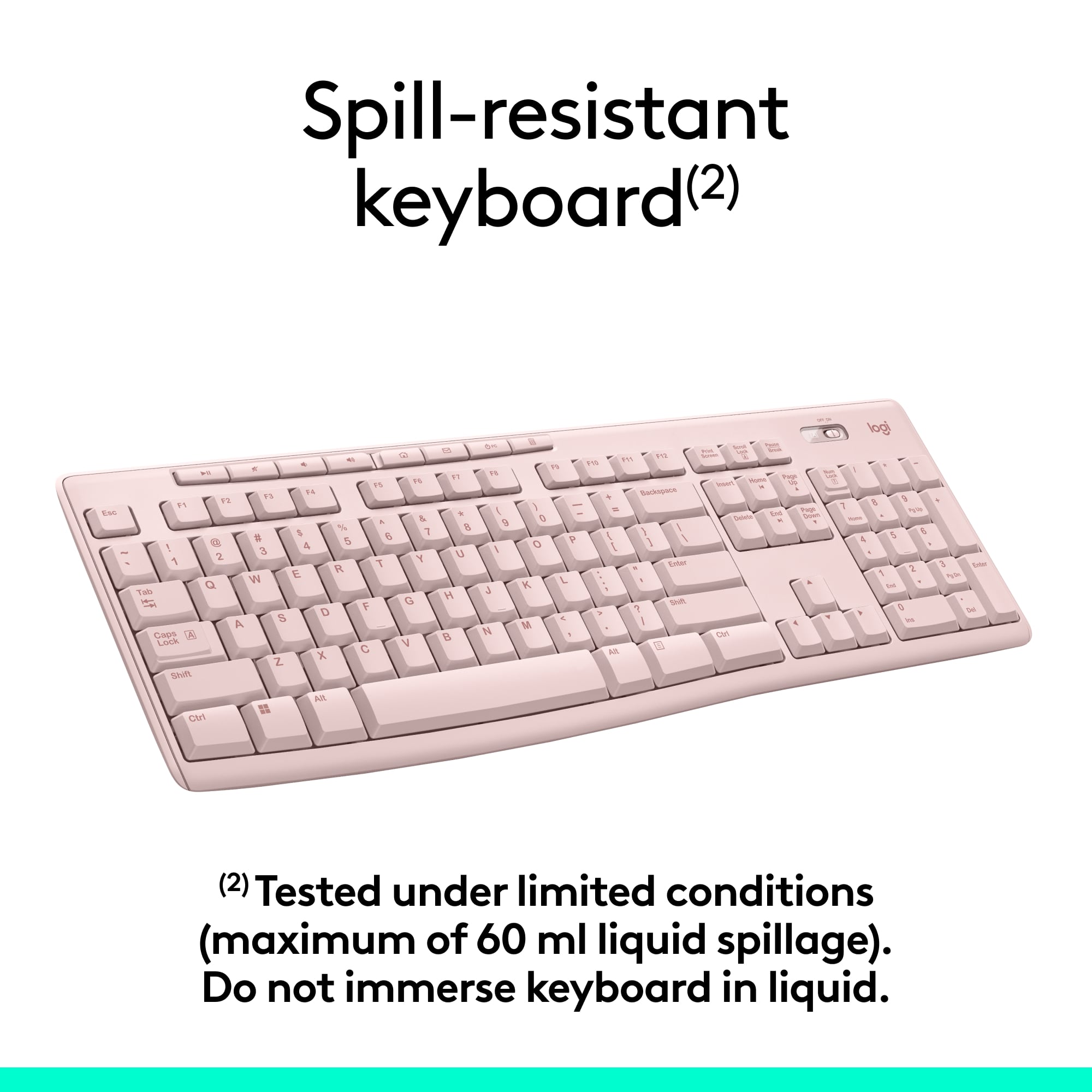
![Sure, here is the corrected and grouped text from the image:
---
**Top Row:**
- Esc
- F1 F2 F3 F4 F5 F6 F7 F8 F9 F10 F11 F12
**Second Row:**
- 1 ! 2 @ 3 # 4 $ 5 % 6 ^ 7 & 8 * 9 ( 0 ) - _ + =
**Third Row:**
- Tab Q W E R T Y U I O P [ { ] } \
**Fourth Row:**
- Caps Lock A S D F G H J K L ; ' Enter
**Fifth Row:**
- Shift Z X C V B N M , . / Shift
**Function Keys:**
- F1 F2 F3 F4 F5 F6 F7 F8 F9 F10 F11 F12
**Right Side:**
- Insert Home Page Up Delete End Page Down
**Bottom Row:**
- Ctrl Alt Spacebar Alt Ctrl
**Additional Keys:**
- Logi
- Scroll Lock
- Pause Break
---
This should match the layout of the keyboard in the image.](https://pisces.bbystatic.com/image2/BestBuy_US/images/products/0ce0f170-380c-41e4-8d6a-fa0aadbd534c.jpg)



- Model:
- 920-013270
- |
- SKU:
- 12327131
Customer reviews
Rating 4.6 out of 5 stars with 10026 reviews
(10,026 customer reviews)Rating by feature
- Value4.7
Rating 4.7 out of 5 stars
- Quality4.5
Rating 4.5 out of 5 stars
- Ease of Use4.7
Rating 4.7 out of 5 stars
to a friend
Customers are saying
Customers highly value the MK270 keyboard and mouse bundle for its ease of use, quality, and wireless capabilities. The affordable price point and long battery life are also appreciated. The compact size is another positive aspect for many users. However, a small number of users have reported experiencing some lag.
This summary was generated by AI based on customer reviews.
Rated 3 out of 5 stars
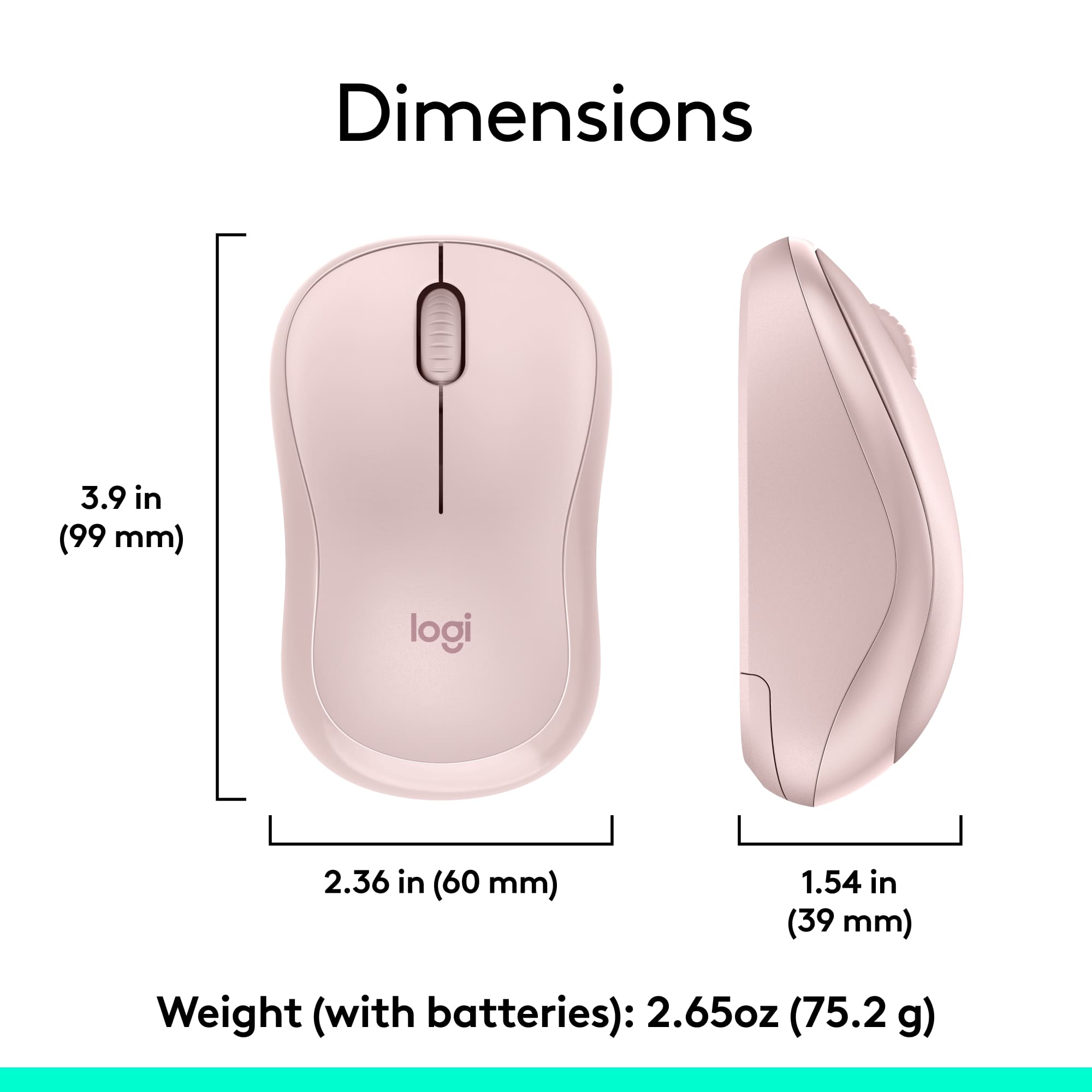
Small mouse
||Posted .This reviewer received promo considerations or sweepstakes entry for writing a review.Nice size on the keyboard, but the mouse is very small and kind of annoying.
This review is from Logitech - MK270 Full-size Wireless Membrane Keyboard and Mouse Bundle for PC - Black
No, I would not recommend this to a friendRated 2 out of 5 stars
Don't buy I
||Posted . Owned for 1 month when reviewed.This reviewer received promo considerations or sweepstakes entry for writing a review.MOUSE stopped working with dongle after two uses. Keyboard continues to work. Disappointed
This review is from Logitech - MK270 Full-size Wireless Membrane Keyboard and Mouse Bundle for PC - Black
No, I would not recommend this to a friendBrand response from Logitech
Posted .Hi Lanie,
Thank you for your feedback. Sorry you are having issues with your mouse. Here are possible solutions:
If your mouse is not working, the problem is likely to be a lost connection. The connection between the mouse and Unifying USB receiver can be lost for several reasons. Make sure you have fresh batteries in your mouse and is turned on. Make sure the Unifying USB receiver is securely plugged directly into a working USB port on your computer. Turn your computer on. Finally, download the correct version of Logitech SetPoint mouse and keyboard software. If you need further assistance, please contact Logitech support on the website.
LaShonda from Logitech
Rated 5 out of 5 stars
Very useful product
||Posted .This reviewer received promo considerations or sweepstakes entry for writing a review.I bought this after reading reviews from other buyers. Very satisfying
This review is from Logitech - MK270 Full-size Wireless Membrane Keyboard and Mouse Bundle for PC - Black
I would recommend this to a friendRated 4 out of 5 stars
keyboard a little laggy
||Posted .This reviewer received promo considerations or sweepstakes entry for writing a review.Sometimes the keyboard is a little slow, but it allows us to have the pc tower tucked away and cord hidden.
This review is from Logitech - MK270 Full-size Wireless Membrane Keyboard and Mouse Bundle for PC - Black
I would recommend this to a friendRated 1 out of 5 stars
unnecessary and annoying smart key
||Posted . Owned for 1 month when reviewed.This reviewer received promo considerations or sweepstakes entry for writing a review.One smart button at the top puts the computer to sleep. It is very easily pressed accidentally, and it takes quite a while to resurrect the desktop. Suggested solutions are many, but none of them work.
This review is from Logitech - MK270 Full-size Wireless Membrane Keyboard and Mouse Bundle for PC - Black
No, I would not recommend this to a friendBrand response from Logitech
Posted .That sounds troublesome and thanks for bringing this to our attention. We'll surely take this as a feedback and share it with the right team.
Rated 5 out of 5 stars
Nice layout
||Posted .This reviewer received promo considerations or sweepstakes entry for writing a review.I bought this to replace a wired keyboard. Really nice typing sound.
This review is from Logitech - MK270 Full-size Wireless Membrane Keyboard and Mouse Bundle for PC - Black
I would recommend this to a friendRated 4 out of 5 stars
Accessibility
||Posted .This reviewer received promo considerations or sweepstakes entry for writing a review.Great keyboard and mouse for work. Allows me to move around whenever I need clients to use the computer.
This review is from Logitech - MK270 Full-size Wireless Membrane Keyboard and Mouse Bundle for PC - Black
I would recommend this to a friendRated 2 out of 5 stars
Average
||Posted .This reviewer received promo considerations or sweepstakes entry for writing a review.Not bad, ok for the price. Quality is just ok………….
This review is from Logitech - MK270 Full-size Wireless Membrane Keyboard and Mouse Bundle for PC - Black
I would recommend this to a friendBrand response from Logitech
Posted .Hey there, I'm sorry to hear you didn't enjoy your MK270. Your feedback is greatly appreciated. If you have any issues in the future, please feel free to contact us via our support site, and thank you for choosing Logitech. -Weston from Logitech
Rated 5 out of 5 stars
Great keyboard and cordless mouse
||Posted .This reviewer received promo considerations or sweepstakes entry for writing a review.So much easier to use with more flexibility for keyboard placement
This review is from Logitech - MK270 Full-size Wireless Membrane Keyboard and Mouse Bundle for PC - Black
I would recommend this to a friendRated 2 out of 5 stars
Not title
||Posted . Owned for 1 month when reviewed.This reviewer received promo considerations or sweepstakes entry for writing a review.Not easy to used, sometimes automatic unlink from computer.
This review is from Logitech - MK270 Full-size Wireless Membrane Keyboard and Mouse Bundle for PC - Black
No, I would not recommend this to a friendBrand response from Logitech
Posted .Hello Rliii, So sorry to hear about the issues you're having with the MK270 and it unlinking from your computer. Sounds like there's a connection problem that is caused by interference. If you have the USB receiver plugged into a rear facing USB port on your desktop tower there could be interference and you'll need to move the receiver to a front facing USB port or, if you don't have one, use an extender cable. Another reason could be if you're using a USB Hub. Plug the receiver directly to your computer. If these suggestions don't solve the problem, then go to https://support.logi.com/hc/en-us/requests/new?ticket_form_id=360000621393 for more help. Hope that you found this useful and that all is going better. Thank you for choosing Logitech. - Richard from Logitech
Rated 2 out of 5 stars
Okay keyboard
||Posted . Owned for 2 months when reviewed.This reviewer received promo considerations or sweepstakes entry for writing a review.The space bar on the keyboard is hard to press while typing. I need to replace it
This review is from Logitech - MK270 Full-size Wireless Membrane Keyboard and Mouse Bundle for PC - Black
No, I would not recommend this to a friendBrand response from Logitech
Posted .Hello, we are sorry to hear about your issue with your MK270 space bar. Please reach us at https://support.logi.com/hc/en-us for technical support/warranty replacement.
Rated 2 out of 5 stars
Junk
||Posted . Owned for 1 week when reviewed.This reviewer received promo considerations or sweepstakes entry for writing a review.Keyboard keys came all fallen out had to put together and once built keys worked half the timer
This review is from Logitech - MK270 Full-size Wireless Membrane Keyboard and Mouse Bundle for PC - Black
No, I would not recommend this to a friendRated 2 out of 5 stars
Took it back
||Posted .This reviewer received promo considerations or sweepstakes entry for writing a review.The problem was the letter “r” did not always register. Otherwise it was fine. Took it back for a refund.
This review is from Logitech - MK270 Full-size Wireless Membrane Keyboard and Mouse Bundle for PC - Black
No, I would not recommend this to a friendRated 5 out of 5 stars
Buttons don’t click
||Posted .This reviewer received promo considerations or sweepstakes entry for writing a review.Laptop buttons are too shallow. Need the keyboard feeling.
This review is from Logitech - MK270 Full-size Wireless Membrane Keyboard and Mouse Bundle for PC - Black
I would recommend this to a friendRated 2 out of 5 stars
geek will be coming to my home 11-14.
||Posted .This reviewer received promo considerations or sweepstakes entry for writing a review.hope geek can put this lenovo in running order. should have done this when purchased a month ago.
This review is from Logitech - MK270 Full-size Wireless Membrane Keyboard and Mouse Bundle for PC - Black
No, I would not recommend this to a friendRated 5 out of 5 stars
Good combo
||Posted .This reviewer received promo considerations or sweepstakes entry for writing a review.Good combo. They both feel good to use and seem durable.
This review is from Logitech - MK270 Full-size Wireless Membrane Keyboard and Mouse Bundle for PC - Black
I would recommend this to a friendRated 2 out of 5 stars
You get what you pay for...
||Posted . Owned for 1 month when reviewed.This reviewer received promo considerations or sweepstakes entry for writing a review.Stopped working after 3 weeks and returned it. Got what I paid for.
This review is from Logitech - MK270 Full-size Wireless Membrane Keyboard and Mouse Bundle for PC - Black
No, I would not recommend this to a friendBrand response from Logitech
Posted .Hello, I am so sorry to hear the keyboard stopped functioning for you after only 3 weeks. This does come with a 3 year warranty so let us replace it for you next time! Thank you for taking the time to write this review, we appreciate the feedback.
Rated 1 out of 5 stars
Constant Disconnects
||Posted . Owned for 3 weeks when reviewed.This reviewer received promo considerations or sweepstakes entry for writing a review.This is probably the worst mouse and keyboard i've ever had. It is always constantly disconnecting and reconnecting or it has delayed reactions on both the mouse and the keyboard. between 30secs to 2 minutes. Even installing software update doesn't help and getting drivers. I would not recommend this at all
This review is from Logitech - MK270 Full-size Wireless Membrane Keyboard and Mouse Bundle for PC - Black
No, I would not recommend this to a friendBrand response from Logitech
Posted .Hi! Sorry to see you're having connectivity issues with your MK270. If you have any questions, please check out the Logitech support page at https://support.logi.com/hc/en-us/articles/360024158874.
Rated 2 out of 5 stars
It's an OK products.
||Posted .This reviewer received promo considerations or sweepstakes entry for writing a review.The keyboard is fine but the mouse to small for my hand. Try to find medium or large size.
This review is from Logitech - MK270 Full-size Wireless Membrane Keyboard and Mouse Bundle for PC - Black
No, I would not recommend this to a friendRated 1 out of 5 stars
Logitech keyboard mouse combo crap
||Posted . Owned for 2 months when reviewed.This reviewer received promo considerations or sweepstakes entry for writing a review.I have always trusted logitech products but this one has really disappointed me. Started having trouble with the mouse after only 2 months. Now 2 weeks later it is dead!! Have tried everything to make it work. No luck. Return period is over. Guess I'm just out of luck and money.
This review is from Logitech - MK270 Full-size Wireless Membrane Keyboard and Mouse Bundle for PC - Black
No, I would not recommend this to a friendBrand response from Logitech
Posted .Hello Jeff,
Thank you for choosing Logitech and for taking the time to share your experience. I am sorry that you have experienced an issue with the mouse; I would like to help. If you have not already done so please download the Logitech "SetPoint" software for customization and updates. Please check your computer for system and driver updates, restart your computer, and if you are still experiencing issues, please run the "Connection Utility" software. I have attached a link to the "Getting Started" support page for your MK270 where you will find product guides, software downloads and further support. I hope these suggestions will resolve the issue that you have experienced. Please visit the Logitech website for further support.
Best regards,
John at Logitech
https://support.logi.com/hc/en-us/articles/360024158874--Getting-Started-Wireless-Combo-MK270