Customer Ratings & Reviews
![Sure, here is the corrected and grouped text from the image:
---
**Top Row:**
- Esc
- F1 F2 F3 F4 F5 F6 F7 F8 F9 F10 F11 F12
**Second Row:**
- 1 ! 2 @ 3 # 4 $ 5 % 6 ^ 7 & 8 * 9 ( 0 ) - _ + =
**Third Row:**
- Tab Q W E R T Y U I O P [ { ] } \
**Fourth Row:**
- Caps Lock A S D F G H J K L ; ' Enter
**Fifth Row:**
- Shift Z X C V B N M , . / Shift
**Function Keys:**
- F1 F2 F3 F4 F5 F6 F7 F8 F9 F10 F11 F12
**Right Side:**
- Insert Home Page Up Delete End Page Down
**Bottom Row:**
- Ctrl Alt Spacebar Alt Ctrl
**Additional Keys:**
- Logi
- Scroll Lock
- Pause Break
---
This should match the layout of the keyboard in the image.](https://pisces.bbystatic.com/image2/BestBuy_US/images/products/0ce0f170-380c-41e4-8d6a-fa0aadbd534c.jpg)


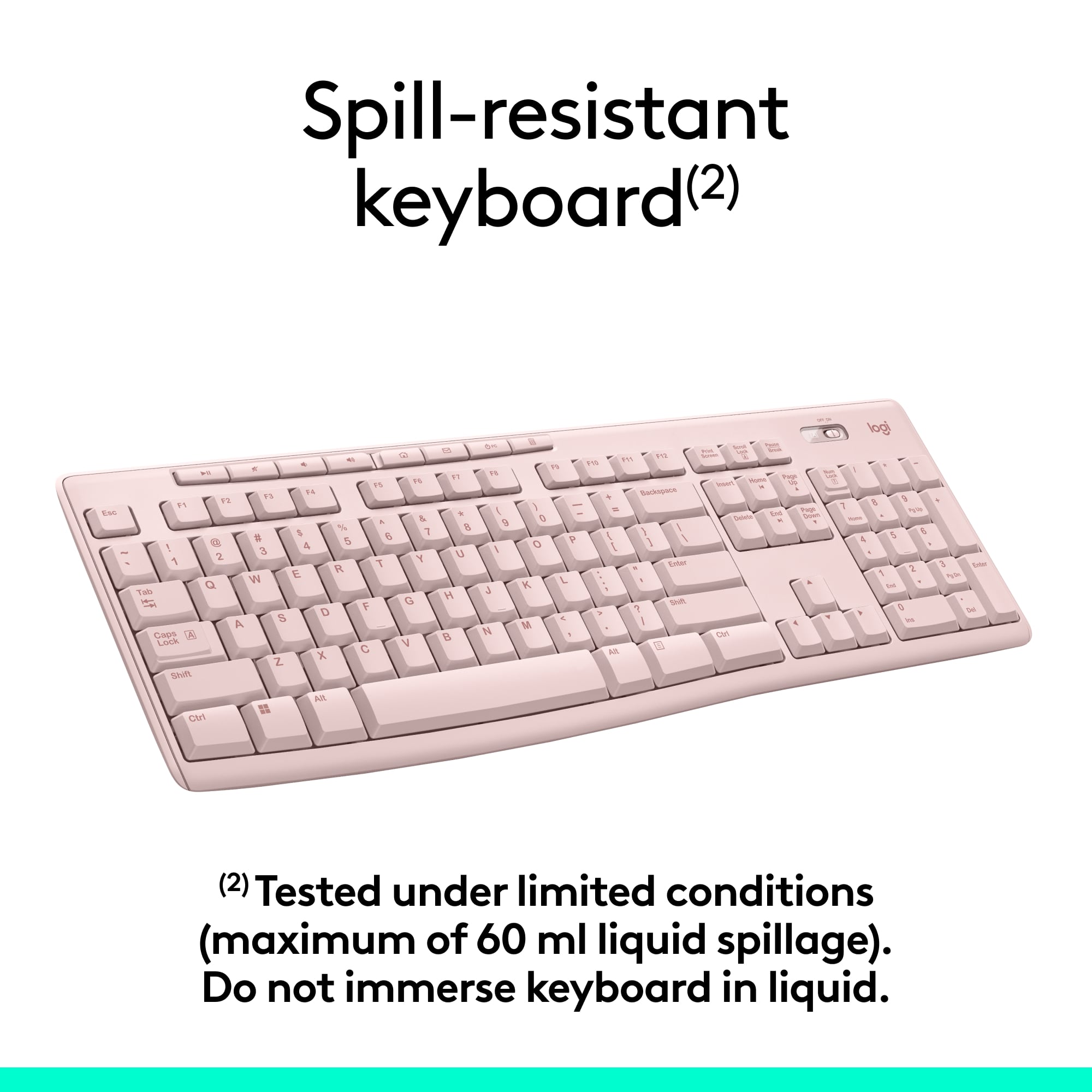
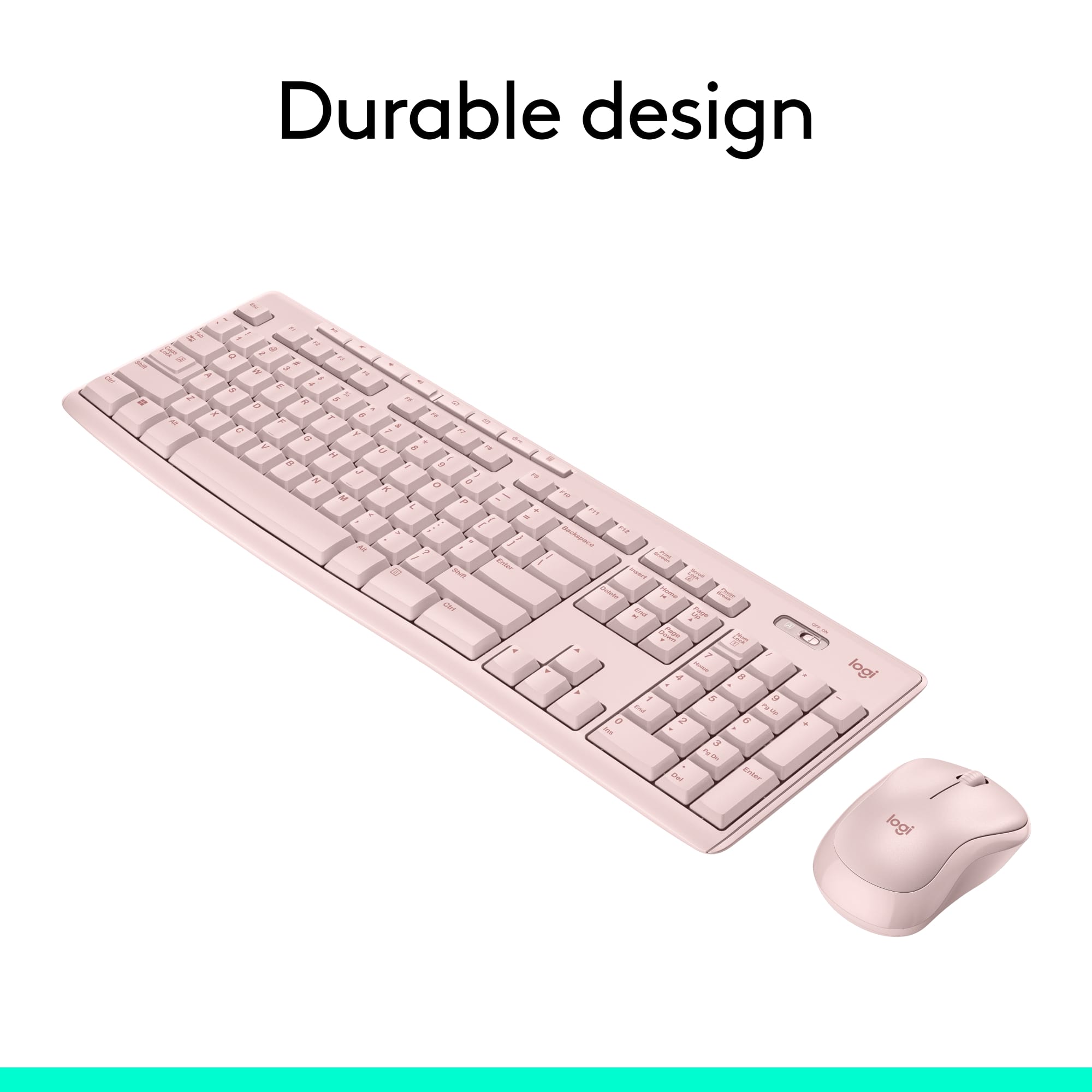
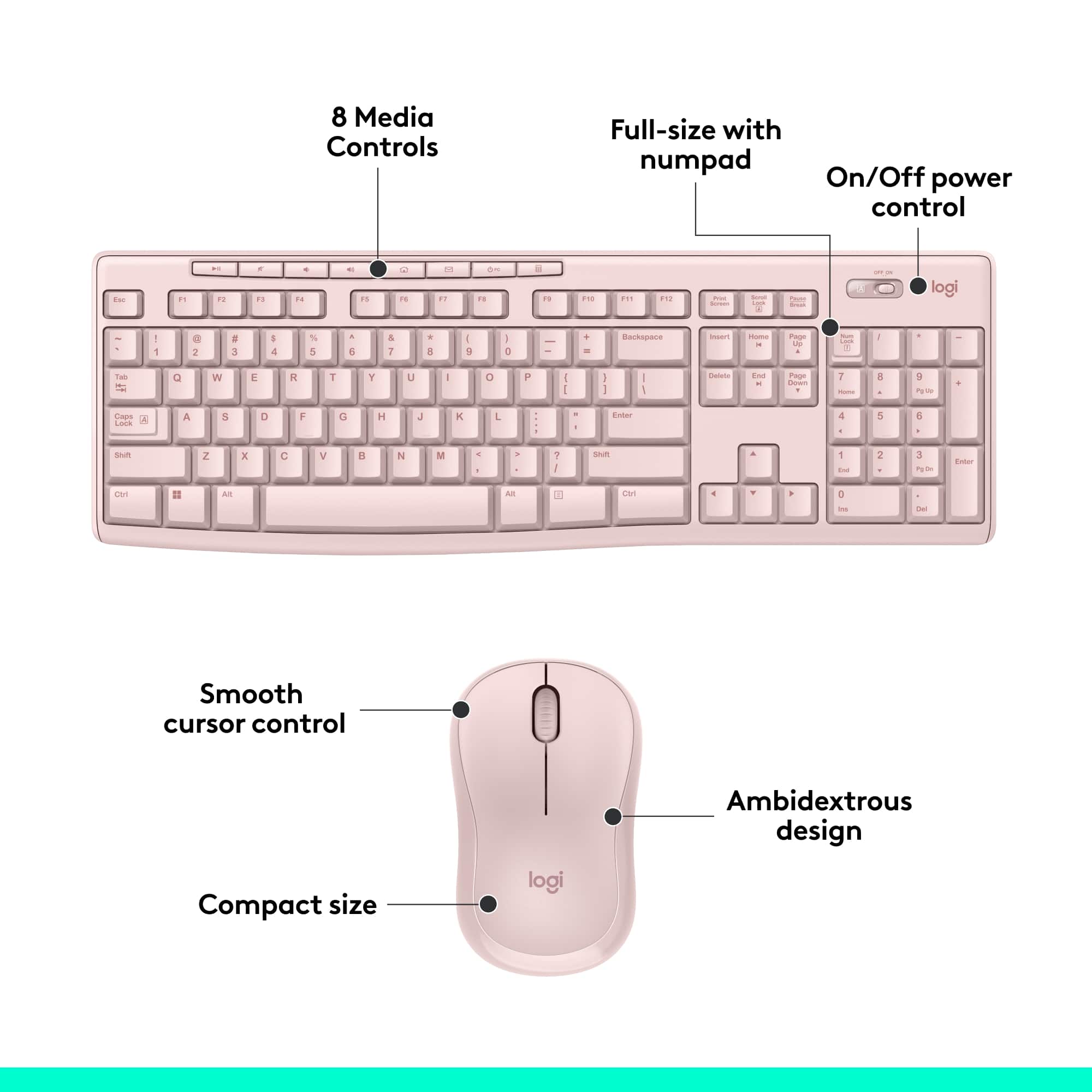
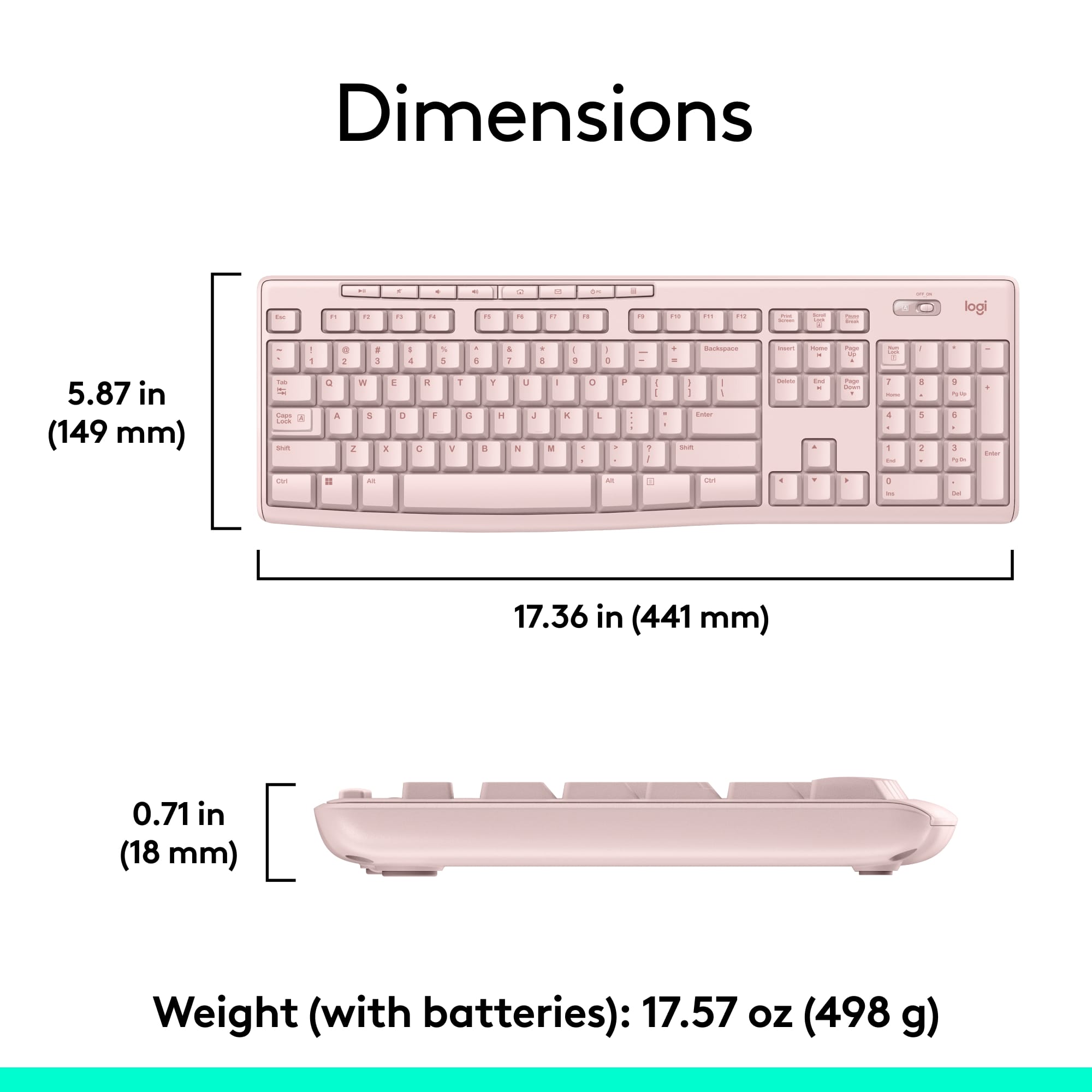

- Model:
- 920-013270
- |
- SKU:
- 12327131
Customer reviews
Rating 4.6 out of 5 stars with 10026 reviews
(10,026 customer reviews)Rating by feature
- Value4.7
Rating 4.7 out of 5 stars
- Quality4.5
Rating 4.5 out of 5 stars
- Ease of Use4.7
Rating 4.7 out of 5 stars
to a friend
Customers are saying
Customers highly value the MK270 keyboard and mouse bundle for its ease of use, quality, and wireless capabilities. The affordable price point and long battery life are also appreciated. The compact size is another positive aspect for many users. However, a small number of users have reported experiencing some lag.
This summary was generated by AI based on customer reviews.
Rated 1 out of 5 stars
Does not work real well
||Posted . Owned for less than 1 week when reviewed.This reviewer received promo considerations or sweepstakes entry for writing a review.I find it works when it wants to. Definitely not real impressed with this one. At times the keyboard doesn't work and at other times, the mouse seems to have a mind of it's own.
This review is from Logitech - MK270 Full-size Wireless Membrane Keyboard and Mouse Bundle for PC - Black
No, I would not recommend this to a friendRated 1 out of 5 stars
poor quality keyboard and mouse
||Posted . Owned for 1 month when reviewed.This reviewer received promo considerations or sweepstakes entry for writing a review.very poor keyboard, I will not buy another one. Mouse stopped working after32 days and Best Buy did not anything about the poor quality of the mouse.
This review is from Logitech - MK270 Full-size Wireless Membrane Keyboard and Mouse Bundle for PC - Black
No, I would not recommend this to a friendBrand response from Logitech
Posted .Hello, I am so sorry to hear the mouse stopped working for you. Luckily, this combo does come with a 3 year warranty, so we can get that replaced for you! Here is the link in order to file a claim: https://support.logi.com/hc/en-us/articles/360024926554-Warranty-Wireless-Combo-MK270. I hope this helps! Thank you for taking the time to write this review, we appreciate the feedback.
Rated 1 out of 5 stars
With cheap price came cheap workmanship
||Posted . Owned for 3 weeks when reviewed.This reviewer received promo considerations or sweepstakes entry for writing a review.Love the cap light and that’s all. Very frustrating to type and letters are missing. I have to press the missing letters one at at time. I hope I can return it without the box
This review is from Logitech - MK270 Full-size Wireless Membrane Keyboard and Mouse Bundle for PC - Black
No, I would not recommend this to a friendRated 1 out of 5 stars
TOTAL GARBAGE
||Posted . Owned for less than 1 week when reviewed.This reviewer received promo considerations or sweepstakes entry for writing a review.The keyboard works about once every 10 minutes or so.....the mouse works intermittently. I may have just received a faulty unit, but....I wouldn't buy this again!
This review is from Logitech - MK270 Full-size Wireless Membrane Keyboard and Mouse Bundle for PC - Black
No, I would not recommend this to a friendBrand response from Logitech
Posted .Hello, I am so sorry to hear about the issues you are having with this combo. It is very possible you received a defective unit. Lets get it replaced for you! If you visit the support page for this item on Logitech.com, you can file a claim for a new one. I hope this was helpful! Thank you for taking the time to write this review, we appreciate the feedback.
Rated 1 out of 5 stars
Waste
||Posted . Owned for 1 month when reviewed.This reviewer received promo considerations or sweepstakes entry for writing a review.Does not work. Had less than two months. Paired initially. Went through troubleshooting, new batteries, restarting everything, reset, but inoperable.
This review is from Logitech - MK270 Full-size Wireless Membrane Keyboard and Mouse Bundle for PC - Black
No, I would not recommend this to a friendBrand response from Logitech
Posted .Hello,
Thank you for choosing Logitech. I am sorry that you have experienced issues with your MK270 mouse and keyboard combo; I would like to help. I have attached a link to the "Getting Started" support page where you will find product guides, software downloads and further support. If you have not already done so, I recommend downloading the "SetPoint" software for customization and updates. I also recommend downloading the "Connection Utility" software, where you can check for firmware updates for the USB receiver and this software can be used to reestablish a connection if you are still experiencing issues. For further assistance, please visit the Logitech support website.
Best regards,
John at Logitech
https://support.logi.com/hc/en-us/articles/360024158874--Getting-Started-Wireless-Combo-MK270
Rated 1 out of 5 stars
Loud!
||Posted .This reviewer received promo considerations or sweepstakes entry for writing a review.I can't believe Logitech would make a keyboard that was so loud. Even at home, the pressing of the spacebar could be heard across the room. This was returned.
This review is from Logitech - MK270 Full-size Wireless Membrane Keyboard and Mouse Bundle for PC - Black
No, I would not recommend this to a friendBrand response from Logitech
Posted .Hi Home4Awhile,
Thank you for your feedback. It's greatly appreciated. Sorry you had issues with your device. If you ever need assistance, please contact Logitech support on the website.
LaShonda from Logitech
Rated 1 out of 5 stars
Usb chip fried after 4 months
||Posted . Owned for 4 months when reviewed.This reviewer received promo considerations or sweepstakes entry for writing a review.Usb chip fried in the Xbox after 4 months. Outside of return window, will probably have to send to manufacturer. Long story short, waste of $30
This review is from Logitech - MK270 Full-size Wireless Membrane Keyboard and Mouse Bundle for PC - Black
No, I would not recommend this to a friendBrand response from Logitech
Posted .Hello, we are sorry to hear that you are having issues with yourMK270 keyboard. You may reach us for support by opening a Technical Support ticket here: https://support.logi.com/hc/en-us/requests/new?ticket_form_id=360000621393
Rated 1 out of 5 stars
Did not work
||Posted .This reviewer received promo considerations or sweepstakes entry for writing a review.Keyboard did not turn on, DOA. Something wrong probably with on-off switch. Returned for reimbursement on 07/23/20 but have yet to see it in bank account.
This review is from Logitech - MK270 Full-size Wireless Membrane Keyboard and Mouse Bundle for PC - Black
No, I would not recommend this to a friendBrand response from Logitech
Posted .Hi Luuix,
Thank you for your feedback. Sorry you had issues with your keyboard. For further assistance, please contact Logitech Support on the website.
LaShonda from Logitech
Rated 1 out of 5 stars
Key Board
||Posted . Owned for 11 months when reviewed.This reviewer received promo considerations or sweepstakes entry for writing a review.Mouse never worked changed batteries, changed device to make sure it wasn't the device I was using and still would not work.
This review is from Logitech - MK270 Full-size Wireless Membrane Keyboard and Mouse Bundle for PC - Black
No, I would not recommend this to a friendBrand response from Logitech
Posted .Thank you for your feedback. Your feedback is important to us, and we'll make sure to share it with the right team.
Rated 1 out of 5 stars
Poor
||Posted . Owned for 3 weeks when reviewed.This reviewer received promo considerations or sweepstakes entry for writing a review.Wouldn’t buy another item from this place. Tried to return an unneeded item completely seal in the original box, with a receipt and was rejected.
This review is from Logitech - MK270 Full-size Wireless Membrane Keyboard and Mouse Bundle for PC - Black
No, I would not recommend this to a friendBrand response from Logitech
Posted .Hi,
Thank you for your feedback. Sorry for the inconvenience you experienced. For further assistance, please contact Logitech Support on the website. LaShonda from Logitech
Rated 1 out of 5 stars
Mr
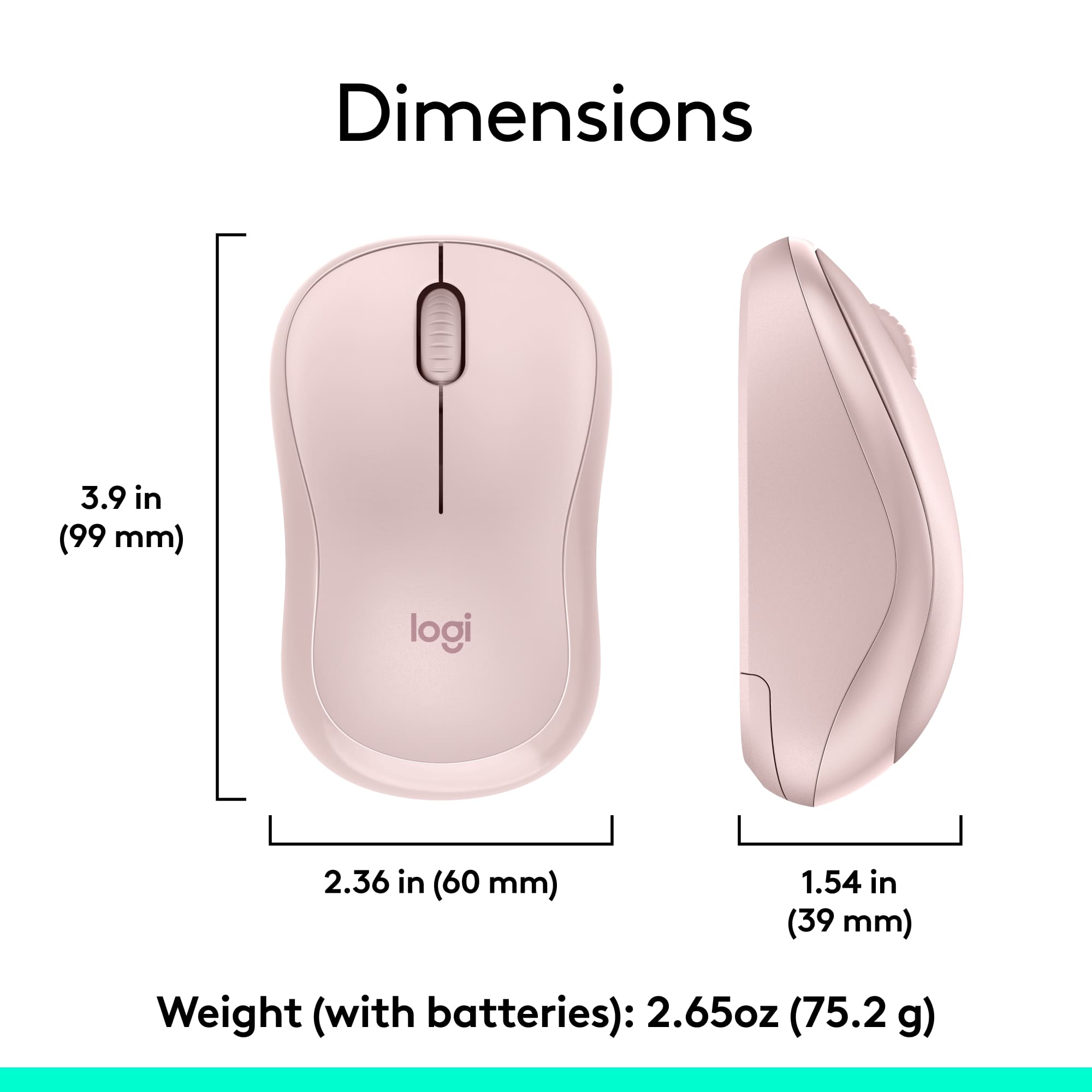
||Posted . Owned for 1 month when reviewed.This reviewer received promo considerations or sweepstakes entry for writing a review.It is a very small mouse, doesn't suit for elders.
This review is from Logitech - MK270 Full-size Wireless Membrane Keyboard and Mouse Bundle for PC - Black
No, I would not recommend this to a friendBrand response from Logitech
Posted .We appreciate your feedback and apologize as the product did not meet your expectations. Your feedback is instrumental in helping us improve our services and products.
Rated 1 out of 5 stars
The tab button doesn’t work
||Posted . Owned for 3 weeks when reviewed.This reviewer received promo considerations or sweepstakes entry for writing a review.The tab button doesn’t work. I will never write an indented paragraph again. Seems like a lot of work to return something so inexpensive.
This review is from Logitech - MK270 Full-size Wireless Membrane Keyboard and Mouse Bundle for PC - Black
No, I would not recommend this to a friendBrand response from Logitech
Posted .Hello BLopez,
Thank you for choosing Logitech. I am sorry that you have experienced an issue with the tab key on your MK270 mouse & keyboard combo; I would like to help. I have attached a link to the MK270's "Getting Started" support page for your reference. Here you will find product guides, software downloads and further support. If you have not already done so, please download the Logitech "SetPoint" software for customization, and updates. Please check your computer for system and driver updates. If you are still experiencing issues after these steps and restarting your computer, please run the "Connection Utility" software. Through the "Connection Utility" software you can reestablish a connection with the USB Nano receiver and check for updates. These downloads are available on the Logitech website. For further assistance, please visit the Logitech website. I hope these suggestions are helpful and that you will enjoy your MK270 mouse and keyboard combo.
Best regards,
John at Logitech
https://support.logi.com/hc/en-us/articles/360024158874
Rated 1 out of 5 stars
Keyboard lags
||Posted . Owned for 3 weeks when reviewed.This reviewer received promo considerations or sweepstakes entry for writing a review.The lagging of the keyboard is beyond annoying and almost makes it impossible to use. Often, the mouse will lag as well. But it’s not as bad as the keyboard.
This review is from Logitech - MK270 Full-size Wireless Membrane Keyboard and Mouse Bundle for PC - Black
No, I would not recommend this to a friendRated 1 out of 5 stars
Missing part
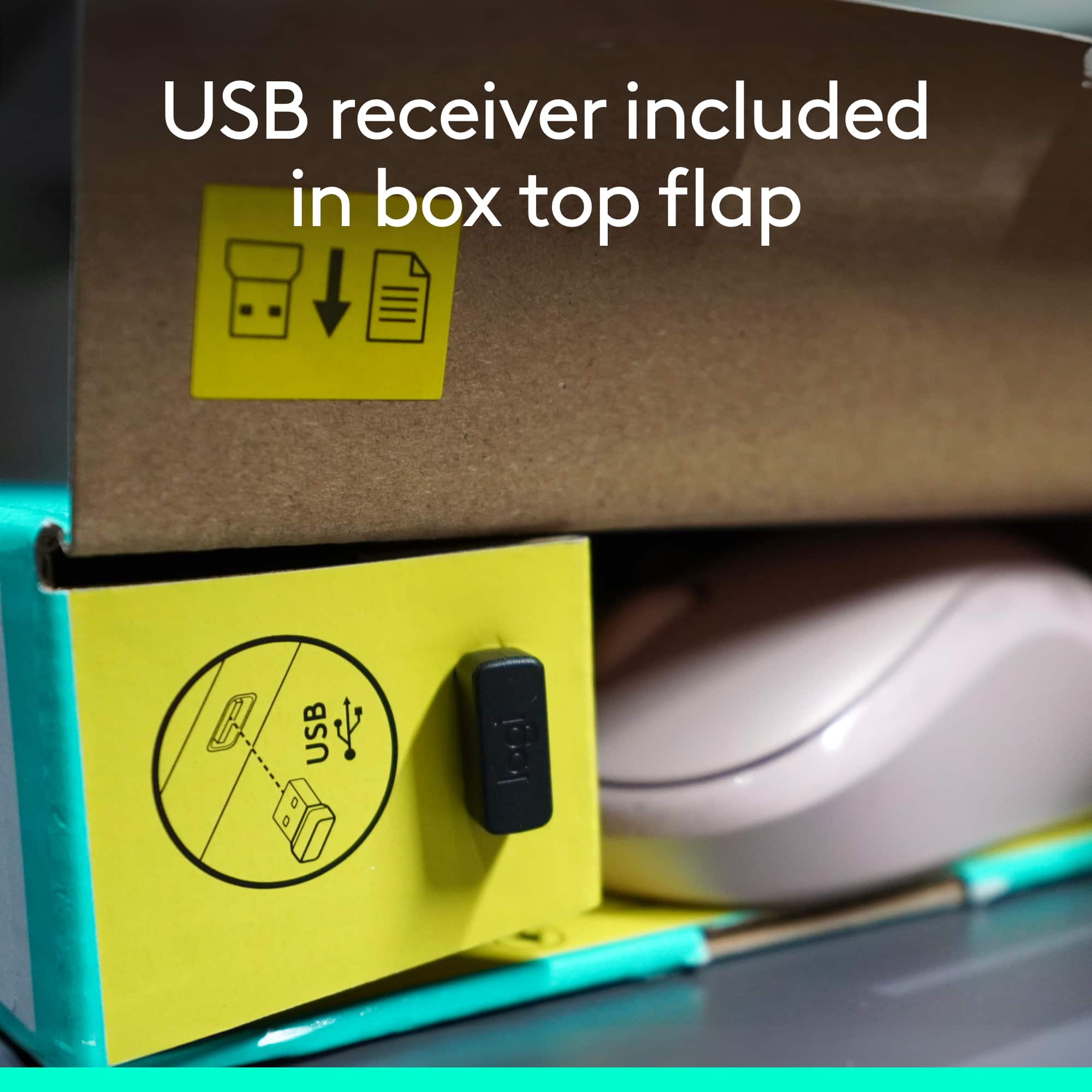
||Posted . Owned for 1 month when reviewed.This reviewer received promo considerations or sweepstakes entry for writing a review.The mouse was missing the wireless chip that connects to the keyboard . I threw away box after I opened so I wasn't able to return to exchange.
This review is from Logitech - MK270 Full-size Wireless Membrane Keyboard and Mouse Bundle for PC - Black
No, I would not recommend this to a friendBrand response from Logitech
Posted .Hello customer, I'm sorry to hear that you had some issues with your mk270 keyboard and mouse combo. The USB receiver is usually located inside the box in a small slot on one side of the box. I would try contacting Logitech support via our support site in order to possibly get a replacement.
Rated 3 out of 5 stars
Not a fancy combo
||Posted .This reviewer received promo considerations or sweepstakes entry for writing a review.Not a fancy combo. I picked it up just a a spare on my work bench with low expectations.
This review is from Logitech - MK270 Full-size Wireless Membrane Keyboard and Mouse Bundle for PC - Black
I would recommend this to a friendRated 1 out of 5 stars
damaged
||Posted .This reviewer received promo considerations or sweepstakes entry for writing a review.I bought this for my son to use. The space bar stopped working shortly after I purchased it. I had to return it.
This review is from Logitech - MK270 Full-size Wireless Membrane Keyboard and Mouse Bundle for PC - Black
No, I would not recommend this to a friendRated 1 out of 5 stars
Broke after 6 months
||Posted . Owned for 4 months when reviewed.This reviewer received promo considerations or sweepstakes entry for writing a review.Stopped working after 6 months. Used it at work for a month then after being on quarantine for 101 days, it stopped working when I got back to work
This review is from Logitech - MK270 Full-size Wireless Membrane Keyboard and Mouse Bundle for PC - Black
No, I would not recommend this to a friendBrand response from Logitech
Posted .Hi Domeanous,
Thank you for your feedback. It's greatly appreciated. For further assistance please contact Logitech Support on the website.
LaShonda from Logitech
Rated 1 out of 5 stars
Not very responsive
||Posted .This reviewer received promo considerations or sweepstakes entry for writing a review.Mouse doesn't track well. Stutters across the screen. Keyboard is not very responsive, "Freezes" at times.
This review is from Logitech - MK270 Full-size Wireless Membrane Keyboard and Mouse Bundle for PC - Black
No, I would not recommend this to a friendRated 1 out of 5 stars
Broke in 6 months
||Posted . Owned for 6 months when reviewed.This reviewer received promo considerations or sweepstakes entry for writing a review.Broke in 6 months of occasional use. Did not last as long as it should. Let down by cheap garbage. I was ripped off.
This review is from Logitech - MK270 Full-size Wireless Membrane Keyboard and Mouse Bundle for PC - Black
No, I would not recommend this to a friendBrand response from Logitech
Posted .Hi, thank you for sharing your experience with the MK270. I'm sorry that it broke in 6 months. Logitech does offer a 3 year limited hardware warranty on this device. Depending on the issue that you experienced with the MK270 you might qualify for a warranty claim. You can start the process by going to this webpage: https://support.logi.com/hc/en-us/articles/360024926554-Warranty-Wireless-Combo-MK270 Thank you for being a Logitech customer. Kristi from Logitech
Rated 1 out of 5 stars
Low priced, but low quality
||Posted . Owned for 1 week when reviewed.This reviewer received promo considerations or sweepstakes entry for writing a review.I'm not sure if the keyboard was defective or just difficult to use. the space bar stuck every time i used it. I returned it the next day.
This review is from Logitech - MK270 Full-size Wireless Membrane Keyboard and Mouse Bundle for PC - Black
No, I would not recommend this to a friendBrand response from Logitech
Posted .Hi GBsmom,
Thank you for your feedback. Sorry you are having issues with your keyboard. Here are possible solutions:
Before you clean your device: Unplug it from your computer and make sure it’s turned off. Remove the batteries. Keep liquids away from your device, and don’t use solvents or abrasives. Use compressed air to remove any loose debris and dust between the keys. To clean the keys, use water to lightly moisten a soft, lint-free cloth and gently wipe down the keys. If you need further assistance, please contact Logitech support on the website.
LaShonda from Logitech