Customer Ratings & Reviews
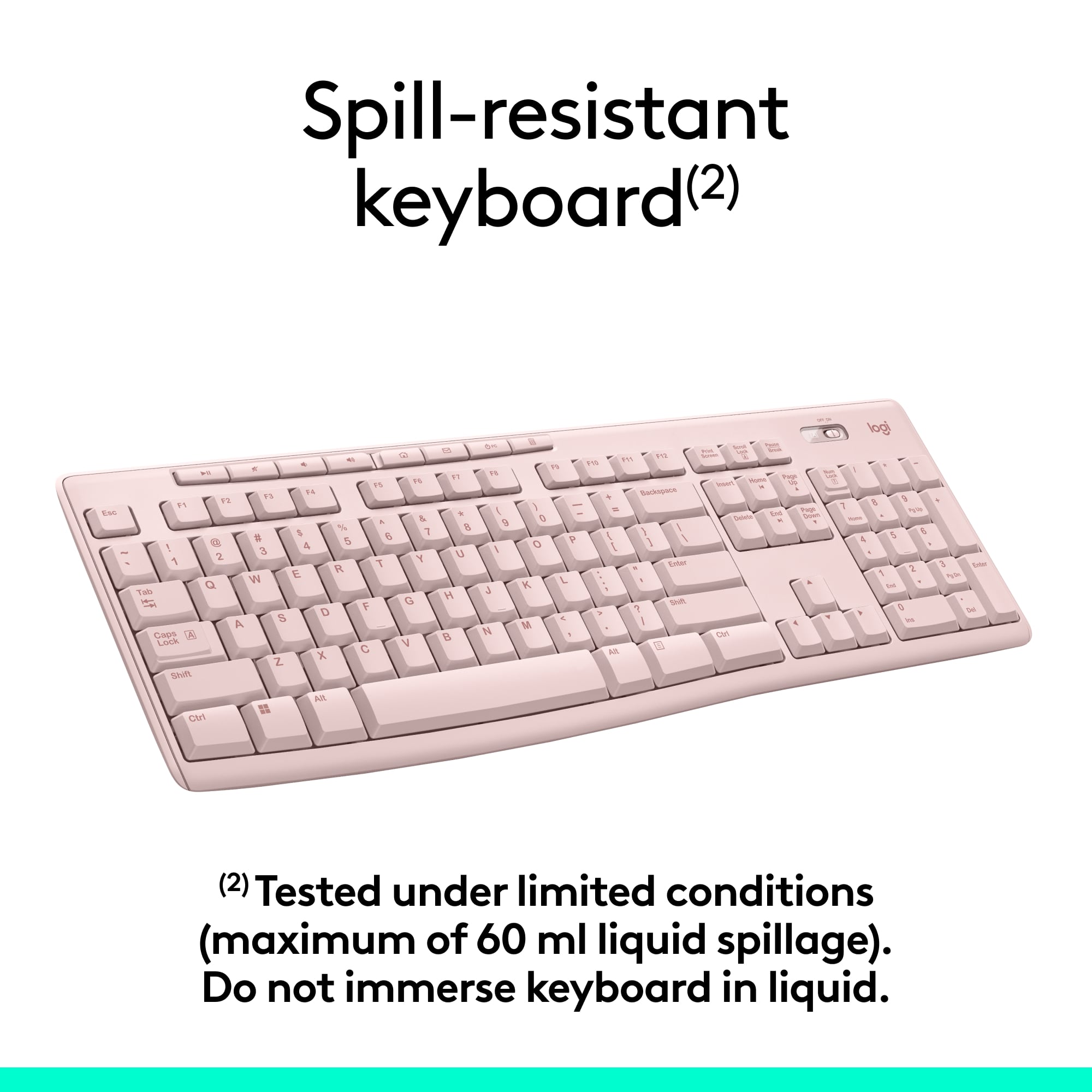
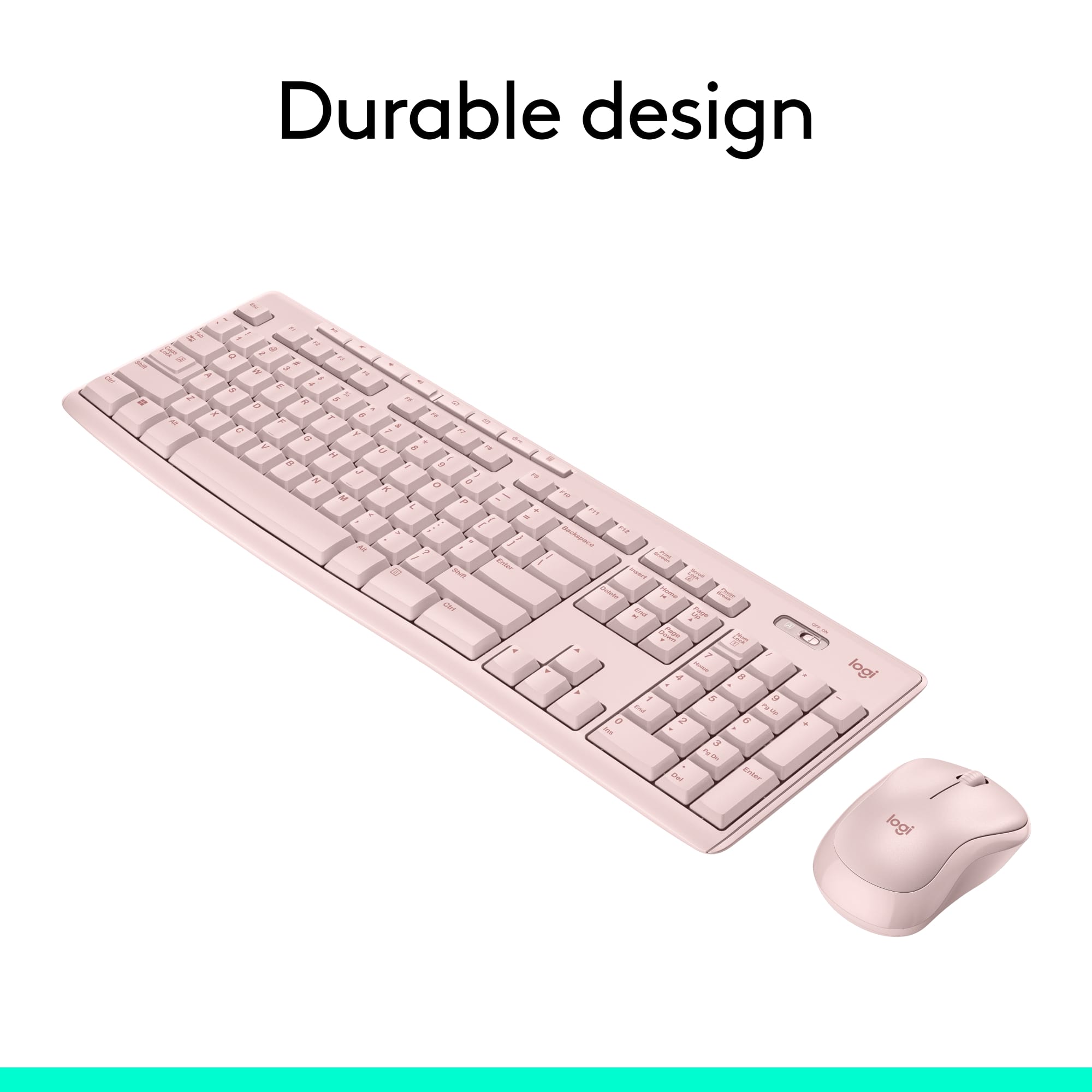
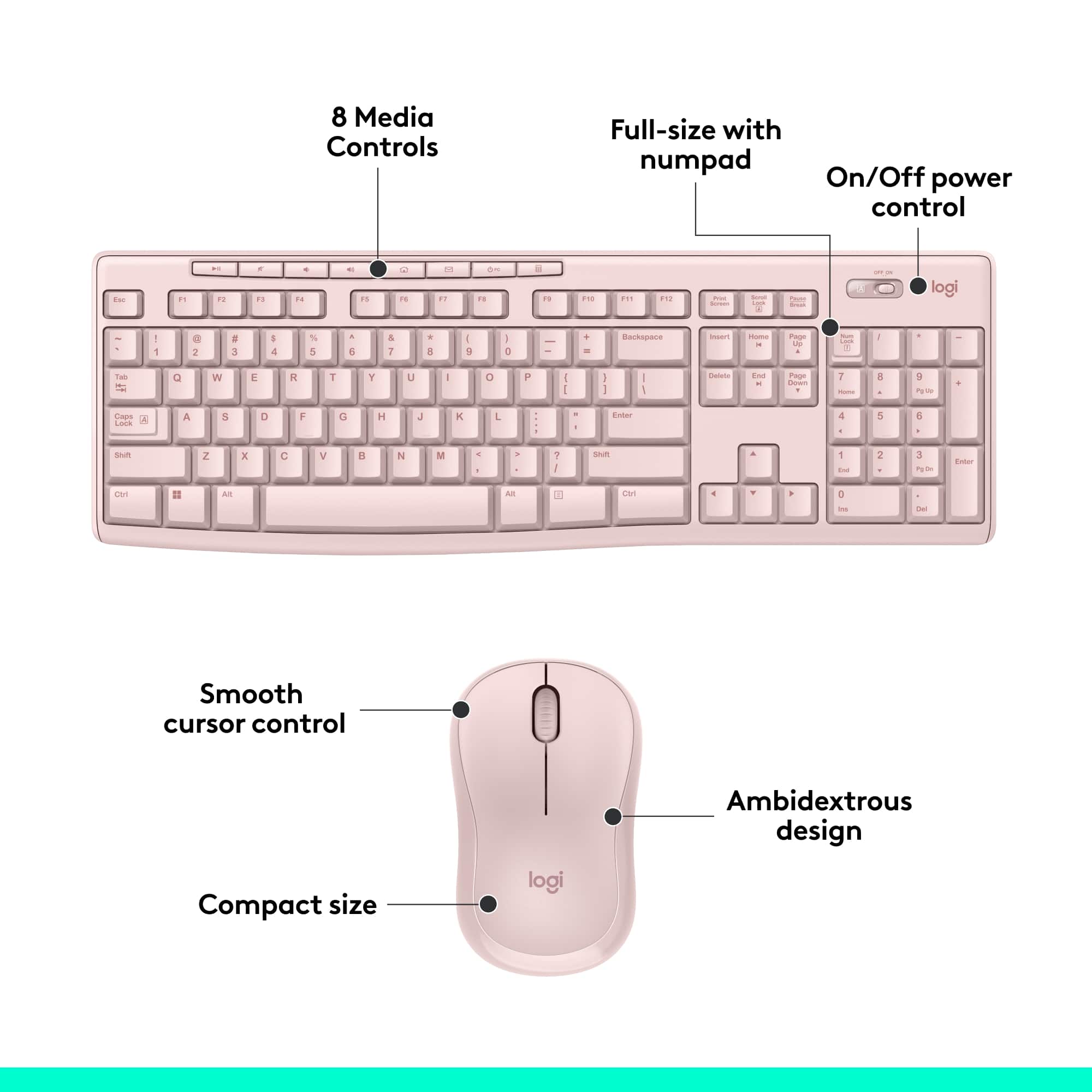
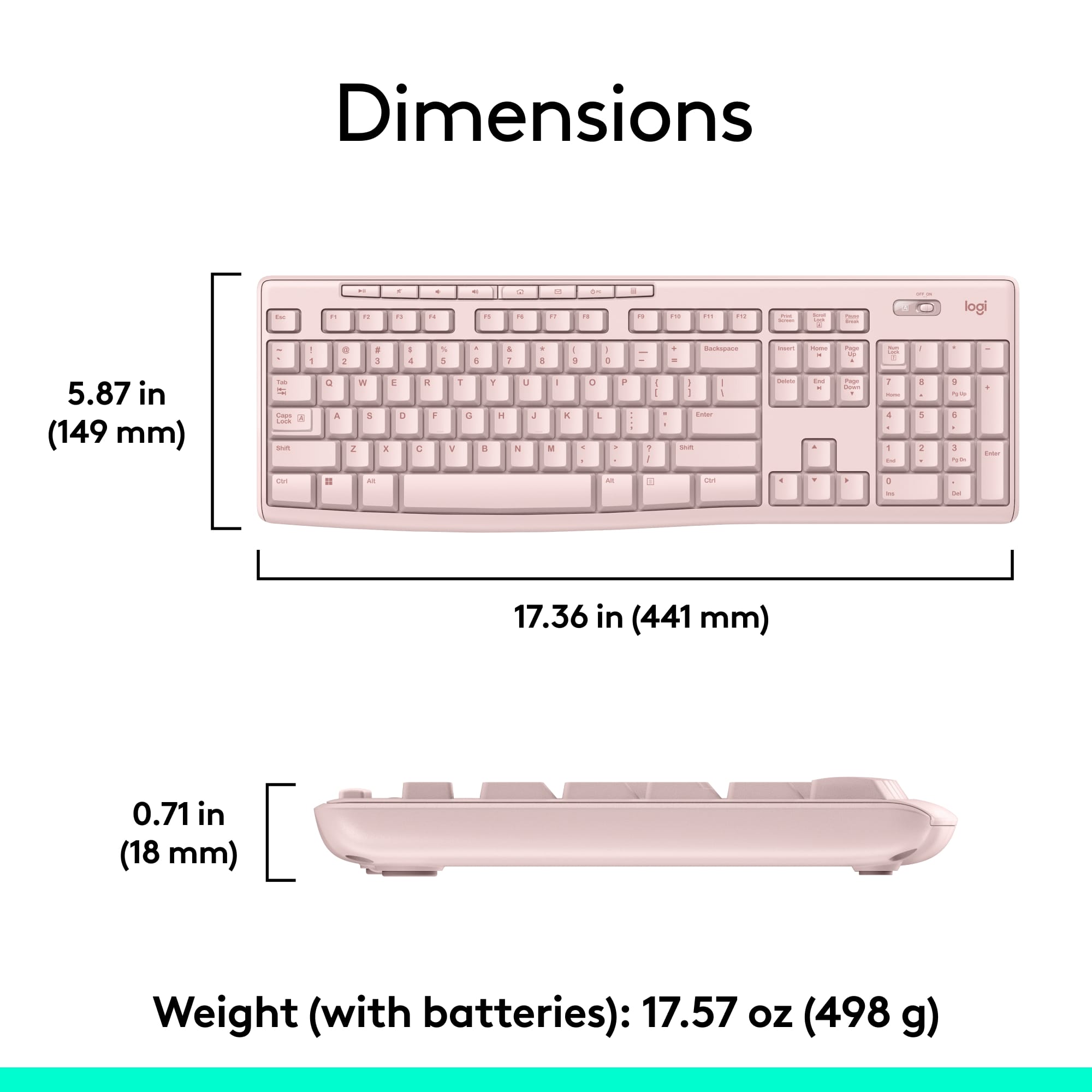
![Sure, here is the corrected and grouped text from the image:
---
**Top Row:**
- Esc
- F1 F2 F3 F4 F5 F6 F7 F8 F9 F10 F11 F12
**Second Row:**
- 1 ! 2 @ 3 # 4 $ 5 % 6 ^ 7 & 8 * 9 ( 0 ) - _ + =
**Third Row:**
- Tab Q W E R T Y U I O P [ { ] } \
**Fourth Row:**
- Caps Lock A S D F G H J K L ; ' Enter
**Fifth Row:**
- Shift Z X C V B N M , . / Shift
**Function Keys:**
- F1 F2 F3 F4 F5 F6 F7 F8 F9 F10 F11 F12
**Right Side:**
- Insert Home Page Up Delete End Page Down
**Bottom Row:**
- Ctrl Alt Spacebar Alt Ctrl
**Additional Keys:**
- Logi
- Scroll Lock
- Pause Break
---
This should match the layout of the keyboard in the image.](https://pisces.bbystatic.com/image2/BestBuy_US/images/products/0ce0f170-380c-41e4-8d6a-fa0aadbd534c.jpg)



- Model:
- 920-013270
- |
- SKU:
- 12509949
Customer reviews
Rating 4.6 out of 5 stars with 10058 reviews
(10,058 customer reviews)Rating by feature
- Value4.7
Rating 4.7 out of 5 stars
- Quality4.5
Rating 4.5 out of 5 stars
- Ease of Use4.7
Rating 4.7 out of 5 stars
Customers are saying
Customers are pleased with the product's ease of use, high keyboard quality, wireless functionality, and excellent price. They also appreciate its long battery life and compact size. The only minor concern raised by some users is a slight lag.
This summary was generated by AI based on customer reviews.
Rated 5 out of 5 stars
keyboard fits right in
||Posted .This reviewer received promo considerations or sweepstakes entry for writing a review.I was very pleased that this brand was compatible with hp and for half the cost
This review is from Logitech - MK270 Full-size Wireless Membrane Keyboard and Mouse Bundle for PC - Black
I would recommend this to a friendRated 2 out of 5 stars
Wouldn't recommend
||Posted . Owned for 1 month when reviewed.This reviewer received promo considerations or sweepstakes entry for writing a review.Batteries don't last long and keyboard needs to be so close to the dongle. Mouse very spastic
This review is from Logitech - MK270 Full-size Wireless Membrane Keyboard and Mouse Bundle for PC - Black
No, I would not recommend this to a friendBrand response from Logitech
Posted .Hello Kmf1210,
Thank you for choosing Logitech and for taking the time to review the MK270 Mouse and Keyboard combo. I am sorry that you have had issues with the mouse being “spastic” and that the “batteries don’t last long”; I would like to help.If you have not already done so, please download the Logitech “SetPoint” and “Options” software for customization and updates. It seems like you may be experiencing a connectivity issue, I recommend downloading the “Connection Utility” software, which will allow you to reestablish the connection of the mouse and keyboard to the USB Nano receiver. These downloads, product guides and further support are available on the Logitech website. I have attached a link to the “Getting Started” support page for your MK270. For further support. Please visit the Logitech website.
Best regards,
John at Logitech
https://support.logi.com/hc/en-us/articles/360024158874--Getting-Started-Wireless-Combo-MK270
Rated 4 out of 5 stars
Nice and excellent
||Posted .This reviewer received promo considerations or sweepstakes entry for writing a review.Very good performance and value for money products
This review is from Logitech - MK270 Full-size Wireless Membrane Keyboard and Mouse Bundle for PC - Black
I would recommend this to a friendRated 2 out of 5 stars
Keyboard
||Posted . Owned for 3 months when reviewed.This reviewer received promo considerations or sweepstakes entry for writing a review.The quality is bad and the keys are always falling off. I would not recommend this keyboard.
This review is from Logitech - MK270 Full-size Wireless Membrane Keyboard and Mouse Bundle for PC - Black
No, I would not recommend this to a friendBrand response from Logitech
Posted .Hello. Thank you for taking the time to write your review of the MK270 at Best Buy. I'm so sorry to hear that your keyboard is unsatisfactory. The keys should not be falling off so easily. Please contact our customer support and we can get a warranty replacement for you. https://support.logi.com/hc/en-us/articles/360024926554-Warranty-Wireless-Combo-MK270
-Charlton at Logitech
Rated 1 out of 5 stars
Do not buy if you have a newer Dell
||Posted . Owned for 1 month when reviewed.This reviewer received promo considerations or sweepstakes entry for writing a review.Do not buy if you plan to use with a Dell. This will not work with most newer Dell laptops unless you purchase and always carry an additional adapter with you. Best Buy does not recognized this as an acceptable reason to return and will not give a refund or store credit.
This review is from Logitech - MK270 Full-size Wireless Membrane Keyboard and Mouse Bundle for PC - Black
No, I would not recommend this to a friendBrand response from Logitech
Posted .Hello KB12,
I am sorry that you are having issues using the MK270 properly. The MK270 can be used with any computer with a USB type A connection, and there is no possibility of being incompatible with an OEM brand. I hope that you find this information useful. Logitech appreciates your product review. - Leo from Logitech
Rated 2 out of 5 stars
dont buy didn't work for me
||Posted . Owned for 1 month when reviewed.This reviewer received promo considerations or sweepstakes entry for writing a review.Was disappointed it worked intermittently. do not purchase. spend more money and buy a better product.
This review is from Logitech - MK270 Full-size Wireless Membrane Keyboard and Mouse Bundle for PC - Black
No, I would not recommend this to a friendBrand response from Logitech
Posted .Hello mws61, Sorry for your disappointment with the MK270 and it working intermittenly. There is a firmware updatee download that is available for this product. Here is the link:https://support.logi.com/hc/en-us/articles/360024703674--Downloads-Wireless-Combo-MK270. Hope this helps.
Rated 1 out of 5 stars
Not good enough
||Posted . Owned for 2 weeks when reviewed.This reviewer received promo considerations or sweepstakes entry for writing a review.For the life me I cannot figure out why this keyboard doesn't have a number lock indicator light! I keep banging on the number pad with no response only to find the number lock is not on. An indicator light will solve that with very little additional costs, if any. Would have returned it because of that but was too much of a hustle.
This review is from Logitech - MK270 Full-size Wireless Membrane Keyboard and Mouse Bundle for PC - Black
No, I would not recommend this to a friendBrand response from Logitech
Posted .Hello Boro,
Thank you for choosing Logitech and for taking the time to review the MK270 mouse and keyboard combo. I have attached a link to the "Getting Started" support page for your combo. I recommend downloading the "SetPoint" software for customization and updates. Through "SetPoint" you can turn on the on screen notifications, so you will know when Number Lock is toggled on or off. I hope you will enjoy your MK270. For further assistance, please visit the Logitech support website.
Best regards,
John at Logitech
https://support.logi.com/hc/en-us/articles/360024158874--Getting-Started-Wireless-Combo-MK270
Rated 1 out of 5 stars
Failed after only 102 days
||Posted . Owned for 3 months when reviewed.This reviewer received promo considerations or sweepstakes entry for writing a review.Keyboard stopped responding after only 102 days even with new Duracell Batteries installed, the keyboard caps lock lights wouldn't light up and toggling the switch multiple times. Can't return to BB outside of only 14 days, so have to submit to Logitech. Will update this review depending on how they handle the warranty claim.
This review is from Logitech - MK270 Full-size Wireless Membrane Keyboard and Mouse Bundle for PC - Black
No, I would not recommend this to a friendBrand response from Logitech
Posted .Hello, we are sorry to hear that you are having issues with your Mk270 set. You may reach us for support by opening a Technical Support ticket here: https://support.logi.com/hc/en-us/requests/new?ticket_form_id=360000621393
Rated 2 out of 5 stars
You get what you pay for
||Posted .This reviewer received promo considerations or sweepstakes entry for writing a review.Not too happy with this. Find myself having to press certain buttons harder than others. Comfort level is not to my liking.
This review is from Logitech - MK270 Full-size Wireless Membrane Keyboard and Mouse Bundle for PC - Black
No, I would not recommend this to a friendRated 5 out of 5 stars
Works good
||Posted .This reviewer received promo considerations or sweepstakes entry for writing a review.I bought this to go with a new computer I got works well not cheap fealing.
This review is from Logitech - MK270 Full-size Wireless Membrane Keyboard and Mouse Bundle for PC - Black
I would recommend this to a friendRated 4 out of 5 stars
It was ok
||Posted .This reviewer received promo considerations or sweepstakes entry for writing a review.It seems to work fine. Mouse was acting crazy at come point but ok for the price until you yet something better.
This review is from Logitech - MK270 Full-size Wireless Membrane Keyboard and Mouse Bundle for PC - Black
I would recommend this to a friend- Pros mentioned:Keyboard quality
Rated 3 out of 5 stars
Small mouse
||Posted .This reviewer received promo considerations or sweepstakes entry for writing a review.Nice size on the keyboard, but the mouse is very small and kind of annoying.
This review is from Logitech - MK270 Full-size Wireless Membrane Keyboard and Mouse Bundle for PC - Black
No, I would not recommend this to a friend Rated 2 out of 5 stars
Wireless Keyboard
||Posted . Owned for 1 month when reviewed.This reviewer received promo considerations or sweepstakes entry for writing a review.Easy to assemble but not great to use. Having a lot of issues
This review is from Logitech - MK270 Full-size Wireless Membrane Keyboard and Mouse Bundle for PC - Black
No, I would not recommend this to a friendBrand response from Logitech
Posted .Hello DellMonitor,
I am sorry to hear that you are having issues using the MK270. I recommend you update the firmware for free on the Logitech website. And if that does not help, feel free to reach out to the Logitech support team for personalized assistance. Logitech appreciates your product review. - Leo from Logitech
Rated 2 out of 5 stars
Don't buy I
||Posted . Owned for 1 month when reviewed.This reviewer received promo considerations or sweepstakes entry for writing a review.MOUSE stopped working with dongle after two uses. Keyboard continues to work. Disappointed
This review is from Logitech - MK270 Full-size Wireless Membrane Keyboard and Mouse Bundle for PC - Black
No, I would not recommend this to a friendBrand response from Logitech
Posted .Hi Lanie,
Thank you for your feedback. Sorry you are having issues with your mouse. Here are possible solutions:
If your mouse is not working, the problem is likely to be a lost connection. The connection between the mouse and Unifying USB receiver can be lost for several reasons. Make sure you have fresh batteries in your mouse and is turned on. Make sure the Unifying USB receiver is securely plugged directly into a working USB port on your computer. Turn your computer on. Finally, download the correct version of Logitech SetPoint mouse and keyboard software. If you need further assistance, please contact Logitech support on the website.
LaShonda from Logitech
Rated 5 out of 5 stars
Very useful product
||Posted .This reviewer received promo considerations or sweepstakes entry for writing a review.I bought this after reading reviews from other buyers. Very satisfying
This review is from Logitech - MK270 Full-size Wireless Membrane Keyboard and Mouse Bundle for PC - Black
I would recommend this to a friendRated 4 out of 5 stars
keyboard a little laggy
||Posted .This reviewer received promo considerations or sweepstakes entry for writing a review.Sometimes the keyboard is a little slow, but it allows us to have the pc tower tucked away and cord hidden.
This review is from Logitech - MK270 Full-size Wireless Membrane Keyboard and Mouse Bundle for PC - Black
I would recommend this to a friendRated 5 out of 5 stars
Nice layout
||Posted .This reviewer received promo considerations or sweepstakes entry for writing a review.I bought this to replace a wired keyboard. Really nice typing sound.
This review is from Logitech - MK270 Full-size Wireless Membrane Keyboard and Mouse Bundle for PC - Black
I would recommend this to a friendRated 4 out of 5 stars
Accessibility
||Posted .This reviewer received promo considerations or sweepstakes entry for writing a review.Great keyboard and mouse for work. Allows me to move around whenever I need clients to use the computer.
This review is from Logitech - MK270 Full-size Wireless Membrane Keyboard and Mouse Bundle for PC - Black
I would recommend this to a friendRated 5 out of 5 stars
Great keyboard and cordless mouse
||Posted .This reviewer received promo considerations or sweepstakes entry for writing a review.So much easier to use with more flexibility for keyboard placement
This review is from Logitech - MK270 Full-size Wireless Membrane Keyboard and Mouse Bundle for PC - Black
I would recommend this to a friendRated 1 out of 5 stars
unnecessary and annoying smart key
||Posted . Owned for 1 month when reviewed.This reviewer received promo considerations or sweepstakes entry for writing a review.One smart button at the top puts the computer to sleep. It is very easily pressed accidentally, and it takes quite a while to resurrect the desktop. Suggested solutions are many, but none of them work.
This review is from Logitech - MK270 Full-size Wireless Membrane Keyboard and Mouse Bundle for PC - Black
No, I would not recommend this to a friendBrand response from Logitech
Posted .That sounds troublesome and thanks for bringing this to our attention. We'll surely take this as a feedback and share it with the right team.