Customer Ratings & Reviews
![4 - Full size comfort with 8 shortcuts I . logi - 0 - . I - - ! 13 d - - - I 2 11 t - - -1 Il 1 tl - T ! ] - D 1 I bninoca - F . a E . A I - .. E - E e . E a + - . - O - 2 - - 1 . . - c 5 3 - U 5 - - 2 M + I P 2 D Z - - - = x - - 2 11 O -. M - G 1 l i 1 logi](https://pisces.bbystatic.com/image2/BestBuy_US/images/products/77a2dcdb-189b-4799-868a-4da13775e2db.png)


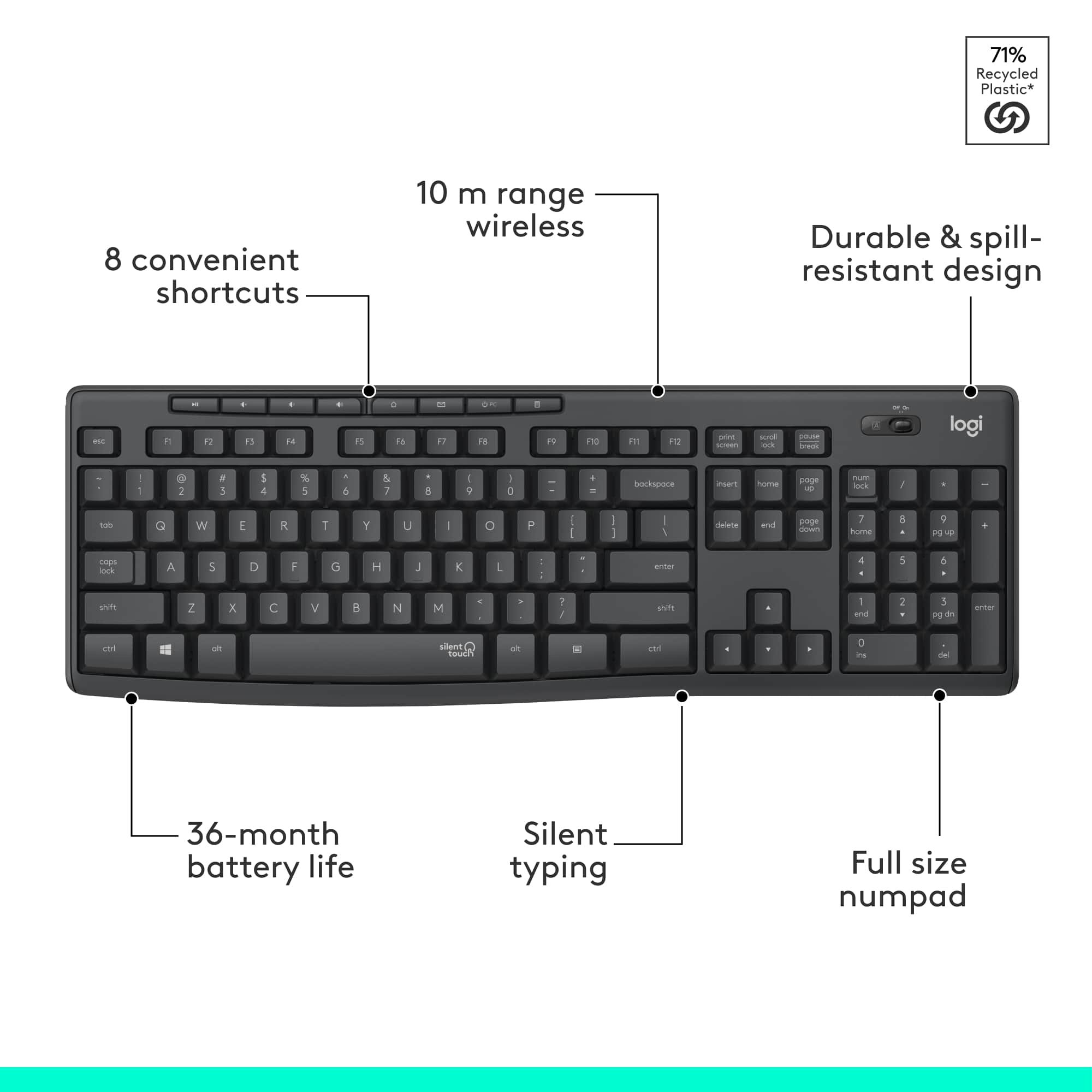
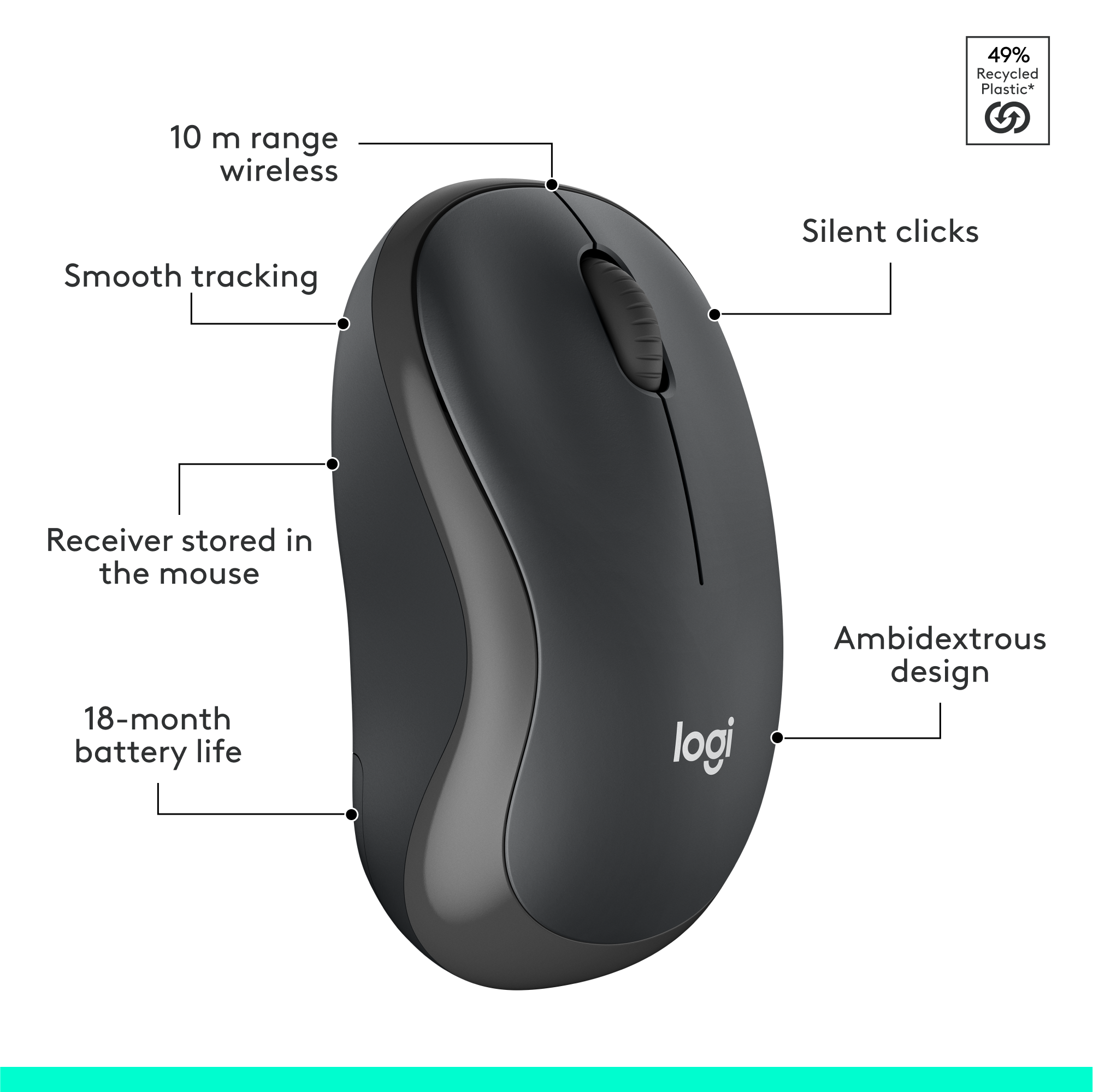
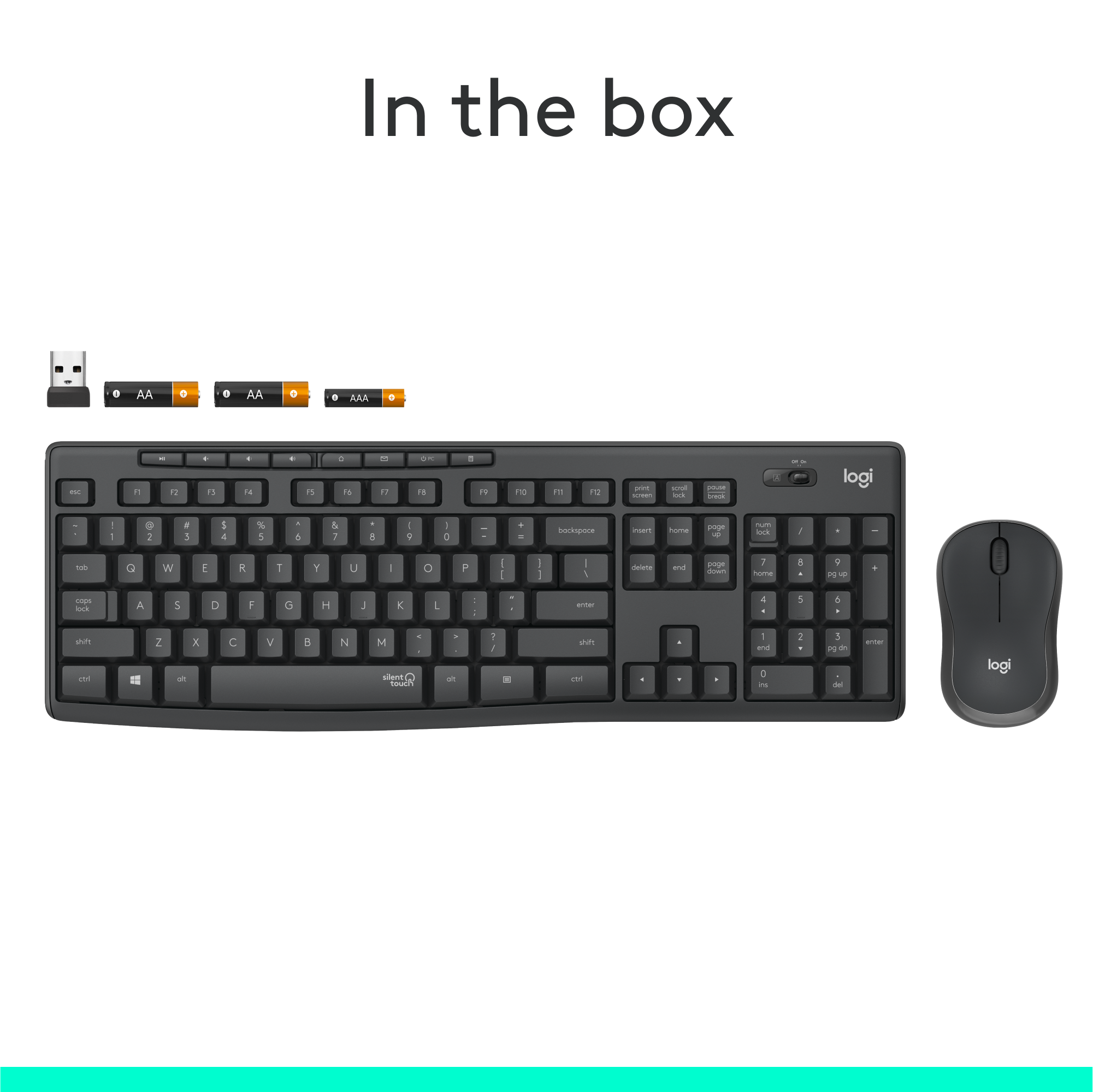

- Model:
- 920-009782
- SKU:
- 10117426
Rating by feature
- Value
Rating 4.6 out of 5 stars
- Quality
Rating 4.5 out of 5 stars
- Ease of Use
Rating 4.7 out of 5 stars
Quiet and comfortable
||Posted . Owned for 1 month when reviewed.This reviewer received promo considerations or sweepstakes entry for writing a review.Quiet and feels good! First one lasted a little over a year working from home.
I would recommend this to a friendBrand response from Logitech
Posted .Thank you for your feedback on the Logitech - MK295! We're glad you appreciate the quiet keys and comfortable feel. We understand the importance of durability and will use your input to improve future products.
Working great
||Posted . Owned for 3 weeks when reviewed.This reviewer received promo considerations or sweepstakes entry for writing a review.Has been working great with my laptop so I don't have to worry about bumping the pad.
I would recommend this to a friendBrand response from Logitech
Posted .We're glad to hear that the Logitech MK295 Wireless Keyboard and Mouse Combo is working well with your laptop! Its compact design and wireless connectivity are great features for preventing accidental bumps and ensuring a smooth experience. Thank you for your positive feedback!
Keeps disconnecting
||Posted . Owned for 2 months when reviewed.This reviewer received promo considerations or sweepstakes entry for writing a review.I have this keyboard/mouse combo for work and have zero issues. However, for my personal computer, the mouse keeps freezing and the keyboard will not type. Unsure if it is a USB port issue or the items themselves. Will need to reach out to Logitech.
I would recommend this to a friendBrand response from Logitech
Posted .We understand your frustration with the intermittent freezing and typing issues with your Logitech - MK295 combo on your personal computer. To troubleshoot, please check if the issue persists when using different USB ports. If the problem continues, please reach out to our support team for further assistance.

Great buy
||Posted . Owned for 1 month when reviewed.This reviewer received promo considerations or sweepstakes entry for writing a review.The purpose of this keyboard set was to ensure that I’m able to work much faster when remote. I absolutely love it
I would recommend this to a friendBrand response from Logitech
Posted .The Logitech MK295 is perfect for remote work! You'll love how much faster you can work.
very quiet keyboard
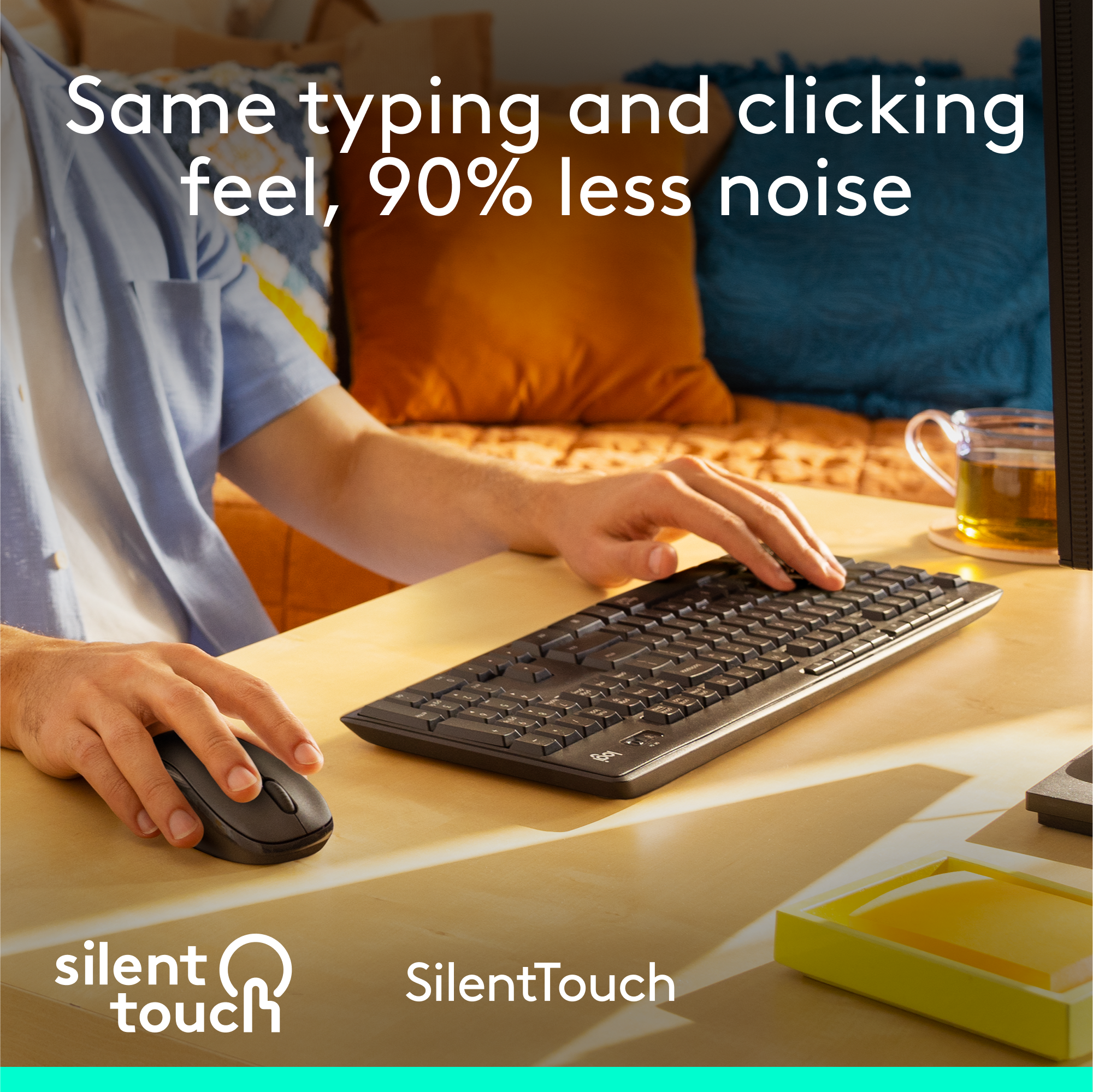
||Posted . Owned for 1 month when reviewed.This reviewer received promo considerations or sweepstakes entry for writing a review.Bought two of these, one for each of my kids for virtual school. Keyboard and mouse clicks are so much quieter than our previous keyboard and their devices. Scroll is still a little noisy but overall has reduced a lot of noise while everyone is working.
I would recommend this to a friendsilent and cheap
||Posted . Owned for 2 weeks when reviewed.This reviewer received promo considerations or sweepstakes entry for writing a review.Impressed with its silence, sleek design, and affordable price. It's a fantastic combination of performance, aesthetics, and value for money.
I would recommend this to a friendsilent touch
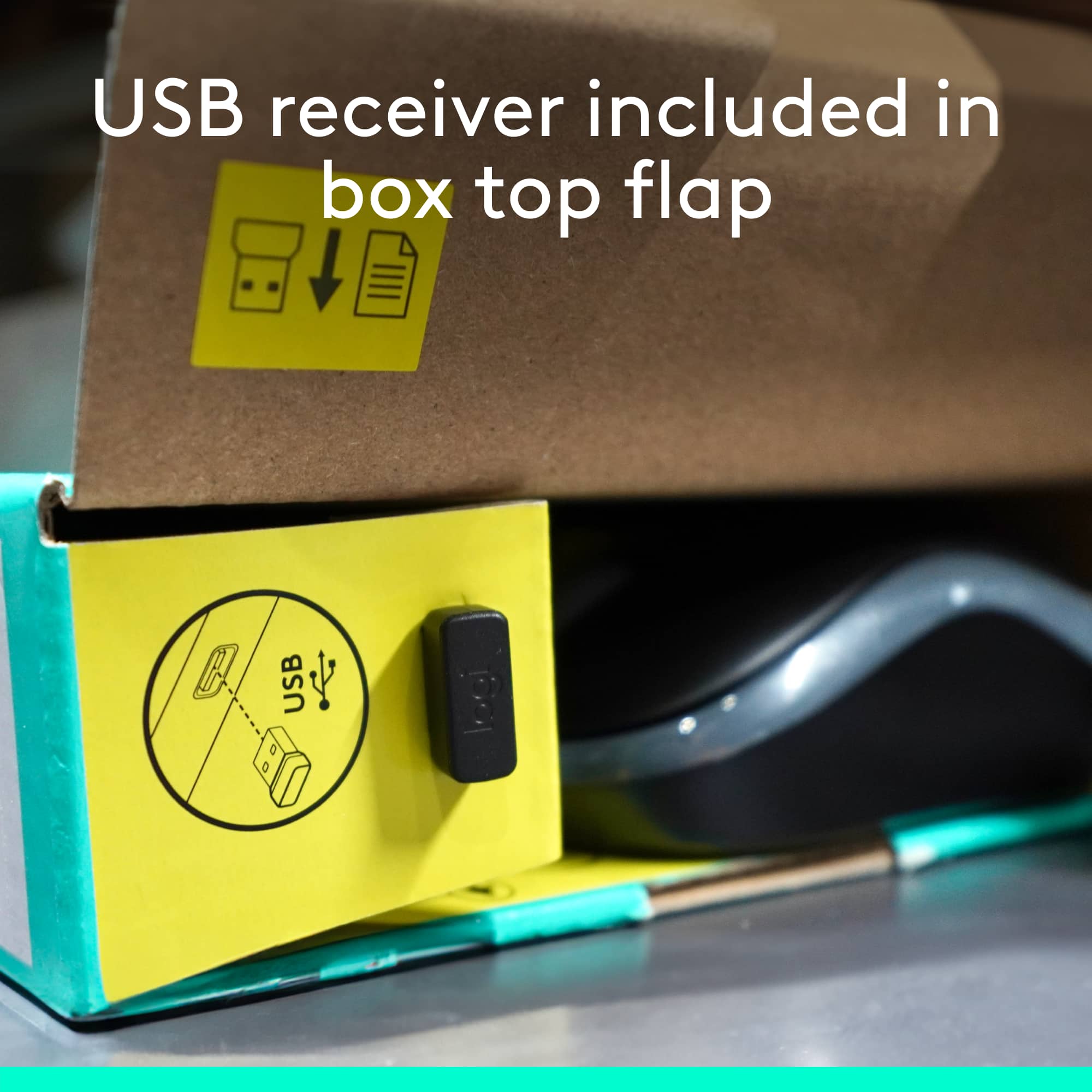
||Posted . Owned for 1 week when reviewed.This reviewer received promo considerations or sweepstakes entry for writing a review.I really like the "silent touch" - the only problem I had was in locating the "usb" connector (or whatever it's called) usually it's found inside the mouse battery compartment - I finally found it stuck in the cardboard packing....
I would recommend this to a friendQuiet
||Posted . Owned for less than 1 week when reviewed.This reviewer received promo considerations or sweepstakes entry for writing a review.Love the silent touch!!!! No delay from sticking key to seeing on screen like other wireless keyboards and mouse.
I would recommend this to a friendGreat silent keyboard.
||Posted . Owned for 1 week when reviewed.This reviewer received promo considerations or sweepstakes entry for writing a review.Very quiet and feels very good typing. When talking to clients, I'd rather not have them hear the clacking of the keys. Response time also good; I tried a cheaper wireless keyboard before this one and that one had serious lag time.
I would recommend this to a friend- Pros mentioned:Keyboard quality, Wireless
Silent Touch Keyboard and Mouse
||Posted . Owned for 3 weeks when reviewed.This reviewer received promo considerations or sweepstakes entry for writing a review.It truly is a silent keyboard and comfortable to type on. It connected to my computer quickly and easily.
I would recommend this to a friend Excellent combo
||Posted . Owned for less than 1 week when reviewed.This reviewer received promo considerations or sweepstakes entry for writing a review.Awesome mouse/keyboard combo. Love both the mouse and keyboard. Silent Touch is excellent and the way every keyboard should be. I bought it for my home and for my office. And it's reasonably priced.
I would recommend this to a friendQuiet!!
||Posted . Owned for 1 week when reviewed.This reviewer received promo considerations or sweepstakes entry for writing a review.I was looking for a quieter keyboard to use for work as everyone complained that they could here my typing. I did some research and this model kept coming up, so I took a chance. It doesn't disappoint!
I would recommend this to a friendGreat Wireless Keyboard/Mouse Combo!
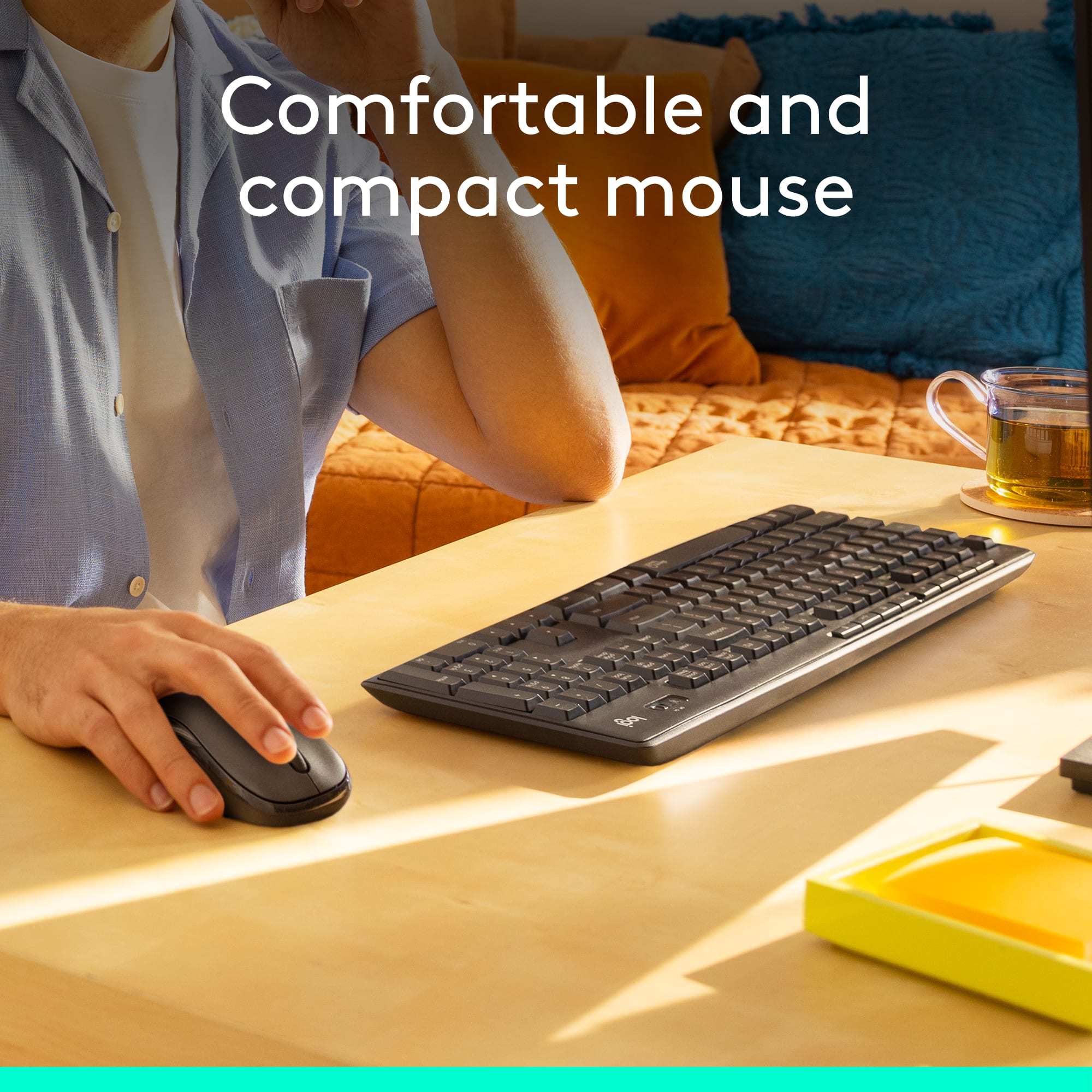
||Posted . Owned for 1 month when reviewed.This reviewer received promo considerations or sweepstakes entry for writing a review.This keyboard/mouse combo is perfect for me. Keys are quiet and smooth as advertised. The mouse has a good feel to it and both work as intended. I highly recommend!
I would recommend this to a friendSilent Keyboard and Mouse
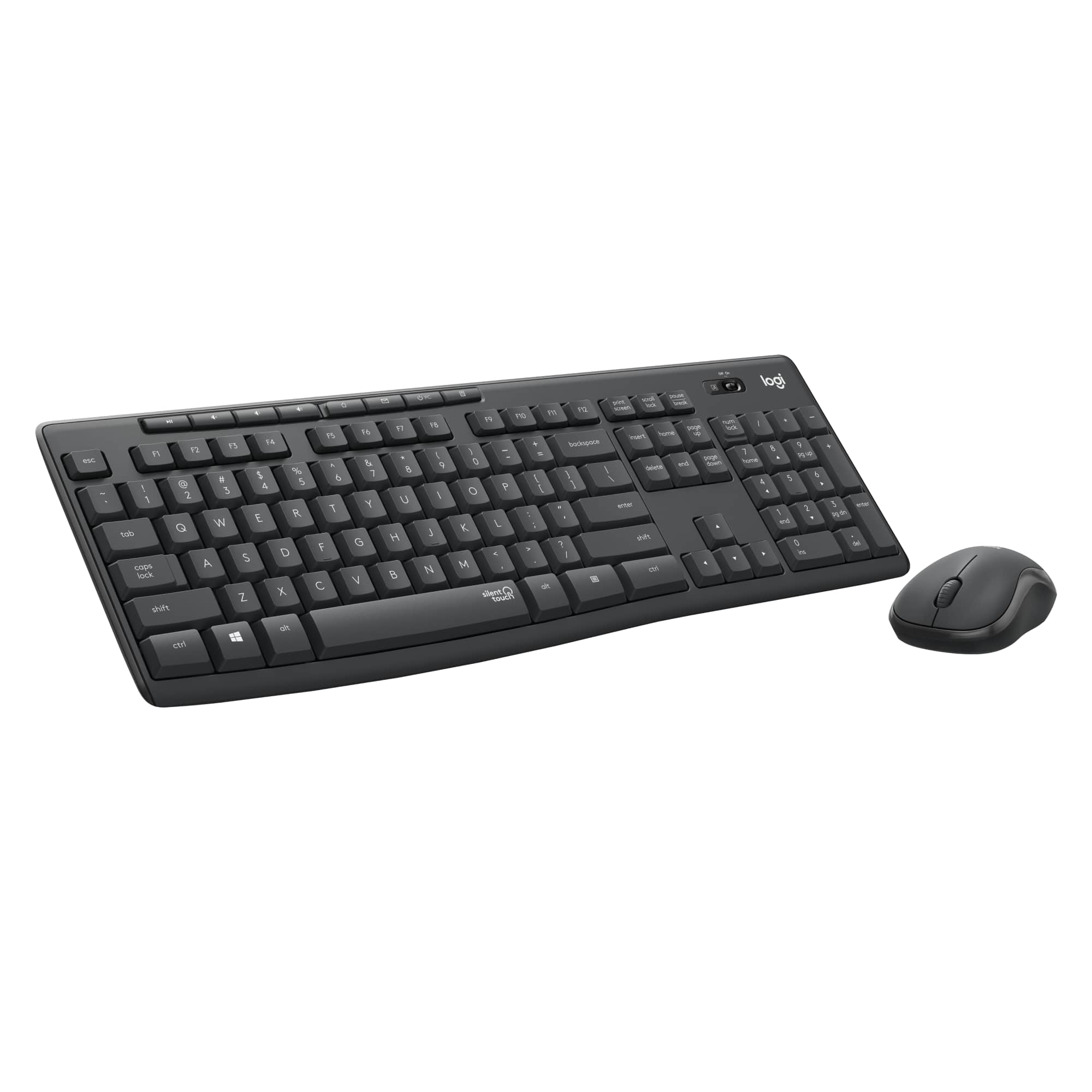
||Posted . Owned for 1 month when reviewed.This reviewer received promo considerations or sweepstakes entry for writing a review.The keyboard is really silent and you can hardly hear any noise. There are also shortcut keys to adjust the computer volume and to even shut the PC. Overall good keyboard and mouse for the price.
I would recommend this to a friendKeyboard and Mouse Review
||Posted . Owned for 1 week when reviewed.This reviewer received promo considerations or sweepstakes entry for writing a review.I really like the keyboard and mouse! However, the "Z" key does not work as well and you have to REALLY press it in order for it to register. All in all, a great keyboard and mouse for what you pay for.
I would recommend this to a friend- Pros mentioned:Ease of use, Keyboard quality
Great item!
||Posted . Owned for 1 year when reviewed.This reviewer received promo considerations or sweepstakes entry for writing a review.Awesome keyboard, great size and works instantly once connected. Super good purchase!
I would recommend this to a friend Quiet mouse
||Posted . Owned for less than 1 week when reviewed.This reviewer received promo considerations or sweepstakes entry for writing a review.Very quiet, especially the mouse. no more mouse clicks throughout a meeting
I would recommend this to a friendLove this keyboard & wireless mouse
||Posted .This reviewer received promo considerations or sweepstakes entry for writing a review.Works great and easy to install. Like a white keyboard better than the black because it is so much easier to see the letters. Also like the numbers pad on the right. Great price too.
I would recommend this to a friend- Pros mentioned:Keyboard quality
Nice and Quiet
||Posted . Owned for 7 months when reviewed.This reviewer received promo considerations or sweepstakes entry for writing a review.I purchased this looking for a WHITE keyboard and didn't know it had a "quiet" keyboard. I thought I would hate the soft keys but I have had it several months and I now love it! You still get a little quiet clicking if you're a fast typer so you won't have several withdrawals! The kickstand is great for adjusting the angle and the mouse has given me no issue.
I would recommend this to a friend Quiet Keys
||Posted . Owned for 1 month when reviewed.This reviewer received promo considerations or sweepstakes entry for writing a review.Very quiet key sound and doesn’t disturb the people working around you. Great for office use.
I would recommend this to a friend