Customer Ratings & Reviews
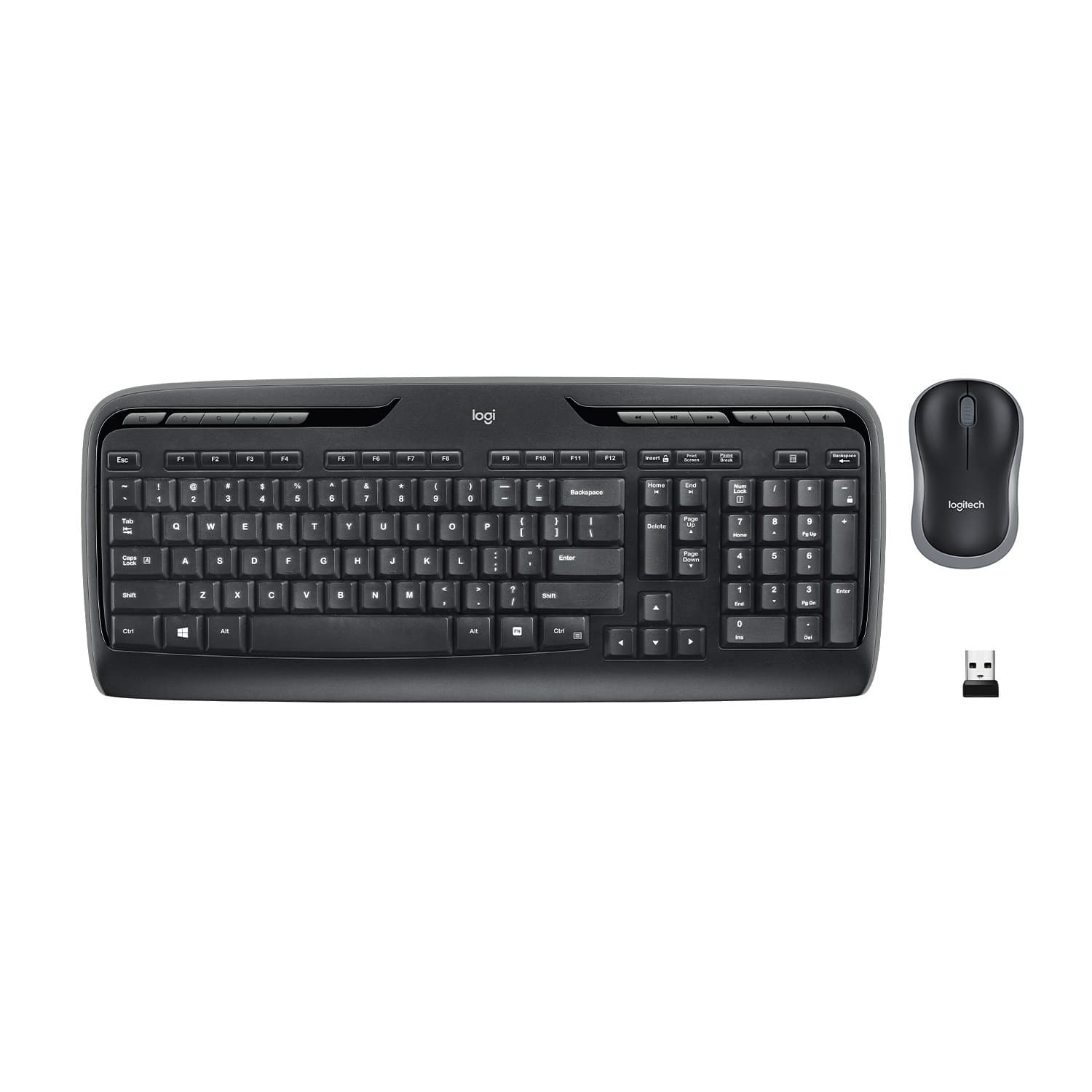
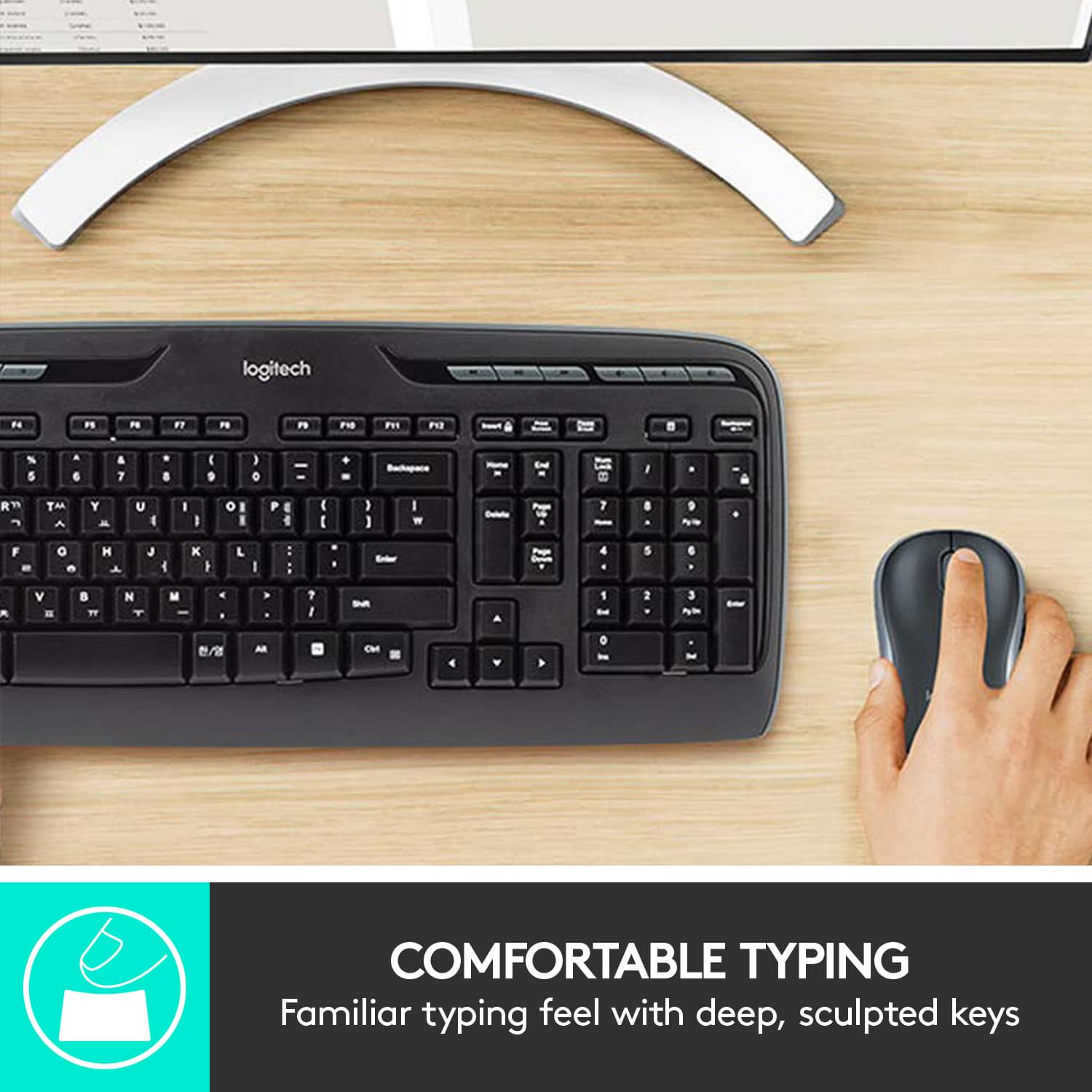
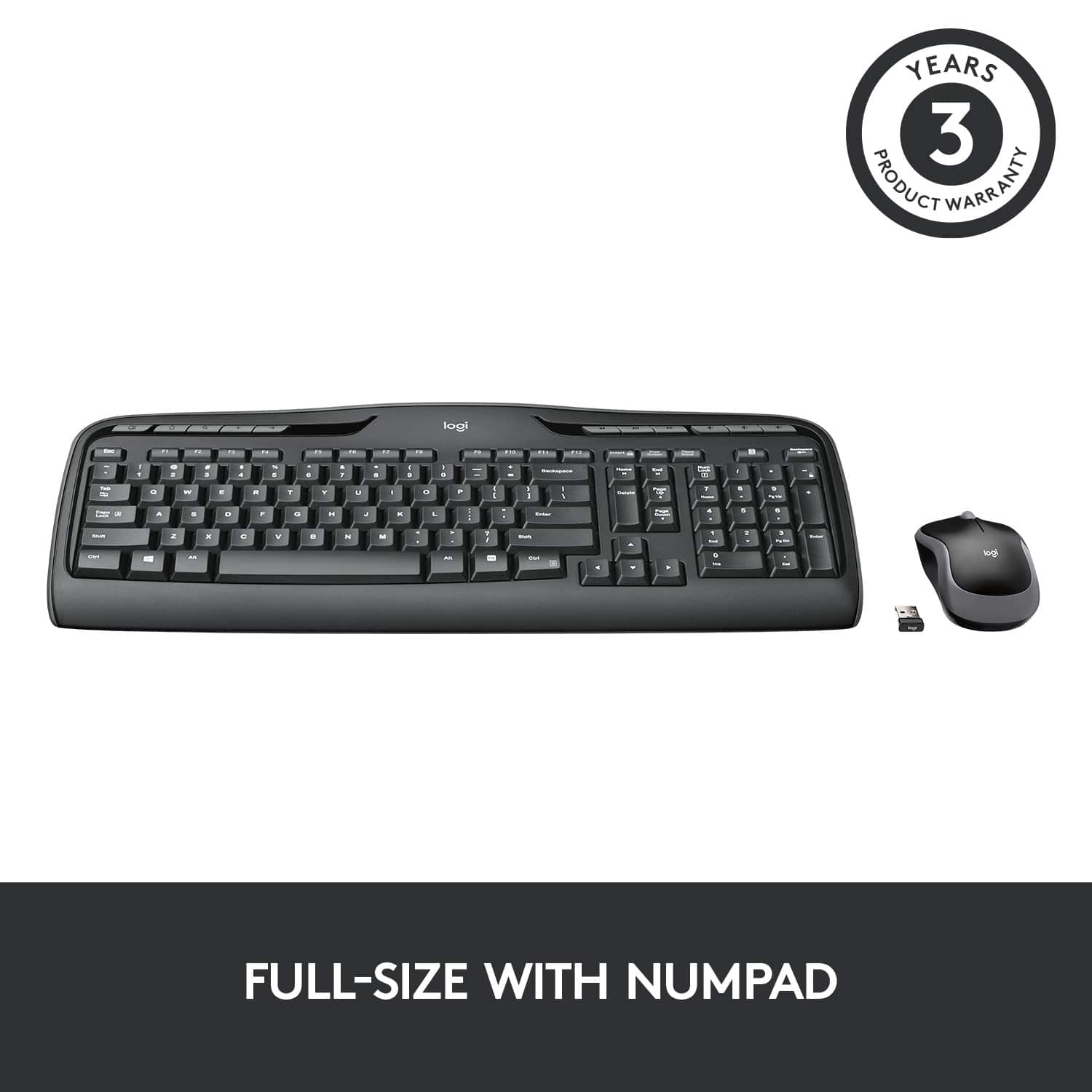
![% 5 T 6 Y H F5 & 7 U J M F6 * 8 I K < Alt F7 logi F8 { 9 F9 ) 0 F10 - o - F11 + P = { L E Backspace ) ] . I > I ? Enter Shift IN Ctrl A F12 .. Inseri i Smian PS Home H Break Par End I Delete Num Page Lock Up 7 Down Page Ho 8 4 5 1 End 2 0 3 Ins Po Dn / * 9 Pg -e 6 Enter f + Beckspase Det 11 SHORTCUT KEYS FOR PRODUCTIVITY](https://pisces.bbystatic.com/image2/BestBuy_US/images/products/808ee562-6ece-46d3-b599-9023a655f797.jpg)


- Model:
- 920-002836
- |
- SKU:
- 10154991
Customer reviews
Rating 4.6 out of 5 stars with 9202 reviews
(9,202 customer reviews)Rating by feature
- Value4.6
Rating 4.6 out of 5 stars
- Quality4.5
Rating 4.5 out of 5 stars
- Ease of Use4.7
Rating 4.7 out of 5 stars
Customers are saying
Customers are impressed with the product's ease of use, solid keyboard quality, and reliable wireless functionality. Many also appreciate its good price, long battery life, perfect size, and easy wireless setup. However, some users have noted the absence of a Caps Lock indicator and occasional lag as minor drawbacks.
This summary was generated by AI based on customer reviews.
Rated 2 out of 5 stars
Not good quality
||Posted .This reviewer received promo considerations or sweepstakes entry for writing a review.Buttons are too chunky and are not easy to push when you are looking for speed and accuracy.
This review is from Logitech - MK320 Full-size Wireless Membrane Keyboard and Mouse Bundle for PC - Black
No, I would not recommend this to a friendRated 2 out of 5 stars
Awkward
||Posted . Owned for 3 weeks when reviewed.This reviewer received promo considerations or sweepstakes entry for writing a review.The keys didn't feel right. Had to return it! Really wanted to like it.
This review is from Logitech - MK320 Full-size Wireless Membrane Keyboard and Mouse Bundle for PC - Black
No, I would not recommend this to a friendRated 2 out of 5 stars
Good wi-fi keyboard
||Posted .This reviewer received promo considerations or sweepstakes entry for writing a review.The K480 Multi-Device Logitech keyboard would be great if it also had a built in mouse pad..
This review is from Logitech - MK320 Full-size Wireless Membrane Keyboard and Mouse Bundle for PC - Black
I would recommend this to a friendRated 5 out of 5 stars
Great External keyboard for any computer.
||Posted .This reviewer received promo considerations or sweepstakes entry for writing a review.What can anyone say about a keyboard. Sinply put it is great.
This review is from Logitech - MK320 Full-size Wireless Membrane Keyboard and Mouse Bundle for PC - Black
I would recommend this to a friendRated 2 out of 5 stars
Good for 1 week then it stopped working
||Posted .This reviewer received promo considerations or sweepstakes entry for writing a review.The keys were sticking and the mouse did not move with ease
This review is from Logitech - MK320 Full-size Wireless Membrane Keyboard and Mouse Bundle for PC - Black
No, I would not recommend this to a friendBrand response from Logitech
Posted .Hi redskinfan, thank you for your feedback! For support, please refer to: https://support.logi.com/hc/en-us?mID=9203 - Will, Logitech.
Rated 5 out of 5 stars
Nice keyboard and mouse
||Posted .This reviewer received promo considerations or sweepstakes entry for writing a review.This works great for what I do. Perfectly content with it.
This review is from Logitech - MK320 Full-size Wireless Membrane Keyboard and Mouse Bundle for PC - Black
I would recommend this to a friendRated 2 out of 5 stars
Don’t like item
||Posted . Owned for 1 month when reviewed.This reviewer received promo considerations or sweepstakes entry for writing a review.Didn’t enjoy it n I couldn’t return it only used 4 days
This review is from Logitech - MK320 Full-size Wireless Membrane Keyboard and Mouse Bundle for PC - Black
No, I would not recommend this to a friendBrand response from Logitech
Posted .Hello Kays, I'm sorry to hear that you had some issues with your MK320 wireless keyboard and mouse combo. If you're still having issues with the device, I would suggest navigating to our support website, where you can find troubleshooting tips and tricks as well as warranty information.
Rated 5 out of 5 stars
Great
||Posted .This reviewer received promo considerations or sweepstakes entry for writing a review.This worked well for my computer. I would recommend this
This review is from Logitech - MK320 Full-size Wireless Membrane Keyboard and Mouse Bundle for PC - Black
I would recommend this to a friendRated 1 out of 5 stars
won't work with my new samsung smart tv
||Posted .This reviewer received promo considerations or sweepstakes entry for writing a review.JUNK doesn't seem compatible with my NEW Samsung smart tv model # un40m5300. plug into my hdmi port and it worked twice out of ten times trying. HELP HELP. I would purchase a different keyboard and mouse if I thought it would help. I've talked to Samsung three times to no avail. I've talked to logitec twice to no avail.
This review is from Logitech - MK320 Full-size Wireless Membrane Keyboard and Mouse Bundle for PC - Black
No, I would not recommend this to a friendRated 2 out of 5 stars
Noisy and cheep feel
||Posted . Owned for 3 weeks when reviewed.This reviewer received promo considerations or sweepstakes entry for writing a review.The summary speaks for itself. Don't purchase this product.
This review is from Logitech - MK320 Full-size Wireless Membrane Keyboard and Mouse Bundle for PC - Black
No, I would not recommend this to a friendRated 5 out of 5 stars
Great product
||Posted .This reviewer received promo considerations or sweepstakes entry for writing a review.Compact and usefully items, perfect for my applications
This review is from Logitech - MK320 Full-size Wireless Membrane Keyboard and Mouse Bundle for PC - Black
I would recommend this to a friend- Pros mentioned:Keyboard quality
Rated 1 out of 5 stars
Disappointed
||Posted .This reviewer received promo considerations or sweepstakes entry for writing a review.Mouse works great the key board is a disappointment.
This review is from Logitech - MK320 Full-size Wireless Membrane Keyboard and Mouse Bundle for PC - Black
No, I would not recommend this to a friend Rated 1 out of 5 stars
See my review below
||Posted .This reviewer received promo considerations or sweepstakes entry for writing a review.I needed it so that when I got home an found that cover to were you put the batteries was so small I had to put large piece tape so it would Hold the batteries in. I was very disappointed that you sell should a poorly made item. Will you replace it for me???? I fo
This review is from Logitech - MK320 Full-size Wireless Membrane Keyboard and Mouse Bundle for PC - Black
No, I would not recommend this to a friendBrand response from Logitech
Posted .Hello, I am sorry to hear about the issue you are having with the keyboard. Fortunately, it has a warranty through Logitech. If you would like to file a claim for a new one, please visit the support page for this item on Logitech.com. I hope this helps! Thank you for taking the time to write this review, we appreciate the feedback.
Rated 2 out of 5 stars
Not very good.
||Posted .This reviewer received promo considerations or sweepstakes entry for writing a review.Somewhat difficult to put on and adjust. It also did not stay in place while I slept.
This review is from Logitech - MK320 Full-size Wireless Membrane Keyboard and Mouse Bundle for PC - Black
No, I would not recommend this to a friendRated 5 out of 5 stars
just right
||Posted .This reviewer received promo considerations or sweepstakes entry for writing a review.The keyboard has every feature we needed and wanted.
This review is from Logitech - MK320 Full-size Wireless Membrane Keyboard and Mouse Bundle for PC - Black
I would recommend this to a friendRated 2 out of 5 stars
Its not what I wanted
||Posted .This reviewer received promo considerations or sweepstakes entry for writing a review.It didn't do what the sale Guy told me it would so now its just sitting in my den
This review is from Logitech - MK320 Full-size Wireless Membrane Keyboard and Mouse Bundle for PC - Black
No, I would not recommend this to a friendRated 1 out of 5 stars
Dont buy
||Posted . Owned for 4 months when reviewed.This reviewer received promo considerations or sweepstakes entry for writing a review.Stopped responding after 4 months of use. Change of battery did not work either
This review is from Logitech - MK320 Full-size Wireless Membrane Keyboard and Mouse Bundle for PC - Black
No, I would not recommend this to a friendBrand response from Logitech
Posted .That's unfortunate! In order to help you effectively, please provide your information to our support team by emailing socialcare@logitech.com. Name – Email address – Country – Product name – Brief description of the issue –
Rated 1 out of 5 stars
Suddenly stopped working
||Posted . Owned for 4 months when reviewed.This reviewer received promo considerations or sweepstakes entry for writing a review.I got this in august 2021 , its been 4 months and now suddenly it stooped working . I am not sure why , i tried changing batteries as well no use. Waste of money !!!!!
This review is from Logitech - MK320 Full-size Wireless Membrane Keyboard and Mouse Bundle for PC - Black
No, I would not recommend this to a friendBrand response from Logitech
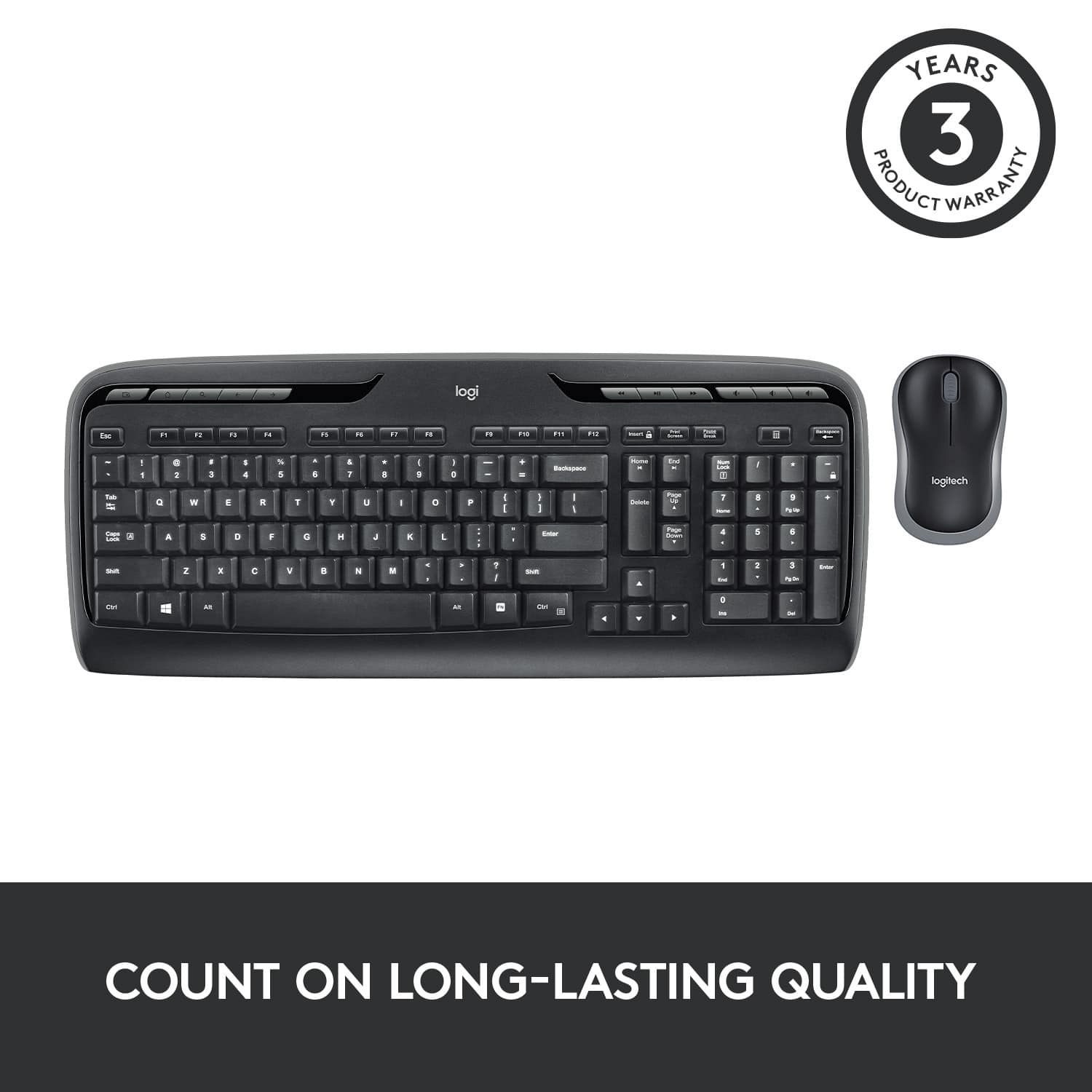
Posted .Hello, Chaitanya! I'm sorry to hear about your experience with the MK320 combo. I would recommend reaching out to our support team here https://support.logi.com/hc/en-us/requests/new?ticket_form_id=360000621393 to file a warranty claim. The MK320 has a 3-year limited hardware warranty. Thank you for the feedback on the longevity of the keyboard! I will be passing this along. - Maggie from Logitech
Rated 1 out of 5 stars
Had to take it back
||Posted .This reviewer received promo considerations or sweepstakes entry for writing a review.I use a track ball and my old keyboard gave it up so I got Logitech to mach it up with the track ball and no luck used Logitech software to mach them up no go and never even tried the Mouse also the battery door looked like it was going to fall off FYI
This review is from Logitech - MK320 Full-size Wireless Membrane Keyboard and Mouse Bundle for PC - Black
No, I would not recommend this to a friendBrand response from Logitech
Posted .Hi! Sorry you're having connectivity issues with you MK320. This unit probably didn't work for you like you wanted because it doesn't use a Unifying Receiver. But if you have any questions, check out the Logitech support page at https://support.logi.com/hc/en-us/articles/360024151614.
Rated 2 out of 5 stars
Failed within 2 weeks
||Posted .This reviewer received promo considerations or sweepstakes entry for writing a review.Purchased the unit and was quite happy with the unit until a key stuck.
This review is from Logitech - MK320 Full-size Wireless Membrane Keyboard and Mouse Bundle for PC - Black
No, I would not recommend this to a friend