Customer Ratings & Reviews
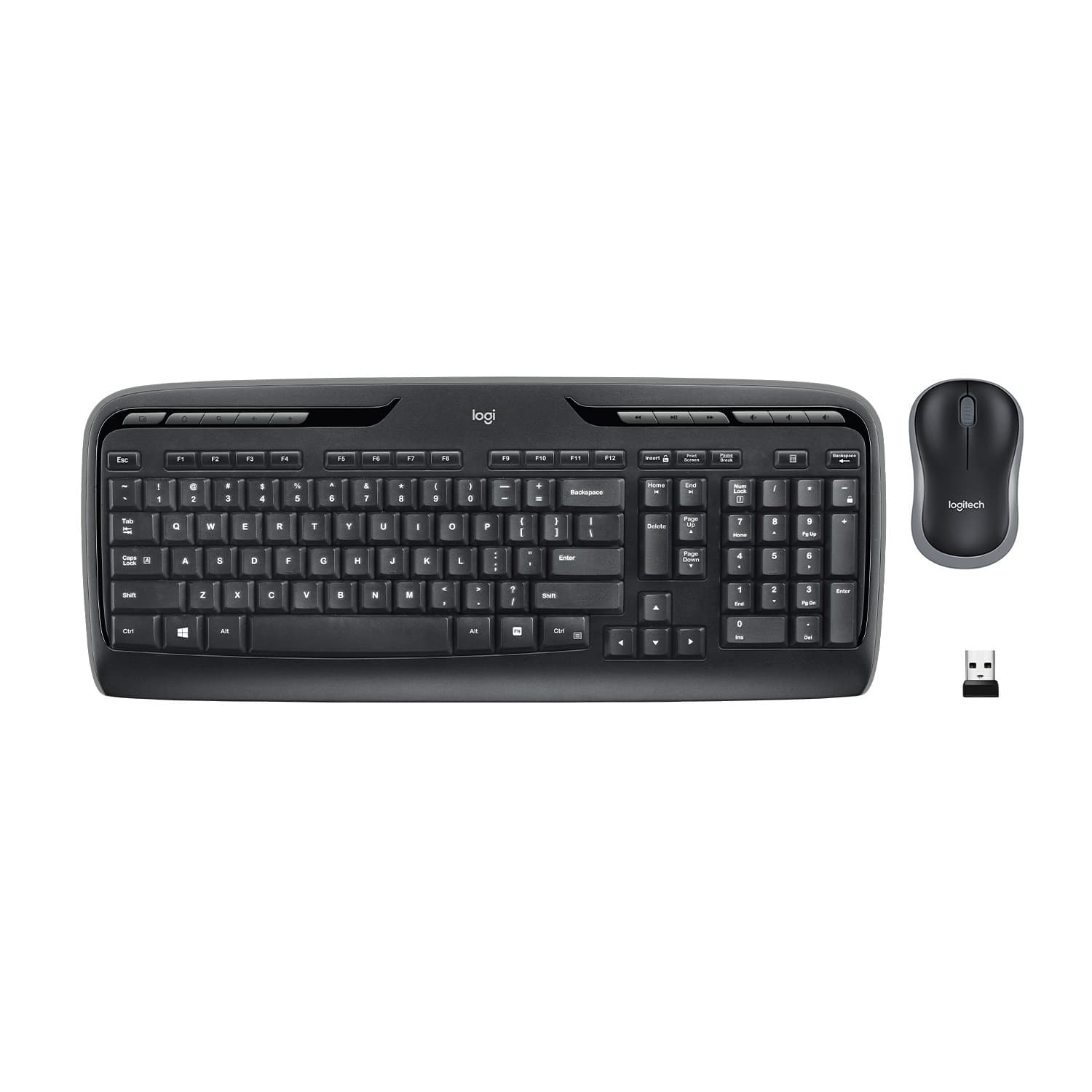
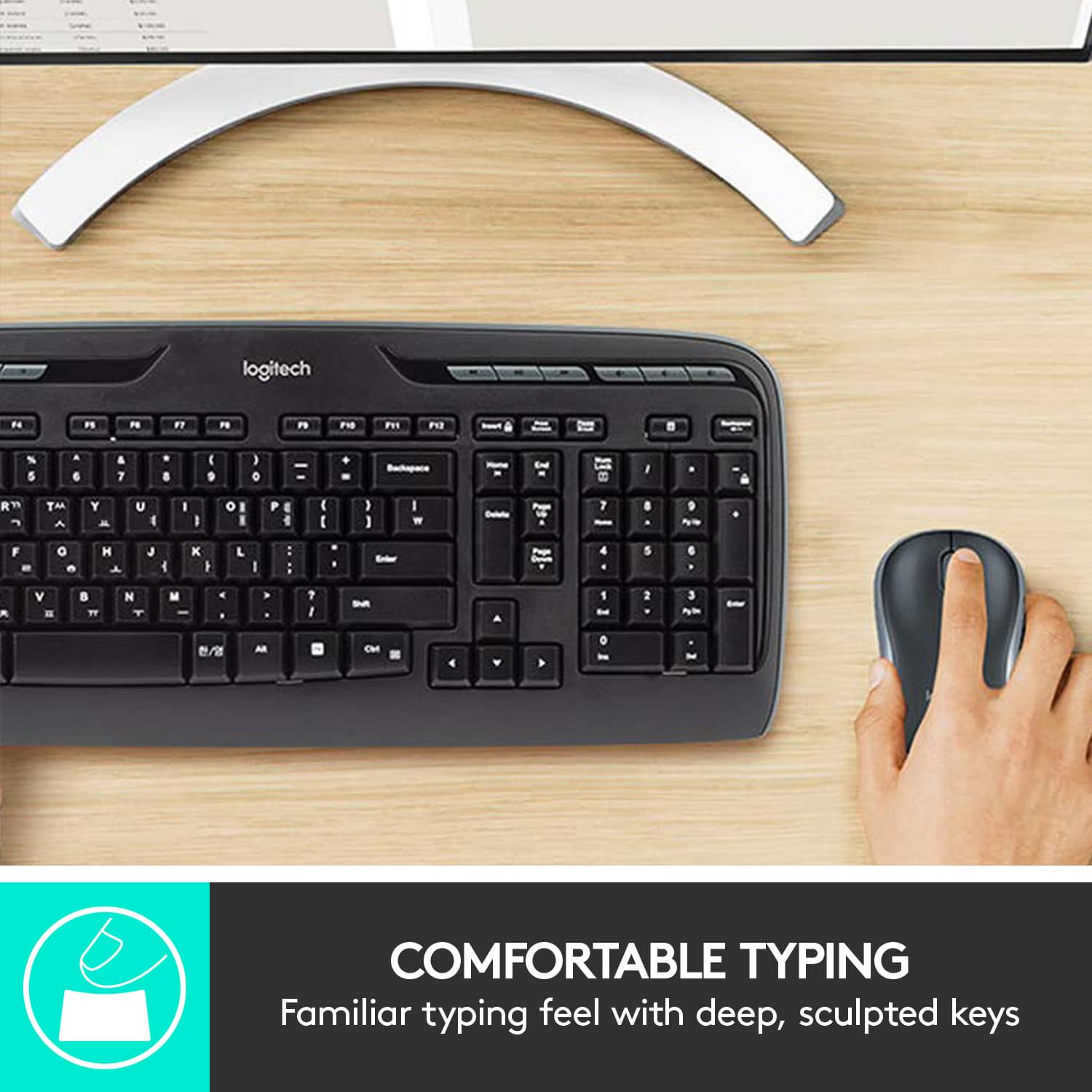
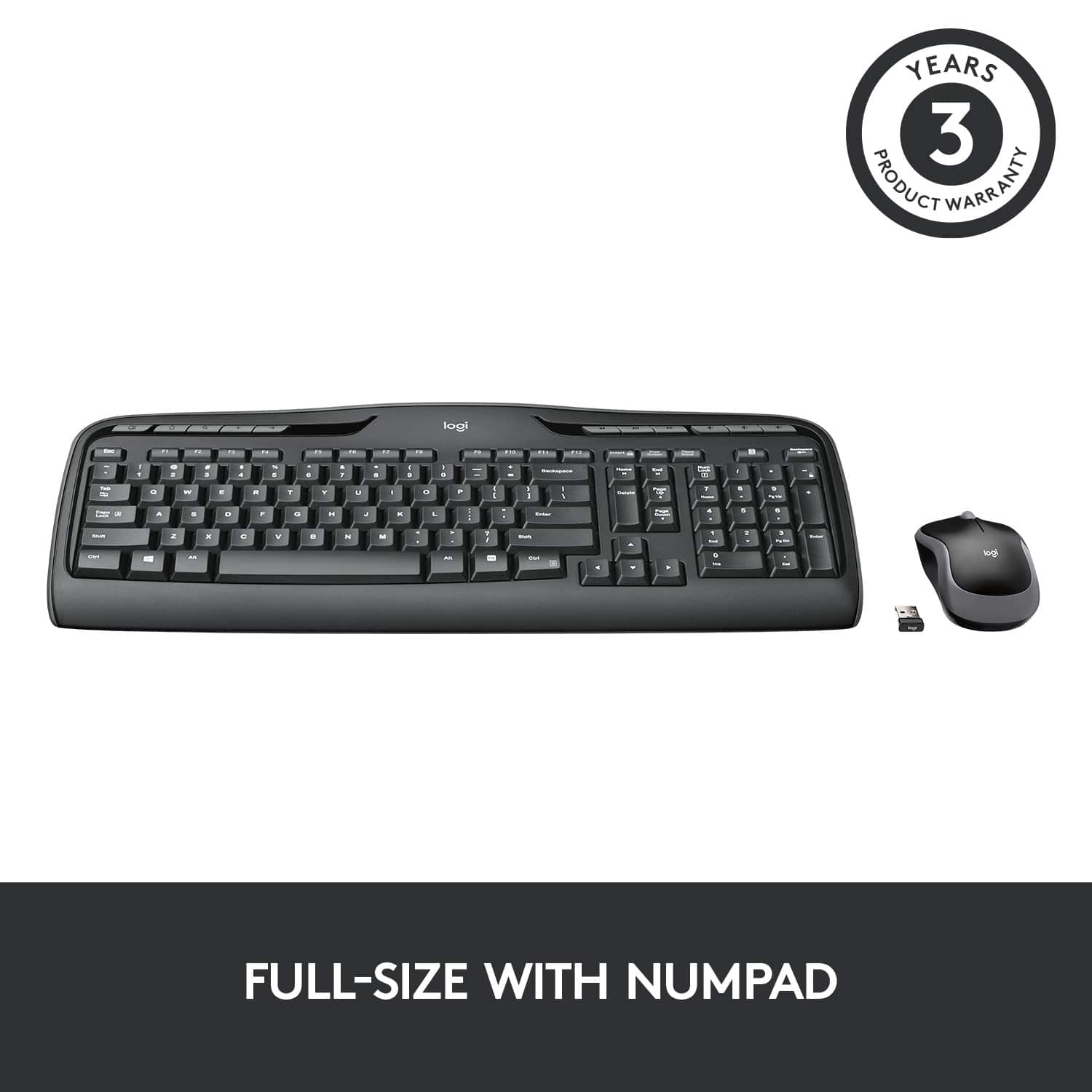
![% 5 T 6 Y H F5 & 7 U J M F6 * 8 I K < Alt F7 logi F8 { 9 F9 ) 0 F10 - o - F11 + P = { L E Backspace ) ] . I > I ? Enter Shift IN Ctrl A F12 .. Inseri i Smian PS Home H Break Par End I Delete Num Page Lock Up 7 Down Page Ho 8 4 5 1 End 2 0 3 Ins Po Dn / * 9 Pg -e 6 Enter f + Beckspase Det 11 SHORTCUT KEYS FOR PRODUCTIVITY](https://pisces.bbystatic.com/image2/BestBuy_US/images/products/808ee562-6ece-46d3-b599-9023a655f797.jpg)


- Model:
- 920-002836
- |
- SKU:
- 10154991
Customer reviews
Rating 4.6 out of 5 stars with 9202 reviews
(9,202 customer reviews)Rating by feature
- Value4.6
Rating 4.6 out of 5 stars
- Quality4.5
Rating 4.5 out of 5 stars
- Ease of Use4.7
Rating 4.7 out of 5 stars
Customers are saying
Customers are impressed with the product's ease of use, solid keyboard quality, and reliable wireless functionality. Many also appreciate its good price, long battery life, perfect size, and easy wireless setup. However, some users have noted the absence of a Caps Lock indicator and occasional lag as minor drawbacks.
This summary was generated by AI based on customer reviews.
Rated 4 out of 5 stars
decent
||Posted .This reviewer received promo considerations or sweepstakes entry for writing a review.It was a nice keyboard, it just didn't fit my hands though.
This review is from Logitech - MK320 Full-size Wireless Membrane Keyboard and Mouse Bundle for PC - Black
I would recommend this to a friendRated 2 out of 5 stars
ok keyboards
||Posted .This reviewer received promo considerations or sweepstakes entry for writing a review.Not the best keyboards, but better than nothing when you need something.
This review is from Logitech - MK320 Full-size Wireless Membrane Keyboard and Mouse Bundle for PC - Black
No, I would not recommend this to a friendRated 2 out of 5 stars
The batteries came dead.
||Posted .This reviewer received promo considerations or sweepstakes entry for writing a review.The keyboard kept disconnecting because the batteries came dead.
This review is from Logitech - MK320 Full-size Wireless Membrane Keyboard and Mouse Bundle for PC - Black
No, I would not recommend this to a friendRated 2 out of 5 stars
ok keyboard
||Posted .This reviewer received promo considerations or sweepstakes entry for writing a review.Ok for the money ... For a quality keyboard spend more... The mouse won't work.
This review is from Logitech - MK320 Full-size Wireless Membrane Keyboard and Mouse Bundle for PC - Black
I would recommend this to a friendRated 4 out of 5 stars
good value
||Posted .This reviewer received promo considerations or sweepstakes entry for writing a review.Good value, but they scraped on instructions......
This review is from Logitech - MK320 Full-size Wireless Membrane Keyboard and Mouse Bundle for PC - Black
I would recommend this to a friendRated 2 out of 5 stars
Not too easy to work
||Posted .This reviewer received promo considerations or sweepstakes entry for writing a review.Had a hard time connecting and working with feels fragile
This review is from Logitech - MK320 Full-size Wireless Membrane Keyboard and Mouse Bundle for PC - Black
No, I would not recommend this to a friendRated 1 out of 5 stars
cpa
||Posted . Owned for 1 month when reviewed.This reviewer received promo considerations or sweepstakes entry for writing a review.This keyboard some of the keys not working only in few days. i don't recommend it. i got to buy another one.
This review is from Logitech - MK320 Full-size Wireless Membrane Keyboard and Mouse Bundle for PC - Black
No, I would not recommend this to a friendBrand response from Logitech
Posted .Truly sorry to hear about your experience. In this case, please provide your information to our support team by emailing socialcare@logitech.com. Name – Email address – Country – Product name – Brief description of the issue –
- Pros mentioned:Ease of use, Wireless
Rated 5 out of 5 stars
Way Better than the K360
Posted .This reviewer received promo considerations or sweepstakes entry for writing a review.When the (W, E, R) letters stopped working on my laptop keyboard I knew I had to find a replacement without getting a whole new computer. I was assured by a best buy tech that a wireless keyboard would be a good fit. I initially bought one online and had to leave a terrible review because it didn't work. Pieces were missing the first time, I returned it and then the best buy tech took a piece out of one box and threw it into my box. I told him that even with new batteries the keyboard wouldn't turn on but he assured me with the USB port it now would. Of course it wouldn't. So now I had to return to the store for the third time. This time I brought my computer to the store with me and got help right away from the Geek Squad. They didn't have the original keyboard in stock anymore so they hooked me up with this new one that came with a mouse. He hooked it up for me and made sure it worked and that I had a chance to try it before I left the store. I'm very pleased with this purchase and even more so that I can finally type again without getting frustrated. Do yourself a favor and spend $3.00 more on this keyboard rather than the K360. Also, note to self if you get a keyboard and its missing the USB port and you return it don't let them take a USB port out of another box. Geek Squad said each port is specific to each board.
This review is from Logitech - MK320 Full-size Wireless Membrane Keyboard and Mouse Bundle for PC - Black
I would recommend this to a friend Rated 1 out of 5 stars
Terrible keyboard - mouse combo
||Posted .This reviewer received promo considerations or sweepstakes entry for writing a review.Might be a good price but not worth it. I have only had this set for about 5 months and keys are already not working. Tried troubleshooting, replacing batteries, etc, nothing. DO NOT BUY!
This review is from Logitech - MK320 Full-size Wireless Membrane Keyboard and Mouse Bundle for PC - Black
No, I would not recommend this to a friendBrand response from Logitech
Posted .Hello JoshC, I'm sorry to hear about your issues with the MK320. At Logitech, it is our goal to ensure you are completely satisfied with your Logitech purchase. We take pride in the products and services we offer, and want our customers to enjoy them just as much as we do. If you ever experience any issues with our products, please reach out to us on our Logitech support website so we can help out. Hope you have a great day!
Rated 2 out of 5 stars
Not for tv use
||Posted .This reviewer received promo considerations or sweepstakes entry for writing a review.Not compatible for what I needed it for so I returned it
This review is from Logitech - MK320 Full-size Wireless Membrane Keyboard and Mouse Bundle for PC - Black
No, I would not recommend this to a friendRated 2 out of 5 stars
Great for kids
||Posted .This reviewer received promo considerations or sweepstakes entry for writing a review.Not a keyboard for adult size hands; keyboard a bit small for an adult.
This review is from Logitech - MK320 Full-size Wireless Membrane Keyboard and Mouse Bundle for PC - Black
I would recommend this to a friendRated 2 out of 5 stars
keyboard dosen't work all the time
||Posted .This reviewer received promo considerations or sweepstakes entry for writing a review.I bought several and some of them the keyboards are slow to respond.
This review is from Logitech - MK320 Full-size Wireless Membrane Keyboard and Mouse Bundle for PC - Black
No, I would not recommend this to a friendRated 2 out of 5 stars
Key board
||Posted .This reviewer received promo considerations or sweepstakes entry for writing a review.Its okay for simple usages. Nothing fancy works okay
This review is from Logitech - MK320 Full-size Wireless Membrane Keyboard and Mouse Bundle for PC - Black
I would recommend this to a friendRated 1 out of 5 stars
Poor quality
||Posted .This reviewer received promo considerations or sweepstakes entry for writing a review.You get what you pay for.... Poor and cheap quality. Sometimes the keyboard loses connection . ( Yes, I did place new batteries)
This review is from Logitech - MK320 Full-size Wireless Membrane Keyboard and Mouse Bundle for PC - Black
No, I would not recommend this to a friendBrand response from Logitech
Posted .Hello, we are sorry to hear about your issues with your device. If you ever need further product support feel free to reach out to us on our Logitech website.
Rated 1 out of 5 stars
Disapointing
||Posted . Owned for 1 month when reviewed.This reviewer received promo considerations or sweepstakes entry for writing a review.The Control key stoped working, I returned the product, Sorry, the arrow key are too close together
This review is from Logitech - MK320 Full-size Wireless Membrane Keyboard and Mouse Bundle for PC - Black
No, I would not recommend this to a friendBrand response from Logitech
Posted .We regret to hear that you had to return the product and we apologize for any inconvenience caused. We'll surely take this feedback and make sure to share it with the right team. Thanks for bringing it to our notice.
Rated 1 out of 5 stars
No Caps Lock or Num Lock Lights
||Posted . Owned for 4 months when reviewed.This reviewer received promo considerations or sweepstakes entry for writing a review.The keyboard doesn't have a good "touch" feel and does not have a caps lock or number lock light on it (at least mine doesn't). I waited too long to try it out to be able to return it.
This review is from Logitech - MK320 Full-size Wireless Membrane Keyboard and Mouse Bundle for PC - Black
No, I would not recommend this to a friendBrand response from Logitech
Posted .Hi FredZ, thank you for your feedback! We make a wide variety of mice and keyboard features to best fit your needs. You may prefer the upgrade MK540: https://www.bestbuy.com/site/logitech-mk540-advanced-wireless-keyboard-and-mouse-bundle-black/6215118.p?skuId=6215118 - Will, Logitech.
Rated 1 out of 5 stars
The product keeps glitching
||Posted .This reviewer received promo considerations or sweepstakes entry for writing a review.This product keeps glitching and I don’t know what to do I’ve tried to call Best Buy’s customer service but you can’t get through to anyone, so I’m not sure what to do because the product doesn’t work half the time.
This review is from Logitech - MK320 Full-size Wireless Membrane Keyboard and Mouse Bundle for PC - Black
No, I would not recommend this to a friendBrand response from Logitech
Posted .Hello, I am so sorry to hear about the issues you are having with the keyboard! There is something we can try before we get you a replacement. the keyboard may need a firmware update. Here is the link for that: https://download01.logi.com/web/ftp/pub/techsupport/keyboards/FirmwareUpdateTool_1.2.169_x64.exe. If you are still having issues after this. Please visit the support page for this item on Logitech.com in order to file a claim for a new one. I hope this was helpful! Thank you for taking the time to write this review, we appreciate the feedback.
Rated 1 out of 5 stars
Garbage Product- Recommend Microsoft or HP
||Posted . Owned for 1 week when reviewed.This reviewer received promo considerations or sweepstakes entry for writing a review.Mouse worked fine. The keyboard was garbage. Skipped keystrokes and could not get certain keys to work consistently. I would look at other products versus this one.
This review is from Logitech - MK320 Full-size Wireless Membrane Keyboard and Mouse Bundle for PC - Black
No, I would not recommend this to a friendBrand response from Logitech
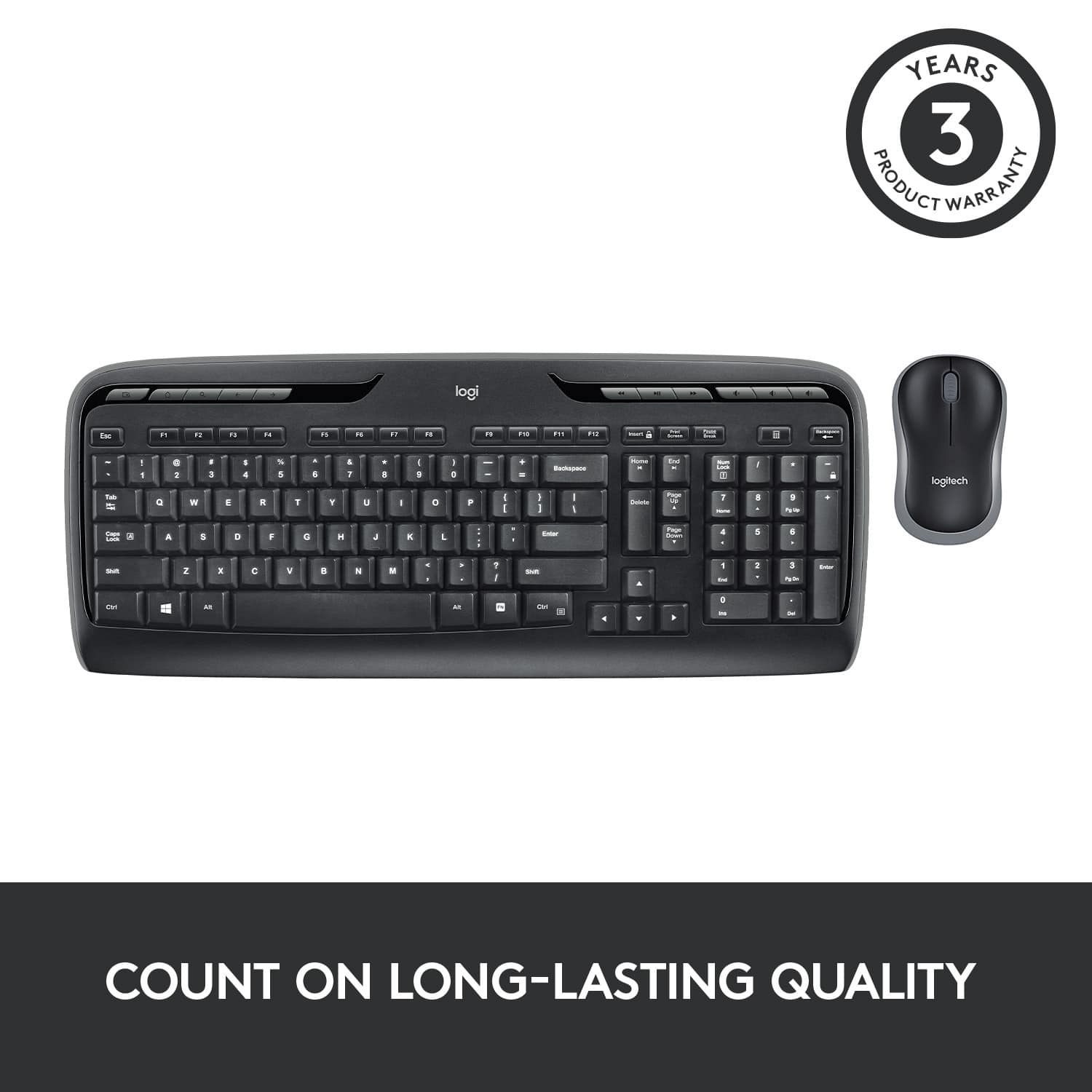
Posted .Hello, we are sorry to hear that you are having issues with your MK320. The Mk320 comes with a 3-year manufacturer warranty. If you need further assistance please Contact Us for support on the Logitech website.
Rated 2 out of 5 stars
keys don't work
||Posted .This reviewer received promo considerations or sweepstakes entry for writing a review.some keys don't work well, especially the letter m
This review is from Logitech - MK320 Full-size Wireless Membrane Keyboard and Mouse Bundle for PC - Black
No, I would not recommend this to a friendRated 2 out of 5 stars
Listed 2 months before not working
||Posted .This reviewer received promo considerations or sweepstakes entry for writing a review.Good thing I bought the product replacement warranty.
This review is from Logitech - MK320 Full-size Wireless Membrane Keyboard and Mouse Bundle for PC - Black
No, I would not recommend this to a friend