Customer Ratings & Reviews
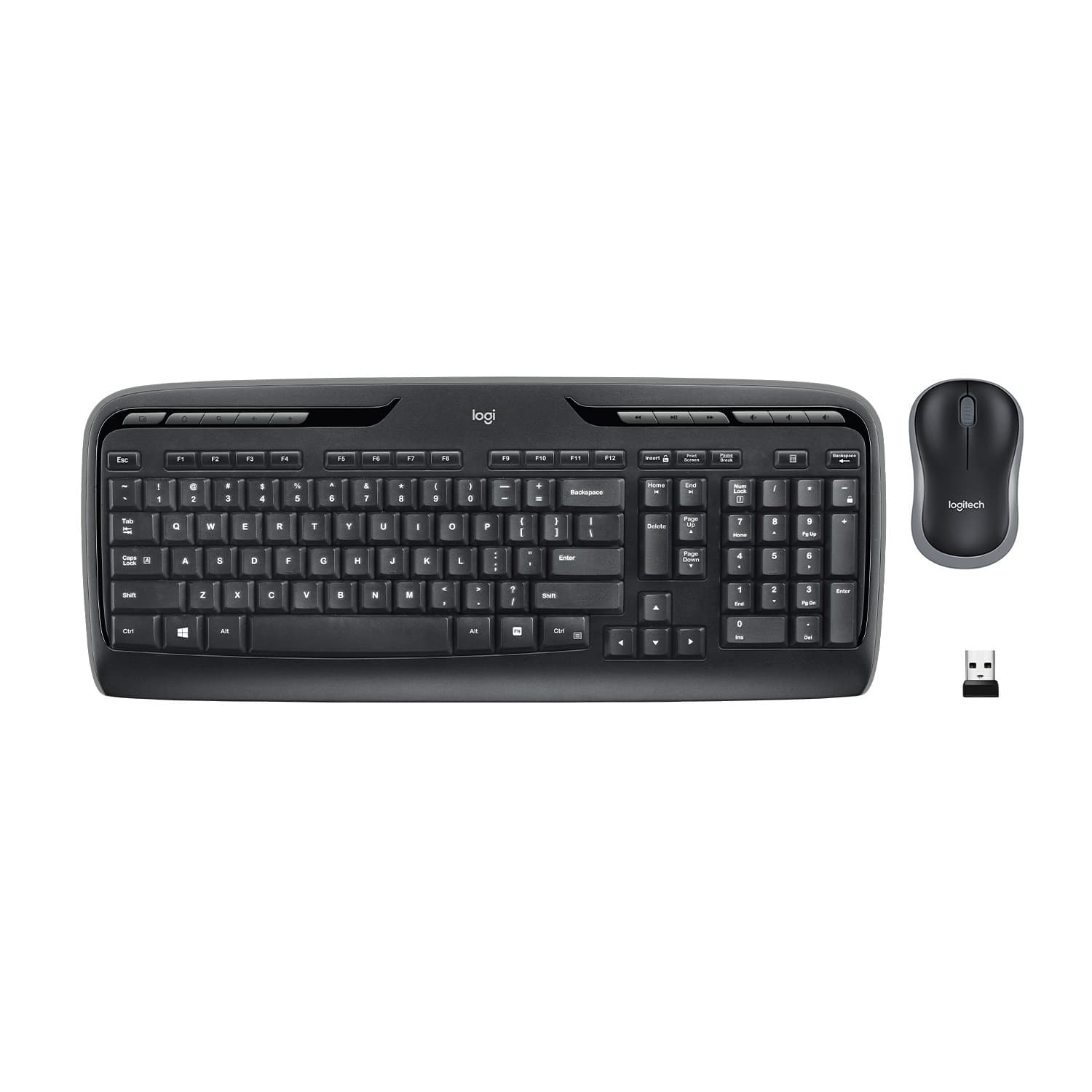
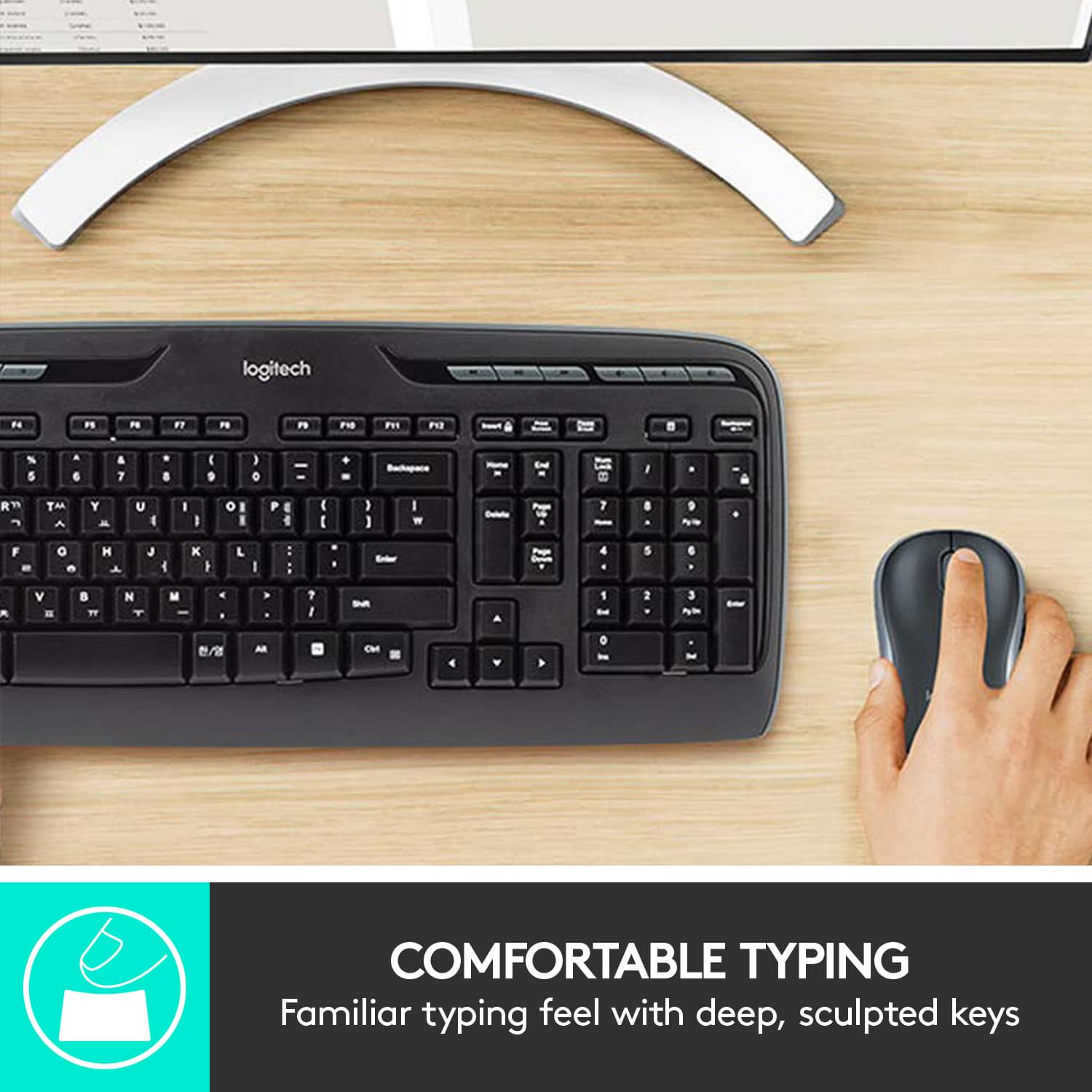
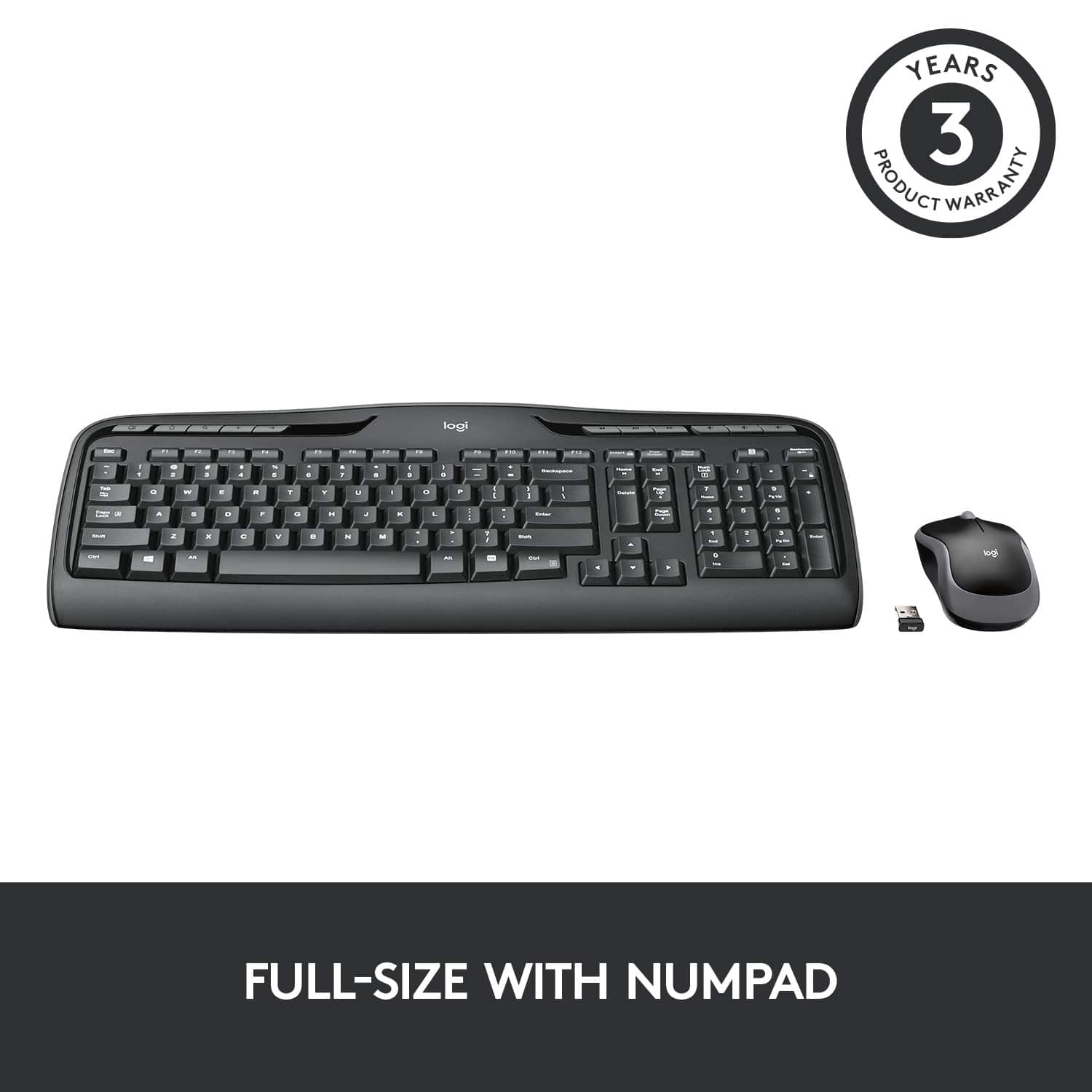
![% 5 T 6 Y H F5 & 7 U J M F6 * 8 I K < Alt F7 logi F8 { 9 F9 ) 0 F10 - o - F11 + P = { L E Backspace ) ] . I > I ? Enter Shift IN Ctrl A F12 .. Inseri i Smian PS Home H Break Par End I Delete Num Page Lock Up 7 Down Page Ho 8 4 5 1 End 2 0 3 Ins Po Dn / * 9 Pg -e 6 Enter f + Beckspase Det 11 SHORTCUT KEYS FOR PRODUCTIVITY](https://pisces.bbystatic.com/image2/BestBuy_US/images/products/808ee562-6ece-46d3-b599-9023a655f797.jpg)


- Model:
- 920-002836
- SKU:
- 11066359
Rating by feature
- Value
Rating 4.6 out of 5 stars
- Quality
Rating 4.5 out of 5 stars
- Ease of Use
Rating 4.7 out of 5 stars
to a friend
Customers are saying
Customers are pleased with the product's ease of use, reliable keyboard quality, and wireless functionality. Many also appreciate its good price, long battery life, convenient setup, and ideal size. However, some customers have noted the absence of a Caps Lock indicator and occasional performance delays.
This summary was generated by AI based on customer reviews.
Decent purchase
||Posted . Owned for 1 year when reviewed.This reviewer received promo considerations or sweepstakes entry for writing a review.Basic keyboard, does the job. Same with the mouse, basic and does the job
I would recommend this to a friendUgh
||Posted . Owned for 1 year when reviewed.This reviewer received promo considerations or sweepstakes entry for writing a review.Not worth the money, no longer works and only used periodically. Do not buy
No, I would not recommend this to a friendReasonable entry level keyboard and mouse.
||Posted .This reviewer received promo considerations or sweepstakes entry for writing a review.Needed a backup keyboard for those times when I am building a new computer and don't want to use wired devices. Works fine.
I would recommend this to a friendworks good
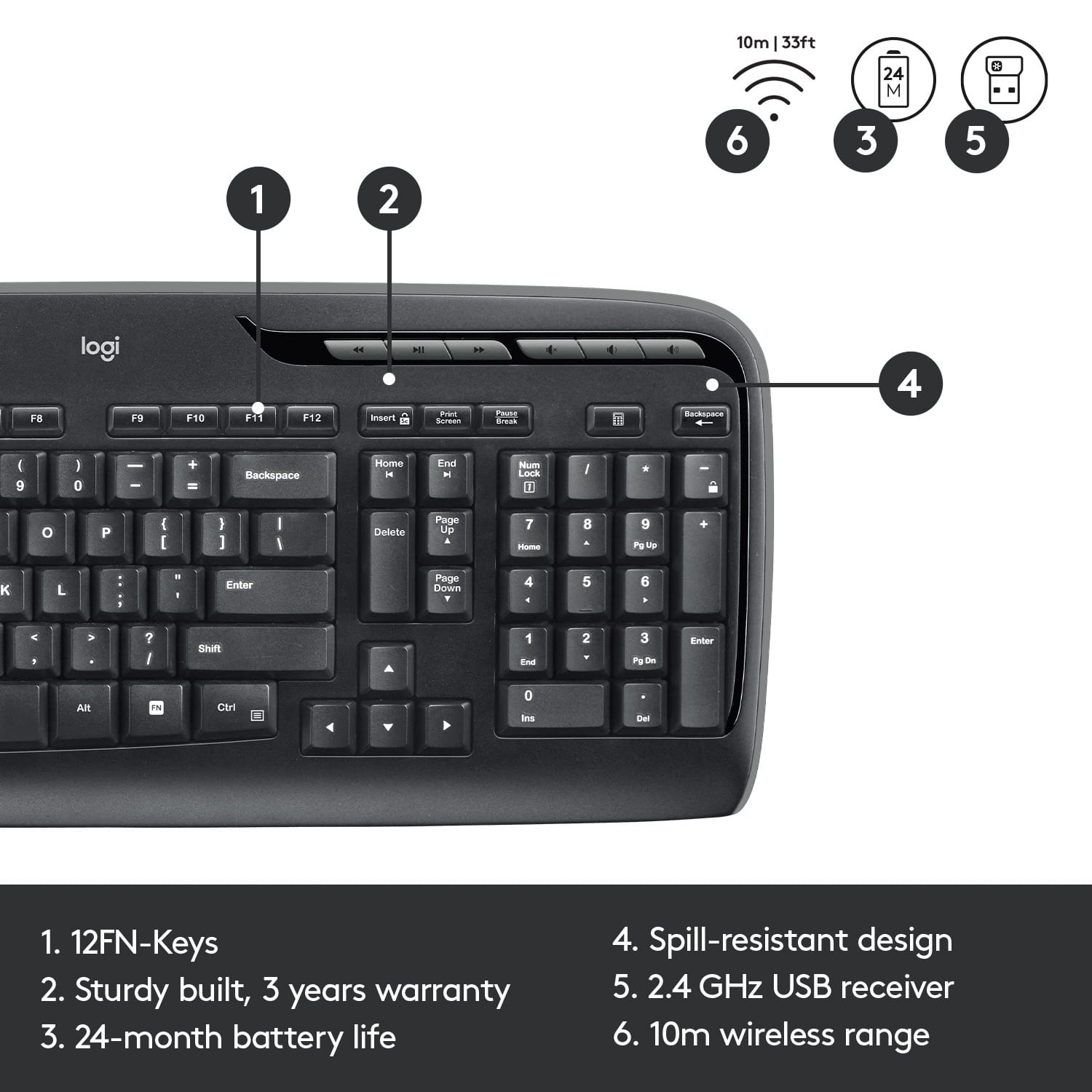
||Posted .This reviewer received promo considerations or sweepstakes entry for writing a review.BIG drawback. They do not have on light indicator, so it is not easy to tell if it's on. On off switch hard to operate.
No, I would not recommend this to a friendGreat Keyboard and Mouse
||Posted .This reviewer received promo considerations or sweepstakes entry for writing a review.Keyboard and mouse was very easy to set up and has worked great.
I would recommend this to a friendreview
||Posted .This reviewer received promo considerations or sweepstakes entry for writing a review.loved it at first but some buttons stopped working after a month or two
No, I would not recommend this to a friendgood product
||Posted .This reviewer received promo considerations or sweepstakes entry for writing a review.what i needed that was wireless for typing and using a computer
I would recommend this to a friendLogitech - Mk320 Wireless Keyboard And Mouse
||Posted .This reviewer received promo considerations or sweepstakes entry for writing a review.Ok keyboard and mouse for the money. I used another wireless mouse and this one just feels cheap. Wish I had bought the lighted keyboard!
No, I would not recommend this to a friendGreat
||Posted .This reviewer received promo considerations or sweepstakes entry for writing a review.Beautiful keyboard w lights. Very durable. We use it everyday!
I would recommend this to a friendWorst keyboard I’ve ever owned.
||Posted . Owned for 3 weeks when reviewed.This reviewer received promo considerations or sweepstakes entry for writing a review.This keyboard does not have a lights to tell you if you’re on capital lock or a number lock if I was in my 15 days return policy, I would have returned it.
No, I would not recommend this to a friendBrand response from Logitech
Posted .Thank you for your feedback. I’m sorry to hear the keyboard lacks indicator lights for Caps Lock and Num Lock, as I understand how important those features can be for convenience and usability. It’s unfortunate this detail wasn’t clear within your return window. To address this issue, we recommend reaching out to our social care team via email at socialcare@logitech.com with your
- Name:
- Email Address:
- Country:
- Product Name:
- Brief description of issue:
Nothing special
||Posted .This reviewer received promo considerations or sweepstakes entry for writing a review.Not a bad set but next time i'll buy better keyboard/mouse separately. Nothing wrong with it, but my $15 wired work keyboard is better
No, I would not recommend this to a friendGreat keyboard
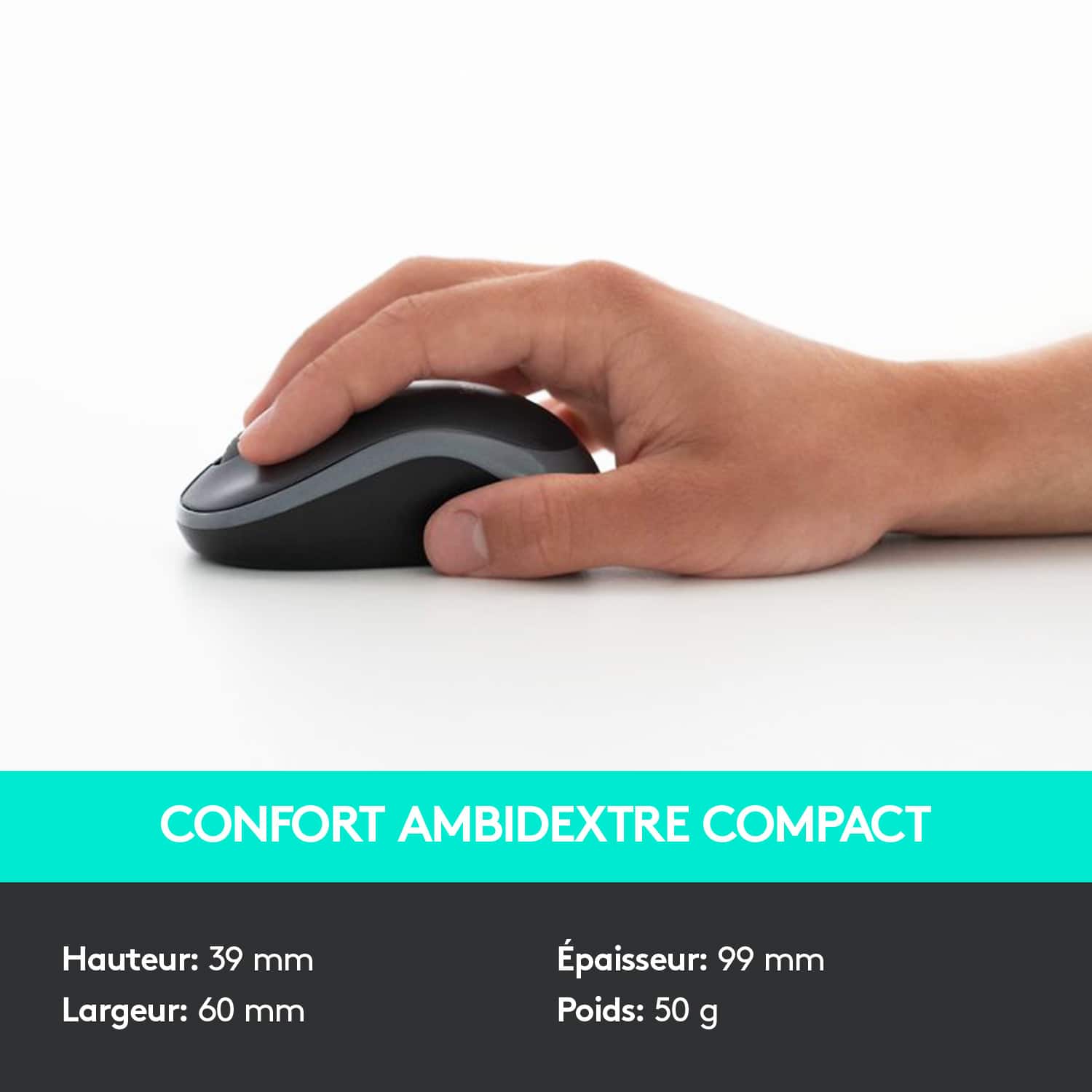
||Posted .This reviewer received promo considerations or sweepstakes entry for writing a review.Keyboard works great. The mouse works good but kind of small.
I would recommend this to a friendGreat
||Posted .This reviewer received promo considerations or sweepstakes entry for writing a review.Lightweight and compatible very easy to use daughter loved it
I would recommend this to a friendWorked Great Until it Didn’t...
||Posted . Owned for 6 months when reviewed.This reviewer received promo considerations or sweepstakes entry for writing a review.I’ve had this for 6 months and the USB receiver has already died, malfunctioning and now unreadable by multiple windows computers. I’m not sure how to troubleshoot this or buy a new receiver on its own if that’s even possible. Ok top of that, I’ve had issues with a sticky spacebar as well, causing typing/productivity issues for my job.
No, I would not recommend this to a friendBrand response from Logitech
Posted .Hello Ryan,
I am sorry that you have experienced an issue with the MK320 mouse and keyboard combo, I would like to help. If you have not already done so, I recommend downloading the “SetPoint” software for customization and best overall experience. I recommend reestablishing the connection between the keyboard/mouse and USB receiver. The “Connection Utility” software will allow you to reestablish the connection. I have attached a link with the “getting started” guides for the MK320, this download and “SetPoint” are in the “Downloads” tab. I hope this will resolve this issue. If you would like further assistance, you can contact Logitech support on this “getting started” page.
Best regards,
John at Logitech
https://support.logi.com/hc/en-us/articles/360024151614
HORRIBLE KEYBOARD
||Posted . Owned for 3 weeks when reviewed.This reviewer received promo considerations or sweepstakes entry for writing a review.Don’t buy this keyboard! There is no light that tells you whether the Caps or Numbers lock is on! I have to literally keep a word document open—then type a letter.. just to see if the Csps are on. I’m returning this piece of junk to Best Buy this weekend!
No, I would not recommend this to a friendBrand response from Logitech
Posted .Hello, thank you for sharing your experiences with the MK320. I'm sorry that the keyboard does not offer the Caps or Numb lock indicator on the keyboard. It can be an important feature for any and I'm sorry that it is not offered on this one. The MK540 has both Caps and Numb Lock indicators. I hope you are able to find a keyboard that works for you with the features you need. Thank you for being a Logitech customer. Kristi from Logitech
alright keyboard
||Posted .This reviewer received promo considerations or sweepstakes entry for writing a review.It is a nice combo. Does not work well with my laptop. Keys are loud! Should of purchased a flat keyboard
No, I would not recommend this to a friendLogitech Wireless Keyboard
||Posted . Owned for 1 month when reviewed.This reviewer received promo considerations or sweepstakes entry for writing a review.Right hand shift key hard for me to reach with my small finger and reach of my hand.
I would recommend this to a friendLogitech - MK 320 Wireless Keyboard
||Posted . Owned for 3 weeks when reviewed.This reviewer received promo considerations or sweepstakes entry for writing a review.Only the left "Shift Key" doesn't work. Otherwise, everything else is fine.
I would recommend this to a friendDoes well for my needs.
||Posted .This reviewer received promo considerations or sweepstakes entry for writing a review.Works as advertised. Always able to find right amount of product at best buy.
I would recommend this to a frienda simple keyboard
||Posted .This reviewer received promo considerations or sweepstakes entry for writing a review.its a nice keyboard keys could be a little bigger, and they can be a little softer and they should have a keyboard at night that the keys light up
I would recommend this to a friend