Customer Ratings & Reviews
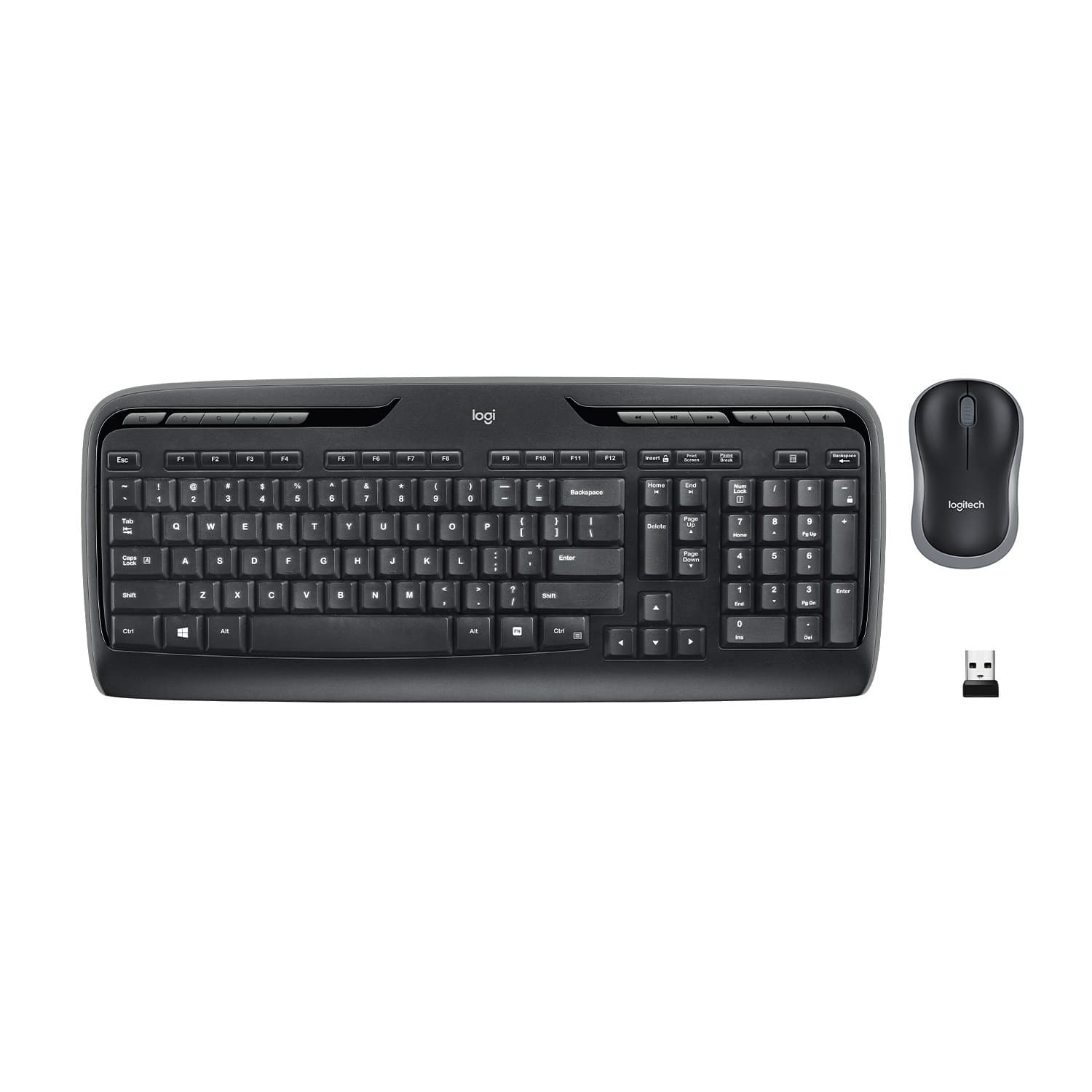
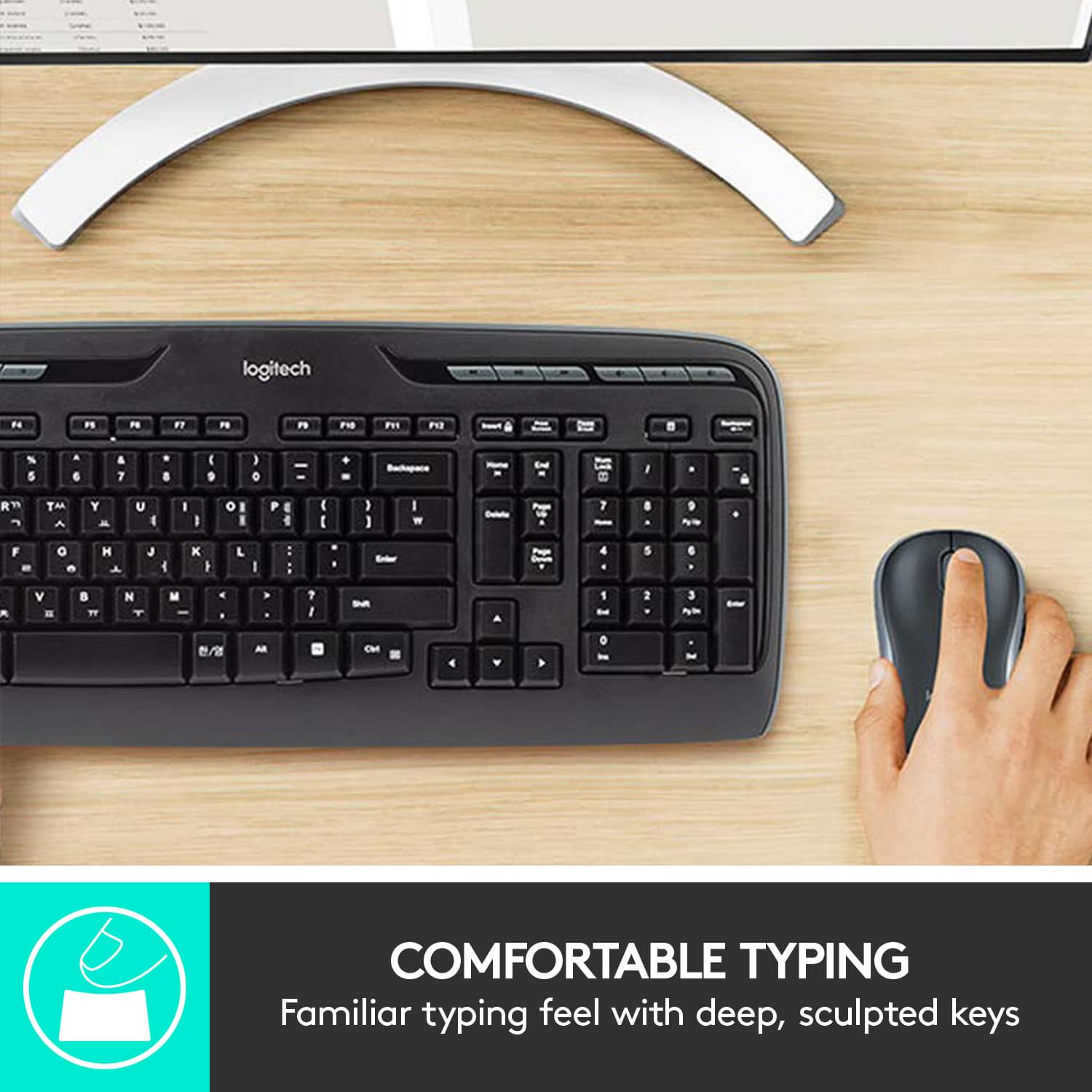
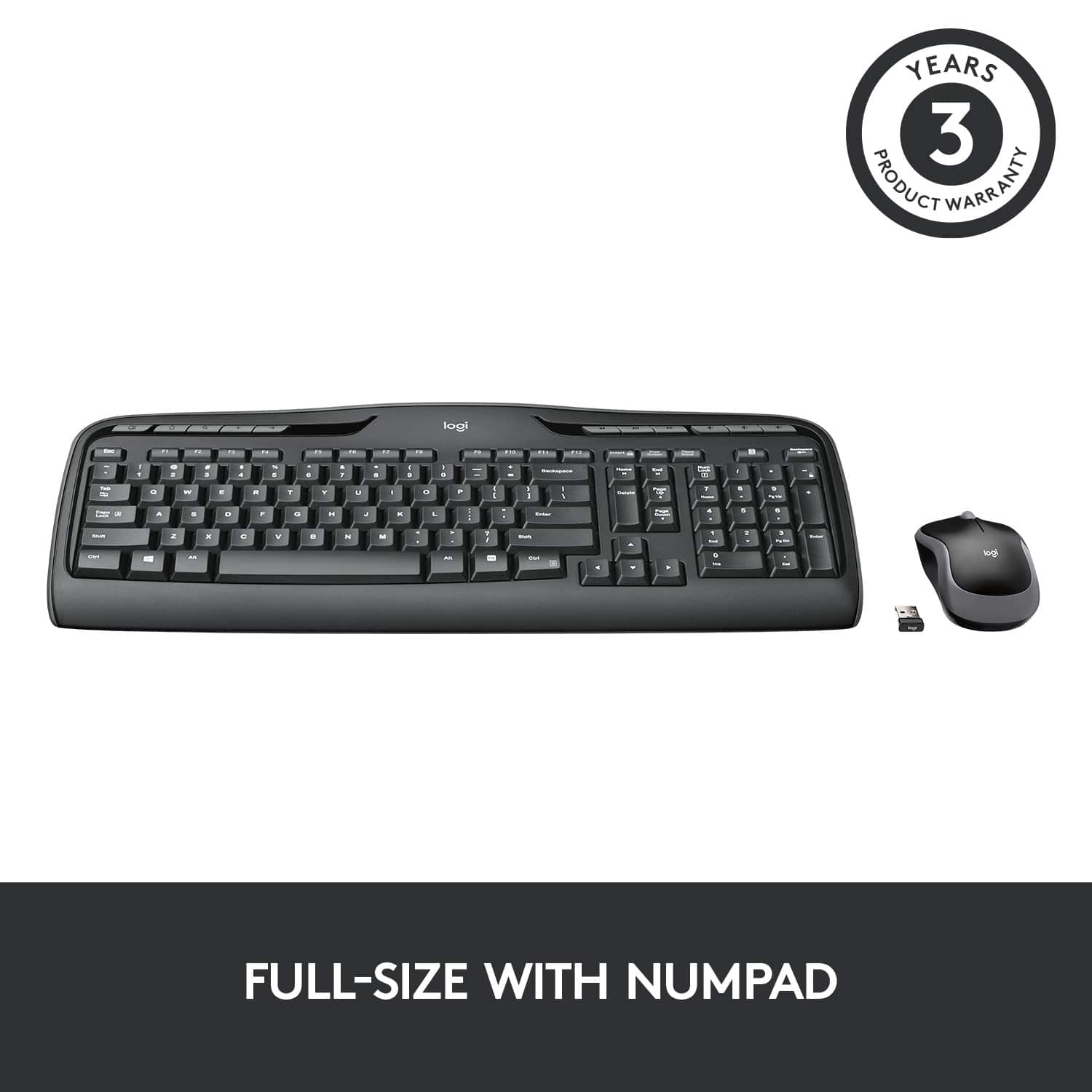
![% 5 T 6 Y H F5 & 7 U J M F6 * 8 I K < Alt F7 logi F8 { 9 F9 ) 0 F10 - o - F11 + P = { L E Backspace ) ] . I > I ? Enter Shift IN Ctrl A F12 .. Inseri i Smian PS Home H Break Par End I Delete Num Page Lock Up 7 Down Page Ho 8 4 5 1 End 2 0 3 Ins Po Dn / * 9 Pg -e 6 Enter f + Beckspase Det 11 SHORTCUT KEYS FOR PRODUCTIVITY](https://pisces.bbystatic.com/image2/BestBuy_US/images/products/808ee562-6ece-46d3-b599-9023a655f797.jpg)


- Model:
- 920-002836
- |
- SKU:
- 11529661
Customer reviews
Rating 4.6 out of 5 stars with 9180 reviews
(9,180 customer reviews)Rating by feature
- Value4.6
Rating 4.6 out of 5 stars
- Quality4.5
Rating 4.5 out of 5 stars
- Ease of Use4.7
Rating 4.7 out of 5 stars
Rated 5 out of 5 stars
Economical wireless combo
||Posted .This reviewer received promo considerations or sweepstakes entry for writing a review.This wireless keyboard and mouse have provided high end performance at a very affordable price. I highly recommend this mouse and keyboard.
This review is from Logitech - MK320 Full-size Wireless Membrane Keyboard and Mouse Bundle for PC - Black
I would recommend this to a friendRated 2 out of 5 stars
Mouse inoperative
||Posted . Owned for 1 month when reviewed.This reviewer received promo considerations or sweepstakes entry for writing a review.You have to click the mouse about four times and/or double click two to three, to get to the next screen.
This review is from Logitech - MK320 Full-size Wireless Membrane Keyboard and Mouse Bundle for PC - Black
No, I would not recommend this to a friendBrand response from Logitech
Posted .Hey there prophit, I'm sorry you had some issues with your MK320. I would recommend making sure the batteries are properly seated in the mouse as well as possibly trying a different USB port on your computer, one closer to the mouse if possible. -Weston from Logitech
Rated 2 out of 5 stars
The keys have to be pushed hard to work every time
||Posted . Owned for 3 weeks when reviewed.This reviewer received promo considerations or sweepstakes entry for writing a review.Not sure I'm very happy with this keyboard, the keys have to be hit pretty hard to get them to work every time. Maybe I got a bad one!
This review is from Logitech - MK320 Full-size Wireless Membrane Keyboard and Mouse Bundle for PC - Black
No, I would not recommend this to a friendBrand response from Logitech
Posted .Hi! Sorry to see you were unsatisfied with the design of the MK320 Combo. If you have any questions, please check out the Logitech support page at https://support.logi.com/hc/en-us/articles/360024325633 Hope that helps!
Rated 2 out of 5 stars
small mouse and large keyboard
||Posted . Owned for 3 weeks when reviewed.This reviewer received promo considerations or sweepstakes entry for writing a review.The mouse is too small, and that makes it hard to control. kept the keyboard, and bought a larger mouse
This review is from Logitech - MK320 Full-size Wireless Membrane Keyboard and Mouse Bundle for PC - Black
No, I would not recommend this to a friendBrand response from Logitech
Posted .Hello, mousenkeyboard! I'm sorry to hear about your experience with the MK320 combo. Thank you for the feedback on the mouse size! I will be passing this along. - Maggie from Logitech
Rated 5 out of 5 stars
Keyboard and mouse work great
||Posted . Owned for more than 2 years when reviewed.This reviewer received promo considerations or sweepstakes entry for writing a review.This is a great keyboard and mouse for home everyday use.
This review is from Logitech - MK320 Full-size Wireless Membrane Keyboard and Mouse Bundle for PC - Black
I would recommend this to a friendRated 2 out of 5 stars
keys not working very well
||Posted .This reviewer received promo considerations or sweepstakes entry for writing a review.I kept finding myself needing to re-type as things would be dropped. The mouse was fine. I ended up upgrading to a better version. I would skip this one
This review is from Logitech - MK320 Full-size Wireless Membrane Keyboard and Mouse Bundle for PC - Black
No, I would not recommend this to a friendRated 1 out of 5 stars
Displeased
||Posted . Owned for 3 weeks when reviewed.This reviewer received promo considerations or sweepstakes entry for writing a review.I plan on returning this keyboard when I return home. It is not consistent. Some times it works and some times it does not.
This review is from Logitech - MK320 Full-size Wireless Membrane Keyboard and Mouse Bundle for PC - Black
No, I would not recommend this to a friendBrand response from Logitech
Posted .Hello, We're sorry to hear that your Logitech MK320 keyboard hasn't been consistent and is malfunctioning sometimes. We understand that this can be frustrating, especially for a new product. We appreciate you letting us know and apologize for the inconvenience this has caused. Before you return it, we recommend reaching out to our social care team via email at socialcare@logitech.com with your
- Name:
- Email Address:
- Country:
- Product Name:
- Brief description of issue:
- Cons mentioned:Caps lock indicator
Rated 1 out of 5 stars
Does not have an indicator light for caps
||Posted . Owned for 1 month when reviewed.This reviewer received promo considerations or sweepstakes entry for writing a review.disappointed when using you do not have an indicator ligt that let u know when its in caps
This review is from Logitech - MK320 Full-size Wireless Membrane Keyboard and Mouse Bundle for PC - Black
No, I would not recommend this to a friendBrand response from Logitech
Posted .Hi marie, thanks for your feedback! You may prefer the MK540 upgrade, which does include a cap lock light indicator on the key. - Will, Logitech.
Rated 1 out of 5 stars
Keyboard
||Posted . Owned for 1 month when reviewed.This reviewer received promo considerations or sweepstakes entry for writing a review.Keyboard is garbage. Calculator button only worked a few times. If you press it when it doesn’t work a volume icon comes on the screen and the keyboard doesn’t work at all. Shut everything down rebooted everything and turned the keyboard back on the volume icon shows up again and keyboard doesn’t work at all.
This review is from Logitech - MK320 Full-size Wireless Membrane Keyboard and Mouse Bundle for PC - Black
No, I would not recommend this to a friendBrand response from Logitech
Posted .Hi JaxieBro,
Thank you for your feedback. Sorry you are having issues with your keyboard. Here are possible solutions:
If your keyboard is not working, the problem is likely to be a lost connection. The connection between the keyboard and the USB receiver can be lost for several reasons. Make sure you have fresh batteries in your keyboard. Make sure your keyboard is turned on. Make sure the USB receiver is securely plugged directly into a working USB port on your computer. Turn your computer on download the correct version of Logitech SetPoint Mouse and Keyboard Software.
If you need further assistance, please contact Logitech Support on the website.
LaShonda from Logitech
Rated 1 out of 5 stars
Horrible wireless connection
||Posted . Owned for 7 months when reviewed.This reviewer received promo considerations or sweepstakes entry for writing a review.This mouse keyboard set is awful. The mouse and keyboard have to be withing 18" of the dongle plugged into the computer to connect, and frequently loses connection. Further, the connections interfere with each other. If the mouse is on the far side of the keyboard, it will not connect.
This review is from Logitech - MK320 Full-size Wireless Membrane Keyboard and Mouse Bundle for PC - Black
No, I would not recommend this to a friendRated 2 out of 5 stars
Not compatible with smart tv
||Posted .This reviewer received promo considerations or sweepstakes entry for writing a review.I give this a 2 star because the reviews say its works with the Samsung smart TV. It does not. So I cant really say how good or bad the product is
This review is from Logitech - MK320 Full-size Wireless Membrane Keyboard and Mouse Bundle for PC - Black
I would recommend this to a friend- Cons mentioned:Caps lock indicator
Rated 1 out of 5 stars
Not very convenient
||Posted . Owned for 7 months when reviewed.This reviewer received promo considerations or sweepstakes entry for writing a review.There is no light for the caps lock, and it is taff to say whether it is on or off.
This review is from Logitech - MK320 Full-size Wireless Membrane Keyboard and Mouse Bundle for PC - Black
No, I would not recommend this to a friendBrand response from Logitech
Posted .Hi! Sorry to see you were unsatisfied with the design of the MK320 Combo. If you have any questions, please check out the Logitech support page at https://support.logi.com/hc/en-us/articles/360024325633 Hope that helps!
Rated 2 out of 5 stars
Ok for Temporary because is cheap
||Posted .This reviewer received promo considerations or sweepstakes entry for writing a review.The reception range is not really good anything block in front of it stop it, my range is around 8 feet. So time it pop escape or something. Unreliable for gaming use.
This review is from Logitech - MK320 Full-size Wireless Membrane Keyboard and Mouse Bundle for PC - Black
No, I would not recommend this to a friendRated 2 out of 5 stars
had to return
||Posted .This reviewer received promo considerations or sweepstakes entry for writing a review.I purchased an antenna, trying to get the NBC station, I purchased 4 and returned 4, I could get all the other stations, but the NBC station, very strange
This review is from Logitech - MK320 Full-size Wireless Membrane Keyboard and Mouse Bundle for PC - Black
No, I would not recommend this to a friendRated 2 out of 5 stars
Delay made this impossible - returned product
||Posted .This reviewer received promo considerations or sweepstakes entry for writing a review.I noticed a considerable delay from typing to showing on the screen. Made things difficult to perform tasks. Had to return product. Would not recommend.
This review is from Logitech - MK320 Full-size Wireless Membrane Keyboard and Mouse Bundle for PC - Black
No, I would not recommend this to a friendRated 1 out of 5 stars
Poor performance
||Posted .This reviewer received promo considerations or sweepstakes entry for writing a review.Long lag when typing on keyboard unless right by computer. Horrible range for wireless keyboard.
This review is from Logitech - MK320 Full-size Wireless Membrane Keyboard and Mouse Bundle for PC - Black
No, I would not recommend this to a friendBrand response from Logitech
Posted .We apologize for the lag and poor range issues you're experiencing with the Logitech MK320. To get that issue resolved, we recommend reaching out to our social care team via email at socialcare@logitech.com with your
- Name:
- Email Address:
- Country:
- Product Name:
- Brief description of issue:
Rated 1 out of 5 stars
Didn't work for me.
||Posted . Owned for 3 weeks when reviewed.This reviewer received promo considerations or sweepstakes entry for writing a review.This was supposed to replace my existing wireless keyboard and mouse. But, It didn't work on my computer. Did not even register when I put the dongle in. My computer is old, but I would assume if my other one worked, so shall this one. But it did not. I had to return it. After I purchase a new computer, I'll get another Logitech and hopefully that'll work.
This review is from Logitech - MK320 Full-size Wireless Membrane Keyboard and Mouse Bundle for PC - Black
No, I would not recommend this to a friendBrand response from Logitech
Posted .Hi JasonS, thank you for sharing your experience with the MK320. I'm sorry that it didn't work with your computer/laptop. In some instances the USB dongle can be put in a different USB port and work. I hope you give that a try. I hope you find a suitable solution for your situation. Thank you for being a Logitech customer. Kristi from Logitech
Rated 1 out of 5 stars
I did not need this but bought it because Tech su
||Posted . Owned for 1 month when reviewed.This reviewer received promo considerations or sweepstakes entry for writing a review.Tech support failed to find and fix problem with the mouse/keyboard on my NEW system by remote. I have Total Tech Support which is an absolute JOKE as they have been NO Suppot at all and I am still struggling with what is evidently a hardware problem and cannot get it fixed. I will probably never buy anything from BEST BUY again and will not ever enroll in any Geek Squad program either.
This review is from Logitech - MK320 Full-size Wireless Membrane Keyboard and Mouse Bundle for PC - Black
No, I would not recommend this to a friendRated 1 out of 5 stars
Doesn't work
||Posted .This reviewer received promo considerations or sweepstakes entry for writing a review.Apparently my experience has not been the same as other purchasers. I wanted to use this for a desktop computer. It wont pick up the signal unless the tower is on top of the desk. Batteries died after 2 weeks. 15 day return policy means I cannot return. Purchasing new keyboard/mouse that go into traditional ps2 ports to replace.
This review is from Logitech - MK320 Full-size Wireless Membrane Keyboard and Mouse Bundle for PC - Black
No, I would not recommend this to a friendRated 2 out of 5 stars
wireless keyboard/mouse
||Posted . Owned for 3 weeks when reviewed.This reviewer received promo considerations or sweepstakes entry for writing a review.Inexpensive but way not very good. Had to replace it immediately. Try the MK540.
This review is from Logitech - MK320 Full-size Wireless Membrane Keyboard and Mouse Bundle for PC - Black
No, I would not recommend this to a friendBrand response from Logitech
Posted .Hello, senor! I'm sorry to hear about your experience with the MK320 combo. However, I'm glad to hear you're enjoying your MK540 combo, instead! Feel free to reach out to our support team here https://support.logi.com/hc/en-us/requests/new?ticket_form_id=360000621393 if you ever need any assistance or if something happens in the MK540's 1-year limited hardware warranty. Thank you for the feedback on the MK320 combo! I will be passing this along. - Maggie from Logitech