Customer Ratings & Reviews
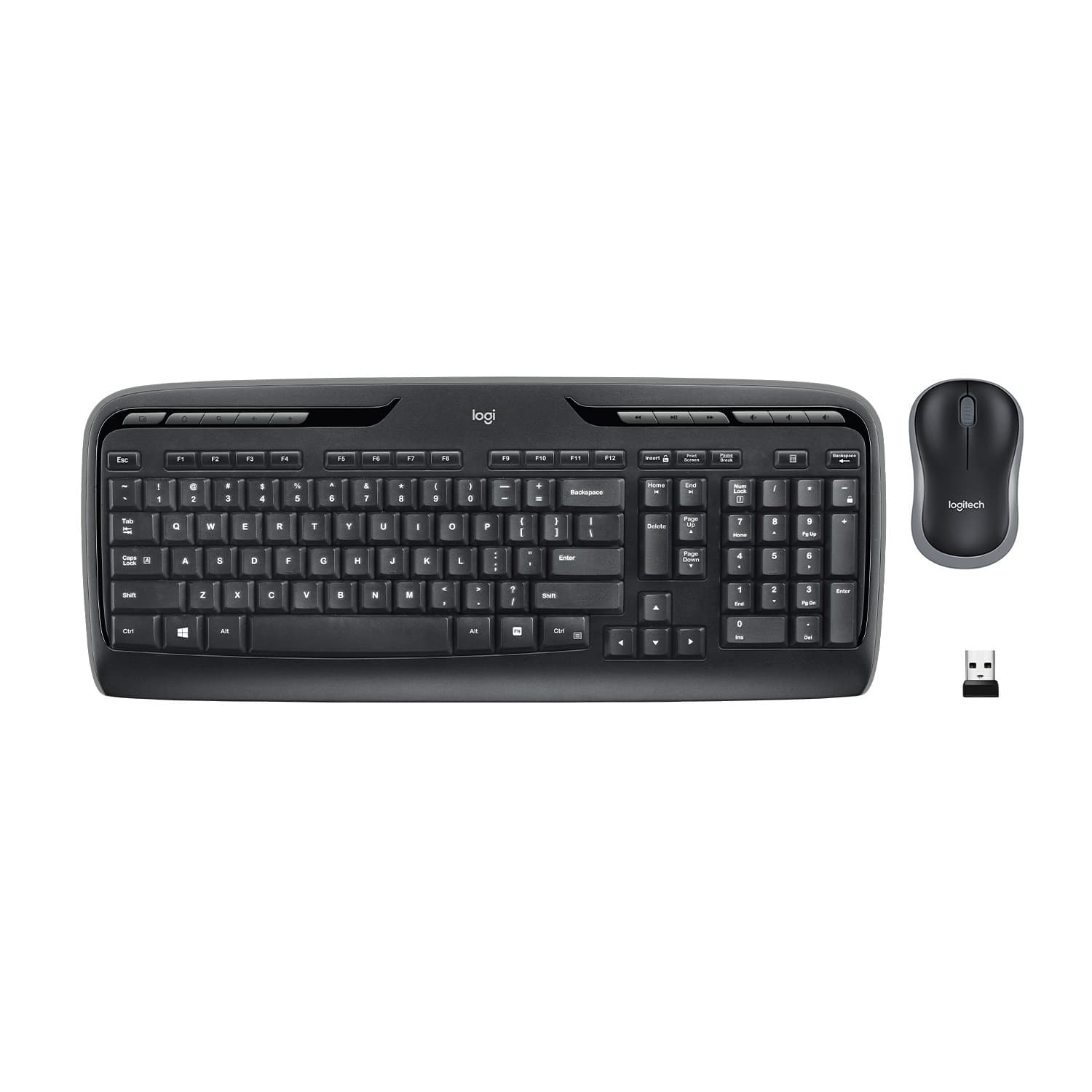
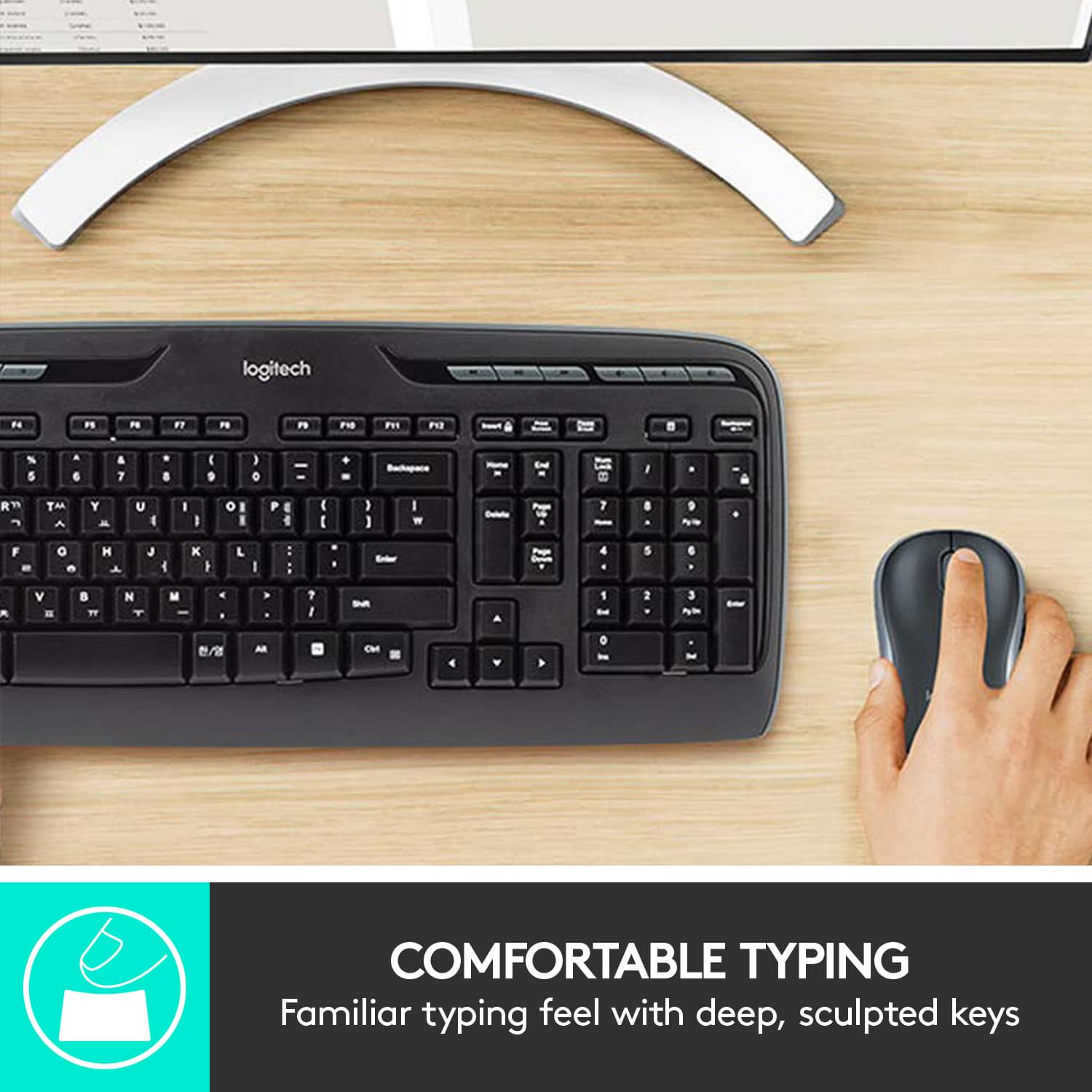
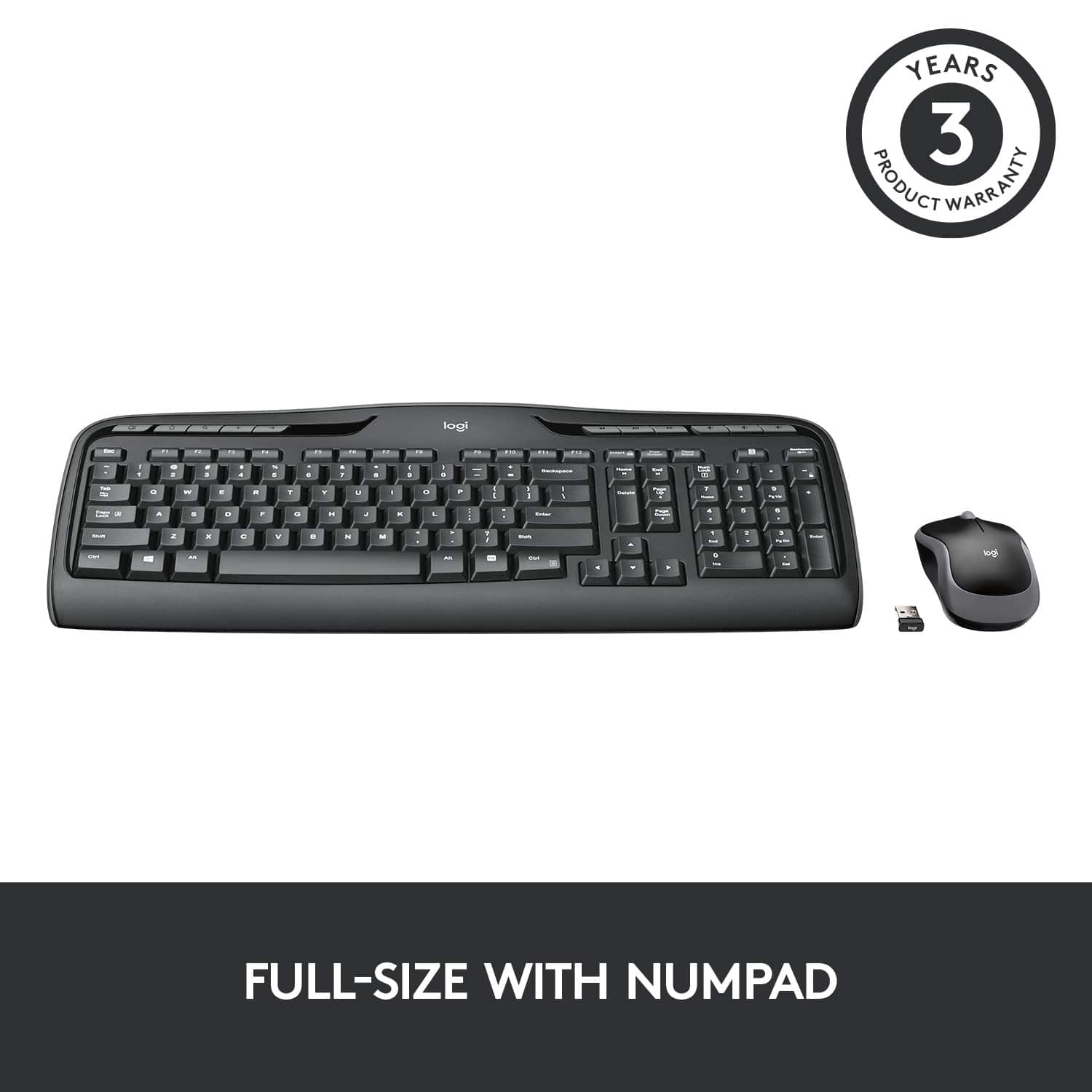
![% 5 T 6 Y H F5 & 7 U J M F6 * 8 I K < Alt F7 logi F8 { 9 F9 ) 0 F10 - o - F11 + P = { L E Backspace ) ] . I > I ? Enter Shift IN Ctrl A F12 .. Inseri i Smian PS Home H Break Par End I Delete Num Page Lock Up 7 Down Page Ho 8 4 5 1 End 2 0 3 Ins Po Dn / * 9 Pg -e 6 Enter f + Beckspase Det 11 SHORTCUT KEYS FOR PRODUCTIVITY](https://pisces.bbystatic.com/image2/BestBuy_US/images/products/808ee562-6ece-46d3-b599-9023a655f797.jpg)


- Model:
- 920-002836
- |
- SKU:
- 11529661
Customer reviews
Rating 4.6 out of 5 stars with 9180 reviews
(9,180 customer reviews)Rating by feature
- Value4.6
Rating 4.6 out of 5 stars
- Quality4.5
Rating 4.5 out of 5 stars
- Ease of Use4.7
Rating 4.7 out of 5 stars
Rated 2 out of 5 stars
Listed 2 months before not working
||Posted .This reviewer received promo considerations or sweepstakes entry for writing a review.Good thing I bought the product replacement warranty.
This review is from Logitech - MK320 Full-size Wireless Membrane Keyboard and Mouse Bundle for PC - Black
No, I would not recommend this to a friendRated 1 out of 5 stars
do not purchase
||Posted . Owned for 2 weeks when reviewed.This reviewer received promo considerations or sweepstakes entry for writing a review.Poor quality and doesn't work. The bluetooth connection constantly cuts out and now I'm past the return window. Now I have to buy a brand new keyboard and mouse after only a few weeks of use. Do not recommend.
This review is from Logitech - MK320 Full-size Wireless Membrane Keyboard and Mouse Bundle for PC - Black
No, I would not recommend this to a friendBrand response from Logitech
Posted .Hi Whitk,
Thank you for your feedback. It is greatly appreciated. If you ever need assistance, please contact Logitech Support on the website.
LaShonda from Logitech
Rated 1 out of 5 stars
Worked for 6 mo's., 6 days, and 6 hours
||Posted .This reviewer received promo considerations or sweepstakes entry for writing a review.After just six months, this keyboard began to fail. Typing became intermittent, delayed or just plain stopped. I thought maybe it needed new batteries, but not the case after two new sets of battery changes. I have no idea why, but to me, it lacks quality.
This review is from Logitech - MK320 Full-size Wireless Membrane Keyboard and Mouse Bundle for PC - Black
No, I would not recommend this to a friendRated 1 out of 5 stars
Not worth it
||Posted . Owned for 1 month when reviewed.This reviewer received promo considerations or sweepstakes entry for writing a review.The mouse is horrible. It doesn’t keep up with your movements. No issues with the keyboard. Feels cheaply made.
This review is from Logitech - MK320 Full-size Wireless Membrane Keyboard and Mouse Bundle for PC - Black
No, I would not recommend this to a friendBrand response from Logitech
Posted .Hi Ljjc77,
I am sorry that your new Logitech mouse and keyboard combo didn't meet your expectations. I suggest you try to change the mouse pad or add a mouse pad. Sometimes the surface on which the mouse is working may interfere with the optical receptor. I hope that you find this helpful information. Logitech appreciates your input.
- Leo from Logitech
Rated 1 out of 5 stars
Doesn't work well
||Posted .This reviewer received promo considerations or sweepstakes entry for writing a review.I am constantly having to pick up and move around my keyboard to get the characters to show up on my screen. There is a big lag time and it often doesn't work at all. I am very disappointed with this product.
This review is from Logitech - MK320 Full-size Wireless Membrane Keyboard and Mouse Bundle for PC - Black
No, I would not recommend this to a friendBrand response from Logitech
Posted .Hello, we are sorry to hear about your issues with the MK320 and its receiver. At Logitech, it is our goal to ensure you are completely satisfied with your Logitech purchase. We take pride in the products and services we offer, and want our customers to enjoy them just as much as we do. If you ever experience any issues with our products, please reach out to us on our Logitech support website so we can help out. Hope you have a great day!
Rated 1 out of 5 stars
Didn't last long
||Posted . Owned for 4 months when reviewed.This reviewer received promo considerations or sweepstakes entry for writing a review.Quit working after 4 months. Will try to see how good their warranty is.
This review is from Logitech - MK320 Full-size Wireless Membrane Keyboard and Mouse Bundle for PC - Black
No, I would not recommend this to a friendBrand response from Logitech
Posted .That's unexpected! In order to help you effectively, please provide your information to our support team by emailing socialcare@logitech.com. Name – Email address – Country – Product name – Brief description of the issue –
Rated 1 out of 5 stars
Keyboard was not recognized by any computers
||Posted . Owned for less than 1 week when reviewed.This reviewer received promo considerations or sweepstakes entry for writing a review.This keyboard wasn’t recognized by my brand new Dell or iMac…. Definitely not worth buying this item. Spend the extra dollar and do Microsoft instead.
This review is from Logitech - MK320 Full-size Wireless Membrane Keyboard and Mouse Bundle for PC - Black
No, I would not recommend this to a friendBrand response from Logitech
Posted .Hi Xohxoh,
I am sorry that the MK320 didn't work as you expected. Logitech appreciates your product insight.
- Leo from Logitech
Rated 1 out of 5 stars
Do not purchase.
||Posted . Owned for 2 months when reviewed.This reviewer received promo considerations or sweepstakes entry for writing a review.This keyboard does not work very well. It lags behind and is slow to respond. I have moved the USB to other ports and all have received the same result. By far the worst wireless keyboard I have ever purchased.
This review is from Logitech - MK320 Full-size Wireless Membrane Keyboard and Mouse Bundle for PC - Black
No, I would not recommend this to a friendRated 1 out of 5 stars
Garbage. Stops working after a few months.
||Posted . Owned for 7 months when reviewed.This reviewer received promo considerations or sweepstakes entry for writing a review.I hate this keyboard. It stops working in the middle of me typing for several minutes. Does this multiple times per day. I wish I could return this piece of junk. Do not buy this keyboard!
This review is from Logitech - MK320 Full-size Wireless Membrane Keyboard and Mouse Bundle for PC - Black
No, I would not recommend this to a friendBrand response from Logitech
Posted .Hello, I am so sorry to hear about the issues you are having with the keyboard! There is something we can try before we get you a replacement. the keyboard may need a firmware update. Here is the link for that: https://download01.logi.com/web/ftp/pub/techsupport/keyboards/FirmwareUpdateTool_1.2.169_x64.exe. If you are still having issues after this. Please visit the support page for this item on Logitech.com in order to file a claim for a new one. I hope this was helpful! Thank you for taking the time to write this review, we appreciate the feedback.
Rated 1 out of 5 stars
Broke after a few weeks
||Posted .This reviewer received promo considerations or sweepstakes entry for writing a review.This keyboard quit working after only a few weeks. Many of the keys no longer work. Best Buy would not exchange it for a new one. I am very disappointed.
This review is from Logitech - MK320 Full-size Wireless Membrane Keyboard and Mouse Bundle for PC - Black
No, I would not recommend this to a friendBrand response from Logitech
Posted .Hello, we are sorry to hear about your issue with the MK320. At Logitech, it is our goal to ensure you are completely satisfied with your Logitech purchase. We take pride in the products and services we offer, and want our customers to enjoy them just as much as we do. If you ever experience any issues with our products, please reach out to us on our Logitech support website so we can help out. Hope you have a great day!
Rated 1 out of 5 stars
Logitech keyboard
||Posted . Owned for 9 months when reviewed.This reviewer received promo considerations or sweepstakes entry for writing a review.Purchased for Logitech name but extremely disappointed. Quit working within 6 months for no reason. Mouse never worked in sync with keyboard. Very disappointed.
This review is from Logitech - MK320 Full-size Wireless Membrane Keyboard and Mouse Bundle for PC - Black
No, I would not recommend this to a friendBrand response from Logitech
Posted .Hi, we're sorry to see you're having some connectivity issues with your MK320 Combo. If your combo kept losing connection to the dongle, you can always reconnect them with the Logitech Connection Utility. Here is the link: https://support.logi.com/hc/en-us/articles/360025141574.Hope that helps.
Rated 1 out of 5 stars
Crap product with crap customer support
||Posted . Owned for 4 months when reviewed.This reviewer received promo considerations or sweepstakes entry for writing a review.Quit working 5 months later and Customer Support was NO help.
This review is from Logitech - MK320 Full-size Wireless Membrane Keyboard and Mouse Bundle for PC - Black
No, I would not recommend this to a friendBrand response from Logitech
Posted .It's disappointing to hear and it's surely not what we expect to deliver. In order to help you effectively, please provide your information to our support team by emailing socialcare@logitech.com. Name – Email address – Country – Product name – Brief description of the issue –
Rated 1 out of 5 stars
not all keys working
||Posted .This reviewer received promo considerations or sweepstakes entry for writing a review.The 'e' key is hanging, sometime it works, sometime it doesn't. The NumLock mechanism isn't working at all, I can never use the keypad to enter numbers. Too bad. I like the mouse. But the keyboard is trash.
This review is from Logitech - MK320 Full-size Wireless Membrane Keyboard and Mouse Bundle for PC - Black
No, I would not recommend this to a friendRated 1 out of 5 stars
Madhatter
||Posted . Owned for 4 months when reviewed.This reviewer received promo considerations or sweepstakes entry for writing a review.Junk. Delays between keystrokes. Keyboard looks and feels cheap. Spent 2x the money for upgrade and should have done that the first time. Would not buy again
This review is from Logitech - MK320 Full-size Wireless Membrane Keyboard and Mouse Bundle for PC - Black
No, I would not recommend this to a friendBrand response from Logitech
Posted .Hello Madhatter, I'm sorry to hear that you've been having some issues with the keyboard from your MK320 combo. It sounds like a connectivity issue, so I would recommend switching the USB to one closer to your keyboard with possibly less obstructions, and perhaps make sure the batteries are properly seated inside the keyboard.
Rated 1 out of 5 stars
Does not work
||Posted .This reviewer received promo considerations or sweepstakes entry for writing a review.Had to exchange it 3 times and it never worked; i had to keep it as best buy would not give me my money back, even though i had the receipt! They would not take the keyboard back, not even in exchange for store credit!
This review is from Logitech - MK320 Full-size Wireless Membrane Keyboard and Mouse Bundle for PC - Black
No, I would not recommend this to a friendRated 1 out of 5 stars
Very disappointed
||Posted . Owned for less than 1 week when reviewed.This reviewer received promo considerations or sweepstakes entry for writing a review.Did not work, went to an exchange still does not work
This review is from Logitech - MK320 Full-size Wireless Membrane Keyboard and Mouse Bundle for PC - Black
No, I would not recommend this to a friendBrand response from Logitech
Posted .Sorry about the experience. In order to help you effectively, please provide your information to our support team by emailing socialcare@logitech.com. Name – Email address – Country – Product name – Brief description of the issue –
Rated 1 out of 5 stars
it was came faulty in box.
||Posted .This reviewer received promo considerations or sweepstakes entry for writing a review.Unifying receiver does not work with window 10. I opened box after initial purchase and it seems faulty product. Very disappointed with Logitech product which does not last in box.
This review is from Logitech - MK320 Full-size Wireless Membrane Keyboard and Mouse Bundle for PC - Black
No, I would not recommend this to a friendRated 1 out of 5 stars
Keyboard doesn’t respond at time
||Posted . Owned for 4 months when reviewed.This reviewer received promo considerations or sweepstakes entry for writing a review.The keyboard doesn’t respond very well. Sometime o type and nothing happens which is very annoying. I wouldn’t recommend this product.
This review is from Logitech - MK320 Full-size Wireless Membrane Keyboard and Mouse Bundle for PC - Black
No, I would not recommend this to a friendBrand response from Logitech
Posted .Sorry to hear that you are unsatisfied with your MK320. We are always looking for ways to improve our products, so we appreciate your review. Please see these quick tips on connectivity:
If your MK320 keyboard isn't working, the problem is likely a lost connection. The connection between the keyboard and the Unifying receiver can be lost for several reasons, such as:
Low battery levels
Moving the receiver from one USB port to another
Moving the receiver to another computer
Plugging the receiver into a USB hub or other unsupported device such as a KVM switch (NOTE: Your receiver must be plugged directly into your computer.)
Using your wireless keyboard on metal surfaces
Radio frequency (RF) interference from other sources, such as:
Wireless speakers
Computer power supplies
Monitors
Cell phones
Garage door openers
Before reconnecting your keyboard:
1)Try to rule out potential problem sources that might be affecting your keyboard, including those listed above.
2)Make sure you have fresh batteries in your keyboard (see answer 360023242474 for instructions).
3)Make sure the keyboard is turned on (see answer 360023242474 for instructions).
4)Make sure the receiver is securely plugged directly into a working USB port on your computer.
5)Turn your computer on.
Reconnecting your keyboard:
1)Download the correct version of the Logitech SetPoint mouse and keyboard software from the MK320 Downloads page.
2)Launch the Logitech Unifying Software:
Windows: Start > Programs > Logitech > Unifying > Logitech Unifying Software
3)Click Next at the bottom of the Welcome screen.
4)Follow the on-screen instructions to turn your keyboard off and then back on.
5)When your keyboard is detected, you'll see a confirmation message. If you can type in the testing box, select Yes and then click Next. Otherwise, repeat from step #4.
6)Click Finish to exit the Logitech Unifying Software. Your keyboard should now be connected.
If you ever have additional feedback or questions regarding Logitech products, feel free to visit https://support.logi.com/hc/en-us Thanks, -Logitech
Rated 1 out of 5 stars
the day after
||Posted .This reviewer received promo considerations or sweepstakes entry for writing a review.it will fail right one day after the guarantee expires. Do not buy this!
This review is from Logitech - MK320 Full-size Wireless Membrane Keyboard and Mouse Bundle for PC - Black
No, I would not recommend this to a friendBrand response from Logitech
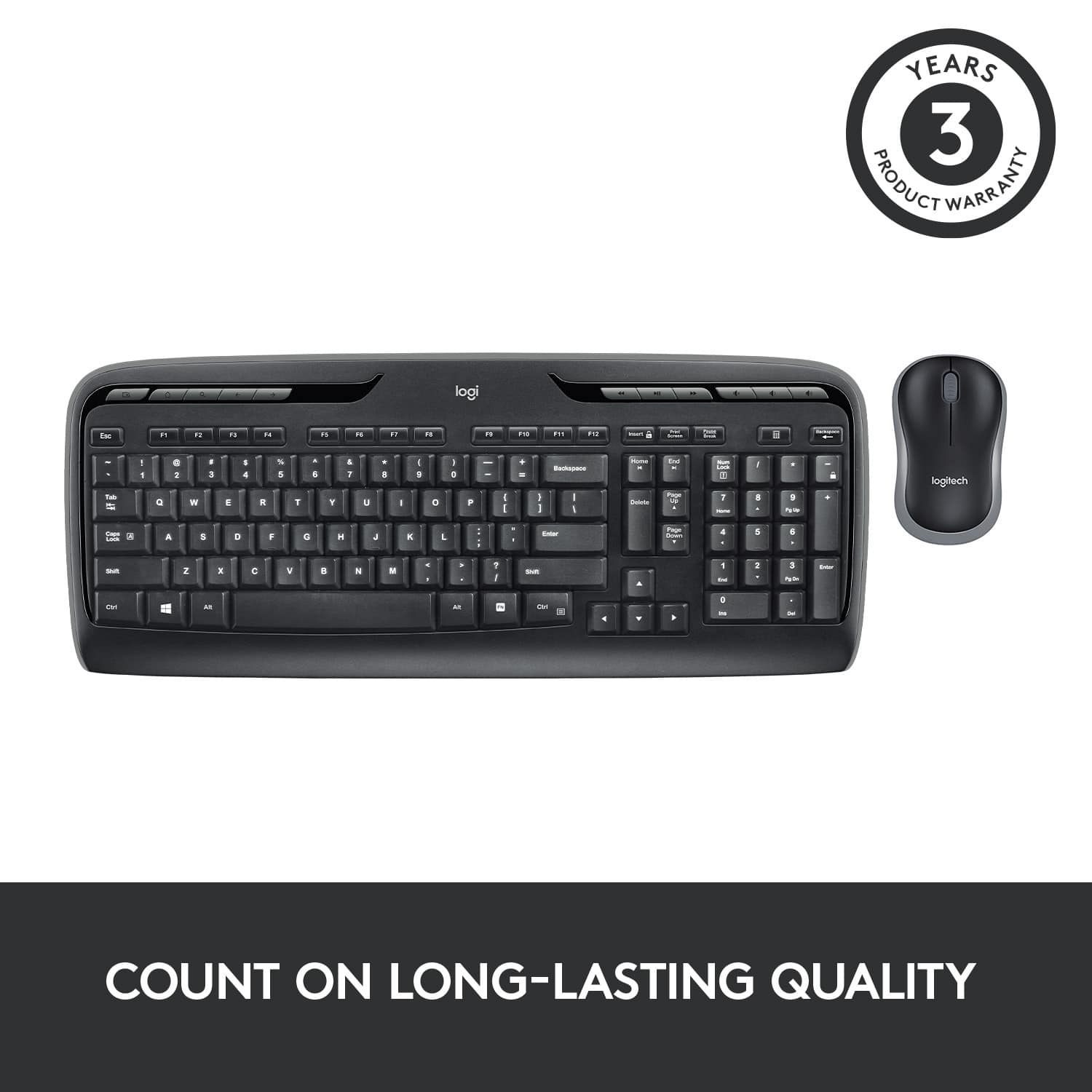
Posted .Hello, Oscar! I'm sorry to hear your MK320 failed on you! I would recommend reaching out to our support team here https://support.logi.com/hc/en-us/requests/new?ticket_form_id=360000621393 to file a warranty claim. The MK320 has a 3-year limited hardware warranty. Thank you so much for the feedback! I will be passing this along. - Maggie from Logitech
Rated 1 out of 5 stars
Keyboard faulty
||Posted . Owned for 3 weeks when reviewed.This reviewer received promo considerations or sweepstakes entry for writing a review.I purchased this product. Several keys stick and does not work properly. Have to return. Very disappointed.
This review is from Logitech - MK320 Full-size Wireless Membrane Keyboard and Mouse Bundle for PC - Black
No, I would not recommend this to a friendBrand response from Logitech
Posted .Hi Shelly,
Thank you for your feedback. It's greatly appreciated. For further assistance please contact Logitech Support on the website.
LaShonda from Logitech