Customer Ratings & Reviews
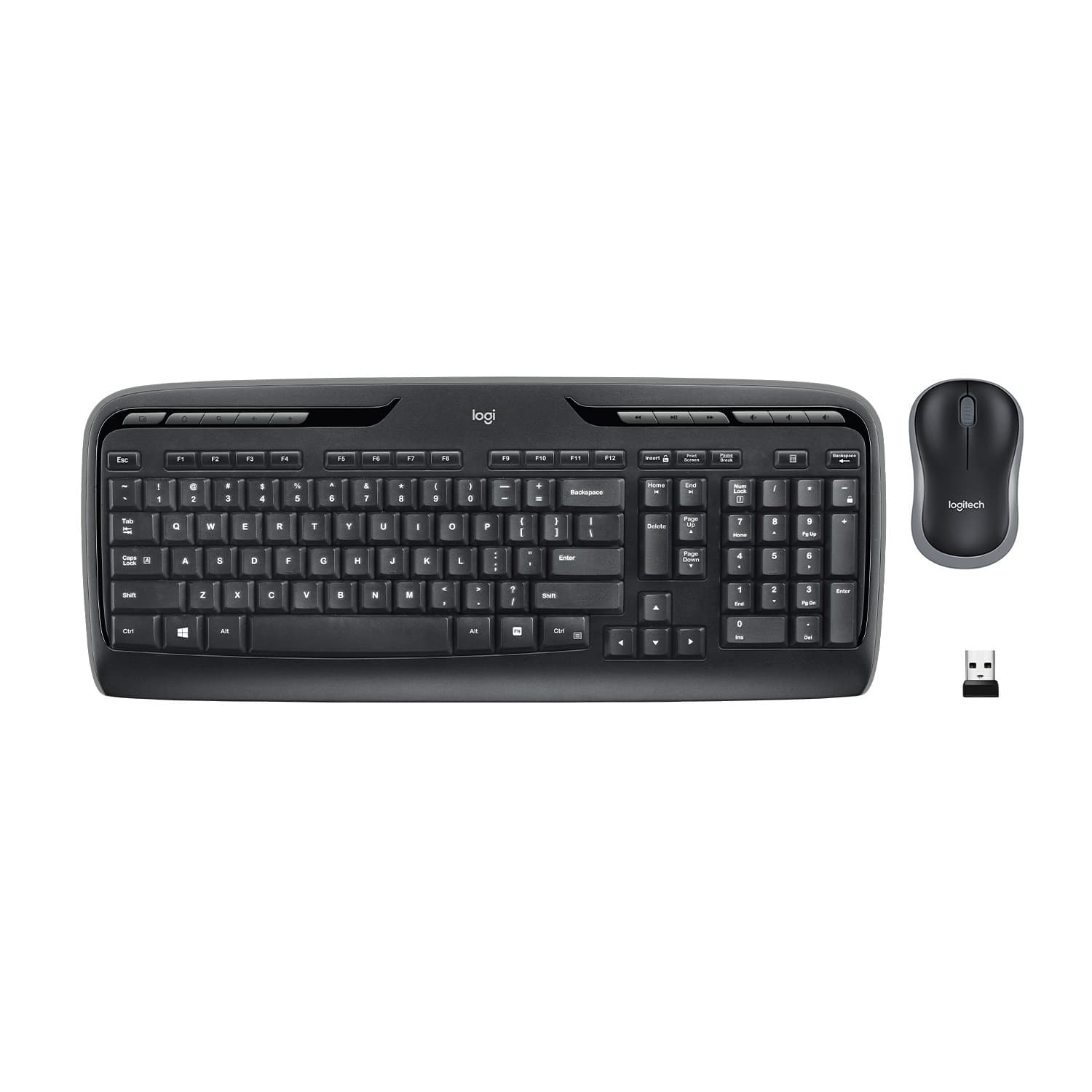
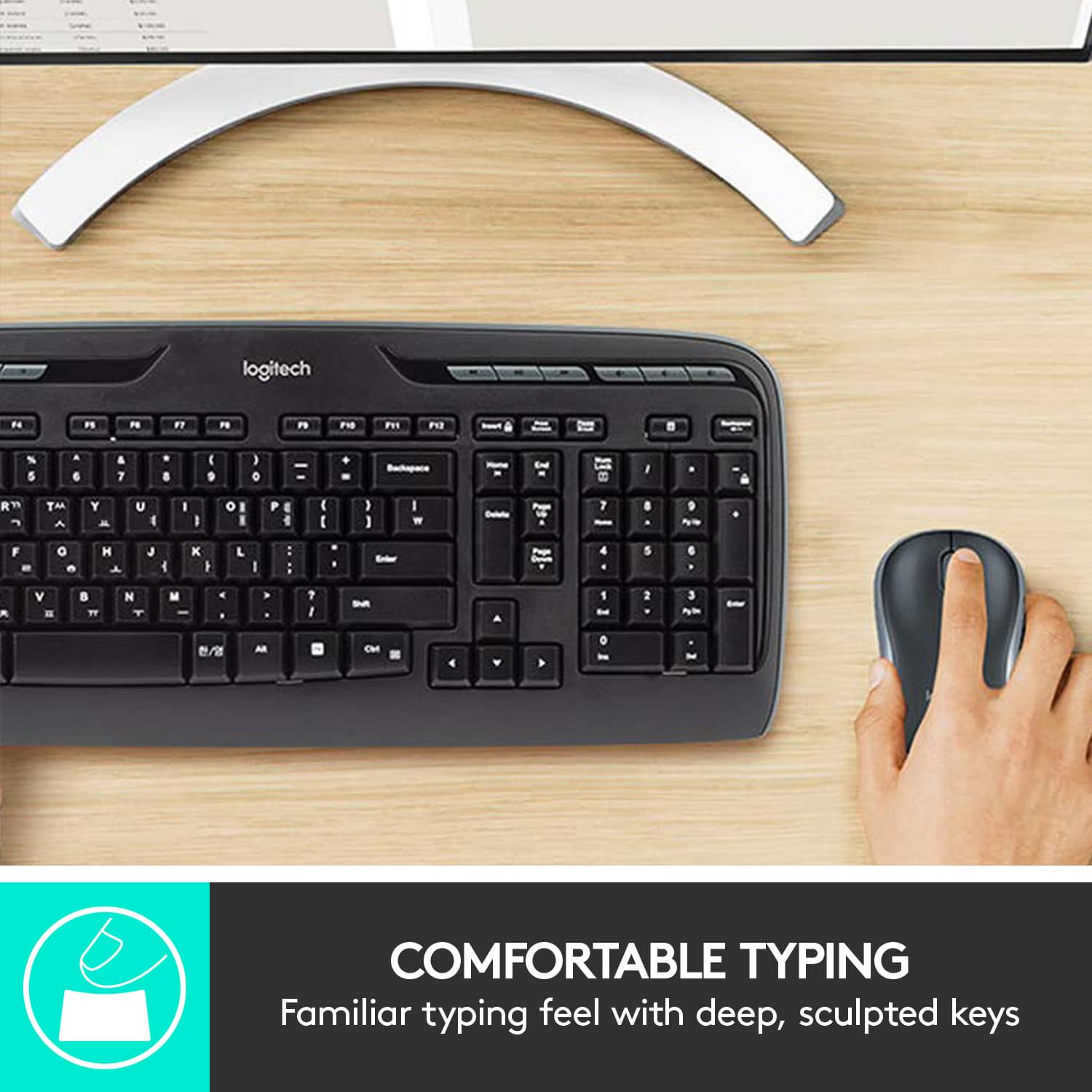
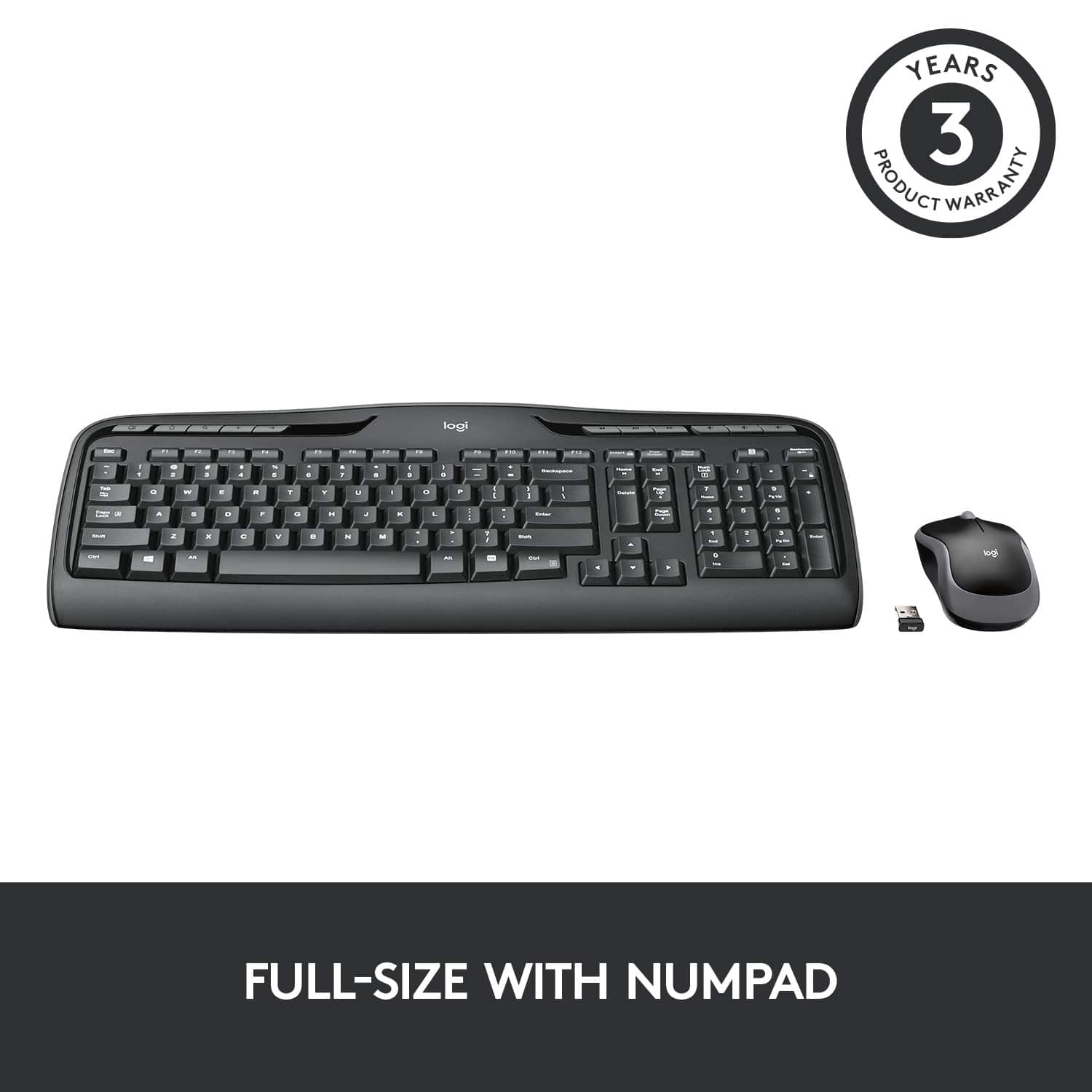
![% 5 T 6 Y H F5 & 7 U J M F6 * 8 I K < Alt F7 logi F8 { 9 F9 ) 0 F10 - o - F11 + P = { L E Backspace ) ] . I > I ? Enter Shift IN Ctrl A F12 .. Inseri i Smian PS Home H Break Par End I Delete Num Page Lock Up 7 Down Page Ho 8 4 5 1 End 2 0 3 Ins Po Dn / * 9 Pg -e 6 Enter f + Beckspase Det 11 SHORTCUT KEYS FOR PRODUCTIVITY](https://pisces.bbystatic.com/image2/BestBuy_US/images/products/808ee562-6ece-46d3-b599-9023a655f797.jpg)


- Model:
- 920-002836
- |
- SKU:
- 11529661
Customer reviews
Rating 4.6 out of 5 stars with 9180 reviews
(9,180 customer reviews)Rating by feature
- Value4.6
Rating 4.6 out of 5 stars
- Quality4.5
Rating 4.5 out of 5 stars
- Ease of Use4.7
Rating 4.7 out of 5 stars
Rated 3 out of 5 stars
Not so great
||Posted .This reviewer received promo considerations or sweepstakes entry for writing a review.Both the Keyboard and Mouse do not have any light to show whether they are active . You have to type on the system and find out whether they are working or not
This review is from Logitech - MK320 Full-size Wireless Membrane Keyboard and Mouse Bundle for PC - Black
No, I would not recommend this to a friendRated 1 out of 5 stars
Amazingly difficult to use
||Posted . Owned for 1 month when reviewed.This reviewer received promo considerations or sweepstakes entry for writing a review.I assumed logitech would make a decent wireless mouse/keyboard. I was wrong. The keyboard is awkward, the mouse is almost unusable. Avoid.
This review is from Logitech - MK320 Full-size Wireless Membrane Keyboard and Mouse Bundle for PC - Black
No, I would not recommend this to a friendRated 1 out of 5 stars
Lots of design and function problems.
||Posted . Owned for less than 1 week when reviewed.This reviewer received promo considerations or sweepstakes entry for writing a review.No unifying receiver. Batteries were DOA. Key layout for arrows, home, end, etc. is super awkward. Returning to BB.
This review is from Logitech - MK320 Full-size Wireless Membrane Keyboard and Mouse Bundle for PC - Black
No, I would not recommend this to a friendBrand response from Logitech
Posted .Hello! I'm sorry to hear about your experience with the MK320 combo! Unfortunately, the MK320 doesn't support the Unifying receiver. If you're planning on exchanging it, I would recommend taking a look at the MK540 combo. Thank you so much for this feedback. I will be passing this along! - Maggie from Logitech
Rated 1 out of 5 stars
JUNK
||Posted .This reviewer received promo considerations or sweepstakes entry for writing a review.I STILL SKIP LETTERS YET WHICH IS WHY I PURCHASED THIS TO BEGIN WITH. HAVE TO CONSTANTLY GO BACK AND INSERT LETTERS MISSING THAT I TYPED
This review is from Logitech - MK320 Full-size Wireless Membrane Keyboard and Mouse Bundle for PC - Black
No, I would not recommend this to a friendBrand response from Logitech
Posted .We are sorry to hear about your poor experience with the MK320. At Logitech, it is our goal to ensure you are completely satisfied with your Logitech purchase. We take pride in the products and services we offer, and want our customers to enjoy them just as much as we do. If you ever experience any issues with our products, please reach out to us on our Logitech support website so we can help out. Hope you have a great day!
Rated 1 out of 5 stars
Never work correctly
||Posted .This reviewer received promo considerations or sweepstakes entry for writing a review.Never work correctly. Cannot download updated drivers kept locking up computer had to do forced restart. Replaced with the wired set up
This review is from Logitech - MK320 Full-size Wireless Membrane Keyboard and Mouse Bundle for PC - Black
No, I would not recommend this to a friendBrand response from Logitech
Posted .We are sorry to hear about your poor experience with the MK320. At Logitech, it is our goal to ensure you are completely satisfied with your Logitech purchase. We take pride in the products and services we offer, and want our customers to enjoy them just as much as we do. If you ever experience any issues with our products, please reach out to us on our Logitech support website so we can help out. Hope you have a great day!
Rated 1 out of 5 stars
Keyboard quit working after 2 months...
||Posted .This reviewer received promo considerations or sweepstakes entry for writing a review.Bunch of keys quit functioning... Limited home use... Logitech warranty service impossible to get through... Very disappointed.
This review is from Logitech - MK320 Full-size Wireless Membrane Keyboard and Mouse Bundle for PC - Black
No, I would not recommend this to a friendBrand response from Logitech
Posted .Hi! Sorry to see you were unsatisfied with the performance of the MK320 Combo. If you have any questions, please check out the Logitech support page at https://support.logi.com/hc/en-us/articles/360024325633 Hope that helps!
Rated 1 out of 5 stars
Poor Product
||Posted . Owned for 2 months when reviewed.This reviewer received promo considerations or sweepstakes entry for writing a review.specific keys stopped working on the keyboard after only a couple months. I won't be purchasing from this brand going forward
This review is from Logitech - MK320 Full-size Wireless Membrane Keyboard and Mouse Bundle for PC - Black
No, I would not recommend this to a friendBrand response from Logitech
Posted .Hi! Sorry to see you were unsatisfied with the performance of the MK320 Combo. If you have any questions, please check out the Logitech support page at https://support.logi.com/hc/en-us/articles/360024325633 Hope that helps!
Rated 1 out of 5 stars
Keyboard has a delay to my computer
||Posted . Owned for 1 month when reviewed.This reviewer received promo considerations or sweepstakes entry for writing a review.Keyboard not responding to my computer, will be returning it.
This review is from Logitech - MK320 Full-size Wireless Membrane Keyboard and Mouse Bundle for PC - Black
No, I would not recommend this to a friendRated 1 out of 5 stars
Slow to respond.
||Posted . Owned for 1 month when reviewed.This reviewer received promo considerations or sweepstakes entry for writing a review.I took this back because it was slow to respond. It worked sometimes and other times it wouldn’t type characters.
This review is from Logitech - MK320 Full-size Wireless Membrane Keyboard and Mouse Bundle for PC - Black
No, I would not recommend this to a friendBrand response from Logitech
Posted .Hi Lovemyphone,
Thank you for your feedback. Sorry you are having issues with your mouse. Here are possible solutions:
If your mouse is not working, the problem is likely to be a lost connection. The connection between the mouse and Unifying USB receiver can be lost for several reasons. Make sure you have fresh batteries in your mouse and is turned on. Make sure the Unifying USB receiver is securely plugged directly into a working USB port on your computer. Turn your computer on. Finally, download the correct version of Logitech SetPoint mouse and keyboard software. If you need further assistance, please contact Logitech support on the website
Rated 1 out of 5 stars
mouse stopped working
||Posted . Owned for 8 months when reviewed.This reviewer received promo considerations or sweepstakes entry for writing a review.Purchased two of these 9 months ago, the mouse stopped working on both of them within a week of each other.
This review is from Logitech - MK320 Full-size Wireless Membrane Keyboard and Mouse Bundle for PC - Black
No, I would not recommend this to a friendBrand response from Logitech
Posted .Hello Wade. Thank you for taking the time to write your review of the MK320 combo. I'm sorry to hear that the mouse stopped working on both sets you purchased. In what way are they not working? If they are not staying connected to the receiver, you can try to move the receiver closer to the desktop using an extension or try to re-pair the mouse and keyboard to the USB receiver. You can use our connection utility software to try the pairing process again: https://support.logi.com/hc/en-us/articles/360025141574
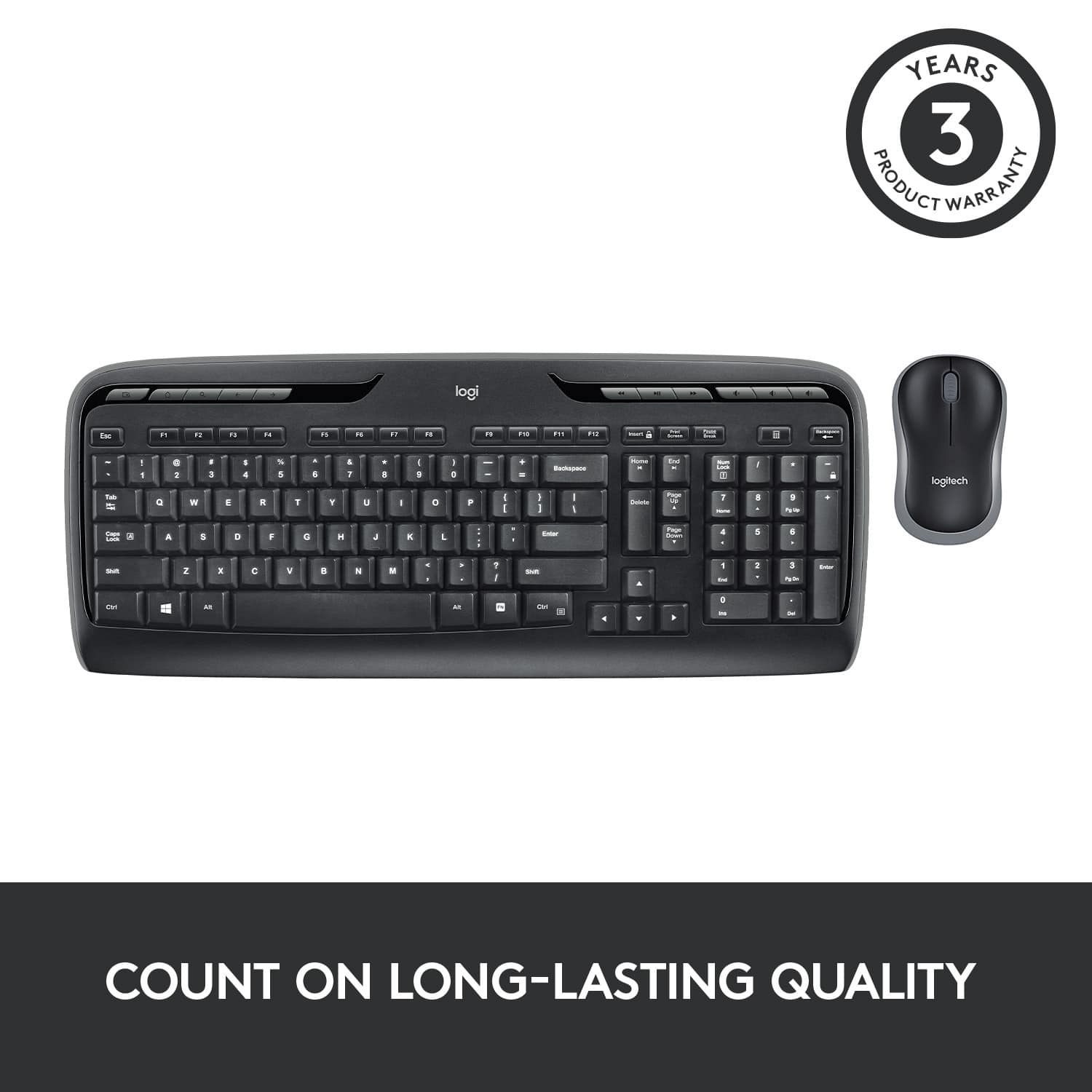
If that does not work, the MK320 comes with a 3 year limited warranty and you can start the process here: https://support.logi.com/hc/en-us/articles/360024922074-Warranty-Wireless-Combo-MK320
-Charlton at Logitech
Rated 1 out of 5 stars
Not so good.
||Posted . Owned for 3 weeks when reviewed.This reviewer received promo considerations or sweepstakes entry for writing a review.The keyboard is ok, nothing special, but it is ok for the price. The mouse was alright at first but has already stopped working.
This review is from Logitech - MK320 Full-size Wireless Membrane Keyboard and Mouse Bundle for PC - Black
No, I would not recommend this to a friendRated 1 out of 5 stars
Cheap quality.
||Posted . Owned for more than 2 years when reviewed.This reviewer received promo considerations or sweepstakes entry for writing a review.poor quality keyboard. Its legs broke after using few days. Made of cheap material. Will not recommend to anyone.
This review is from Logitech - MK320 Full-size Wireless Membrane Keyboard and Mouse Bundle for PC - Black
No, I would not recommend this to a friendBrand response from Logitech
Posted .Hello Abhi,
Thank you for your feedback, and I am sorry that you experienced an issue with the legs breaking. The MK320 mouse and keyboard combo comes with a 3-year Limited warranty. Please visit the Logitech support website for further assistance.
https://support.logi.com/hc/en-us/articles/360025074353-Warranty-Wireless-Desktop-MK320
Best regards,
John at Logitech
Rated 1 out of 5 stars
Try again
||Posted . Owned for 3 weeks when reviewed.This reviewer received promo considerations or sweepstakes entry for writing a review.returned this item because the keyboard kept sticking
This review is from Logitech - MK320 Full-size Wireless Membrane Keyboard and Mouse Bundle for PC - Black
No, I would not recommend this to a friendRated 1 out of 5 stars
would not connect w/ pc
||Posted .This reviewer received promo considerations or sweepstakes entry for writing a review.After numerous attempts and downloads from Logitech, the Wireless Desktop Keyboard and Mouse would not work after reboot. It seems the good buys from Best Buy aren't so good.
This review is from Logitech - MK320 Full-size Wireless Membrane Keyboard and Mouse Bundle for PC - Black
No, I would not recommend this to a friendRated 1 out of 5 stars
Significant delay
||Posted . Owned for 1 month when reviewed.This reviewer received promo considerations or sweepstakes entry for writing a review.Unreal table connection between the keyboard and the receiver. Significant delay in input
This review is from Logitech - MK320 Full-size Wireless Membrane Keyboard and Mouse Bundle for PC - Black
No, I would not recommend this to a friendBrand response from Logitech
Posted .Hi JudeS, thank you for sharing your experience with the MK320. I'm sorry that you're having difficulties with the connection between the keyboard and the receiver. You can try to change the location of the USB Receiver and move it to a port that is in closer proximity to the keyboard. You can also try and use a USB extender so that the USB receiver can be placed even closer to the MK320. I hope one of these options solves the connection issue you are having. Thank you for being a Logitech customer. Kristi from Logitech
Rated 1 out of 5 stars
Keyboard and mouse set
||Posted . Owned for 3 months when reviewed.This reviewer received promo considerations or sweepstakes entry for writing a review.I didn't like this keyboard and mouse set and ended up returning it. It strains my wrist and thumb.
This review is from Logitech - MK320 Full-size Wireless Membrane Keyboard and Mouse Bundle for PC - Black
No, I would not recommend this to a friendBrand response from Logitech
Posted .Hello Excellentlaptopcase,
Thank you for choosing Logitech and for taking the time top share your experience. I am sorry that you were not pleased with the MK320 mouse and keyboard combo. We appreciate your feedback. Logitech offers a wide variety of mice and keyboards, I hope you were able to find another Logitech option that is a better fit. Please feel welcome to visit the Logitech website for product support for any of your Logitech products.
Best regards,
John at Logitech
Rated 1 out of 5 stars
Not a good product.
||Posted .This reviewer received promo considerations or sweepstakes entry for writing a review.This gets scary hot! I don’t feel comfortable with the temp so I am returning it tomorrow.
This review is from Logitech - MK320 Full-size Wireless Membrane Keyboard and Mouse Bundle for PC - Black
No, I would not recommend this to a friendBrand response from Logitech
Posted .Hello, sorry to hear that you are unsatisfied with your MK320 Wireless Keyboard and Mouse. We are always looking for ways to improve our products, so we appreciate your review. I'm sorry you are experiencing this, I personally have never came across an MK320 that overheats. However, this issue maybe the operating system in which your MK320 is working with. Have you tried uninstalling Logitech software, reinstall, move unifying receiver to another port, checking your keyboard's battery status using the Logitech SetPoint mouse and keyboard software? If you have already done so, rest assured you have a 15-day return policy with Best Buy. If you ever have additional feedback or questions regarding Logitech products, feel free to visit https://support.logi.com/hc/en-us Thanks, -Logitech
Rated 1 out of 5 stars
Bad Quality
||Posted . Owned for 3 weeks when reviewed.This reviewer received promo considerations or sweepstakes entry for writing a review.The backspace button constantly stay stuck, returning this item as soon as I recover from Covid
This review is from Logitech - MK320 Full-size Wireless Membrane Keyboard and Mouse Bundle for PC - Black
No, I would not recommend this to a friendBrand response from Logitech
Posted .Hi sorry to see you're having some performance issues with your MK320 Combo. You do have a 3 year limited warranty that can be used to get a replacement sent out to you. But if you have any questions, check out the Logitech support page at https://support.logi.com/hc/en-us/articles/360024922074-Warranty-Wireless-Combo-MK320. Hope that helps and Feel better!
Rated 1 out of 5 stars
Two keys don't work
||Posted .This reviewer received promo considerations or sweepstakes entry for writing a review.The s and g keys don't work. Unfortunately I threw away the box before I realized they weren't working.
This review is from Logitech - MK320 Full-size Wireless Membrane Keyboard and Mouse Bundle for PC - Black
No, I would not recommend this to a friendBrand response from Logitech
Posted .Hello DLANE, I am so sorry to hear about your keyboard issues. At Logitech, it is our goal to ensure you are completely satisfied with your Logitech purchase. We take pride in the products and services we offer, and want our customers to enjoy them just as much as we do. If you ever experience any issues with our products, please reach out to us on our Logitech support website so we can help out. Hope you have a great day!
- Ricky from Logitech
Rated 2 out of 5 stars
Not what I thought it would be.
||Posted .This reviewer received promo considerations or sweepstakes entry for writing a review.I still cannot figure out where the battery for the keyboard goes it doesn't operate off the mouse or computer. I bought this, a 27" monitor and a desktop all at Beast Buy, and they never told me the computer came with a wireless keyboard and mouse. So the mouse is an HP and an HP keyboard, other set Re logitech,
This review is from Logitech - MK320 Full-size Wireless Membrane Keyboard and Mouse Bundle for PC - Black
I would recommend this to a friendBrand response from Logitech
Posted .Hi TomL,
Thank you for your feedback. It is greatly appreciated. For further assistance please contact Logitech Support on the website.
LaShonda from Logitech