Customer Ratings & Reviews
- Model:
- 920-008478
- |
- SKU:
- 6179810
Customer reviews
Rating 4.5 out of 5 stars with 538 reviews
(538 customer reviews)Rating by feature
- Value4.6
Rating 4.6 out of 5 stars
- Quality4.4
Rating 4.4 out of 5 stars
- Ease of Use4.6
Rating 4.6 out of 5 stars
Customers are saying
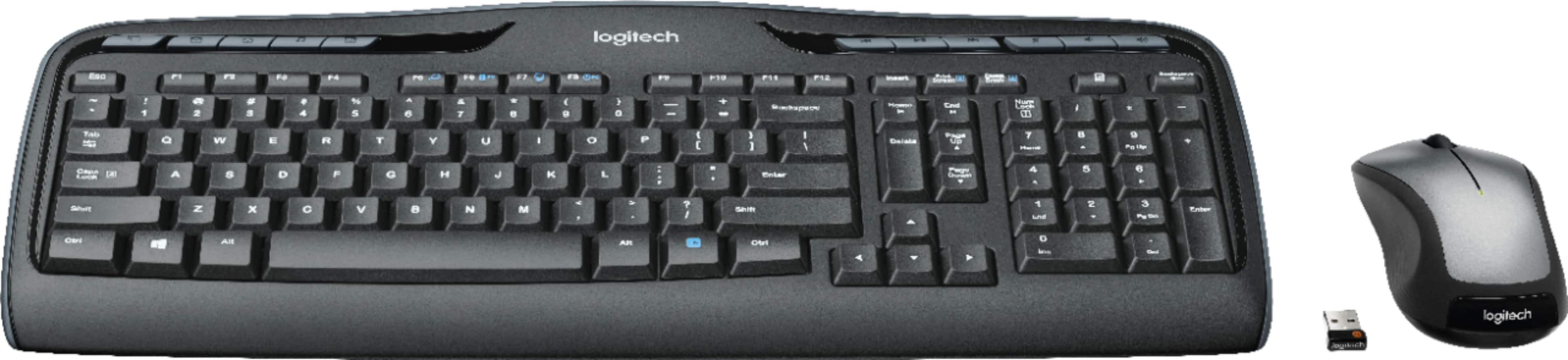
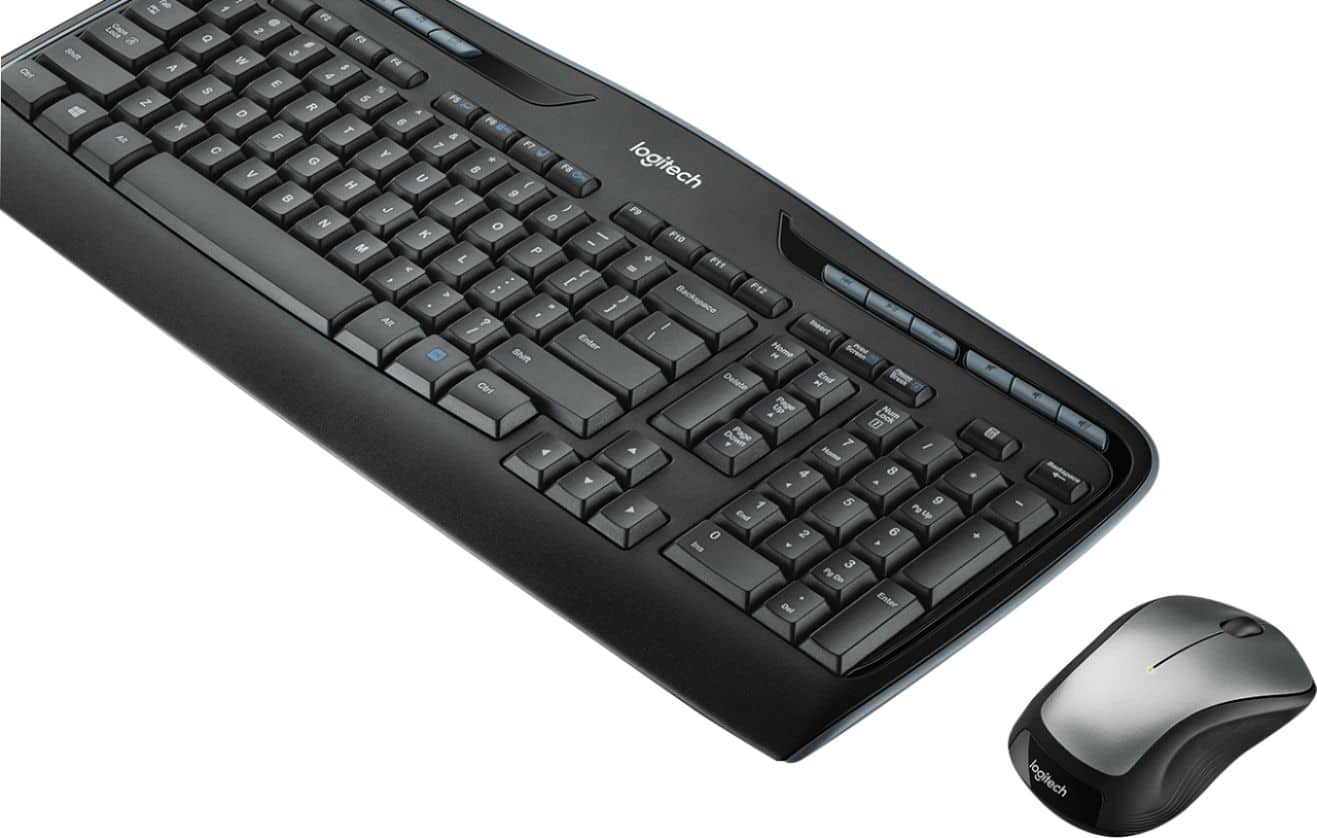
Customers recognize the MK335 Full-size Wireless Membrane Optical Keyboard and Mouse for its flawless overall performance and great wireless connectivity. Users appreciate the comfortable size and report excellent battery life. Some customers have even found it helpful for finger pain.
This summary was generated by AI based on customer reviews.
Rated 1 out of 5 stars
Don't waste your money
||Posted .This reviewer received promo considerations or sweepstakes entry for writing a review.The enter key on the numbers lock keypad doesn't work at all. I emailed Logitech tech support about this problem and no response from them. The wireless usb remote mod. must be on the front of the computer or the mouse will not work at all. I have gone back to my old wired Microsoft keyboard and mouse system. Very disappointed with this purchase.
No, I would not recommend this to a friendBrand response from Logitech
Posted .Hello, I am sorry to hear about the issues you are having with this set. You may have gotten defective set. If you would like to file a claim for a new one, please visit the support page for this item on Logitech.com. I hope this helps! Thank you for taking the time to write this review, we appreciate the feedback.
Rated 1 out of 5 stars
Only if your cheap
||Posted .This reviewer received promo considerations or sweepstakes entry for writing a review.This is not a great keyboard. Keeps disconnecting.
I would recommend this to a friendBrand response from Logitech
Posted .Hello, we are sorry to hear that you are having issues with your MK335. You may reach us for support by opening a Technical Support ticket here: https://support.logi.com/hc/en-us/requests/new?ticket_form_id=360000621393
- Cons mentioned:Response time
Rated 1 out of 5 stars
Poor response
||Posted . Owned for 1 month when reviewed.This reviewer received promo considerations or sweepstakes entry for writing a review.Purchased for my son’s PC for gaming. Has slow response
No, I would not recommend this to a friendBrand response from Logitech
Posted .Hi Saltik9,
Thank you for your feedback. It is greatly appreciated. If you ever need assistance, please contact Logitech Support on the website.
LaShonda from Logitech
Rated 1 out of 5 stars
Great keyboard with cheap and weak tilt feet
||Posted . Owned for 3 weeks when reviewed.This reviewer received promo considerations or sweepstakes entry for writing a review.I do not want to go into a lot of detail because I am angry about how Logitech can think about putting such cheap and VERY breakable plastic flip out tilt feet on their keyboards. These things break off so easily and this will be my last Logitech keyboard.
No, I would not recommend this to a friendRated 2 out of 5 stars
Will get the job done. Avoid if you can!
||Posted . Owned for 3 months when reviewed.This reviewer received promo considerations or sweepstakes entry for writing a review.Cheap but not the beat. Sometime does t work near other devices.
I would recommend this to a friendBrand response from Logitech
Posted .Hello, we are sorry to hear that you are not completely satisfied with your MK335 combo. If you need any support or have questions in regards to usage, please visit us at: https://support.logi.com/hc/en-us
Rated 2 out of 5 stars
Not working with my computer
||Posted . Owned for 7 months when reviewed.This reviewer received promo considerations or sweepstakes entry for writing a review.Could not get this to sync with my computer so I had to return
No, I would not recommend this to a friendBrand response from Logitech
Posted .Hi Gomez, Very sorry to hear that you couldn't connect your MK335 Wireless Keyboard and Mouse to your computer. If you should decide to try another Logitech Mouse and Keyboard combination and come across the same problem, be sure to go to www.logitech.com/support and a solution should be found. Hope that you will give Logitech a try again in the future. - Richard from Logitech
Rated 2 out of 5 stars
Have to be super close
||Posted .This reviewer received promo considerations or sweepstakes entry for writing a review.It works don’t get me wrong, but you have to be within 10 feet or it’s slow to respond
No, I would not recommend this to a friendRated 1 out of 5 stars
Did not work with my HP computer
||Posted . Owned for 1 month when reviewed.This reviewer received promo considerations or sweepstakes entry for writing a review.Very slow and poor performance with my HP computer. Did not respond at start up and during use. Very difficult and frustrating to use with my computer. Had to purchase a second one with same brand as computer.
No, I would not recommend this to a friendRated 1 out of 5 stars
Poor performance
||Posted .This reviewer received promo considerations or sweepstakes entry for writing a review.Its been 3 weeks since I purchased this keyboard. It is adding unnecessary spaces in words. Example K E YBOARD Need to be replaced.
No, I would not recommend this to a friendBrand response from Logitech
Posted .Hi User1,
Sorry to hear that you are unsatisfied with your MK335. We are always looking for ways to improve our products, so we appreciate your review. What I can suggest is downloading Logitech's recent firmware update tool; https://support.logi.com/hc/en-us/articles/360024847333--Downloads-Wireless-Combo-MK320. This will fix bugs and update anything in need. If you ever have additional feedback or questions regarding Logitech products, feel free to visit https://support.logi.com/hc/en-us
Thanks,
-Logitech
Rated 1 out of 5 stars
Poor performance
||Posted . Owned for 1 month when reviewed.This reviewer received promo considerations or sweepstakes entry for writing a review.I have had this keyboard for 3 weeks and it periodically stops working. Sometimes it works fine, but then suddenly it just stops working. This is very frustrating.
No, I would not recommend this to a friendBrand response from Logitech
Posted .Hi Jason, sorry to see you're having some connectivity issues with your MK335 Combo. If you haven't already, please make sure the batteries are new and the USB receiver is plugged in all the way into the computer port. If you've done that it you're still having intermittent connection, try to reconnect the receiver to the mouse and keyboard with the Unifying Software Tool: https://support.logi.com/hc/en-us/articles/360025297913. Hope that helps!
Rated 1 out of 5 stars
Trash
||Posted . Owned for 1 month when reviewed.This reviewer received promo considerations or sweepstakes entry for writing a review.If you are sitting right next to the computer or laptop you are using this for then ok. But if you are more than 10 feet then it will not work.
No, I would not recommend this to a friendRated 1 out of 5 stars
Stopped working in just a Year
||Posted . Owned for 10 months when reviewed.This reviewer received promo considerations or sweepstakes entry for writing a review.Bought this pair 1 year back and keyboard stopped working and mouse is also having issues selecting text properly.
No, I would not recommend this to a friendBrand response from Logitech
Posted .Hi Ashu, thank you for sharing your experience with the MK335. I'm sorry that after a year the keyboard has stopped working, and that the mouse is having some button issues. Logitech does have a 3 year limited hardware warranty on this combo, and you can file a warranty claim if you desire at support.logi.com. I hope you are able to find a solution that suits your needs. Thank you for being a Logitech customer. Kristi from Logitech.
Rated 1 out of 5 stars
Not good at all
||Posted .This reviewer received promo considerations or sweepstakes entry for writing a review.Mouse barely works lag is horrible! Keyboard is ok. I wish I had the receipt to return. I couldn’t use this so it’s in the box for garage sale
No, I would not recommend this to a friendRated 1 out of 5 stars
Very inconsistent
||Posted .This reviewer received promo considerations or sweepstakes entry for writing a review.Keyboard and mouse very irradiate and not responsive
No, I would not recommend this to a friendRated 1 out of 5 stars
Cheap
||Posted .This reviewer received promo considerations or sweepstakes entry for writing a review.It felt very cheap when you typed on it. It even sounded cheap
No, I would not recommend this to a friend- Cons mentioned:Noise level
Rated 4 out of 5 stars
Using it for Microsoft Surface Pro 3
Posted .This reviewer received promo considerations or sweepstakes entry for writing a review.I ordered this keyboard and mouse about a week ago for my Microsoft Surface Pro 3 and I like it a lot. The first two days, I have some issues with the tablet picking up the keyboard. When I first hooked it up, it worked fine but within about an hour, it stopped working. I switched back to my type cover for about two days and then went back to the Logitech. Now everything seems to be working really well. My only concern is that the keyboard is quite noisy so if you work in a place that requires absolute silence, this probably wouldn't fit. You can hear every button but if you like the noise of keyboards, this is perfect.
I would recommend this to a friend Rated 5 out of 5 stars
Great mouse and keyboard combo!
Posted .This reviewer received promo considerations or sweepstakes entry for writing a review.This kit includes everything you need, it’s made of very strong plastic, and the battery will last for a very long time, this is definitely yet another great product from Logitech.
I would recommend this to a friendRated 2 out of 5 stars
Compatibility
Posted .This reviewer received promo considerations or sweepstakes entry for writing a review.I am sure this would be a great keyboard for a PC, but when I did a search I looked for MAC compatible keyboards. Well, this is really not the case out of the box. There is not the correspondence between keys from this to a MAC keyboard. The "Ctrl" is not the "CMD" key and many other changes. Weird characters and beeps result from use of the "Shift", "ALT=Option" and "CTRL=CMD" keys. Perhaps I need to make some sort of changes to make the keyboard more recognizable, but that would not be compatible from the box. Perhaps it will work properly in the Bootcamp with Windows on the MAC.
I would recommend this to a friend