Customer Ratings & Reviews
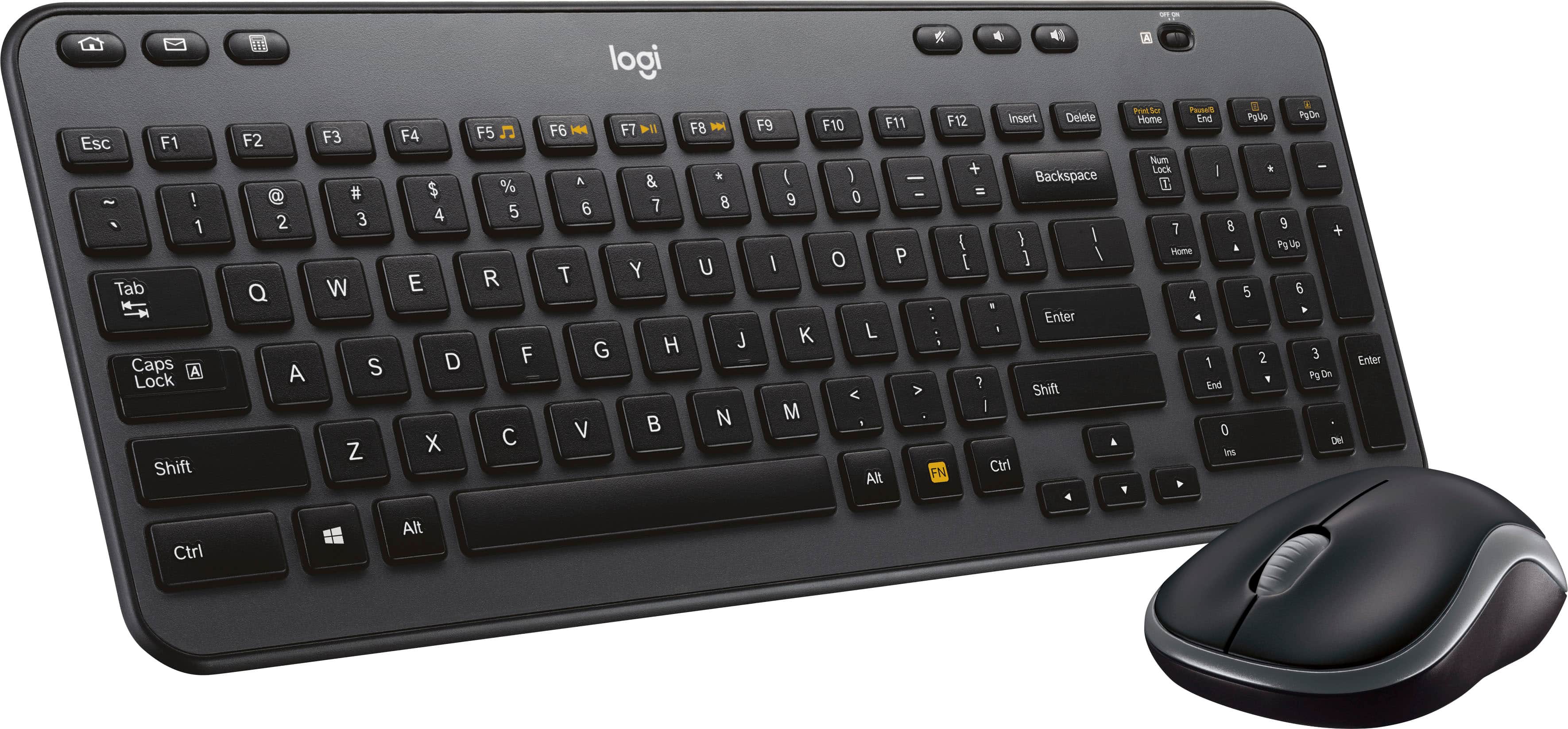
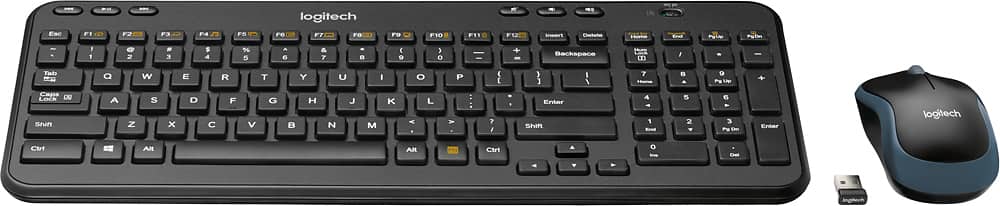
![logi K 2 Esc F1 F2 F3 F4 F5 F6 H F7 F8 I F9 F10 F11 F12 Insert Delete Print Bor Home Pause End PgUp PgDn - ! 1 2 # 3 $ 4 % 5 A 6 & 7 . 8 ( 9 ] 0 - - + = Backspace Num Lock / * - Tab Q W E R T Y U I o P ( [ ) ] I 1 7 Home 8 A 9 Pg Up + Caps Lock A S D F G H J K L : . I Enter 4 4 5 6 Y Shift Z x V N M < > ? / Shift 1 End 2 Y 3 Pg Dn Enter](https://pisces.bbystatic.com/image2/BestBuy_US/images/products/5355/5355200cv12d.jpg)
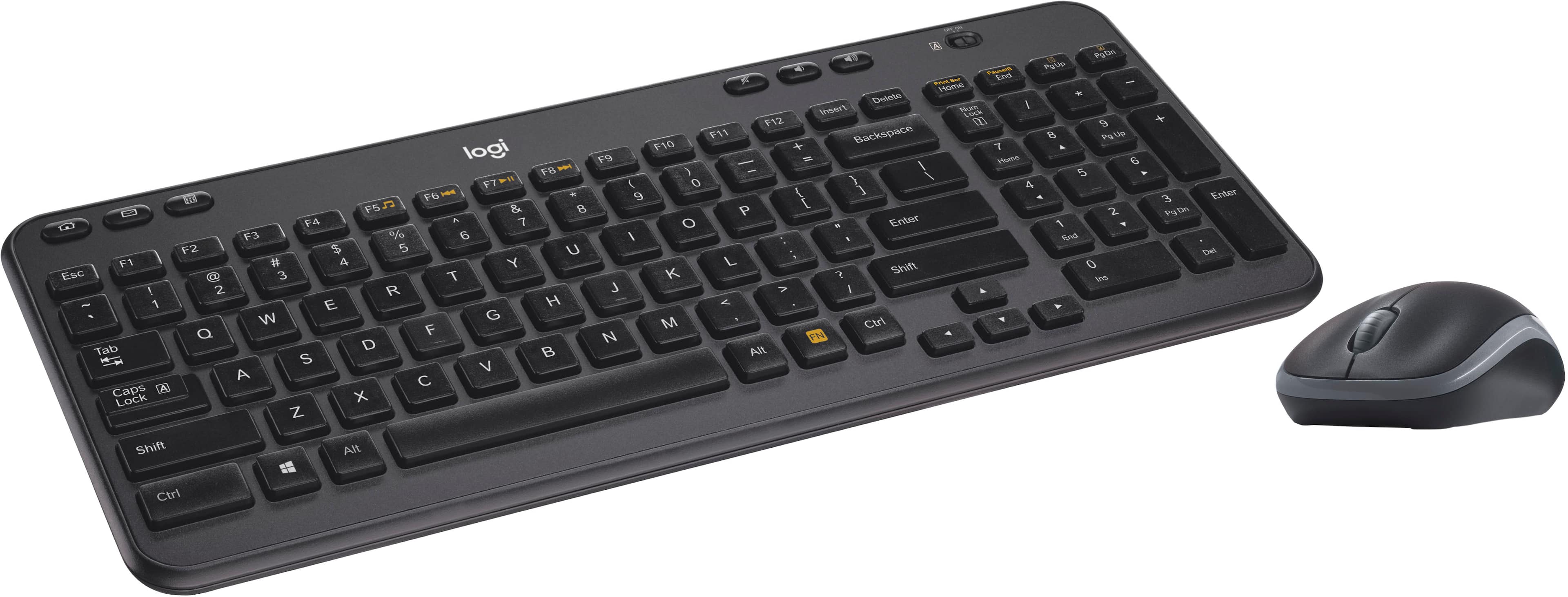
![The text on the image reads:
E ERc B 1 F1 E Fab - F2 S 2 000 F3 5 a n 3 F4 A W S 4 FS S E % U F logi Z R D A 9 F7 X T F & 18 7 G Y o 8 F9 V C H / F10 6 / r 0 F11 N O K - I F1Z M P L + < - Insert { I AR > Backspace Delete ] , ? Home / Enter LOCK Nuen Ctri Shift Home 7 / 4 8 A 4 Y 9 1 5 P End U 0 ? 6 pss PgOn Pg 3 Del Enter End * + Pauio - PaOn C3 logi
The text is a combination of various keyboard keys and functions, including letters, numbers, and symbols. It is not a coherent sentence or message, but rather a representation of the keys on a keyboard.](https://pisces.bbystatic.com/image2/BestBuy_US/images/products/5355/5355200cv14d.jpg)

- Model:
- 920-003376
- |
- SKU:
- 5355200
Customer reviews
Rating 4.5 out of 5 stars with 1463 reviews
(1,463 customer reviews)Rating by feature
- Value4.6
Rating 4.6 out of 5 stars
- Quality4.5
Rating 4.5 out of 5 stars
- Ease of Use4.6
Rating 4.6 out of 5 stars
Customers are saying
Customers enjoy the MK360 keyboard and mouse for its compact size, ease of use, and affordability. Positive feedback frequently highlights the comfortable keyboard feel, reliable wireless connection, and surprisingly good battery life. While some users noted minor connection issues or an adjustment period for the key feel, these concerns were less prevalent than the positive reviews. Overall, the product receives high praise for its value and functionality.
This summary was generated by AI based on customer reviews.
Rated 3 out of 5 stars
Too Small
||Posted . Owned for 1 month when reviewed.This reviewer received promo considerations or sweepstakes entry for writing a review.Was too small for me. After just one use of a couple of hours my hands were hurting.
No, I would not recommend this to a friend- Pros mentioned:Ease of use
Rated 4 out of 5 stars
Good value
||Posted .This reviewer received promo considerations or sweepstakes entry for writing a review.Bought for my mom for Christmas she loved it recommend for simple use.
I would recommend this to a friend Rated 3 out of 5 stars
Keyboard mouse combo
||Posted . Owned for 1 month when reviewed.This reviewer received promo considerations or sweepstakes entry for writing a review.The key works good however the mouse has a delay even in the faster setting
No, I would not recommend this to a friendRated 3 out of 5 stars
Its ok
||Posted . Owned for 10 months when reviewed.This reviewer received promo considerations or sweepstakes entry for writing a review.It's been a ok keyboard. Leys are starting to stick even though I've kept it super clean.
I would recommend this to a friend- Pros mentioned:Keyboard quality
Rated 5 out of 5 stars
Great
||Posted .This reviewer received promo considerations or sweepstakes entry for writing a review.Great product. I would recommend this product to others.
I would recommend this to a friend Rated 3 out of 5 stars
Ok keyboard and mouse
||Posted . Owned for 1 month when reviewed.This reviewer received promo considerations or sweepstakes entry for writing a review.Mouse works well. The keyboard number bad did not work. Not a great system
No, I would not recommend this to a friend- Pros mentioned:Ease of use
Rated 5 out of 5 stars
Wireless!
||Posted .This reviewer received promo considerations or sweepstakes entry for writing a review.The keyboard and mouse are working flawlessly. Nice!
I would recommend this to a friend Rated 3 out of 5 stars
Wunderbar
||Posted .This reviewer received promo considerations or sweepstakes entry for writing a review.It does what it does...a keyboard...not too boarding.
No, I would not recommend this to a friendRated 3 out of 5 stars
Good for the price
||Posted .This reviewer received promo considerations or sweepstakes entry for writing a review.Its good for the price, but the mouse is very light and the button for on and off make slight noise.
No, I would not recommend this to a friendRated 2 out of 5 stars
Iffy mouse / not unifying devices
||Posted . Owned for 1 week when reviewed.This reviewer received promo considerations or sweepstakes entry for writing a review.Becareful buying this. Best Buy has two variations of this product, one is just the keyboard and it is compatible with the unifying receiver. Then there is this product, that doesn't. To add insult to injury the mouse is down right awful. It feels cheap and constantly sticks.
No, I would not recommend this to a friendBrand response from Logitech
Posted .Hi, thank you for sharing your experience with the MK360. I'm sorry that the mouse provided in this combo was not something you liked. The included mouse is not Unifying, but the keyboard is. You can purchase another Unifying mouse and pair the keyboard and the new mouse to the same receiver. This will allow you to have a combo where both the mouse and the keyboard are Unifying and you would be able to pick the mouse you prefer. Thank you for being a Logitech customer. Kristi from Logitech
Rated 3 out of 5 stars
Num Lock key
||Posted . Owned for 1 month when reviewed.This reviewer received promo considerations or sweepstakes entry for writing a review.The Number Lock key does not show if it's On/Off.
I would recommend this to a friendRated 3 out of 5 stars
does the job
||Posted .This reviewer received promo considerations or sweepstakes entry for writing a review.good keyboard/mouse. occasionally I have issues with the infrared reaching the TV
No, I would not recommend this to a friendRated 3 out of 5 stars
Nothing fancy
||Posted . Owned for 1.5 years when reviewed.This reviewer received promo considerations or sweepstakes entry for writing a review.Compatible with everything. Very reliable. Good name brand.
I would recommend this to a friendRated 2 out of 5 stars
Bad keyboard
||Posted . Owned for 1 week when reviewed.This reviewer received promo considerations or sweepstakes entry for writing a review.I don't recommended it because keys are small and your fingers doesnt have enough space.
No, I would not recommend this to a friendBrand response from Logitech
Posted .We regret to know that the product did not meet your expectations. We'll make sure to share it with the right team so they can look into it. Thanks for your valuable feedback and inputs.
- Pros mentioned:Keyboard quality
Rated 1 out of 5 stars
Missing parts
||Posted .This reviewer received promo considerations or sweepstakes entry for writing a review.I haven’t been able to use it because the USB thing was omitted from the box/packaging from the start. I still haven’t made it back to store to return it. Probably going to eat 20.00. I’m sure it works great if you receive all the parts.
I would recommend this to a friend Rated 1 out of 5 stars
questionable quality for wireless
||Posted . Owned for 1 month when reviewed.This reviewer received promo considerations or sweepstakes entry for writing a review.Appears to have some hesitation for the keyboard to work, sometimes after it sits for a period of time. Then when it does start to work it will skip 1 or more letters or won't type. Tried turning off and then back on - sometimes it works & sometimes it doesn't. The mouse has some hesitation at times also. It's concerning since I just purchased it last month (Sept 2020). Think I need to go back to the ones with cords! Not sure I would recommend this set.......
No, I would not recommend this to a friendBrand response from Logitech
Posted .Hi Cindy, thank you for your feedback! With a 3-year limited hardware warranty, you should not be having any connection issues. For support, please refer to: https://support.logi.com/hc/en-us/articles/360024149974--Getting-Started-Wireless-Keyboard-K360 - Will, Logitech.
Rated 3 out of 5 stars
Keyboard
||Posted . Owned for 1 month when reviewed.This reviewer received promo considerations or sweepstakes entry for writing a review.Did it’s job. Puts letters on screen. Mouse works as well.
I would recommend this to a friendRated 2 out of 5 stars
Basic and Cheap
||Posted . Owned for 1 month when reviewed.This reviewer received promo considerations or sweepstakes entry for writing a review.Got it on sale. Its a very basic wireless keyboard. Nothing special paid like $20 bucks. I dotn like the number lock because it doesnt light up and many times I struggle teyping numbers. I stoped using it.
I would recommend this to a friendBrand response from Logitech
Posted .Hello, NikkiS! I'm sorry to hear about your experience with the MK360 combo. Thank you for the feedback on the number lock! I will be passing this along. - Maggie from Logitech
Rated 3 out of 5 stars
No comment
||Posted . Owned for 1.5 years when reviewed.This reviewer received promo considerations or sweepstakes entry for writing a review.I returned the keyboard, it did not meet my needs.
I would recommend this to a friendRated 3 out of 5 stars
You get what you pay for.
||Posted .This reviewer received promo considerations or sweepstakes entry for writing a review.In a couple of weeks the keyboard and mouse started acting up.
No, I would not recommend this to a friend