Customer Ratings & Reviews
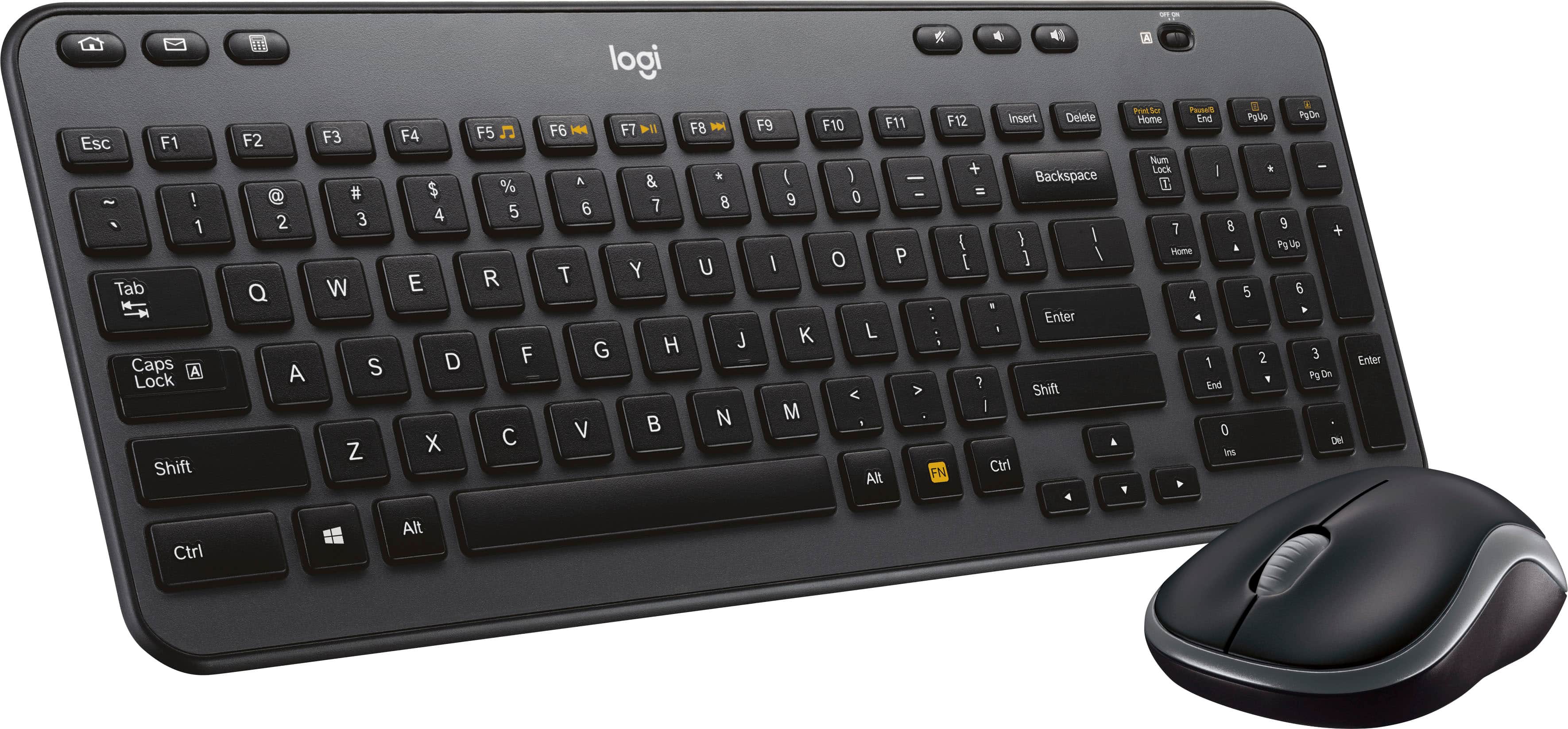
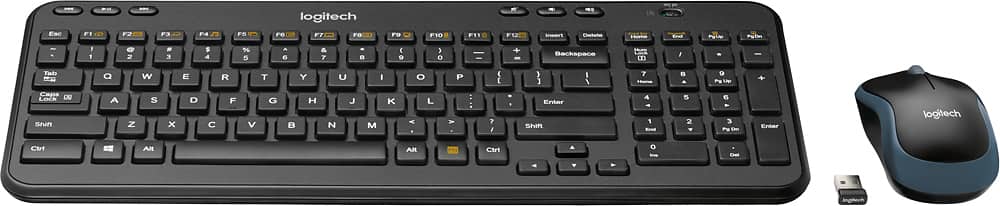
![logi K 2 Esc F1 F2 F3 F4 F5 F6 H F7 F8 I F9 F10 F11 F12 Insert Delete Print Bor Home Pause End PgUp PgDn - ! 1 2 # 3 $ 4 % 5 A 6 & 7 . 8 ( 9 ] 0 - - + = Backspace Num Lock / * - Tab Q W E R T Y U I o P ( [ ) ] I 1 7 Home 8 A 9 Pg Up + Caps Lock A S D F G H J K L : . I Enter 4 4 5 6 Y Shift Z x V N M < > ? / Shift 1 End 2 Y 3 Pg Dn Enter](https://pisces.bbystatic.com/image2/BestBuy_US/images/products/5355/5355200cv12d.jpg)
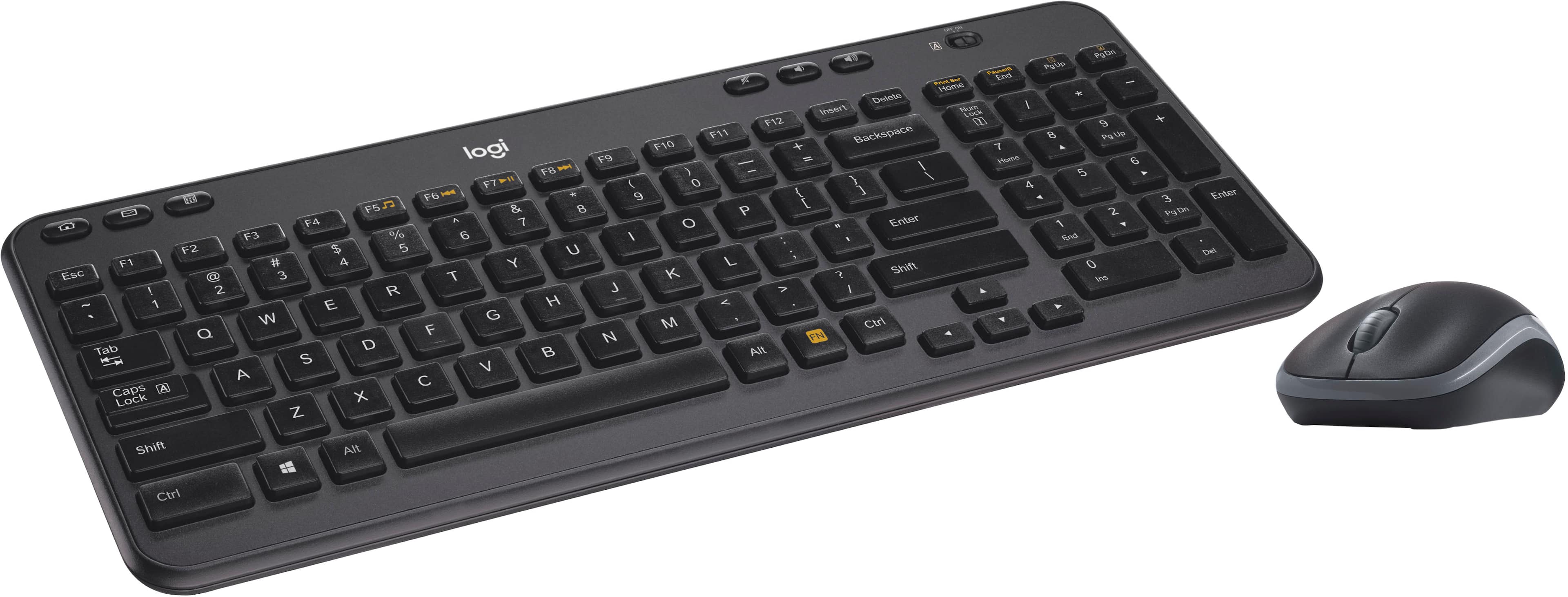
![The text on the image reads:
E ERc B 1 F1 E Fab - F2 S 2 000 F3 5 a n 3 F4 A W S 4 FS S E % U F logi Z R D A 9 F7 X T F & 18 7 G Y o 8 F9 V C H / F10 6 / r 0 F11 N O K - I F1Z M P L + < - Insert { I AR > Backspace Delete ] , ? Home / Enter LOCK Nuen Ctri Shift Home 7 / 4 8 A 4 Y 9 1 5 P End U 0 ? 6 pss PgOn Pg 3 Del Enter End * + Pauio - PaOn C3 logi
The text is a combination of various keyboard keys and functions, including letters, numbers, and symbols. It is not a coherent sentence or message, but rather a representation of the keys on a keyboard.](https://pisces.bbystatic.com/image2/BestBuy_US/images/products/5355/5355200cv14d.jpg)

- Model:
- 920-003376
- |
- SKU:
- 5355200
Customer reviews
Rating 4.5 out of 5 stars with 1463 reviews
(1,463 customer reviews)Rating by feature
- Value4.6
Rating 4.6 out of 5 stars
- Quality4.5
Rating 4.5 out of 5 stars
- Ease of Use4.6
Rating 4.6 out of 5 stars
Customers are saying
Customers enjoy the MK360 keyboard and mouse for its compact size, ease of use, and affordability. Positive feedback frequently highlights the comfortable keyboard feel, reliable wireless connection, and surprisingly good battery life. While some users noted minor connection issues or an adjustment period for the key feel, these concerns were less prevalent than the positive reviews. Overall, the product receives high praise for its value and functionality.
This summary was generated by AI based on customer reviews.
Rated 1 out of 5 stars
Will not work at a resable distace
||Posted . Owned for 3 months when reviewed.This reviewer received promo considerations or sweepstakes entry for writing a review.It says that it will work when at a resonable distaces from the reciver. NOT TRUE.
No, I would not recommend this to a friendBrand response from Logitech
Posted .We apologize for the connectivity issues you're experiencing with the Logitech MK360. To get that issue resolved, we recommend reaching out to our social care team via email at socialcare@logitech.com with your
- Name:
- Email Address:
- Country:
- Product Name:
- Brief description of issue:
Rated 5 out of 5 stars
Great Product
||Posted .This reviewer received promo considerations or sweepstakes entry for writing a review.Great Product. I love the 10-key keypad. It’s small and easy to carry
I would recommend this to a friendRated 2 out of 5 stars
dont get it wet at all
||Posted . Owned for 3 months when reviewed.This reviewer received promo considerations or sweepstakes entry for writing a review.worked ok til it got a lil wet and i mean very little
No, I would not recommend this to a friendBrand response from Logitech
Posted .Hello customer, I'm sorry to hear that you've been having issues with your MK360. Unfortunately it sounds like the device might be water damaged, which is unfortunate because the device is not water proof. If you navigate to sour support site, depending on how long you've had the product, you can submit a warranty claim.
Rated 5 out of 5 stars
Great
||Posted .This reviewer received promo considerations or sweepstakes entry for writing a review.Great product fast connection bought to use on security system
I would recommend this to a friendRated 2 out of 5 stars
Ok keyboard.
||Posted .This reviewer received promo considerations or sweepstakes entry for writing a review.Keyboard have problem if not In visual contact with the computer.
No, I would not recommend this to a friendRated 4 out of 5 stars
A little small for me
||Posted .This reviewer received promo considerations or sweepstakes entry for writing a review.works as expected otherwise, i like the feel of the keys
I would recommend this to a friendRated 4 out of 5 stars
Great keyboard
||Posted .This reviewer received promo considerations or sweepstakes entry for writing a review.I’ve had no problems with this keyboard as of yet,
I would recommend this to a friendRated 1 out of 5 stars
overpraised overpriced cell phone
||Posted .This reviewer received promo considerations or sweepstakes entry for writing a review.The apple8 iphone is a disaster. The time required to get it even set up for use is ridiculous, and it has had problems functioning as a phone from the beginning--poor voice transmission, so small it is hard to use functions, and way too fragile.
No, I would not recommend this to a friendRated 1 out of 5 stars
Avoid, this product is garbage.
||Posted . Owned for 1 month when reviewed.This reviewer received promo considerations or sweepstakes entry for writing a review.Terrible keyboard, barely works 3' from the receiver. Feels cheap and like it'll break any moment, the shift key sticks, and the keys themselves just feel awful to use. I've already replaced it.
No, I would not recommend this to a friendBrand response from Logitech
Posted .Hi NathanL, thanks for taking the time to write this review. I'm sorry that you were disappointed with your experience with the MK360. In some cases the product needs to be closer to the receiver depending on how many other devices are in the area giving off signals. I'm sorry that the overall feel of the device was not as expected. I hope you were able to replace it with a device that better suits you! Kristi from Logitech
Rated 1 out of 5 stars
Meh
||Posted . Owned for 1 week when reviewed.This reviewer received promo considerations or sweepstakes entry for writing a review.This keyboard is ok if you are in a pinch, but over all it was very cheap feeling. Just over all basic
No, I would not recommend this to a friendBrand response from Logitech
Posted .Thank you for the feedback! This is not the experience we want you to have. We'll surely make sure to share it with the right team. Thanks for bringing it to our notice.
Rated 1 out of 5 stars
Ms
||Posted . Owned for 3 weeks when reviewed.This reviewer received promo considerations or sweepstakes entry for writing a review.It stopped working properly one week after I acquired it.
No, I would not recommend this to a friendBrand response from Logitech
Posted .That's unfortunate! Refer the mentioned steps and check if that helps to resolve the issue: 1. Verify the product or receiver is connected directly to the computer and not to a hub, extender, switch or something similar. 2. Move the device closer to the USB receiver. If your receiver is in the back of your computer, it may help to relocate the receiver to a front port. In some cases the receiver signal gets blocked by the computer case, causing a delay. 3. Keep other electrical wireless devices away from the USB receiver to avoid interference. 4. Try on a different computer.
Rated 1 out of 5 stars
Neither the mouse nor keyboard worked.
||Posted .This reviewer received promo considerations or sweepstakes entry for writing a review.The mouse would not work on any surface that I tried. The keyboard was difficult to get to enter the correct characters. I returned it to the store.
No, I would not recommend this to a friendBrand response from Logitech
Posted .Hi KarenL, we're sorry to see that you're unsatisfied with the performance of the MK360 Wireless Keyboard and Mouse. Luckily, Logitech makes a variety of mice and keyboards that can connected via Bluetooth, a USB receiver, or both! A good item to take a look at is the MK470 Combo. Hope that helps. -N from Logitech
Rated 1 out of 5 stars
not compatible
||Posted . Owned for 2 weeks when reviewed.This reviewer received promo considerations or sweepstakes entry for writing a review.Was using this keyboard with a MacBook Pro and for some reason it was not compatible it would work when it wanted. Not sure if something was interfering with the signal.
I would recommend this to a friendBrand response from Logitech
Posted .Hi jessortiz, thank you for your feedback! You are correct, the MK360 is not designed for Mac although it may still work with limited functionality. Check out Logitech mice and keyboards for Mac, which will have Bluetooth and Mac key cap commands. - Will, Logitech.
Rated 1 out of 5 stars
Keyboard doesn't stay connected
||Posted . Owned for 2 weeks when reviewed.This reviewer received promo considerations or sweepstakes entry for writing a review.Worked well for about a week. The keyboard won't stay connected. I've changed the batteries several times and the issue persists. Disappointing.
No, I would not recommend this to a friendBrand response from Logitech
Posted .Hi, thank you for sharing your experience with the MK360. I'm sorry that you experienced connectivity issues with the keyboard. In some cases changing the location of the USB receiver can help. You can also use a USB extender to bring the receiver closer to the device. Both of these options usually solve connectivity issues with the MK360. Thank you for being a Logitech customer. Kristi from Logitech
Rated 1 out of 5 stars
Keyboard's small plastic feet snap off easily
||Posted . Owned for 5 months when reviewed.This reviewer received promo considerations or sweepstakes entry for writing a review.These are terrible. The small plastic feet that hold the keyboard up snap off too easily. I've had two of them break now.
No, I would not recommend this to a friendBrand response from Logitech
Posted .Hello, Countcyber! I'm sorry to hear about your experience with the MK360 combo. Thank you for the feedback on this combo's feet! I will be passing this along. - Maggie from Logitech
Rated 1 out of 5 stars
Gone Too Soon
||Posted .This reviewer received promo considerations or sweepstakes entry for writing a review.RIP 7/18 - 11/18 This keyboard was noisy when typing. Now I wish I purchased the warranty because after 4 months only half the keyboard works.
No, I would not recommend this to a friendBrand response from Logitech
Posted .Hey Magikcue! Sorry to hear you're having issues with your MK360 Wireless Keyboard and Mouse Combo. We have 2 free software that could possibly help with yours issue, first one would be the Firmware Update Tool, which can be downloaded here: https://support.logi.com/hc/en-us/articles/360024840913--Downloads-Wireless-Keyboard-K360. That one will check if there are any updates to your product firmware. The other one would be our SetPoint software, which would allow you to customize your product settings, it can be downloaded using the same link, and by clicking the "See All Downloads" option. One last thing to note, the MK360 had a 3-year warranty with Logitech, so if you still need assistance, I would encourage you to click this link https://www.logitech.com/en-us/product/keyboard-k360?crid=27 and choose Get Support at the bottom of the page to contact our Support Team. - Mathieu from Logitech
Rated 1 out of 5 stars
Stopped working
||Posted . Owned for 2 months when reviewed.This reviewer received promo considerations or sweepstakes entry for writing a review.Stopped working correctly 2 months after I purchased it. No longer returnable. Some letters don’t work but it seems to be a software problem.
No, I would not recommend this to a friendBrand response from Logitech
Posted .Hello, I am sorry to hear about the issue you are having with the keyboard. It may need a firmware update. That can be found here: https://support.logi.com/hc/en-us/articles/360024840913--Downloads-Wireless-Keyboard-K360. If that does not work, this product does come with a 3 year warranty through Logitech, you can file a warranty claim here for a new one: https://support.logi.com/hc/en-us/articles/360024915994-Warranty-Wireless-Keyboard-K360. I hope this helps! Thank you for taking the time to write this review, we appreciate the feedback.
Rated 1 out of 5 stars
bad review
||Posted . Owned for 1 month when reviewed.This reviewer received promo considerations or sweepstakes entry for writing a review.did not function properly, had to return it. the keys stuck
No, I would not recommend this to a friendBrand response from Logitech
Posted .Your feedback is essential to us, as it helps us identify areas for improvement. If you have any further concerns or require assistance, please reach out to our support team. We appreciate your understanding and value your feedback.
Rated 1 out of 5 stars
Never worked right from the start
||Posted . Owned for more than 2 years when reviewed.This reviewer received promo considerations or sweepstakes entry for writing a review.This keyboard has not been right from the start. I have to power on and off several times every time that I use it. It constantly glitches out.
No, I would not recommend this to a friendRated 1 out of 5 stars
Wireless keyboard
||Posted . Owned for 1 month when reviewed.This reviewer received promo considerations or sweepstakes entry for writing a review.Haven't gotten around to installing them yet. No rating actually applies.
I would recommend this to a friend